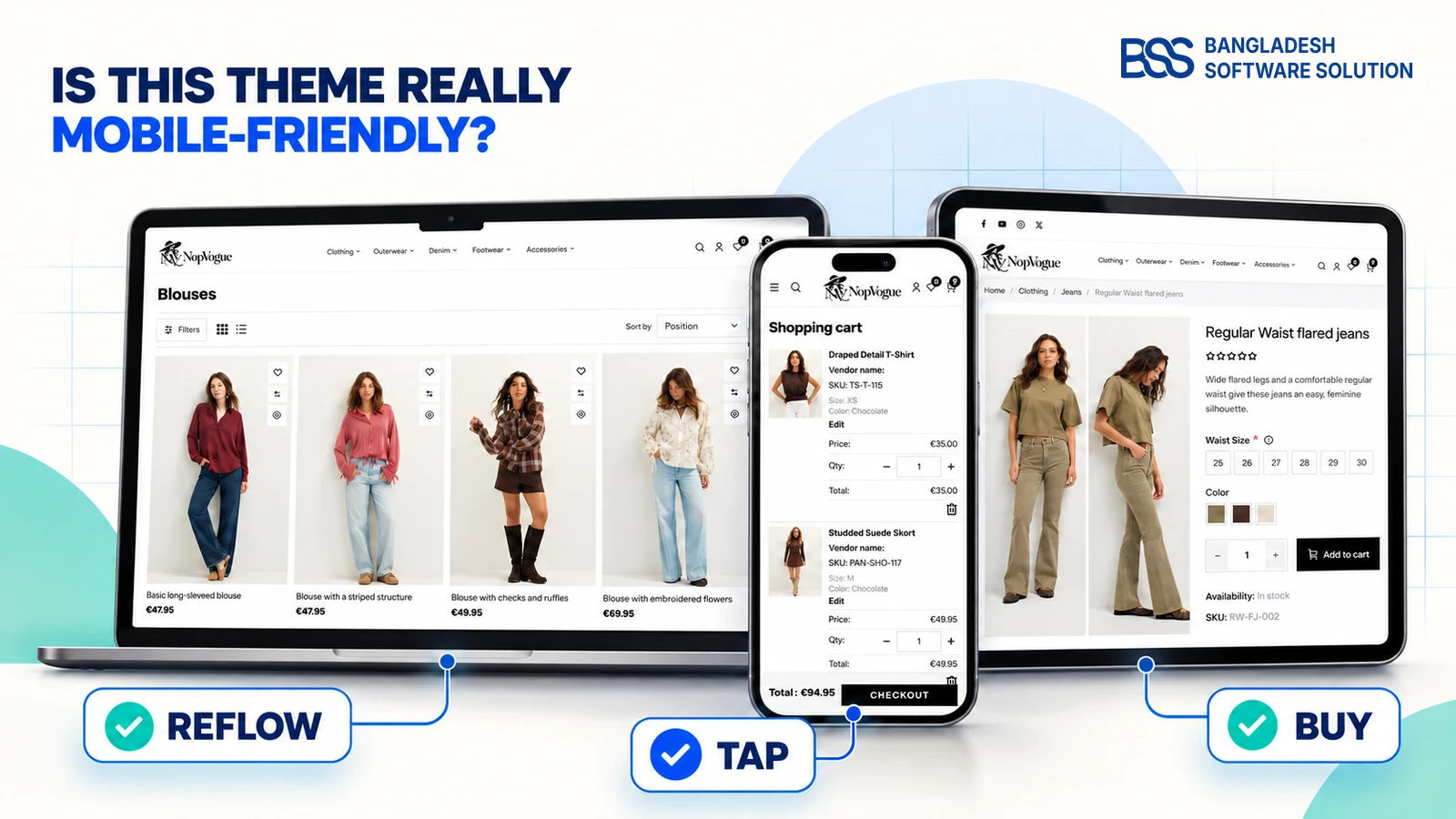
A theme can shrink to phone width and still fail mobile shoppers. A genuinely mobile-friendly ecommerce theme must preserve product discovery, readable content, reliable controls and a complete path from category page to payment—without pinching, sideways scrolling or accidental taps.
Google Search Central recommends responsive design and explains that Google uses a site's mobile content for indexing. That makes this more than a visual preference: your responsive ecommerce theme affects usability, search visibility and the work needed after launch.
The fastest rule: do not judge a mobile ecommerce theme from one polished homepage screenshot.
Test real products, filters, variants, cart updates, forms and checkout on a physical phone.
1. Test the Entire Mobile Buying Journey
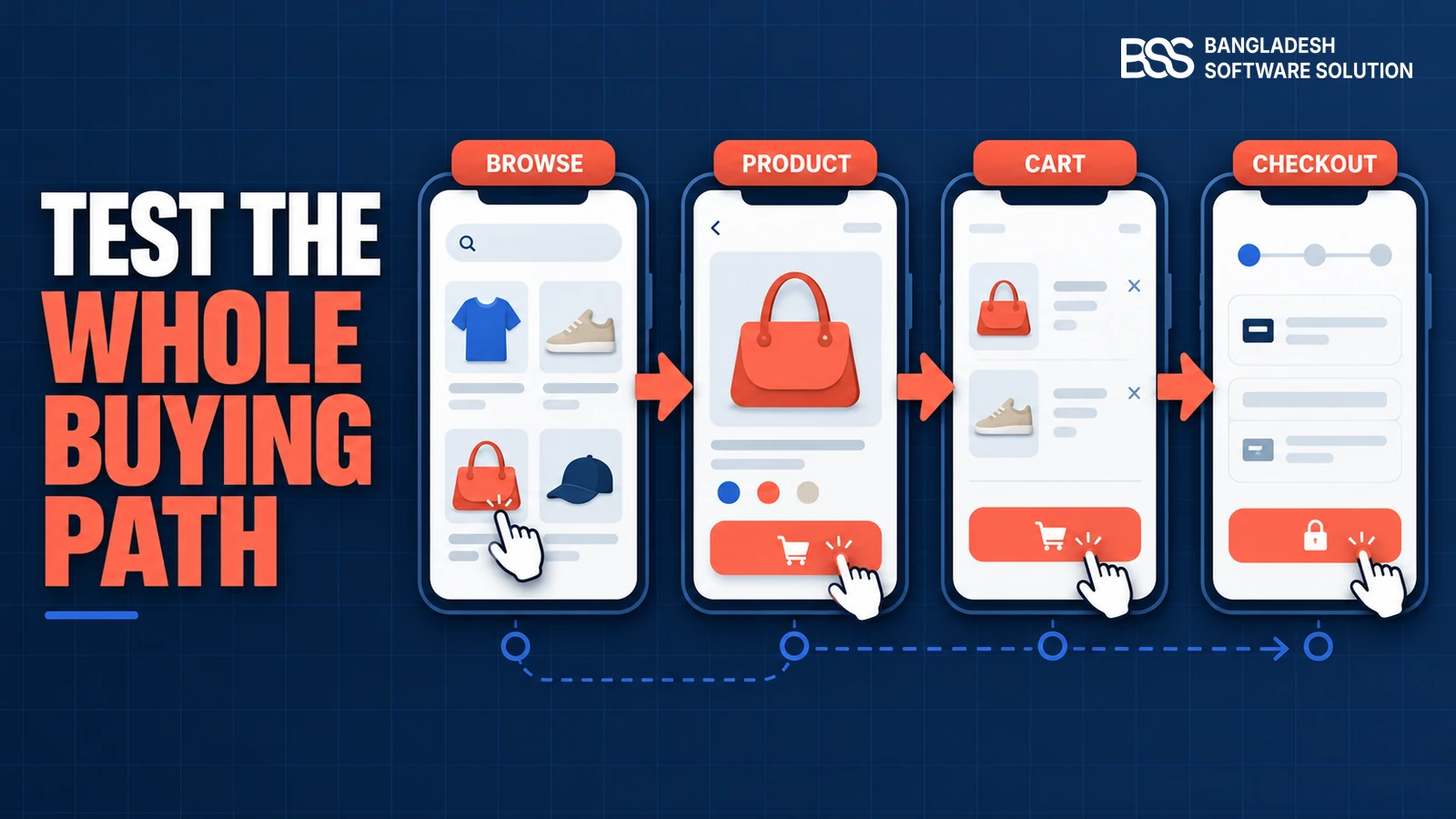
Open the theme demo on a smaller phone and a larger phone. Rotate the device, enlarge text, open menus, use search, apply filters, change an option, update quantity and attempt checkout. A responsive online store template should adapt to content—not hide essential tasks because space is tight.
Watch sticky elements
Cookie bars, chat launchers, sticky add-to-cart controls and mobile navigation may each look acceptable alone but overlap when combined. Test them together with the keyboard open.
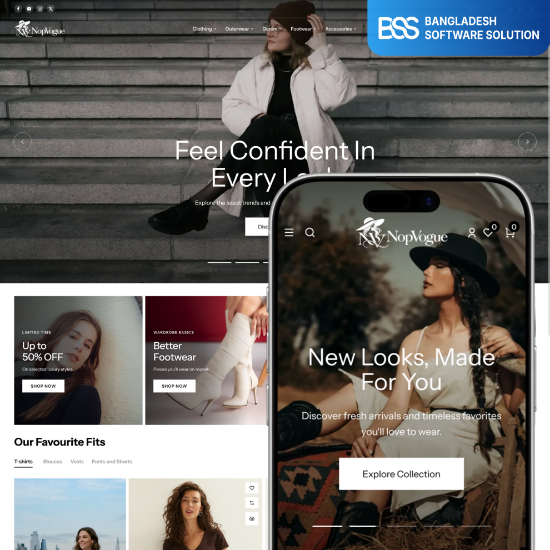
NopVogue is presented as a responsive fashion-store theme with product browsing, galleries, QuickView, carousels and One-Page Checkout. Use its live demo to run the same journey test before buying.
Explore NopVogueNeed a theme checked before launch? BSS can review mobile layouts, storefront interactions and nopCommerce compatibility.
Request a theme review3. Inspect Product Pages with Real Catalog Data
Replace perfect demo products with your longest title, largest gallery, sale price, stock message and most complex option combination. Confirm that swatches, size choices, quantity controls and the add-to-cart button remain understandable without zooming. Images should keep their proportions and reserve space so content does not jump while loading.
Use an edge-case product
A theme that handles one simple item may break when a product has multiple attributes, tier prices, related products, reviews and a long description. Test the hardest product you expect to sell.
4. Complete Cart and Checkout on a Phone
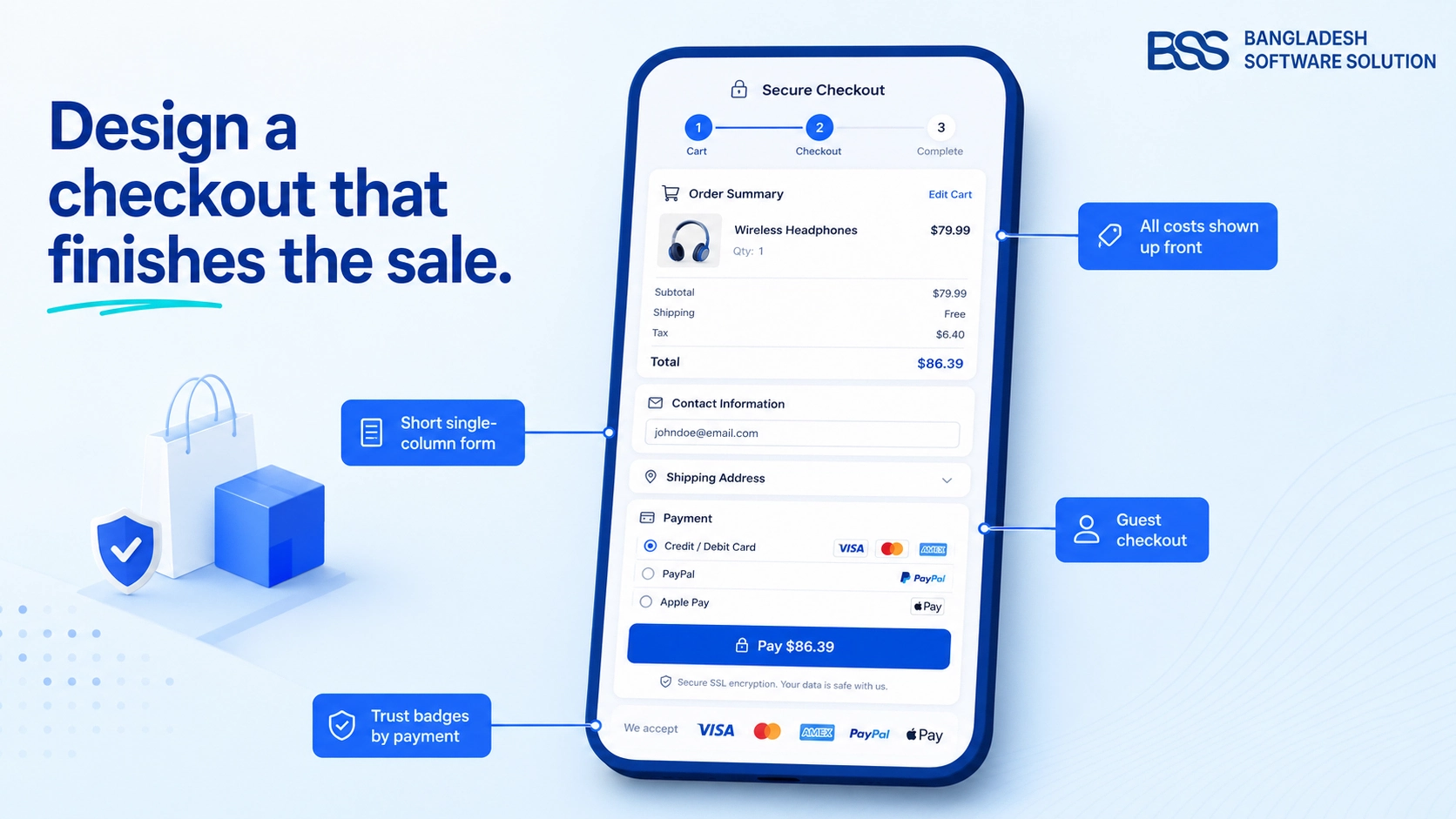
Add two products, change quantities, remove an item, apply a coupon and proceed as a guest. Every validation message should appear next to the relevant field, and the software keyboard must not cover the active input or primary action. Confirm shipping, tax, payment and order totals remain visible before submission.
| Stage | Pass condition | Warning sign |
|---|---|---|
| Cart | Editing is obvious and totals update | Controls overlap or feedback is delayed |
| Forms | Labels, input types and errors are clear | Keyboard hides fields or actions |
| Payment | Method and final total stay understandable | Embedded payment content overflows |
5. Verify Compatibility, Accessibility and Support
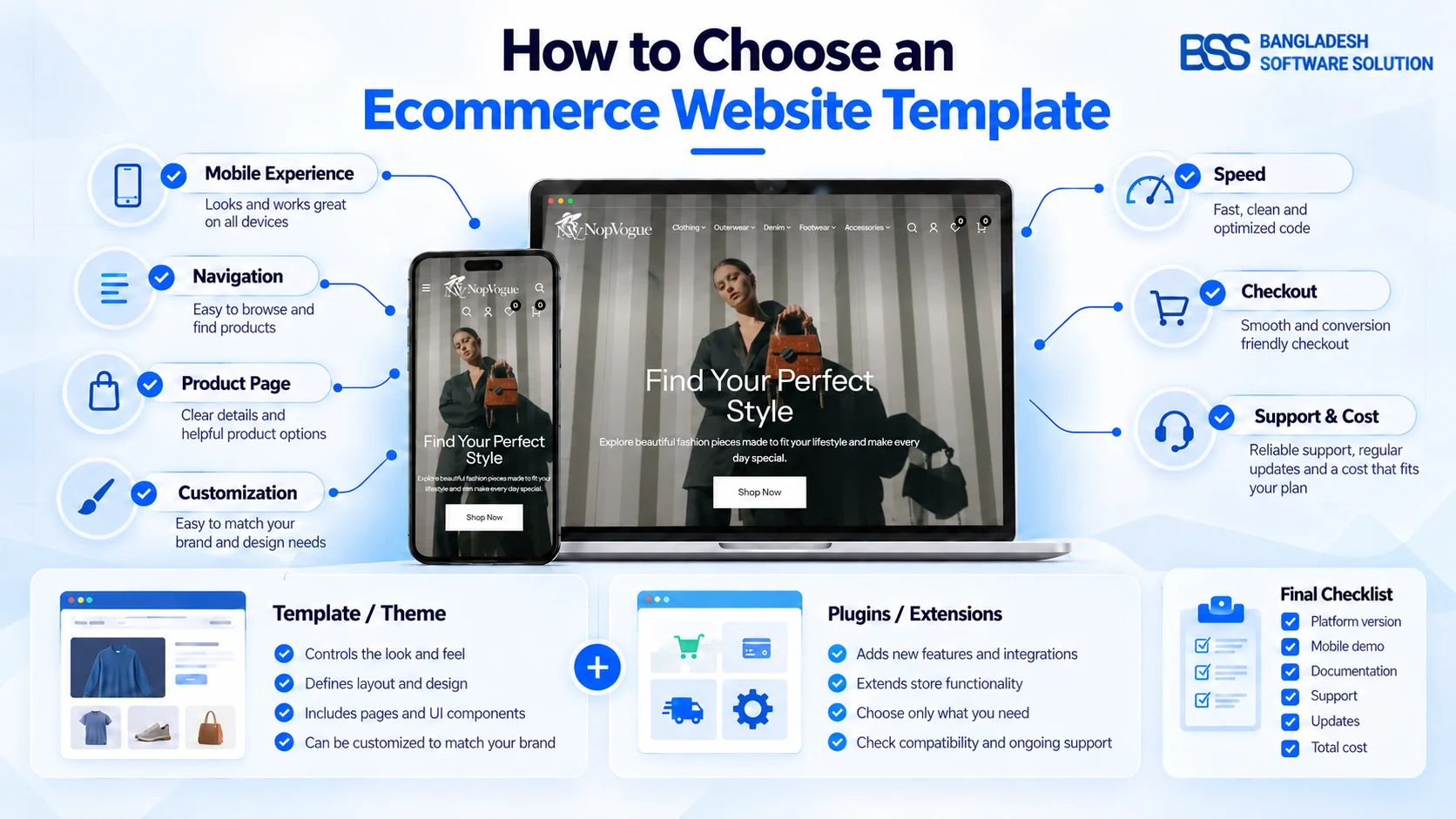
A mobile-friendly online store template also has to work with your nopCommerce version, languages, currencies, plugins and payment providers. Ask the seller how updates are delivered and whether the live demo represents the current release. Check text enlargement, visible keyboard focus, meaningful labels and color contrast rather than relying on appearance alone.
- Test the browsers and devices your analytics identify as important.
- Confirm right-to-left or translated content if your store needs it.
- Install planned plugins in staging and repeat the full buying journey.
- Document who fixes mobile defects after theme or platform updates.
6. Measure What Screenshots Cannot Prove
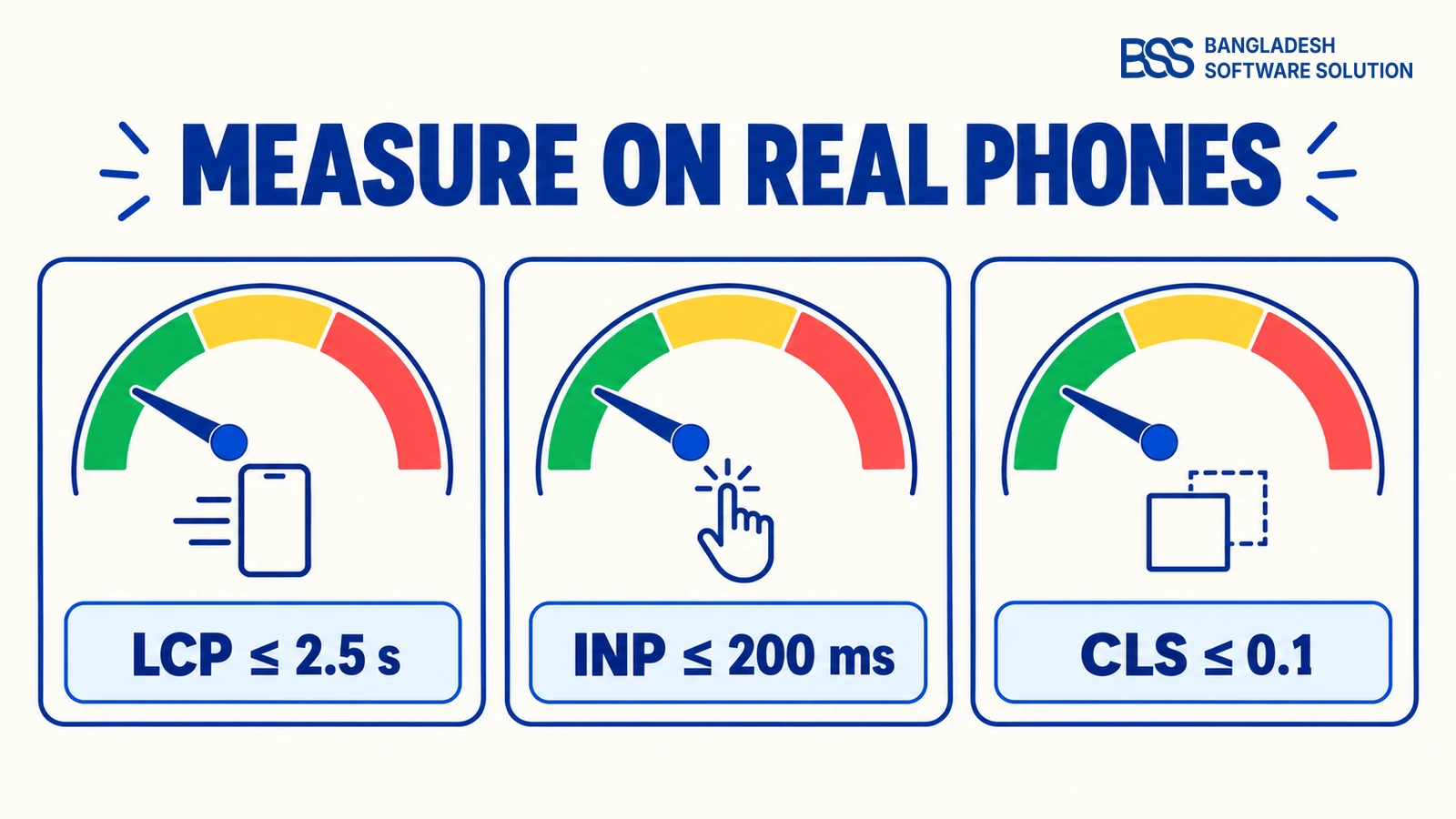
A beautiful demo can still ship oversized images, blocking scripts or unstable content. Test the home, category, product, cart and checkout pages with Chrome DevTools and PageSpeed Insights, then confirm field data after launch. Lab scores diagnose; real-user data shows what shoppers experience.
| Signal | Good threshold | Inspect |
|---|---|---|
| LCP | ≤ 2.5 seconds | Hero and primary product image |
| INP | ≤ 200 milliseconds | Menu, filters, variants and cart |
| CLS | ≤ 0.1 | Images, banners, reviews and widgets |
These are web.dev's current “good” Core Web Vitals thresholds, evaluated at the 75th percentile. Also compare mobile and desktop content, headings, structured data and alt text: Google advises keeping important content and metadata equivalent for mobile-first indexing.
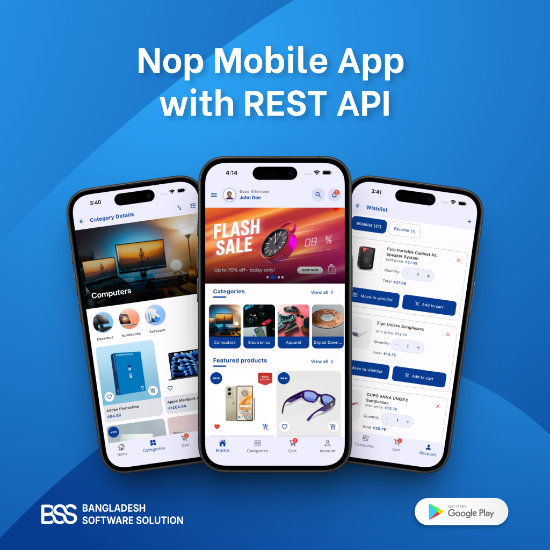
A native app is a separate decision from a responsive theme. Consider it when your strategy requires an app and API connection—not as a substitute for fixing the mobile web store.
Explore the mobile app
Before committing to a theme, document the catalog filters, product options and checkout features you need. BSS can review your mobile storefront requirements and separate theme capabilities from plugin or custom-development work.
Frequently Asked Questions
Test the Theme Before You Commit
BSS can assess a nopCommerce theme against your catalog, plugins, checkout requirements and target devices.
Final Mobile-Friendly Theme Checklist
Approve only when every item passes
- No overflow, clipping or overlap.
- Navigation, search and filters work by touch and keyboard.
- Product gallery, options, price and add-to-cart stay clear.
- Cart and checkout complete with visible validation.
- Core Web Vitals meet mobile targets.
- Mobile content and metadata match desktop intent.
Choose Based on Evidence, Not a Badge
“Responsive” is a starting claim, not a buying decision. The right ecommerce theme survives a real shopping journey, measurable mobile performance and your actual catalog, plugins and checkout. Test first; customize after the foundation passes.
Share your theme candidate, nopCommerce version, plugins and target devices.
Book a free consultation