Learning how to choose an ecommerce website template can feel difficult when you are not a designer. Search results show hundreds of ecommerce website templates, each promising a beautiful layout, easy customization and a professional online store. Yet the best-looking demo is not necessarily the best template for your business. A useful online store template must help customers find products, understand what they are buying and complete checkout comfortably on both phones and computers.
You do not need professional design knowledge to make a sound decision. You need a repeatable way to test what the theme enables customers to do. This guide explains the seven areas that matter most, the warning signs beginners frequently miss and how to compare a standalone template with a more complete theme bundle.
First, Understand What a Template Does
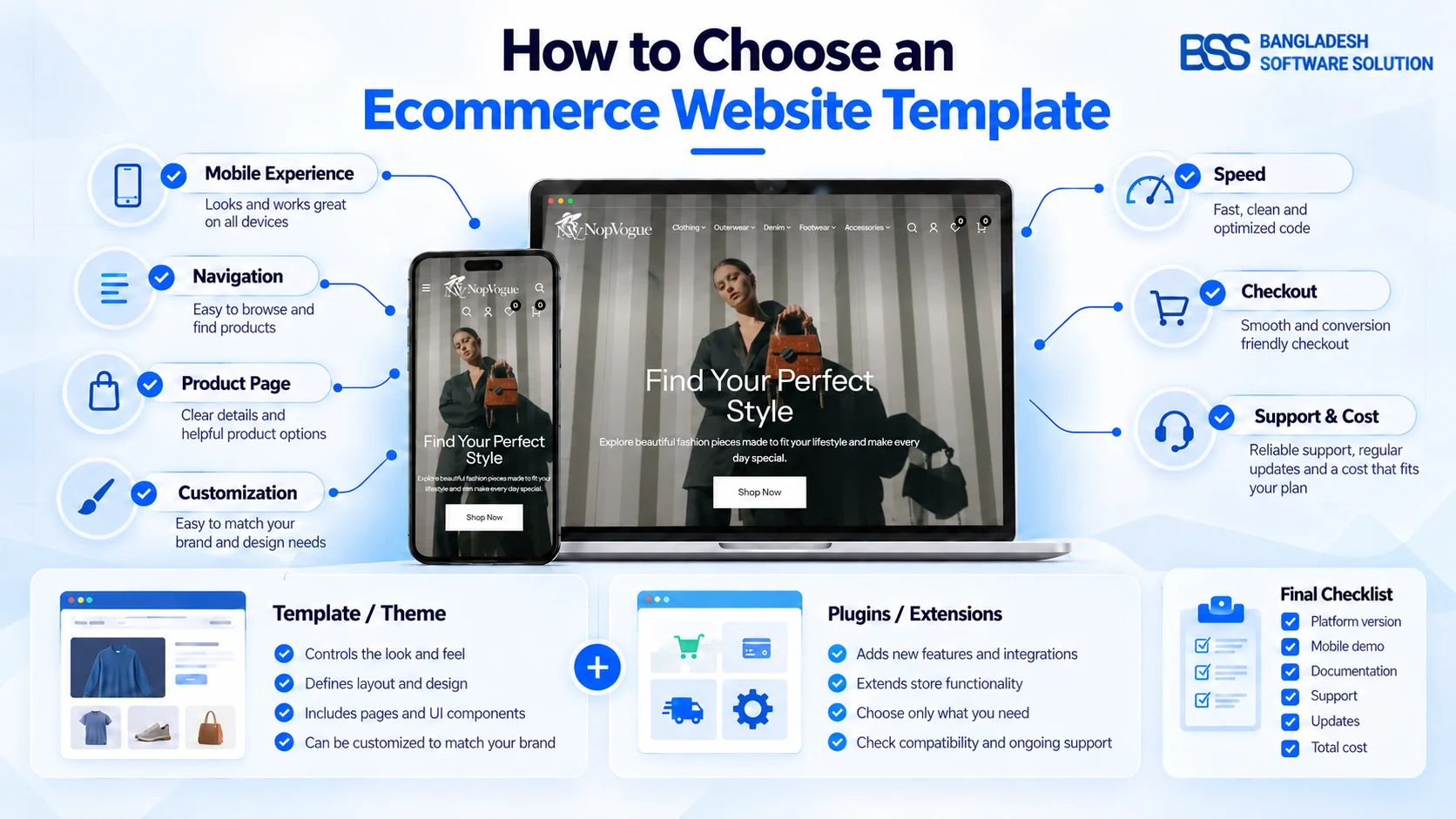
An ecommerce platform manages products, customers, orders and store settings. A template or theme controls much of the customer-facing presentation: page layouts, typography, colors, menus, product cards and responsive behavior. Plugins or extensions add capabilities that the platform or theme does not provide.
That distinction matters because buying an ecommerce theme does not automatically provide hosting, payment processing, product photography or every feature visible in a demo. Before purchasing, identify the platform your store uses and confirm that the template supports your version. If you run nopCommerce, for example, choose a theme built for nopCommerce rather than a visually similar template created for another platform.
Start with Your Store, Not the Demo
A polished demonstration site is designed to make the template look its best. Your catalog may behave very differently. Before comparing designs, write down:
- The products you sell and the number of categories you expect
- Important options such as size, color, material or fit
- Whether customers need filters, comparison or a wishlist
- The countries, languages and storefronts you plan to support
- Who will update banners, campaigns and page content
- Which payment, delivery and checkout features are essential
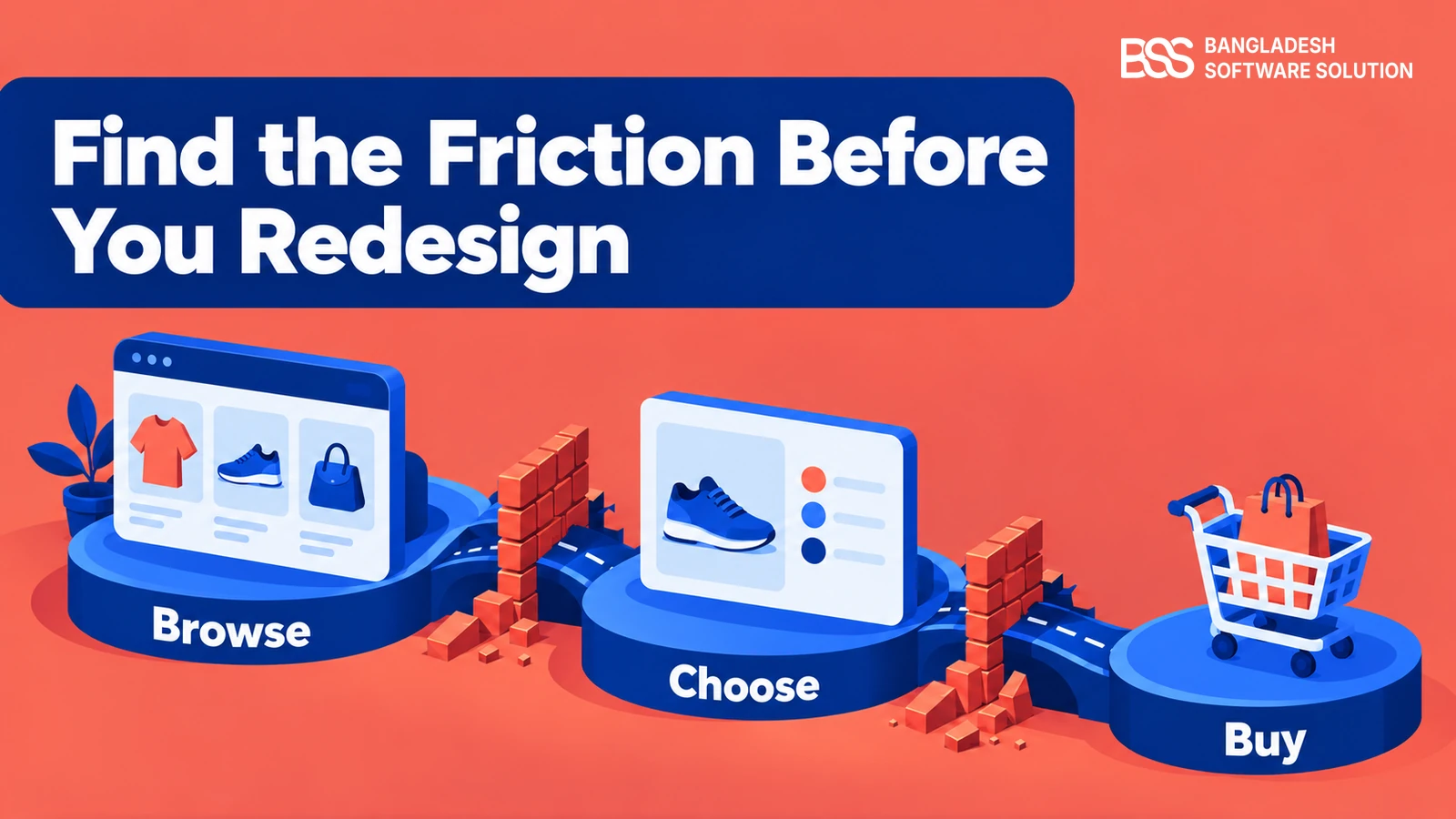
A small boutique with twenty carefully photographed products has different requirements from a retailer managing hundreds of apparel, footwear and accessory items. Your shortlist should begin with operational fit, not color preference.
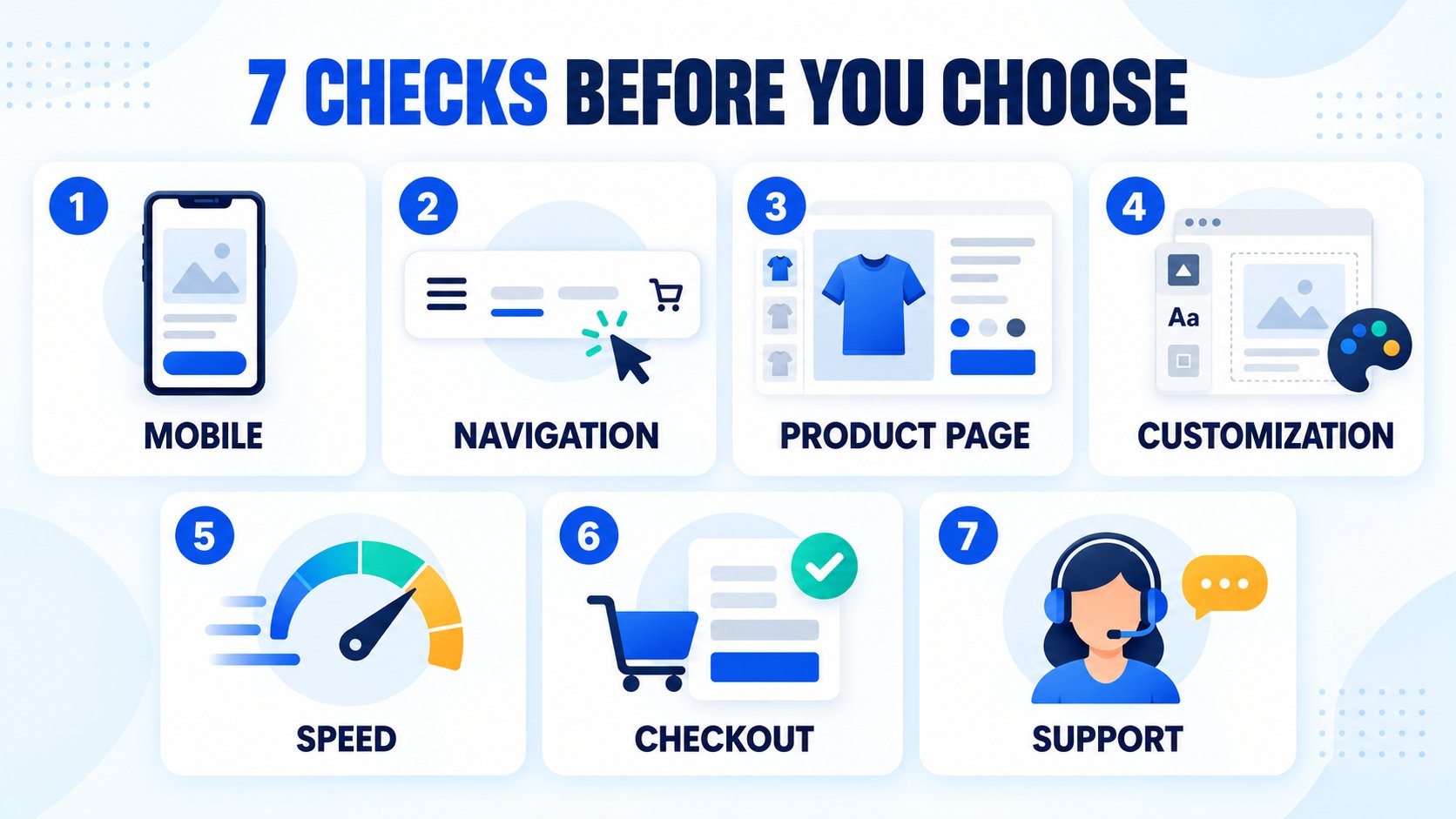
1. Test the Mobile Shopping Experience
A responsive ecommerce template should do more than shrink a desktop layout. Open every shortlisted demo on a real phone and complete several ordinary shopping tasks. Expand the menu, browse a category, apply filters, select a product option, swipe through images, add an item to the cart and begin checkout.
Look for readable text, comfortable buttons and panels that do not cover important content. Product filters should be easy to open and close. Image galleries should support touch interaction, while size and color options should remain clear without excessive scrolling. If the mobile demo makes you hesitate, your customers may experience the same problem.
3. Inspect the Product Page Carefully
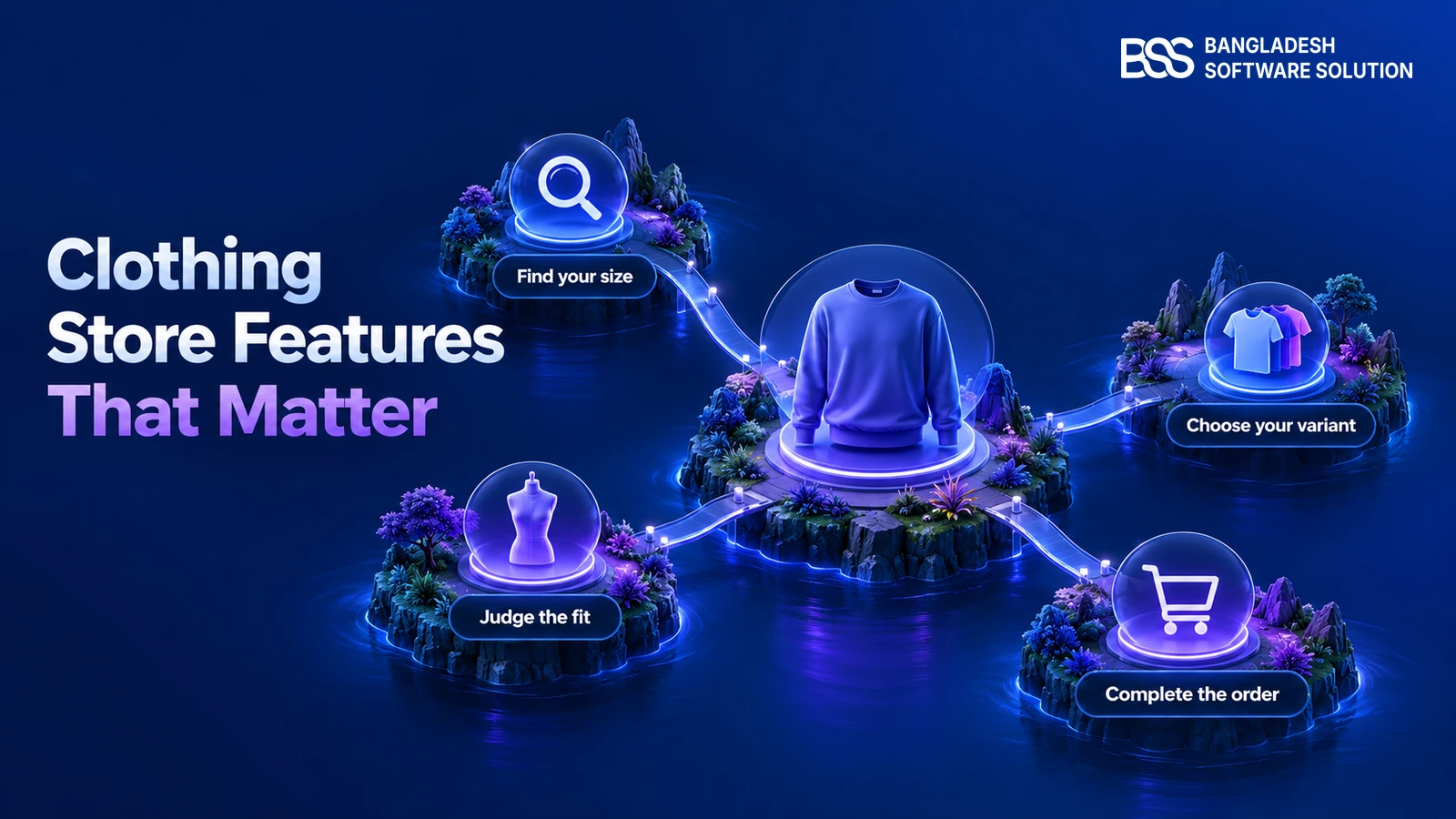
The product page must help customers evaluate an item they cannot physically touch. A strong clothing store website template should provide space for multiple photographs, variant selection, price and availability, concise descriptions, shipping information and relevant recommendations.
Check whether the gallery supports thumbnails, zoom and fullscreen viewing. Change a color or other attribute and see whether the displayed image responds appropriately. The BSS Picture Gallery, for example, supports responsive gallery layouts, touch gestures, several zoom experiences and attribute-based image changes for nopCommerce stores. Whether you use that product or another solution, test the behavior instead of judging a single screenshot.
4. Confirm That You Can Customize It Without Code
Your brand will evolve. Seasonal campaigns, new collections and promotional messages should not require rebuilding the website. Investigate exactly what the theme lets a non-technical administrator change.
Useful controls may include colors, typography, buttons, spacing, product grids, banners and page sections. Ask whether those changes are made through settings, a visual editor or source code. Also check whether one change applies consistently across the store.
For nopCommerce users who need to create content visually, the BSS Visual Editor provides drag-and-drop editing for product content, category descriptions, topic pages, blog posts and other supported content areas.
5. Examine Speed-Related Features
Visual effects are useful only when they do not make browsing unnecessarily heavy. Ask how product images are loaded, whether sliders load excessive assets and whether animations remain smooth on ordinary mobile connections.
Look for responsive image behavior, sensible lazy loading and restrained animation. Test several page types rather than relying on the homepage: category, product, cart and checkout. Hosting, image sizes, plugins, tracking scripts and catalog data also affect speed, so treat the theme as one part of performance.
6. Follow the Complete Checkout Journey
Many template buyers focus on the homepage and never test checkout before purchasing. Add a product, change its quantity, enter an address, select shipping and review payment choices. Repeat the test on a phone.
The process should explain errors clearly and keep the order summary visible. Determine whether guest checkout is supported by your store configuration and whether customers can apply coupons or gift cards where expected. If a shorter flow suits your operation, the BSS OnePage Checkout places billing, shipping, payment and order-summary information on one page. A single-page layout is not automatically right for every business, so evaluate it against your products, integrations and customer journey.
7. Compare Support, Updates and Total Cost
The purchase price tells only part of the story. Review what is included, what must be purchased separately and what happens when your ecommerce platform is updated.
Questions to answer before buying
- Which platform versions are currently supported?
- Are future updates included, and for how long?
- Is documentation available before purchase?
- Does the license cover one store or several URLs?
- Is source code included or optional?
- Are installation and customization separate services?
- Which demo features come from bundled plugins?
- How can you obtain technical support?
Read the vendor’s documentation and licensing terms rather than assuming that every seller follows the same model. The guide to what is included in a nopCommerce theme bundle offers a useful starting point for separating theme features, plugins and required components.
A Practical Option for Fashion and Clothing Stores
If your shortlist is for a nopCommerce fashion business, the NopVogue theme is designed for apparel, western wear, denim, footwear, bags and accessories. Its current product page lists compatibility with nopCommerce 4.90 and a bundle of 17 plugins.
The package brings together a Theme Builder, Visual Editor, product browsing tools, QuickView, product galleries, promotional carousels, responsive layouts and One-Page Checkout. It also lists multistore and multilingual capabilities. This combination may suit a merchant who wants coordinated storefront features rather than selecting each component separately.
Evaluate it with the same standard
Apply the same process to NopVogue that you would use for any theme. Open the live demo, test the phone experience, inspect category and product pages, follow checkout and read the licensing and documentation. Visit the BSS nopCommerce store if you need to compare the theme with individual plugins or other industry-specific themes.
Red Flags to Avoid
Be cautious when a template:
- Shows only desktop screenshots and no working mobile demo
- Hides its supported platform version
- Does not identify which features require plugins
- Offers no documentation or clear support route
- Makes basic branding changes dependent on source-code editing
- Looks attractive but has weak navigation or product pages
- Uses so many effects that ordinary shopping feels distracting
Also avoid choosing a design because it resembles a famous retailer. Your store needs a structure that supports your own catalog, content and customers.
Frequently Asked Questions
The platform runs the store, the theme or template controls its storefront design, and plugins add specific features. Check all three separately so you understand what is included and what may require an additional purchase.
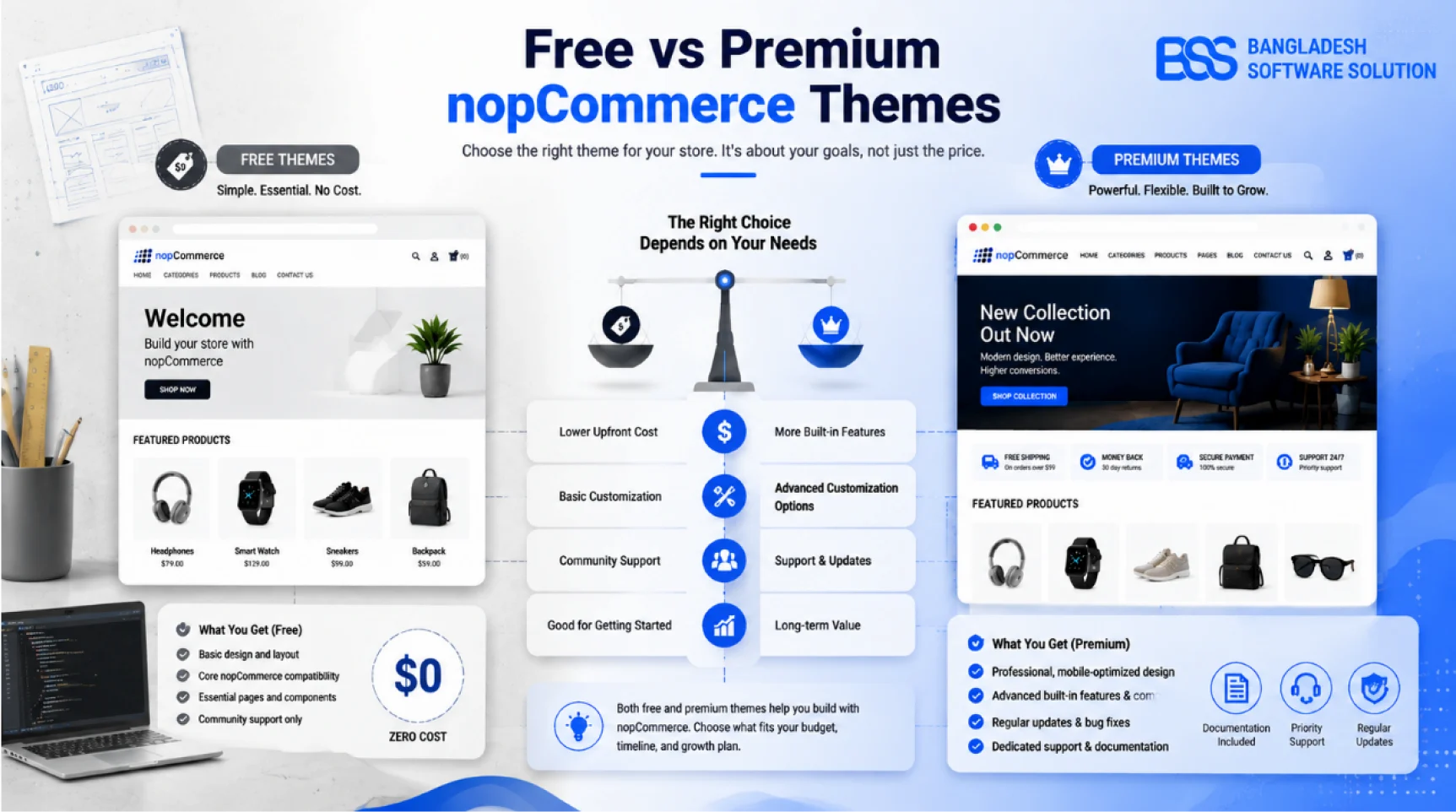
Choose by fit rather than price alone. A free template can suit a simple launch if it covers the required pages and receives compatible updates. A paid option may be more practical when it provides the layouts, documentation and support your store needs.
Use the live demo on both desktop and a real phone. Follow a complete shopping journey: open the menu, search or browse a category, filter products, inspect a product page, add an item to the cart and review the checkout flow.
Some templates provide built-in controls for colors, typography, banners and page sections, while others require code changes. Review the documentation and admin demo before buying so the available controls match your editing skills.
Check menu usability, readable text, image cropping, filter controls, product options, tap targets, cart updates and checkout fields. Test the full task rather than judging only the homepage screenshot.
Usually yes, but the work involved depends on your platform, custom code, plugins and content structure. Before switching, confirm compatibility and plan to test navigation, product pages, integrations and checkout in a staging environment.
Final Template-Selection Checklist
Before purchasing, give each candidate a score from one to five for mobile usability, navigation, product pages, customization, speed, checkout and support. Remove any theme that fails a business-critical requirement, even if its visual design is impressive.
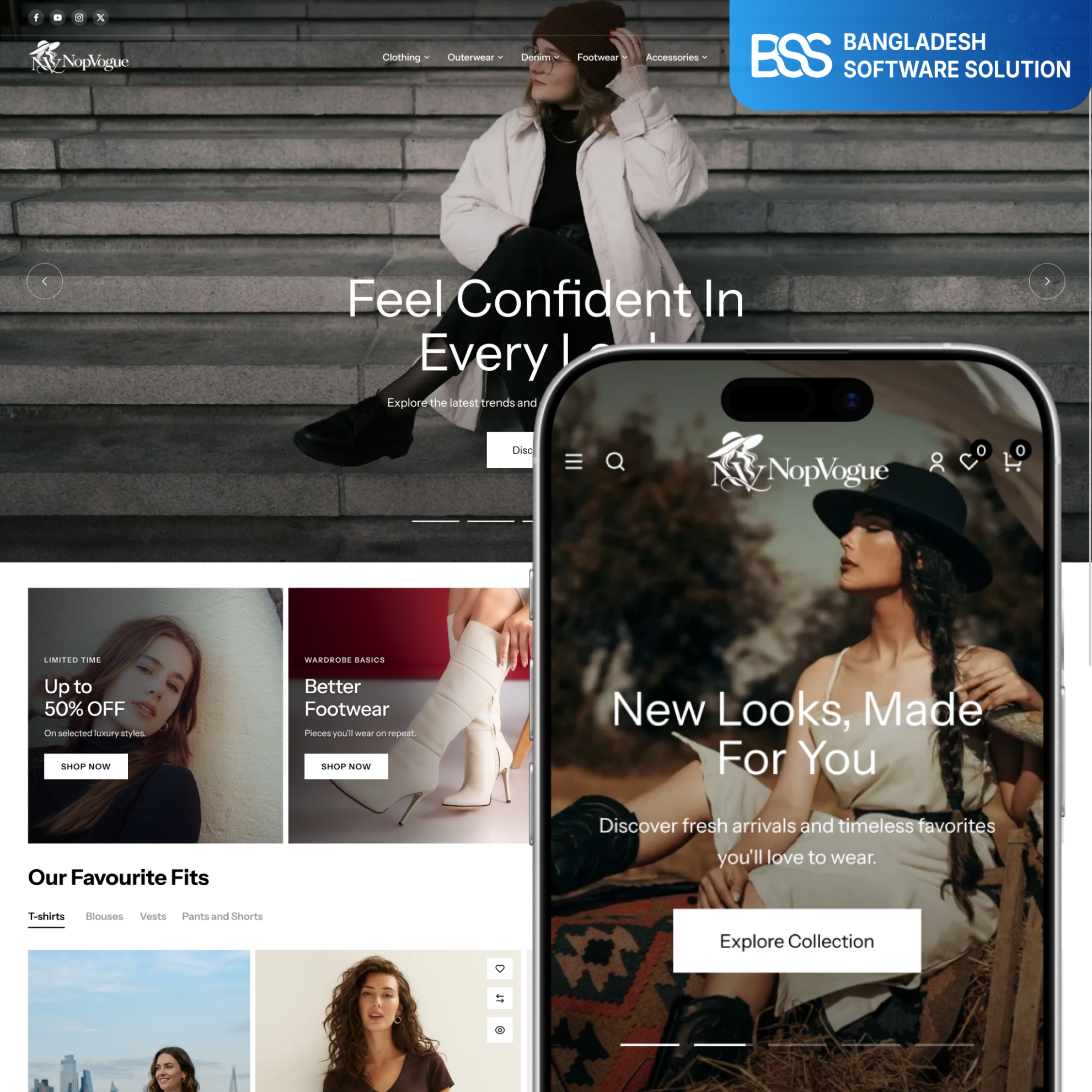
Preview a fashion-focused nopCommerce storefront for apparel, footwear, bags and accessories, then test it against the same seven-point checklist.
Explore NopVogueThen compare total cost, including required plugins, installation, customization and expected maintenance. Finally, ask the person who will manage the store to complete a trial task such as changing a banner or preparing a collection page. A suitable ecommerce website template should not only look professional—it should make the store easier to operate and easier for customers to shop.