The listing says "theme + 18 plugin bundle" and the price looks fair. Then the doubt starts. Are those 18 plugins things you will use, or filler that makes the number look big? And if you buy only the theme, what stops working?
We build and support these bundles, so we get this question often. The honest answer is that a nopCommerce theme bundle is worth exactly as much as its parts fit your store. This guide breaks one open, piece by piece.
What this guide covers: the difference between a theme and a bundle, what sits inside our NopGadget bundle, which settings come with it, and the questions to ask any vendor before buying.
The details below come from the NopGadget documentation on our store, not from marketing copy.
Theme alone or bundle: what actually changes
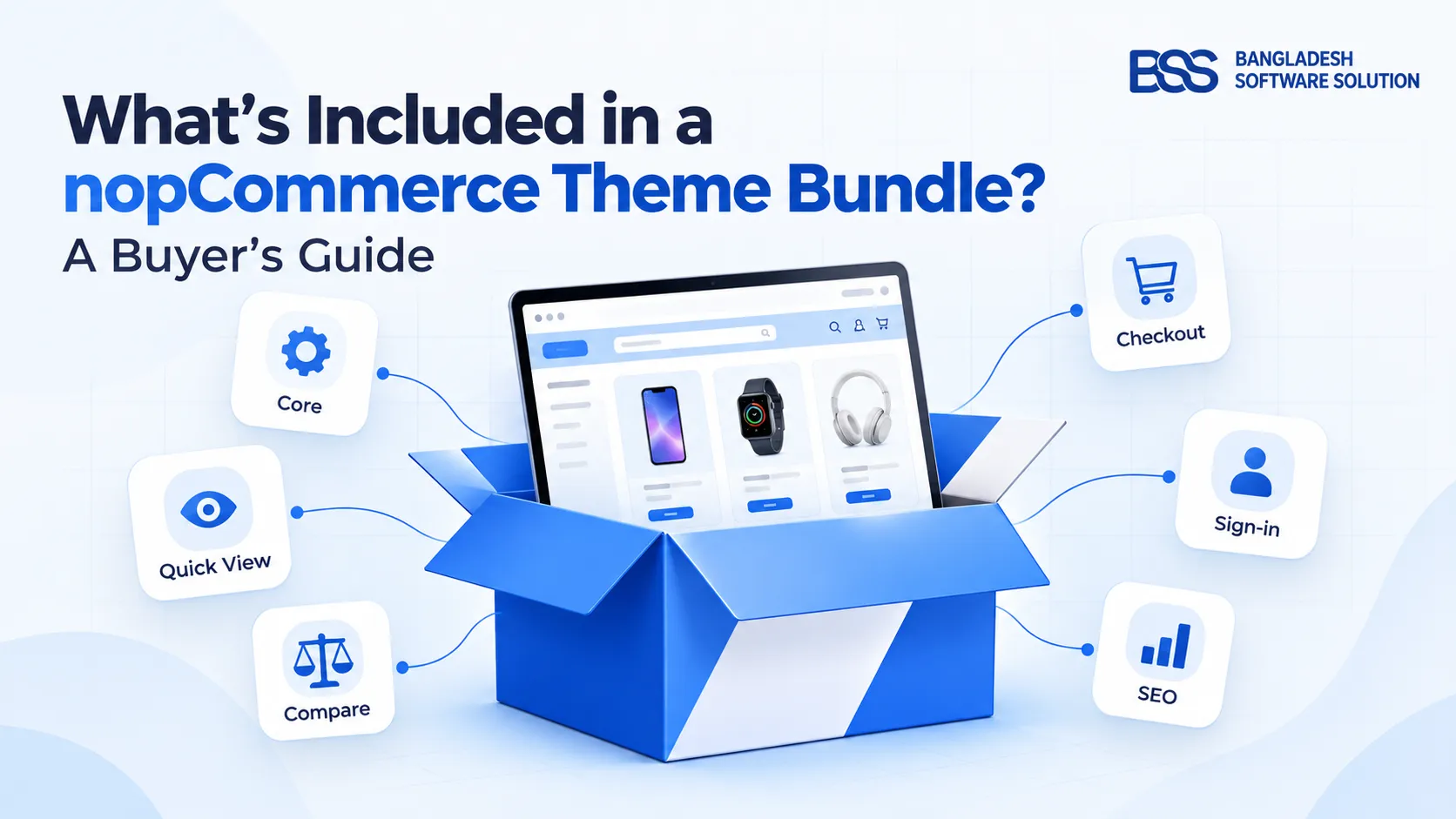
A theme controls how the storefront looks: layout, colors, fonts and the shape of the product box. It does not add features. Quick view, product comparison or a one-page checkout all come from plugins, which is why many themes are sold with a set of them attached.
The practical difference shows up on launch day. With a bare theme you buy, test and license each missing feature separately, and each one has its own version to match. With a bundle the pieces were chosen to work with that theme. In our case the bundle also ships the BSS Core plugin, which the theme needs installed first.
Two products, same name
Other vendors sell themes called "NopGadget" too. Everything in this guide describes the one on the BSS store, so check which vendor's listing you are reading before comparing prices.
Inside the NopGadget bundle
NopGadget is built for electronics, gadget and tech stores. Its documentation lists 18 bundled plugins, plus BSS Core as the required base. Grouped by the job they do, they look like this.
| Job | Bundled plugins | Why a gadget store cares |
|---|---|---|
| Product display | Product Box, Product Ribbon, QuickView, Picture Gallery, Advanced Product Compare, Anywhere Component | Shoppers compare specs and inspect photos before they buy |
| Homepage content | Anywhere Swiper, Anywhere Carousels, Visual Editor | Launch and sale banners without a developer |
| Checkout | One Page Checkout, Payment Change | Fewer steps between cart and order |
| Sign-in | Google Authentication, Microsoft Authentication, Phone SMS Authentication | Faster account creation on mobile |
| Compliance | EU GDPR Cookie Consent, EU Omnibus Directive | Relevant if you sell to EU customers |
| SEO and shipping | AI SEO Assistant, Sendcloud | Product page metadata and carrier handling |
Product display is the biggest group, six of the 18, and that is the right priority for a catalog where buyers compare models. Each plugin has its own page in the NopGadget documentation, so you can read the settings before you buy.
Count the plugins you would have bought anyway. That number, not the headline count, is the real value of a bundle.
BSS Engineering
The settings that come with the theme
Plugins are half the story. The other half is how much you can change without touching code. NopGadget's configuration page, under BSS → Themes → NopGadget, covers these areas.
The availability filter is the one we would point a gadget seller to first. It can show in-stock, out-of-stock, pre-order and call-for-price items, which matches how electronics inventory actually behaves. For more on what you can and cannot change without a developer, read our guide to customizing a nopCommerce theme without coding.
Questions to ask before you buy any bundle
Whatever theme you are looking at, run the same short check. Most regrets we see come from skipping it.
Bundle buyer's checklist
- Does the listing state the nopCommerce version it supports? Confirm it matches your store.
- Is every bundled plugin documented? Open the docs and look for settings pages, not just names.
- How is licensing handled? With ours, you receive a license key after purchase and enter it in BSS → Core settings.
- What does support cover, and for how long? Ask for it in writing.
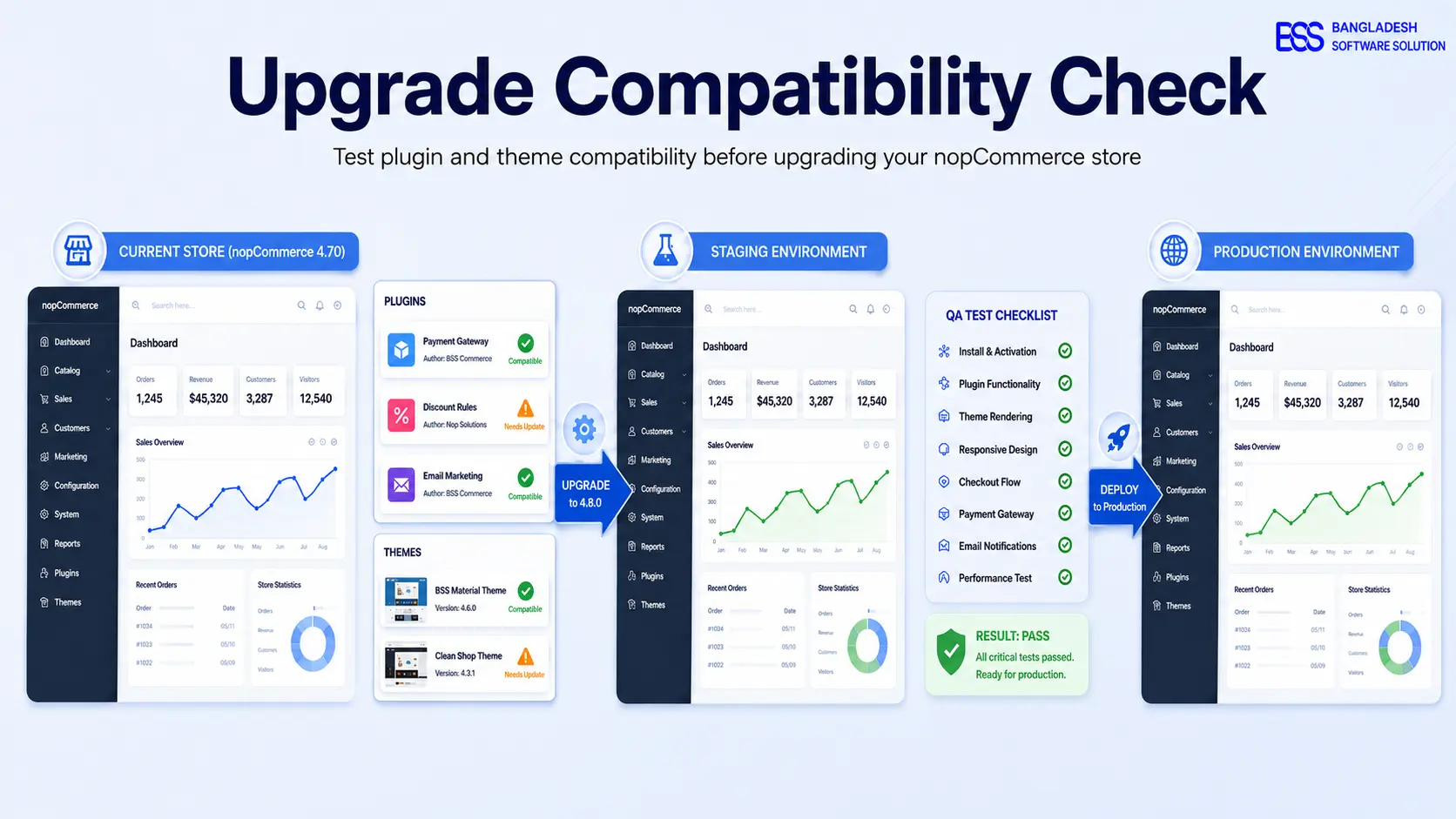
- Will it clash with plugins you already run? Test on a staging copy first.
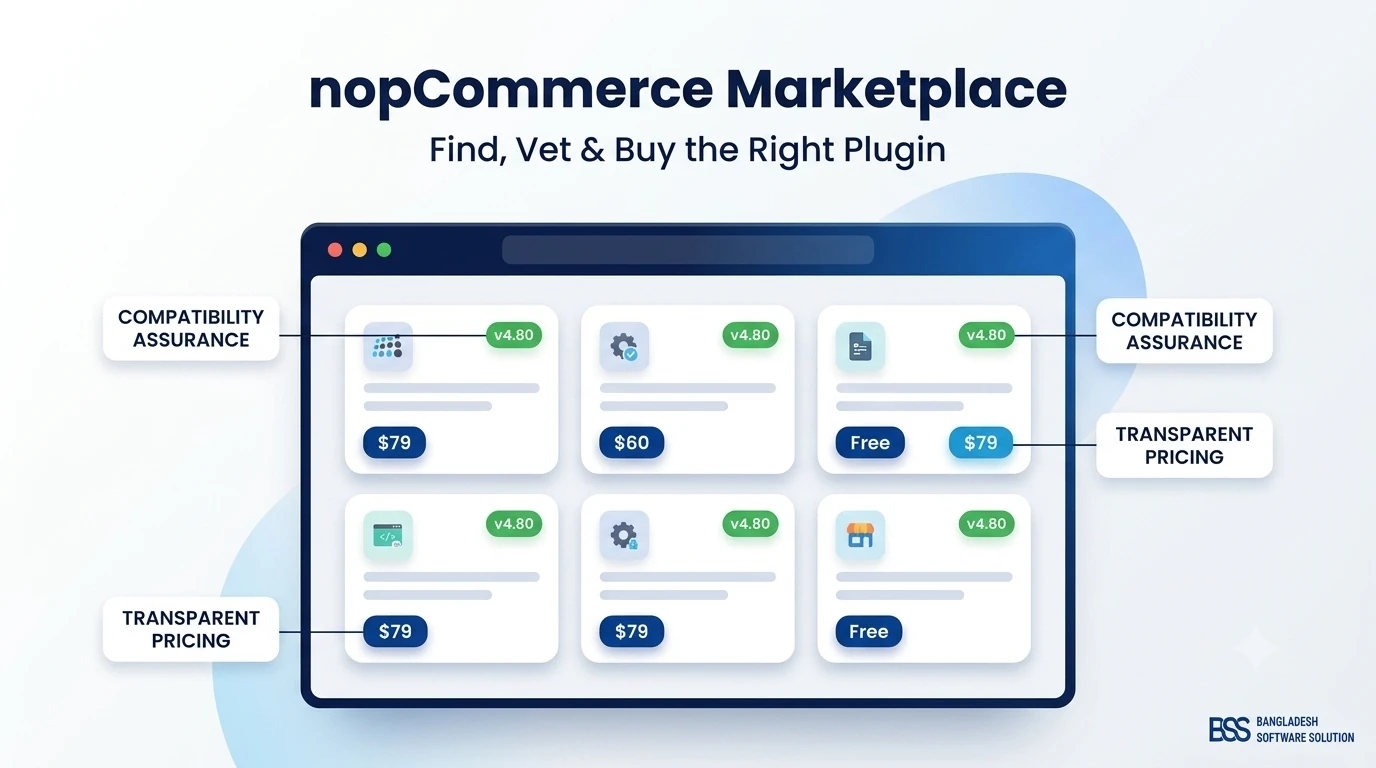
That last point matters more than it looks. Our guide to testing plugin and theme compatibility walks through the staging routine, and the nopCommerce Marketplace guide covers how to vet any vendor.
Setup order, so nothing breaks
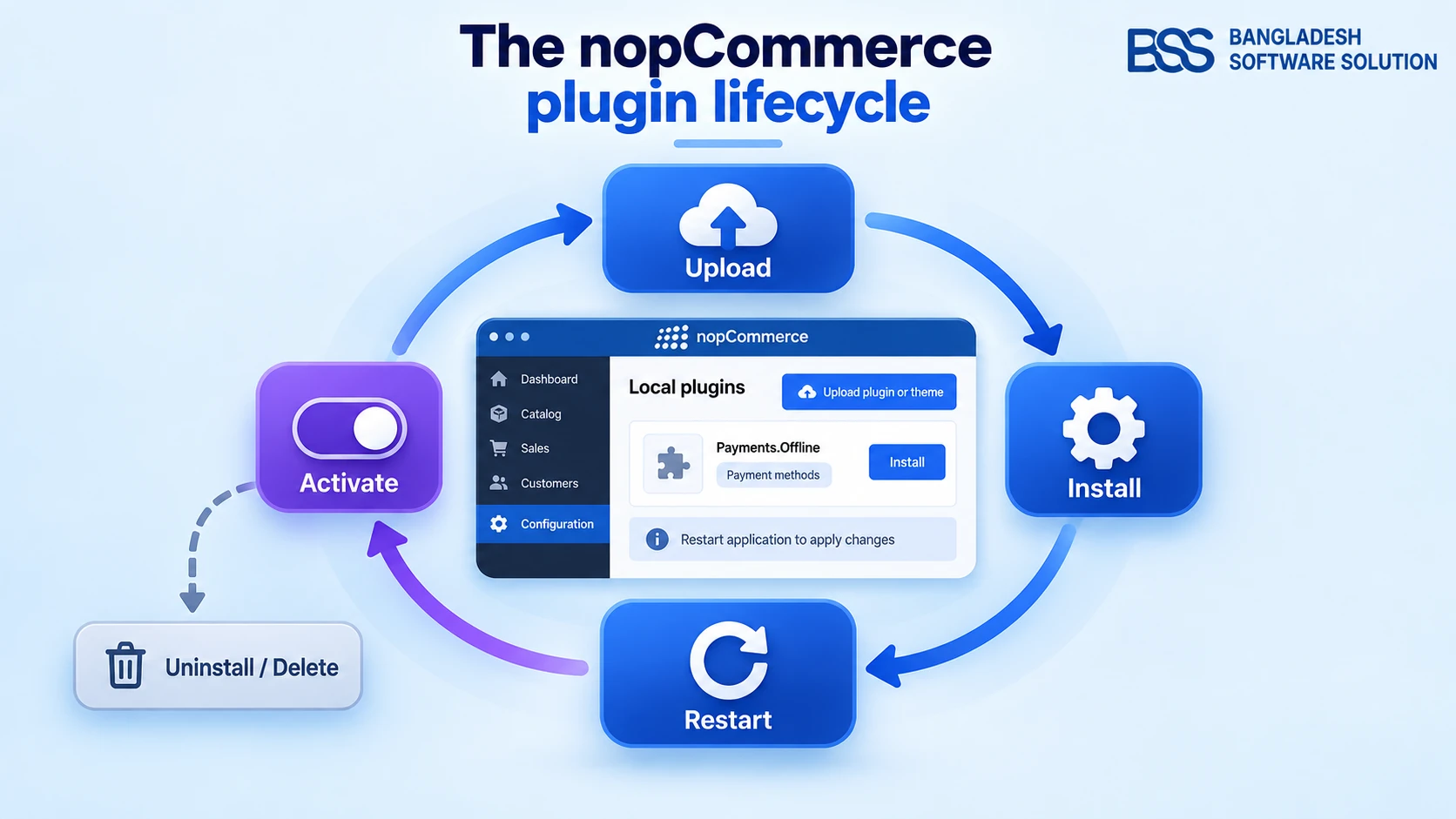
Install order matters with a bundle. Per the NopGadget documentation: download the package from your order details page, upload the zip files under Configuration → Local plugins, then install BSS Core and the NopGadget theme. Restart the application, then choose NopGadget as the default store theme in General settings.
The documentation also recommends switching off JavaScript and CSS bundling and minification in App Settings. The remaining plugins are found by searching the Group name "BSS" and are installed as your homepage needs them. If any step is unfamiliar, our step-by-step plugin installation guide covers the restart and the activation screens.
Running a gadget or electronics store on nopCommerce?
NopGadget pairs a tech-focused storefront with the plugins listed above. Read the full documentation first, then browse our themes or ask our engineers to set it up on a staging copy of your store.
Frequently Asked Questions
Final Thoughts
A bundle is not automatically a better deal than a theme alone. It is a better deal when the plugins inside are ones you would otherwise buy, test and license one by one. For a gadget store that usually means the product display group and checkout, which is why we built NopGadget around them.
Read the documentation, run the checklist and try it on staging. If you are also weighing individual add-ons, our round-ups of must-have nopCommerce plugins and free vs paid plugins are good next reads.