You need one feature before launch. The nopCommerce marketplace shows a free plugin that appears to cover it and a paid plugin with documentation, support, and more controls. The free option protects today’s budget. The paid option may protect tomorrow’s upgrade. Neither price tag tells you which choice is actually cheaper.
This is the decision behind most nopCommerce plugin purchases. Free vs paid nopCommerce plugins should be evaluated by business impact, technical fit, maintenance, and replacement cost—not by the assumption that free means risky or paid means reliable.
What Plugin Buyers Are Really Trying to Decide
Live search results around nopCommerce plugins mix marketplace listings, “best plugin” roundups, development guides, and individual product pages. The intent is commercial investigation: readers want options, but the real question is whether a plugin will keep working after installation.
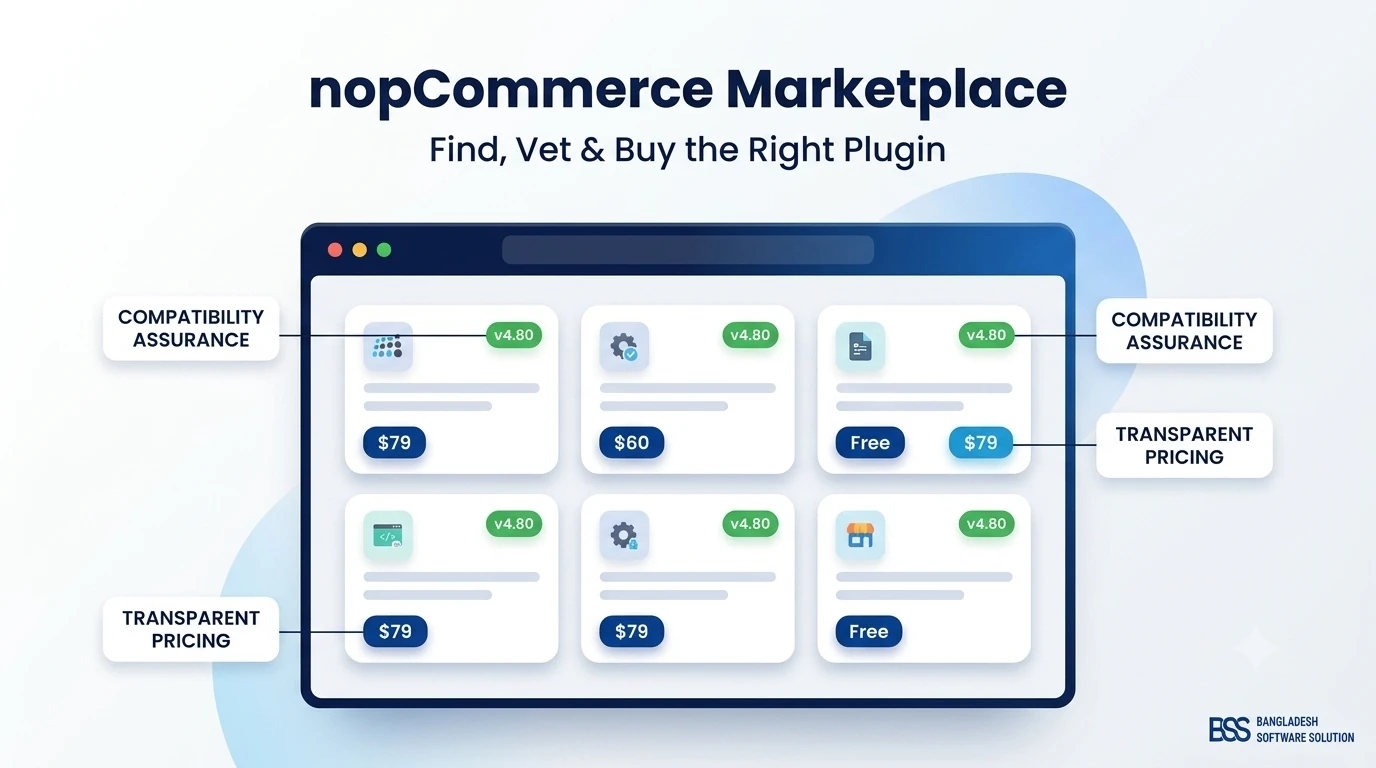
The official nopCommerce marketplace contains both free and commercial extensions. It also includes free official integrations alongside high-value paid products, which makes one point clear: price describes the commercial model, not the importance or quality of the feature.
Keyword and intent takeaway: this guide targets the broader nopCommerce plugins topic while answering the narrower free-versus-paid decision. Supporting phrases include free nopCommerce plugins, paid nopCommerce plugins, best nopCommerce plugins, nopCommerce extensions, nopCommerce marketplace, plugin cost, and plugin compatibility.
What “Free” and “Paid” Actually Mean
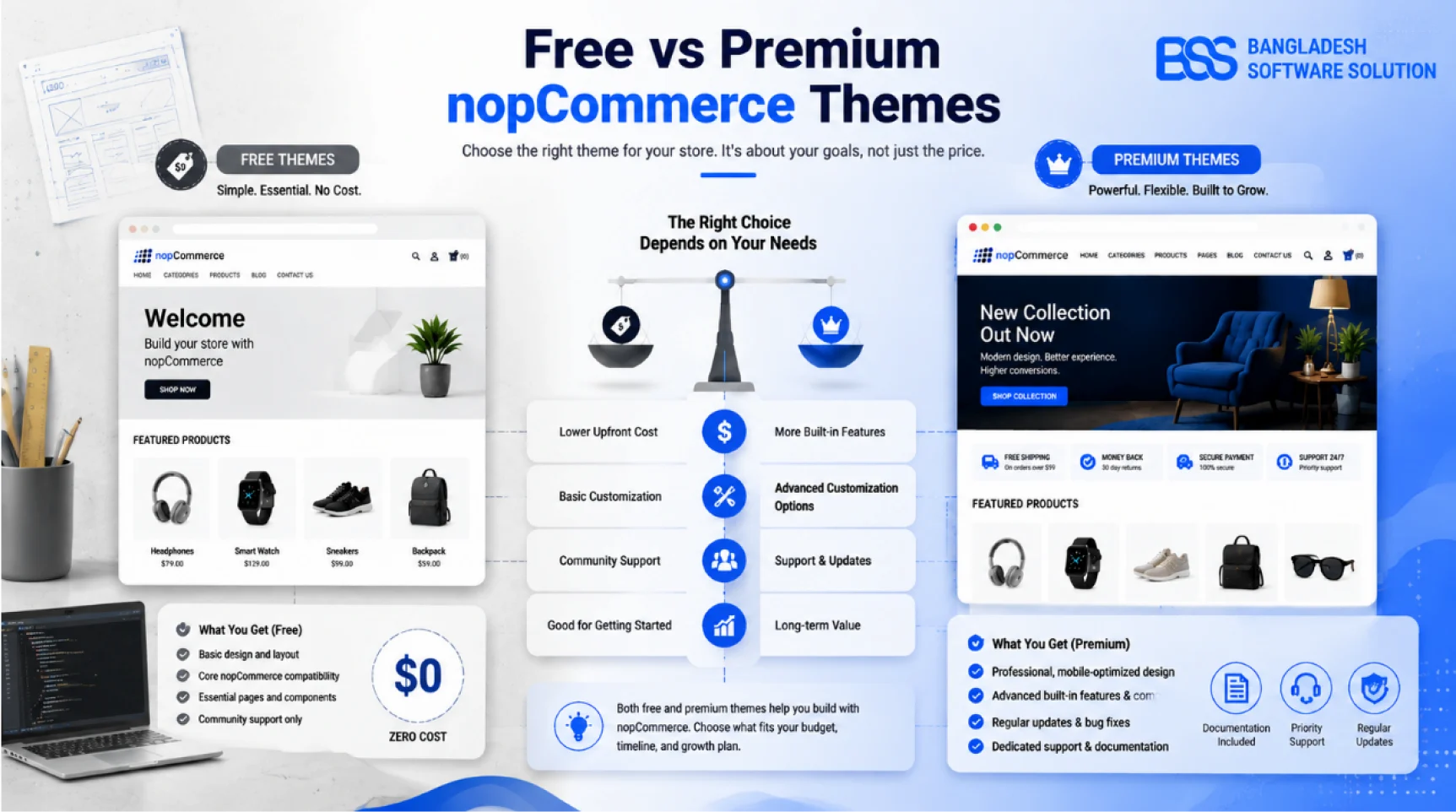
A free plugin may be bundled with nopCommerce, published by the core team, maintained by a payment or shipping provider, released as open source, or offered as a limited entry point to a commercial product. Those models carry different incentives and support expectations.
A paid plugin may be sold as a one-time license, a version-specific package, a subscription, or a purchase that includes support and updates for a defined period. Check whether the license is tied to one domain, multiple stores, a version range, or a renewal window. “Paid” does not automatically include installation, customization, or lifetime upgrades.
| Factor | Free plugin | Paid plugin | Question to ask |
|---|---|---|---|
| Upfront cost | Usually zero | License or purchase fee | What implementation work remains? |
| Support | Community, documentation, or best effort | May include vendor support | Is response time defined? |
| Updates | Depends on maintainer incentive | May follow an active commercial roadmap | Which nopCommerce versions are supported? |
| Source access | Sometimes available | Varies by license | Can your team debug or extend it? |
| Feature depth | Often focused or basic | Often broader configuration and automation | Which features are genuinely required? |
| Exit cost | Can still be high | Can still create lock-in | What data and database changes remain if removed? |
When Free nopCommerce Plugins Are Worth It
Free is a strong choice when the requirement is narrow, the failure impact is low, and your team can verify and maintain the extension. A small admin convenience, analytics tag, or optional storefront widget can often be tested and replaced without putting orders at risk.
Free can also be the best option when it is the official integration maintained by the service provider. A payment company may distribute its plugin without charging because transaction adoption—not license revenue—funds maintenance. Still verify processor fees and support terms; zero plugin cost does not mean zero operating cost.
Before downloading, use our nopCommerce Marketplace Guide to check publisher identity, supported versions, documentation, reviews, and update history.
When Paid nopCommerce Plugins Are Worth It
Paid becomes easier to justify when the feature touches revenue, regulated data, customer trust, or daily operations. Checkout, payment, tax, shipping, search, API, compliance, authentication, invoicing, and B2B workflows all carry a larger failure cost than the purchase price alone.
What makes a paid plugin valuable is not the paywall. It is the time and risk removed: tested compatibility, current releases, structured configuration, vendor accountability, documentation, diagnostics, and a support path when production behaves differently from staging.
Pay for consequences, not feature count
A plugin with twenty cosmetic options may deliver less value than a focused integration that prevents one hour of checkout downtime. Prioritize the cost of failure and the time saved over the length of the feature list.
For example, a merchant comparing a compact checkout improvement can evaluate the documented workflow of BSS OnePage Checkout. A team building mobile or headless experiences should evaluate the deeper security, endpoint coverage, and documentation requirements of a product such as the BSS Nop REST API Plugin. The value test changes with operational risk.
Compare Total Ownership Cost, Not Download Price
A free plugin that needs twelve hours of debugging is not free. A paid plugin that installs cleanly but requires annual repurchase, custom compatibility work, and vendor-dependent migrations may also be expensive. Put every candidate through the same cost model.
Total plugin cost = purchase and renewal + installation + configuration + customization + testing + support + upgrade work + expected failure risk + eventual replacement.
Estimate with ranges rather than false precision. If the plugin handles a low-risk widget, downtime cost may be minimal. If it controls payment authorization, delivery pricing, customer login, or tax, even a short failure can exceed the license price.
Also measure internal capability. A .NET team may prefer a reviewable open-source plugin it can own. A store without development capacity may get better value from a commercial product with installation help and responsive support. The same plugin can be economical for one organization and costly for another.
Use This Plugin Evaluation Scorecard
Pre-Purchase Checklist
- 1Functional fit: write acceptance criteria and confirm the plugin meets them without speculative customization.
- 2Version support: verify your exact nopCommerce release, .NET requirements, dependencies, and upgrade roadmap.
- 3Publisher credibility: inspect the vendor site, documentation, release history, contact path, and other maintained products.
- 4Security and data: document permissions, external API calls, credentials, personal data, scheduled tasks, and storage changes.
- 5Support terms: understand response expectations, included installation help, bug-fix policy, update period, and renewal cost.
- 6Performance: test queries, page weight, caching, background jobs, and behavior under representative traffic.
- 7Exit plan: identify tables, settings, widgets, routes, and customer data that must be migrated or removed later.
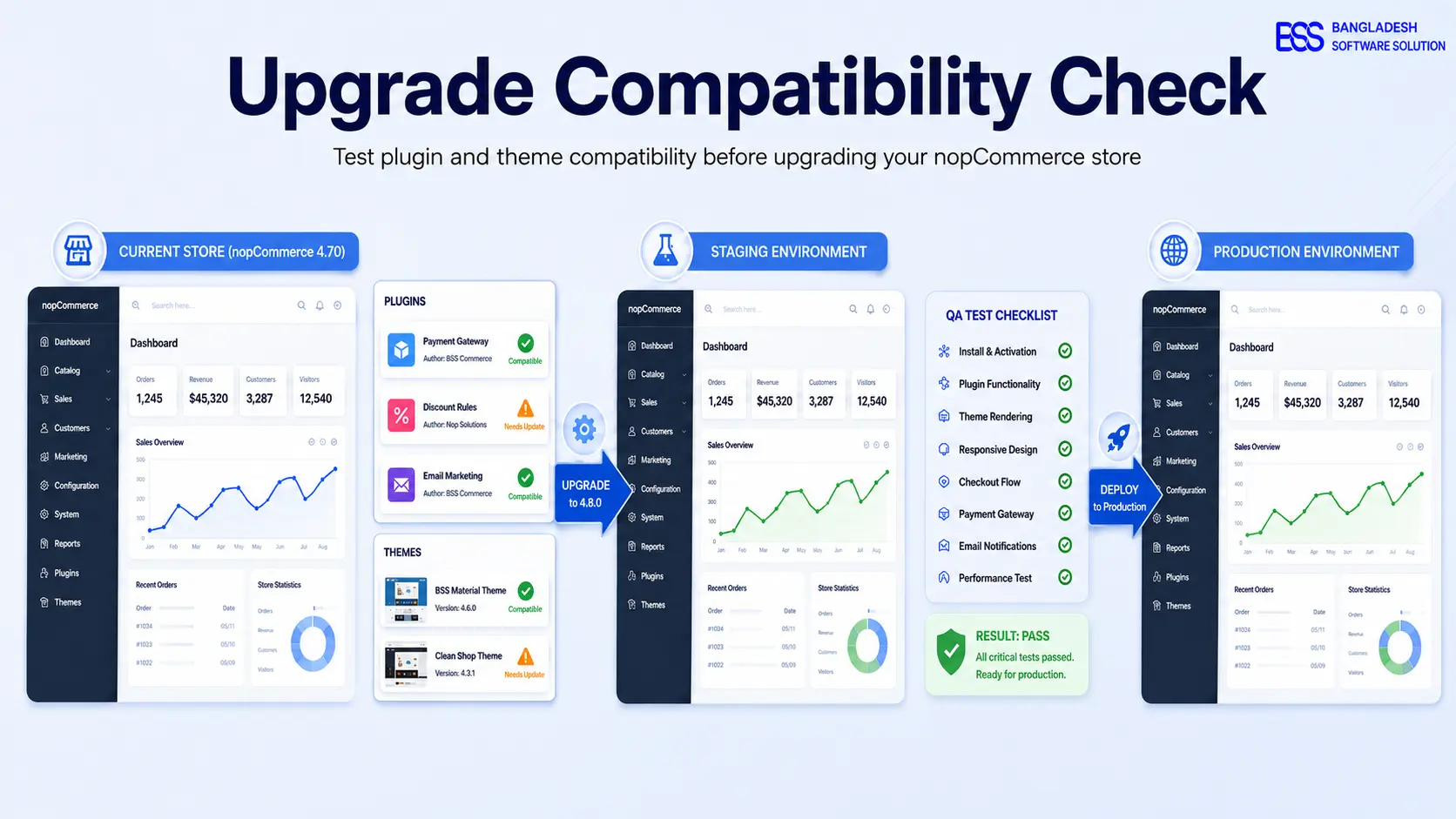
Test shortlisted extensions one at a time on a staging copy. The compatibility process in our plugin and theme compatibility guide provides a reusable regression plan for storefront, checkout, admin, scheduled tasks, and upgrades.
Not Sure Whether to Buy, Build, or Keep the Free Option?
BSS engineers can audit plugin fit, test compatibility, estimate ownership cost, and recommend an off-the-shelf or custom path based on your actual workflow.
Frequently Asked Questions
Final Thoughts
Return to the launch decision. The free plugin may be the right choice if the requirement is contained, maintenance is visible, and replacement is easy. The paid plugin may be cheaper if it protects a critical workflow, removes development time, and provides a dependable upgrade and support path.
The useful question is not “Can we avoid paying?” It is “Which option gives us the lowest risk-adjusted ownership cost for this job?” Apply the same scorecard to both, test in staging, and buy only when the value survives that comparison.