Your store is nearly ready to launch. Products are imported, the theme looks polished, and test orders work. Then the practical gaps appear: the preferred payment gateway is missing, shipping prices are manual, shoppers cannot filter a large catalog, checkout feels long, and no one is recovering abandoned carts.
The tempting response is to install a plugin for every problem. That creates a different risk: overlapping scripts, slower pages, upgrade conflicts, duplicated events, and a checkout that becomes harder to troubleshoot. The must-have nopCommerce plugins for 2026 are therefore not one universal shopping list. They are a small set of capabilities chosen around how your store sells, delivers, and supports customers.
The 2026 rule: install the minimum plugin stack that protects revenue, removes buying friction, and connects essential operations. Every extension must have an owner, a test plan, and a reason to remain installed.
What Makes a nopCommerce Plugin “Must-Have”?
A plugin earns a place in the core stack when the store cannot complete or reliably support a critical customer journey without it. Payment and delivery integrations often qualify immediately. A merchandising widget may be valuable, but it becomes essential only when it solves a measured discovery or conversion problem.
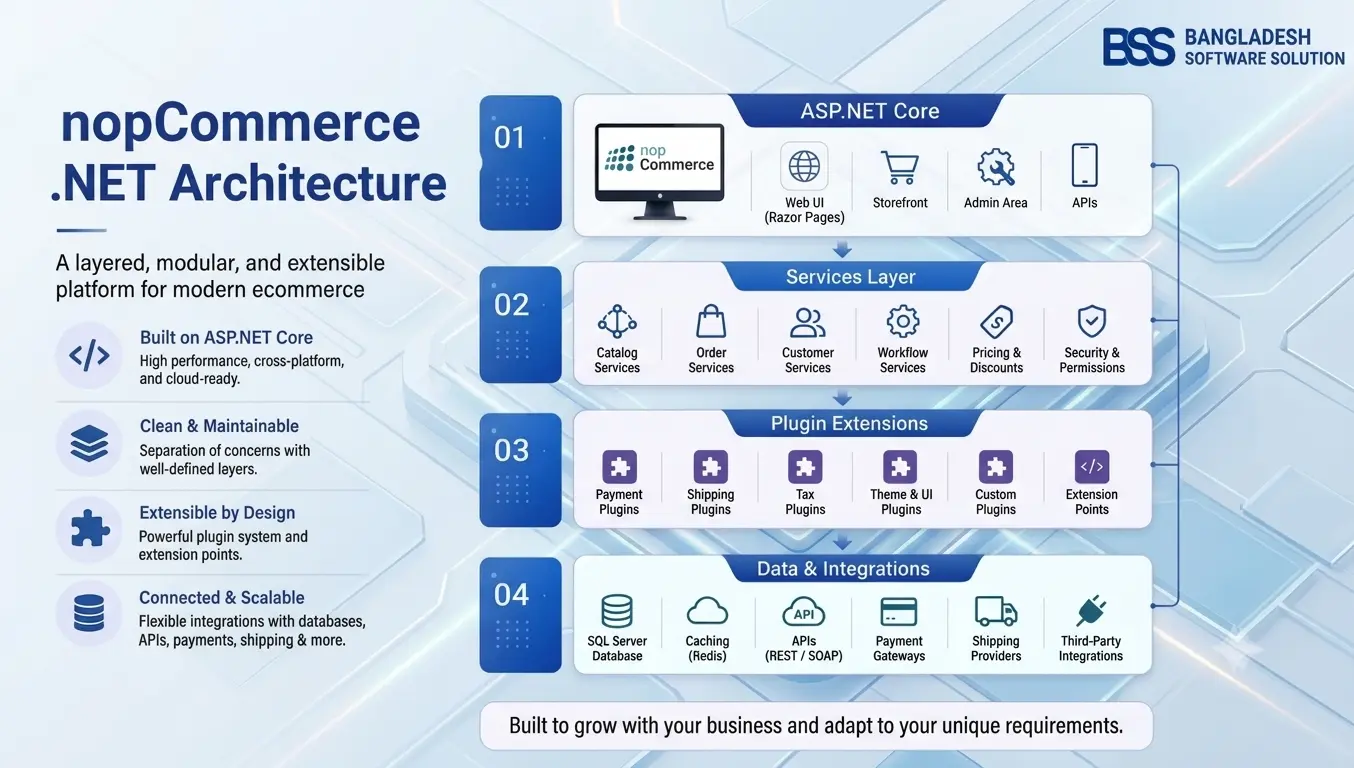
nopCommerce itself groups plugin capabilities around payment methods, shipping-rate computation, pickup points, tax providers, exchange rates, discount requirements, external authentication, multi-factor authentication, widgets, and miscellaneous integrations. That architecture is useful for planning: choose one accountable solution for each required capability rather than several extensions that compete for the same event or screen.
| Priority | Install when | Examples |
|---|---|---|
| Launch-critical | Orders cannot be completed or fulfilled correctly without it | Payment, shipping, tax or compliance integration |
| Revenue-critical | It removes a verified conversion or merchandising bottleneck | Checkout, search, filters, cart recovery |
| Operations-critical | It prevents manual work or connects a required system | API, invoicing, order tracking, ERP connector |
| Optional enhancement | It improves presentation but is not tied to a current problem | Extra sliders, badges, carousels or visual effects |
Before buying, use the nopCommerce Marketplace Guide to verify the publisher, supported version, documentation, update history, license, and support terms.
1. Payment Gateway Plugins
Payment is the first non-negotiable category. The correct plugin must support the gateway your customers trust, the countries and currencies you serve, and the transaction actions your operations team needs. Depending on the provider, those actions can include authorization, capture, void, full refund, partial refund, and recurring payments.
Do not choose only by logo recognition. Confirm webhook handling, duplicate-payment protection, failed-payment recovery, test mode, secure credential storage, refund behavior, and compatibility with your nopCommerce version. A gateway that accepts cards but leaves staff reconciling statuses manually is not fully integrated.
For stores using Stripe, evaluate the documented fit of BSS Stripe Payment. Regional stores should compare gateways their customers actually use, such as bKash or SSLCommerz, rather than forcing a globally familiar option onto a local buying journey.
2. Shipping Rate, Label, and Tracking Plugins
Once payment succeeds, shipping determines whether the promised total and delivery date are credible. Physical-product stores typically need either live carrier rates, structured rule-based rates, or an integration that pushes orders to a delivery provider.
Official nopCommerce guidance confirms that shipping providers are plugins and can return available methods and rates. Your choice should match package dimensions, warehouses, destinations, free-shipping rules, pickup options, labels, tracking updates, and fallback behavior when an external API is unavailable.
Multi-carrier operations can explore BSS Sendcloud, while the real-time shipping plugin guide explains how to compare rate calculation, fulfillment, and regional delivery requirements before choosing.
3. Checkout Optimization Plugins
A checkout plugin becomes essential when the default journey creates measurable abandonment or when the store needs a compact flow tailored to its products and customers. The goal is not simply fewer pages. It is fewer surprises, clearer validation, reliable totals, and an obvious next action.
Evaluate guest checkout, address handling, shipping and payment refreshes, discount application, tax recalculation, mobile layout, validation messages, analytics events, and compatibility with every payment and shipping plugin. A visually attractive one-page checkout that calculates totals incorrectly is worse than a longer stable flow.
If consolidation fits the journey, review BSS OnePage Checkout. Pair any checkout change with a baseline and a test plan; our checkout design guide shows which friction points to measure before and after launch.
4. Search and Ajax Filtering Plugins
Search and filtering are optional for a ten-product catalog and vital for a ten-thousand-product catalog. They become must-have when shoppers need to narrow products by size, color, brand, price, compatibility, stock status, or other attributes.
Look beyond the filter panel. Test index freshness, query speed, mobile controls, filter combinations, SEO handling of faceted URLs, no-result recovery, and whether counts match the catalog. The extension should help shoppers reach a relevant product without generating an uncontrolled number of crawlable parameter pages.
Stores with attribute-heavy catalogs can evaluate BSS Ajax Filter as one candidate, then validate performance against real category sizes and representative devices.
5. SEO and Structured Data Plugins
nopCommerce provides important SEO foundations, but larger catalogs often need better control over structured data, templates, metadata workflows, and content QA. An SEO plugin is useful when it fixes a specific discoverability gap—not when it repeats settings already available in the platform.
Prioritize canonical consistency, product and breadcrumb schema, valid offers, image and brand data, metadata editing, sitemap behavior, and compatibility with multi-store or multilingual configurations. Avoid extensions that promise rankings through keyword stuffing or automatically generate unsupported ratings and availability.
For structured-data requirements, examine BSS Advanced SEO Schema. For assisted metadata workflows, BSS AI SEO Assistant is a separate use case. Treat generated text as a draft and keep a human review step.
6. Authentication, Privacy, and Trust Plugins
Trust extensions should reduce account friction or meet a real legal and security requirement. External login can make registration easier; multi-factor authentication can protect privileged accounts; consent tools can support a documented privacy implementation.
Choose authentication plugins according to the identities customers already use and verify account-linking, email collisions, logout, deleted accounts, and recovery flows. For consent tools, involve legal counsel in the policy and category design; installing a banner alone does not create compliance.
7. Cart Recovery and Customer Retention Plugins
A recovery plugin becomes important once the store has enough qualified checkout traffic to measure abandonment. It should identify recoverable carts, respect consent and communication rules, avoid duplicate messages, and attribute recovered revenue accurately.
Start with one conservative sequence and clear suppression rules. Do not send reminders after purchase, during an active support issue, or indefinitely. Monitor delivery, click-through, conversion, unsubscribes, and recovered margin rather than celebrating message volume.
BSS Cart Reminder is a relevant product to assess for this workflow. Before configuring automation, use the cart-abandonment guide to fix preventable pricing, trust, delivery, and checkout problems first.
8. Product Discovery and Merchandising Plugins
Merchandising extensions help shoppers understand products faster. Quick view, product badges, image galleries, comparison, sliders, and recommendation components can be effective—but they should not all be installed by default.
Choose the feature that answers a specific shopping question. Use product ribbons when customers need to identify new, discounted, or limited-stock items. Use comparison when specifications drive the decision. Use quick view when shoppers benefit from checking key details without leaving a listing. On mobile, confirm that overlays, gestures, and added scripts do not obstruct the purchase path.
| Customer need | Plugin capability | BSS option to evaluate |
|---|---|---|
| Recognize offers quickly | Badges and promotional labels | BSS Product Ribbon |
| Inspect without losing the category page | Quick-view modal | BSS QuickView |
| Compare specifications | Advanced comparison | BSS Advanced Product Compare |
9. API and Business Integration Plugins
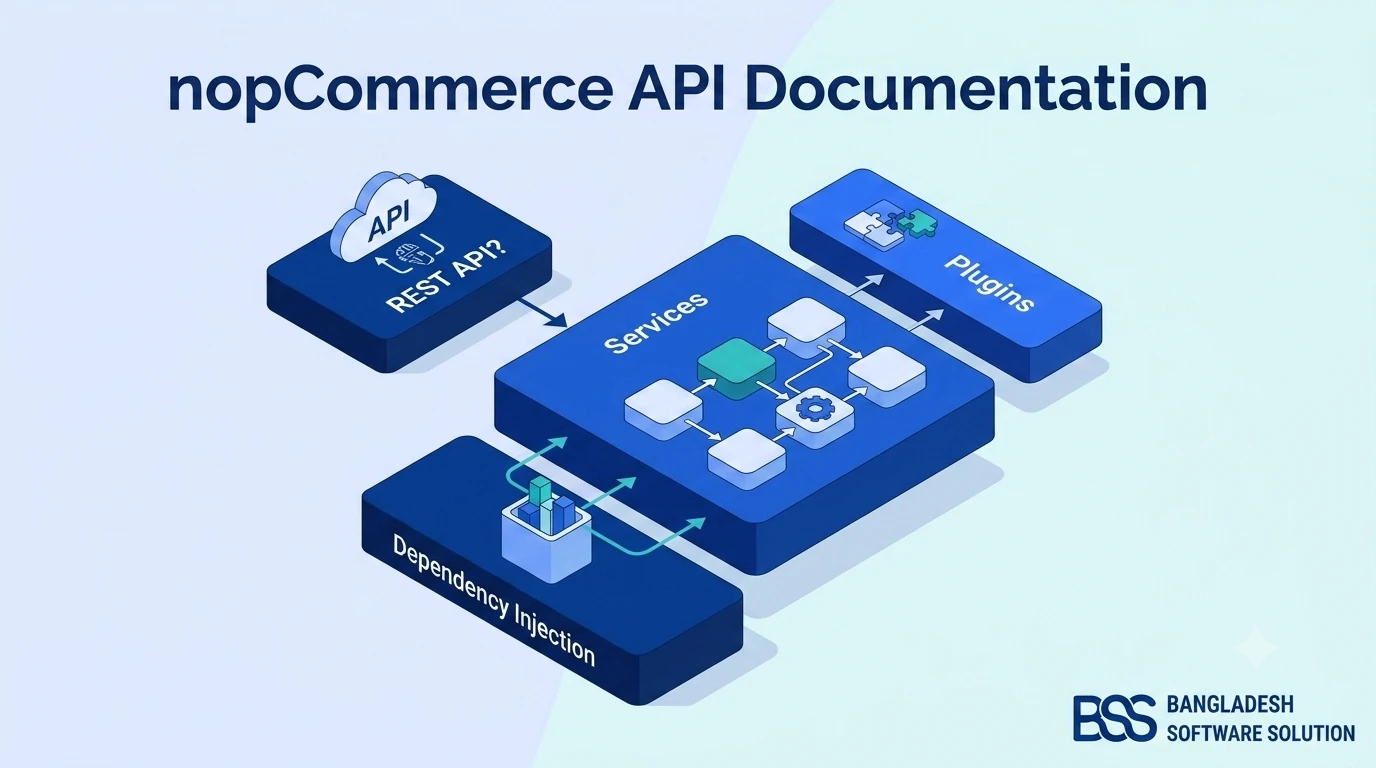
An API is not necessary for every small store, but it becomes foundational when nopCommerce must power a mobile app, headless storefront, marketplace workflow, ERP, warehouse system, CRM, or custom reporting service.
Evaluate authentication, authorization, endpoint coverage, pagination, webhooks, rate limiting, documentation, versioning, error responses, and upgrade policy. “Has an API” is not enough; the integration must expose the exact business operations safely.
Teams planning connected experiences can assess the BSS Nop REST API Plugin. Document which system owns each field before connecting platforms, or synchronization will turn conflicting updates into operational errors.
Build Your Minimum Viable Plugin Stack
The launch team from the opening scenario does not need every category on day one. It needs a gateway for its market, a dependable shipping workflow, and any compliance integration required to trade. Search, checkout optimization, recovery, merchandising, and API capabilities should enter the stack only when the catalog, traffic, or operating model justifies them.

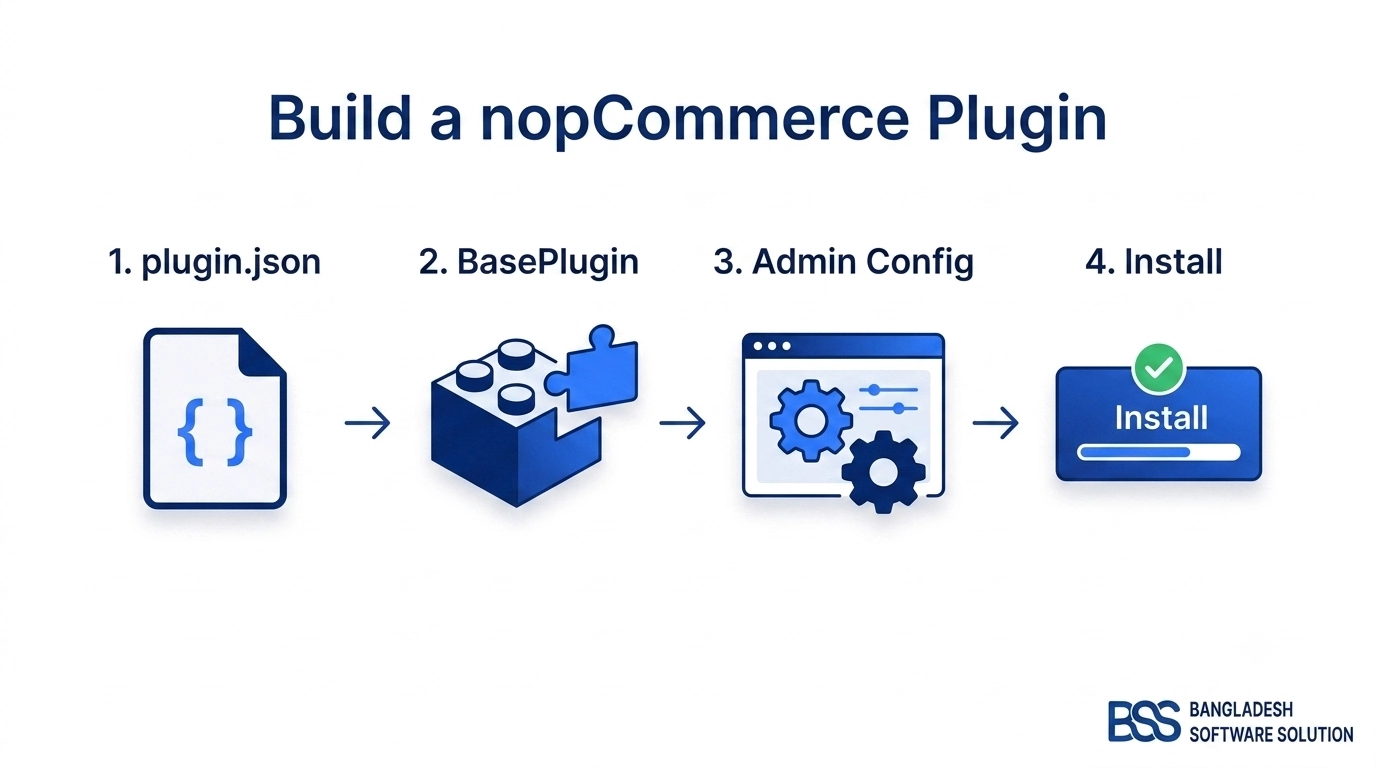
Minimum-stack process: map the customer journey; audit native nopCommerce functionality; select one owner per capability; verify the exact platf…2 tokens truncated…ersion and dependencies; test installation, checkout, background tasks, performance, rollback, and upgrades in staging; then record the license, vendor, credentials, renewal, support path, and removal plan.
Check Compatibility Before Installation
The marketplace can help you discover options, but store owners still need to validate fit. Confirm the supported nopCommerce version, package contents, vendor update cadence, source-code terms, license scope, documentation, and support window. Review what tables, routes, widgets, scheduled tasks, and external calls the plugin adds.
Install one extension at a time on staging and run regression tests after each addition. The plugin and theme compatibility guide provides a repeatable test plan. Also compare total ownership cost—not merely purchase price—using our free vs paid nopCommerce plugins guide.
Need Help Choosing a Lean, Compatible Plugin Stack?
BSS can audit your requirements, recommend existing extensions, test compatibility, and build custom functionality when an off-the-shelf plugin cannot safely fit the workflow.
Frequently Asked Questions
Final Thoughts
The launch team now has a clearer answer. It should not install every popular extension. It should secure payment, delivery, and required compliance first; then add search, checkout, retention, merchandising, SEO, and integration capabilities only where evidence supports them.
The best nopCommerce plugin stack in 2026 is deliberately small, well tested, and owned. When every extension solves a named problem and survives upgrade, security, and performance review, plugins become an advantage instead of accumulated technical debt.