Your dashboard for today reads forty-one add-to-carts and seven completed orders. Thirty-four shoppers picked something out, started toward checkout, and then just stopped — no error message, no support ticket, nothing that tells you why.
In our work rebuilding checkout flows for online stores, that gap is the single most common reason owners first call us, and it's rarely a mystery once you know where to look. Cart abandonment isn't one problem — it's a handful of specific, mostly fixable moments where a shopper decided finishing the purchase wasn't worth it right now. This guide walks through what the abandonment number actually means, the real reasons behind it, the checkout fixes that prevent it, and the recovery tactics that win back the sales that still get away.
The Real Cart Abandonment Rate (and Why It's Not a Verdict on Your Store)
Before fixing anything, it's worth knowing what you're actually being measured against — because the honest number is higher than most first-time store owners expect.
According to Baymard Institute's ongoing meta-analysis of checkout behavior — one of the longest-running, most-cited datasets in ecommerce — the average online cart abandonment rate sits at just over 70%, and that figure has stayed structurally stable for several years running. Split by device, mobile abandonment runs meaningfully higher than desktop, which matters if most of your traffic already arrives on a phone.
Key Fact: if seven out of ten shoppers who add something to their cart never finish the order, you are not running a broken store — you're running a normal one. The number worth tracking isn't whether your cart abandonment rate hits zero; it's whether it trends down as you remove the specific friction points covered below.
So where does that 70% actually come from? Some of it you can't fix, and shouldn't try to. Most of it, you can.
Why Shoppers Actually Leave (and Which Reasons Aren't Your Fault)
A meaningful share of abandoned carts were never going to convert today, regardless of what your checkout looked like. Baymard's research finds that 43% of shoppers who abandon say they were "just browsing or not ready to buy" — comparison shopping, waiting on payday, or building a wishlist disguised as a cart. That's not a checkout problem; it's normal browsing behavior, and it's better addressed with a price-drop or back-in-stock email than a redesigned form.
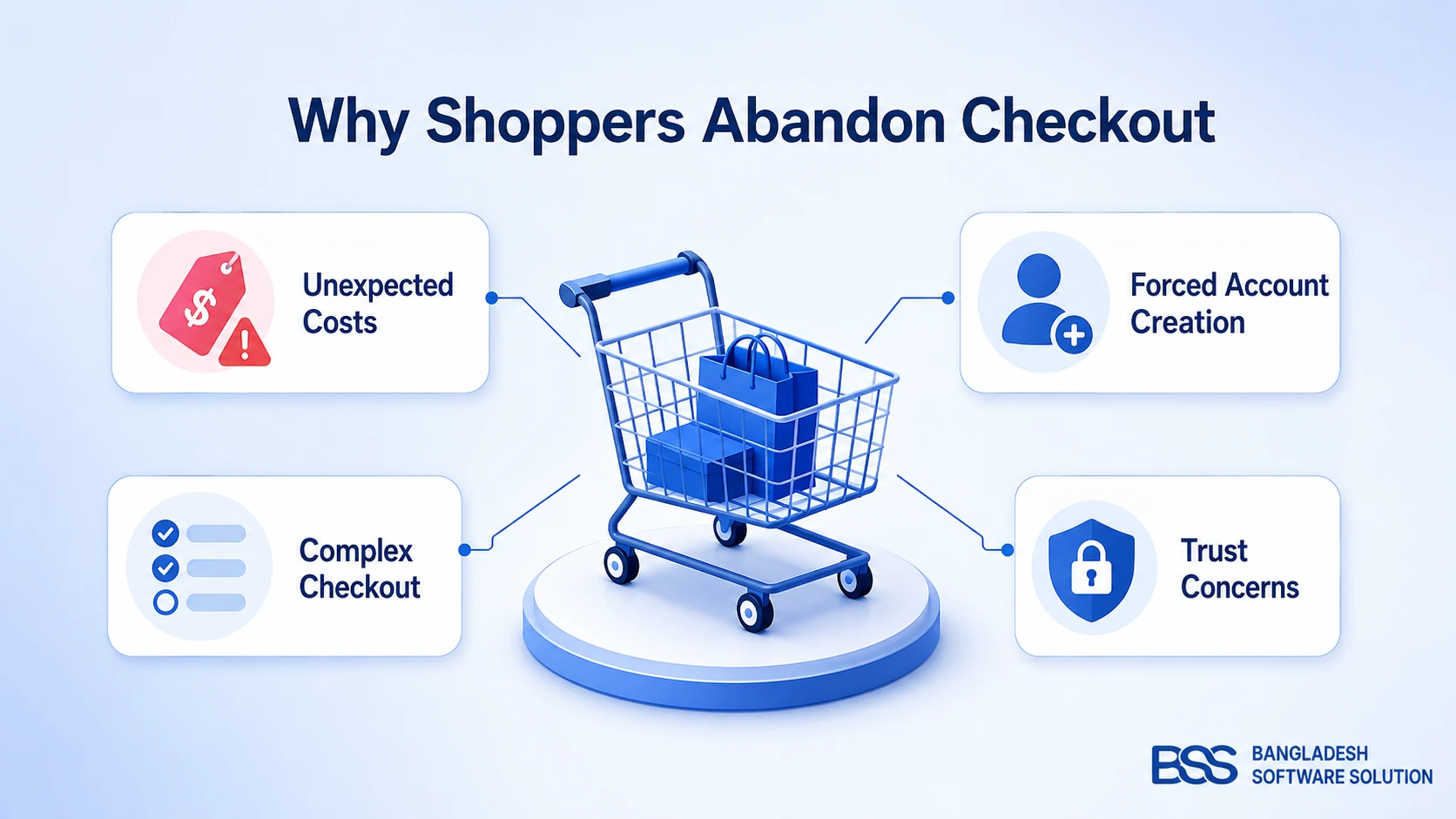
The remaining reasons are a different story. They're friction a store introduced, and every one of them shows up repeatedly in the checkout audits we run for clients:
Fixing the Checkout Itself: Removing Friction Before Anyone Leaves
Each of those four causes has a direct, checkout-level fix — and in our experience auditing stores, most are only missing one or two of them, not all four at once.
Show the Real Cost Early
A common mistake we see is a store that discloses shipping and tax only at the very last step, after a shopper has already invested several minutes filling in details. Surface a shipping estimate — even an approximate one based on region — as early as the product page or the cart itself, so the final total is a confirmation, not a surprise.
Make Guest Checkout the Default
In our audits, the account-creation prompt itself is rarely the problem — making it mandatory, and placing it before the buy button, is. Offer a real one-click guest path and invite account creation afterward, once the order is placed and the value of an account (order history, faster reorders) is obvious rather than assumed.
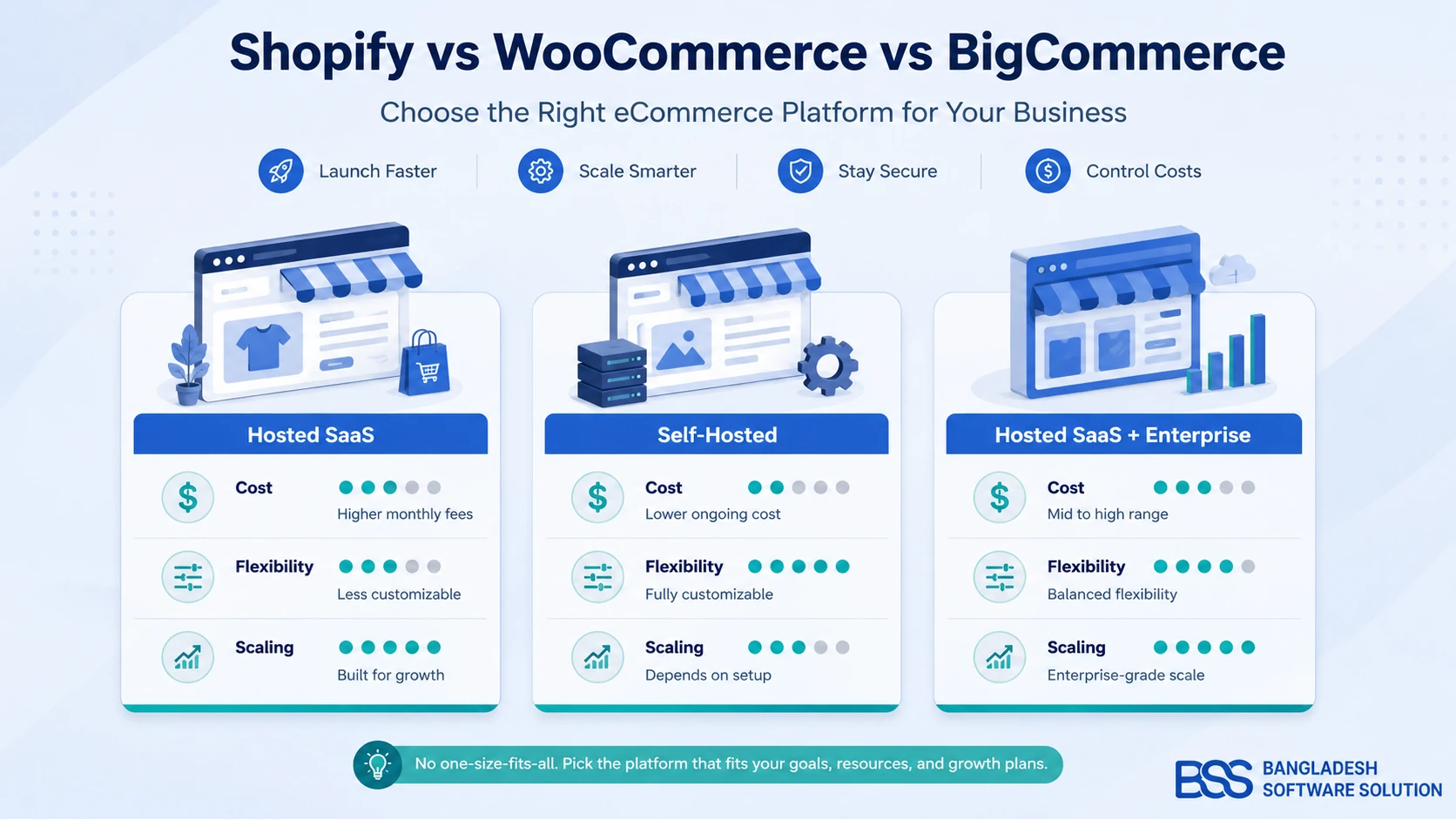
If you're still finalizing which platform to build all of this on, our comparison of the best ecommerce platforms for small businesses breaks down which ones treat guest checkout as a baseline feature versus something you have to configure yourself.
Cut the Checkout Down to What Actually Earns Its Place
Every required field should be able to justify why it's required. A company name field on a consumer store, a second address-confirmation step, a marketing opt-in checkbox blocking the submit button — each one is a small tax on a shopper's patience, and Baymard's 21% "too long or complicated" figure is the sum of exactly this kind of accumulated friction, not one dramatic flaw.
Add Trust Signals Where the Decision Actually Happens
Security badges in the footer don't help a shopper who's already hesitating at the payment field. Put a secure-checkout badge and a visible support contact right next to where card details are entered, and offer more than one payment method appropriate to your market — in Bangladesh and similar markets, that increasingly means SSLCommerz or bKash alongside card payments, not instead of them.
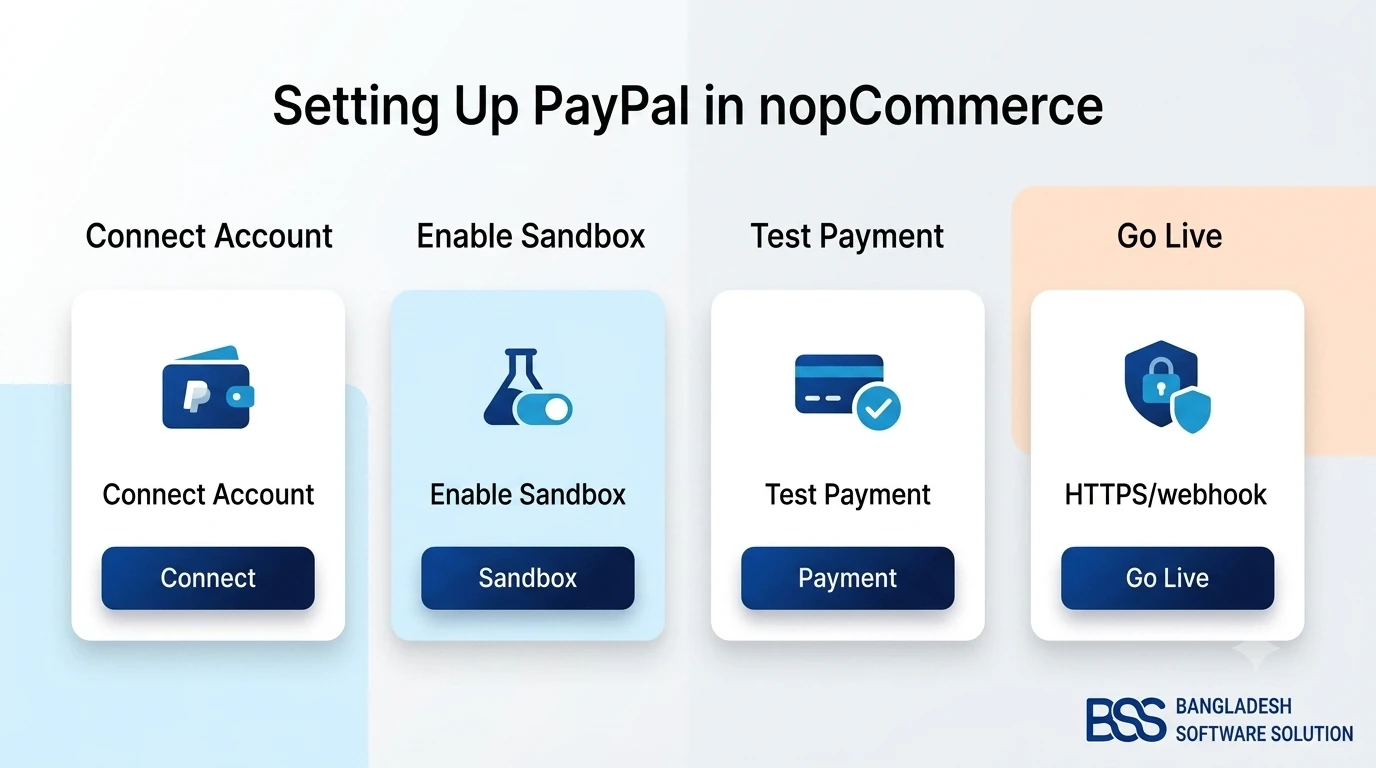
If you're running nopCommerce and a familiar option like PayPal isn't wired up yet, we've walked through setting up PayPal as a payment plugin in nopCommerce end-to-end, including the webhook mistake that trips up almost every first attempt.
Checkout Friction Audit
-
✓Show a shipping and tax estimate before the final step — no surprise line items.
-
✓Offer a genuine guest-checkout path, not a "skip for now" link buried below the signup form.
-
✓Cut checkout to the fewest fields and steps you can defend — test whether each one earns its place.
-
✓Display trust signals — secure-checkout badges, a real support contact — near the payment fields, not just the footer.
-
✓Offer more than one payment method appropriate to your market, not just a single global card processor.
-
✓Load-test the checkout page itself — a slow or error-prone step is its own abandonment cause, separate from form design.
Turn Checkout Friction Into Recovered Revenue — Let BSS Rebuild It
From guest checkout and transparent cost breakdowns to abandoned-cart email pipelines and local payment integrations like SSLCommerz and bKash, our engineers implement the checkout and recovery flow a default nopCommerce setup won't hand you out of the box. Tell us where shoppers are dropping off and we'll scope the fix.
Winning Carts Back After They Leave
Even a well-designed checkout won't convert every visit — which is exactly where recovery tactics take over from prevention. This is the layer that turns "gone" into "still recoverable."
The Abandoned Cart Email Sequence
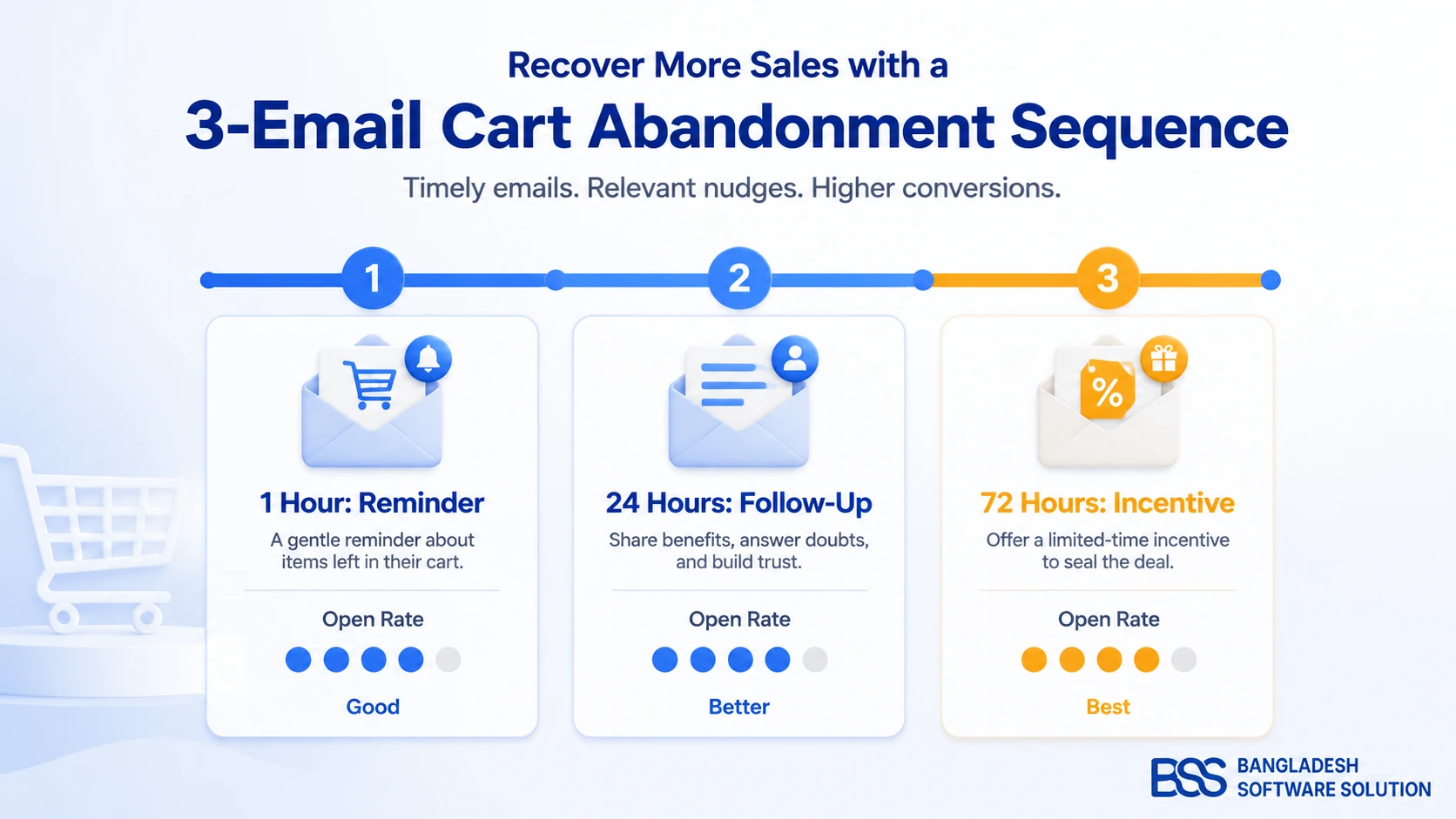
A single, well-timed email recovers more than most stores expect. Klaviyo's benchmark data across thousands of stores puts the typical abandoned-cart email sequence at recovering somewhere between 8% and 15% of otherwise-lost revenue, with the first email in a sequence consistently earning the highest open rate — timing matters more than clever copy.
A three-email sequence works well for most stores: an immediate reminder within about an hour (while intent is still fresh and no discount is needed), a follow-up at 24 hours addressing any hesitation directly, and a final message around 72 hours that's the one place a modest incentive earns its keep.
Retargeting Ads and Exit-Intent Popups
Retargeting ads keep an abandoned product in front of a shopper as they browse elsewhere, and exit-intent popups catch the moment someone's cursor heads for the close button. Both work, but both wear out their welcome fast if every visit triggers one — reserve them for genuine cart abandonment, not casual browsing, or you'll train visitors to ignore them entirely.
Pro Tip: Don't Lead With a Discount Every Time
A common mistake we see is a first recovery email that opens with a coupon code. Do that consistently and you teach repeat shoppers to abandon on purpose, knowing a discount is coming. Save the incentive for the final email in the sequence, after a plain reminder and a hesitation-addressing follow-up have already had their chance.
Choosing How You'll Actually Implement This: DIY, Custom Build, or Professional Setup
The honest comparison isn't whether checkout fixes and recovery emails work — the data above settles that. It's which approach gets them running correctly for your specific store, on a timeline that doesn't stall the rest of your roadmap.
| Approach | Time investment | Cost | Best for |
|---|---|---|---|
| Manual / DIY | Low to start, high ongoing tuning | Free or near-free plugin, but generic copy and no real segmentation | Early-stage stores validating that recovery emails work at all |
| Custom-built system | High upfront, low ongoing once built | Development cost, but a recovery flow that matches your exact funnel and data | Stores with unusual checkout logic — multi-currency, wholesale tiers, subscription carts |
| Professional implementation | Low — configuration and testing, not construction | One-time engineering cost, tuned once and left running | Most growing stores; avoids the webhook, timing, and deliverability mistakes a first DIY attempt usually makes |
For most stores, professional implementation wins on time-to-value — configured correctly once instead of debugged repeatedly. If your checkout logic is genuinely unusual enough to need a custom build from scratch, our breakdown of what a nopCommerce store actually costs to build is a useful reference point for scoping that investment before you commit to it.
Frequently Asked Questions
Final Thoughts
Back to that dashboard: forty-one add-to-carts, seven orders, thirty-four gone quiet. That gap was never a mystery — it's a checklist. Transparent costs shown early, a genuine guest-checkout option, a shorter form, and trust signals where the decision actually happens remove a meaningful share of that 70% before it ever becomes "lost."
What's left after that isn't a failure — it's exactly what a well-timed recovery email sequence and disciplined retargeting are built to win back. Whether that means tuning your existing checkout, wiring up your first abandoned-cart sequence, or having someone audit the whole flow end-to-end, we're glad to look at your specific store and tell you honestly where the friction actually is.