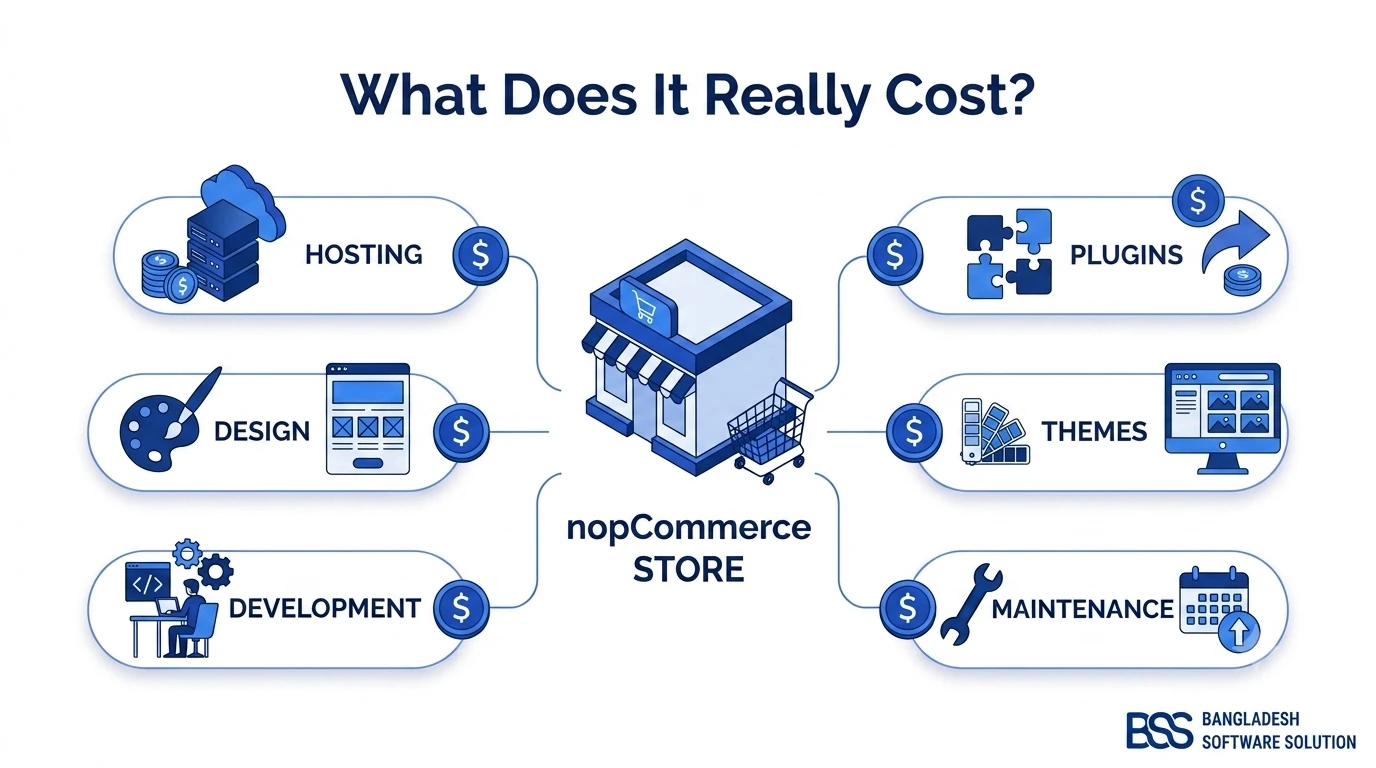
"nopCommerce is free" is the first thing most people learn about the platform, and it's true — but it's also just one line item in a much longer budget. The nopCommerce Community Edition costs nothing to download, install, or run commercially: there's no license fee, no per-order tax, and no revenue-share cut the way there is with a SaaS platform. What isn't free is everything you build on top of it — the developer time to configure and customize it, the server it runs on, the theme that makes it look like your brand, and the plugins that make it do what your business actually needs.
This guide breaks down every real cost bucket in a nopCommerce project, one-time and ongoing, with honest ballpark ranges pulled from how these projects are typically scoped and quoted — so you can budget realistically instead of guessing, and ask sharper questions when you're comparing quotes from different agencies.
What Actually Drives the Cost of a nopCommerce Store
Two stores built on the identical, free nopCommerce core can cost wildly different amounts to launch. The gap comes down to a handful of variables — understanding them is the fastest way to get an accurate quote instead of a guess.
Key Fact: nopCommerce Community Edition has zero licensing cost. Per nopCommerce's own licensing terms, it's released under a permissive open-source license with no fee to install, run, or sell through — commercially or otherwise. Nearly every dollar in a typical project budget goes toward implementation, not the software itself.
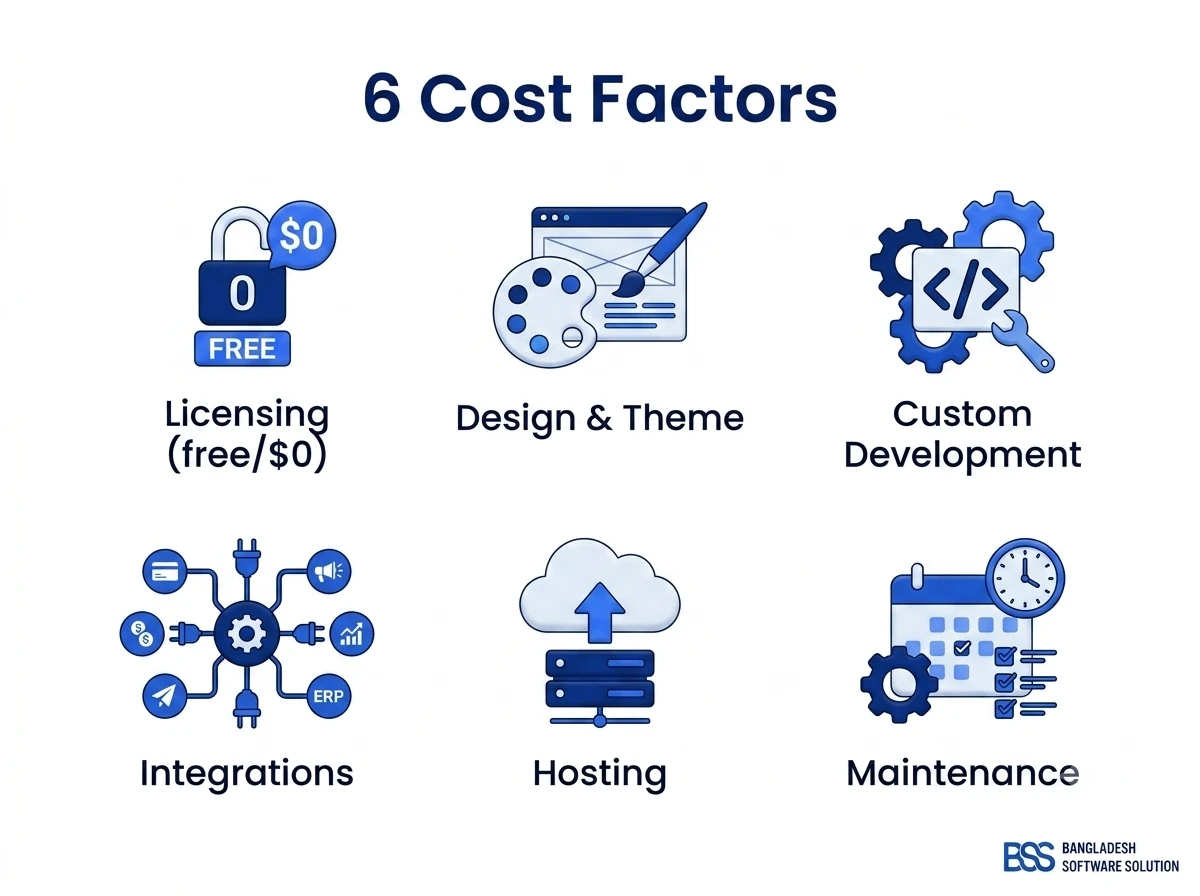
The main cost drivers
Where a "free" platform still costs money
Beyond design and development, store complexity itself is a multiplier: a five-category catalog with the default checkout is a fraction of the effort of a multi-vendor marketplace with custom pricing tiers or subscription billing. Hosting tier matters too — a small catalog runs comfortably on a modest VPS, while a high-traffic store needs a beefier server, a CDN, and more attention to caching (see our nopCommerce caching guide for how the right setup lets you run on a smaller, cheaper server tier). And nopCommerce itself also sells its own managed Cloud hosting and paid technical-support plans as an alternative to self-hosting the free download — a separate line item worth asking about if you'd rather not manage a server yourself.
One-Time vs. Ongoing Costs: The Full Line-Item List
Every nopCommerce project budget splits into two buckets: what you pay once to build the store, and what you keep paying to run it. Missing the second bucket is the single most common budgeting mistake we see.
Line-item cost table
| Cost Item | What It Covers | Typical Impact |
|---|---|---|
| Hosting & infrastructure | VPS/cloud server, database, CDN, backups | High — recurring |
| Theme (off-the-shelf vs. custom) | Visual design and front-end build | Medium — one-time |
| Core development & configuration | Store setup, shipping/tax rules, checkout flow | High — one-time |
| Custom plugins | Anything the marketplace doesn't already sell | High — one-time |
| Third-party integrations | Payment gateways, ERP/CRM, shipping carriers | Medium — one-time |
| Data migration | Products, customers, order history from an old platform | Medium — one-time |
| Ongoing maintenance | Security patches, minor version upgrades, small fixes | Medium — recurring |
The plugin marketplace can offset development cost
Before commissioning custom development, check the official nopCommerce Marketplace. Many common needs — advanced search, loyalty points, multi-vendor support, extra payment gateways — already exist as paid, ready-made plugins that cost far less than building the same feature from scratch.
Typical Budgets by Store Size
Ranges below are ballpark figures pulled from how nopCommerce projects are commonly scoped and quoted across agencies — treat them as a starting point for a conversation, not a fixed price list. Your exact number depends on region, agency, and how much of the work a ready-made plugin can cover versus custom code.
| Tier | Typical Scope | Ballpark Dev Cost* |
|---|---|---|
| Basic / Starter | Default or lightly customized theme, standard catalog, one payment gateway, no custom plugins | $3,000 – $8,000 |
| Standard / Growth | Custom theme, several integrations (ERP/CRM), 2–4 custom plugins, data migration from an old platform | $10,000 – $35,000 |
| Enterprise / Multi-store | Multi-store or multi-vendor setup, complex B2B pricing, heavy custom development, dedicated infrastructure | $50,000+ |
*Ballpark ranges only, excluding ongoing hosting and maintenance — always get a scoped quote for your exact requirements.
nopCommerce Cost vs. Shopify and Other Platforms
The honest comparison isn't "free vs. paid" — it's upfront cost vs. total cost of ownership over the life of the store.
For a full side-by-side, see our nopCommerce vs Shopify comparison and nopCommerce vs WooCommerce comparison — both walk through where each platform wins on cost depending on your store's size and growth plans.
How to Budget for Your nopCommerce Project
If you're new to the platform, it's worth reading our beginner's guide to nopCommerce before requesting quotes — understanding what the platform includes out of the box makes it much easier to tell which line items in a quote are genuinely custom work.
From there, three habits keep a nopCommerce budget realistic instead of a surprise:
- Scope an MVP first — launch with the default theme and core plugins to validate the store, then invest in custom design and features as revenue justifies it.
- Ask for an itemized quote — broken into discovery, design, development, integrations, migration, and QA, not a single lump sum.
- Budget the ongoing costs separately — hosting, renewals, and a support retainer belong in your first-year number, not just the launch number.
Ask for an itemized quote, not a lump sum
A trustworthy nopCommerce agency will break a quote into distinct discovery, design, development, integration, migration, and QA line items — the same categories covered in this article. That itemization is what lets you compare quotes apples-to-apples and spot which parts of your project are driving the cost.
Need a nopCommerce Developer? Hire the BSS Team
From custom plugins and theme work to full-store builds and performance tuning, our dedicated nopCommerce engineers ship production-grade code. Tell us what you need and we'll match you with the right developer.
Frequently Asked Questions
Final Thoughts
nopCommerce's price tag reads as $0, but the real number is whatever it costs to build, host, and maintain the store around it, and that number is almost entirely under your control. Stores that end up over budget are usually the ones that skipped an itemized quote and discovered custom-plugin costs, a hosting tier upgrade, or migration effort halfway through the project. Scope honestly, budget for the ongoing line items, and a nopCommerce store can be one of the more cost-efficient ways to own an ecommerce platform outright rather than rent one.