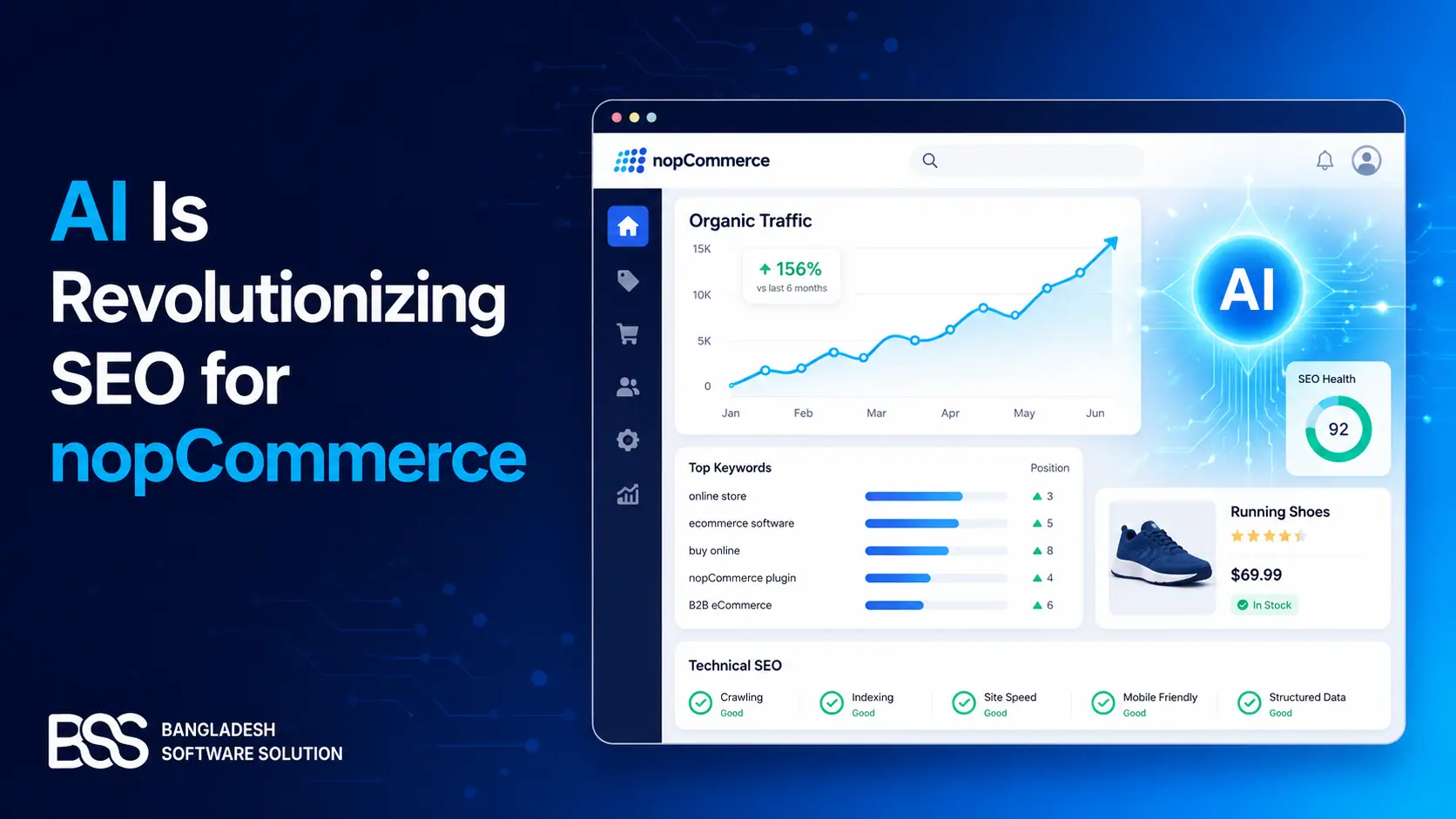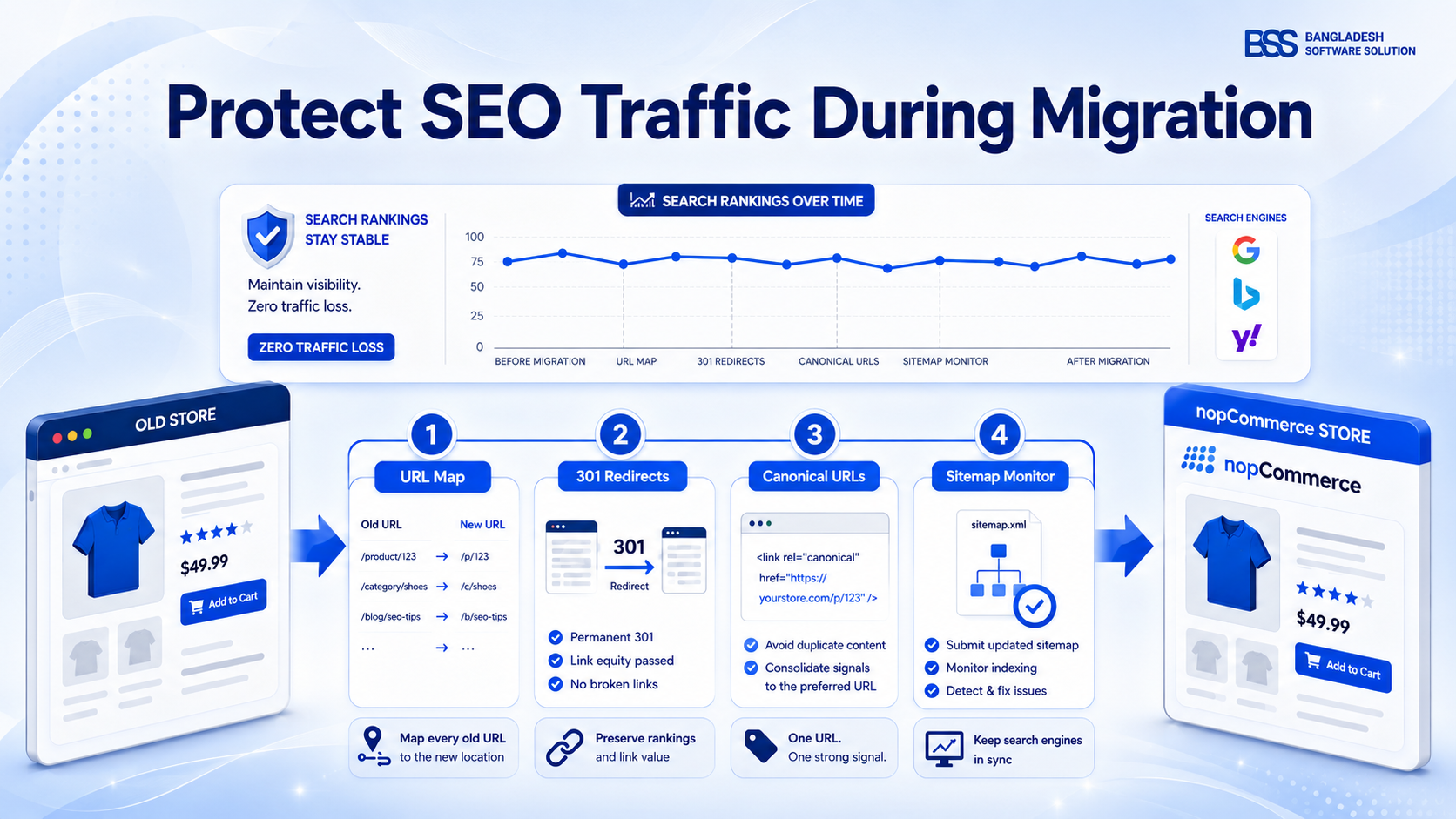
SEO traffic loss is one of the biggest risks when an ecommerce store migrates to nopCommerce. The platform change may be successful technically, but if product URLs, category paths, redirects, canonical tags, metadata, and crawl controls are mishandled, search engines can temporarily or permanently lose confidence in the pages that used to rank.
A nopCommerce migration is not just a data import. It is a controlled URL, content, and signal migration. Every old product, category, manufacturer, blog, and landing page that has organic value needs a destination, a redirect decision, and a post-launch monitoring plan. Google Search Central recommends preparing URL mappings, testing the new site, configuring redirects, and monitoring both old and new URLs during a site move; it also notes that ranking fluctuations are normal while Google recrawls and reindexes changed URLs.
The practical goal: move users and crawlers from the old store to the new nopCommerce store with as few surprises as possible.
That means preserving the URLs you can, redirecting the URLs you cannot, keeping content intent stable, and using Search Console data to find problems before revenue notices them.
Where SEO traffic loss starts in a migration
Most migration traffic drops come from a small set of repeatable mistakes. The dangerous part is that they often look like normal launch tasks: changing a category URL, cleaning product names, switching HTTP to HTTPS, retiring thin pages, or blocking the staging site. Each change can be valid, but stacking them all at once makes it harder for search engines to connect the old store with the new one.
Before a nopCommerce migration, export landing pages from Google Search Console and analytics. Prioritize URLs that receive clicks, impressions, backlinks, assisted conversions, or branded search visibility. A page with only a few visits may still be important if it is a high-margin product or a category that supports internal linking.
Build a nopCommerce URL map before launch
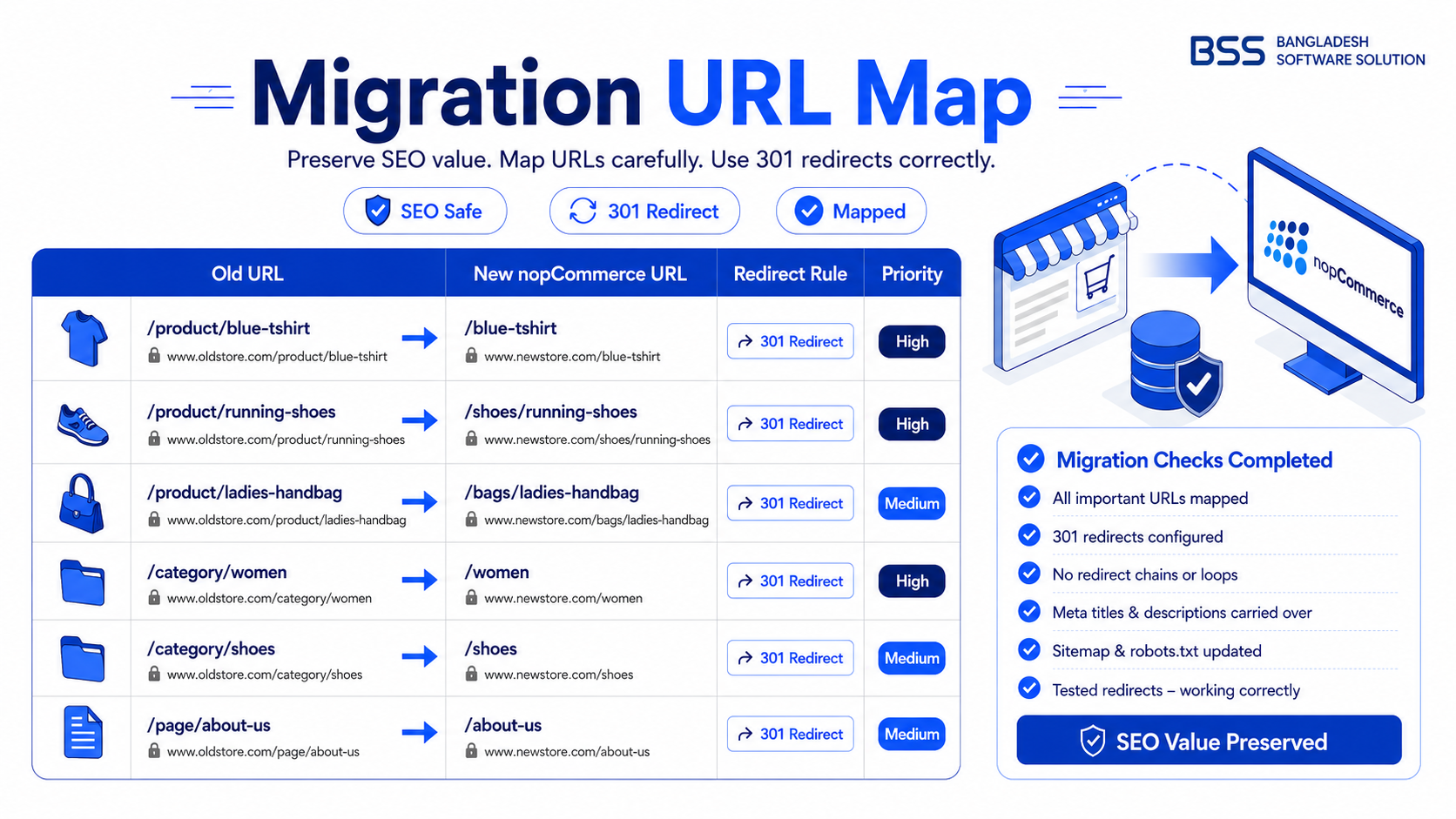
The URL map is the migration control sheet. For each old URL, record the new nopCommerce destination, page type, status decision, current title, target title, canonical URL, and redirect rule. The work is slower than a generic import, but it prevents guesswork on launch day.
In nopCommerce, pay close attention to the search engine friendly page names used for products, categories, manufacturers, topics, and blog content. If the old URL was already clean and ranking, preserve the slug where possible. If the old platform used query-string product URLs or category IDs, map them to the new human-readable nopCommerce URL and redirect permanently.
Do not redirect everything to the homepage
Homepage redirects are easy to configure, but they are weak for users and crawlers. If an old product is replaced, redirect to the replacement product. If a category is merged, redirect to the closest matching category. If there is no relevant substitute, return a proper 404 or 410 instead of pretending the homepage answers the query.
Use redirects and canonicals with a clear job split
Redirects and canonicals are related, but they do not solve the same problem. A redirect moves users and crawlers from an old URL to a new URL. A canonical tells search engines which URL is preferred when similar content remains accessible through multiple URLs. Google's redirect documentation explains that permanent redirects are used when a page has moved permanently, while its canonical guidance explains how to consolidate duplicate URLs.
A common migration issue is mixing temporary and permanent signals. If the old page is permanently moved, use a permanent redirect. If the new product page also canonicalizes somewhere else, make sure that canonical points to the final indexable URL, not to the old platform, staging host, or a filtered variant.
| Migration item | What to check in nopCommerce | Traffic risk |
|---|---|---|
| Top product URLs | Slug preserved or one-to-one permanent redirect to the new product page. | High impact |
| Category pages | Category hierarchy, page title, meta description, intro copy, and internal links remain relevant. | High impact |
| Faceted/filter pages | Indexable filters are intentional; low-value combinations are controlled with canonicals, noindex, or crawl rules. | Medium impact |
| Discontinued products | Redirect to a close substitute, parent category, or return 404/410 when there is no useful replacement. | Medium impact |
| Sitemap | XML sitemap contains final canonical nopCommerce URLs only and is submitted after launch. | High impact |
Technical SEO checklist for the nopCommerce launch window
Launch day should be boring. The best way to make it boring is to test the new nopCommerce store like a search engine and like a buyer before DNS, redirects, or checkout are switched over. Use a staging crawl, a production crawl immediately after launch, and a short list of revenue-critical URLs that humans inspect manually.
Pre-launch and launch-day checks
- 1Remove staging noindex rules and temporary robots.txt blocks only when production is ready. Keep private staging protected, but do not carry those blocks to the live store.
- 2Crawl old URLs against the redirect map and confirm they resolve in one hop to final HTTPS nopCommerce URLs.
- 3Check titles, meta descriptions, H1s, canonical tags, structured data, image alt text, and internal links on top products and categories.
- 4Generate and submit a sitemap that lists only final URLs. Google's sitemap guidance notes that sitemaps help search engines discover URLs, especially on large sites or sites with changed pages.
- 5Verify checkout, account pages, product search, category navigation, and mobile rendering. SEO traffic has little value if the migrated store cannot convert it.
If your migration includes theme changes, performance work, URL changes, and content rewrites, split risk where possible. Google advises changing one thing at a time during site moves when feasible. For ecommerce teams, that often means preserving content and URL intent during the platform move, then improving design and copy after the new store stabilizes.
Planning a nopCommerce migration?
The BSS team can help map URLs, preserve product SEO signals, configure redirects, and launch a nopCommerce store with fewer technical surprises.
Monitor the migration after launch
Even a clean migration needs monitoring. Search engines process a site move URL by URL, so some pages settle quickly while others take longer. Google says a medium-sized website can take a few weeks for most moved pages to shift in its index, while larger sites may take longer depending on URL count and server speed.
In the first month, watch Search Console coverage, sitemap indexing, page experience, crawl stats, top query changes, and 404 reports. Compare old and new URL traffic together instead of judging the new nopCommerce URLs in isolation. A page that drops from the old URL but rises on the new URL may be behaving normally; a page that disappears from both needs investigation.
- Daily for the first week: redirect failures, server errors, robots.txt, sitemap submission, checkout-critical pages.
- Weekly for the first month: organic landing pages, ranking URLs, indexed pages, soft 404s, canonical selection, and revenue by organic channel.
- After stabilization: improve category copy, internal linking, schema coverage, Core Web Vitals, and editorial content without changing URLs unnecessarily.
Frequently Asked Questions
Final Thoughts
Migrating to nopCommerce is safest when SEO is treated as part of the migration architecture, not as a post-launch cleanup task. Preserve the URLs that already work, map every valuable old page, use redirects and canonicals for their proper jobs, and monitor the move until old and new signals settle.
The teams that avoid SEO traffic loss are usually not the teams with the most complex tooling. They are the teams with a complete URL map, a disciplined launch checklist, and the patience to change fewer things at once.