Think through a customer's visit to your electronics store: they search for a laptop model, compare its specifications, choose an accessory, and head to checkout. Before adding your next batch of products, check whether that whole journey works. Can they find the right item, confirm compatibility, and see a consistent price?
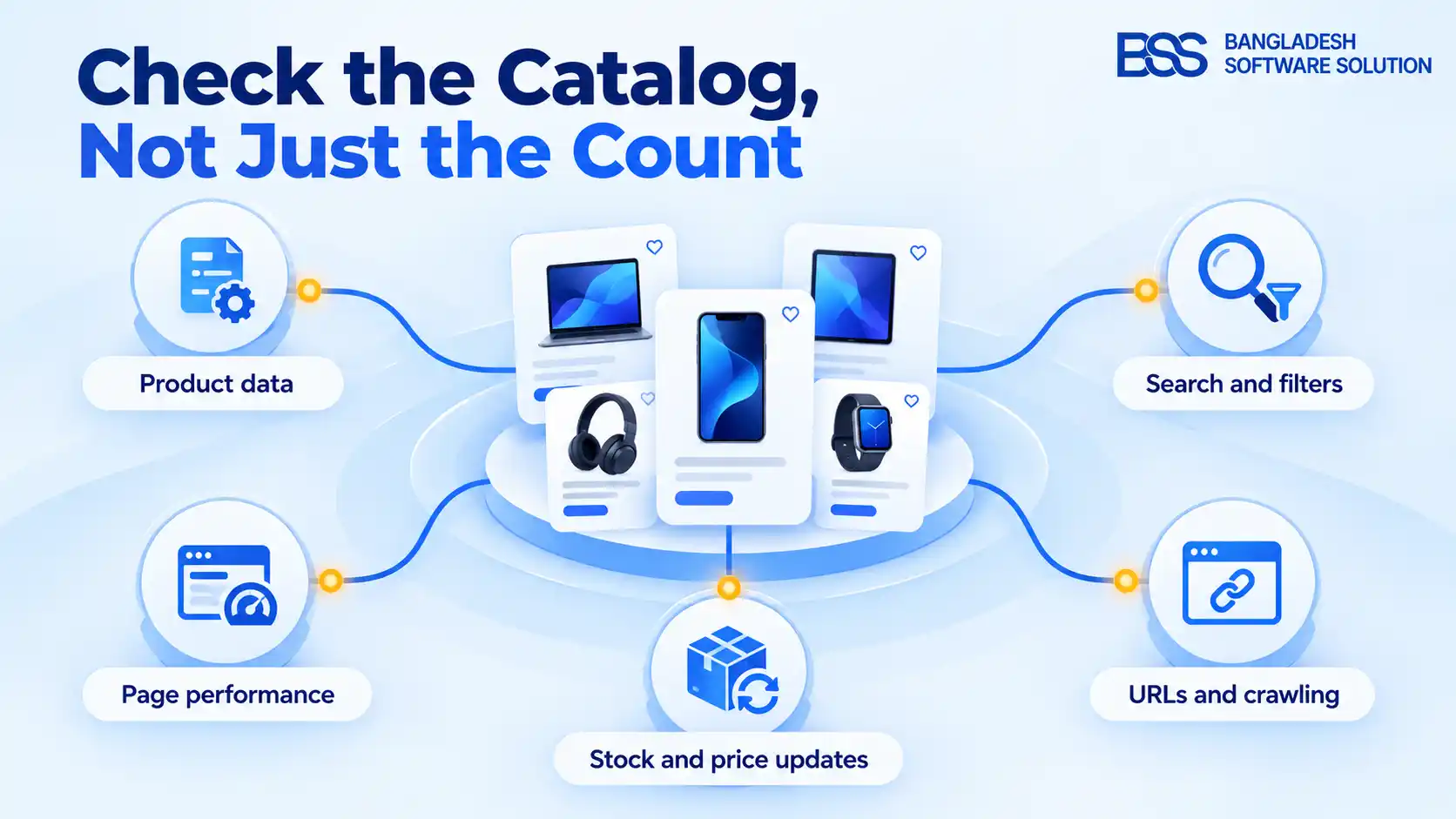
Use 10,000 products as a reason to review your store, not as a predicted breaking point. Start with five areas: product information, search, page speed, stock and price updates, and search-engine access. Test each one with your actual catalog before deciding what needs fixing.
1. Product data stops describing the exact item
Before blaming search, check the records behind it. In nopCommerce, specification attributes support product information, category filtering, and comparison. Product attributes represent variations and can affect pricing and inventory; specification attributes cannot.
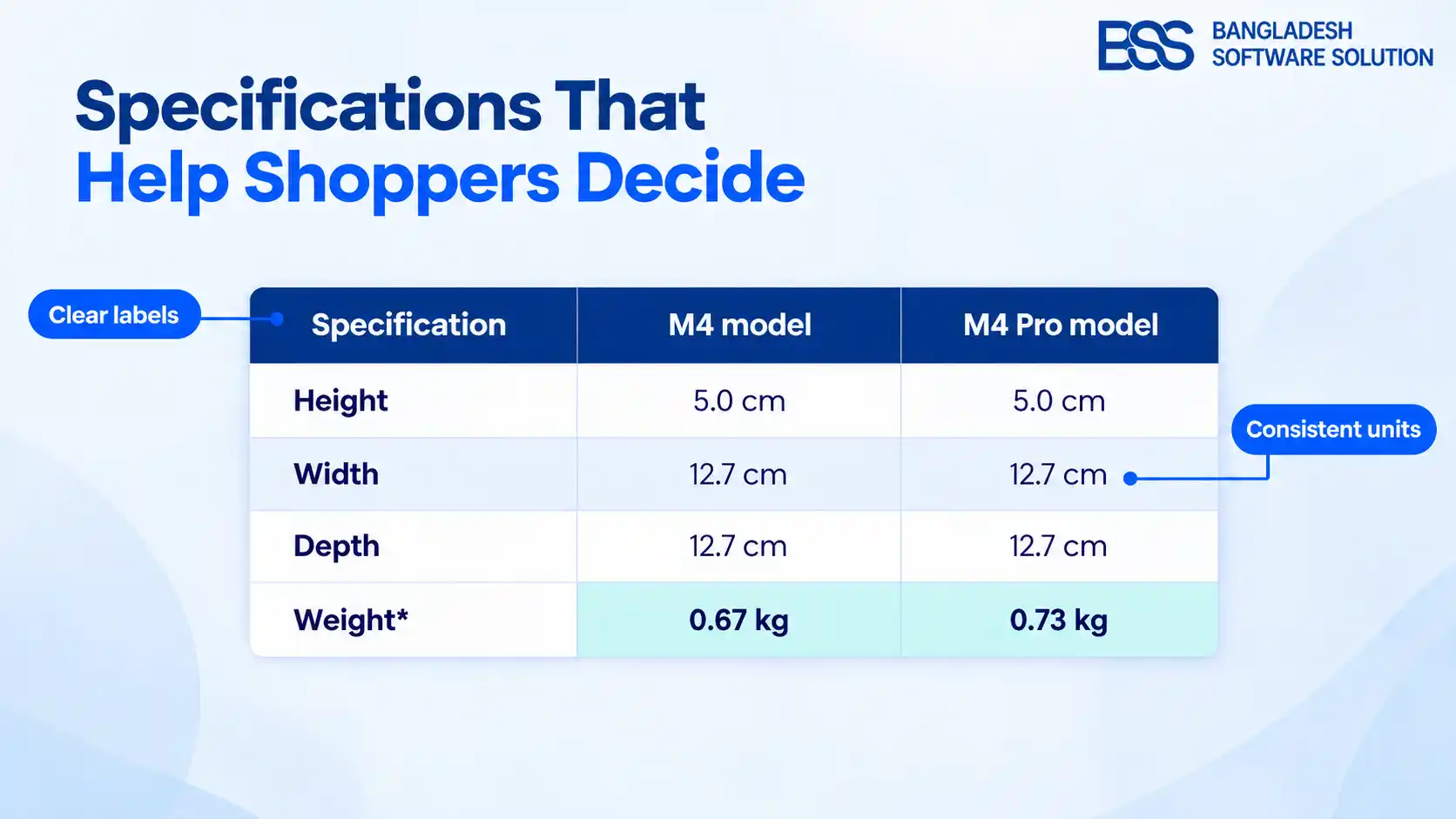
Check the exact version of each product that customers can buy. Keep its internal SKU and manufacturer part number distinct, standardize specification labels and units, and record the source of compatibility claims.
Give each category an approved field list. For laptops, ask which fields describe the fixed model and which describe selectable configurations; for accessories, ask what evidence supports each compatibility relationship. Flag missing information for review instead of filling gaps from another model's description.
A connector name is not a compatibility guarantee
USB-IF distinguishes USB Type-C connectors from USB data protocols and USB Power Delivery. Manufacturers choose which capabilities their products support. Do not convert a supplier's “USB-C” label into an unsupported charging, speed, or display claim.
Require evidence for the exact item before publishing those capabilities. Then present its specifications in a useful comparison table.
2. Search and filters hide products you sell
Accurate product information only helps if customers can find the item. Start with a simple check: search for a model you know is available. Then try its manufacturer part number and look for an accessory with confirmed compatibility.
Check whether search returns the right products, as well as how quickly it responds. Build a repeatable test set from actual products and search logs: an exact model, a manufacturer part number, a category term, and a documented compatible accessory. Record which item should appear and where it actually appears in the results.
Next, compare filtered results with a verified set of eligible products. In nopCommerce, category filtering depends on assigned specification attributes and their filtering settings. Inspect those records before replacing the search infrastructure.
If you evaluate a dedicated search service, use the same test set. Include an edited or unpublished product to check when catalog changes appear in search results.
3. Browsing becomes slow or unresponsive
If results are correct but slow, ask your developer to check how the page retrieves its data. Database indexes help organize lookups, but poorly chosen or excessive indexes can create problems and add work during updates. Check slow database requests and how results are split across pages.
Ask your developer to measure category pages, filter combinations, and later result pages with traffic that reflects normal and busy periods for your store. Include an import window to test whether background updates affect browsing.
| Symptom | Evidence to collect |
|---|---|
| Slow filtering | A developer's trace of the request and database work |
| Page arrives but responds poorly | Measurements of loading speed and response to clicks |
| Price differs between screens | Update timestamps, cache and integration logs |
Google's good Core Web Vitals targets are LCP ≤ 2.5 seconds, INP ≤ 200 milliseconds, and CLS ≤ 0.1, assessed at the 75th percentile with mobile and desktop separated. These measure loading, responsiveness, and visual stability—not catalog capacity.
Use the nopCommerce performance checklist to understand the slowdown before paying for hosting or software changes.
4. Updates leave stock and prices inconsistent
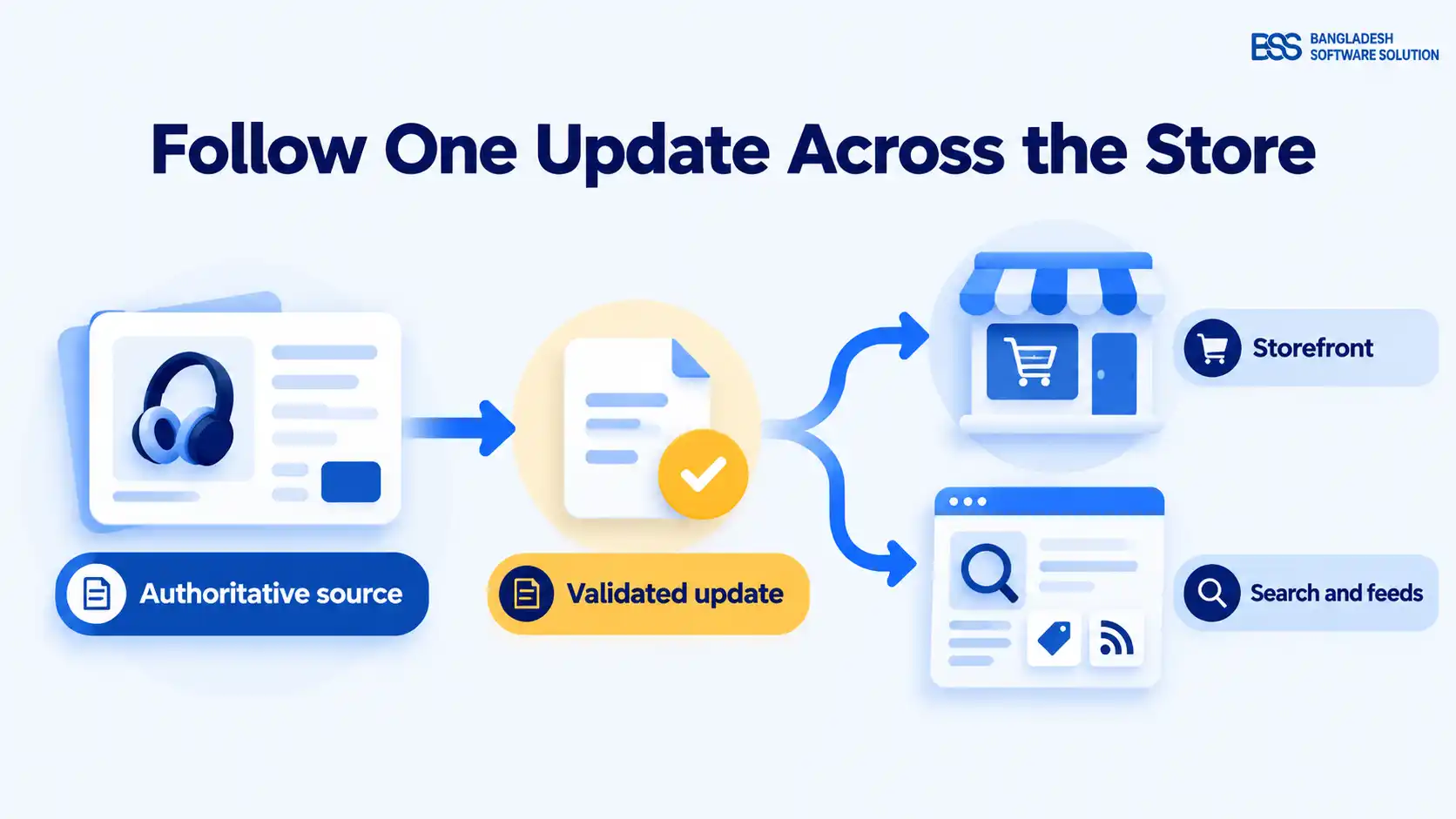
A fast page still needs the right offer. Follow one verified change from its source through the storefront and connected channels.
nopCommerce's import documentation says an existing SKU identifies the product to update. It recommends batches of no more than 500–1,000 records because imports use substantial memory. This is import guidance, not a catalog limit or a guaranteed safe batch size.
Use your store's export template, test typical files in a separate test environment, and compare intended changes with resulting records before continuing.
Decide which system owns each field before automating updates. Document whether the supplier, warehouse system, or store administrator controls a value, and how conflicts are resolved. Compare the resulting records with the intended changes. Check products that should stay unchanged too, rather than relying only on the import's completion message.
Check retries, caches, and feeds
For custom integrations, define what happens after a timeout. A unique identifier sent with each update can help the receiving system recognize a repeated request and avoid processing the same operation twice. Test repeated requests and partially completed updates. Record rejected changes so someone can investigate them.
If your store serves cached copies of product data, check for old values after an update. Document how your implementation refreshes changed values, then check the listing, product page, and checkout.
Google Merchant Center also requires submitted price and availability to agree with the relevant landing-page, checkout, and structured-data values. Include those checks in promotion and stock-update testing.
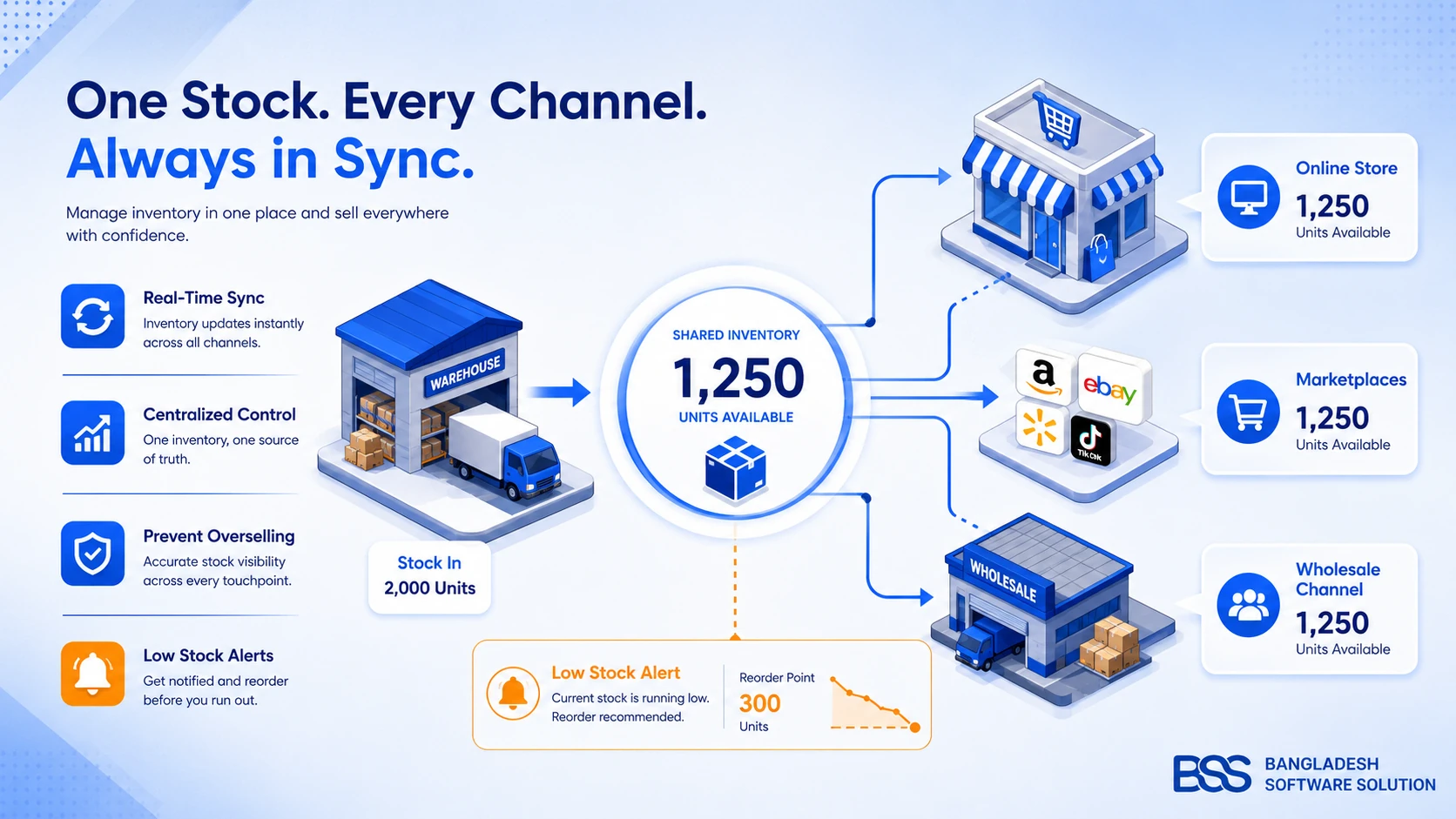
If stock ownership is unclear, review the inventory management process before adding another connector.
5. Filter URLs outgrow the product catalog
Filters also need attention behind the scenes. Different combinations can generate huge numbers of URLs for search engines to visit. Google warns that crawling these addresses can waste resources and delay discovery of useful pages.
List the URLs created by products, categories, filters, sorting options, and result pages. Decide which filtered pages should appear in search results. Before blocking groups of URLs, check whether the rule would also hide useful pages.
Google's crawl-budget guide includes 10,000+ unique pages changing daily among its examples, explicitly calling the figures rough estimates. It concerns pages and update frequency, not a platform's product limit.
Use Search Console and server logs to check which pages Google discovers. Google's pagination guidance says crawlers generally follow anchor links and do not click “Load more” buttons, so make subsequent pages reachable through crawlable links.
Also distinguish preventing crawling from excluding indexing: Google must fetch a page to read its noindex instruction.
Before your next catalog expansion
Before expanding, work through these checks. Start with problems you can demonstrate and test again:
Expansion checklist
- Count products, product versions customers can buy, and crawlable URLs separately.
- Verify representative records and repeat real search and filter tests.
- Measure browsing during representative traffic and update activity.
- Check an updated item across sales channels and test recovery after an update fails.
- Agree who owns each fix, how to test it, and how to undo a failed change.
Bring the failed checks to your development partner. Require each proposed tool or infrastructure change to address documented evidence, and name the person responsible for maintaining it.
Turn audit findings into a clear brief
Bring the failing queries, update discrepancies, and performance traces to your next development conversation.
Frequently asked questions
Make the buying journey the test
A successful expansion leaves the exact item findable, specifications trustworthy, pages usable, and the offer consistent through checkout. Follow that journey with real products, fix reproducible failures, and retain the checks for your next release. The product counter is a checkpoint; the buying journey is the test.