It's the first morning of your biggest sale of the quarter. Orders are coming in fast, your best-selling SKU shows forty units in stock, and by lunchtime you're writing your third apologetic refund email of the day — the warehouse ran out hours ago, but nothing told the storefront. The sale is a marketing success and a customer-trust failure at the exact same time.
In our work wiring up inventory across storefronts, warehouses, and wholesale channels, this exact scenario is the single most common fire we get called in to put out. It's rarely a staffing problem — it's a method and tooling problem, and it's fixable before your next sale, not after it. This guide walks through how inventory actually gets tracked well, the methods and formulas worth understanding even once software does the math for you, what getting it wrong really costs, and what to look for when you're ready to stop trusting a spreadsheet.
What eCommerce Inventory Management Actually Means (and Why a Spreadsheet Stops Working)
Most stores start the same way: a spreadsheet, or the basic stock-count field built into whatever platform they launched on. For a single-channel store with a few dozen SKUs, that's genuinely fine — the failure mode isn't the tool, it's what happens the moment a second sales channel, a second location, or a wholesale order enters the picture.
A common mistake we see when auditing setups is treating "inventory management" as just a running number — the count goes up on delivery, down on sale. Real inventory management is the system of methods, checkpoints, and eventually software that keeps that number accurate everywhere it's displayed, in real time, across every place stock can leave your shelf.
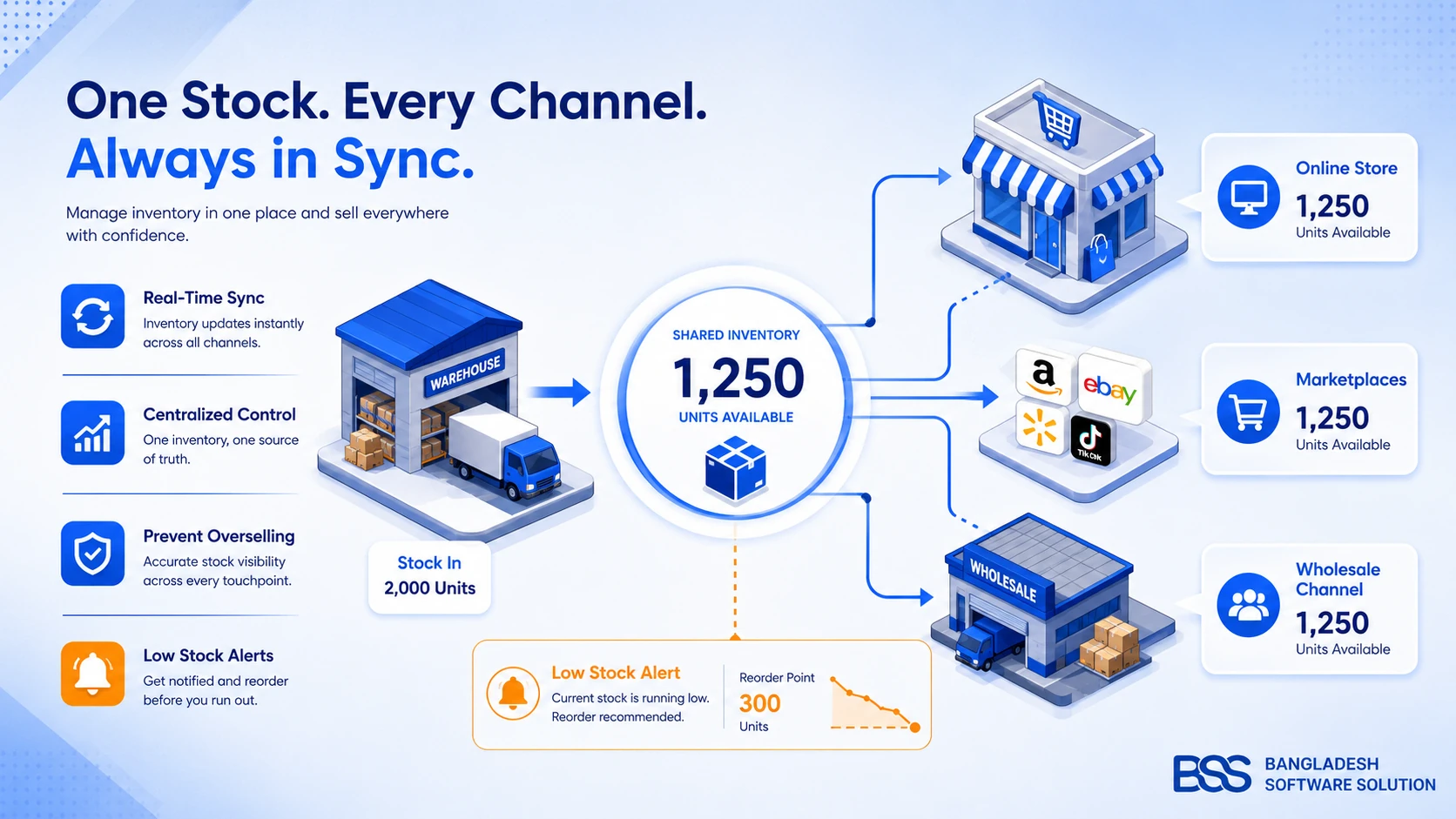
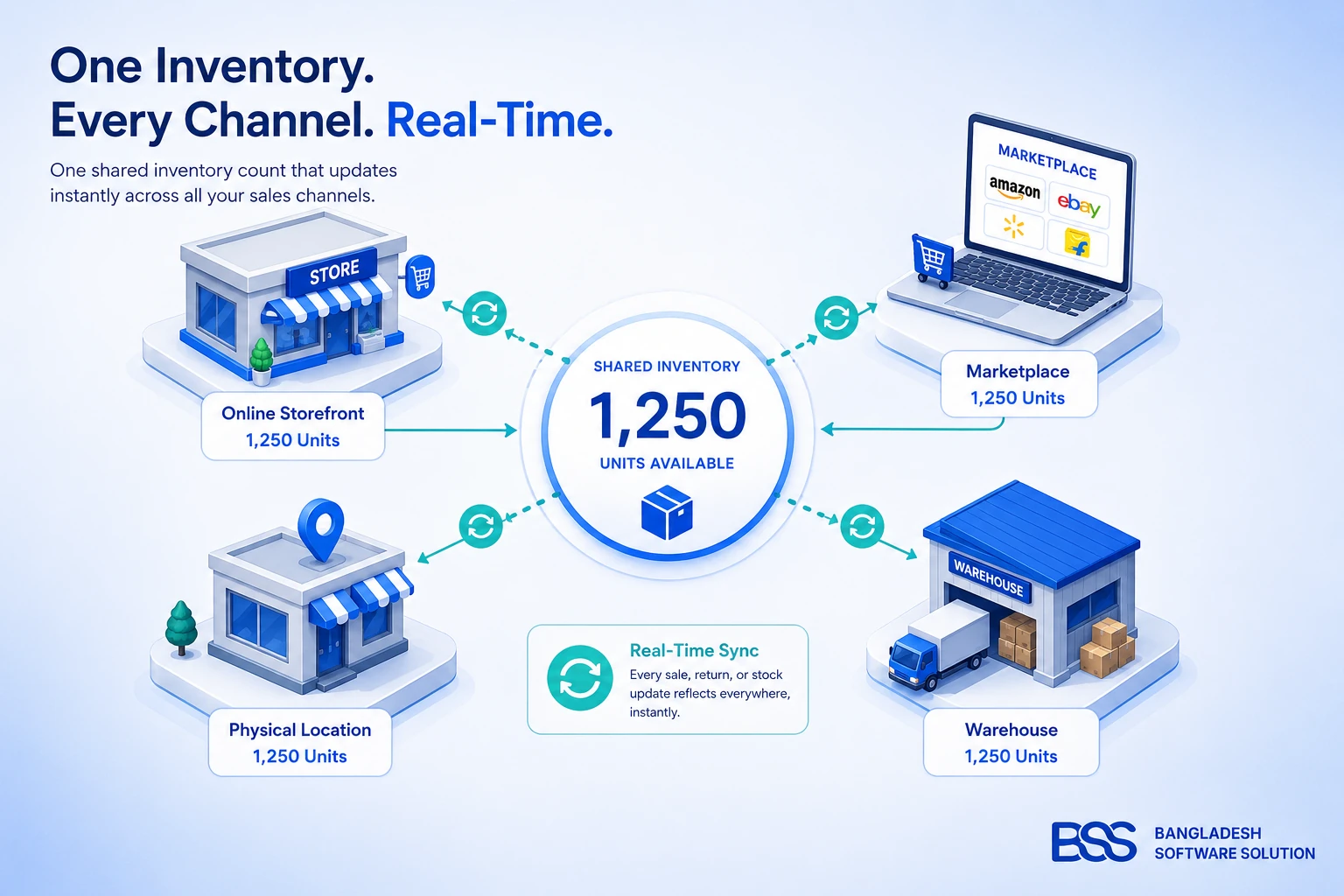
Key Fact: the number on your product page isn't "inventory" — it's a promise. Inventory management is everything that has to be true for that promise to hold: accurate counts, a single source of truth, and a sync fast enough that a sale on one channel updates every other channel before it can be oversold.
Perpetual vs. Periodic Tracking
Periodic tracking means counting stock on a schedule — weekly, monthly, at quarter-end — and updating records in a batch. It's cheap and needs no special tooling, which is exactly why it's where most stores start. Perpetual tracking updates the count the instant something happens: a sale, a return, a received shipment. Every genuine inventory management method below assumes perpetual tracking, because periodic tracking is precisely what causes the sale-day scenario above — the real count and the displayed count only agree on the day you actually did the count.
The Core Methods Every Store Should Actually Understand
Software will eventually do this math for you, but a common mistake we see is store owners who lean on a tool without understanding what it's protecting them from — which makes it nearly impossible to catch the tool getting misconfigured. Two methods and two formulas cover most of what actually matters.
FIFO vs. FEFO: Deciding Which Unit Ships First
Both methods answer the same question — which physical unit gets picked for the next order — but they optimize for different risks.
If your catalog has no expiration dates, FIFO alone is sufficient. The moment even a portion of it does — a supplements line, a skincare add-on — that portion needs FEFO logic layered on top, which is one of the first things worth confirming any software candidate actually supports at the SKU level, not just storewide.
Reorder Point and Safety Stock: When to Reorder, and How Much Buffer to Hold
These two numbers are what turn "I think we're getting low" into an actual trigger, instead of a hunch someone happens to notice too late.
Key Fact: Reorder point = (average daily sales × lead time in days) + safety stock. Once your count hits that number, it's time to place the next order — not when the shelf visibly looks thin.
Safety stock — the buffer itself — is commonly calculated as (maximum daily sales × maximum lead time) − (average daily sales × average lead time), which sizes your cushion to actual demand and supplier volatility instead of a round number that just feels safe.
Pro Tip: Recalculate After Every Sale Season, Not Once a Year
The most common mistake we see with reorder points is setting them once at launch and never revisiting them. Lead times drift as suppliers change, and average daily sales can swing 3–5x during a promotional period — a reorder point sized for a normal Tuesday will trigger far too late once a campaign goes live. Recalculate before any planned demand spike, not just annually.
The Real Cost of Getting Inventory Wrong
The scenario at the top of this guide isn't rare, and it isn't cheap at scale. According to IHL Group's retail research, inventory distortion — the combined cost of out-of-stocks and overstocks — reached an estimated $1.77 trillion globally in 2025, with out-of-stocks alone accounting for roughly $1.2 trillion and overstocks for around $554 billion. Those numbers scale down, not away, for a single store: every stockout is a lost sale — or worse, a refunded one after the fact — and every case of overstock is cash sitting on a shelf instead of in your bank account.
The honest comparison isn't "should we fix this" — it's which approach fixes it for your specific size and complexity.
| Approach | Time investment | Cost | Best for |
|---|---|---|---|
| Manual / spreadsheet | High ongoing — every count is a manual reconciliation | $0 in software, but the highest hidden cost in stockouts and staff hours | Single-channel stores under roughly 50 SKUs, pre-launch validation |
| Custom-built system | High upfront, low ongoing once built | Development cost, but no per-SKU or per-order software fees | Stores with workflows off-the-shelf tools don't model well — tiered B2B allocation, unusual multi-warehouse logic |
| Dedicated inventory software | Low — configuration, not construction | Recurring subscription, usually scaled to order or SKU volume | Most growing multi-channel stores; the fastest path from "we think we know our stock" to actually knowing it |
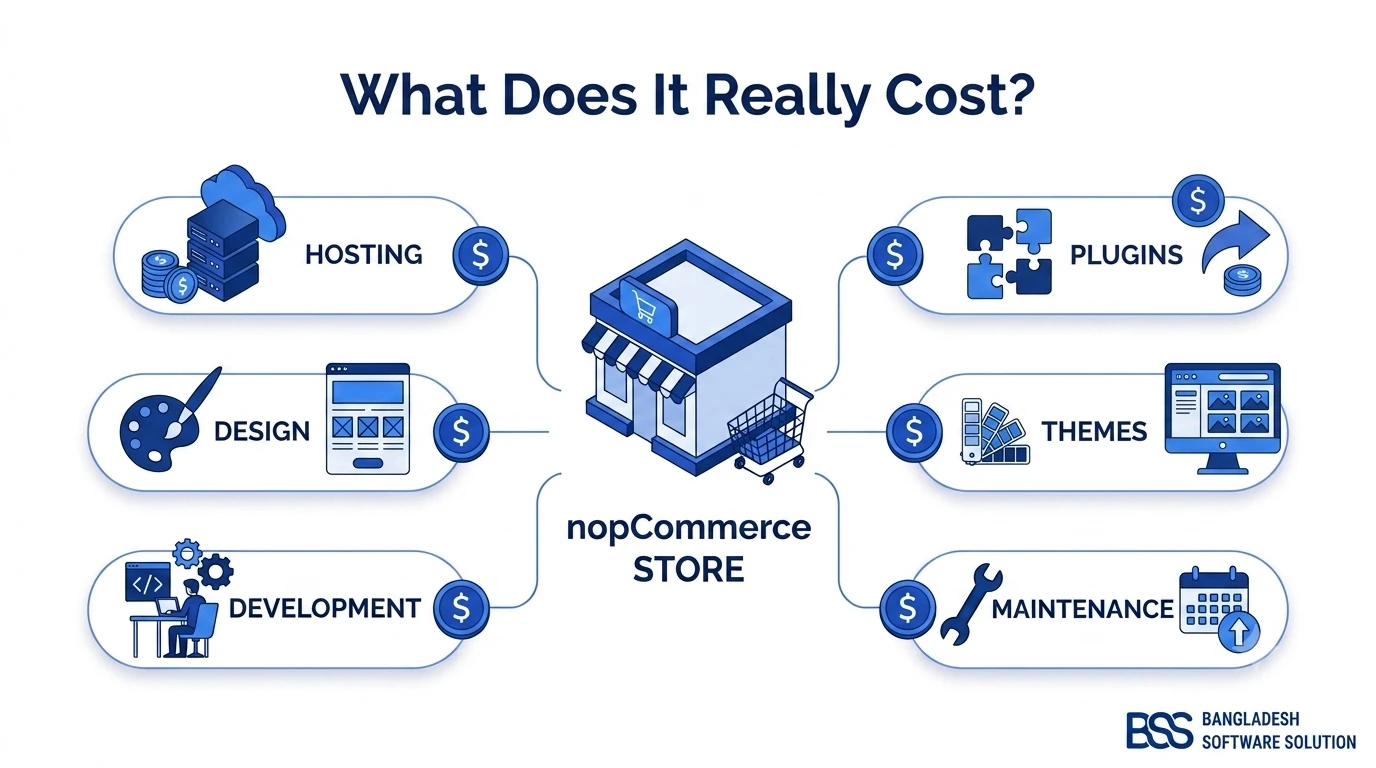
For most stores, dedicated software wins on pure time-to-value — but "most stores" isn't every store. If your catalog involves inventory logic a generic tool can't cleanly express — tiered B2B stock allocation, an unusual multi-warehouse split, a sync requirement between a legacy ERP and your storefront — that's exactly the case where a custom integration earns back its upfront cost. We cover what that kind of build typically runs in our breakdown of nopCommerce store costs, which is a useful reference point even if you land on off-the-shelf software instead.
What to Look For in Inventory Management Software (Not Which Vendor to Buy)
Every "best inventory software" listicle ranks vendors. We'd rather hand you the checklist those listicles quietly assume you already have — because the right vendor for a 200-SKU apparel store and a 20-SKU perishables brand are rarely the same one, and a feature list means nothing without the context of your own catalog.
Inventory Software Evaluation Checklist
-
✓Real-time, multi-channel sync — confirm the actual sync interval in writing; "near real-time" sometimes means every 15–30 minutes, which is too slow during a flash sale.
-
✓SKU- and variant-level tracking with barcode or QR support for physical counts.
-
✓Automated reorder point alerts — ideally configurable per SKU, not one global threshold for the whole catalog.
-
✓FEFO support if any part of your catalog is perishable or shelf-life-limited — not every platform handles this correctly out of the box.
-
✓Open API or native integration with your storefront platform, so counts sync without a manual export/import step.
-
✓Multi-warehouse / multi-location allocation logic, if you operate more than one fulfillment point.
-
✓Demand forecasting, or at least historical sales reporting you can use to recalculate reorder points — not just a static count.
That "open API" line is where most off-the-shelf comparisons quietly stop being useful — the honest answer to "will this integrate with my store" is almost always "it depends on your platform's API," not the inventory tool's marketing page. If you're running on nopCommerce specifically, we've written a practical walkthrough of what's genuinely documented in its API and plugin architecture, which is the first thing worth checking before you commit to any inventory tool's promised integration.
And if you're vetting a plugin rather than building a custom sync, our nopCommerce Marketplace Guide walks through how to actually vet a plugin — inventory or otherwise — before it goes anywhere near a production store.
When Off-the-Shelf Doesn't Fit Your Stock Logic, We Build the Sync
From multi-warehouse allocation rules to syncing a legacy ERP with a nopCommerce storefront in real time, our engineers build the integration layer generic inventory tools can't. Tell us how your stock actually moves and we'll scope what a working sync looks like.
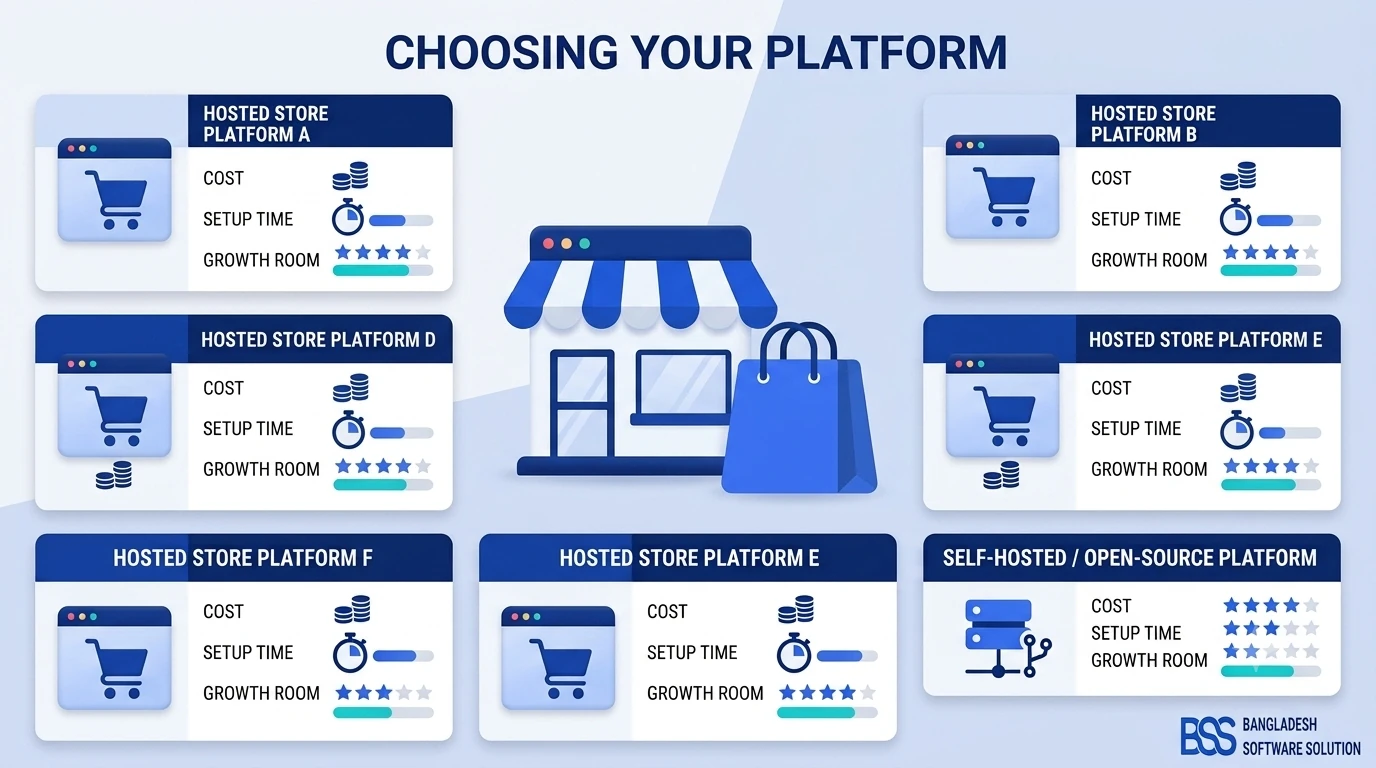
If you're still finalizing which platform to run all of this on in the first place, our comparison of the best ecommerce platforms for small businesses covers where inventory tooling and integrations fit into that broader decision.
Frequently Asked Questions
Final Thoughts
Back to that first morning of the sale: the fix isn't more attentive staff refreshing a spreadsheet faster. It's perpetual, multi-channel tracking that updates the instant a unit sells, reorder points sized to your real lead times, and — if your catalog needs it — FEFO logic layered in for anything with an expiration date. Get those in place and the "sorry, that item is actually out of stock" email stops being a recurring cost of doing business.
Whether that means adopting dedicated software, vetting the right plugin, or building a custom sync for a stock setup nothing off-the-shelf quite fits, we're glad to look at your specific catalog and tell you honestly which route fits.