Search "nopCommerce API documentation" and you won't land on a single reference page the way you would with Stripe or Shopify. That's not a broken link on your end — it's a reflection of how nopCommerce is actually built, and it's the single biggest expectation mismatch we see when a team scopes its first integration.
This walkthrough covers both halves of the real picture: the internal plugin and service architecture that nopCommerce documents extensively, and the public REST API question that its own docs never quite answer. By the end you'll know exactly where to look, what you can realistically build, and when it's worth bringing in outside help.
Where nopCommerce's Documentation Actually Lives
nopCommerce's official documentation site and its open-source GitHub repository are organized around extending the platform from the inside — plugins, themes, and the service layer — rather than around a single public API reference.
Key Fact: There is no single "nopCommerce API docs" page comparable to a Swagger or OpenAPI portal. What exists is a set of architecture guides, the source code itself, and community forum threads that collectively describe how to build against the platform.
In our own audits of client integration projects, this is the recurring surprise: teams budget time for "reading the API docs," when the real work is understanding the service layer well enough to extend it — or to expose it.
The Three Places Developers Actually Look
None of these three sources alone is complete, but together they cover almost everything you'll need for a plugin-side integration.
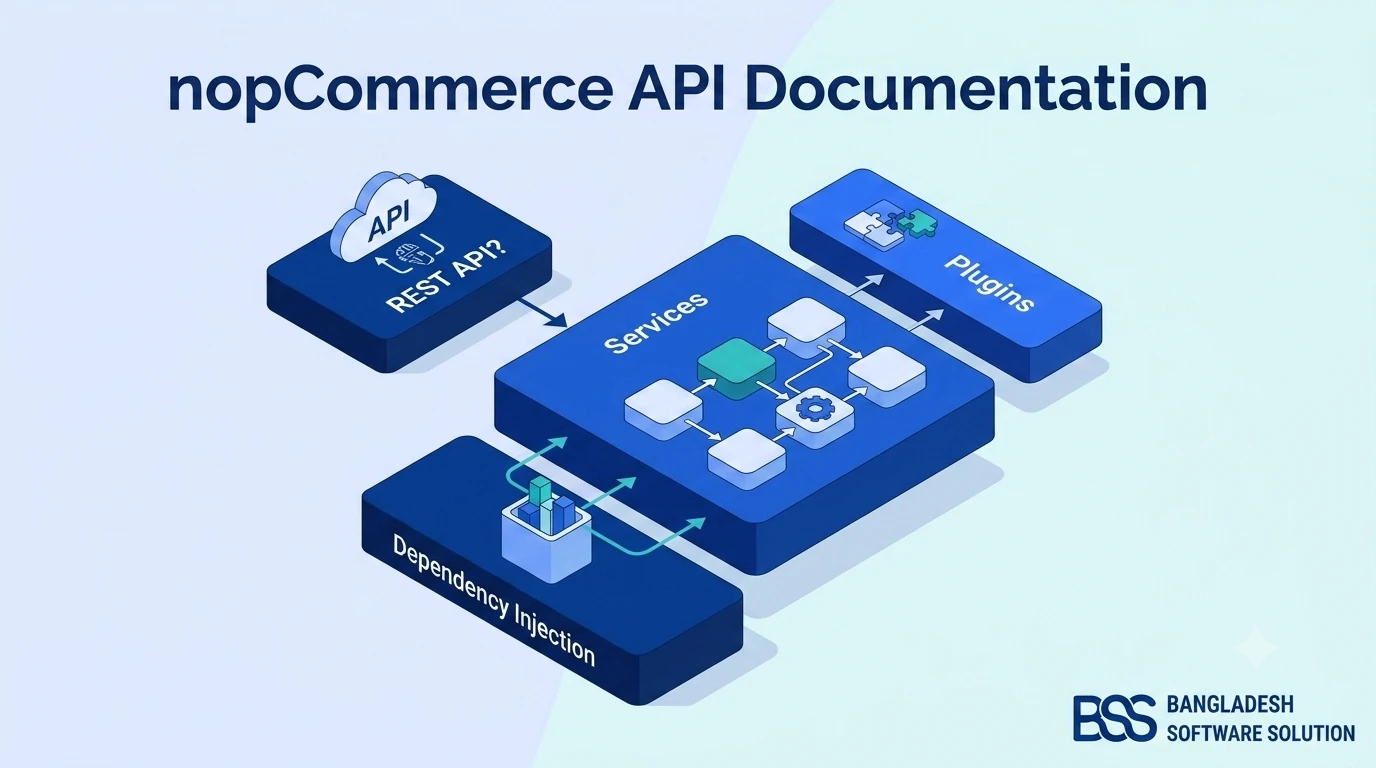
The Internal API: Plugins, Services & Dependency Injection
This is the half of nopCommerce that's genuinely well documented, and it's worth understanding on its own terms before asking whether a public API exists.
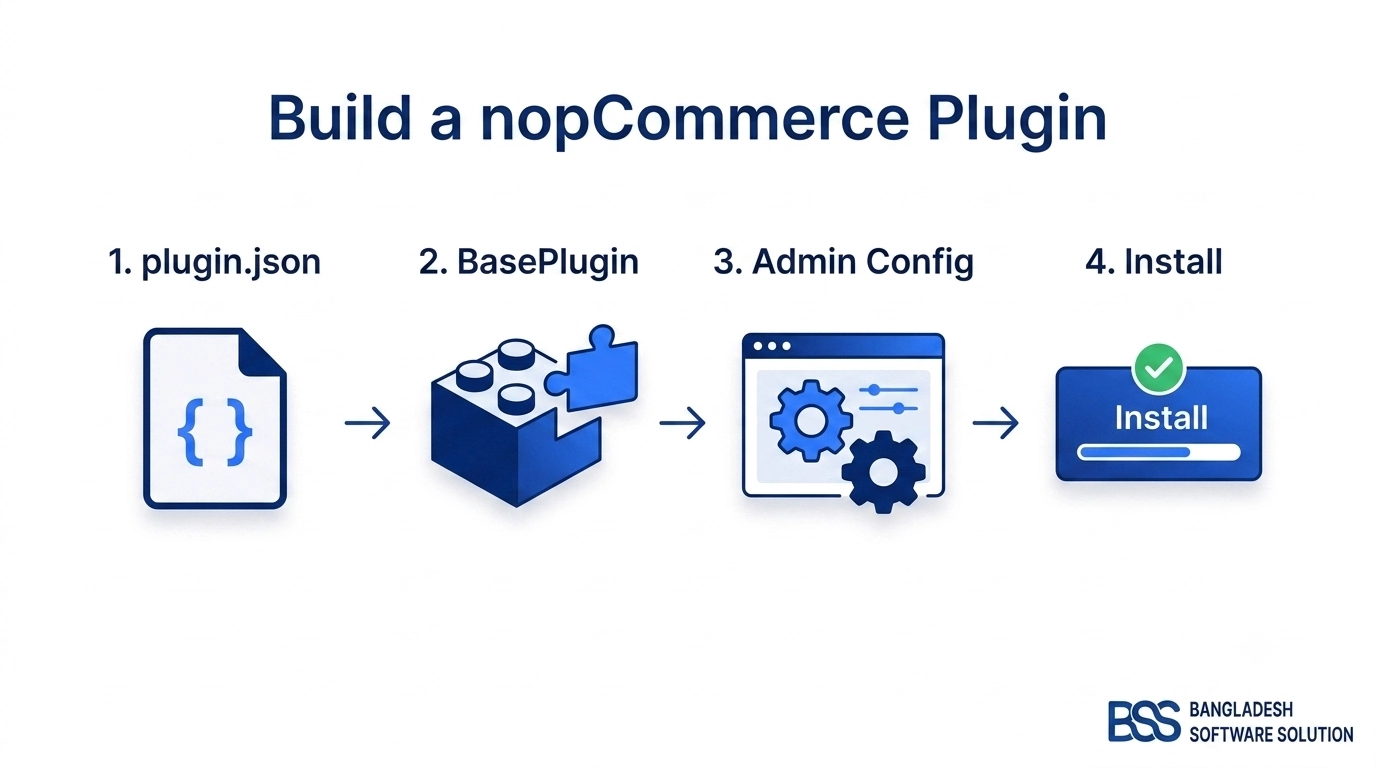
We've walked through building one end-to-end in our full plugin development guide, but the short version matters here too: every nopCommerce plugin implements IPlugin and is wired into the same Autofac dependency-injection container the core platform uses.
Two Patterns Worth Knowing Before You Write Any Code
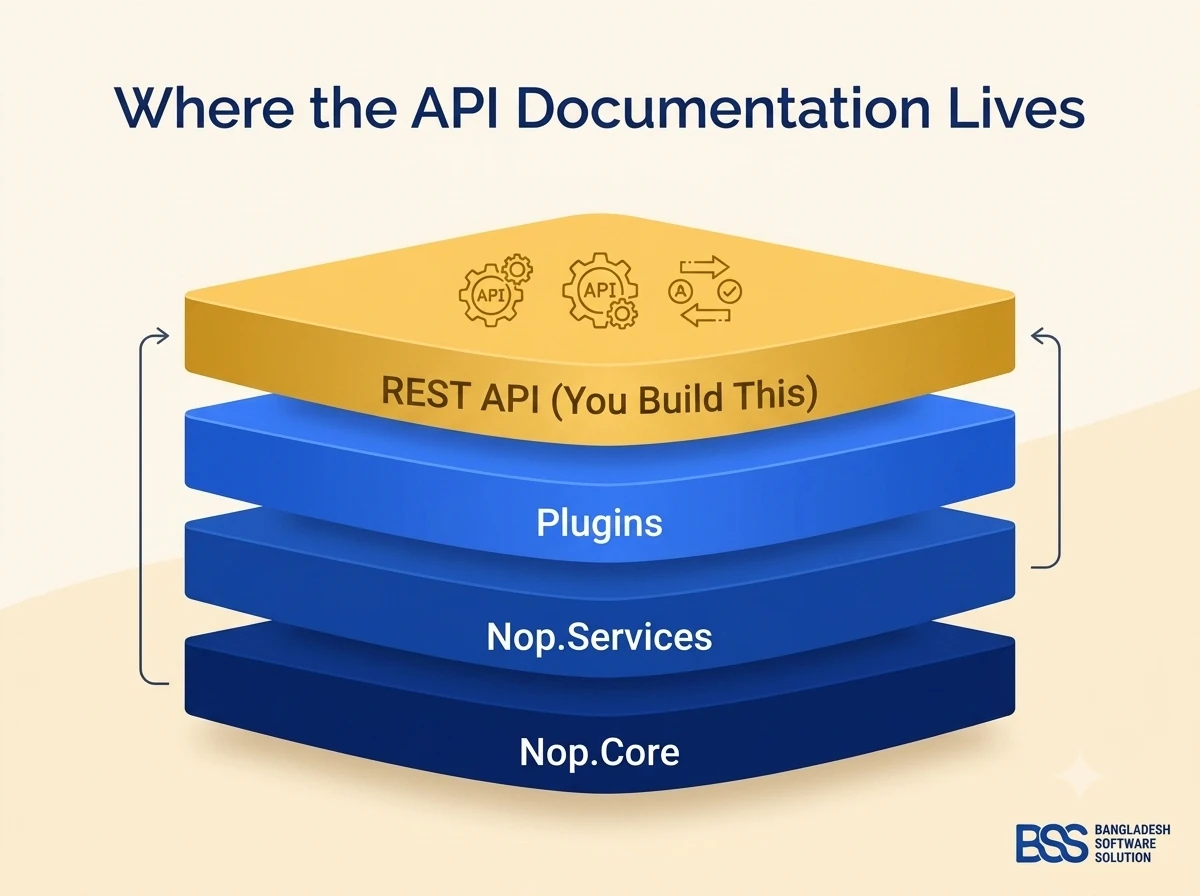
- The service layer (
Nop.Services) — interfaces likeIProductServiceandIOrderServiceare how the entire application, including the admin panel, reads and writes data. Anything you can do in the admin, a plugin (or a well-designed API layer) can do through these same interfaces. - Event consumers (
IConsumer) — nopCommerce publishes internal events (an order placed, a customer registered) that any plugin can subscribe to without touching core code, which is often a cleaner integration point than polling an endpoint you built yourself.
Does nopCommerce Have a Public REST API?
Short answer: not out of the box. nopCommerce is architected as a server-rendered ASP.NET Core MVC application first — the admin panel and the storefront both run on the same MVC pipeline, not a decoupled backend consumed by a separate frontend.
That's a deliberate architectural choice, not an oversight. It's the same reason a platform like Shopify — built API-first from day one for a hosted, multi-tenant SaaS model — ships a public REST and GraphQL API, while a self-hosted, source-available .NET platform doesn't need to by default. We go deeper on that platform-level trade-off in our nopCommerce vs Shopify comparison.
The gap gets filled by the community instead. Several open-source API plugins exist that add REST endpoints for products, customers, and orders, typically secured with OAuth2 or JWT tokens. Before adopting one, vet it the same way you'd vet any other listing in the nopCommerce Marketplace — check maintenance activity, version compatibility, and how it handles authentication before it touches a production store.
Build vs. Buy: Comparing Your Options
Once you've accepted there's no default REST API, the real decision is which path gets you a reliable one fastest, without absorbing risk your team can't actually manage in-house.
| Approach | Trade-offs | Time & Business Value |
|---|---|---|
| Manual DIY (In-House, From the Docs) | No license or agency cost, and your team keeps full internal knowledge — but expect a steep learning curve reverse-engineering the service layer, and security review often slips under deadline pressure. | 1–3+ weeks for a minimal endpoint set |
| Custom Engineering From Scratch | Built exactly to your spec — but a generalist .NET contractor unfamiliar with nopCommerce's plugin and versioning conventions can under-scope security or over-engineer the integration. | Multiple weeks of senior .NET time, often repeated at every major upgrade |
| Specialized nopCommerce API Delivery | Built by people who already know nopCommerce's internals and upgrade patterns — either a vetted community plugin or a fully custom BSS build. | Fastest route to a versioned, security-reviewed API without your team absorbing the platform-specific risk |
Need a Production-Ready nopCommerce API? Hire the BSS Team
We scope, build, and security-review custom REST endpoints against your exact nopCommerce version — the kind of integration layer most in-house teams only get right on the second attempt. Tell us what needs to talk to your store and we'll map the shortest realistic path.
A Practical Walkthrough: Exposing a Custom Endpoint
Here's the shape of the simplest realistic path: a small ASP.NET Core Web API controller, packaged inside its own nopCommerce plugin, that reads through the existing service layer instead of touching the database directly.
Registering it is no different from registering any other nopCommerce plugin — it plugs into the same dependency-injection container the storefront already uses.
[Route("api/custom/products")]
public class CustomProductApiController : Controller
{
    private readonly IProductService _productService;

    public CustomProductApiController(IProductService productService)
    {
        _productService = productService;
    }

    [HttpGet("{id}")]
    public async Task<IActionResult> GetProduct(int id)
    {
        var product = await _productService.GetProductByIdAsync(id);
        if (product == null || !product.Published)
            return NotFound();

        return Json(new
        {
            product.Id,
            product.Name,
            product.ShortDescription,
            product.Price
        });
    }
}
A Mistake We See Often
A common mistake we see when auditing nopCommerce integrations: teams expose service-layer methods directly as API endpoints because IProductService or IOrderService already "does the work." Those services trust that they're being called from inside the authenticated admin or storefront pipeline — wire one straight to a public HTTP endpoint and you inherit every internal assumption as an external attack surface. Always wrap service calls behind a dedicated API layer with its own input validation and authorization checks.
Integration Readiness Checklist
Run through this before your team — or ours — writes the first line of a custom endpoint.
Before You Write a Single Endpoint
-
✓Confirm exactly which nopCommerce version you're running — the internal API surface shifts meaningfully between major releases.
-
✓Inventory precisely which entities need to be exposed (products, orders, customers, categories) — don't build more surface area than you need.
-
✓Decide the authentication model — JWT or OAuth2 — before writing a single endpoint, not after the first one is "working."
-
✓Rate-limit and log every custom endpoint from day one, not after the first incident.
-
✓Version your routes (
/api/v1/...) so a future nopCommerce upgrade doesn't silently break external consumers. -
✓Write a lightweight OpenAPI/Swagger definition even for an internal-only API — it pays for itself the first time someone else has to consume it.
Frequently Asked Questions
IPlugin, the service layer, IConsumer events — that let your code run inside nopCommerce's own process. A REST API is a set of HTTP endpoints external systems call over the network. nopCommerce gives you the first by default; the second is something you or a plugin has to add.Final Thoughts
nopCommerce's documentation is genuinely strong once you understand what it's actually documenting: how to build inside the platform, not how to call it from outside. Knowing that distinction upfront saves weeks of misdirected research.
If your integration needs go beyond what a community plugin comfortably covers, that's exactly the kind of groundwork our team handles daily — reach out and we'll scope the shortest realistic path to a production-ready API.