You have three tabs open. One says an AI chatbot will answer every customer for you, and another says nothing beats live chat with a real person.
The third is a simple FAQ bot that nobody seems excited about.
Every one of those pages is selling something, and most of them sell exactly one of these options. So you get three confident answers and no real way to compare them.
We build chat plugins for nopCommerce at BSS, including all three kinds. This guide puts the AI chatbot vs live chat vs FAQ bot question side by side, with the parts most guides skip: real staffing costs, upkeep, what the law says and how to measure each one.
Three Kinds of Store Chat, in Plain Words
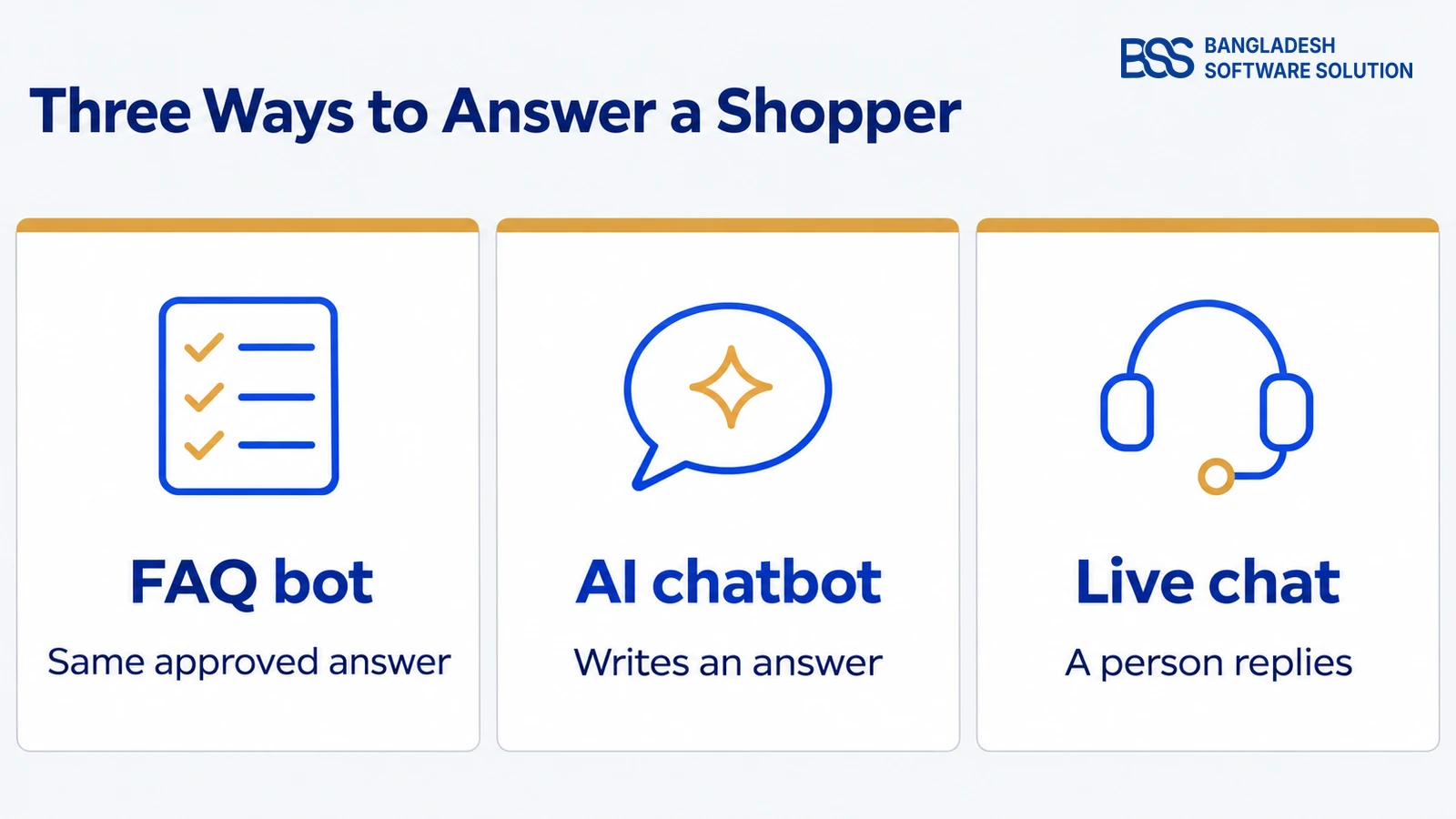
Let's get the terms straight first, because vendors use them loosely. Here's what each one actually does when a shopper types a question.
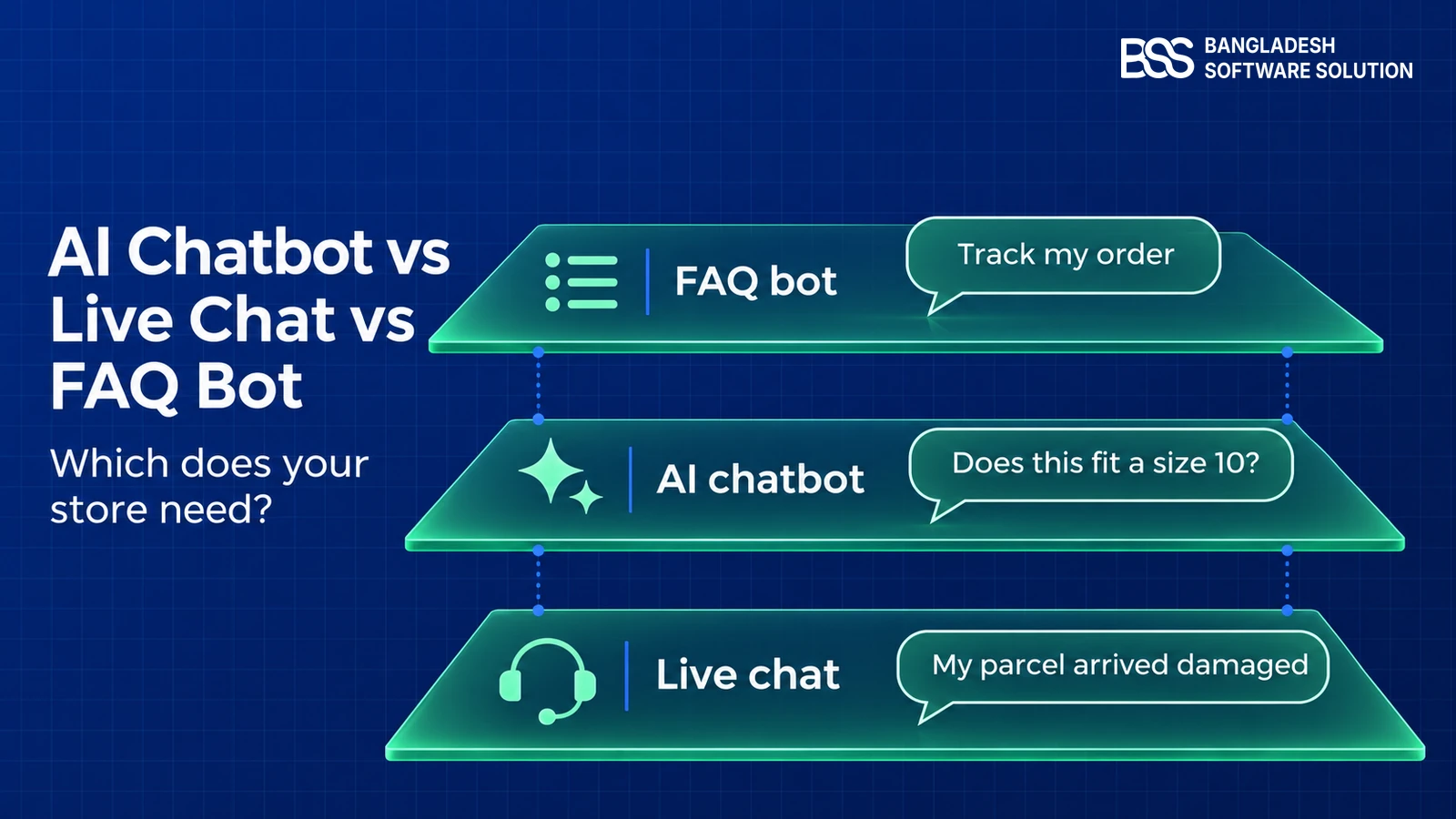
An FAQ bot, also called a rule-based bot, matches the question to an answer you wrote in advance, by keywords or menu buttons. An AI chatbot writes a fresh answer from your product data and policies. Live chat puts a real person on the other end.
| FAQ bot | AI chatbot | Live chat | |
|---|---|---|---|
| How it answers | Picks an answer you wrote | Writes an answer from your content | A person replies |
| Cost per answer | None after setup | Often per answer or per AI use | Staff time |
| Can it get facts wrong? | Only if your answer is out of date | Yes, it can make up details | Yes, but a person can check |
| Upkeep | Edit answers when policies change | Keep sources current and spot-check | Train and schedule staff |
| Other languages | One set of answers per language | Many languages, but check quality | Only the languages your team speaks |
| Best at | Repeat questions with fixed answers | Varied product and order questions | Complaints, refunds and big orders |
The FAQ bot is underrated
Most chat guides treat the FAQ bot as old technology. That misses its real strength: every answer is one you wrote and approved, so it can't invent a refund policy or a delivery date.
For questions like "how long is delivery?" or "how do I return an item?", that's exactly what you want. The same wording every time, with no cost per answer and nothing to fact-check later.
It also works well on phones. Tapping a button like "Track my order" is quicker than typing a full question on a small screen, which matters when most of your shoppers browse on mobile.
What each one does with your customers' data
This is another difference vendors rarely mention. An FAQ bot that runs inside your store only matches text against your own answers, so no outside company needs to see the question.
An AI chatbot sends each question to an AI provider, so check whether that provider stores the messages or uses them for training. Hosted live chat stores conversations with the chat vendor, and its widget may need cookie consent before it loads.
Not sure which mix fits your store? Share your most common customer questions, and the BSS team will help you sort them into bot, AI and human.
Talk to the BSS teamWhat Each One Really Costs
Chat software prices are easy to find. The cost most guides skip is the biggest one for live chat: the person answering it.
The US Bureau of Labor Statistics puts the median pay for customer service representatives at $21.53 an hour, as of May 2025. That's a neutral starting point you can swap for your own local wage.
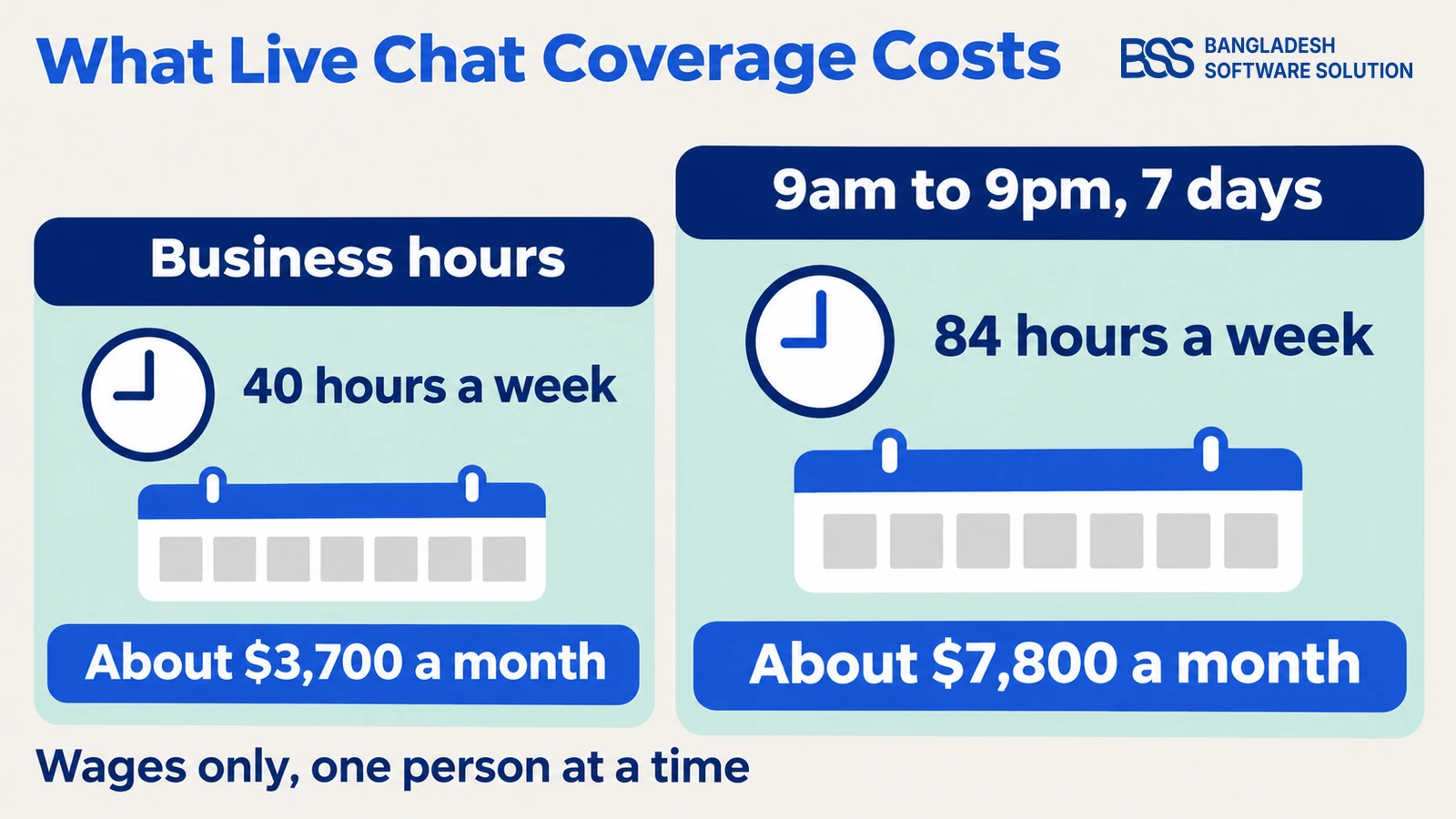
Here's the arithmetic. Covering business hours, 40 hours a week, is 40 × $21.53 = $861.20 a week, or about $3,700 a month. Covering 9am to 9pm every day is 84 hours a week, which comes to about $7,800 a month.
That's wages only, for one person at a time, before taxes, benefits, software or anyone covering breaks and holidays. It also means a single queue, so a busy afternoon still makes shoppers wait.
And the bots?
An FAQ bot costs setup time and little else, because it doesn't pay per answer. AI chatbots usually charge per answer or per AI use, from about $0.99 per AI outcome on some help desks. Our comparison of chat tools and prices lists the main ones side by side.
Live chat's cost is mostly hours, not software. Before you compare chat tools, decide which hours you actually need a person online.
BSS Engineering
If you'd rather have the routing and staffing set up by people who've done it, our team can build the chat setup for your store, from the FAQ answers to the handover rules.
The Rules and the Upkeep Most Guides Skip
Cost isn't the only real difference between the three. The law and the day-to-day upkeep treat them differently too.
The law treats a scripted bot differently
From August 2, 2026, the EU AI Act requires AI systems that talk with people to make clear they're AI, unless that's obvious. But Recital 12 of the Act says the definition of an AI system doesn't cover systems "based on the rules defined solely by natural persons".
In plain words, a pure FAQ bot that only returns answers you wrote is likely outside that labelling rule. The moment it falls back to AI for questions it can't match, it's an AI system and should say so. This isn't legal advice, so check with a lawyer for your own setup.
Either way, telling people they're chatting with an automated assistant is good practice. In MaxContact's 2026 UK study, 88% of consumers said being told matters.
Someone has to own the answers
Whatever you choose, the answers go stale. Change your returns window and an FAQ bot keeps quoting the old one until someone edits it. An AI bot repeats whatever is in its source pages.
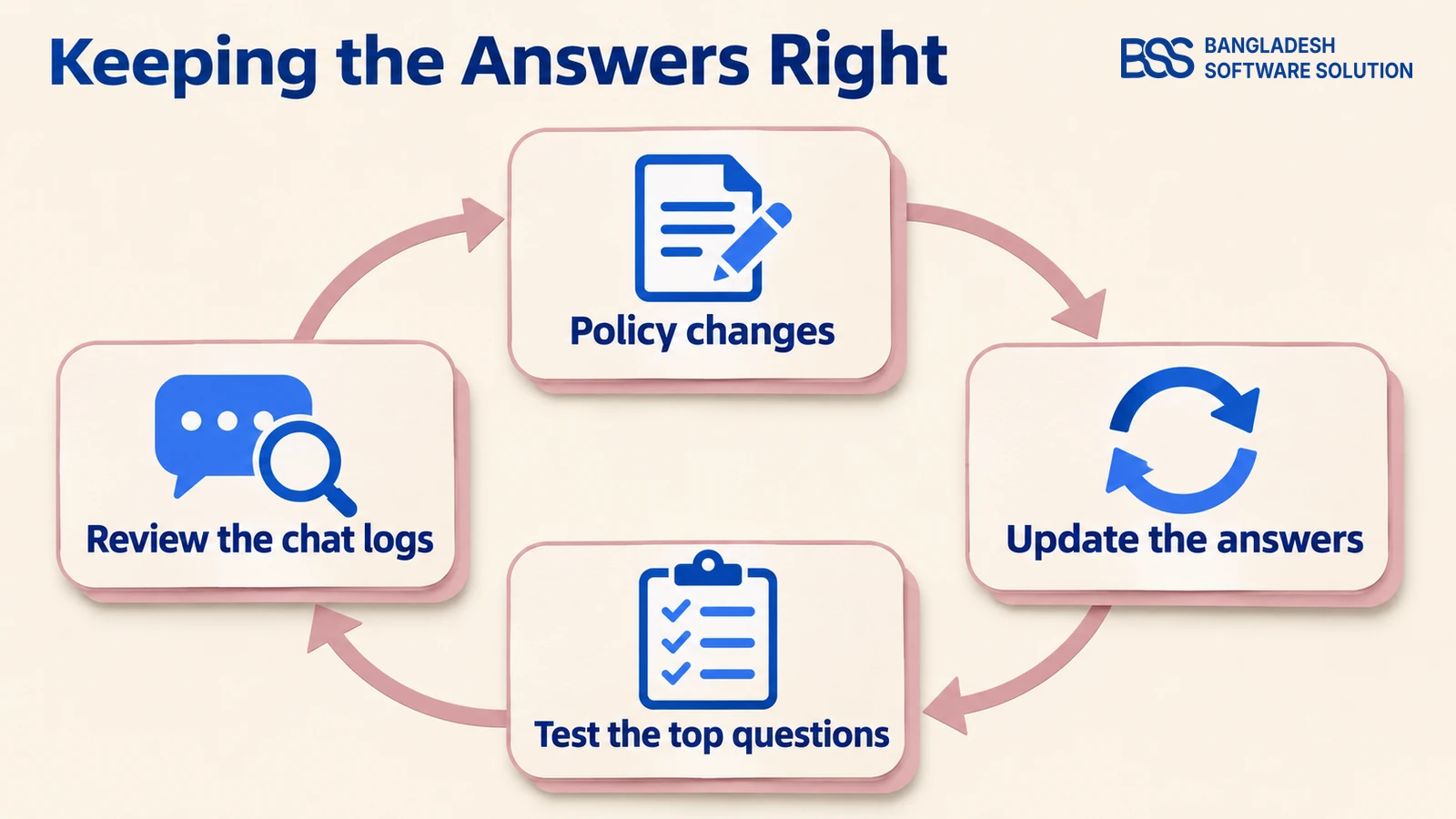
So give one named person a simple monthly routine. When a policy changes, update the answers, test your top 10 questions and read a sample of last month's chats.

When we set up chat for stores, the step owners skip most is the monthly log review. It's also where we find the wrong answers. Our look at what customers really think of chatbots shows why a wrong answer costs more than no answer.
How to Tell If It's Working
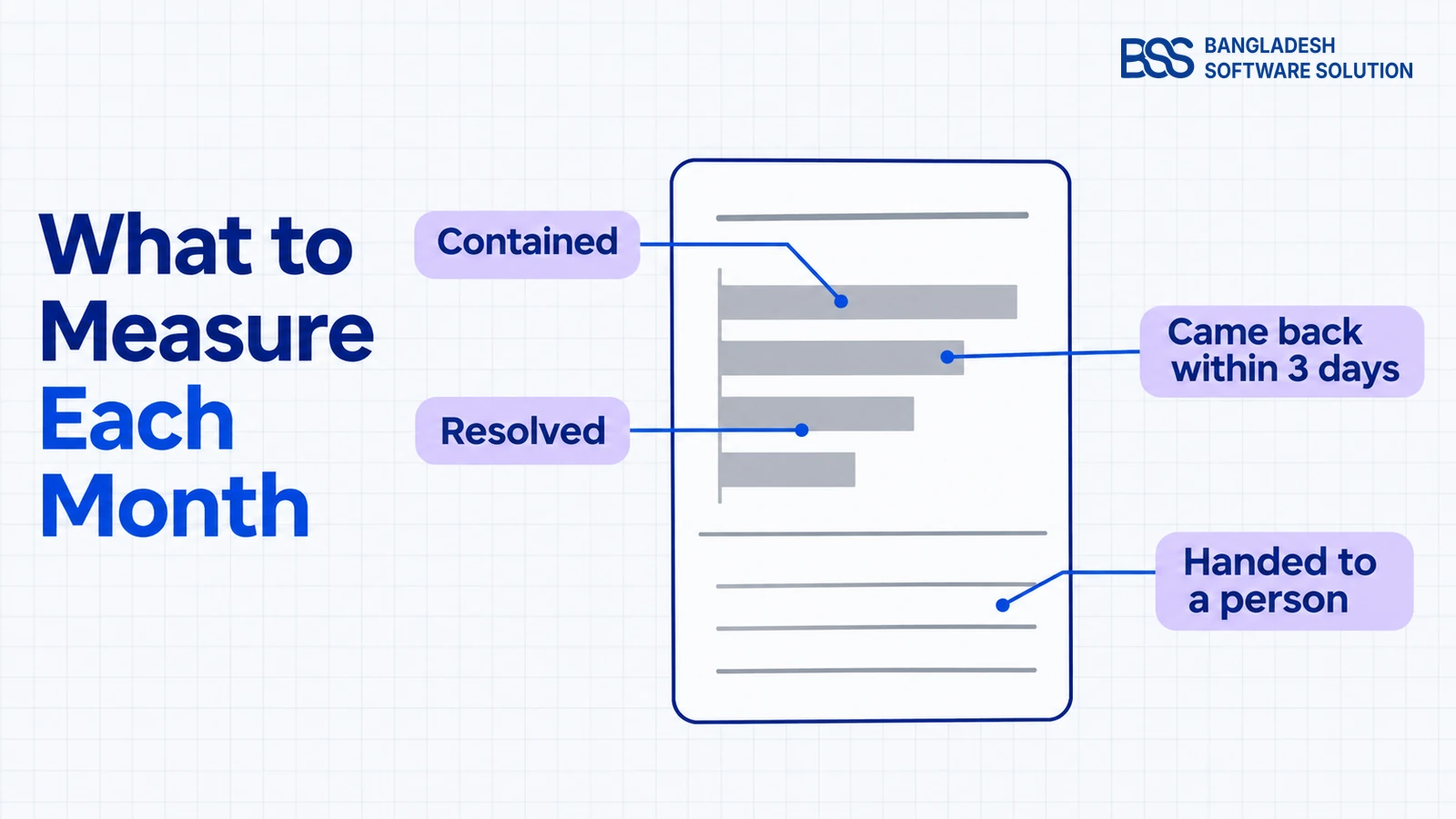
Once it's running, you need numbers that tell the truth. The most common mistake is counting every chat the bot "handled" as a success.
The gap between contained and resolved can be large. In Ada's 2026 research, only 24% of recent AI interactions were fully resolved without a person.
To compare options fairly, check the same thing for each. Note which questions came in, which were resolved and which needed a person, then compare month by month. The type that resolves the most of your questions, at a cost you're happy with, wins.
Combining All Three, and When to Switch
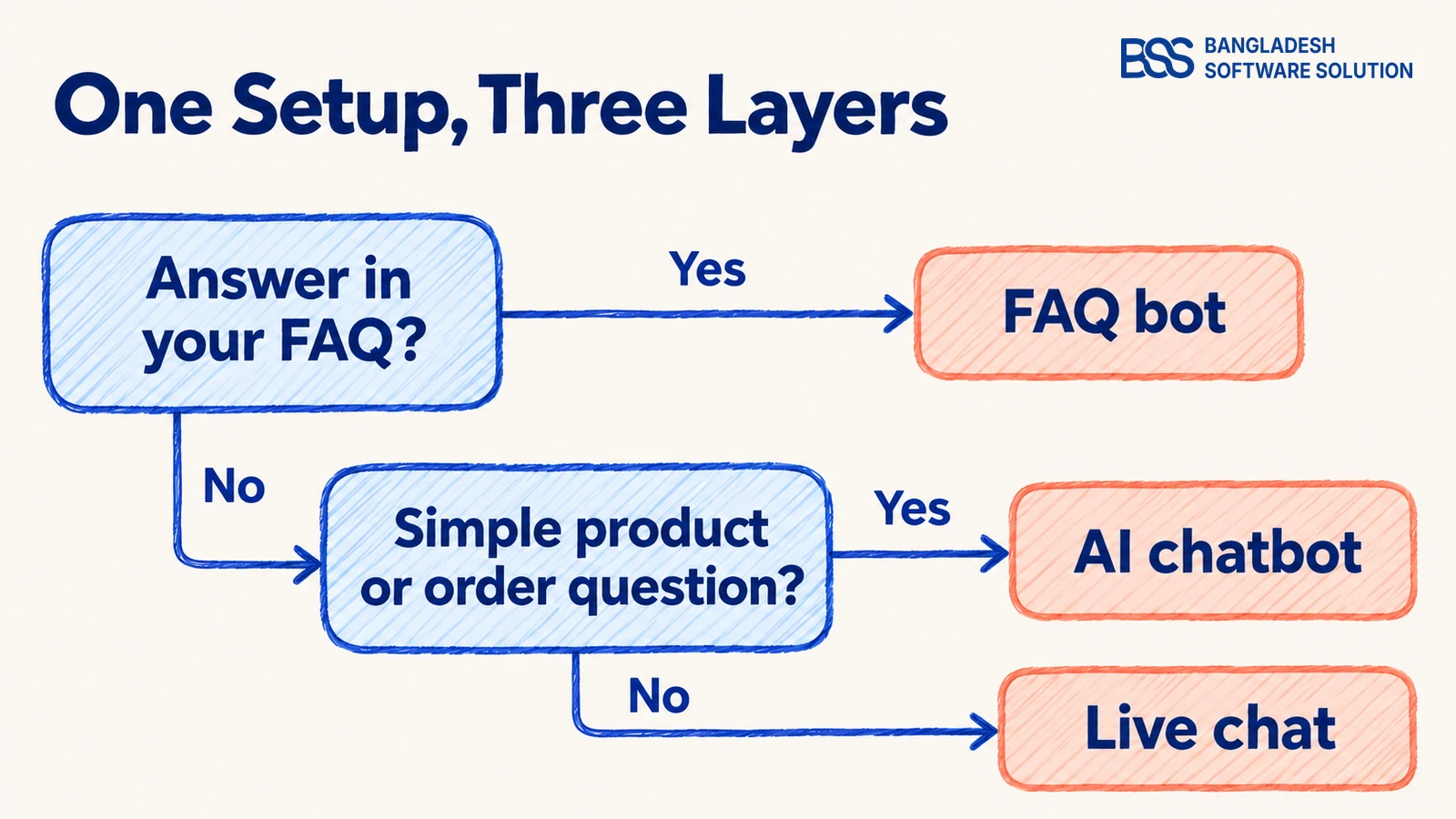
Here's the honest answer to the title: most growing stores end up using all three, in layers. The trick is clear routing, so each question lands in the right place.
- FAQ bot first: if the answer is in your approved FAQ, return it word for word.
- AI chatbot next: for product questions and order lookups the FAQ doesn't cover.
- A person last: for complaints, refunds, payment problems, large orders and anything the shopper asks to escalate.
A sensible path to get there
Start with live chat during working hours and save every question. After a month, turn your 10 most common questions into FAQ bot answers. Then add AI for the rest, using those same approved answers as its source, and keep a person for the hard cases.
Plan for the details too. They're small, but they decide whether shoppers trust the setup.
- After hours: let the bots answer what they can, then say plainly when a person will reply, such as "by 10am tomorrow". An honest time beats a chat window that looks open but isn't.
- Languages: write a separate, checked set of FAQ answers for each language you sell in, and have a native speaker review the AI's answers before you trust them.
- Accessibility: make sure menu buttons work with a keyboard and a screen reader, and that the chat window doesn't cover your Add to cart button on a phone.
- B2B buyers: account prices, quotes and purchase orders need your customer data. Send those questions to a person unless the bot is connected to it.
All three layers in one nopCommerce plugin: keyword Q&A that uses no AI, AI answers for the rest, and live agents who can take over any conversation.
View the plugin
Sending order questions to the AI layer only works if it can see your order data. If that needs custom work on your store, you can hire a .NET developer from BSS to connect it safely.
Want the Right Chat Mix for Your Store? Work With the BSS Team
From writing your FAQ answers to routing order questions and handing hard cases to your team, our engineers set up store chat that answers shoppers properly.
Frequently Asked Questions
Final Thoughts
So, which of those three tabs was right? All of them, for different questions. The FAQ bot handles the repeat questions perfectly, the AI chatbot handles the varied ones, and a person handles the ones that need judgement.
Start with your real questions, decide which hours you need a person, and measure resolved chats rather than contained ones. Do that, and you'll end up with the chat your store actually needs, not the one a sales page told you to buy.
Send us your most common customer questions. We'll help you split them between an FAQ bot, AI and your team, and set it up properly.
Book a free consultation