It's 11 at night. A shopper is on your product page, phone in hand, wondering if the jacket runs small. She taps your chat button, waits a minute, gets no reply and closes the tab.
Every store owner knows that feeling. So you start looking at nopCommerce live chat and AI chatbot options, and within ten minutes you're drowning in plans, seats, "resolutions" and AI agents with friendly names.
We build nopCommerce plugins at BSS, including chat plugins, so we've been through this from the builder's side. This guide sorts the options into four groups, prices them on the same example, and covers the risks most comparisons skip. Every price was taken from the vendor's own pricing page in November 2026.
What a Store Chat Actually Has to Do
Before comparing tools, it helps to be clear about the job. Most store chats get the same few questions again and again: shipping times, returns, sizes, stock and order status.
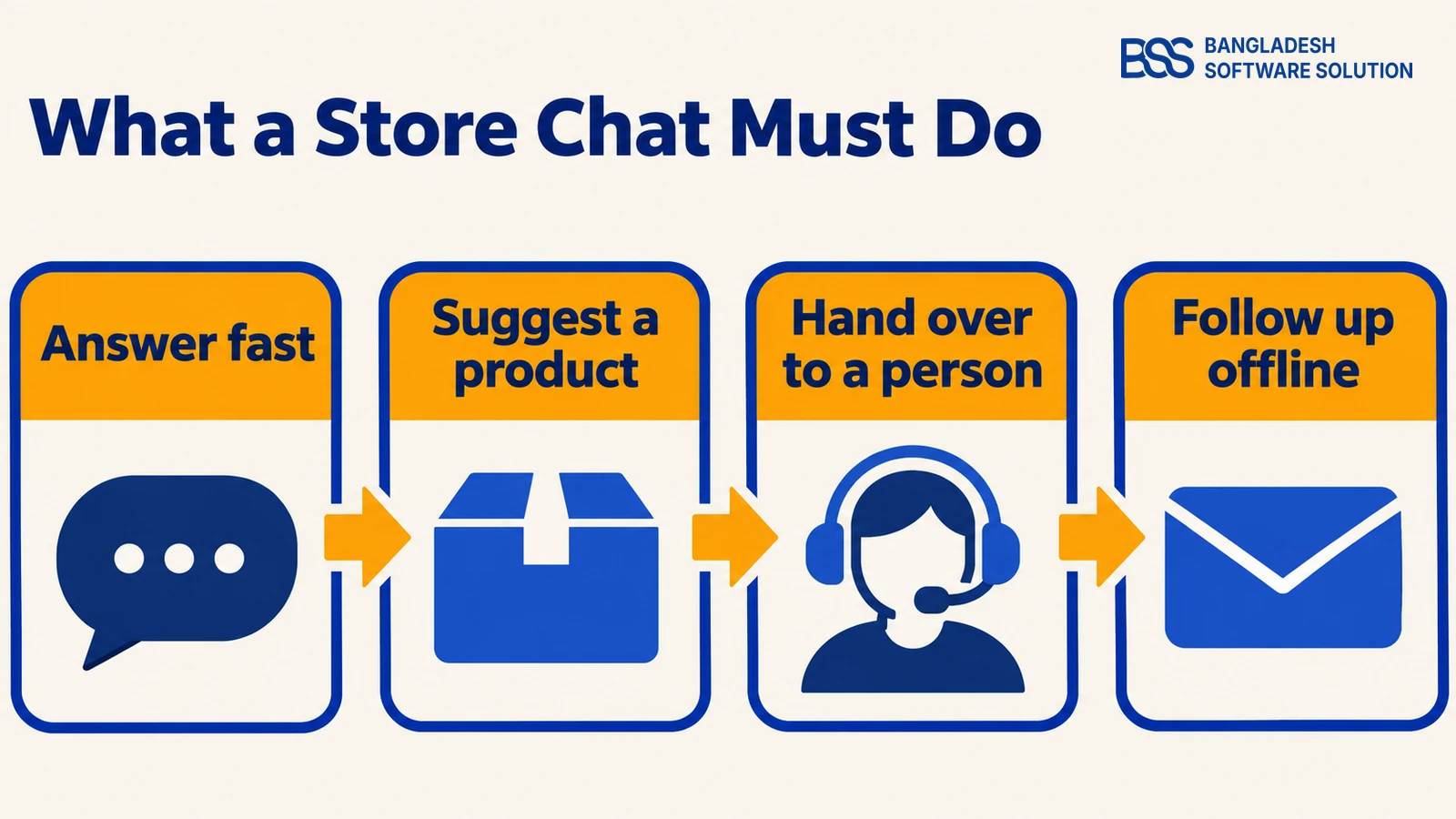
A good chat does four things. It answers fast, it points the shopper to the right product, it hands over to a person when the question is hard, and it follows up when nobody is online.
Here's the honest part. A small store with a few chats a day may not need AI at all. A clear FAQ page plus simple live chat during working hours often does the job.
Start with your real questions
Before you look at any tool, pull a month of customer emails, messages and chat logs. Sort them into rough groups like shipping, returns, sizing and order status.
That list tells you more than any feature page. If most questions are the same five, a bot with good answers will handle a lot. If most need someone to check an order or make a judgement call, you need people first and AI second.
Not sure which kind of chat your store needs? Tell us your chat volume and team size, and the BSS team will talk it through with you.
Talk to the BSS teamThe Four Kinds of Chat for a nopCommerce Store
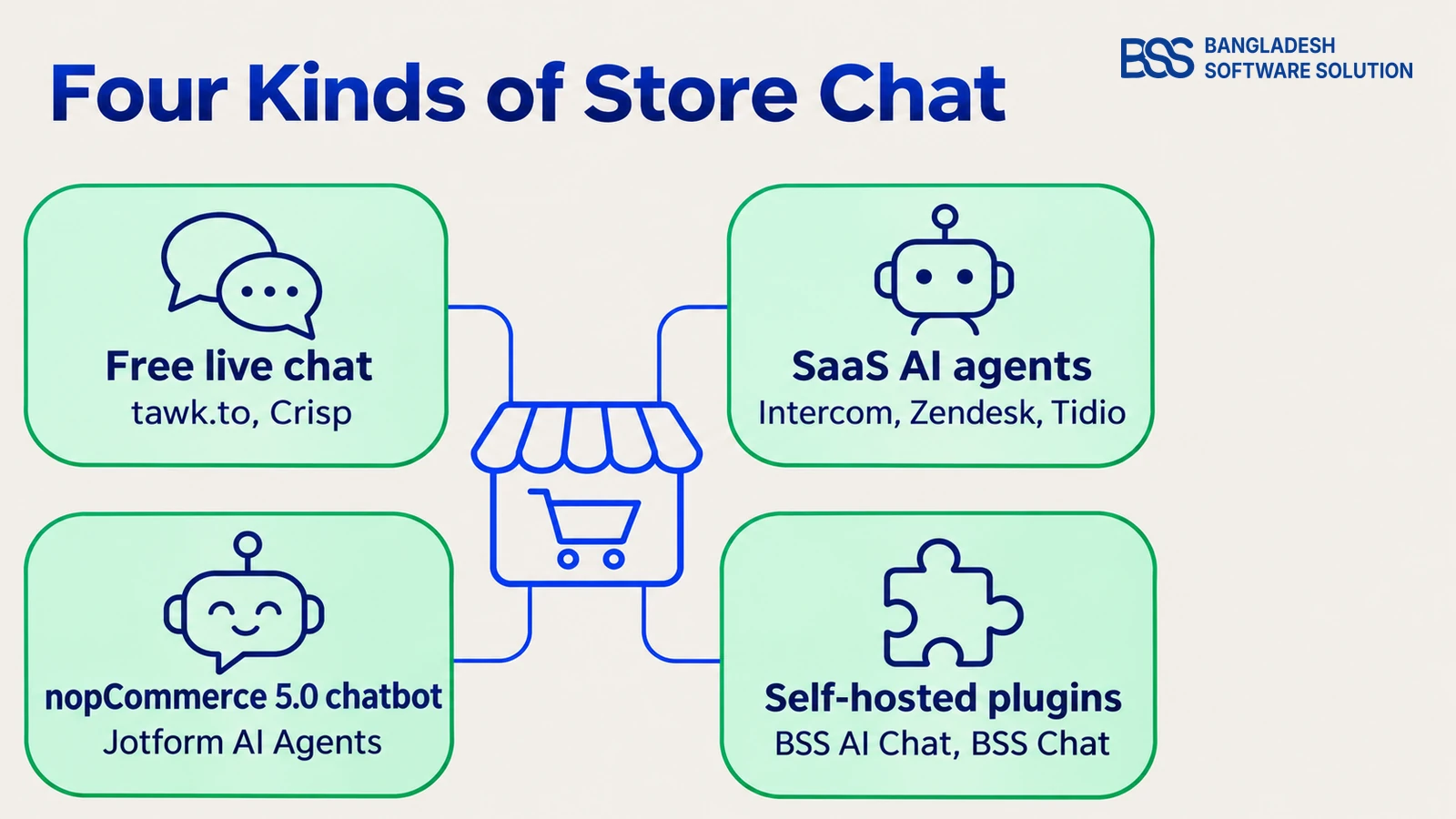
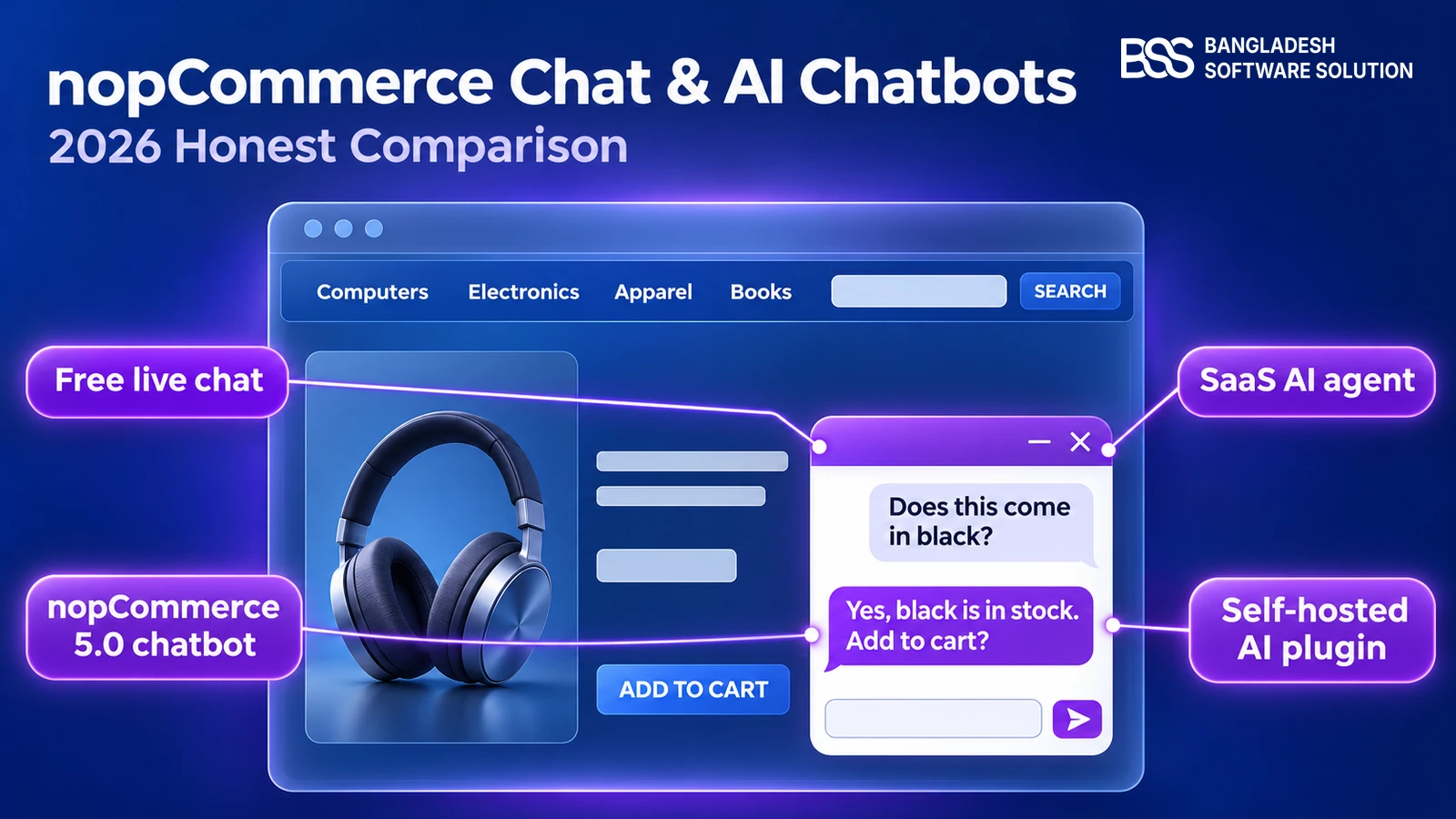
Once you know the job, the options fall into four groups. They differ most in two ways: how they charge you, and where your customers' messages are stored.
| Kind of chat | Examples | Where chats are stored | Starting price |
|---|---|---|---|
| Free live chat widget | tawk.to, Crisp | The vendor's servers | Free, paid add-ons for AI and branding |
| SaaS help desk with AI agent | Intercom, Zendesk, LiveChat, Tidio | The vendor's servers | Per agent seat, plus per AI answer |
| nopCommerce 5.0 chatbot | Built on Jotform AI Agents | Jotform's servers | Free tier, then monthly plans |
| Self-hosted nopCommerce plugin | BSS AI Chat, BSS Chat | Your own store database | One-time plugin, plus your own AI usage |
Free live chat widgets
tawk.to's core chat is free if you keep its "Powered by tawk.to" branding. Removing that costs $29 a month, and its AI Assist starts at $29 a month. Crisp's free plan covers two agents.
These are a fine first step for a small team. Adding one to nopCommerce usually means pasting the vendor's script into your theme or a widget zone.
SaaS help desks with AI agents
Intercom, Zendesk, LiveChat and Tidio are full support desks. They handle email and social messages as well as chat, which makes sense if you already run support across several channels. You pay per agent seat, and AI answers are billed on top.
The entry plans are cheaper than you might expect. LiveChat's Essential plan is $19 per user a month billed yearly, with 10 AI resolutions included. Tidio's Starter plan is $24.17 a month for 100 billable conversations, and its Lyro AI agent starts at $32.50 a month for 50 AI conversations.
The nopCommerce 5.0 chatbot
nopCommerce 5.0's release notes list an intelligent chatbot built on Jotform AI Agents. Jotform's free Starter plan includes 100 conversations a month. Our nopCommerce 5.0 overview covers the rest of that release.
Self-hosted plugins
A plugin that runs inside nopCommerce keeps conversations in your own database. You maintain it like any other plugin, and if it uses AI, the questions still go to the AI provider you choose.
We make two of these, and we'll be upfront about the limits. Our plain live chat plugin has no recurring fee, but only registered customers can start a chat. Our AI chat plugin adds AI answers, product suggestions and handover to a person, and you choose the AI provider.
What Store Chat Really Costs
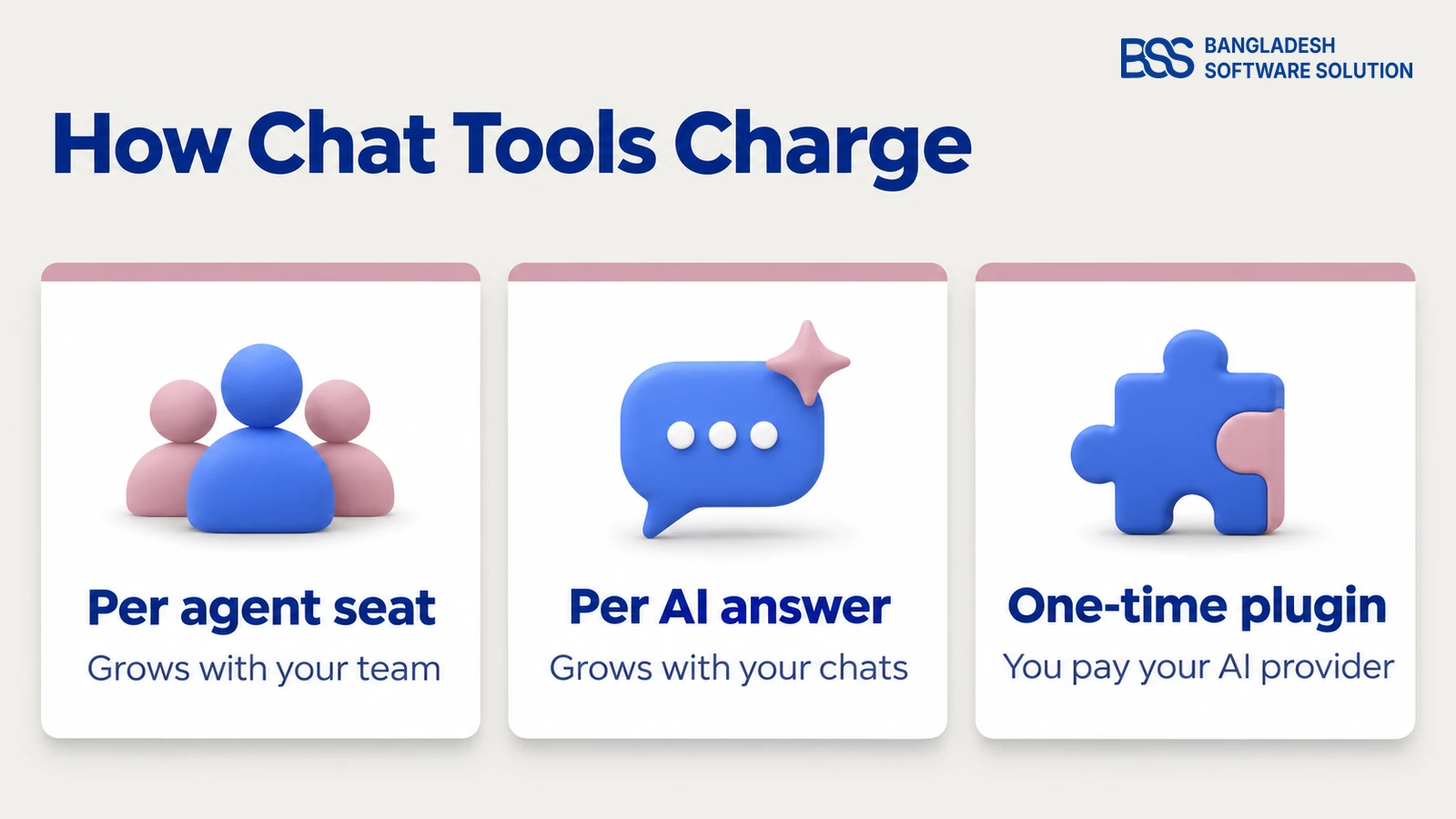
Pricing is where most store owners get lost, because every vendor counts differently. Some charge per agent seat, some per AI answer, and some per conversation.
To compare fairly, let's price one example: a store where AI handles 1,000 chats a month. This covers only the AI part of the bill, not seats for your human agents.
| Tool | How it's worked out | AI cost per month |
|---|---|---|
| Jotform AI Agents (Bronze) | Plan includes 1,000 conversations | $34 billed yearly, $39 monthly |
| LiveChat (Growth) | 200 included, then 16 packs of 50 at $49.50 | $792, plus $79 per user |
| Intercom Fin | 1,000 × $0.99 per outcome | $990 |
| Zendesk | 1,000 × $1.50 committed, or $2.00 pay-as-you-go | $1,500 to $2,000 |
| Self-hosted AI plugin | Your AI provider's usage bill, which depends on the model | Varies, with no per-answer fee from the plugin |
Read the small print before you trust any of these numbers. An "outcome" or "resolution" is not the same as a conversation, and each vendor defines it differently. Zendesk also includes a few resolutions per agent each month.
The cheapest chat on the pricing page is not always the cheapest once your chat volume doubles. Price it at the volume you expect next year.
BSS Engineering

When we built AI chat for nopCommerce, a monthly budget cap was the first thing store owners asked for. So BSS AI Chat has usage limits and a monthly budget report, and its keyword Q&A answers common questions without using AI at all.
If you'd rather not wire any of this up yourself, that's normal. Our team builds AI-powered store features such as chatbots and can connect chat to the systems you already use.
Where AI Chat Goes Wrong, and How to Avoid It
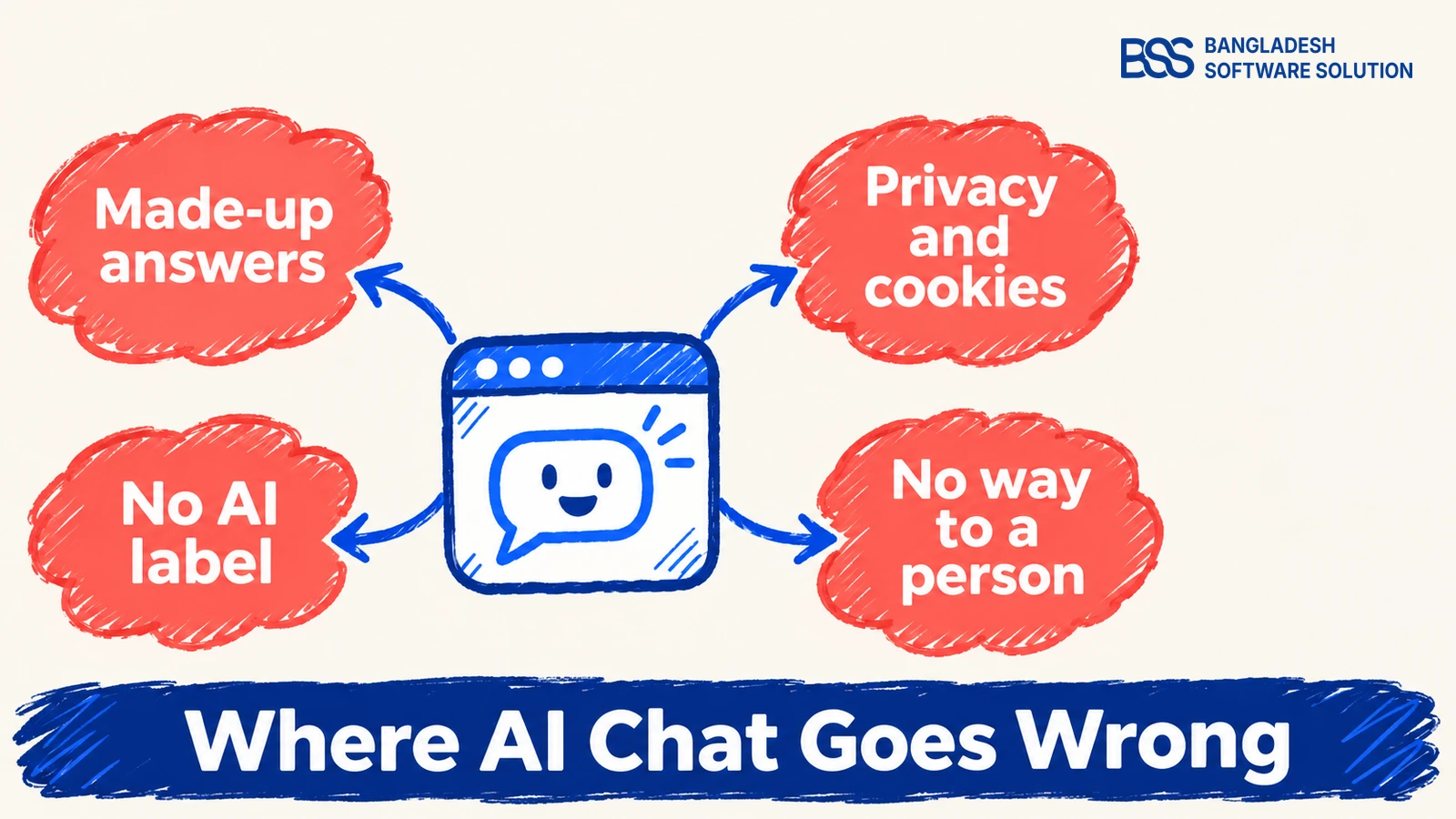
Cost is only half the risk. The other half is what the bot says, and who is responsible when it's wrong.
Your business owns the bot's answers
In 2024, Canada's Civil Resolution Tribunal heard Moffatt v. Air Canada. The airline's chatbot had wrongly told a grieving customer he could claim a bereavement fare after booking.
The tribunal held Air Canada liable, ruling that it couldn't separate itself from a chatbot on its own website.
For a store, the lesson is simple. Keep the bot tied to your real catalog and policies, and let it say "I'll pass you to a person" rather than guess.
An AI model only knows what you give it. Ask any vendor how the bot reads your products, stock and policies, and whether you can see a log of every answer it gave. If you can't check what it said, you can't fix it when it's wrong.
Tell people they're talking to AI
In the EU, Article 50 of the AI Act applies from August 2, 2026. It requires AI systems that talk with people to be built so users know they're dealing with AI, unless that's already obvious. A clear "AI assistant" label on the chat window covers it, and shoppers trust it more anyway.
Mind privacy and cookies
Most hosted chat widgets load outside scripts and may set cookies. Check whether your cookie banner needs to block the widget until the visitor agrees. Our cookie consent plugin can hold scripts back until consent is given.
Before you switch an AI chatbot on
-
Label the chat window clearly as an AI assistant.
-
Feed it your real shipping, returns and size information, and test those questions first.
-
Make sure a shopper can reach a person, or leave a message when nobody is online.
-
Set a monthly AI spending limit before launch, not after the first bill.
-
Check the widget against your cookie consent setup.
Which Chat Fits Your Store?
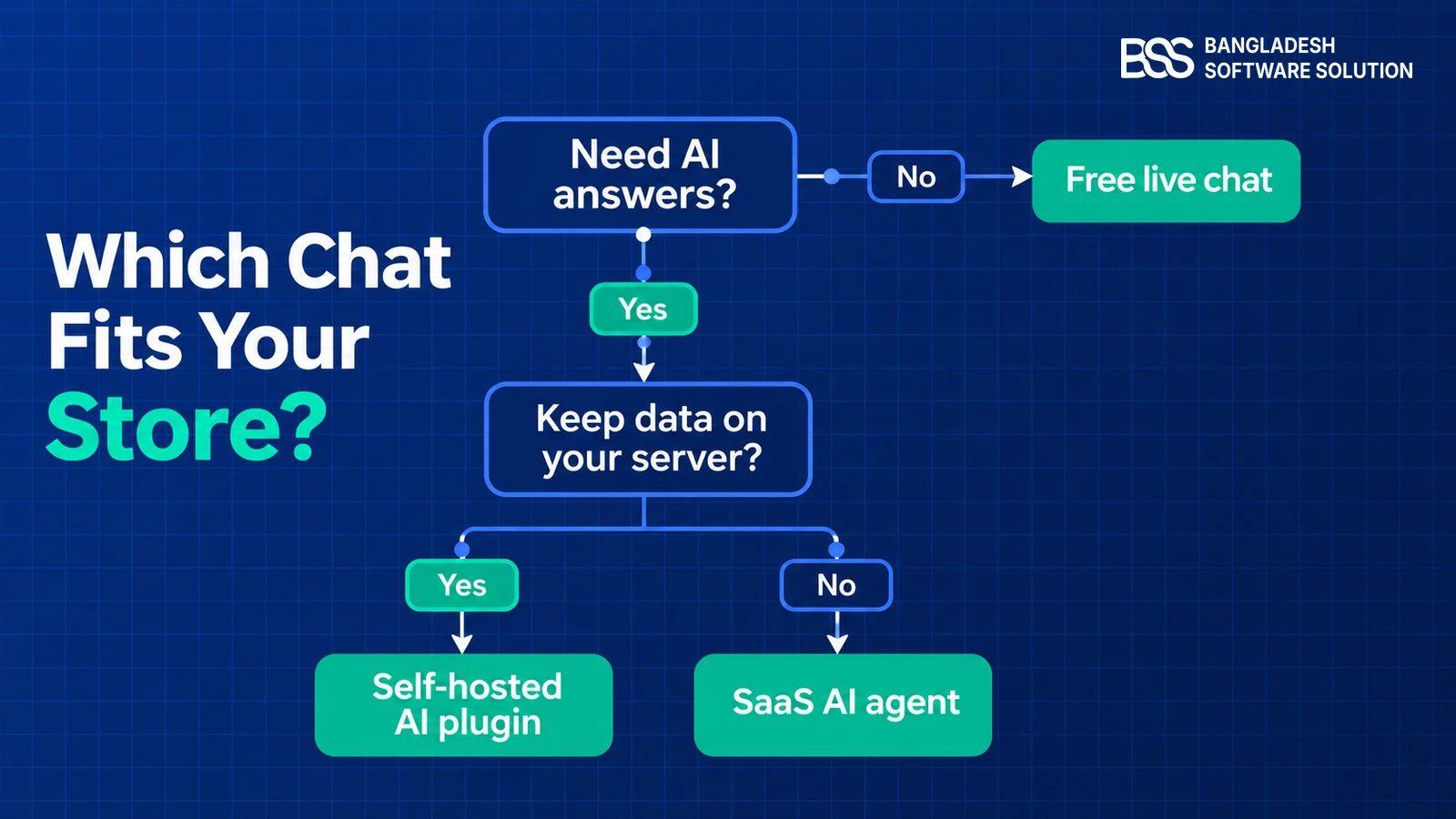
Back to that shopper at 11 at night. Which option would have answered her? It depends on two questions: do you need AI answers at all, and do you want chat data on your own server?
- Pick a free live chat widget if you get a handful of chats a day and someone can answer during working hours.
- Pick a SaaS help desk with an AI agent if you already handle support by email and social, and want one inbox for everything.
- Try the nopCommerce 5.0 chatbot if you're on 5.0 and want to test AI answers cheaply before committing.
- Pick a self-hosted AI plugin if you want conversations in your own database, product suggestions inside the chat and no per-answer fees.
Whichever you choose, check it after the first month. Look at how many chats the bot closed on its own, how many it passed to a person, and how many ended in an order. Those three numbers tell you whether it's earning its keep.
AI answers, keyword Q&A, product suggestions with add to cart, and handover to a live agent, all inside your nopCommerce store with usage limits you set.
View the plugin
Whatever you pick, test the handover before launch. On the chat work we do, a bot that can't pass a shopper to a person loses more sales than a slow reply. If you need chat connected to your CRM or help desk, you can hire a .NET developer from BSS for it.
Want AI Chat Set Up Properly? Work With the BSS Team
From choosing the right chat to connecting it with your catalog, CRM and policies, our engineers build AI features for nopCommerce stores. Tell us what your shoppers ask most.
Frequently Asked Questions
Final Thoughts
That shopper at 11 at night didn't need the most advanced AI on the market. She needed a quick, correct answer about sizing, or at least a way to leave a question and hear back in the morning.
Start with what your shoppers actually ask and how many chats you get. Then pick the simplest option that answers them well, price it at next year's volume, and label it honestly. That's a chat setup that sells instead of annoying people.
Tell us your chat volume, your team and your systems. We'll help you choose, set it up and connect it properly.
Book a free consultation