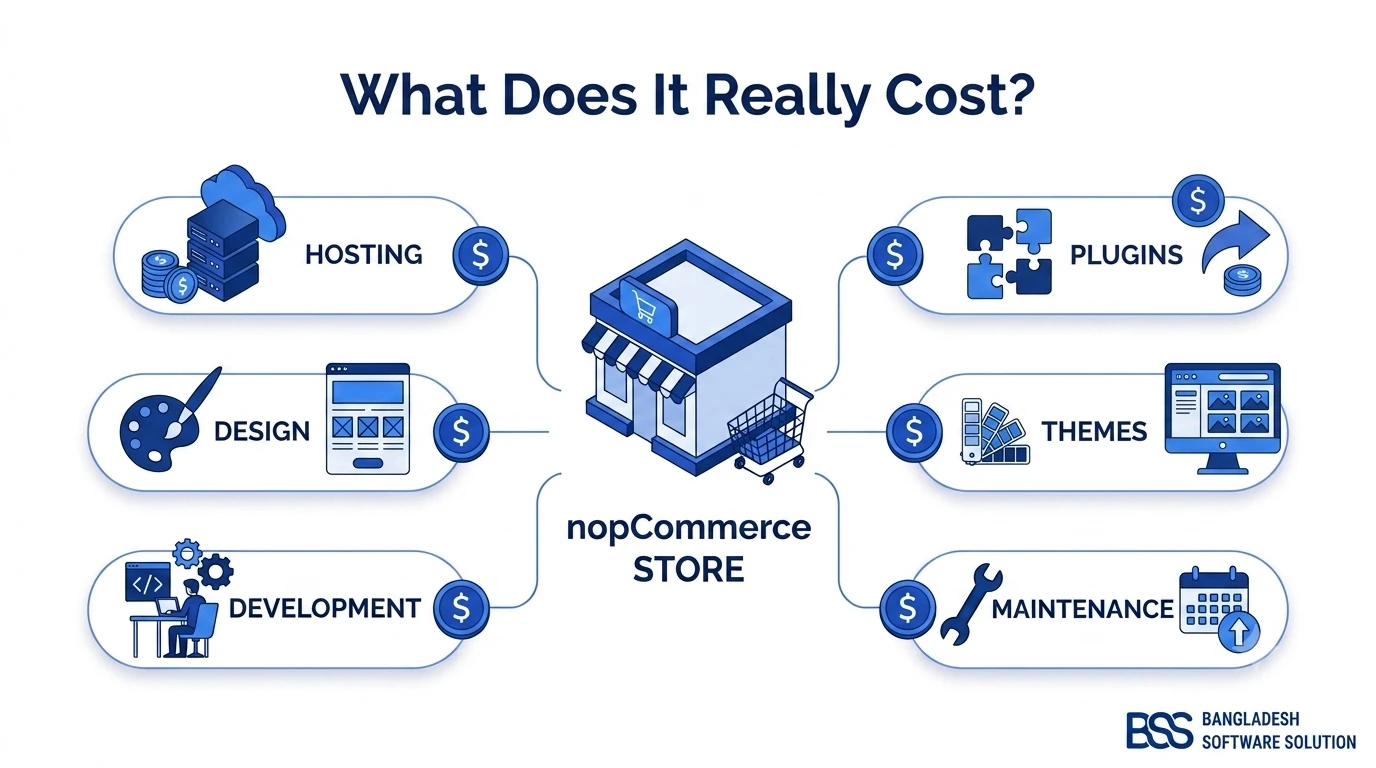
How much does an ecommerce website cost? The honest answer is that the price depends on what you need the store to do, who builds it and what it costs to operate after launch. A small catalog using a ready-made theme has a very different budget from a custom marketplace connected to inventory, accounting and shipping systems.
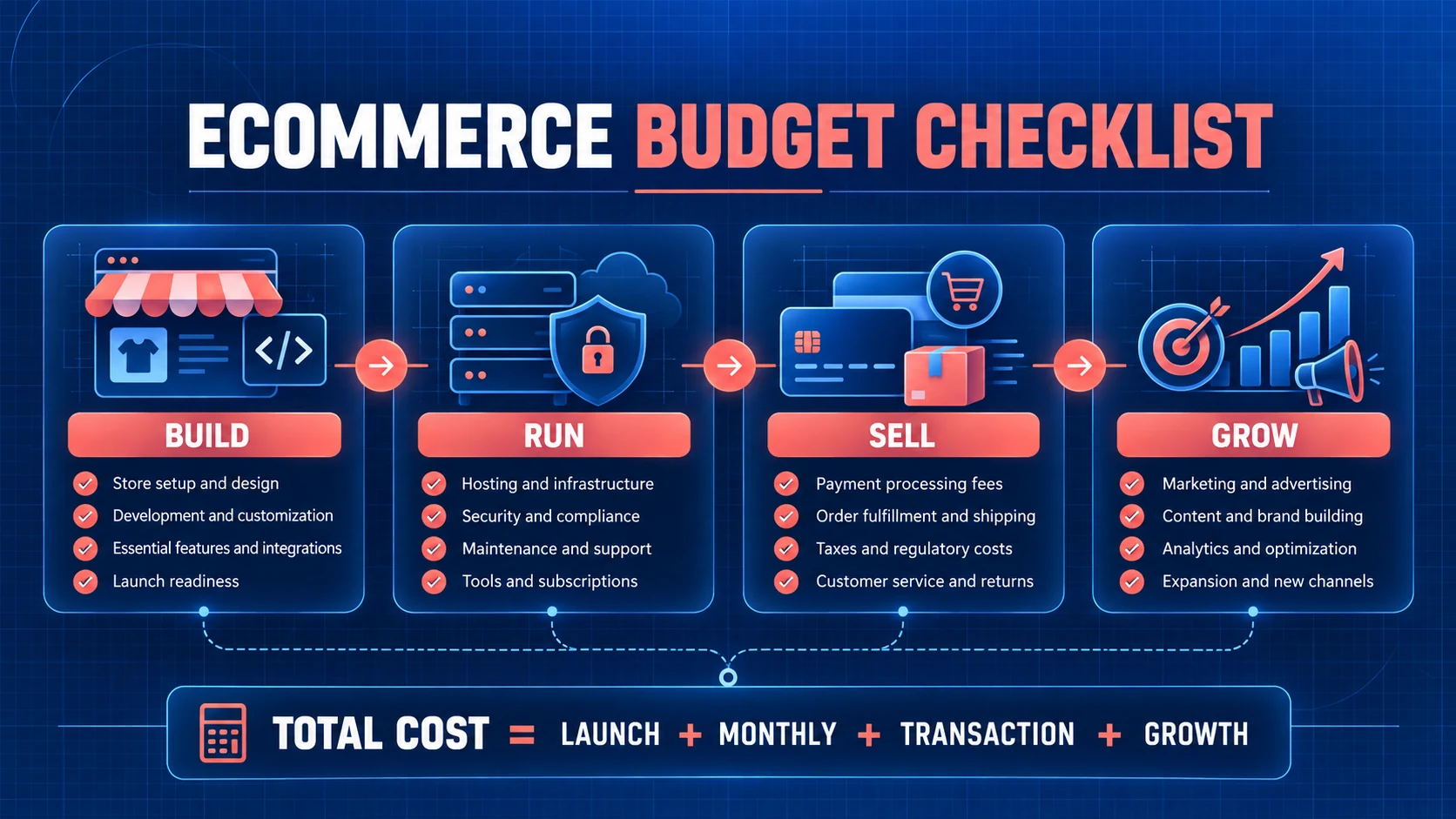
The useful question is not “What is the average ecommerce website price?” but “Which costs belong in my first-year plan?” This guide turns the answer into four buckets: build, run, sell and grow. Use them to compare a hosted website builder, an open-source platform or a custom ecommerce development proposal on equal terms.
Quick answer: total ecommerce cost equals one-time launch work, recurring operating costs, transaction and fulfillment charges, plus a growth reserve. Any quote that covers only design and development is incomplete.
Start With the Four-Part Ecommerce Cost Model
An ecommerce website cost breakdown becomes easier when every line item has a home. The framework below prevents a low launch quote from hiding expensive monthly tools or future customization.
Separate fixed costs from variable costs. Hosting and support may be predictable each month, while payment processing and shipping rise with order volume. Also separate “required for launch” from “valuable later.” This protects cash without removing essentials such as checkout testing, backups or security.
1. Calculate Your One-Time Website Development Cost
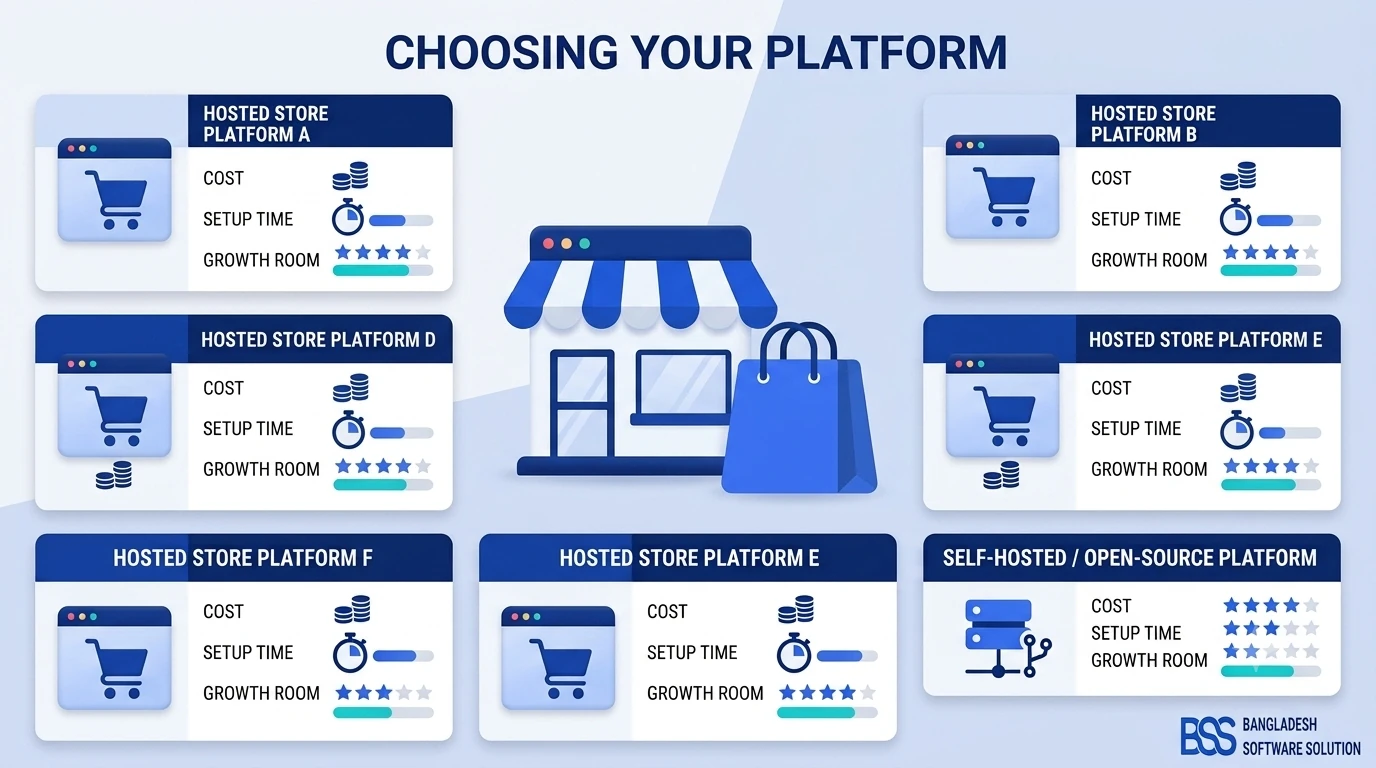
Your launch budget begins with the platform. Hosted builders usually combine software and hosting into a subscription. Open-source software can remove the platform license fee, but you still pay for hosting, implementation and any specialist work. For example, nopCommerce describes its platform as free and open source; that does not make design, deployment or maintenance free.
- Discovery and scope: catalog size, customer types, countries, currencies, tax, shipping and required integrations.
- Design: ready-made ecommerce website template, customized theme or fully custom interface.
- Development: configuration, custom features, data migration, payment and shipping connections.
- Content and catalog: product data, photography, copy, policies and category structure.
- Quality assurance: mobile, browser, checkout, email, tax, shipping, accessibility and performance testing.
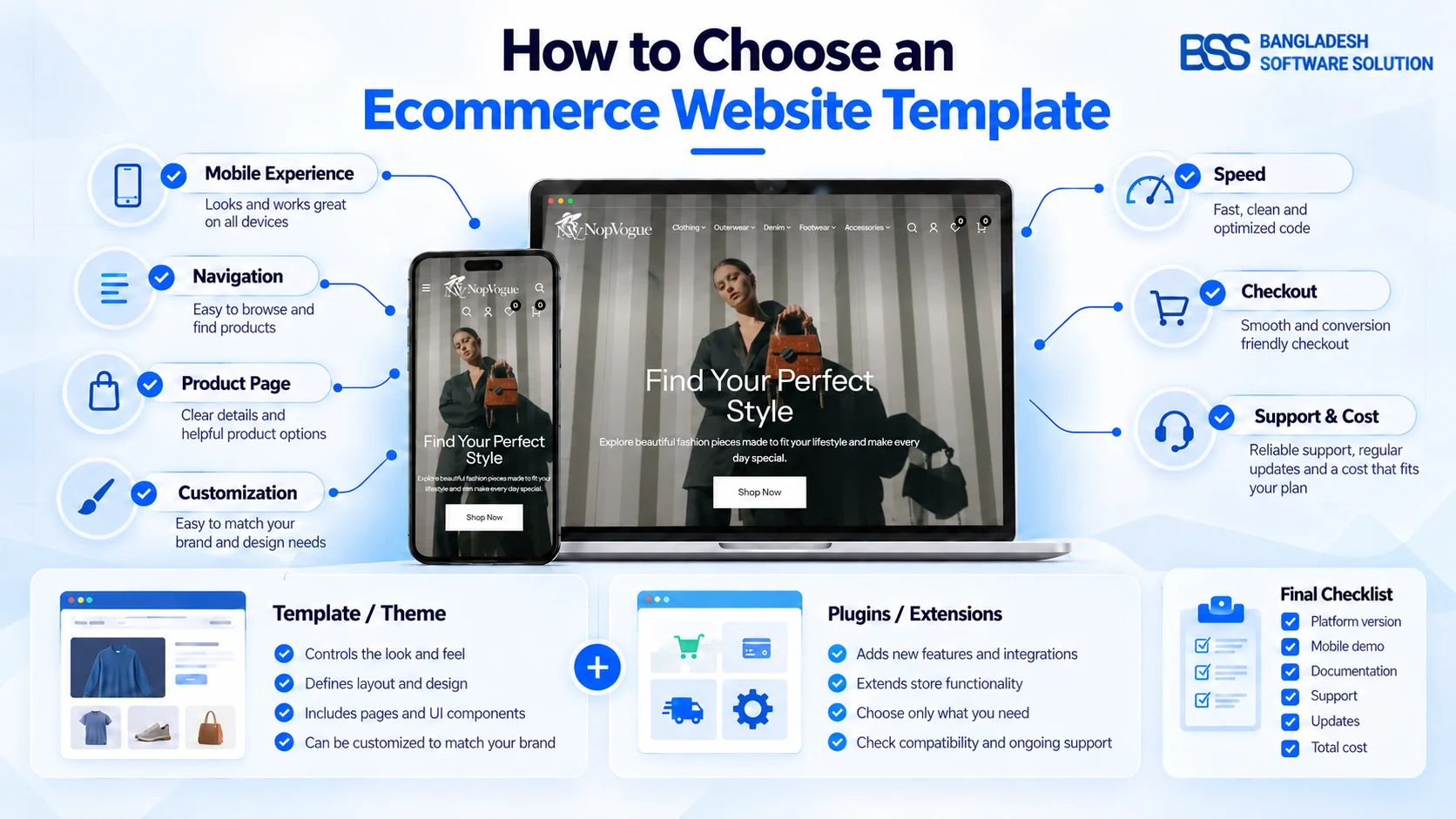
A theme can shorten design work when its layouts already fit your catalog. Browse the BSS nopCommerce themes for bundled options, or use the BSS Visual Editor when non-technical staff need to update product, category and campaign content visually.
BSS can separate standard configuration, plugins and genuine custom development before you commit to a build.
2. Budget for Hosting, Security and Maintenance
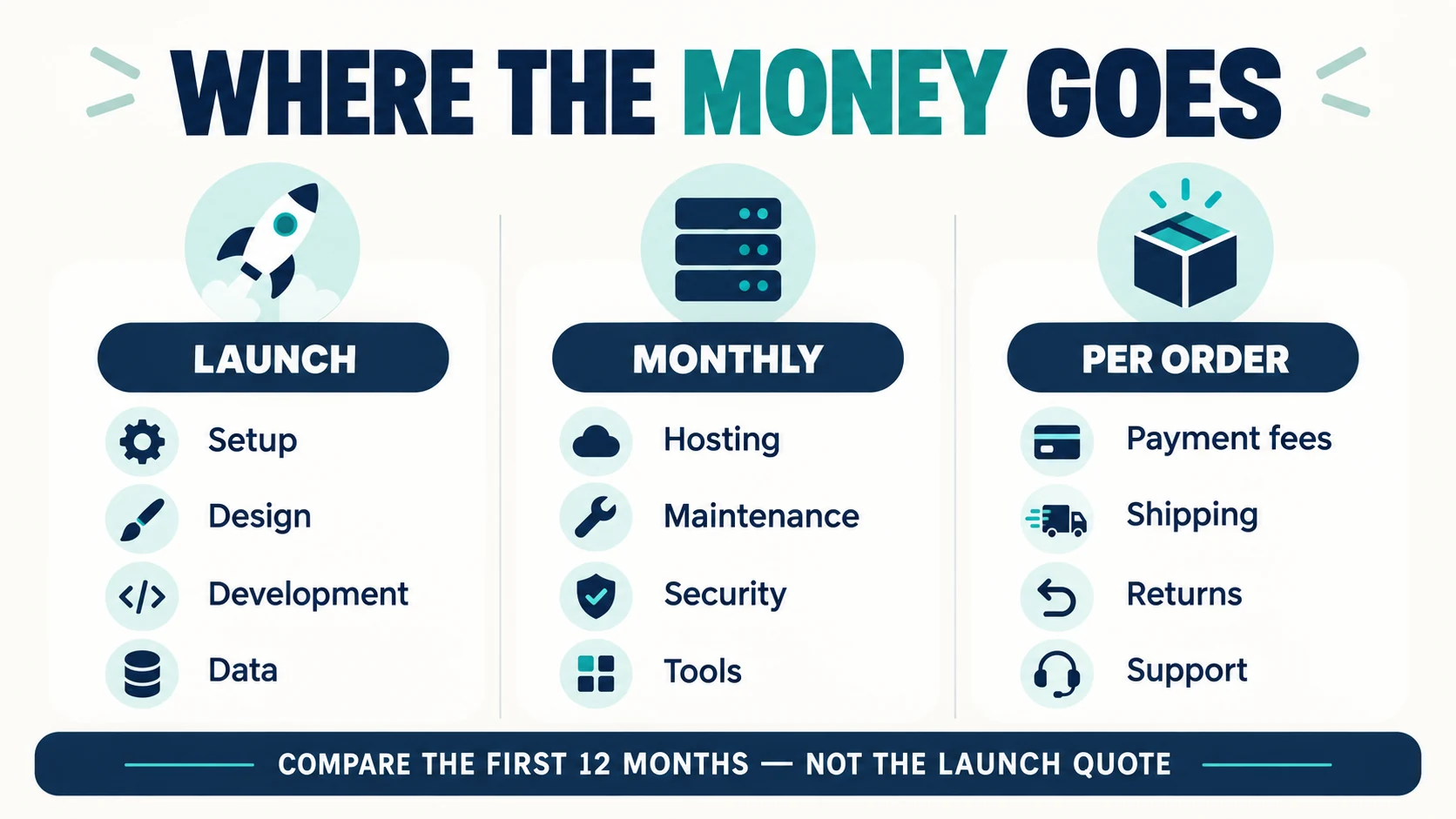
The cost of creating an ecommerce website continues after launch. Add the domain, hosting or cloud infrastructure, SSL certificate arrangements, backups, monitoring, software updates and technical support. Traffic, product volume, image weight and integrations influence the infrastructure you need, so compare hosting by resources and support—not headline price alone.
| Running cost | Question to ask | Budget risk |
|---|---|---|
| Hosting | Can the plan scale during promotions? | Slow pages or surprise overage charges |
| Maintenance | Who applies updates and fixes failures? | Emergency work priced outside the quote |
| Backups | How often are they tested and restored? | A backup exists but cannot be recovered |
| Security | Who monitors vulnerabilities and access? | Compliance and incident-response costs |
Payment security is not something to assume a vendor handles completely. PCI Security Standards Council guidance says the merchant remains responsible for PCI DSS compliance even when service providers are involved. Review its merchant resources, then document which party owns each security task.
3. Add Payment, Checkout and Fulfillment Costs
Transaction costs deserve their own line because they grow with sales. Include the payment gateway’s percentage and fixed fee, international-card or currency charges, refunds, disputes and fraud tools. As one current US example, Stripe lists standard domestic online card pricing at 2.9% plus 30¢ per successful transaction; pricing varies by country and product.
Your technical budget may also include gateway integration and checkout customization. The BSS Stripe Payment plugin connects Stripe with nopCommerce, while BSS OnePage Checkout can consolidate billing, shipping, payment and order review. Choose these only when they solve a documented requirement.
Then price fulfillment: shipping software, carrier connections, labels, packaging, warehouse labor, returns and customer support. If you need multi-carrier automation, review the BSS Sendcloud integration. The plugin price is only one component; carrier charges and operational labor remain separate.
4. Reserve Money for Growth and Improvement
A store can launch successfully and still struggle because no budget remains for traffic or improvement. Plan for product content, email, search optimization, paid campaigns, analytics and conversion testing. Treat marketing as an operating system, not a one-time launch event.
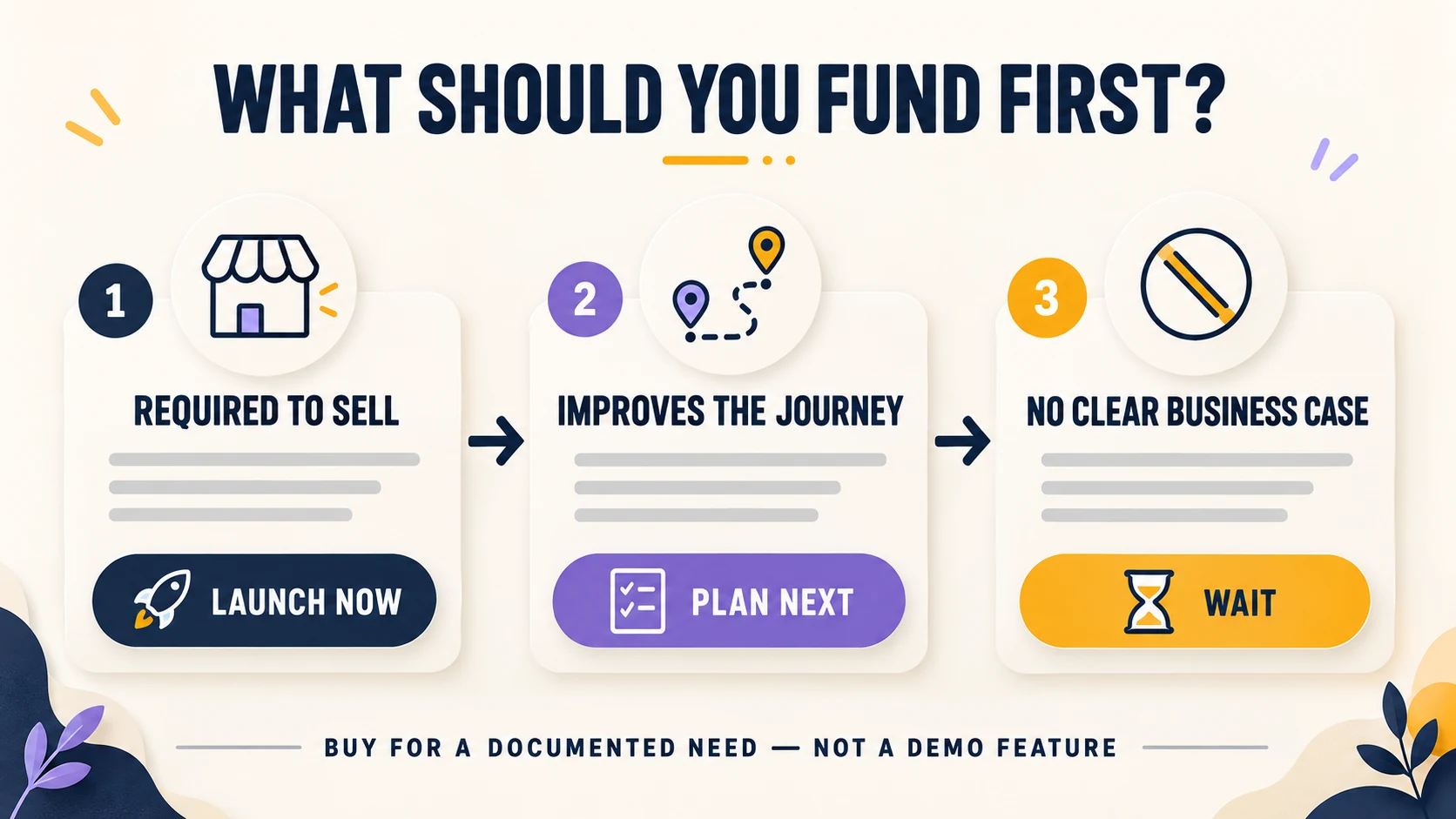
Beginner rule: do not buy every plugin before the first order. Fund the capabilities that make the buying journey work, then add tools when customer behavior or operations reveal a real bottleneck.
Useful later-stage options may include the BSS AI SEO Assistant, Advanced SEO Schema or a nopCommerce mobile app with REST API. Each should have an owner, a measurable purpose and a maintenance plan before it enters the budget.
Your Beginner Ecommerce Budget Checklist
Create three columns—launch, monthly and per order—and place every cost below into one of them. Add a contingency line for scope changes, then calculate the first 12 months rather than comparing launch quotes alone.
- The platform, hosting and license model are named.
- The number of products, categories, languages, currencies and stores is defined.
- Theme work, custom code, integrations and data migration are separated.
- Payment fees, shipping operations and tax requirements are included.
- Support hours, response times, updates, backups and ownership are written down.
- The proposal states what is excluded and how change requests are priced.
If you are specifically estimating nopCommerce, use our narrower guide to how much a nopCommerce store costs to build. Keeping that platform-specific detail separate helps this article answer the broader beginner query without duplicating the same search intent.
Frequently Asked Questions
For a simple store, design and setup may dominate the launch budget. For a complex operation, integrations, data migration and custom workflows often require more effort. Define the uncertain requirements before comparing quotes.
A free open-source license can remove a platform fee, but hosting, design, configuration, payment processing, maintenance and support still cost money. Compare first-year total cost rather than license price alone.
Define a minimum launch scope, use a suitable theme, prepare product data early and avoid custom features without a business case. Add optional capabilities after customer behaviour identifies a need.
Plan for hosting, domain renewal, monitoring, backups, security, software updates, support and any recurring plugin or service subscriptions. Keep payment, shipping and returns costs in a separate per-order column.
Choose a template when its navigation, catalog and product layouts already fit your requirements. Consider custom design when documented customer journeys or brand requirements cannot be met through configuration.
Give every supplier the same written scope. Compare inclusions, exclusions, ownership, support, change-request pricing and first-year operating costs—not only the launch total.
Final Thoughts
A reliable ecommerce budget is not one number copied from another business. It is a transparent model that shows what you will spend to build, run, sell and grow. When every cost has a category, competing proposals become easier to compare and expensive omissions become easier to spot.
Write your first-year checklist before requesting estimates. Then ask each supplier to map its proposal to the same list. If you want a scoped nopCommerce plan, BSS can assess your requirements and separate configuration, existing products and custom development.
Share your catalog, markets, integrations and launch goals. We will separate standard setup, available plugins and genuine custom work.
Request a consultation