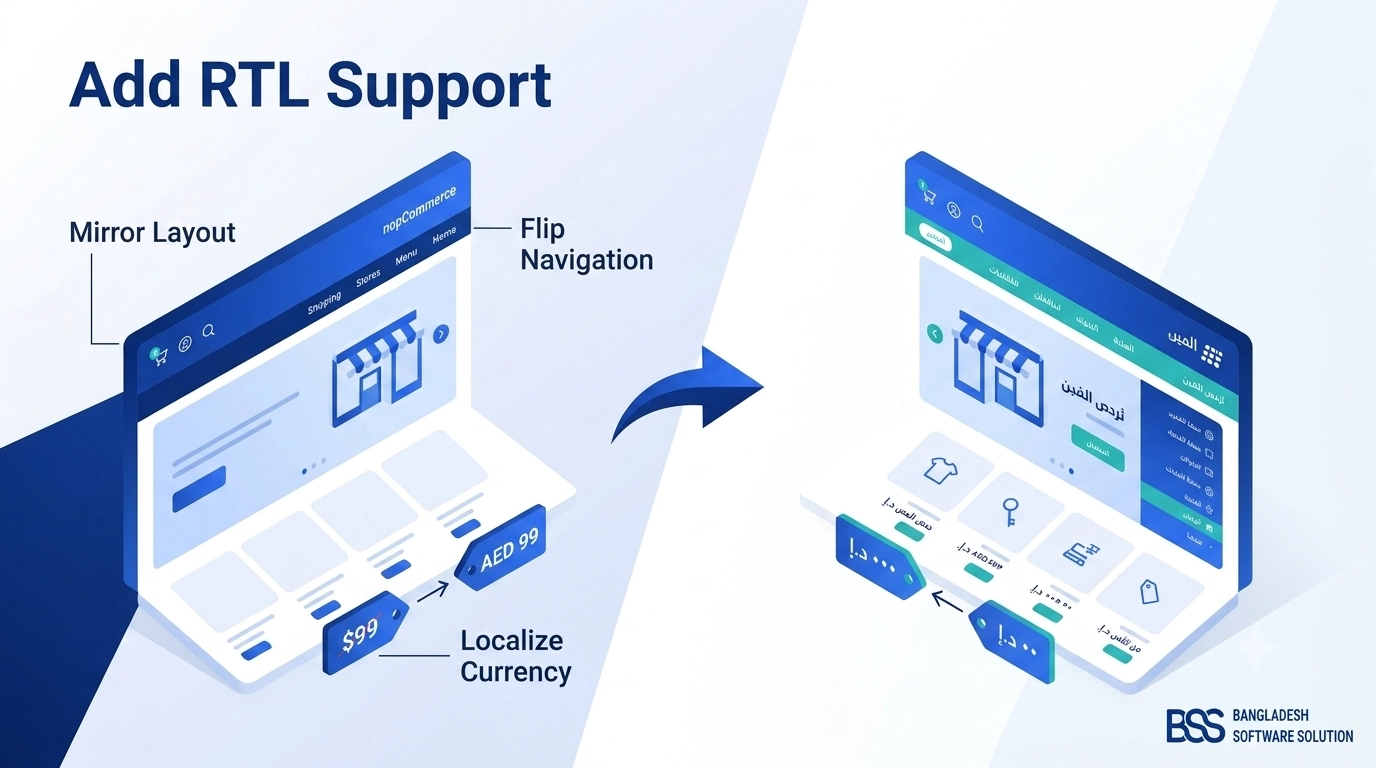
If you've ever flipped a nopCommerce language to Arabic, Hebrew, or Urdu and watched your storefront's navigation, prices, and product cards stay stubbornly left-aligned, you already know that adding RTL support to a nopCommerce theme is not a checkbox — it's a real front-end project. The platform gives you the plumbing to mark a language as right-to-left, but turning that flag into a storefront that actually reads correctly for an Arabic or Hebrew shopper is a separate job, and it lands squarely on whoever owns the theme.
This guide walks through what nopCommerce already does for you, where that support ends for custom and premium themes, and the exact sequence — from the admin panel down to individual CSS rules — we use when we retrofit RTL support onto a client's theme. By the end you'll have a checklist you can run against your own storefront before you ship to a right-to-left market.
What nopCommerce Already Handles for You Out of the Box
Before you write a single line of CSS, it's worth knowing exactly where the platform's responsibility ends and your theme's begins. nopCommerce's multi-language system was built with right-to-left locales in mind from early on, and that groundwork does most of the unglamorous work for you.
Key Fact: Every language record in nopCommerce Admin → Configuration → Languages carries an "Rtl" flag. Enable it on Arabic, Hebrew, Urdu, Farsi, or any other right-to-left locale, and the storefront exposes that setting through the working-language context on every request.
The default nopCommerce theme reads that flag and renders the page directionally — but a custom or purchased theme only inherits the flag, not the layout fix that should come with it.
Three Things the Platform Gives You for Free
In our deployments, this is the baseline every nopCommerce install already ships with, regardless of theme:
What's missing is the part nobody ships for you: a theme-level stylesheet that actually mirrors your header, product grid, cart, and checkout to match that flag. That's the work the rest of this guide covers.
Planning the Theme-Level RTL Implementation
A common mistake we see when auditing a theme for RTL readiness is treating it as a single "flip everything" switch. In practice, the work splits cleanly into two categories, and scoping them separately up front saves a lot of rework later.
left/right values in margins, padding, and float; absolutely positioned icons that don't move with the flag; floated layouts instead of flexbox/grid; JavaScript carousels and sliders with their own LTR-only direction logic; background images or icon sprites that imply a direction, like arrows and chevrons.Pro Tip: Don't Mirror, Reorient
The highest-leverage decision you'll make is choosing CSS logical properties (margin-inline-start, padding-inline-end, text-align: start) over physical ones (margin-left, text-align: left) anywhere you touch the stylesheet. Logical properties resolve automatically based on the page's dir attribute, so one rule set serves both directions — you stop maintaining a second "mirrored" stylesheet by hand every time the LTR layout changes.
Step-by-Step: Adding RTL Support to Your Theme
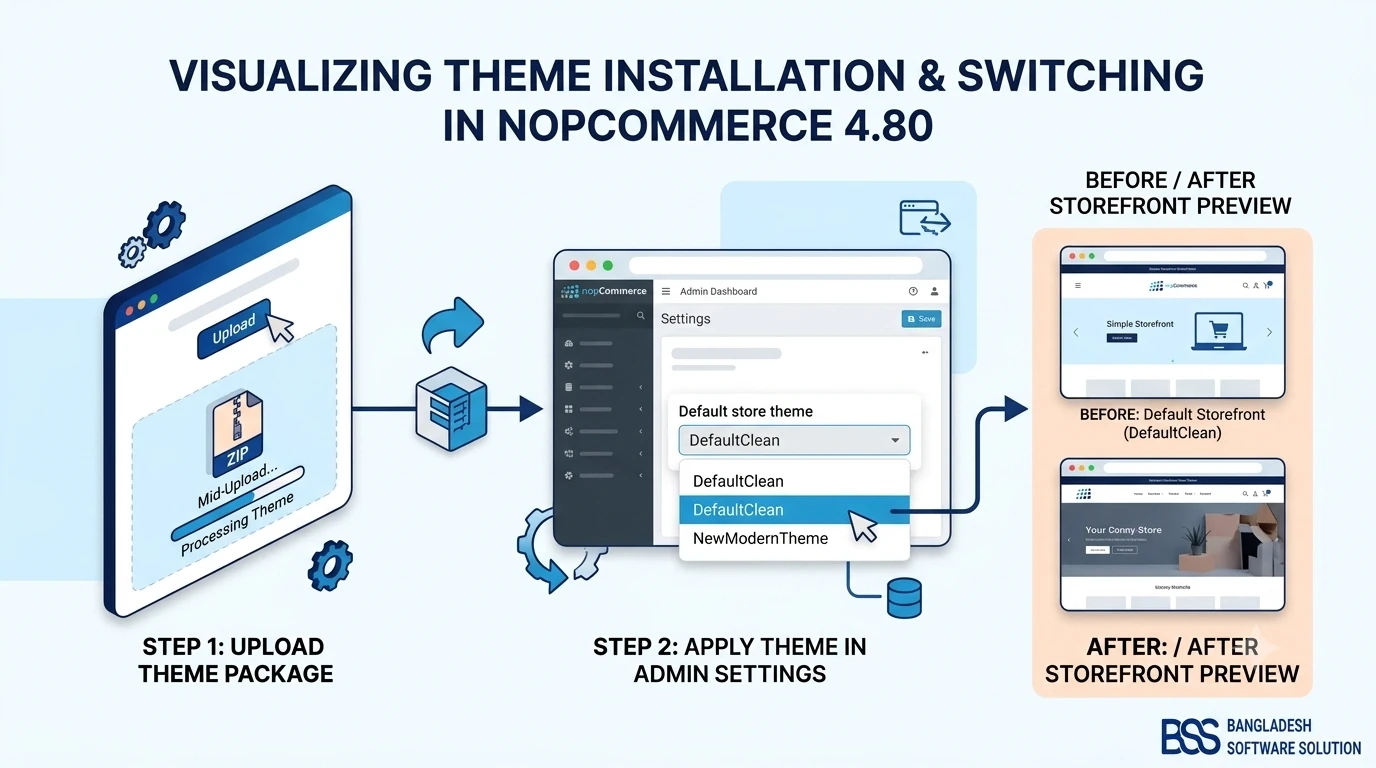
With the split above in mind, here's the sequence we follow when retrofitting a client's theme. If you haven't already identified which theme folder you're editing, our guide to installing and changing a nopCommerce theme covers where those files live and how the active theme gets selected.
1. Enable the Language Flag and Verify It Renders
In Admin → Configuration → Languages, edit (or create) the target language and check Rtl. Save, then switch the storefront language selector to that locale and view source. You're looking for a dir="rtl" attribute — usually on <html> or the body wrapper — and, depending on your theme's base markup, an rtl class alongside it. If neither shows up, the flag isn't reaching your layout: check that your theme's root layout view actually reads the working language's Rtl property instead of hardcoding the attribute.
A Minimal Layout Check
A quick way to confirm your layout is direction-aware before you touch any CSS:
<html lang="@Model.CurrentLanguage.LanguageCulture" dir="@(Model.WorkingLanguage.Rtl ? "rtl" : "ltr")">
  <body class="@(Model.WorkingLanguage.Rtl ? "rtl" : string.Empty)">
    ...
  </body>
</html>
If your theme's root layout already looks like this, you have a hook to build on. If it doesn't, adding it is the very first change to make — everything else in this guide assumes dir="rtl" is reliably present on the page.
2. Build a Direction-Aware Stylesheet, Not a Duplicate One
Rather than compiling a second, fully mirrored stylesheet, we convert the theme's physical properties to logical ones directly in the existing CSS wherever practical:
/* Before — direction-locked */
.product-card { margin-left: 20px; text-align: left; }
.nav-item .caret { float: right; }

/* After — direction-aware */
.product-card { margin-inline-start: 20px; text-align: start; }
.nav-item .caret { float: inline-end; }
For the handful of rules that genuinely can't use logical properties — usually transform-based animations or JS-driven positioning — scope an override under [dir="rtl"] .your-selector instead of forking the whole file.
3. Handle the View Layer, Not Just CSS
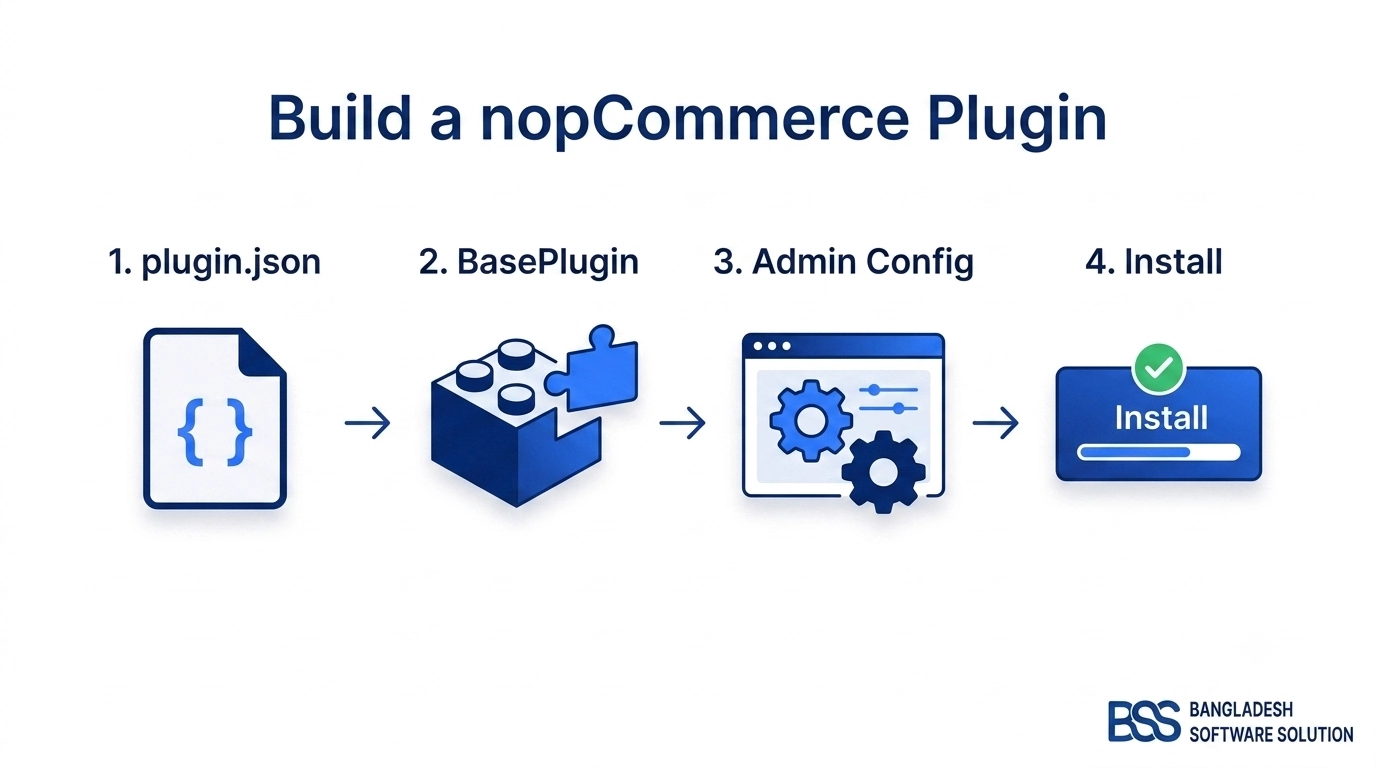
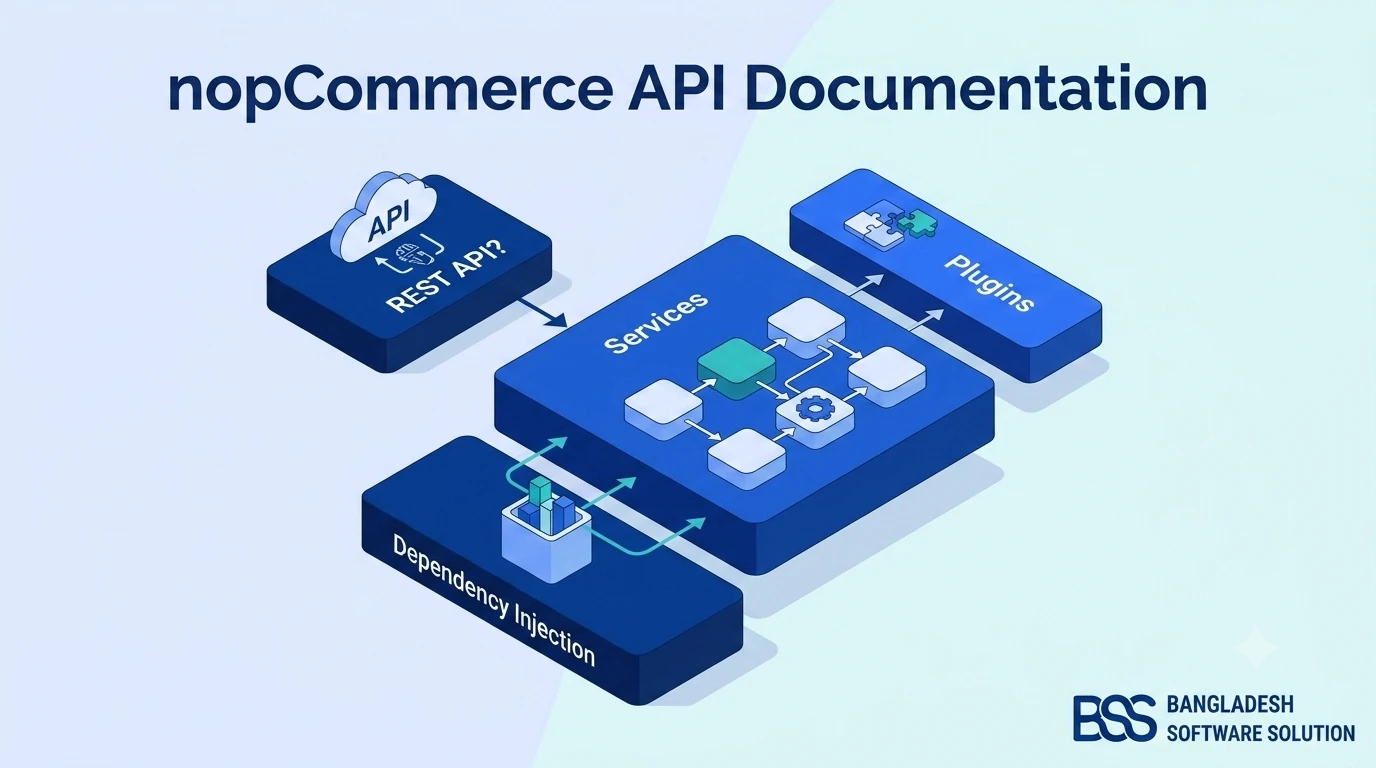
Some fixes live in the views, not the stylesheet — icon choice is the most common one. A "next" chevron that points right in LTR needs to point left in RTL; swapping the icon class conditionally in the view is more reliable than trying to rotate it with a CSS transform. If you're extending controllers or views to branch this way and want the fuller picture of the override patterns nopCommerce exposes, our nopCommerce API documentation walkthrough and plugin development guide cover the same mechanics you'll lean on here.
Component-Level Fixes That Are Easy to Miss
Global CSS rules get you most of the way there, but RTL bugs tend to hide in individual components — usually the ones with their own JavaScript. This is the list we run through on every theme audit.
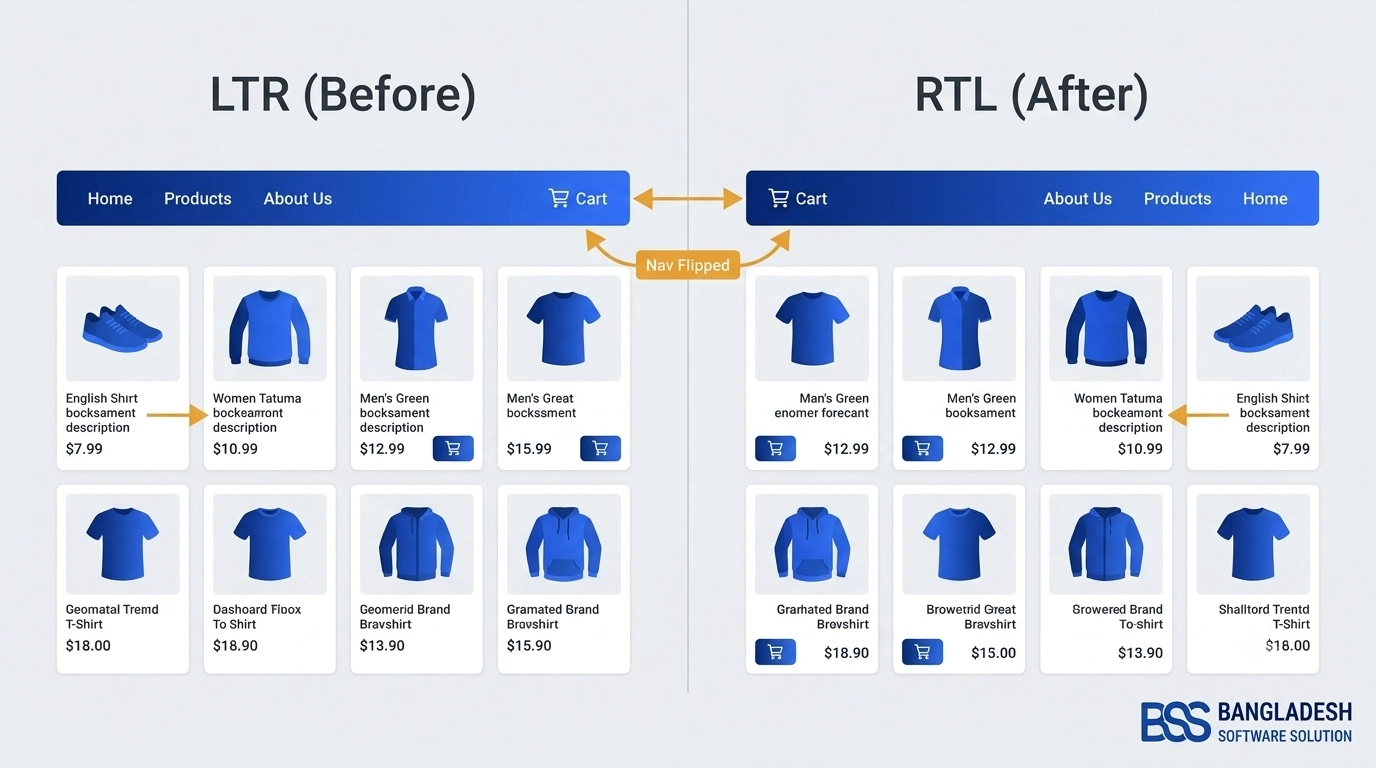
Component-Level RTL Checklist
- ✓Navigation & mega-menu carets — dropdown arrows should point toward the direction the menu opens, not stay fixed.
- ✓Breadcrumb separators — the trail should read right-to-left, with arrow icons flipped to match.
- ✓Product image carousels & sliders — most JS carousel libraries need an explicit RTL option; a CSS-only flip alone will desync the swipe/drag direction from the arrows.
- ✓Checkout step indicators — the "1 → 2 → 3" progress bar needs to visually progress in the reading direction of the locale.
- ✓Cart quantity steppers — plus/minus buttons and their icons are a frequent spot for a stray
float: left. - ✓Search icon placement — should sit on the leading edge of the input, which is the right side in RTL.
- ✓Logos and product photography — never mirror these; scope your transform selectors to exclude them so brand marks and real photos stay correct.
- ✓Star ratings — the fill direction should still read as "most-filled on the leading edge" in both directions.
Choosing Your Implementation Approach
Not every team has the bandwidth to run this project in-house, and not every launch needs a full custom build. Here's how the three realistic paths compare once you factor in the actual engineering time.
| Approach | Time Investment | Coverage & Risk | Business Value |
|---|---|---|---|
| Manual / DIY Editing the theme's CSS and views yourself |
2–4 weeks for a full storefront, often longer with iteration | High risk of missed components — carousels and checkout steps are the usual gaps | Low upfront cost, but an ongoing maintenance burden on every theme update |
| Custom Engineering From Scratch A full logical-properties rewrite done in-house |
4–8+ weeks including QA across breakpoints | Thorough if properly resourced, but ties up a senior front-end developer | Higher cost and in-house ownership, at the price of a slower market-entry launch |
| BSS Turnkey Theme Retrofit Professional implementation scoped to your exact theme |
Typically 1–2 weeks | Full storefront audit including checkout and third-party widgets | Fastest path to a launch-ready Arabic, Hebrew, or Urdu storefront |
If a market-entry deadline doesn't leave room for the DIY route, this is exactly the kind of project our nopCommerce theme development services handle end-to-end — we audit the existing theme, scope the exact components that need work, and hand back a tested RTL build instead of a pile of open CSS tickets.
Need a nopCommerce Developer? Hire the BSS Team
From custom plugins and theme work to full-store builds and performance tuning, our dedicated nopCommerce engineers ship production-grade code. Tell us what you need and we'll match you with the right developer.
Testing Your RTL Theme Before Launch
Once the layout looks right on the homepage, resist the urge to call it done. RTL bugs cluster on pages nobody thinks to re-check — here's the walkthrough we run before handing a theme back to a client.
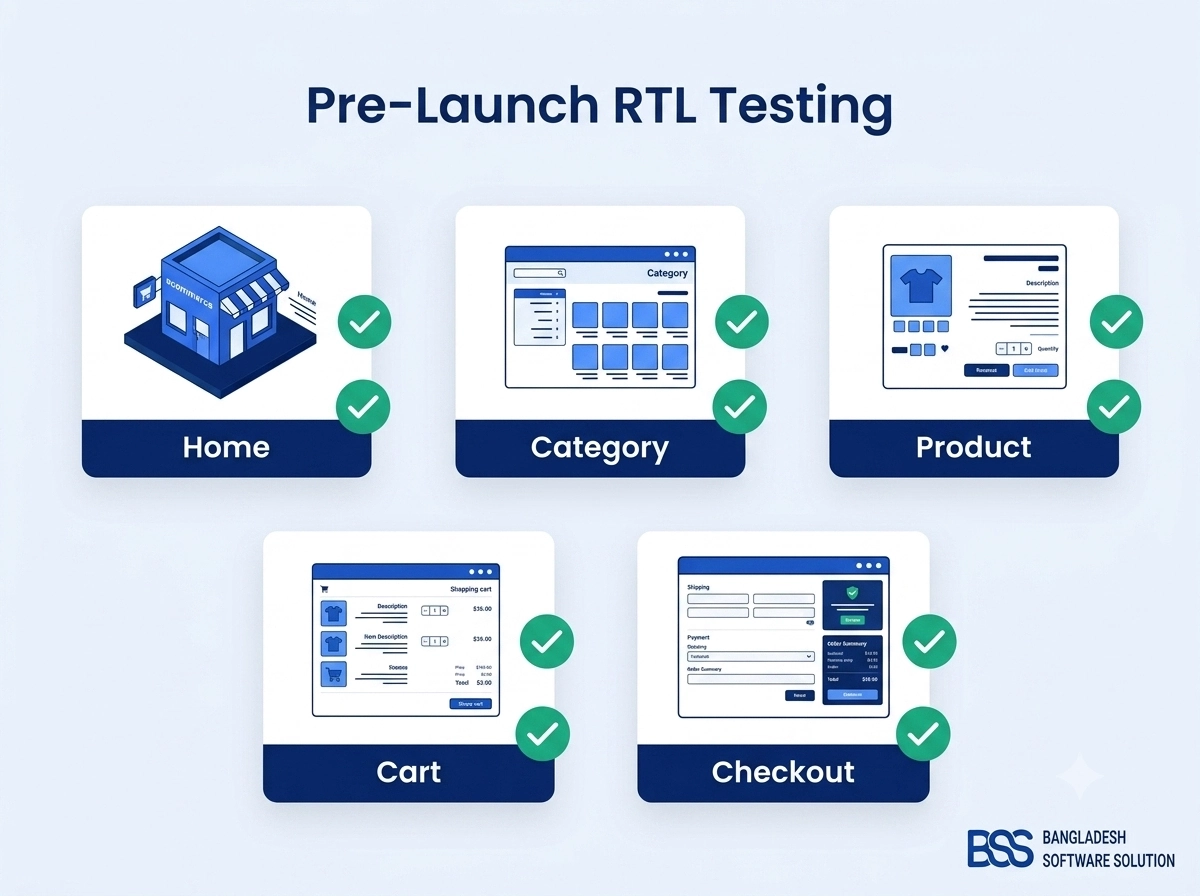
Pre-Launch RTL Testing Checklist
- ✓Homepage & mega-menu — every dropdown opens and mirrors correctly.
- ✓Category/listing pages — filter sidebar, sort dropdown, and pagination controls.
- ✓Product detail page — image gallery/zoom, thumbnail order, and any specs table.
- ✓Cart & mini-cart dropdown — line-item layout, quantity steppers, and the remove icon.
- ✓Multi-step checkout — progress indicator, form field alignment, and address fields.
- ✓Customer account pages — order history tables and address book forms.
- ✓Search results & autocomplete — suggestion dropdown alignment.
- ✓Mobile breakpoints — re-run the full pass at your smallest supported width; RTL bugs often only appear once elements start stacking.
Frequently Asked Questions
Final Thoughts
Getting RTL support right on a nopCommerce theme is roughly half configuration and half front-end discipline: flip the language flag, then hold your CSS to a standard where dir="rtl" does the work instead of a parallel stylesheet you maintain by hand. Treat it as a proper QA pass — page by page, component by component — rather than a single global toggle, and you'll ship a storefront that reads as native to Arabic, Hebrew, or Urdu shoppers instead of an English site wearing a mirror.
If you're staring down a market-entry deadline and would rather hand the retrofit to a team that's done it before, talk to the BSS engineering team — we can usually scope the exact work your theme needs within a day.