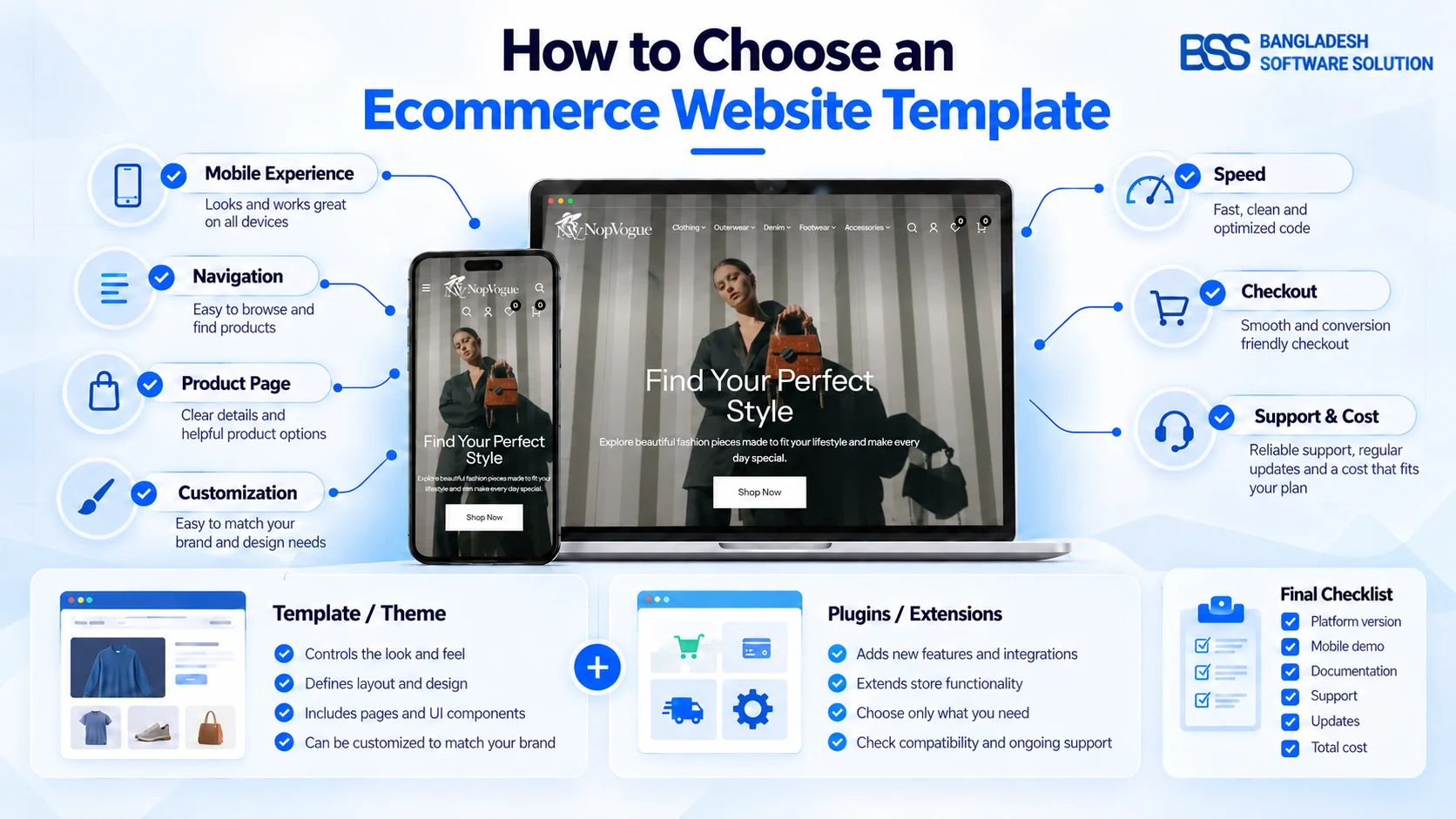
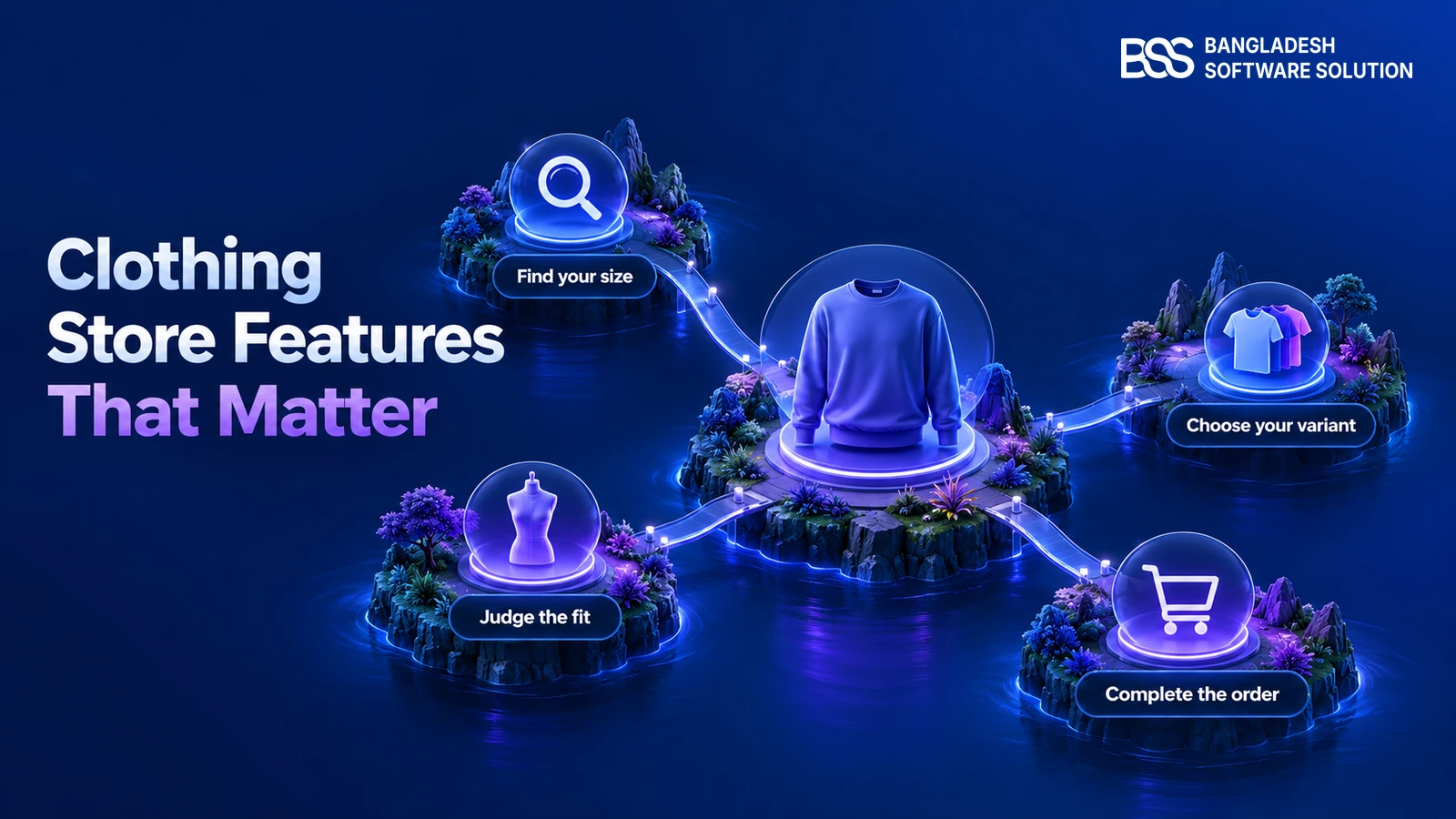
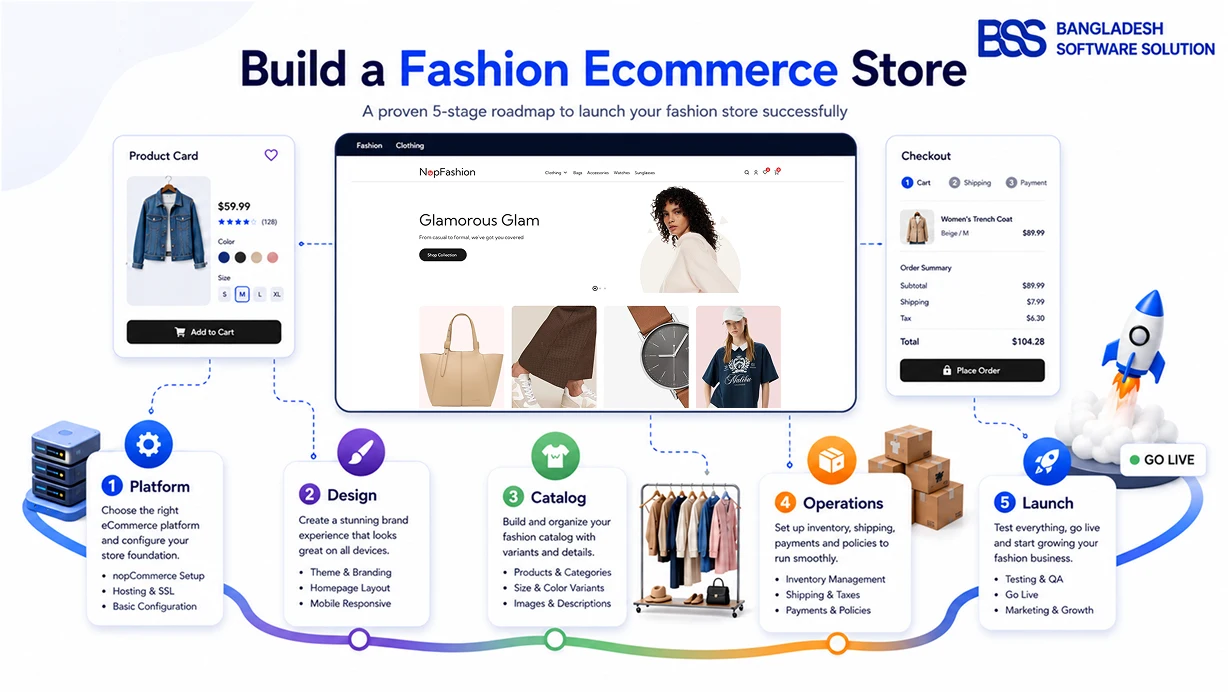
Choosing a theme for a small fashion boutique is not simply a search for the prettiest demo. The right boutique website template must express your style, help shoppers understand products and remain practical for a small team. A dramatic homepage is still the wrong choice if customers struggle to find a size, compare colors or order on a phone.
This guide focuses on fashion-specific decisions: identity, collection structure, imagery, variants, merchandising and maintenance. For platform-neutral basics, see our guide to choosing an ecommerce website template. Keep this boutique brief beside you while testing so attractive styling never replaces evidence from navigation, product presentation and routine store-management tasks.
1. Define the Boutique Before Comparing Themes
Describe the store in one sentence: what you sell, who it serves and why the collection differs. A minimalist workwear boutique, an occasion-wear shop and a streetwear label need different visual rhythms even on the same platform.
Turn that sentence into requirements. Choose core brand colors, decide whether photography or typography should lead, list launch categories and note the content you will publish regularly. This prevents a decision based only on fashionable demo products.
- Curated catalog: prioritize storytelling, strong photography and flexible featured collections.
- Seasonal drops: prioritize navigation, filters, search and promotional sections.
- Editorial selling: check how lookbooks, guides and campaign pages are built.
2. Use a Boutique Theme Scorecard
Score every candidate with the same questions. A shared test makes the decision less subjective and exposes trade-offs hidden behind screenshots.
Six checks before you shortlist a theme
Score each area from 1 to 5 after testing the live demo with your planned catalog.
3. Test the Complete Mobile Shopping Journey
A responsive label is only a starting point. Open the demo on a real phone and complete a task: find a category, filter, open a product, change a variant, use the cart and reach checkout. Google’s responsive design guidance explains why layouts must adapt to different screen capabilities.
Watch for menus that hide content, awkward filters, cropped garments, tiny option controls and checkout fields that force zooming. If the demo fails the buying task, do not assume new photography will fix it.
4. Match Navigation to the Real Catalog
Small boutiques often copy department-store navigation. That adds decisions without helping shoppers. Draft the menu with your real categories and attributes first. A concise catalog may need New Arrivals, Dresses, Outerwear and Accessories—not layers of empty subcategories.
| Boutique need | What to test | Warning sign |
|---|---|---|
| Seasonal collections | Banners and reusable campaign sections | Every update rebuilds the homepage |
| Size and color variants | Clear selectors, stock states and images | Options sit below long content |
| Growing catalog | Search, filters, sorting and breadcrumbs | Discovery depends on the menu |
| Editorial selling | Flexible landing pages and content blocks | Only one fixed layout exists |
5. Make the Product Page Reduce Uncertainty
Fashion shoppers cannot touch the garment. Test the gallery, zoom or fullscreen view, thumbnails, color and size choices, stock messages, price and add-to-cart feedback. Check where material, fit, care, delivery and returns appear.
Images need meaningful alternative text when they communicate product information. The W3C Images Tutorial explains how alternatives should reflect purpose. Confirm your team can enter alt text. For a complete requirements list, see features a fashion store actually needs.
6. Choose Useful Customization, Not Endless Options
A small team needs control over repeated work: changing banners, reordering sections, adjusting colors and publishing campaign pages. Ask the seller to demonstrate these actions in the administration area. “Customizable” can mean built-in controls, a visual editor or developer changes—three different commitments.
Check whether changes survive updates and whether documentation names compatible platform versions. Estimate essential custom features separately rather than assuming the theme includes them.
7. Compare Total Cost, Support and Updates
Record the theme price, required extensions, setup, custom work and maintenance. A low purchase price can lead to a higher launch cost when the design depends on paid add-ons or development. A bundle is valuable only when included tools solve requirements you already identified.
Ask who provides support and how compatibility updates are delivered. Test changes on staging before they reach customers. Our guide to what a nopCommerce theme bundle includes helps compare offers consistently.
Where NopVogue May Fit
For a nopCommerce boutique, NopVogue is one candidate for the scorecard. Its current product page describes a responsive theme for apparel, denim, outerwear, footwear, bags and accessories. The listed 17-plugin bundle names Theme Builder, Visual Editor, Ajax-friendly browsing, QuickView, product galleries, carousels and One-Page Checkout.
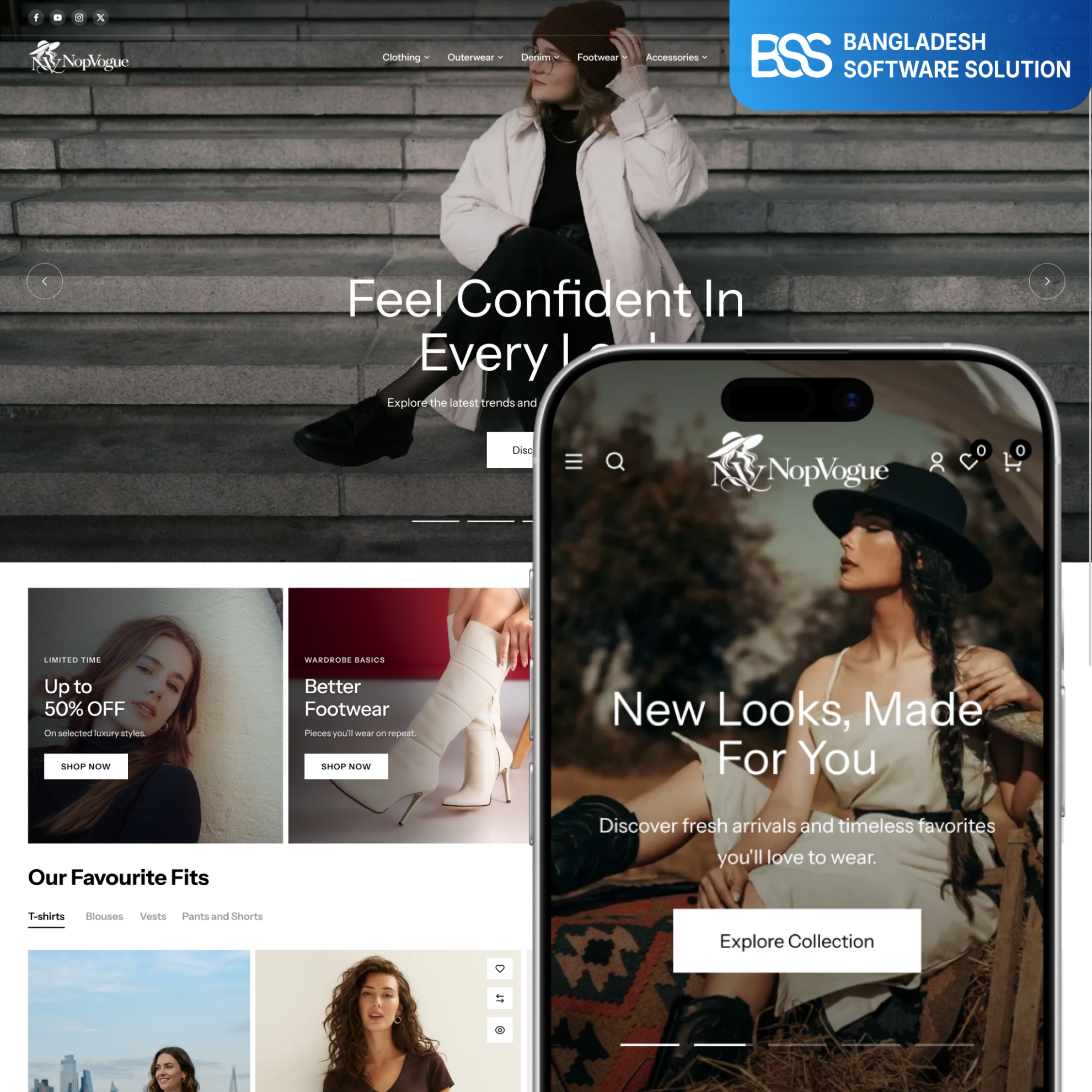
NopVogue Theme + 17 Plugin Bundle
Use the demo and documentation to verify that the listed controls, features and supported nopCommerce version match your plan.
Live View →Select it only after testing your categories, imagery and workflows against other shortlisted themes.
Run a One-Hour Theme Trial
Use a sample catalog: one simple product, one with size and color variants, one discounted item and one unavailable option. Build a category, add a promotion and attempt a mobile order. Record what works and what needs configuration, documentation or development. The result becomes a useful estimate brief.
Frequently Asked Questions
There is no universal best theme. Choose one that fits your brand, catalog, product variants, mobile journey, platform and maintenance capacity. Test candidates with real sample products.
It can reduce setup work when its galleries, variant controls and merchandising sections fit your needs. Still test accessibility, navigation, checkout and compatibility.
Use a manageable shortlist. Test every candidate with the same mobile task, sample catalog and cost checklist so the comparison stays consistent.
Usually, but effort depends on the platform, plugins, code and content structure. Test navigation, products, integrations and checkout in staging first.
Built-in controls or a visual editor may cover routine branding and content. Custom workflows, integrations or unsupported layouts may require development.
Final Boutique Theme Checklist
- The design supports your identity without relying on demo products.
- Navigation matches the launch catalog and can grow clearly.
- Mobile shoppers can browse, select variants and reach checkout.
- Product pages explain images, sizing, stock, delivery and returns.
- Routine campaign changes are manageable for your team.
- Plugins, custom work, support, updates and total cost are documented.
- The theme was tested with representative products in staging.
A good theme makes the boutique easier to understand and operate. Choose the candidate that removes friction from real shopping and publishing tasks—not the most dramatic demo.