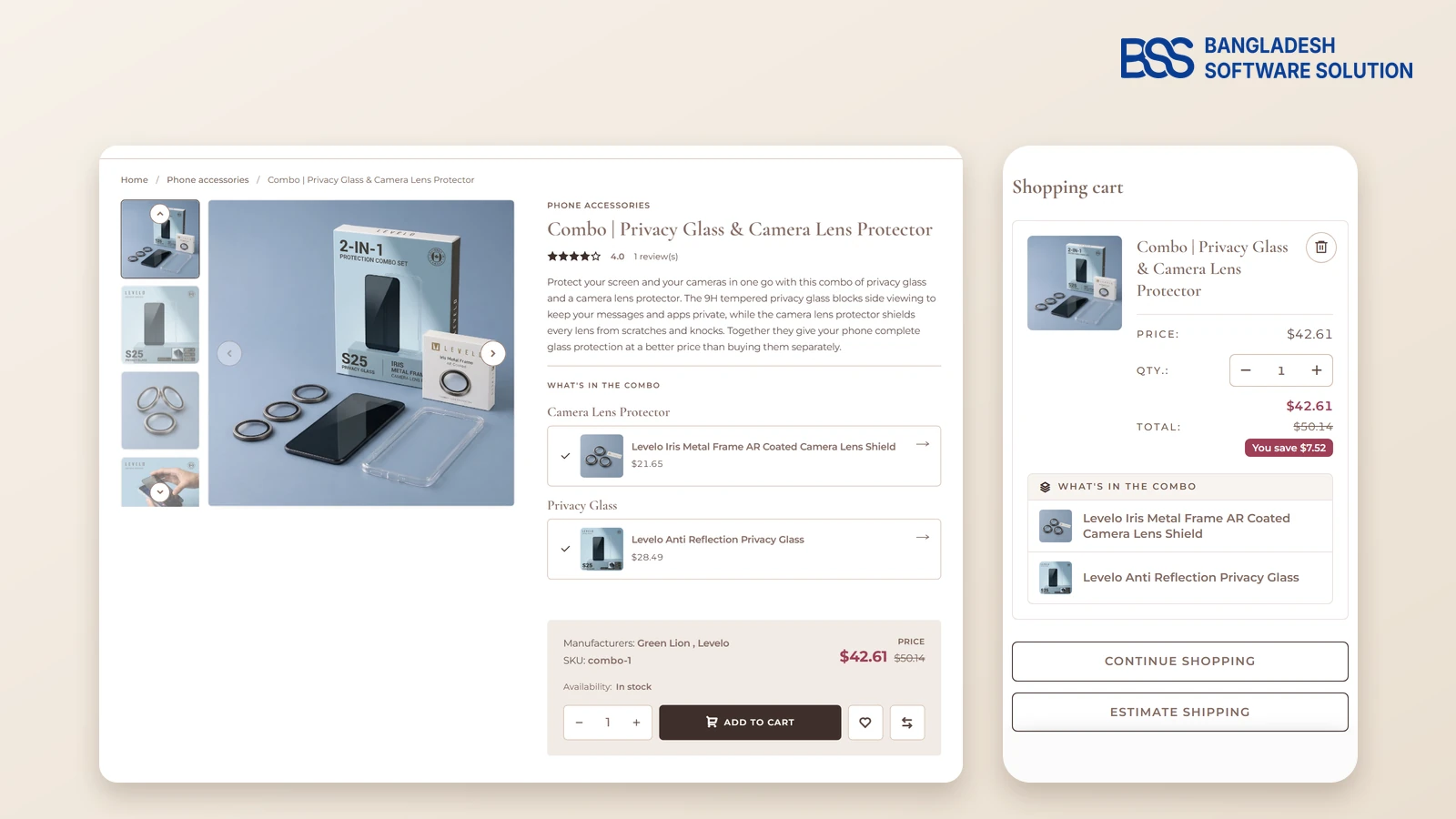
A shopper adds a privacy screen glass to her cart at midnight. The camera lens protector that finishes the job is on a different page, she never sees it, and your order stays at one item.
Selling the two as one set fixes that. This guide shows how a bundled product works on the NopGadence demo store, which carries a combo of privacy glass and camera lens protector: what the shopper sees, how to price the set, and how the cart keeps it clear.
At BSS we build nopCommerce themes and plugins every week, and Combo Products is one of the 18 plugins in our NopGadence bundle. Everything below comes from that plugin's product page and the live demo, so you can check each point yourself.
Key fact: a bundled product (a combo) sells several products as one item at one price. nopCommerce's built-in grouped product lists products together, but each one keeps its own price and quantity.
What a combo page tells the shopper
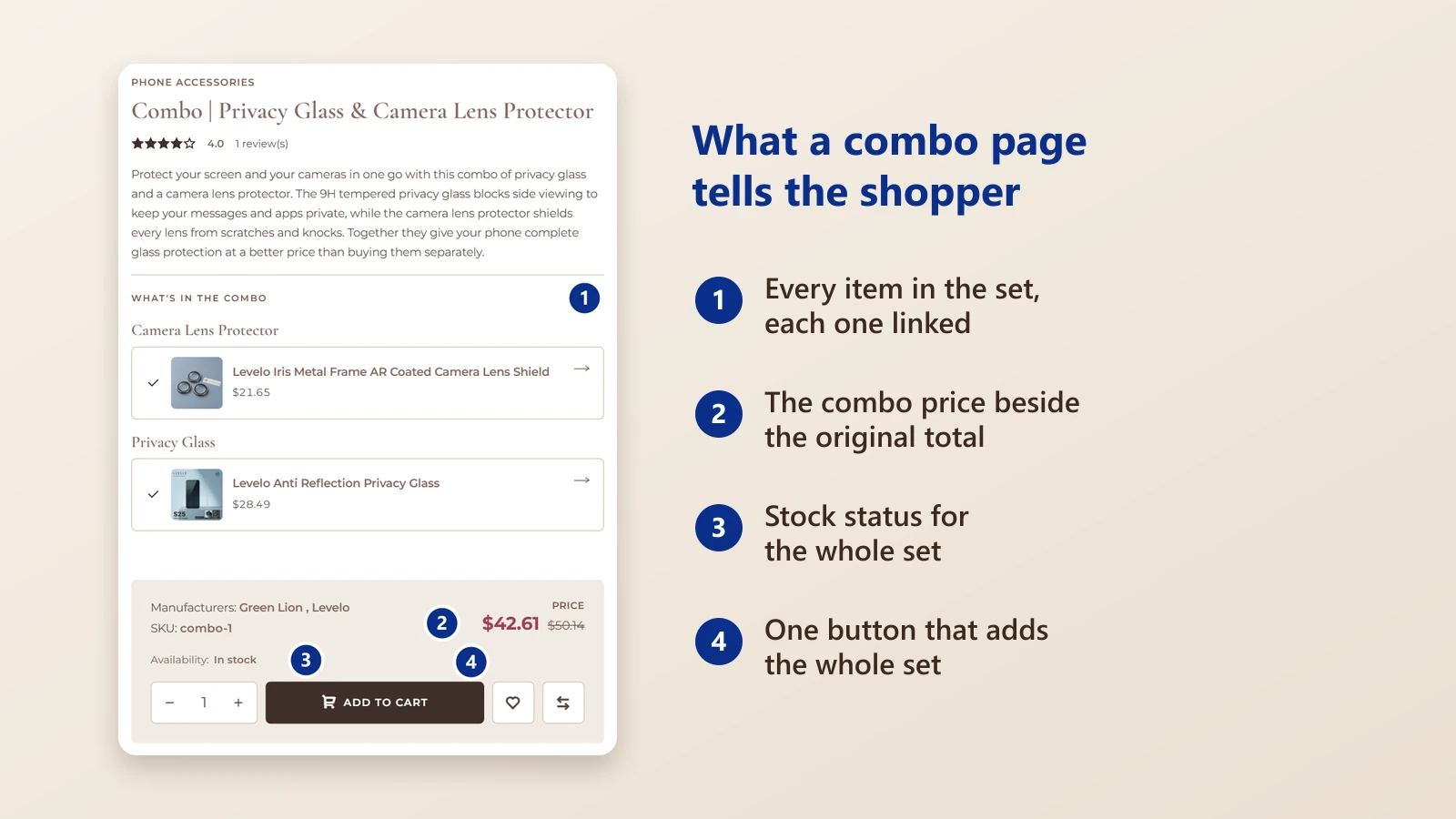
A bundle only sells if the shopper understands it at a glance. The demo's combo page does that with four things, in the order the eye meets them.
Below the price is one Add to cart button for the whole set.
A combo can hold fixed items, several quantities of one item and optional add-ons, so one product type covers a strict two-in-one and a build-your-own set. The demo's set is the simple kind: one privacy glass and one camera lens protector.
The three options suit different shelves. Fixed items fit a protection set where nothing may be left out. Several quantities of one item fit a pack of two. Optional add-ons fit a base product with extras the shopper can choose, such as a case with an optional strap.
Each included item links to its own product page, so a shopper can open the privacy glass, read its details and come back to the set without losing the offer.

When we design a combo page at BSS, each included item is a link, because a shopper who doubts one part of a set will not buy the set. That is how the combo page in the NopGadence bundle works.
Want the store set up for you? The BSS team sets up, configures and launches nopCommerce stores end to end.
See nopCommerce servicesPrice the set so the saving is obvious
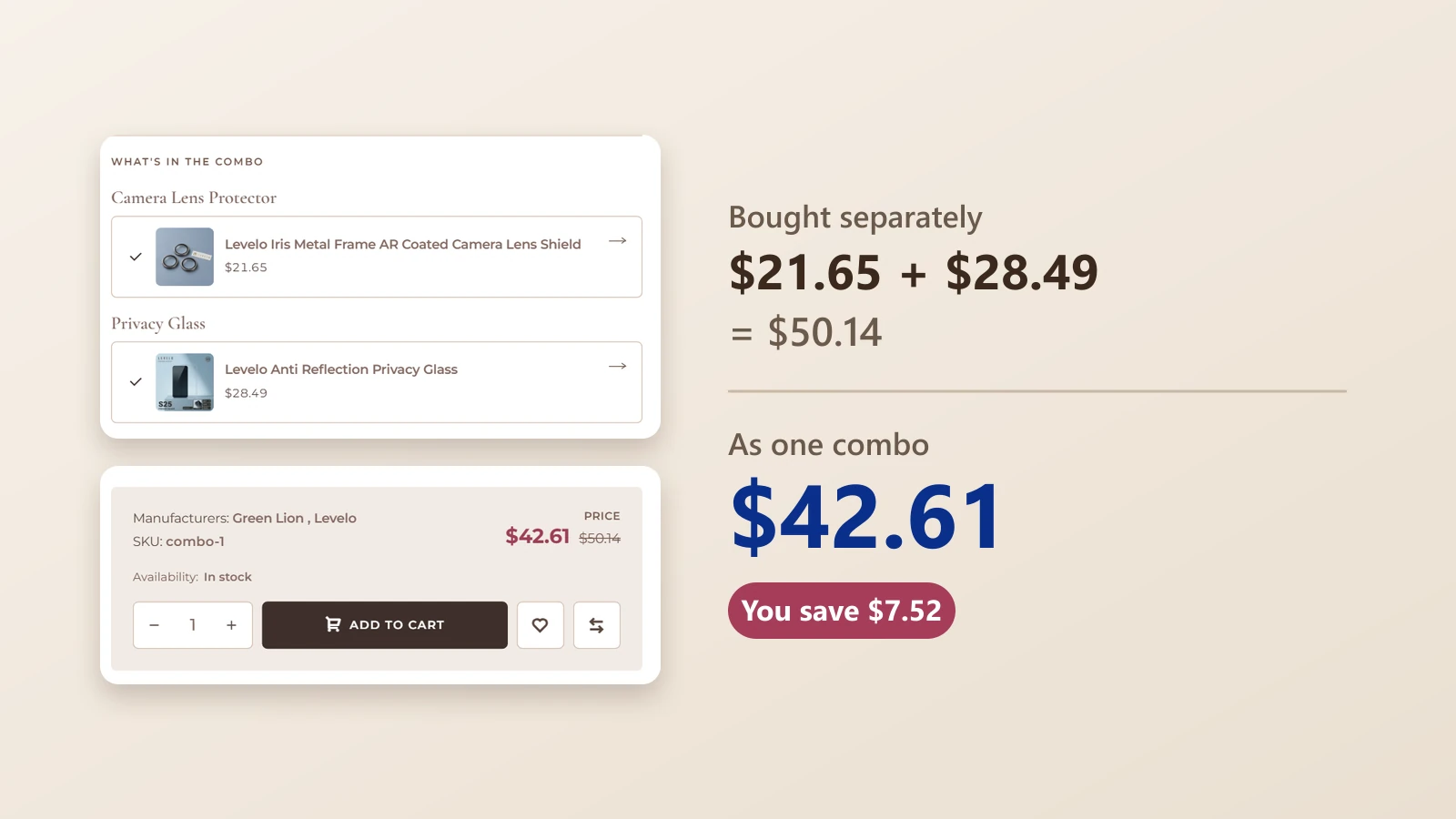
The demo prices its two items at $21.65 and $28.49, which is $50.14 apart. As a combo they cost $42.61, and the cart shows a You save badge of $7.52.
Both numbers stay on the page, the combo price in colour and the original total struck through. The shopper never has to add anything up to see the deal.
Show the saving in money, not only as a percentage. The demo cart says You save $7.52, a figure a shopper can picture against the price of a coffee, where a bare percentage asks them to do the sum.
| What the shopper sees | Sold apart | Sold as a combo |
|---|---|---|
| Pages to visit | Two product pages | One product page |
| Total | $50.14 | $42.61 |
| Saving shown | None | Struck-through total and a You save badge |
Check the margin first
Set the combo price only after you know the margin on each part. A discount that looks generous on the page still has to cover the cost of both products.
Keep the set clear in the cart
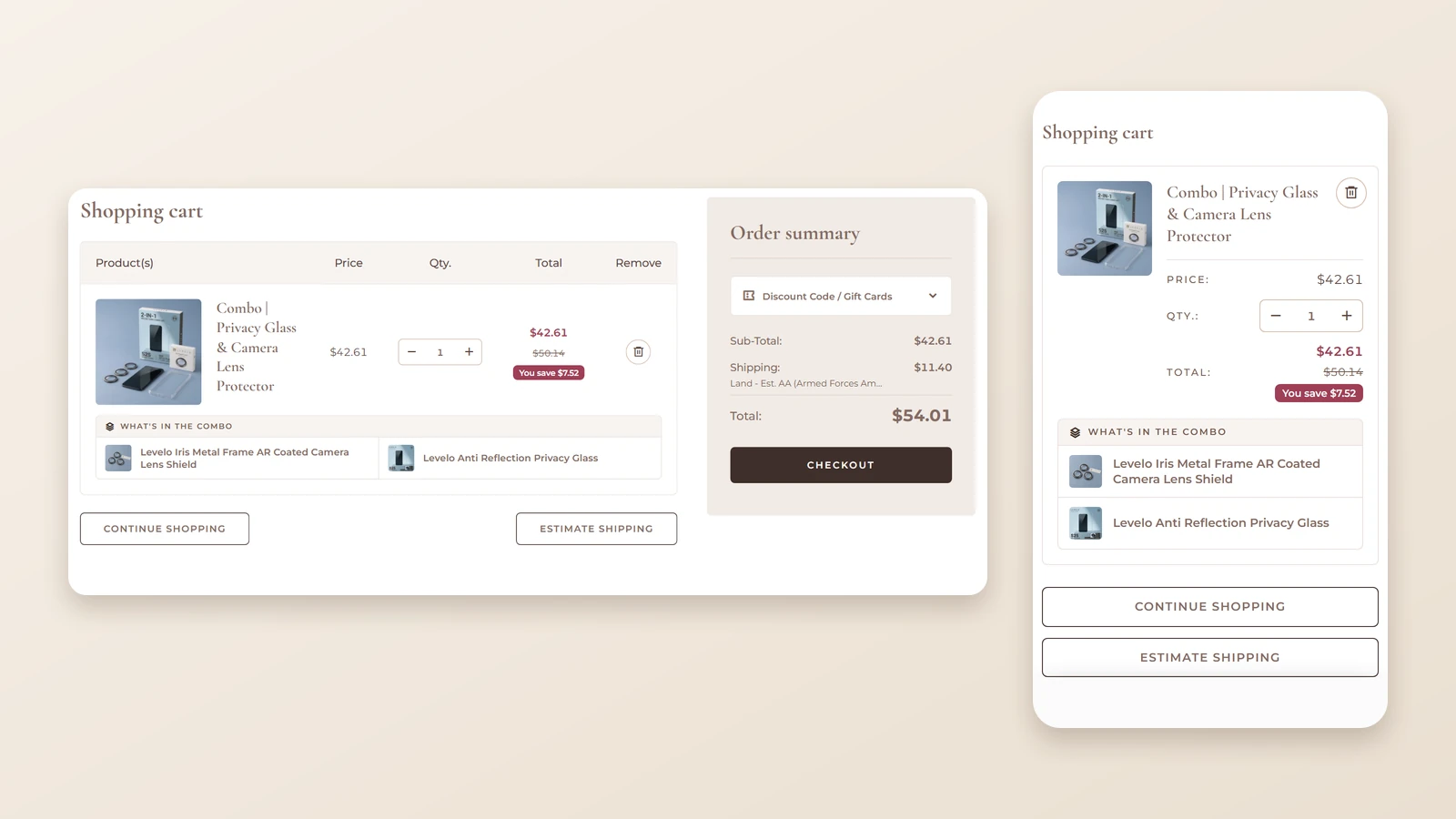
A bundle can go wrong after the click, when the cart shows one line that nobody can read. The demo cart lists the combo as one line with its price, the struck-through total and a You save badge, then a What's in the combo row that names each item.
The plugin also shows the individual products in the shopping cart and in order details, so the shopper and your team both see what was bought.
Because availability follows the stock of the individual products, check the stock of every part before you promote a set. A set is only as easy to buy as the parts inside it.
When we build plugins that touch the cart at BSS, the cart and the order details are the parts we test hardest, because that is where a shopper and a store owner both read the result. The NopGadence bundle pairs Combo Products with One-Page Checkout for the steps after it.
Bundled products or grouped products?
nopCommerce's built-in grouped product is the other way to put products together. It lists associated products on one page, and each keeps its own price and quantity, so the shopper adds the ones they want. That suits a range of sizes or finishes, but it does not give the set a single price.
| Compared | Grouped product (built in) | Combo (Combo Products) |
|---|---|---|
| Price | Each product keeps its own price | One combo price beside the original total |
| In the cart | Each product the shopper adds is its own line | One line, with the items listed under it |
| Best for | Choosing among related products | Selling a fixed set |
Put the offer where the shopper decides
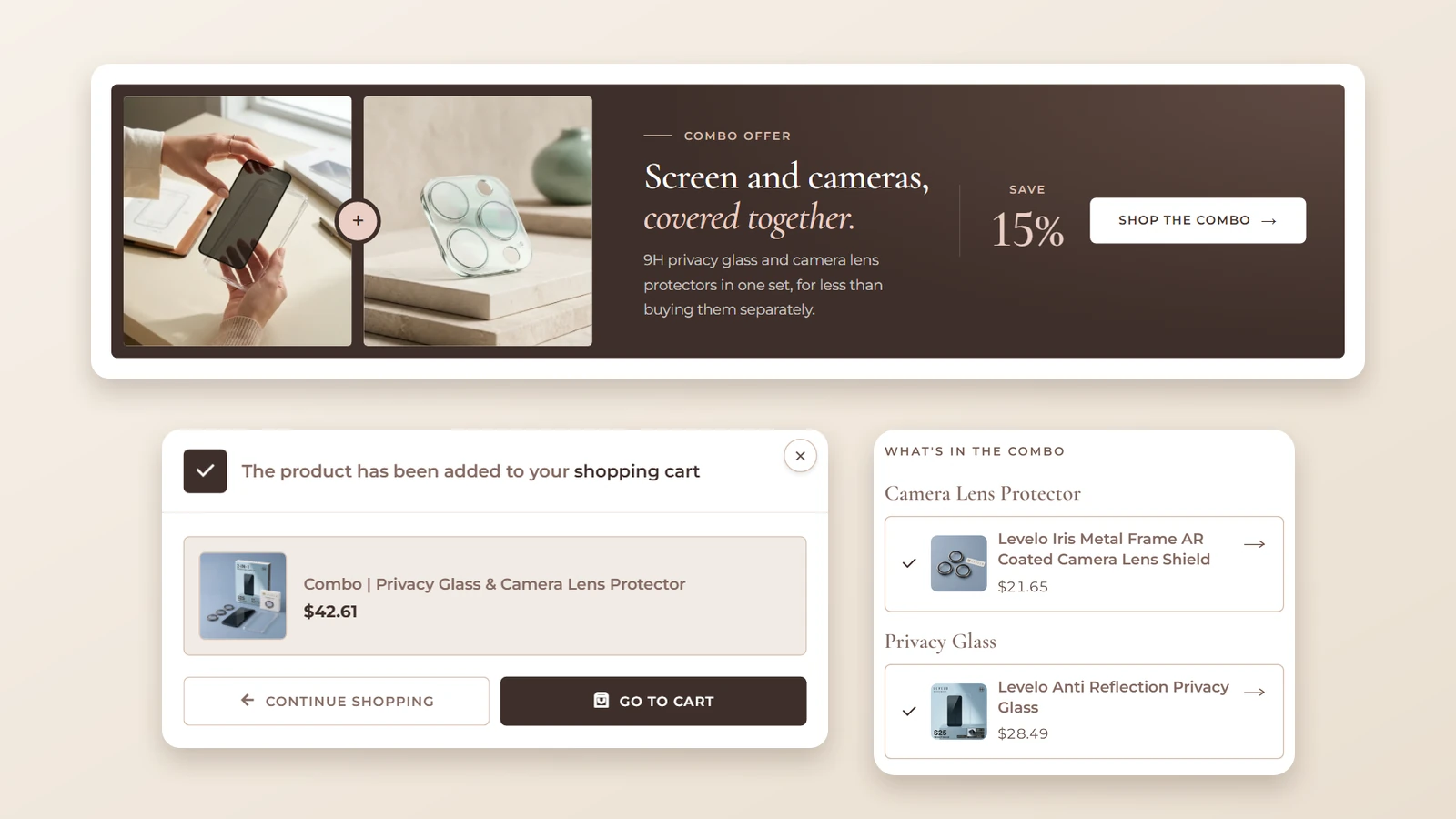
A combo only sells if the shopper meets it. The demo shows it three times: an offer band on the home page that links to the combo, the combo's own page, and the Added to cart confirmation that names the set and its price.
The band is named for the problem it solves, Screen and cameras, covered together, not for the product type. A shopper who has a phone in mind recognises the situation faster than a label like Combo 1.
Choosing the pair is the real work. The demo's shelves show where to look: screen protectors, camera lens protectors, charger covers, cable charms and AirPods cases all sit side by side, and any two that a shopper already buys on the same visit are a candidate for a set.
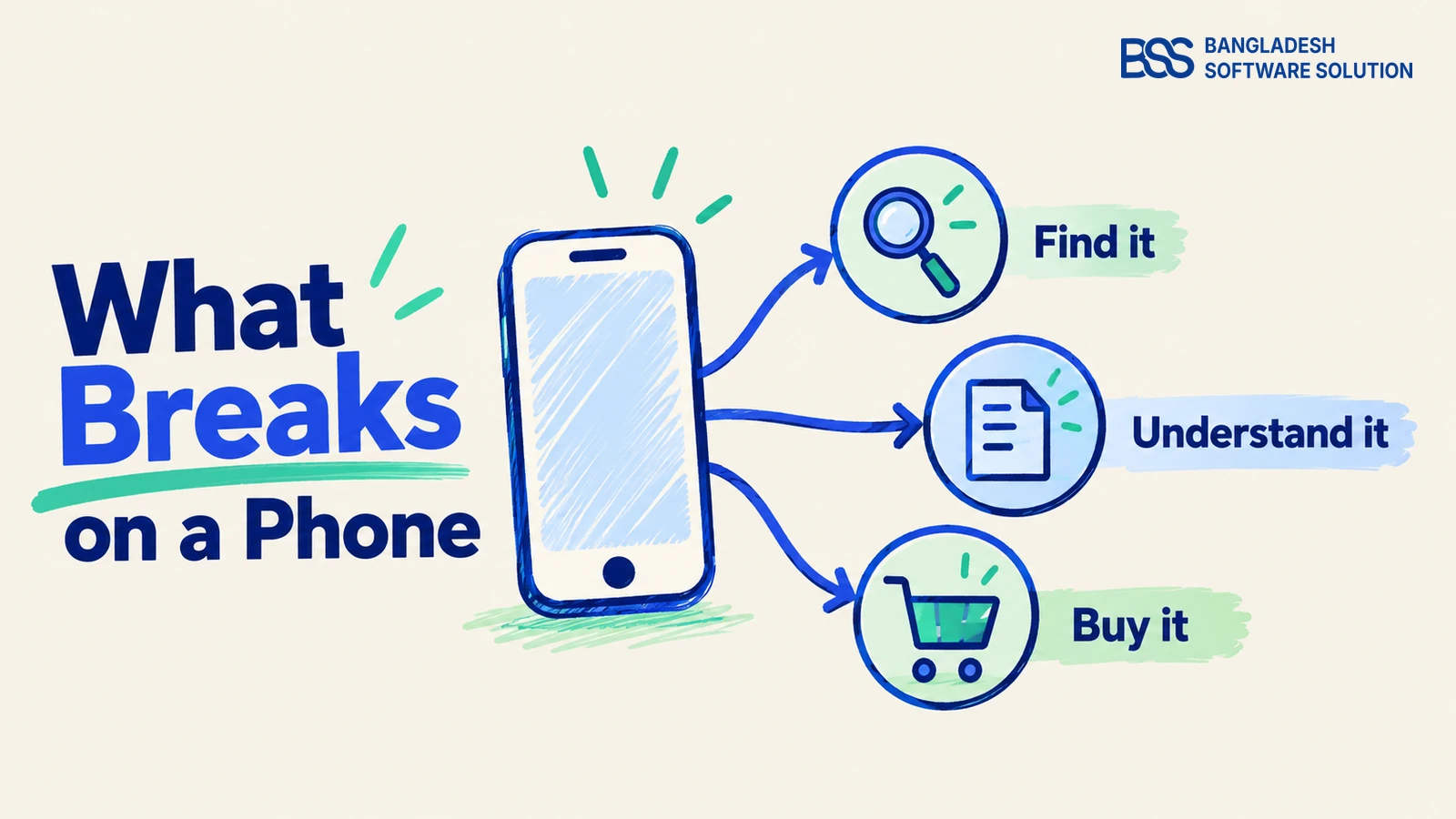
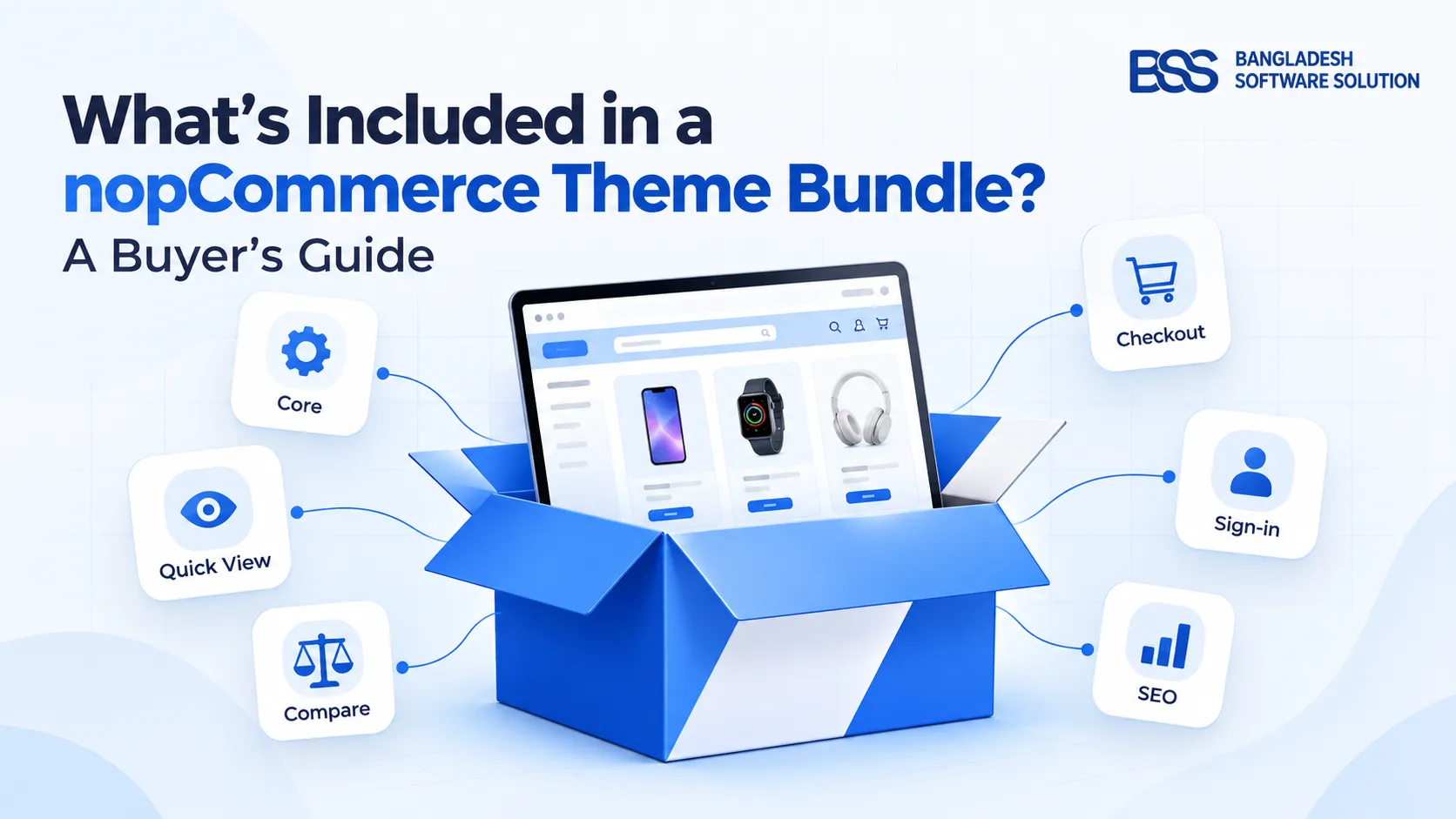
On a phone the combo page lists the same items in the same order, so the offer reads the same on a small screen. For the rest of the buying path on a small screen, see Mobile Electronics Stores: What Breaks on a Phone, and for the theme around the combo, our NopGadence bundle guide.
Is Combo Products right for your store?
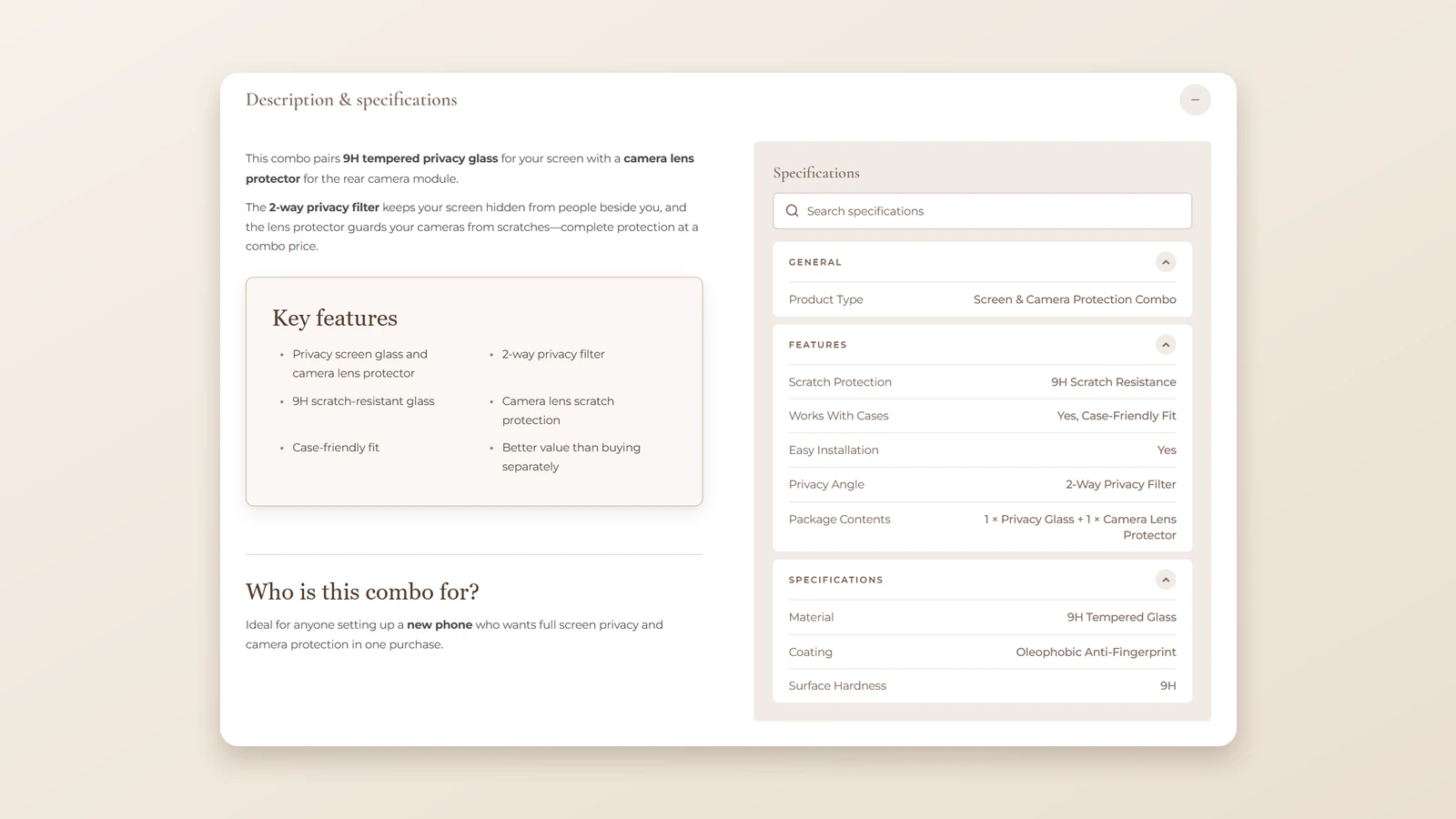
A combo is still a normal product page. The demo's carries a description, key features, a note on who the combo is for and a specification panel, so it reads like any other product in your catalogue.
Combo Products is one of the 18 plugins in the NopGadence Theme + 18 Plugin Bundle, which lists nopCommerce 4.90 and 5.00 as supported versions.
A combo is not the answer to every catalogue. If shoppers are choosing among options, such as sizes, colours or finishes, a grouped product or product attributes fit better. A combo suits a set that is bought whole, where the shopper wants all of it or none of it.
Before you build your first combo
-
Pick two items your shoppers already buy together.
-
Work out the margin on each part before you set the combo price.
-
Open the live demo combo page on a phone, then on a laptop.
-
Check that your nopCommerce version is 4.90 or 5.00.
A pricing rule the plugin does not cover is the point where many owners bring in a developer. You can hire a .NET developer from BSS to extend it while your own team keeps the catalogue.
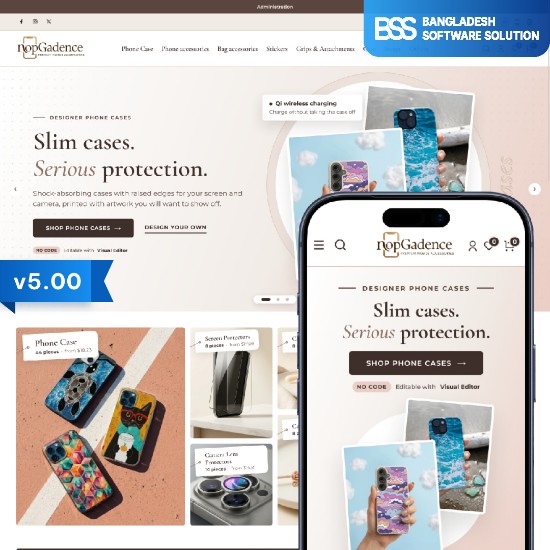
The accessories theme with Combo Products and the other plugins from this guide, in one package.
View the bundleNeed a nopCommerce Developer? Hire the BSS Team
From custom plugins and theme work to full-store builds and performance tuning, our dedicated nopCommerce engineers ship production-grade code. Tell us what you need and we'll match you with the right developer.
Frequently Asked Questions
Final Thoughts
The shopper at midnight does not need a bigger catalogue. She needs to see the privacy glass and the lens protector as one set, at one price, with the saving on the page and the set still readable in her cart.
That is what a combo does, and the demo shows each step you can check yourself. Open the combo page on your own phone, work out the margin on your two best-selling pairs, then build the first set. If you want it ready-made, it comes with the NopGadence theme.
We build and support the theme and plugins in this guide, and we set up nopCommerce stores for people who would rather launch than configure.
Book a free consultation