A shopper orders a phone case at midnight. The screen protector that fits it and the charger she also needs are three pages away, so she buys the case, forgets the rest, and your order is one small item.
That gap is what NopGadence is built to close. It is our nopCommerce theme for phone cases, chargers, power banks, earphones, screen protectors and smart gadgets, sold with 18 plugins that cover bundles, comparison, browsing, promotions and checkout.
At BSS we build nopCommerce themes and plugins every week, and in accessories the plugins decide the size of the order. This guide follows the order a shopper meets them: bundle, browse, promote and pay, with the design controls and the fit check along the way.
Key fact: the product page lists nopCommerce 4.90 and 5.00 as supported versions. Check yours against it before you read further.
Bundle: turn a case, a protector and a charger into one order
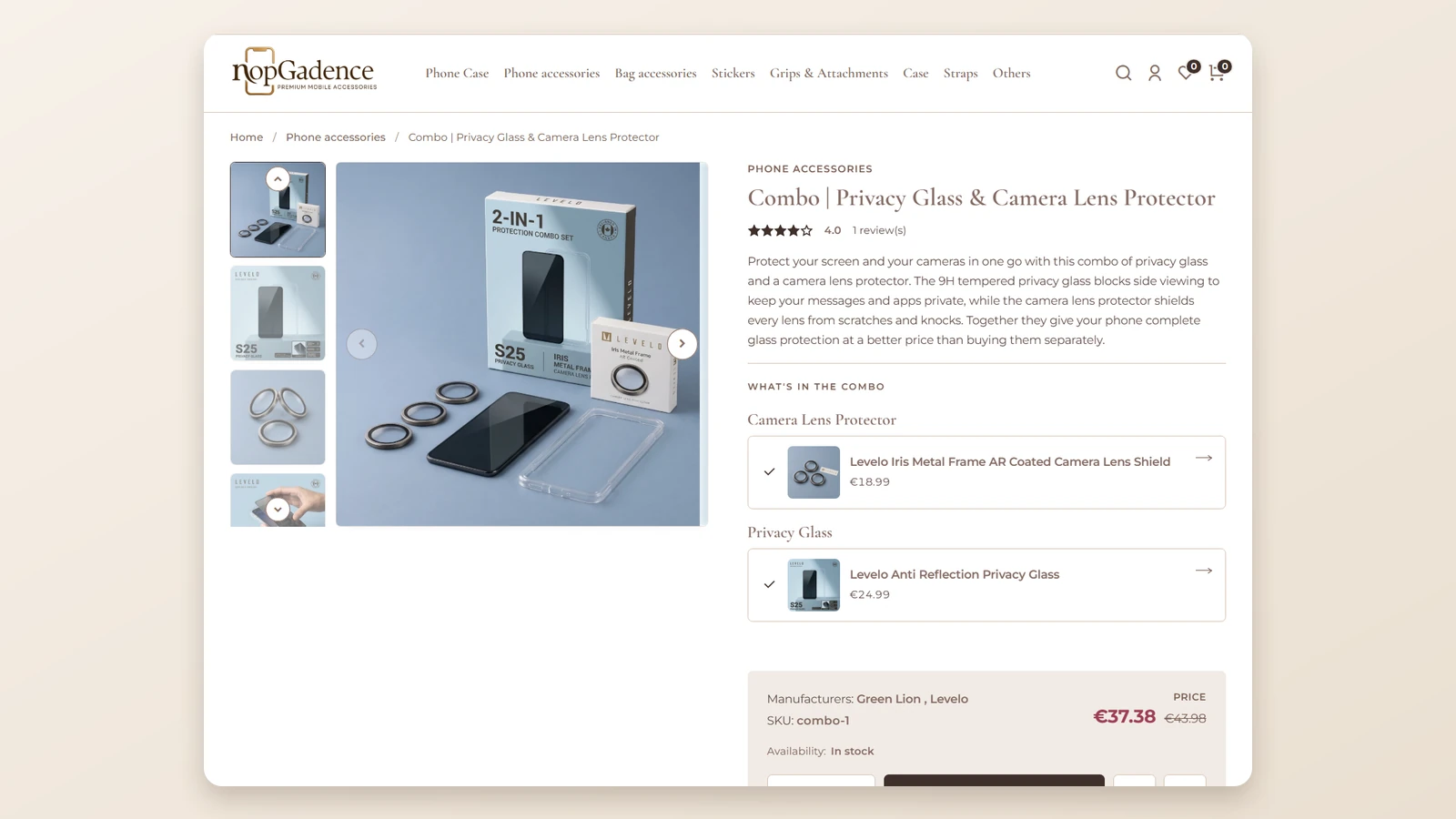
Accessories are cheap on their own and sensible together: the case needs a protector, the phone needs a charger. Selling them one by one leaves the pairing to the shopper's memory, and Combo Products puts the set on a single product page.
A combo can hold fixed items, several quantities of one item and optional add-ons, so the same tool covers a strict two-in-one set and a build-your-own bundle.
In the cart and in order details the individual products are shown under the combo, so it stays clear what was bought.

In the themes we ship, we ask what a shopper forgets to add and put it on the same page. For accessories that is the screen protector and the charger, which is why Combo Products sits inside the NopGadence bundle.
Want the store set up for you? The BSS team sets up, configures and launches nopCommerce stores end to end.
See nopCommerce servicesBrowse and compare: help shoppers choose between near-identical items
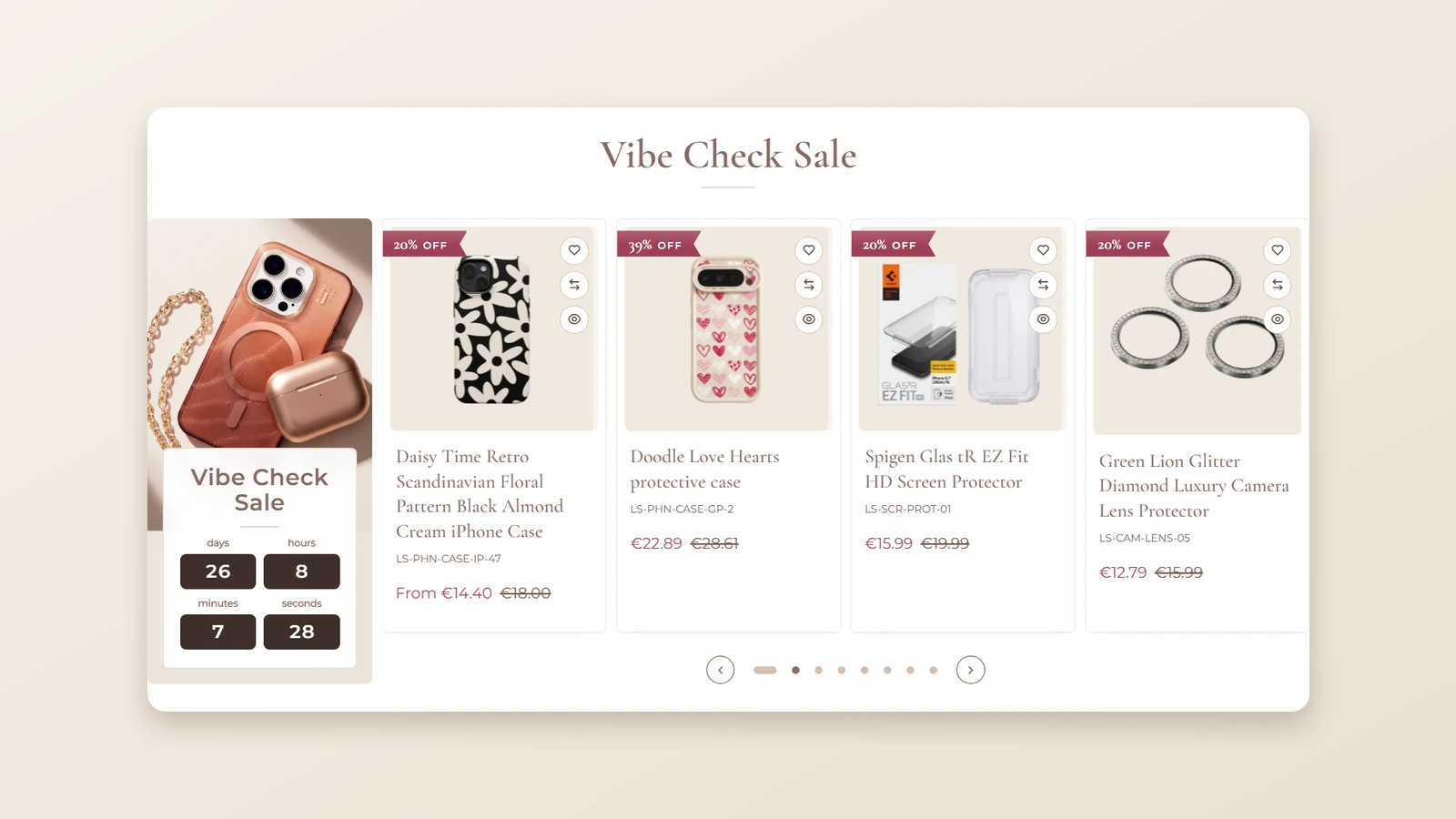
A page of cases that look alike is a hard choice, so the card has to do the early selling. Three plugins shape that moment.
Each card also carries a compare icon, and Advanced Product Compare opens a side-by-side view from the product page. Shoppers can search to add more items and switch between all specifications and differences only.
For accessories that is the quick way to separate two chargers or two cases that look the same.
Watch out
Compare is only as good as your specifications. Fill in material, compatibility and the key attributes before you promote the feature, or the differences-only view has nothing to show.
On the product page itself, the picture gallery offers adaptive and fullscreen zoom, adjustable zoom lens colour and opacity, and an image slider with autoplay and thumbnails. Zoom exposes soft focus and uneven lighting, so shoot the detail photos of edges and finish before you switch it on.
If you want one of these without the whole theme, they are sold on their own: Product Box, Product Ribbon, QuickView and Advanced Product Compare.
Promote: run a sale from the front page without a developer
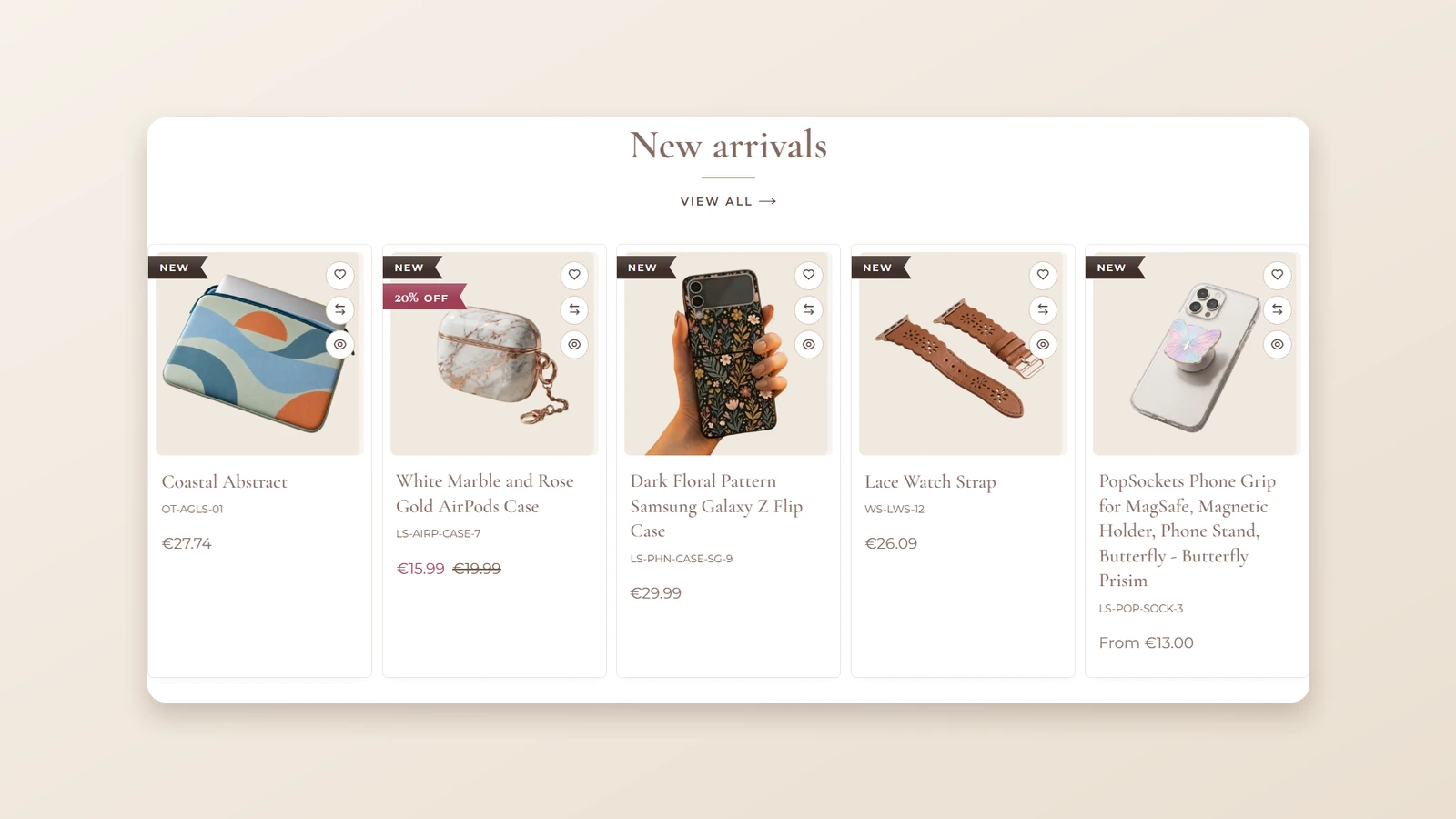
Accessories sell on offers, and offers expire. Ribbons mark new products and discounts automatically, so a fresh arrival or a price drop shows in the grid without editing each card.
For a time-limited offer, the dynamic sales carousel (the Vibe Check Sale above) shows promoted products with Add to Cart, Wishlist and Compare buttons and a real-time countdown, so the urgency is on the page and not in an email.
Anywhere Component places banners, promotions and service highlights in any widget zone with no code, and Anywhere Swiper builds reusable sliders you can show in any store language.
When we build promotion plugins at BSS, we check what a shopper sees the moment the offer ends. Set an end date on every campaign before it goes live, and use Anywhere Swiper if you want the same slider in a theme you already own.
Design: restyle the store from the store
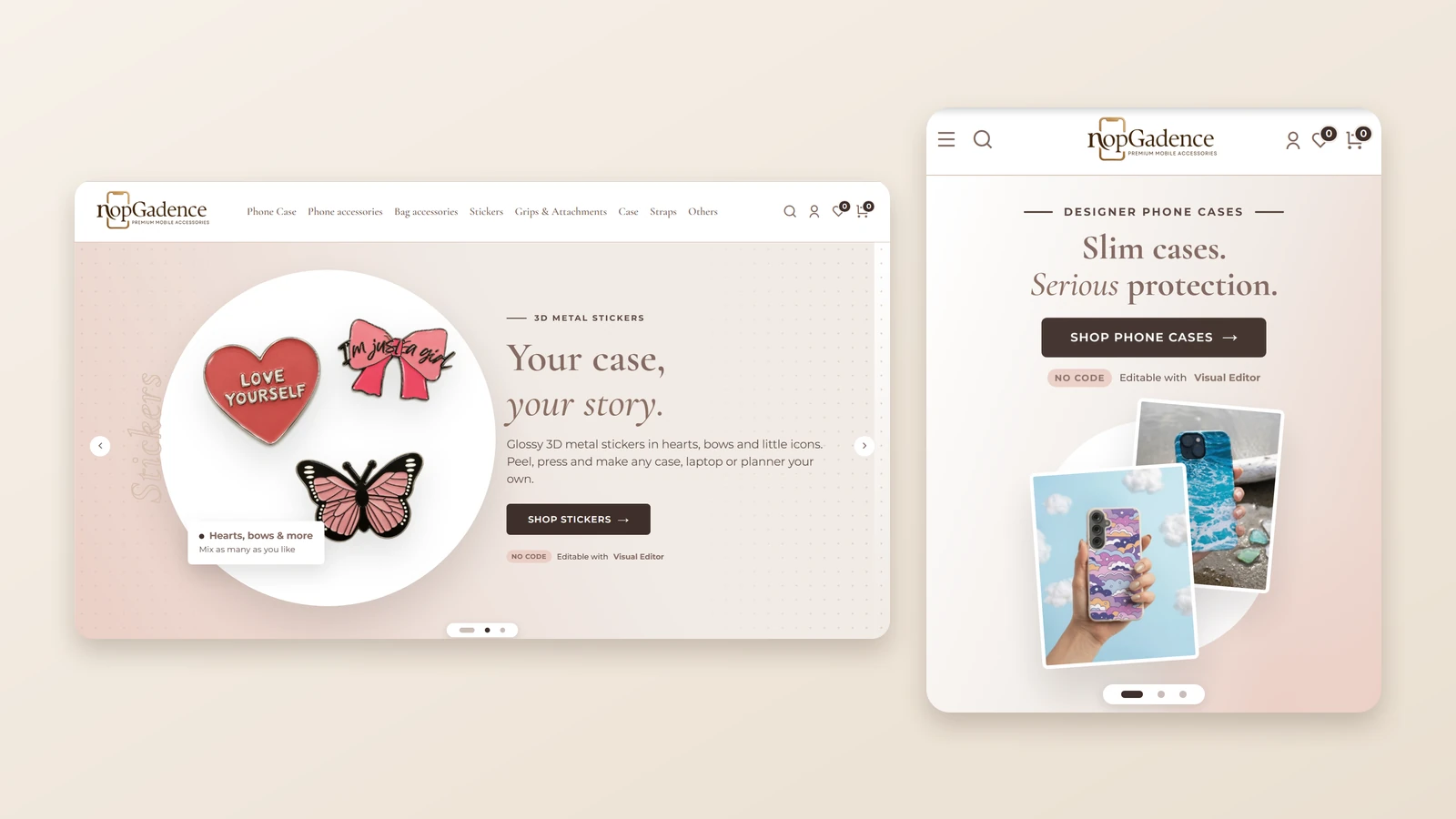
The same store has to look right on a desktop and on a phone, and the capture above is one home page on both. The Theme Builder is how you keep it on brand without a developer.
It edits brand colours, typography, buttons, cards, borders and status colours from one interface, and sets the layout for each screen size.
What the Theme Builder controls
-
Brand colours, typography, buttons, cards, borders and status colours.
-
Container width, spacing, margins and card radius.
-
Columns, items per row and font sizes.
For whole pages there is the Visual Editor, a drag-and-drop builder for responsive, SEO-friendly pages. It can also connect through the AI Bridge (MCP), so you describe a section and the design is created and styled for you.
The theme supports multistore and multilingual stores through reusable content and configurable settings. When a brand needs a look the settings cannot reach, that is custom work: BSS builds custom nopCommerce themes and tailors stores.
Buy: keep a small order from falling apart at checkout
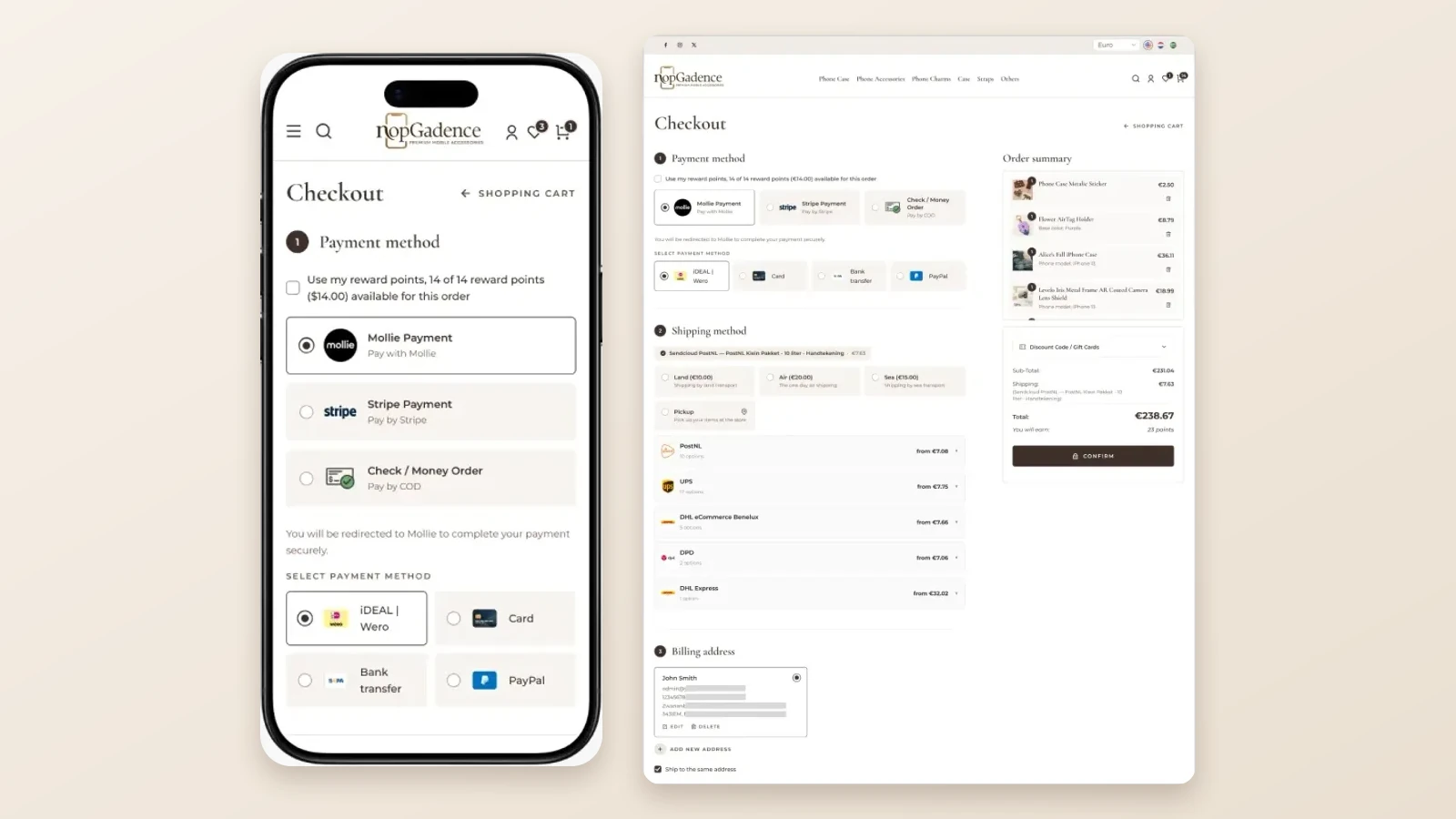
A small order has little margin for friction: one extra page or one failed card and the case is not sold. The bundle works on that path in four places.
| Step | What it does | Where the shopper feels it |
|---|---|---|
| Add to cart | A modal confirmation or a side drawer cart, with quantities that update without a page refresh. | No page change |
| One-Page Checkout | Address, shipping and payment on one page, with coupons and gift cards. | Fewer page loads |
| Payment Change | Lets a customer retry a failed payment or switch method without a new order. | Recovered orders |
| Sendcloud | Several shipping options and a Google Maps pickup point picker at checkout. | Choice of delivery |
When we build checkout plugins at BSS, the failure path gets the most testing, because that is where an order is most easily lost. A declined card should cost the shopper one tap, which is what Payment Change is for.
Unusual shipping or payment rules are the point where many owners bring in a developer. You can hire a .NET developer from BSS to extend a plugin while your own team keeps the catalogue.
Is the bundle the right fit for your store?
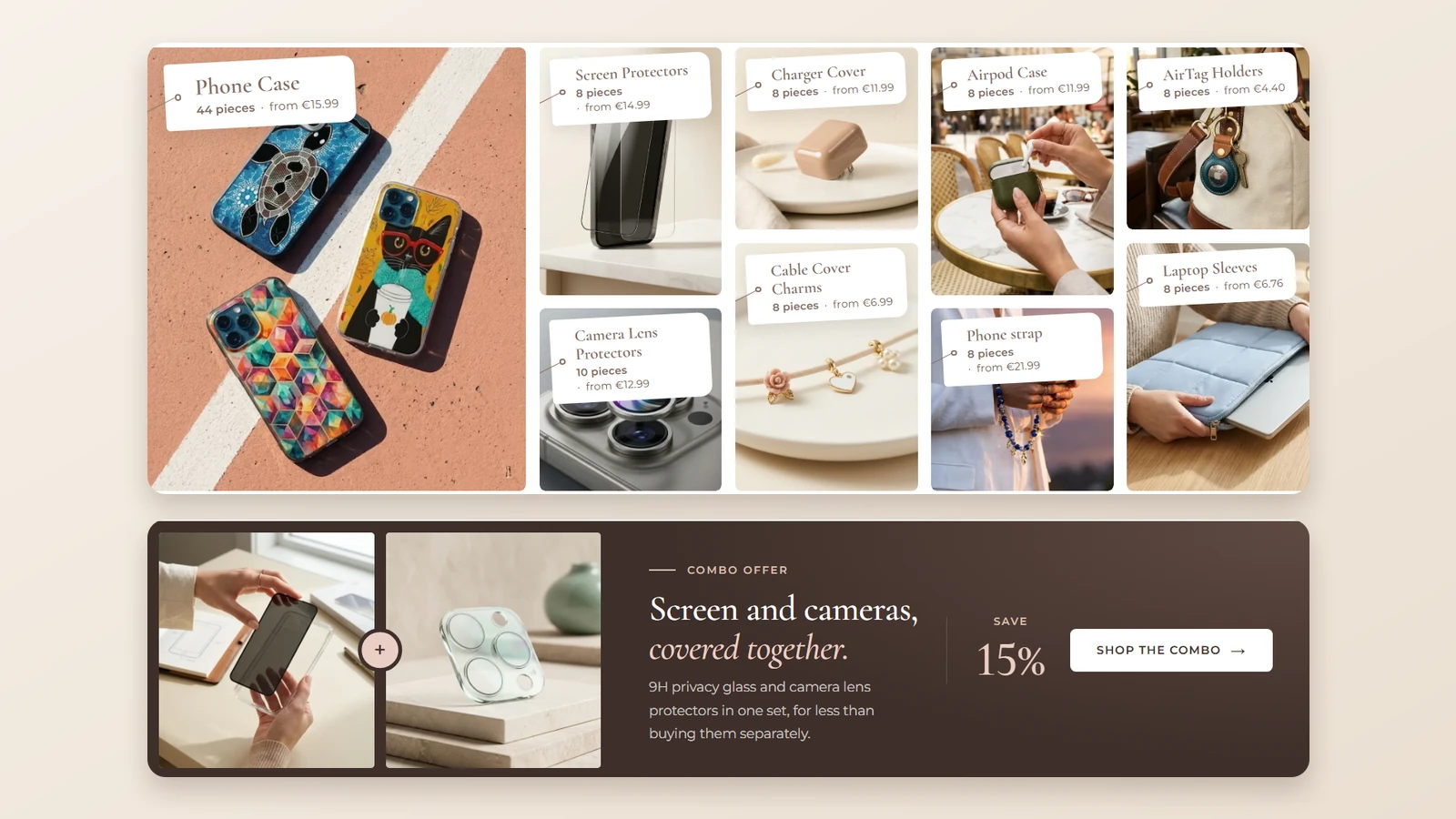
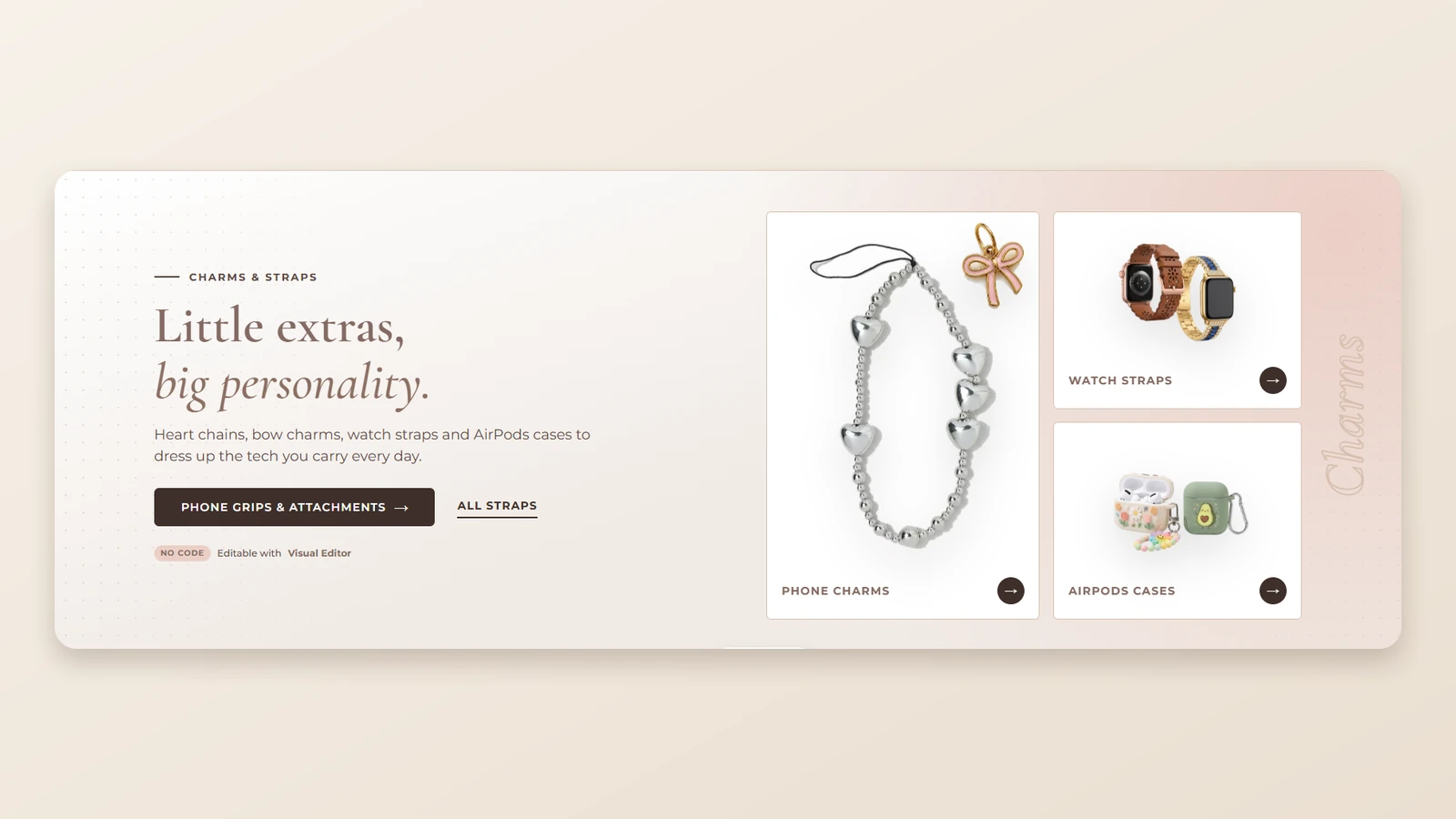
The capture above is the shop front: category tiles for cases, screen protectors, chargers and more, with a combo offer band beneath them, so the bundle is offered before anyone opens a product.
A bundle is a good deal only if you would have bought most of its parts anyway. Here is the choice in plain terms, from the view of an owner who has to keep it all working after launch.
| Route | Plugins that must agree | Time to a working storefront |
|---|---|---|
| Buy plugins one by one | You test every pair yourself. | Long: research, buy and configure each. |
| Build custom | You write the integration yourself. | Long: design, build and test. |
| NopGadence bundle | Sold as one package with the theme. | Shorter: install, then configure |
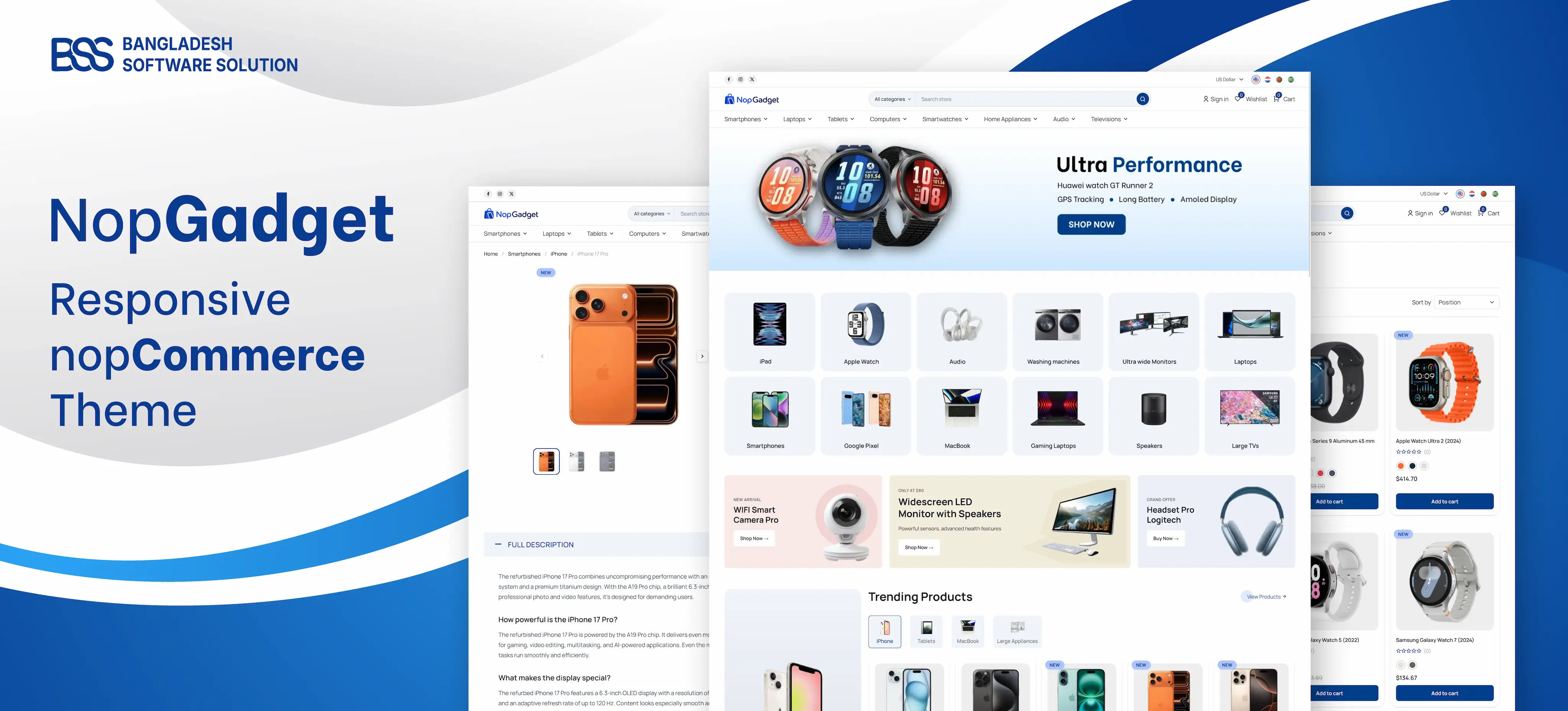
NopGadence is built for phone accessories, mobile accessories, gadget retailers and tech resellers. Selling something else? We ship sibling themes with their own bundles, such as NopGadget for electronics, NopFurniture for furniture and home decor, and NopNoor for fashion and beauty.
Before you buy
-
Match your nopCommerce version to 4.90 or 5.00, the versions on the product page.
-
Open the live demo on a phone, then on a laptop, and try the combo product page.
-
Choose the licence that matches your store URLs, and decide on source code and installation support.
-
Compare it against our buyer's guide to theme bundles.
Installing a theme on a live store is a good moment to rehearse on a copy first, and our theme install guide walks through the steps in a safe order. If you would rather not do it yourself, installation support is an option on the product page.
The accessories theme and the plugins from this guide, in one package.
View the bundleNeed a nopCommerce Developer? Hire the BSS Team
From custom plugins and theme work to full-store builds and performance tuning, our dedicated nopCommerce engineers ship production-grade code. Tell us what you need and we'll match you with the right developer.
Frequently Asked Questions
Final Thoughts
The shopper at midnight does not need a different catalogue. She needs the protector and the charger offered next to the case at one price, a quick way to tell two near-identical items apart, and a checkout that does not make her start again.
That is the job of NopGadence and its plugins, and the order in this guide is the order she meets them. Open the live demo on your own phone, check your version, then decide whether the bundle fits. If it does, the rest is configuration, not rebuilding.
We build and support the theme and plugins in this guide, and we set up nopCommerce stores for people who would rather launch than configure.
Book a free consultation