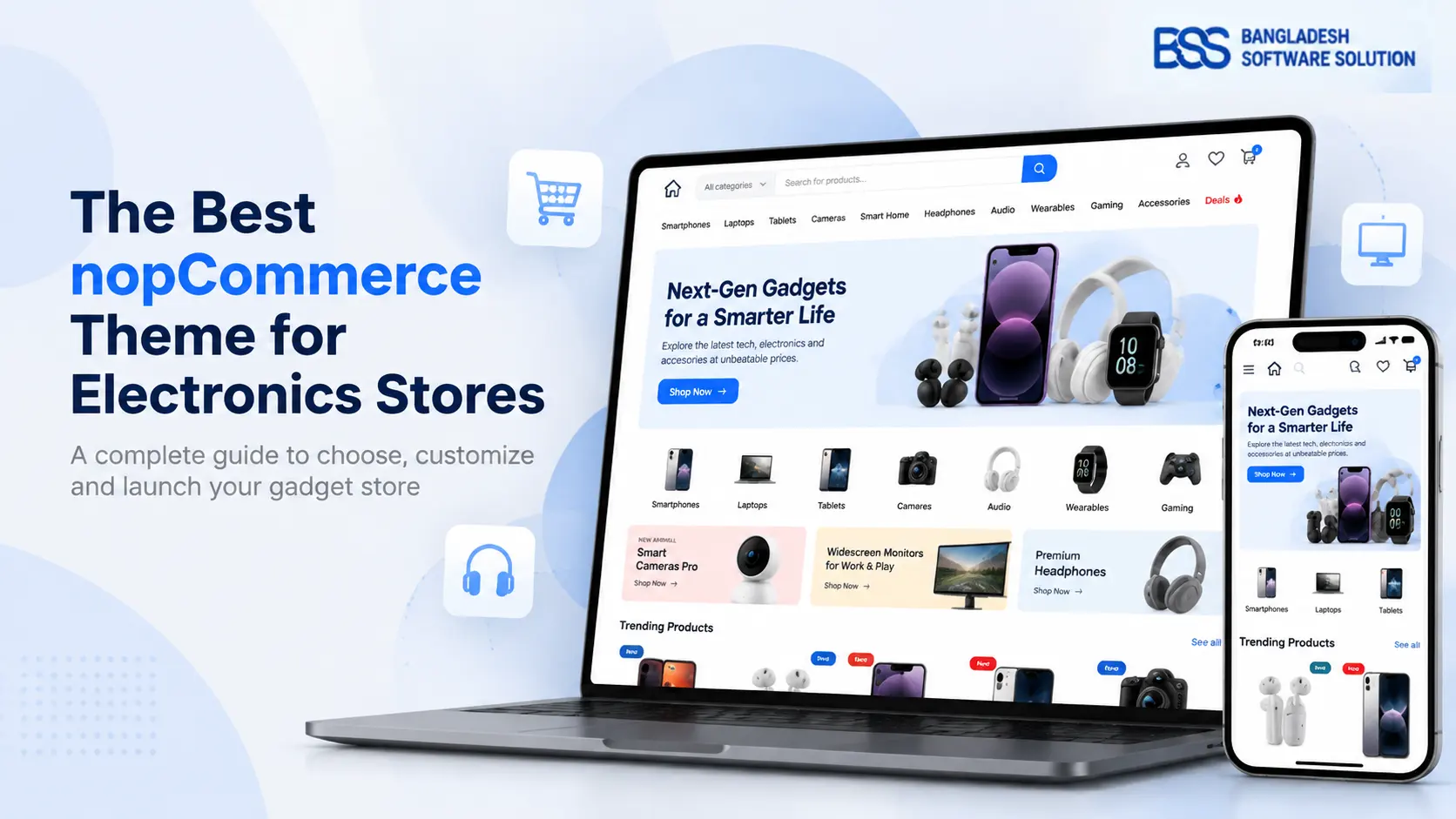
You sell phones, laptops and smartwatches, and your catalogue has grown past the point where a shopper can simply scroll to what they want. Visitors open one product, open three more in other tabs to check the specifications, and then close the lot. The theme looks fine; the trouble is everything it does not do.
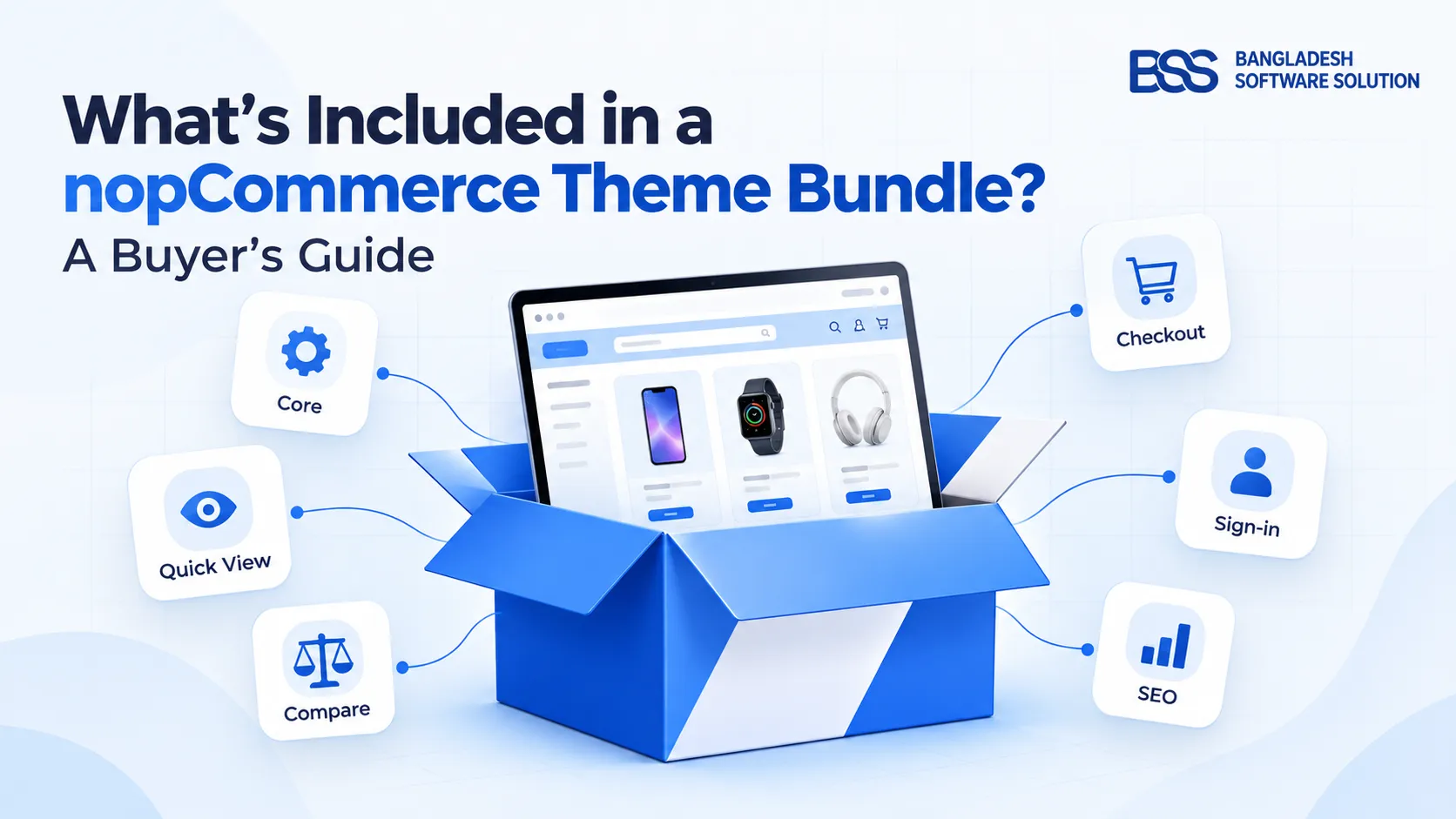
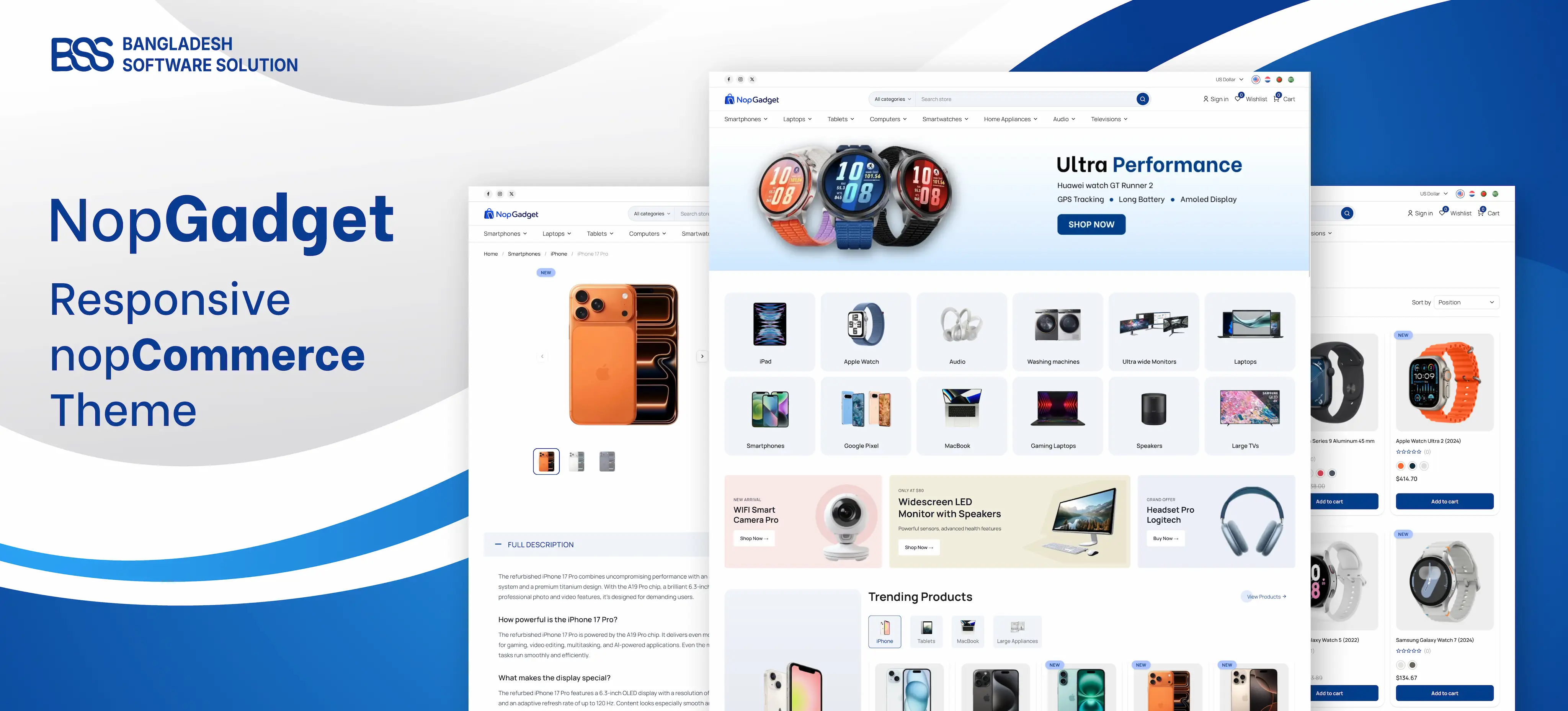
That gap is what NopGadget is built to fill. It is our nopCommerce theme for electronics, gadget and appliance stores, sold with 18 plugins that cover product discovery, comparison, storefront design, checkout and sign-in.
At BSS we build nopCommerce themes and plugins every week, and in an electronics store the plugins decide more than the colours do. So this guide walks through the bundle in the order a shopper meets it: find, decide, design, buy. You will finish knowing what is in it and whether it suits your store.
Key fact: NopGadget is a responsive nopCommerce theme for electronics, with its plugins in one package. The product page lists nopCommerce 4.90 as the supported version, so check your own version first.
Find: help shoppers narrow a big catalogue
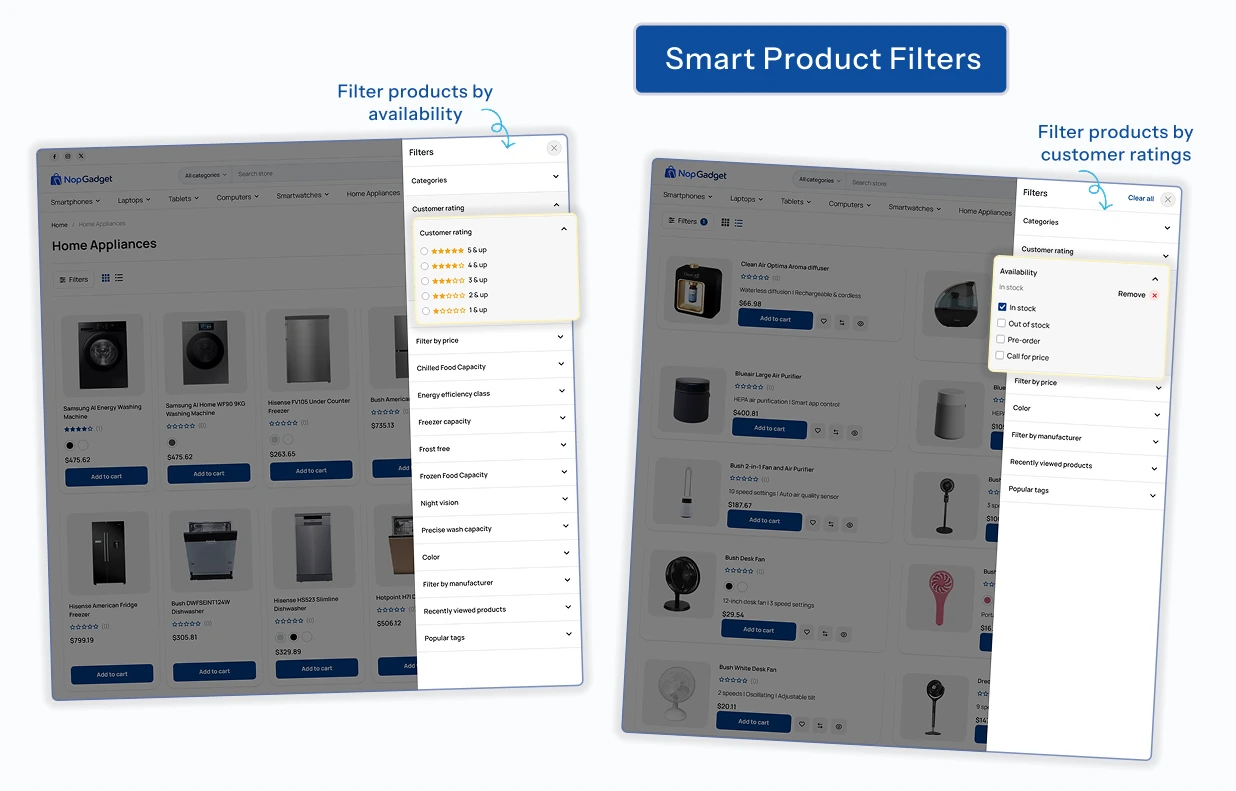
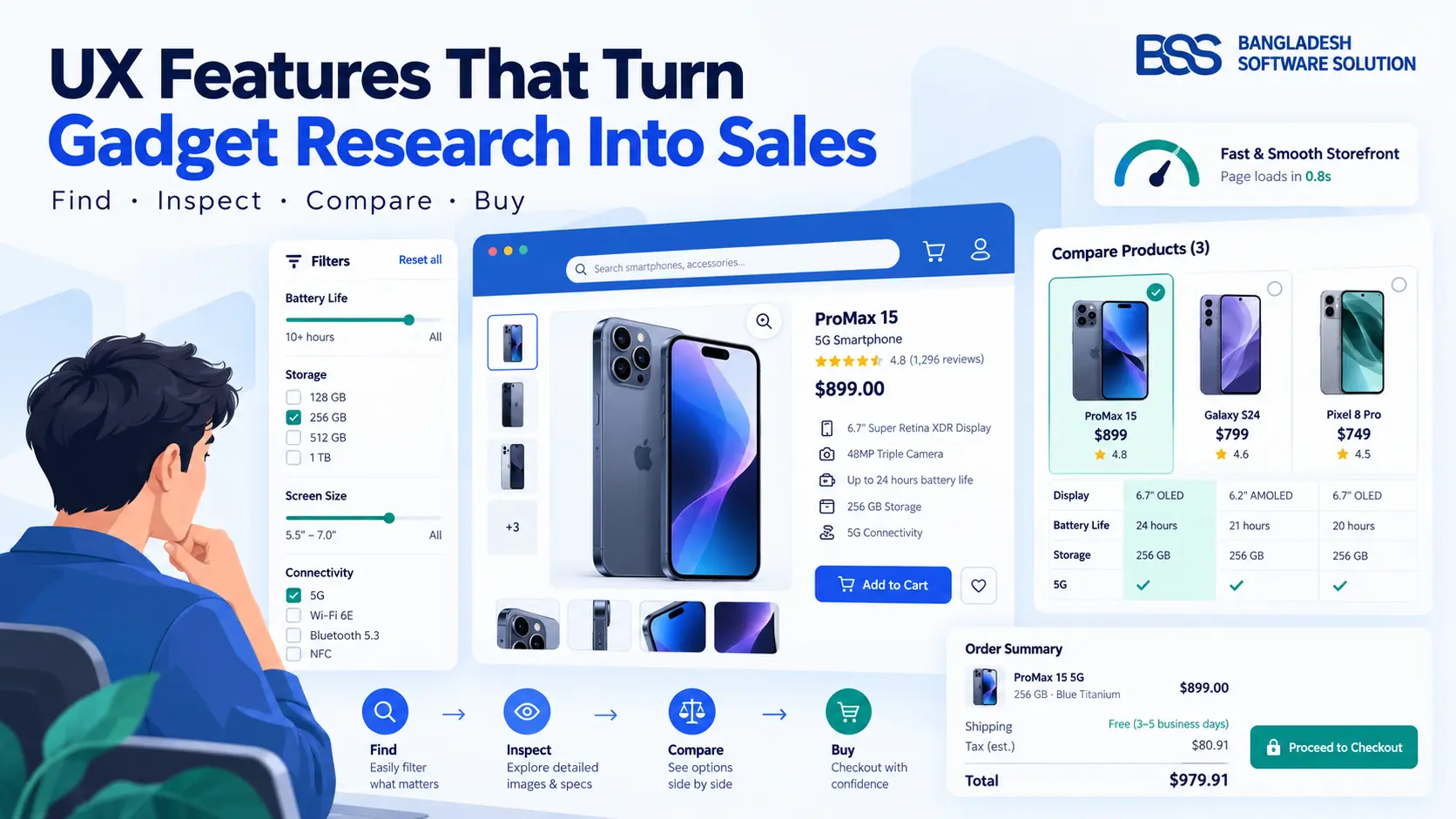
The first thing an electronics shopper does is cut a long list short. On a NopGadget listing page, three plugins do most of that work.
Promotions get their own plugin. The Dynamic Sales Carousel shows discounted products with a ribbon and a countdown timer, which suits a limited-time offer on a new phone.

None of this is exotic on its own. What matters is that the filters, the cards and the badges were made to sit on the same page, so you are not debugging three vendors' styles on your busiest template.
Want the store set up for you? The BSS team sets up, configures and launches nopCommerce stores end to end.
See nopCommerce servicesDecide: put the comparison where shoppers already are
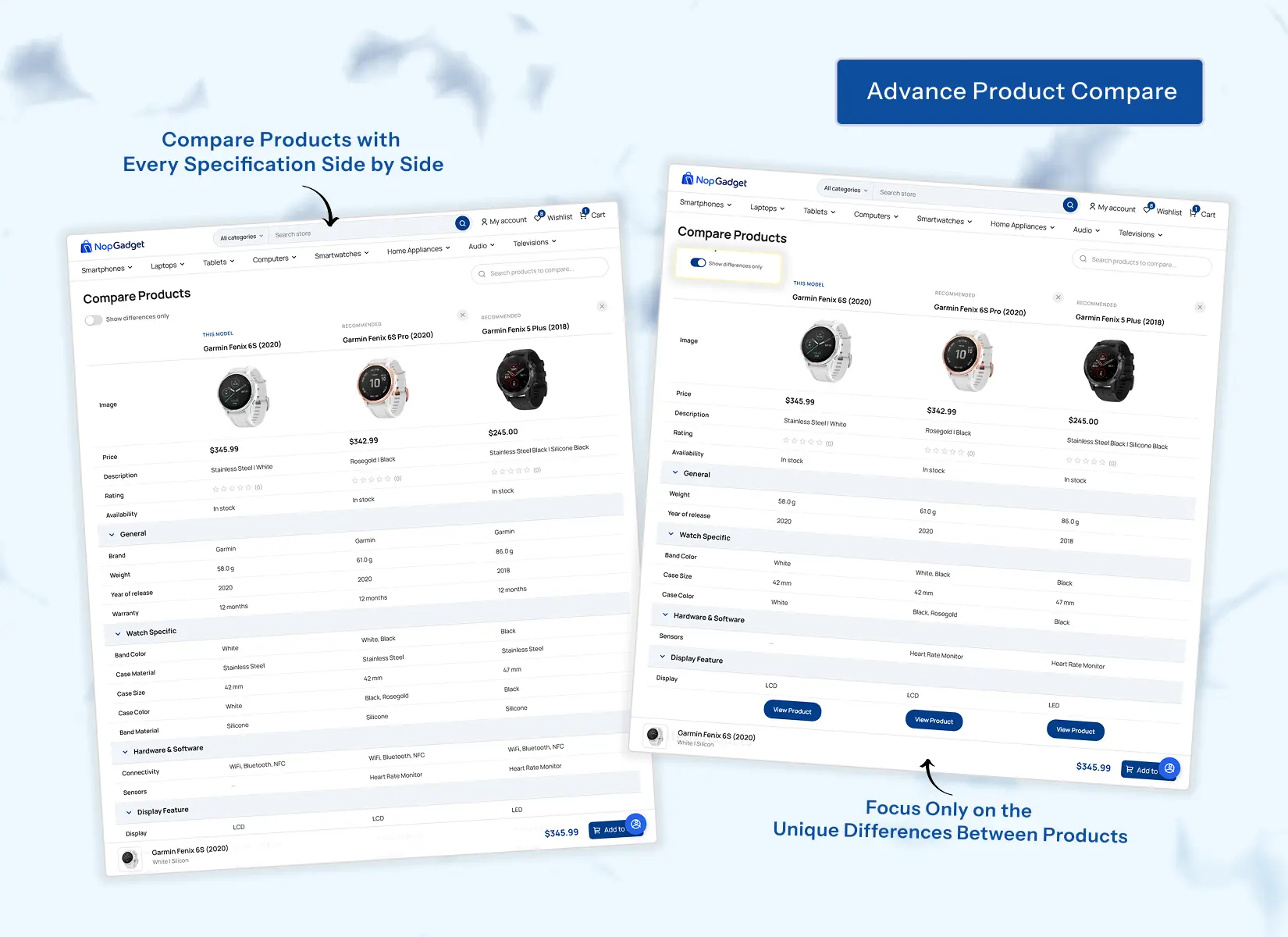
Nobody buys a laptop from a single tab. If your store makes shoppers leave to compare specifications, some of them will not come back.

Once a shopper opens a product, the Picture Gallery takes over. It adds hover zoom, inline zoom and a full-screen lightbox, with touch-friendly navigation for phones.
Watch out
A compare table lines up product attributes, so it is only as good as the specifications you enter. If your specs live as free text in the description, there is nothing for it to line up.

A pattern we see on electronics catalogues: compare and filters feel sharp when specifications are entered as attributes, and weak when they are pasted into descriptions. If that is a large data job, it is worth doing before you switch on Advanced Product Compare.
Design: reshape the storefront without code
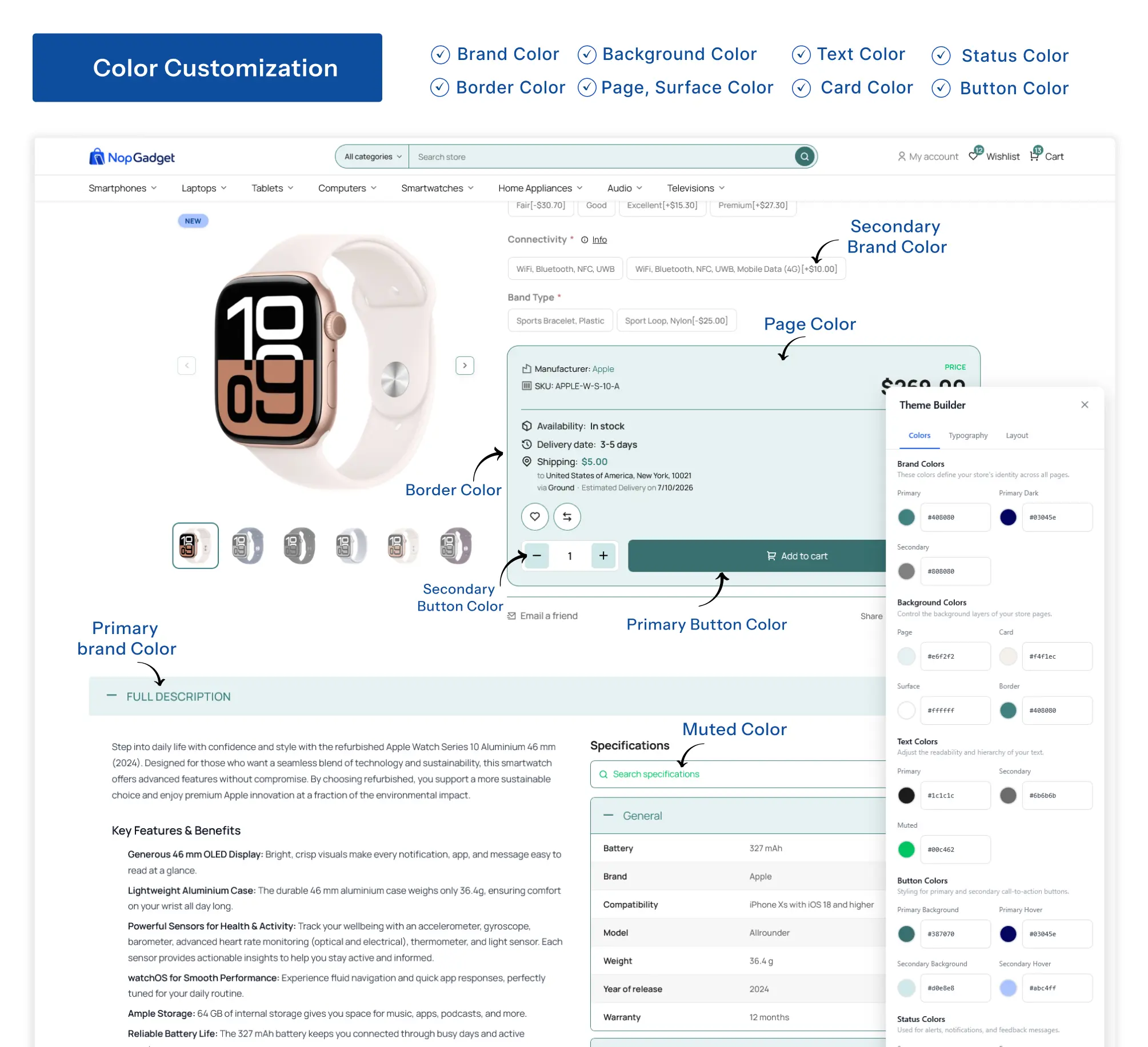
The second pain is design drift: a theme that looks right on launch day and then needs a developer every time marketing wants a change. The bundle answers it in three layers.
At the base, Theme Builder sets brand colours, typography, buttons, cards and borders, plus container width, spacing, columns and items per row. In the middle, Anywhere Component places banners, promotions or service highlights into any widget zone, and Anywhere Swiper does the same with sliders that can be reused across languages.
On top, the Visual Editor is a drag-and-drop page builder. It also connects to AI through its AI Bridge, so you can describe a layout and have it created. We build pages on our own store in the same editor, so it is a tool we use, not only one we sell.
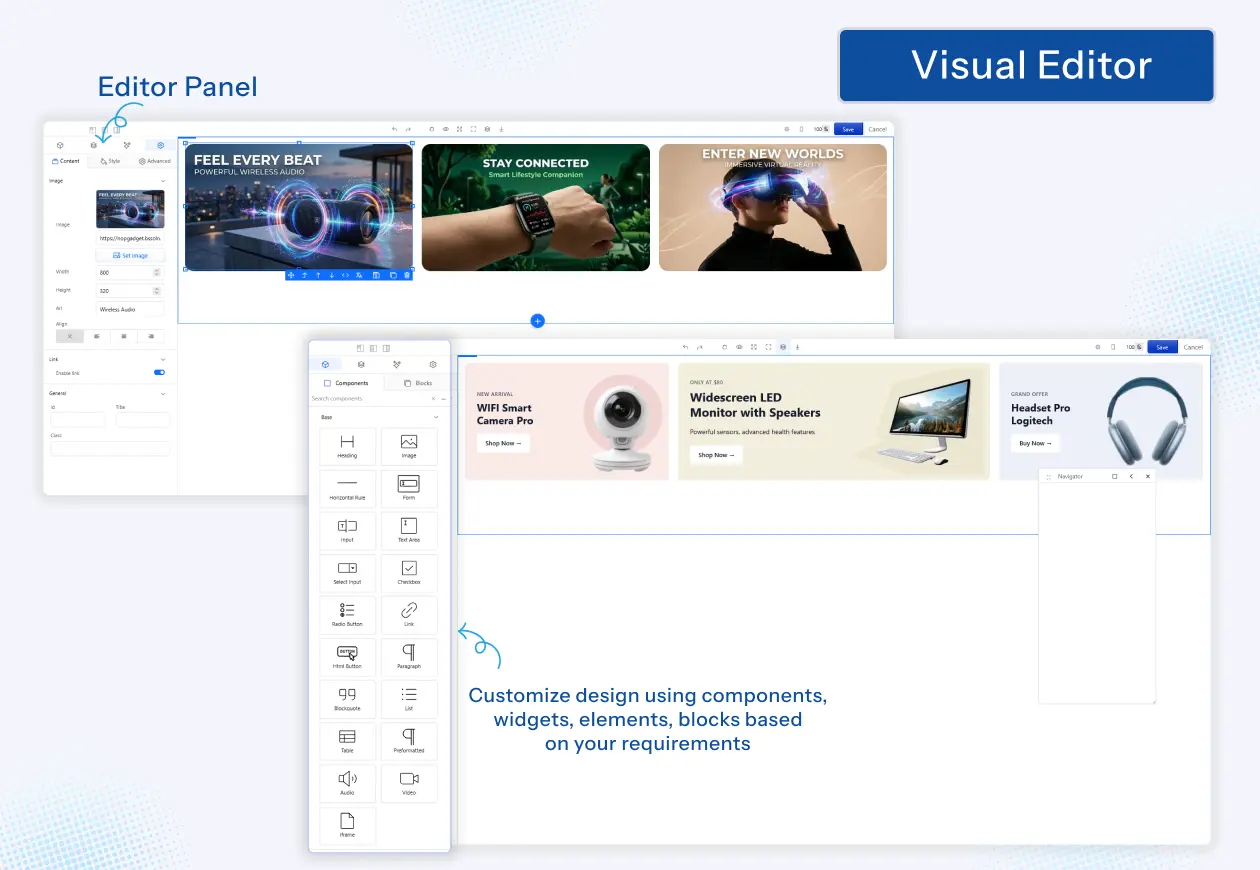
What you can change without a developer
-
Brand colours, typography, buttons, cards and borders.
-
Container width, spacing, columns and items per row.
-
Banners, promotions and call-to-action blocks in any widget zone.
-
Whole pages, built by drag and drop.
When a design needs behaviour no builder offers, that is custom work. BSS builds custom nopCommerce themes and tailors stores. It is better to know that early than to fight the builder.
Buy: keep the checkout path short

A shopper who has decided still has to sign in, pay and choose delivery. Every extra page is a chance to leave, so four plugins aim to shorten that path.
| Plugin | What it does | Where the shopper feels it |
|---|---|---|
| One-Page Checkout | Address, shipping and payment on one page, with coupons and gift cards applied in place. | Fewer page loads |
| Payment Change | Lets a customer retry a failed payment or switch method on an existing order. | No new order after a failure |
| Sendcloud | Several carriers and an interactive map for choosing a pickup point. | Delivery choice at checkout |
| Phone SMS Authentication | Login, registration and password recovery with a one-time code, plus optional two-factor sign-in. | Phone-based sign-in |
Google and Microsoft sign-in come in the same bundle for shoppers who prefer a social login. If you plan to wire up carriers, our Sendcloud setup guide shows the steps.
A failed payment is where an order is most easily lost, so it is the path we test hardest when we build payment plugins. That is the thinking behind Payment Change.

Unusual shipping or payment rules are the point where many owners bring in a developer. You can hire a .NET developer from BSS to extend a plugin while your own team keeps the catalogue.
Is the bundle the right fit for your store?
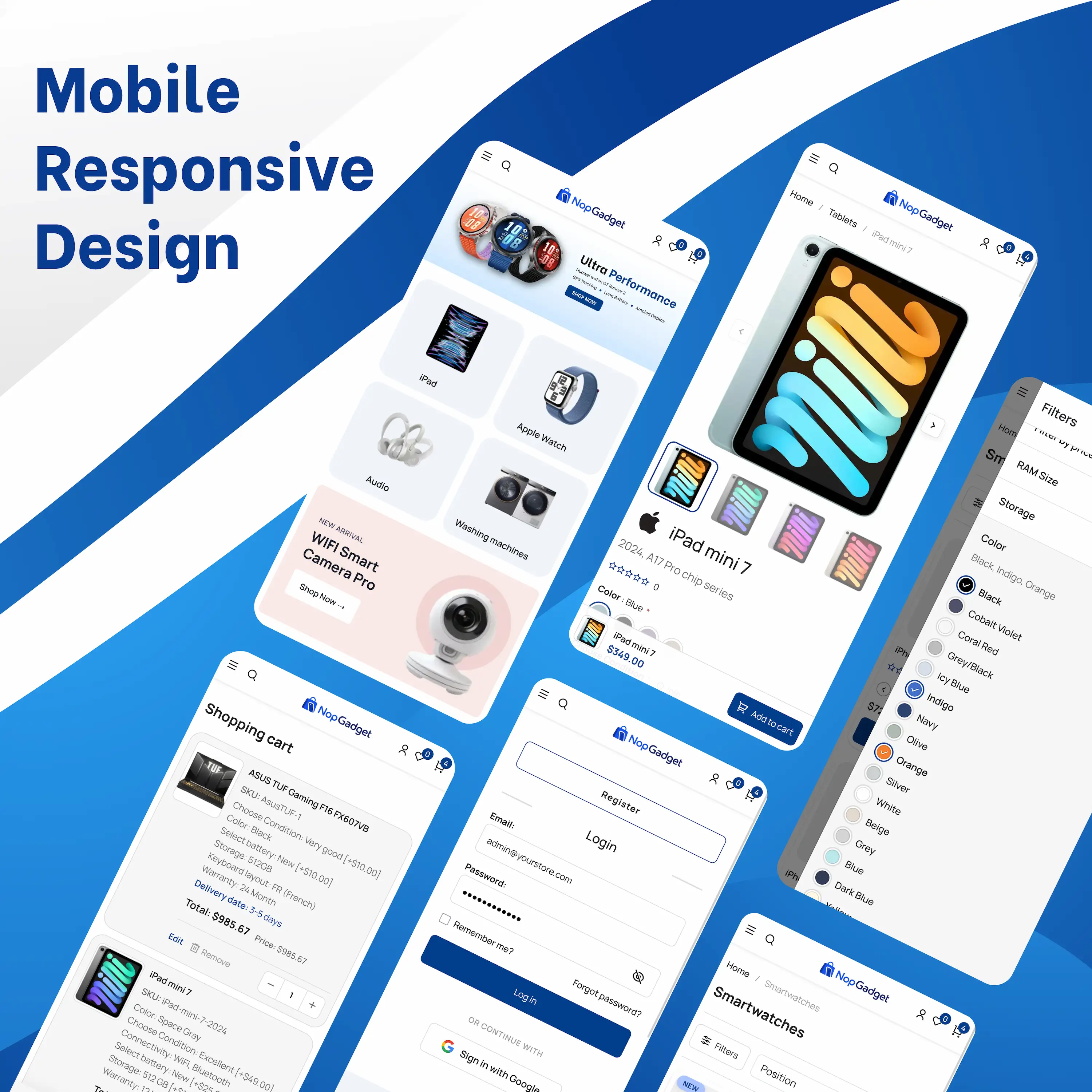
A bundle is a good deal only if you would have bought most of its parts anyway. Three more plugins sit outside the shopper path: AI SEO Assistant, Google and Microsoft authentication, and EU GDPR Cookie Consent.
| Route | Plugins that must agree | Time to a working storefront |
|---|---|---|
| Buy plugins one by one | You test every pair yourself. | Long: research, buy and configure each. |
| Build custom | You write the integration yourself. | Long: design, build and test. |
| NopGadget bundle | Sold as one package with the theme. | Shorter: install, then configure |
NopGadget is built for electronics, smartphones, laptops, appliances and gaming accessories. If you sell something else, we ship sibling themes with their own bundles, such as NopFurniture and NopFashion.
Before you buy
-
Match your nopCommerce version to the one on the product page.
-
Check that the plugins you need are in the list.
-
Open the live demo on a phone, then on a laptop.
-
Choose the licence that matches your store URLs, and decide on installation support or source code.
If you would rather not install and tune it yourself, BSS handles nopCommerce setup from the theme to launch.
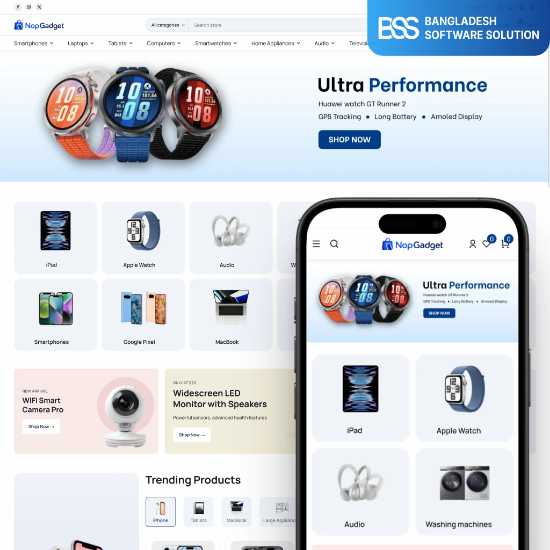
The electronics theme and the plugins from this guide, in one package.
View the bundleNeed a nopCommerce Developer? Hire the BSS Team
From custom plugins and theme work to full-store builds and performance tuning, our dedicated nopCommerce engineers ship production-grade code. Tell us what you need and we'll match you with the right developer.
Frequently Asked Questions
Final Thoughts
Back to the shopper with four tabs open. With filters that narrow the list, a compare table inside your store, a checkout that stays on one page and a storefront you can change yourself, they have fewer reasons to leave.
NopGadget will not fix a thin catalogue or poor product data, but it gives a good electronics store the parts it needs in one place. Check your version, try the demo and match the plugin list against your own needs.
Pick the bundle, then let the BSS team set it up and tailor it to your catalogue.
Book a free consultation