Your abayas and dresses are photographed, the collection is priced, and a shopper taps your link from Instagram on her phone. If the grid crawls, the colours are hidden until she opens each product, and the cart sends her to another page, she is gone before she has seen your best piece.
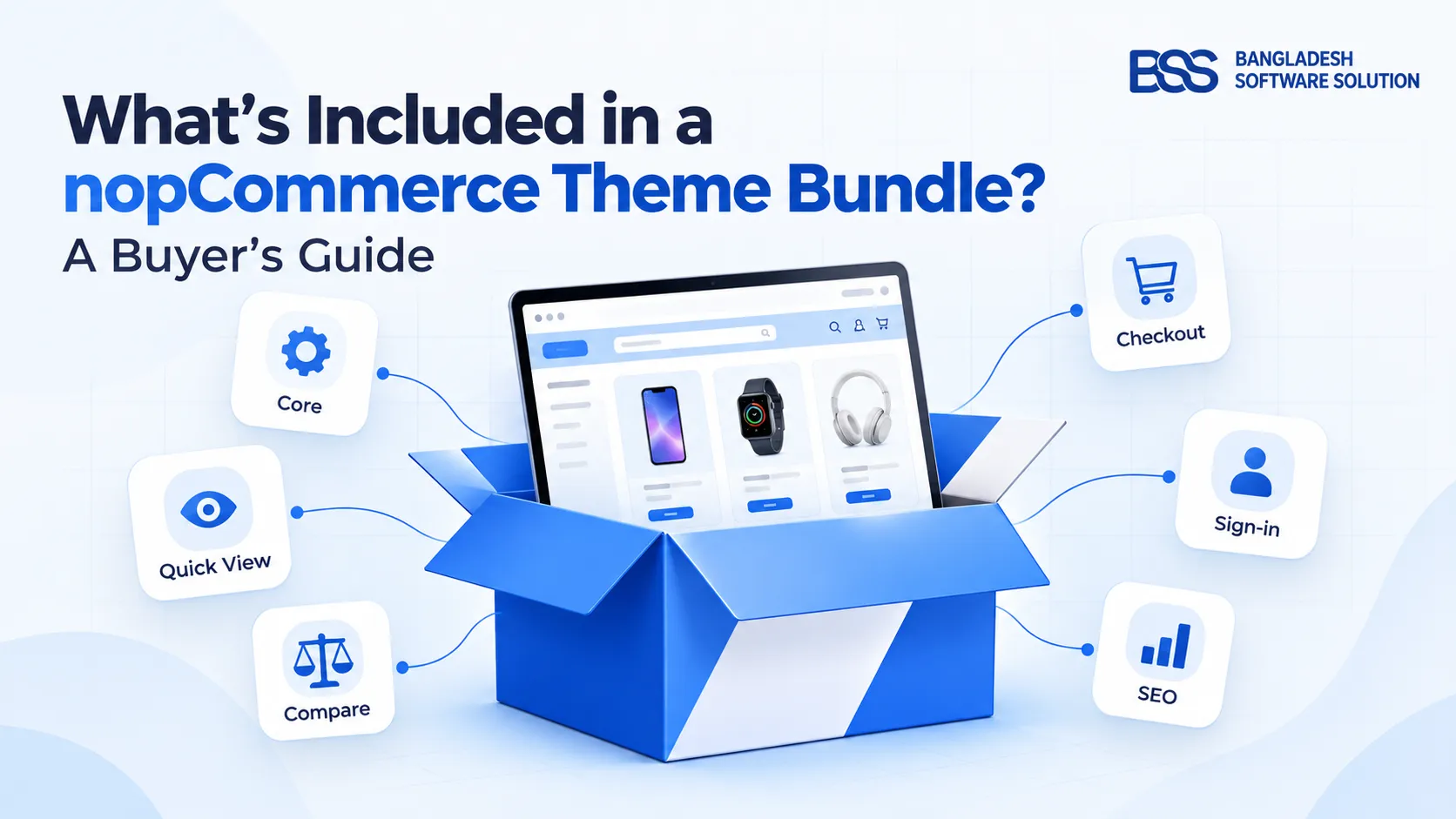
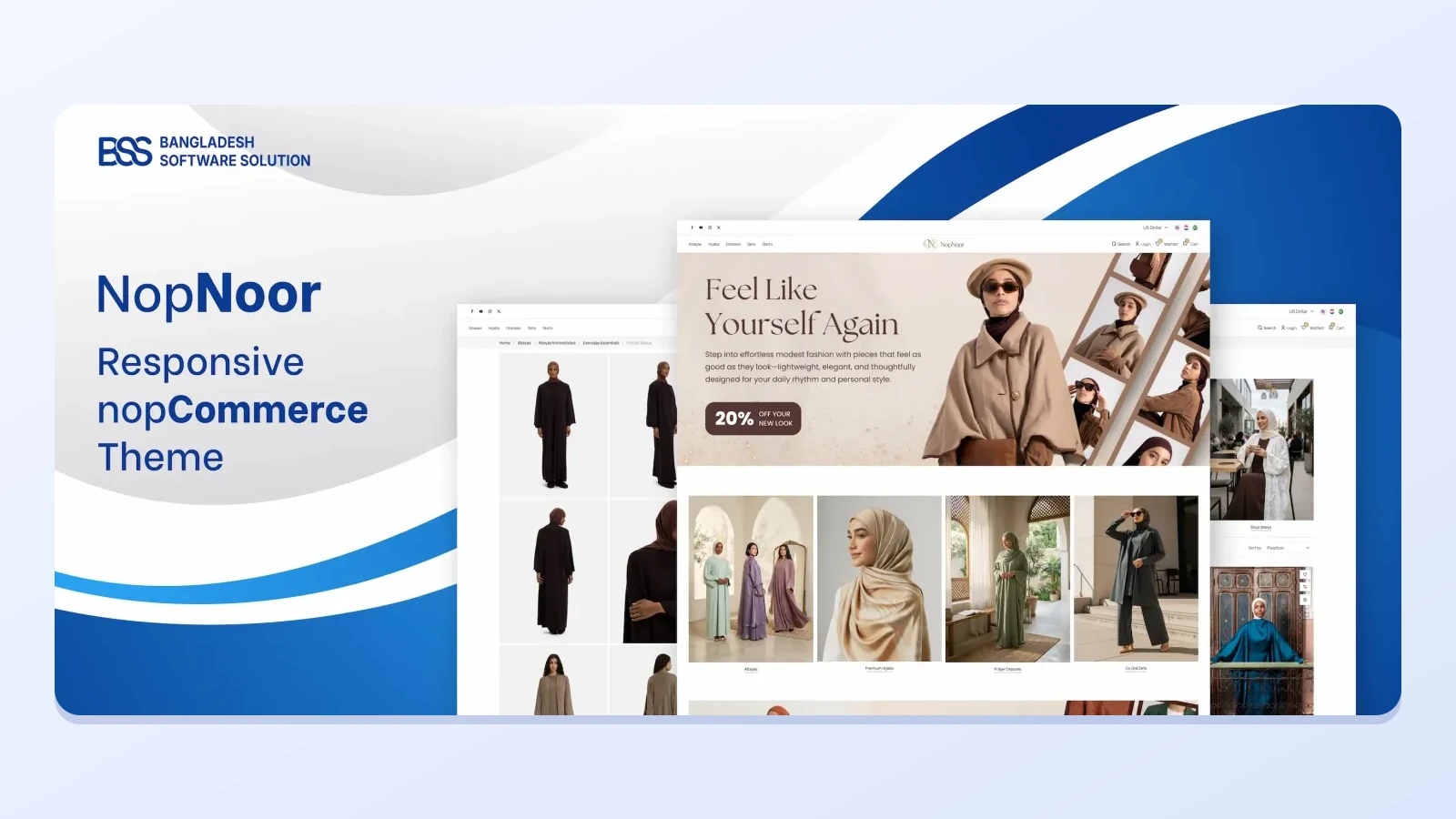
That is the gap NopNoor is built to close. It is our nopCommerce theme for fashion, beauty, jewellery, modest fashion and lifestyle stores, sold with 16 plugins that cover browsing, quick view, promotions, checkout and sign-in.
At BSS we build nopCommerce themes and plugins every week, and in a fashion store the plugins matter as much as the colours. This guide walks through the bundle in the order a shopper meets it: browse, decide, buy, with the design controls and the setup order along the way.
Key fact: NopNoor lists nopCommerce 4.90 as its supported version, and it needs the BSS Core plugin installed first. Check both against your own store before you read further.
Browse: keep a big fashion catalogue fast and scannable

A fashion shopper judges by the picture, so the product card does most of the selling. Three pieces of the bundle shape that moment.
The theme also supports multistore and multilingual stores and gives you widget zones, so a second language or brand can share the same grid. For a fashion store that is the difference between one catalogue shown twice and two storefronts you have to keep in step.
Two settings are worth deciding before launch. Infinite loading works when the products-per-page selector is hidden, so you choose between an endless scroll and a shopper-controlled page size. Image lazy-load is a separate switch, and on a catalogue with many photographs per product it is the one that keeps the first screen quick.
If you only want the card and not the whole theme, the same card is sold as the BSS Product Box plugin.
Want the store set up for you? The BSS team sets up, configures and launches nopCommerce stores end to end.
See nopCommerce servicesDecide: let shoppers look closer without losing their place

Browsing is only half of choosing. A shopper wants a closer look at the fabric and a second opinion from related pieces, without opening ten tabs. In fashion that second opinion is usually another colourway or a matching piece, so the popup earns its place by keeping those suggestions in reach.

Watch out
A gallery is only as good as the photos in it. Zoom exposes soft focus and mismatched lighting, so shoot the detail shots before you switch the feature on.

In the themes we ship, the product page has to work on a small phone first. If you want the gallery behaviour in a theme you already own, Picture Zoom is the plugin for that step.
Promote: change banners, sliders and sales without a developer

A fashion store changes its front page every season, and often every week. If each change needs a ticket to a developer, the page goes stale.
Anywhere Swiper builds reusable sliders with multilingual support, and Banner places homepage and category banners with slot management. Both work through widget zones, so marketing can move a banner without touching a template.

For a time-limited offer, the sales carousel shows discounted products with a countdown, and Product Ribbon marks the same items in the catalogue. The two together keep the sale visible on the front page and in the grid.

Where a promotion needs a slider in a new place, the Anywhere Swiper plugin drops one into any widget zone.
Design: restyle the storefront from the storefront

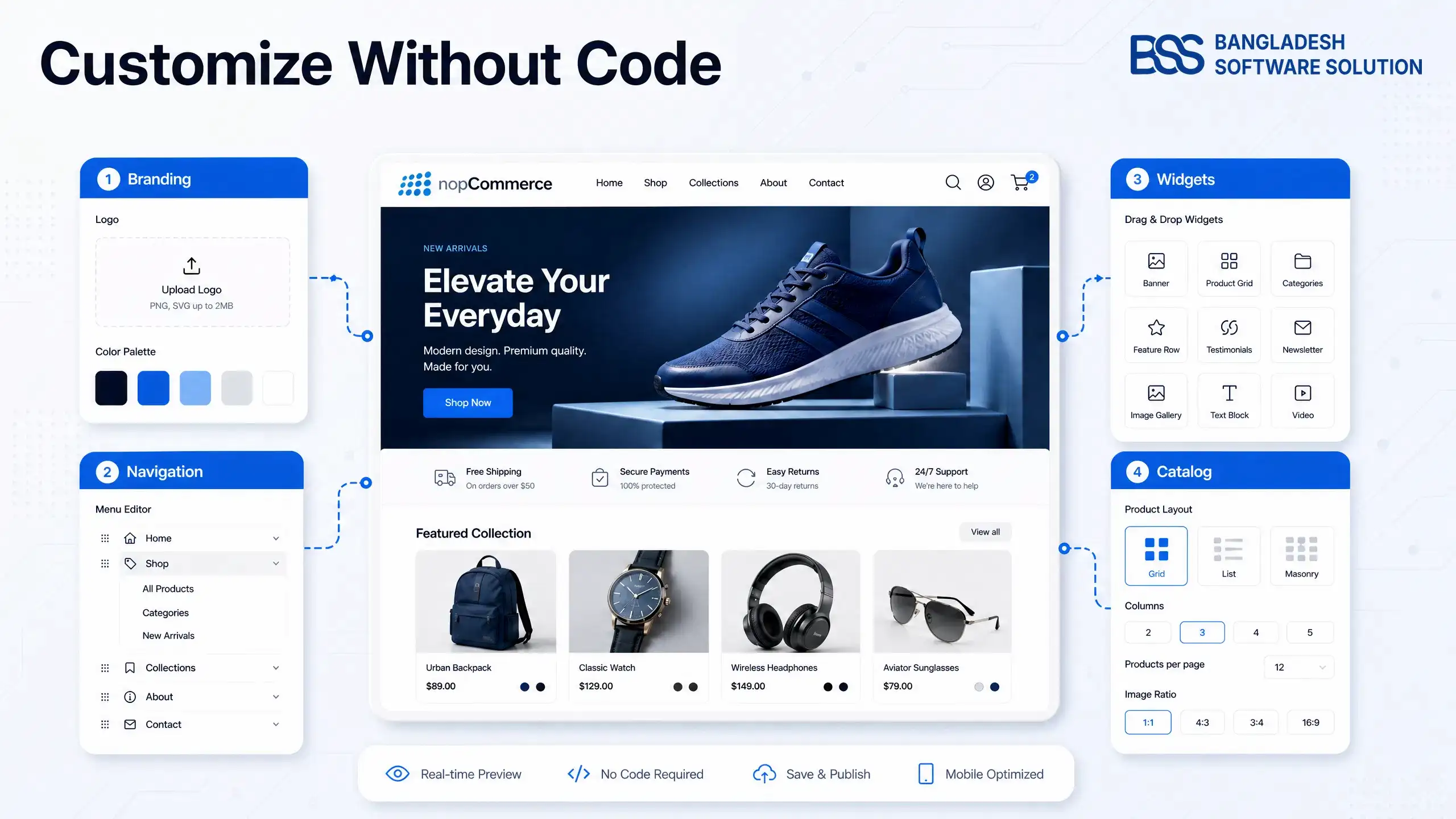
The second pain is design drift: a theme that looks right on launch day and needs a developer each time the brand moves on. NopNoor handles it with a Theme Builder, a floating panel that edits colours, fonts and layout on the live storefront.
You choose which customer roles can open it, so a marketer can adjust the palette while everyone else sees the finished page. Underneath, the same values live in the theme settings under BSS → Themes → NopNoor, so a change made in the panel and one made in the admin land in the same place.

What the theme settings cover
-
Brand, background, text, button and status colours, plus neutral greys.
-
Typography from Google Fonts, including a custom font family.
-
Responsive grids for phone, tablet and desktop: items per row, spacing, container width and page margin.
-
Footer logo and address, loader styling and custom CSS.

When a brand needs a look the settings cannot reach, that is custom work. BSS builds custom nopCommerce themes and tailors stores, and it is better to know that early than to fight a panel.
Buy: shorten the path from cart to paid

A shopper who has decided still has to add, review, sign in and pay. Each extra page is a chance to leave, so the bundle works on that path in three places. The cart itself comes in two styles, a modal confirmation or a flyout that slides in from the side, and you pick one in the theme settings.
| Step | What it does | Where the shopper feels it |
|---|---|---|
| Add to cart | After adding, show a success message or open a side flyout cart, chosen in theme settings. | No page change |
| One-Page Checkout | Address, shipping and payment on a single page, with coupons and gift cards. | Fewer page loads |
| Phone SMS Authentication | OTP login, registration and recovery, plus an SMS gateway and order alerts. | Phone-based sign-in |

When we build sign-in and checkout plugins at BSS, the failure path gets the most testing, because that is where an order is most easily lost. The same bundle carries Google sign-in for shoppers who prefer it to a phone code.

Unusual payment or shipping rules are the point where many owners bring in a developer. You can hire a .NET developer from BSS to extend a plugin while your own team keeps the catalogue.
Set it up: the order that avoids surprises
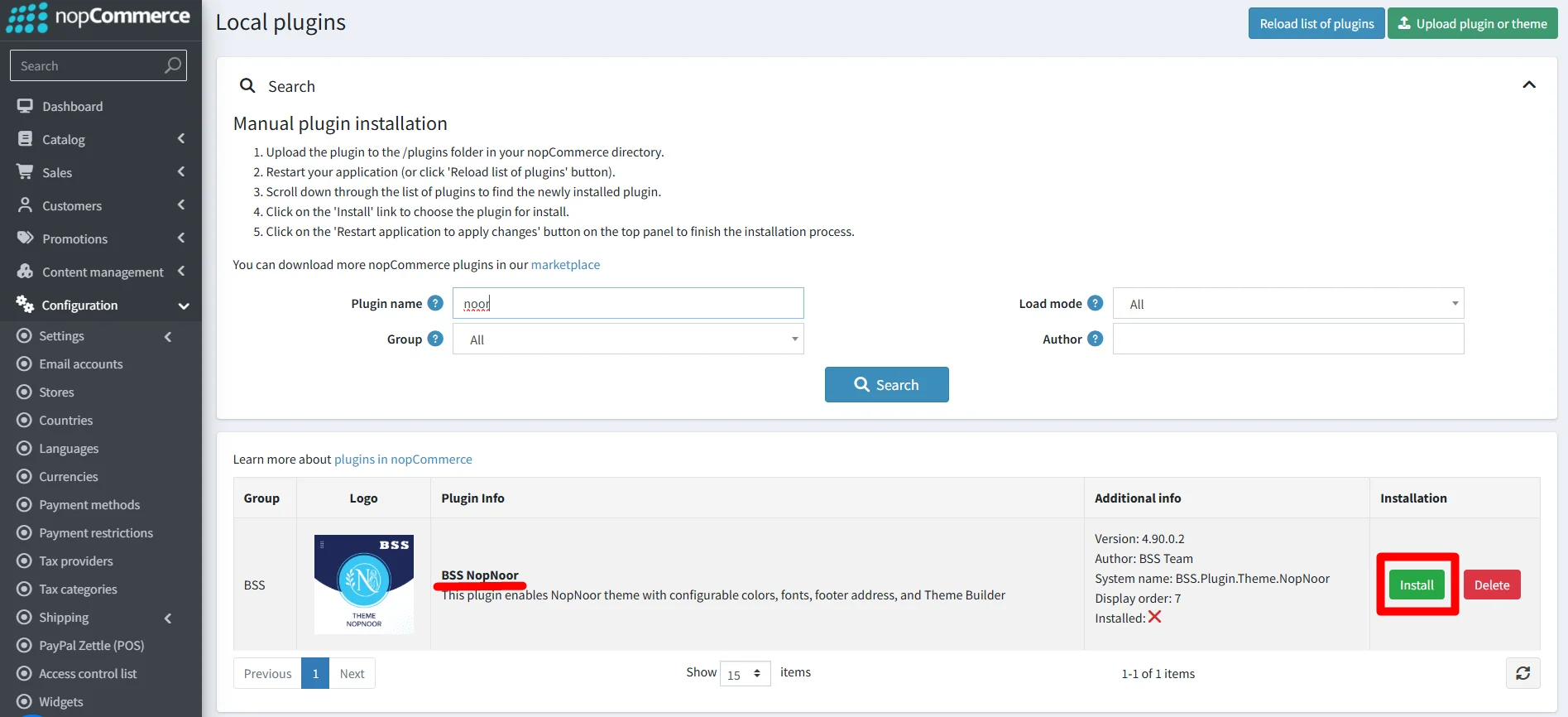
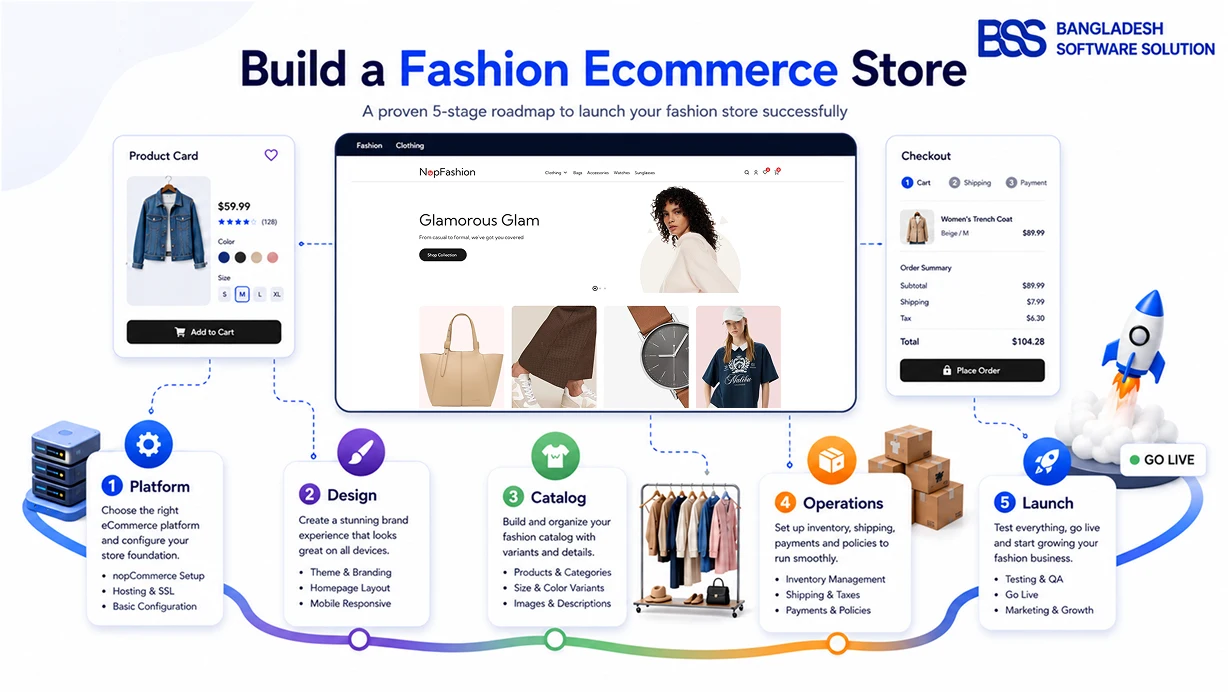
The documentation sets a clear order, and skipping it is the usual way an install goes wrong. Work through it top to bottom, and install only the BSS plugins your home page actually uses: you can add the rest later, one at a time, when you need them.
Install order, from the NopNoor documentation
-
Upload the bundle files, including BSS Core, in Configuration → Local plugins.
-
Install BSS Core first, then the NopNoor theme, and restart the application.
-
Set NopNoor as the default store theme in General settings.
-
Search Local plugins by the group BSS and install the plugins your home page needs.
-
Enter the licence key under BSS → Core settings → License, save, then clear the cache.
Recommended setting
The documentation recommends turning off JavaScript and CSS bundling and minification in App Settings while the theme loads its assets.
Installing a theme on a live store is a good moment to rehearse on a copy first. Our theme install guide walks through the same steps in a safe order.
Is the bundle the right fit for your store?
A bundle is a good deal only if you would have bought most of its parts anyway. Here is the choice in plain terms, from the perspective of a store owner who has to keep it all working after launch.
| Route | Plugins that must agree | Time to a working storefront |
|---|---|---|
| Buy plugins one by one | You test every pair yourself. | Long: research, buy and configure each. |
| Build custom | You write the integration yourself. | Long: design, build and test. |
| NopNoor bundle | Sold as one package with the theme. | Shorter: install, then configure |
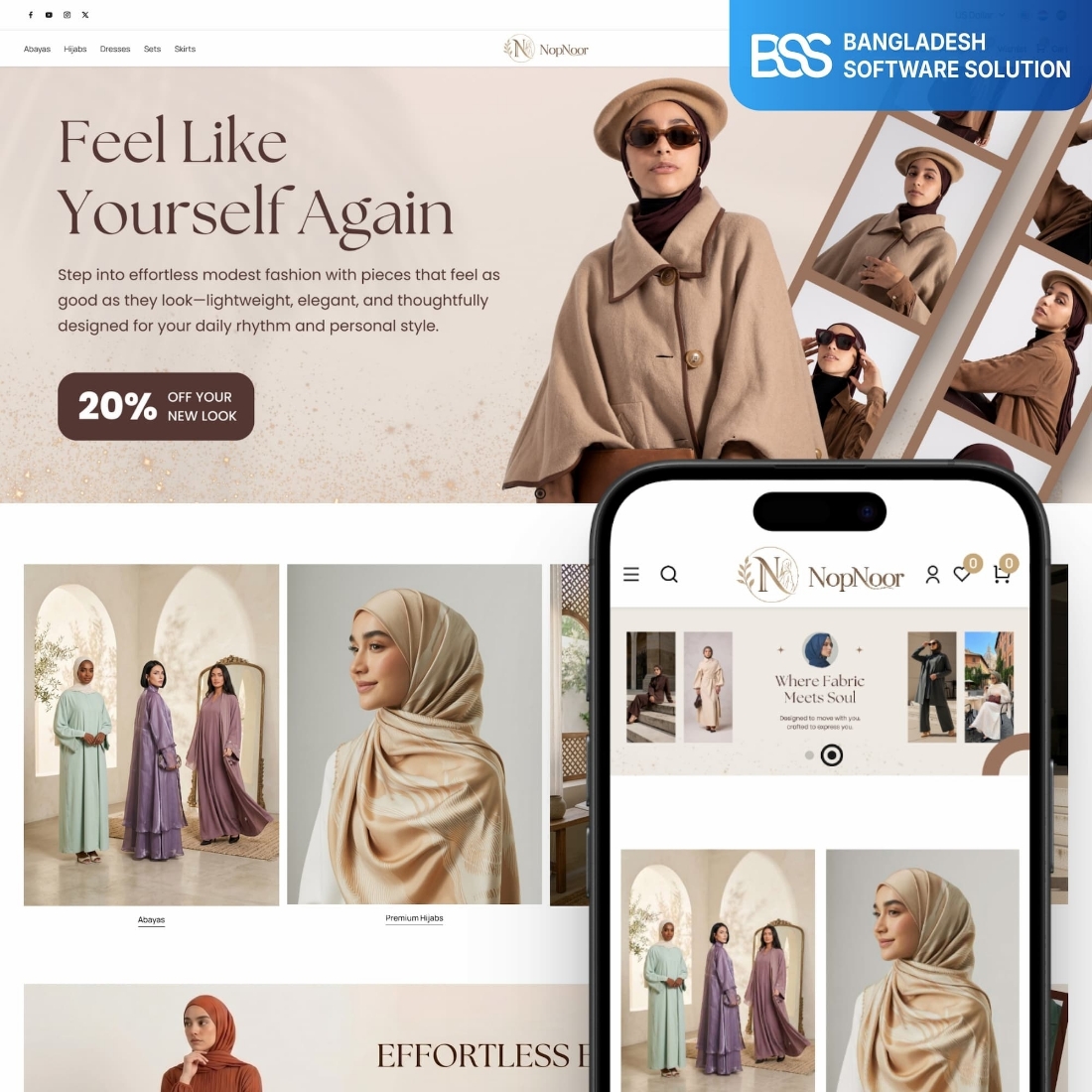
NopNoor is built for fashion, beauty, jewellery, modest fashion and lifestyle stores. Selling something else? We ship sibling themes with their own bundles, such as NopFashion, NopEthnic and NopVogue.
Before you buy
-
Match your nopCommerce version to the one on the product page.
-
Open the live demo on a phone, then on a laptop.
-
Choose the licence that matches your store URLs, and decide on source code and installation support.
-
Compare it against our buyer's guide to theme bundles.
If you would rather not install and tune it yourself, installation support is an option on the product page, and the BSS team can take the setup off your hands from the theme to launch.
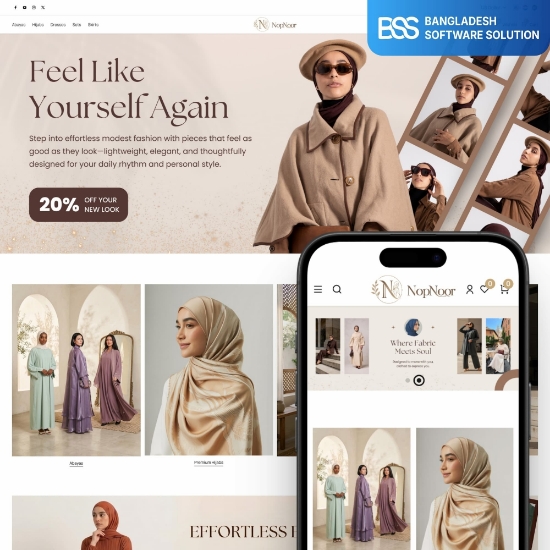
The fashion theme and the plugins from this guide, in one package.
View the bundleNeed a nopCommerce Developer? Hire the BSS Team
From custom plugins and theme work to full-store builds and performance tuning, our dedicated nopCommerce engineers ship production-grade code. Tell us what you need and we'll match you with the right developer.
Frequently Asked Questions
Final Thoughts
The shopper from Instagram does not need a different catalogue. She needs a grid that loads, colours she can see, a quick look at the fabric, a sale she can spot, and a checkout that does not make her start again.
That is the job of NopNoor and its plugins, and the order in this guide is the order she meets them. Open the live demo on your own phone, check your version, then decide whether the bundle fits. If it does, install in the documented order and the rest is configuration, not rebuilding.
We build and support the theme and plugins in this guide, and we set up nopCommerce stores for people who would rather launch than configure.
Book a free consultation