A nopCommerce store that felt snappy at launch can start showing real nopCommerce performance issues once the catalog, order history, and customer base grow past a few thousand rows in the tables that matter. Category pages take an extra second to render, the admin order grid crawls, and checkout occasionally times out during a sale — and none of it is caused by a bad plugin.
In our deployments, the majority of these slowdowns trace back to the SQL Server database underneath nopCommerce: a handful of missing indexes, execution plans stuck on outdated statistics, and log tables nobody's pruned in a year. This guide walks through how to diagnose those causes with the tools SQL Server already gives you, fix the highest-impact ones first, and set up a maintenance routine so the fixes hold.
Key Fact: Most nopCommerce performance issues that survive a caching pass are database-level — a missing index or stale statistics, not a hardware shortfall.
By the end of this guide you'll know how to read SQL Server's own missing-index data, write a covering index that actually gets used, and stop index fragmentation and log-table growth from quietly undoing the fix.
How nopCommerce Talks to Your SQL Server Database
nopCommerce's data layer (Nop.Data) sits on top of Entity Framework Core, translating LINQ calls from services like ProductService and OrderService into T-SQL at request time. That's convenient for development, but it means a single unindexed join gets multiplied across every category page view, every admin order-grid refresh, and every scheduled task run.
A common mistake we see when auditing a slow store is assuming the ORM itself is the problem. Entity Framework Core generates reasonably efficient SQL in most cases — the real gap is almost always on the SQL Server side: no index exists to satisfy the WHERE and JOIN clauses EF Core is producing.
Product, category-mapping, and price/stock tables on every view.Log, ActivityLog, and QueuedEmail tables absorb constant inserts from scheduled tasks, admin actions, and outgoing notifications.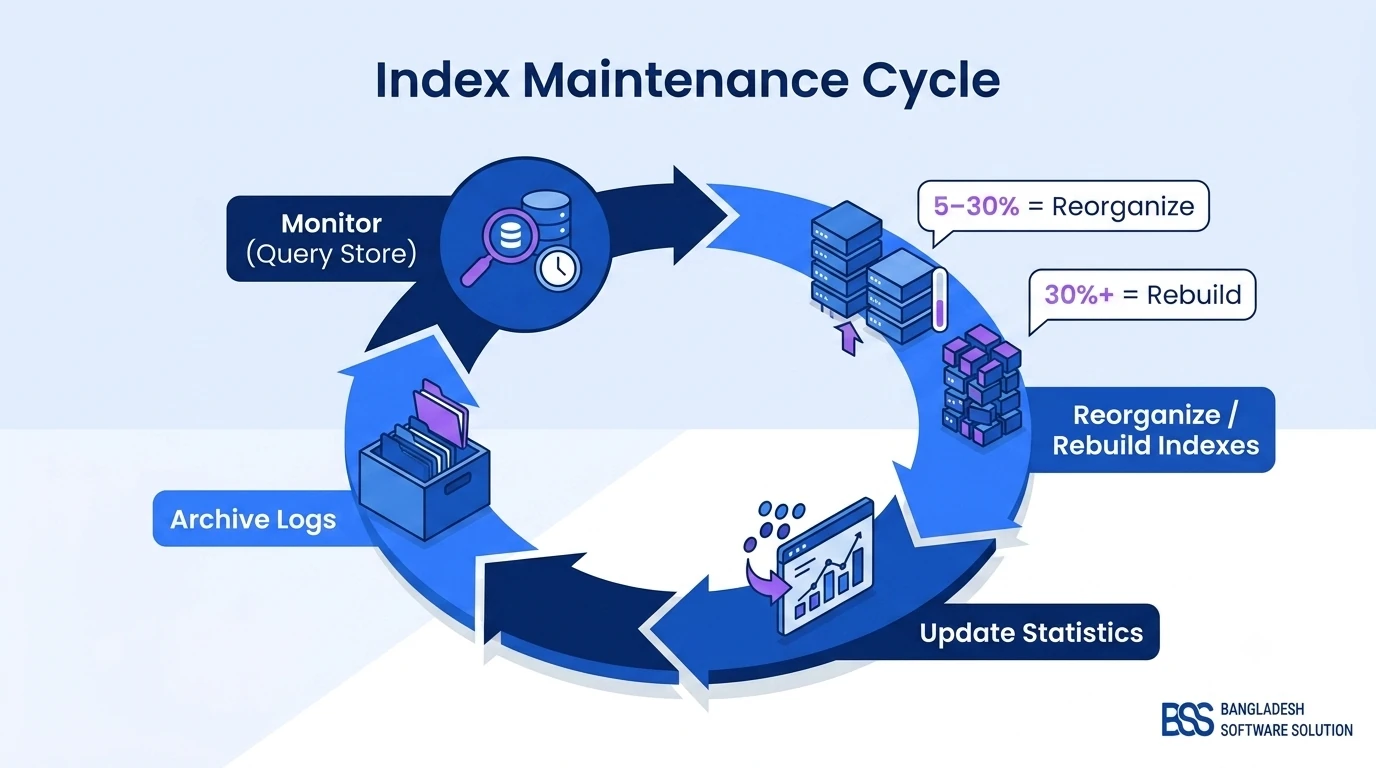
The Real Root Causes Behind Slow Queries
Once you rule out the application layer, nopCommerce database slowdowns split into two buckets: problems with how SQL Server is executing your queries, and problems with how much data those queries have to wade through.
Log, ActivityLog, GenericAttribute, and QueuedEmail tables balloon quietly until a formerly-fine index can no longer keep the query fast.To solve this efficiently, the best approach is to diagnose with data instead of guessing — SQL Server already tracks which indexes it wishes it had, and which queries are costing you the most. The next section shows exactly where to find that data.
Finding and Fixing Missing Indexes
Reading the Missing-Index DMVs
SQL Server logs every query where it had to scan instead of seek because a useful index didn't exist. Pull that list before you touch anything — it tells you exactly where to focus first:
SELECT
    mid.statement AS table_name,
    mid.equality_columns,
    mid.inequality_columns,
    mid.included_columns,
    migs.avg_user_impact,
    migs.user_seeks + migs.user_scans AS total_reads
FROM sys.dm_db_missing_index_details mid
JOIN sys.dm_db_missing_index_groups mig
    ON mid.index_handle = mig.index_handle
JOIN sys.dm_db_missing_index_group_stats migs
    ON mig.index_group_handle = migs.group_handle
ORDER BY migs.avg_user_impact DESC;
This query (built on the DMVs documented in Microsoft's SQL Server documentation) surfaces the joins and filters your workload is actually running, ranked by estimated impact. Sort by avg_user_impact and start at the top — that's usually the category-page or order-grid query your store owner has already complained about.
Writing a Covering Index That Actually Gets Used
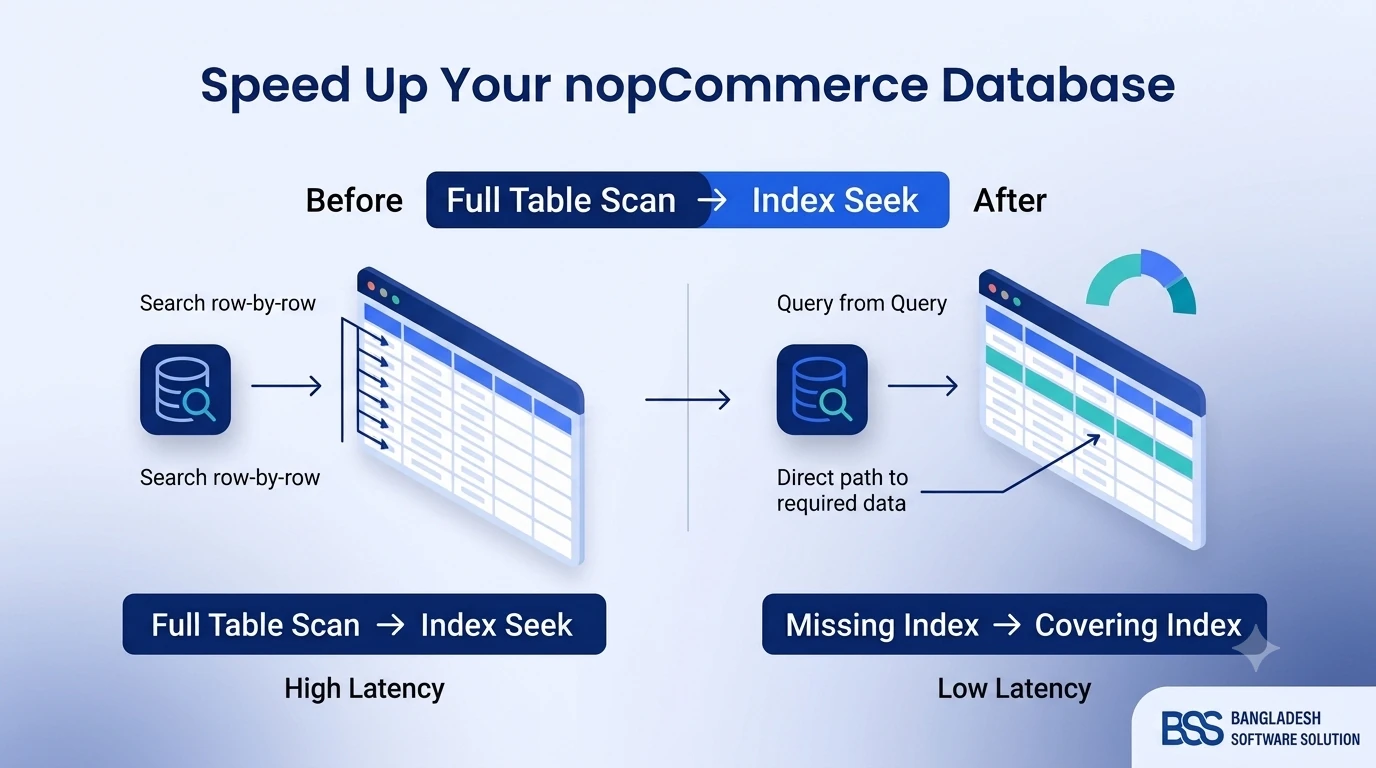
The DMV output is a suggestion, not a finished index. Merge overlapping suggestions and add INCLUDE columns so SQL Server can satisfy the whole SELECT list without a key lookup. For a typical "customer's order history" query, that looks like:
CREATE NONCLUSTERED INDEX IX_Order_CustomerId_CreatedOnUtc
ON dbo.[Order] (CustomerId, CreatedOnUtc DESC)
INCLUDE (OrderStatusId, PaymentStatusId, OrderTotal);
The column order matters: put the equality filter (CustomerId) first, the sort/range column (CreatedOnUtc) second, and everything the query only reads — never filters or sorts on — in INCLUDE.
Pro Tip: Verify the Index Is Actually Being Used
After deploying a new index, re-run the workload and check sys.dm_db_index_usage_stats for seeks, not scans. If a query still isn't using your new index, watch for parameter sniffing — a cached plan built for an unusual parameter value (a customer with 3,000 orders, say) can stay resident and mislead every other execution. OPTION (RECOMPILE) on the specific offending query is a reasonable targeted fix; forcing it store-wide is not.
- Do — index columns used in
WHERE,JOIN, andORDER BYclauses first, before touchingSELECT-only columns. - Do — merge near-duplicate missing-index suggestions into one wider index instead of stacking three narrow ones.
- Don't — index every column the DMVs mention. Write-heavy tables like
GenericAttributeandLogpay an insert/update cost for every extra index. - Don't — skip testing against production-sized data. An index that helps on a 500-row staging table can behave completely differently at 500,000 rows.
DIY, Custom Engineering, or a Turnkey Audit?
Once you know indexing is the fix, there are three realistic ways to get there. None of them are wrong — they just trade off time, cost, and how much ongoing ownership your team wants.
| Approach | Pros | Cons | Time & Cost |
|---|---|---|---|
| Manual / DIY indexing | You already know the schema; no new vendor; the tools are free. | Trial-and-error tuning risks over-indexing write-heavy tables; DMV data resets on every restart. | Days to weeks, staff time only |
| Custom engineering from scratch | Tuned exactly to your workload; your team builds monitoring and automation it fully owns. | Needs a dedicated SQL Server specialist; ongoing maintenance falls entirely on your team. | Weeks, plus specialist hire/contract cost |
| BSS turnkey performance audit | Missing-index and query-plan review from engineers who've tuned dozens of nopCommerce stores; you get a maintenance plan, not just a report. | You're bringing in an outside team for the initial audit. | Days, fixed-scope engagement |
Whichever You Choose, Maintenance Isn't Optional
An index that's perfect on launch day degrades as data changes. Per Microsoft's SQL Server index maintenance guidance, reorganize indexes between 5% and 30% fragmentation, and rebuild anything above 30% — below 5%, leave it alone. Pair that with a statistics refresh after any bulk import; auto-update statistics is good insurance, but it won't fire until enough rows have changed, which on a large Product or Order table can be a long time.
Query Store (enabled by default since SQL Server 2016 and documented in Microsoft's Query Store guidance) is worth turning on specifically to catch plan regressions — the case where a query was fast for months and then silently got a bad execution plan after a statistics update or a parameter sniffing event. It's the fastest way to see "this query got slower on this date" without guessing.
On the data-growth side, purge or archive old rows in Log, ActivityLog, and QueuedEmail on a schedule — in the admin, System → Log has a manual clear option, but a recurring SQL job is more reliable than remembering to click it. If you're tuning a query that's legitimately expensive (a large export or report), also check Configuration → Settings → All settings for CommonSettings.SqlCommandTimeout before assuming the query itself is broken — a query that's simply slow can get killed mid-execution by a timeout that's too aggressive for the workload.

Database Performance Audit Checklist
-
✓Pull the last 7 days from
sys.dm_db_missing_index_detailsandsys.dm_exec_query_statsbefore touching anything. -
✓Cross-reference missing-index suggestions against existing indexes — merge overlapping ones instead of stacking near-duplicates.
-
✓Add
INCLUDEcolumns so SQL Server can seek and cover the query without a key lookup. -
✓Re-run the workload and confirm
sys.dm_db_index_usage_statsshows seeks, not scans, on the new index. -
✓Schedule a weekly job to reorganize indexes at 5–30% fragmentation and rebuild above 30%.
-
✓Update statistics after any bulk import or large data change — don't rely solely on auto-update.
-
✓Purge or archive
Log,ActivityLog, andQueuedEmailrows older than your retention window. -
✓Review
CommonSettings.SqlCommandTimeoutso a legitimately long report query doesn't get killed mid-tuning.
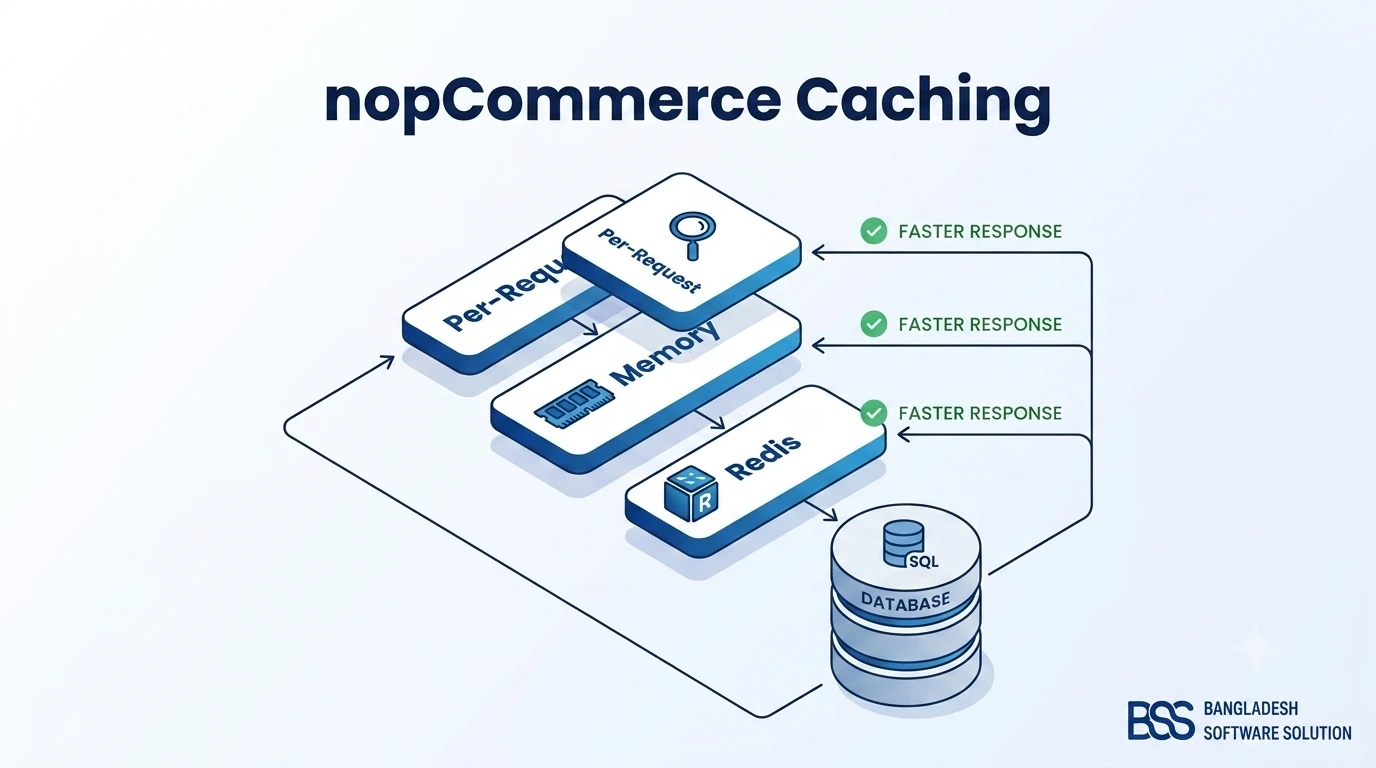
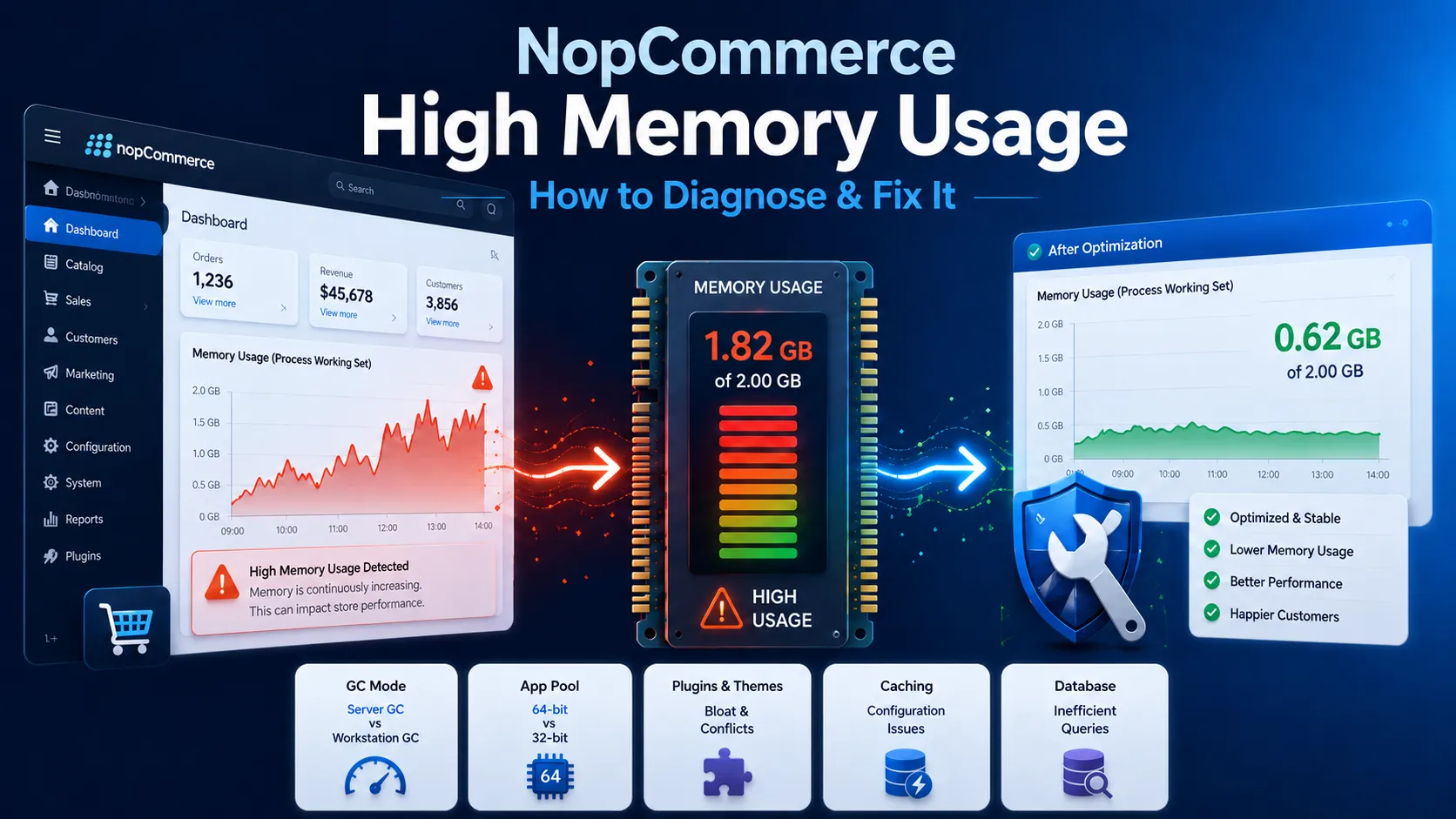
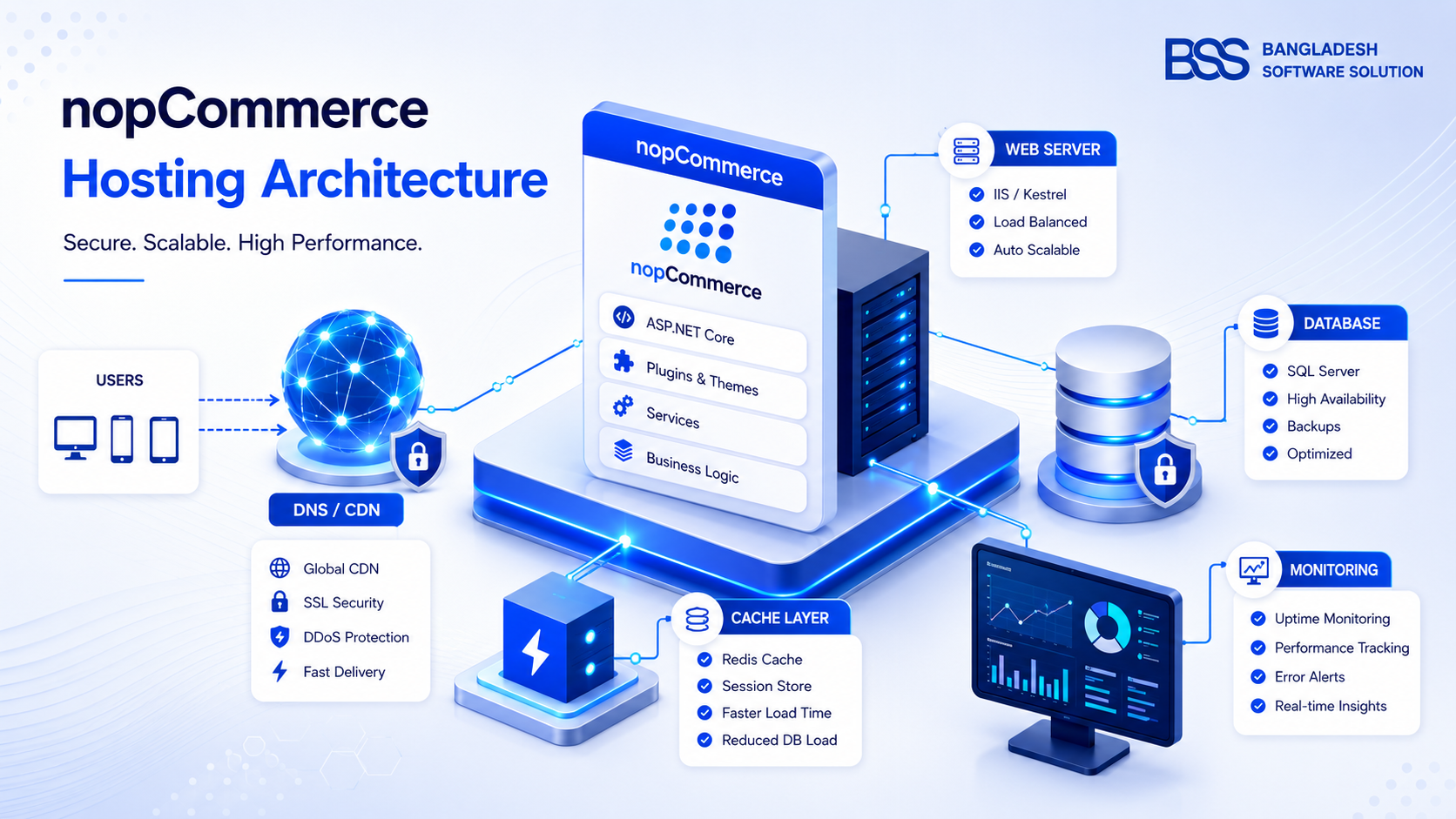
If your caching layer is already in place and you're still seeing these symptoms, the database is very likely where the remaining time is going — our nopCommerce caching guide covers Redis, memory, and static caching if you haven't set that layer up yet, since caching and indexing solve different halves of the same problem. It's also worth ruling out server-level pressure first; symptoms like a crawling admin panel can look identical whether the cause is a missing index or genuine memory pressure on the app server, and where SQL Server itself is hosted relative to the app tier — covered in our nopCommerce hosting guide — affects query latency too. If you'd rather have someone confirm the diagnosis before you touch a production database, that's exactly what a professional performance audit from our team is for.
Need Your nopCommerce Database Tuned by Engineers Who've Done It Before?
Our team runs hands-on performance audits — missing-index analysis, query plan review, and a maintenance plan sized to your catalog — so you get a faster storefront without guessing which index to add next.
Frequently Asked Questions
Final Thoughts
Database performance issues in nopCommerce rarely have one root cause — they're usually a missing index here, a bloated log table there, and statistics nobody's updated since the last major sale. Work through the diagnosis in this guide in order: find what SQL Server is already telling you is missing, fix the highest-impact index first, then put a maintenance routine in place so the fix doesn't quietly decay over the next six months.
If you'd rather have a second pair of eyes confirm the fix before you touch a production database, that's exactly the kind of audit our team runs for nopCommerce stores every week — see the Talk to an Expert link above.