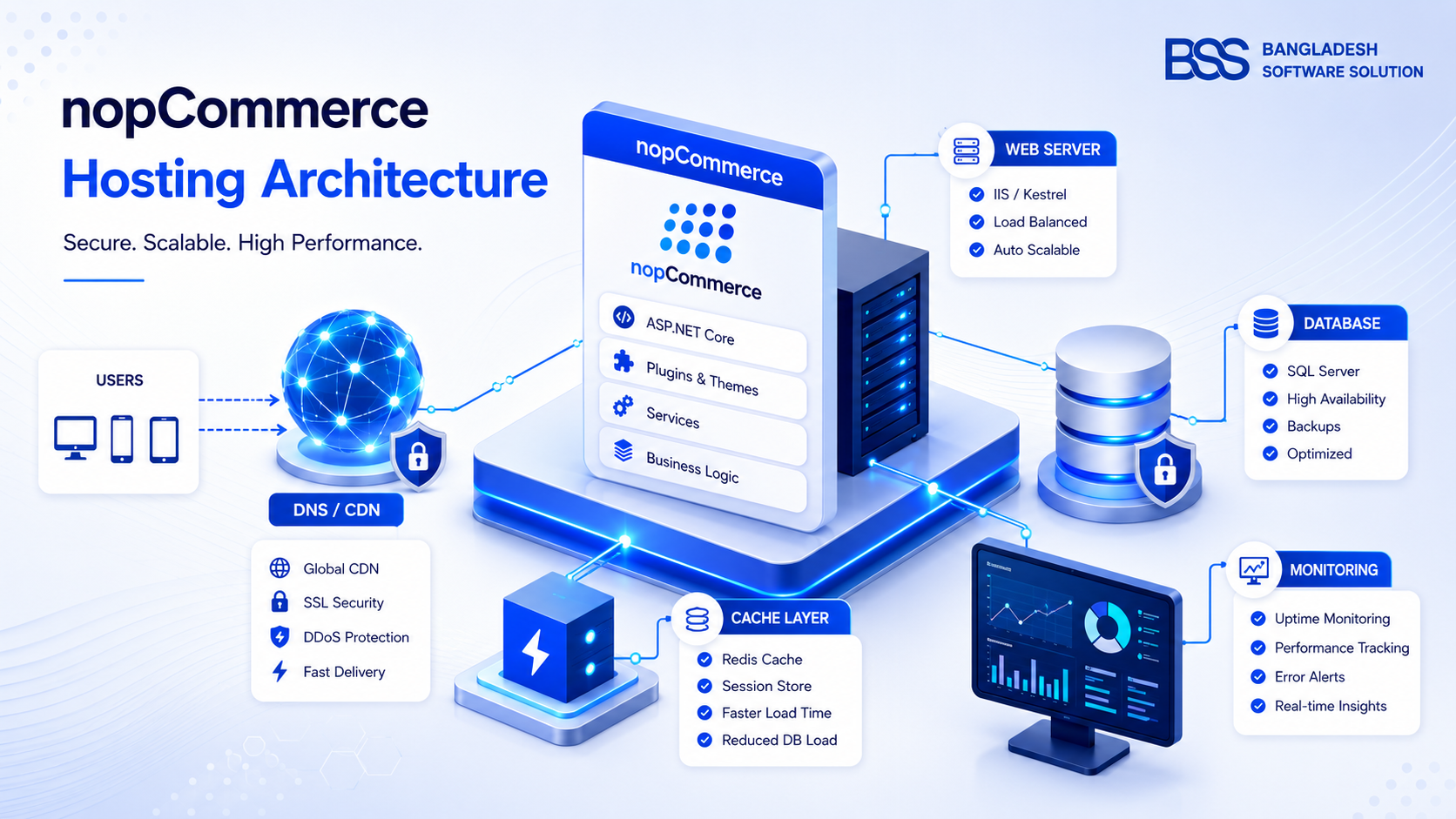
NopCommerce hosting guide decisions should start with workload, not with the cheapest server plan. nopCommerce is an ASP.NET Core ecommerce application with a relational database, scheduled tasks, plugins, image processing, search, checkout traffic, and admin operations. A small catalog can run well on a modest VPS, while a large B2B or multi-store project needs stronger CPU, memory, database I/O, caching, deployment discipline, and monitoring.
The best hosting for nopCommerce is the option that gives your team enough control to deploy safely and enough operational support to recover quickly. The official nopCommerce installation documentation confirms that nopCommerce can run on Windows, Linux, and Microsoft Azure, and the current Linux guide shows an ASP.NET Core Runtime 9.0 based setup with nginx as a reverse proxy. That gives teams flexibility, but it also means hosting must be selected around the version, database engine, traffic pattern, and maintenance model.
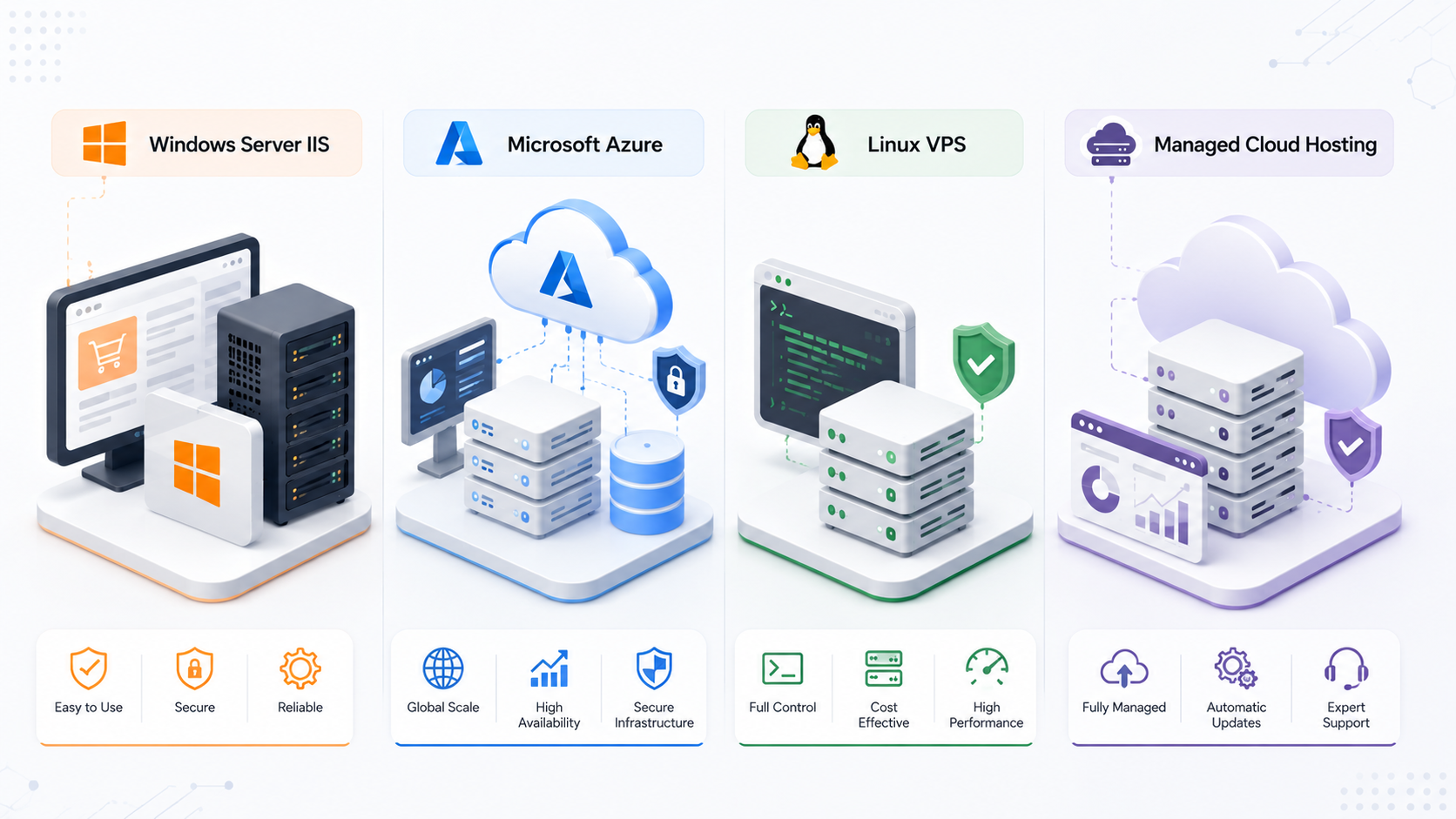
Short answer: choose Windows Server IIS when your team is Microsoft-server oriented, Azure when you want managed cloud services and scaling options, Linux VPS when you have DevOps confidence, and managed nopCommerce hosting when you want less infrastructure ownership.
For production stores, avoid generic shared hosting unless it explicitly supports the required .NET runtime, database access, file permissions, background tasks, backups, SSL, and application pool or process control.
nopCommerce server requirements that matter in production
Version requirements change, so always check the official nopCommerce documentation for the exact release you will deploy. At a practical level, every production environment needs the correct ASP.NET Core runtime, a supported database, write permissions for app data and uploaded files, SSL, scheduled-task reliability, and enough resources for catalog browsing plus admin work.
For a starter production store, treat 2 vCPU and 4 GB RAM as a realistic lower bound rather than a promise. Busy stores, heavy plugins, large catalogs, real-time integrations, and image-heavy themes often need more memory and a stronger database tier. The database usually becomes the bottleneck before the web server, especially when search, filtering, reporting, imports, and scheduled jobs run at the same time.
Best hosting options for nopCommerce
There is no single best hosting for nopCommerce across every store. The right choice depends on who will maintain the stack, how fast the store must recover, where customers are located, and how much customization the project needs.
| Hosting option | Best fit | Main trade-off |
|---|---|---|
| Windows Server IIS | Teams comfortable with IIS, SQL Server, Windows tooling, RDP, and Microsoft operations. | High control, but patching and server maintenance are your responsibility. |
| nopCommerce Azure hosting | Stores that want App Service, Azure SQL, deployment slots, monitoring, and managed cloud scaling. | Strong cloud fit, but cost control and configuration discipline matter. |
| Linux VPS or cloud VM | Teams comfortable with nginx, systemd, SSH, runtime packages, firewalling, and observability. | Flexible, but mistakes in permissions, SSL, or service config can hurt reliability. |
| Managed nopCommerce hosting | Store owners who want platform-aware support and fewer infrastructure tasks. | Less operational burden, but less control than a custom cloud architecture. |
| Generic shared hosting | Small testing projects only, if the host fully supports the required stack. | Often limited for production ecommerce, background jobs, scaling, and troubleshooting. |
nopCommerce Windows Server IIS setup
A nopCommerce Windows Server IIS setup is a natural choice for teams already using Windows Server, IIS, SQL Server, Visual Studio, and Microsoft deployment tooling. The official Windows installation flow includes downloading the package without source code, uploading files, creating the database, and completing the browser-based installer. In production, the important work is the server preparation around that flow.
Production IIS checklist
Use HTTPS, set correct file permissions for uploads and logs, keep Windows and .NET patched, configure application pool recycling intentionally, store connection strings securely, and keep a rollback copy of files and database before every plugin or version update.
nopCommerce Azure hosting and cloud hosting patterns
nopCommerce Azure hosting is attractive when you want managed infrastructure without maintaining a full Windows or Linux server. A common pattern is Azure App Service for the web application, Azure SQL Database for data, Azure Storage or a CDN strategy for media, Application Insights for diagnostics, and deployment slots for safer releases. Microsoft positions Azure App Service as a managed platform for hosting web applications, which is why it fits teams that want less server administration.
For nopCommerce cloud hosting, decide early where media files, logs, backups, secrets, and scheduled tasks will live. A single cloud VM is simple, but a managed PaaS architecture needs deliberate configuration for persistent storage, warm-up behavior, database connection limits, SSL, and monitoring. Azure can be excellent for stores that need controlled deployments and cloud-native monitoring, but it should still be tested with real catalog size, plugins, imports, and checkout flows before launch.
Setup checklist before you launch
Hosting becomes reliable when the setup is repeatable. Treat your first production deployment as an operations exercise, not only as an installation task.
nopCommerce hosting setup checklist
- 1Confirm the nopCommerce version, required .NET runtime, supported database, and OS support before buying hosting.
- 2Create separate production database credentials with least privilege and test backup plus restore before launch.
- 3Configure HTTPS, domain bindings, proxy headers, email, scheduled tasks, upload permissions, and log retention.
- 4Load test key pages: home, category, product, cart, checkout, search, admin login, and plugin-heavy pages.
- 5Document deployment steps, rollback steps, plugin update rules, monitoring alerts, and who responds after hours.
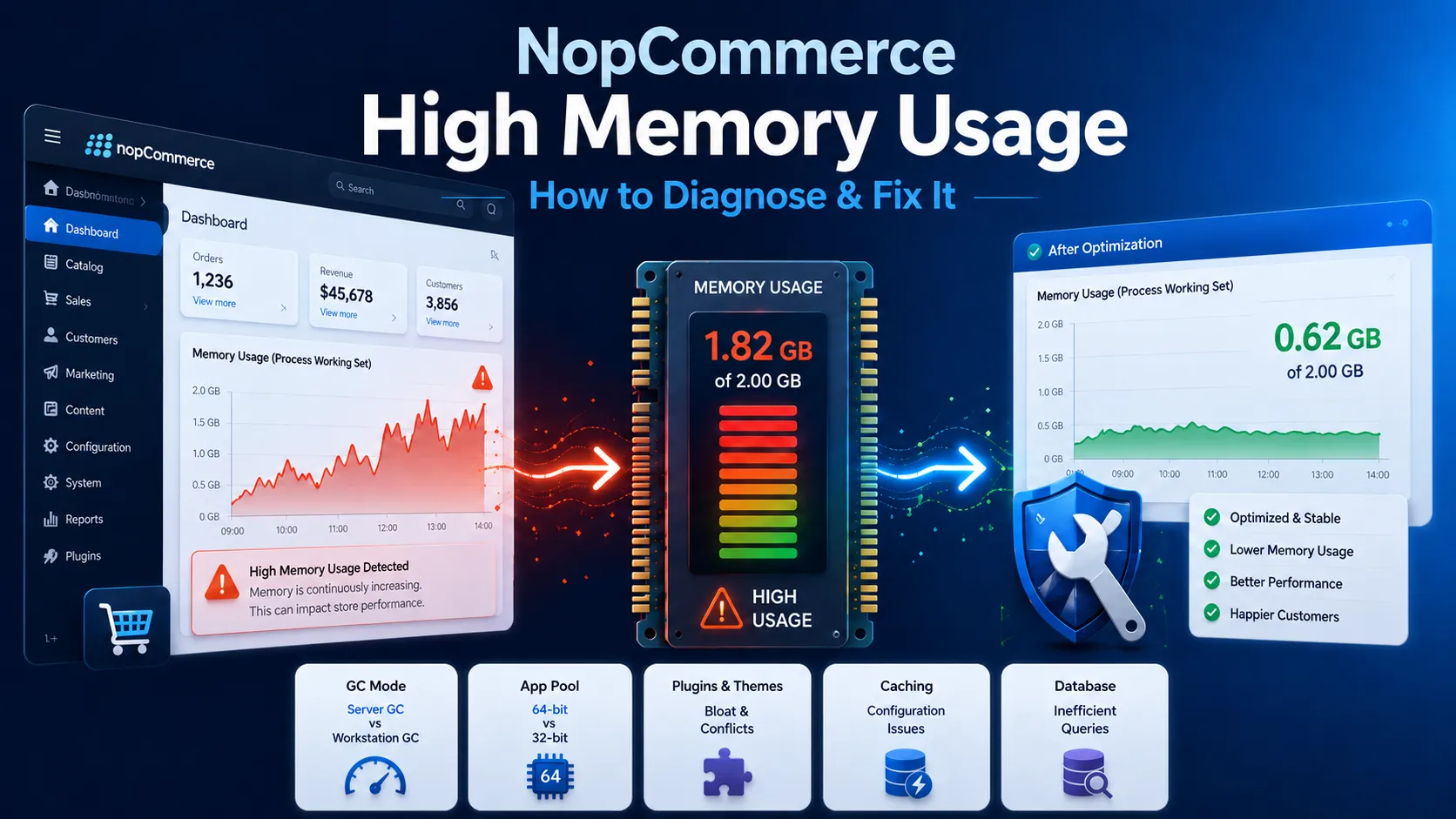
If hosting problems already show up as memory pressure or slow responses, the BSS guide on nopCommerce high memory usage is a useful companion. For custom deployment, plugin, and production support, see NopCommerce Services.
Need help choosing or configuring nopCommerce hosting?
The BSS team can review hosting plans, configure IIS or cloud environments, optimize performance, and support production nopCommerce deployments.
Bangladesh Software Solution works closely with nopCommerce store owners on real production setups, from Windows Server IIS and Azure hosting to database tuning, plugin compatibility, deployment planning, and post-launch performance monitoring. That practical hosting experience is why BSS can help teams choose an environment that is stable, maintainable, and ready for growth.
Frequently Asked Questions
Final Thoughts
A good nopCommerce hosting guide should not push one platform for every store. Windows Server IIS, Azure, Linux VPS, and managed cloud hosting can all work when the runtime, database, permissions, backups, monitoring, and deployment process are correct.
Choose the host that matches your team's operating model, then validate it with real catalog data, real plugins, and real checkout flows. Hosting is not just where nopCommerce runs; it is the foundation for speed, reliability, security, and customer trust.