The nopCommerce GitHub repository is more than a download location. It is the working source tree for the platform: application code, plugins, tests, upgrade scripts, Docker assets, contribution rules, security guidance, and release history.
A merchant deploying a standard store may prefer the packaged download. A developer who needs to debug, extend, integrate, review architecture, or contribute upstream needs the source repository and a repeatable local build.
Quick rule: use a stable branch or release tag for production customization; use develop for proposed upstream work; inspect global.json before installing an SDK; and prefer plugins over permanent core edits whenever supported extension points fit.
What Is in the nopCommerce GitHub Repository?
The official open-source repository includes the src tree, upgrade scripts, GitHub workflows, Docker and compose definitions, the license, security policy, code of conduct, and contribution instructions. Its source supports cross-platform .NET development.
Our nopCommerce technical deep-dive explains where source-level control helps and why extension discipline matters.
Choose the Right Branch Before You Build
The official documentation identifies master as the production branch and develop as active development. A release tag creates an explicit, reproducible version boundary.
| Starting point | Best use | Caution |
|---|---|---|
master | Stable customization | Record the deployed commit |
| Release tag | Reproducible baseline | Updates are intentional |
develop | Upstream contributions | Never assume production readiness |
| Fork branch | Focused fix or feature | Sync before a pull request |
Decide whether the goal is a stable store, vendor customization, or upstream contribution before selecting the baseline.
Prerequisites for Building From Source
You need Git, the .NET SDK requested by the exact repository revision, an IDE or editor, and a supported database for full installation. Visual Studio is convenient on Windows, while the .NET CLI supports other editors and operating systems.
global.json; do not trust the version in an old tutorial.Clone, Build, and Run nopCommerce
For a stable local customization, clone the official repository and explicitly select your baseline. Building the web project restores its referenced application projects.
git clone https://github.com/nopSolutions/nopCommerce.git
cd nopCommerce
git checkout master

dotnet --info
dotnet restore src/Presentation/Nop.Web/Nop.Web.csproj
dotnet build src/Presentation/Nop.Web/Nop.Web.csproj
dotnet run --project src/Presentation/Nop.Web/Nop.Web.csproj
Open the local URL shown in the output and complete installation with a development database. Keep connection strings and administrator credentials out of Git.
Contributing instead?
Fork first, clone your fork, add the official repository as upstream, and branch from the latest develop.
Understand the Source Architecture
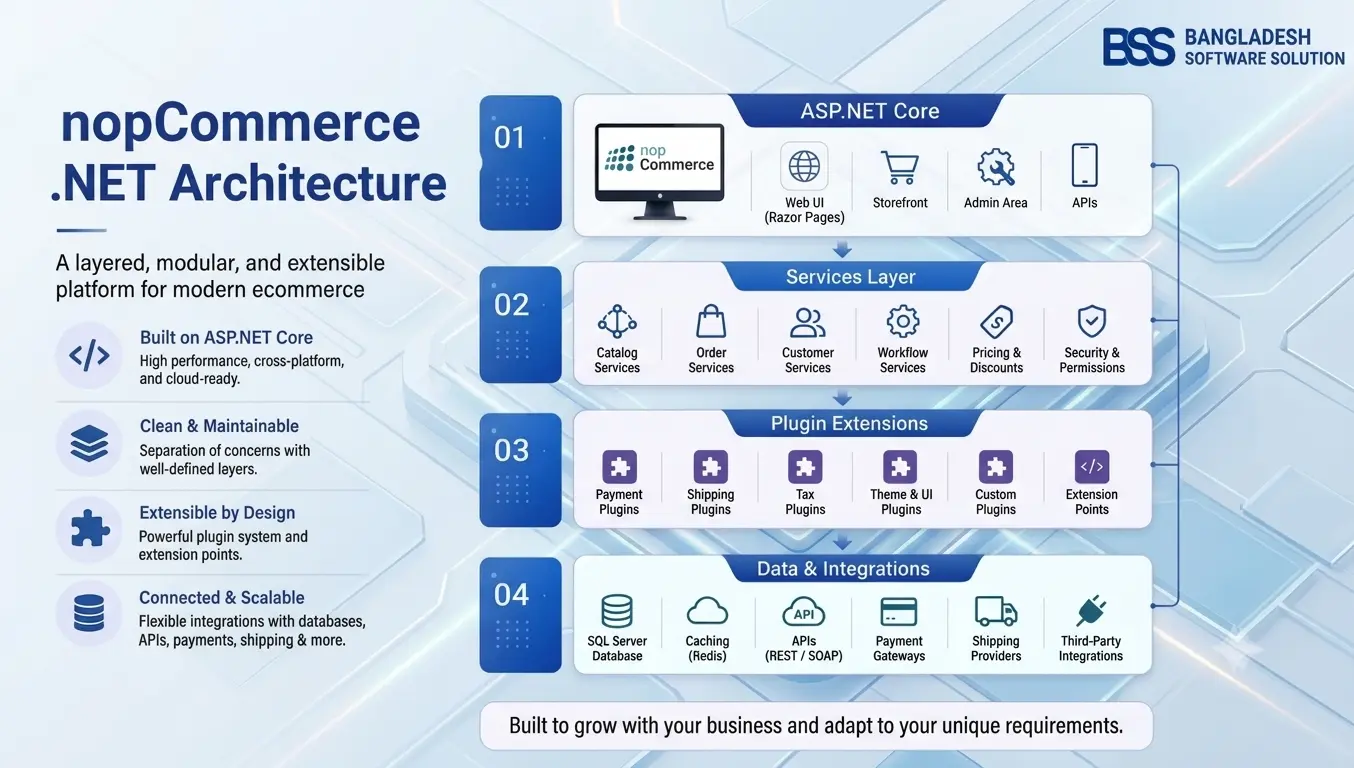
A successful build proves compilation, not correct placement. nopCommerce separates foundations, persistence, business services, web presentation, plugins, and tests.
| Area | Responsibility |
|---|---|
Nop.Core | Entities, abstractions, helpers, caching, and events |
Nop.Data | Data access and migrations |
Nop.Services | Business rules, calculations, and validations |
Nop.Web | Storefront and administration application |
Nop.Web.Framework | Shared presentation infrastructure |
Plugins | Installable extensions and integrations |
| Test projects | Automated regression coverage |
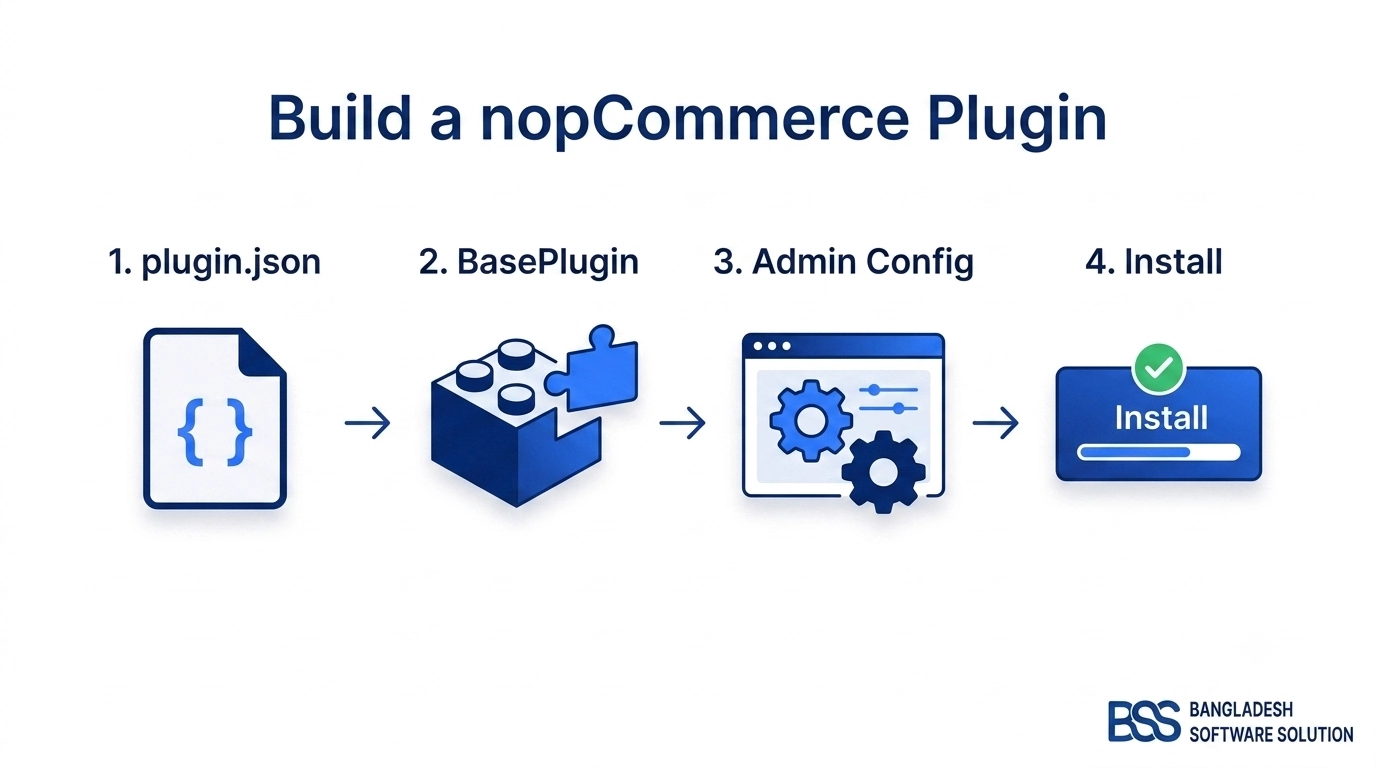
When an extension is appropriate, follow the nopCommerce plugin development guide before changing core code.
Common Build and First-Run Problems
| Symptom | Check first |
|---|---|
| SDK or target-framework error | global.json and dotnet --info |
| Restore failure | NuGet sources, proxy, cache, and earliest error |
| Database connection failure | Provider, server, port, credentials, and permissions |
| Plugin load failure | Descriptor, version, dependencies, and stale output |
| Published build failure | Environment, secrets, filesystem, and case sensitivity |
After a clean build, run the tests relevant to changed projects and test installation, migrations, scheduled tasks, plugins, checkout, and administration in production-like staging.
Customize Without Creating an Upgrade Trap
Source access does not make every requirement a core-edit candidate. Start with settings, events, services, widgets, themes, and plugins. Core patches enlarge every future upgrade comparison and can delay security updates.
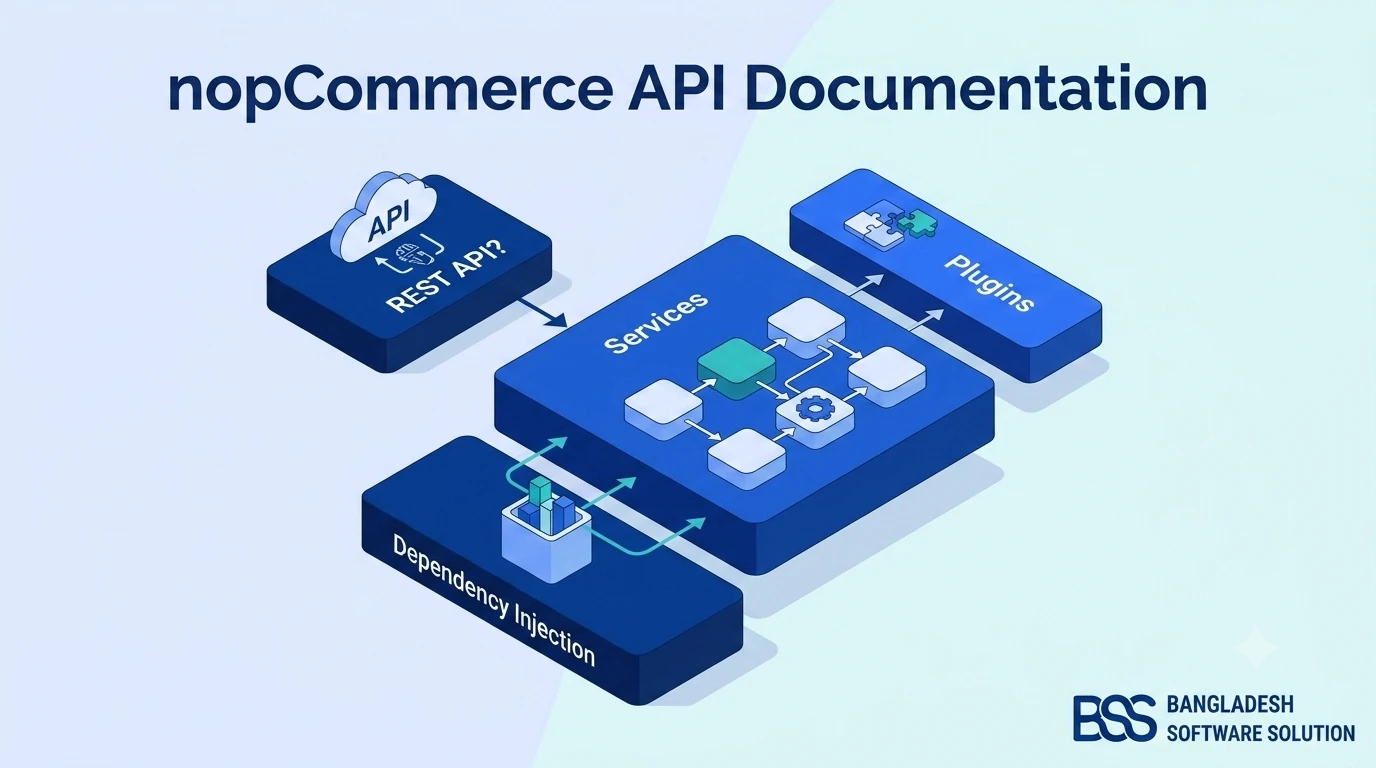
Record the upstream tag or commit, document intentional patches, add tests around critical behavior, and never commit production secrets, certificates, or customer data. For integration-led work, use our nopCommerce API guide to separate API design from platform changes.
How to Contribute to nopCommerce on GitHub
The official workflow starts from a fork and a branch based on develop. Search existing issues and pull requests before coding so you do not duplicate work or miss an agreed direction.

Workflow: confirm the problem; fork; sync develop; create a focused branch; make the smallest coherent change; add tests; build; update documentation; push; then open a pull request explaining the problem, solution, validation, and compatibility impact.
The project has historically used names such as issue-<id>-friendly-name. Follow the current repository guidance. Report vulnerabilities through the security policy rather than a public issue.
What Makes a Strong Pull Request?
Sync with upstream develop, resolve conflicts, rebuild, rerun tests, and review the final diff before requesting review.
Source Build, Packaged Download, or Fork?
| Goal | Recommended path |
|---|---|
| Deploy a standard store quickly | Official no-source package |
| Debug or customize application code | Stable source branch or release tag |
| Build an upgrade-friendly feature | Stable source plus a plugin where possible |
| Propose an upstream change | Fork and branch from current develop |
| Evaluate unreleased behavior | develop in disposable staging only |
Need Help Building or Extending nopCommerce From Source?
BSS can review your baseline, design upgrade-friendly plugins, resolve build issues, add tests, and prepare a dependable deployment path.
Frequently Asked Questions
global.json in the exact branch or tag you cloned because requirements change between releases.Final Thoughts
The nopCommerce GitHub repository gives developers genuine control, but the valuable skill is choosing the correct baseline, placing code responsibly, keeping custom work upgradeable, and testing the complete store.
Use stable source for store work, develop for upstream proposals, and plugins for isolated business features whenever possible.