Picture a purchasing manager at a distributor who signs in to reorder last month's order. The prices on screen are retail prices, the catalog shows products outside their contract, and the order they want is above the limit that needs sign-off. The sale does not happen that day, and the account goes back to a phone call.
That scene is why B2B features exist. A business buyer does not want a shop window. They want a tool that knows who they are, what they agreed to pay and what their company allows them to spend. This guide lists those features in the order a buyer meets them, and it stays platform-neutral on purpose.
In the B2B builds we have worked on, the first useful conversation was never about which features to switch on. It was about who places orders, who approves them and what each account has agreed to pay.
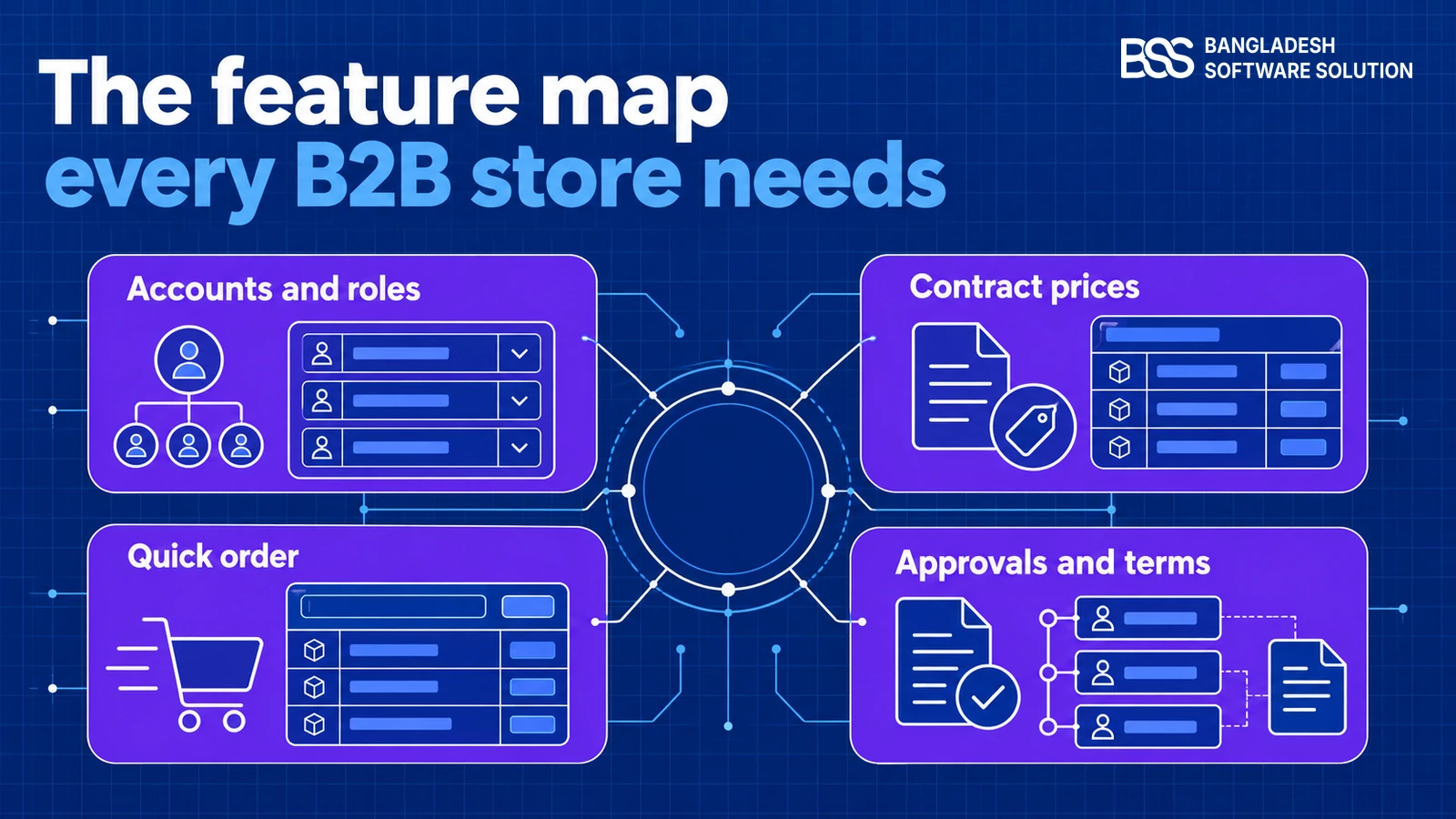
Read the list as a checklist. Some features come with a mature platform, some come from a plugin, and a few need custom work. Each section says which is which, so you can budget the build before you choose a platform.
Key fact: Accounts and contract pricing come first. Every other feature depends on knowing which company is buying and what it agreed to pay.
Build those two before anything that depends on them.
Start With the Company Account, Not the Buyer
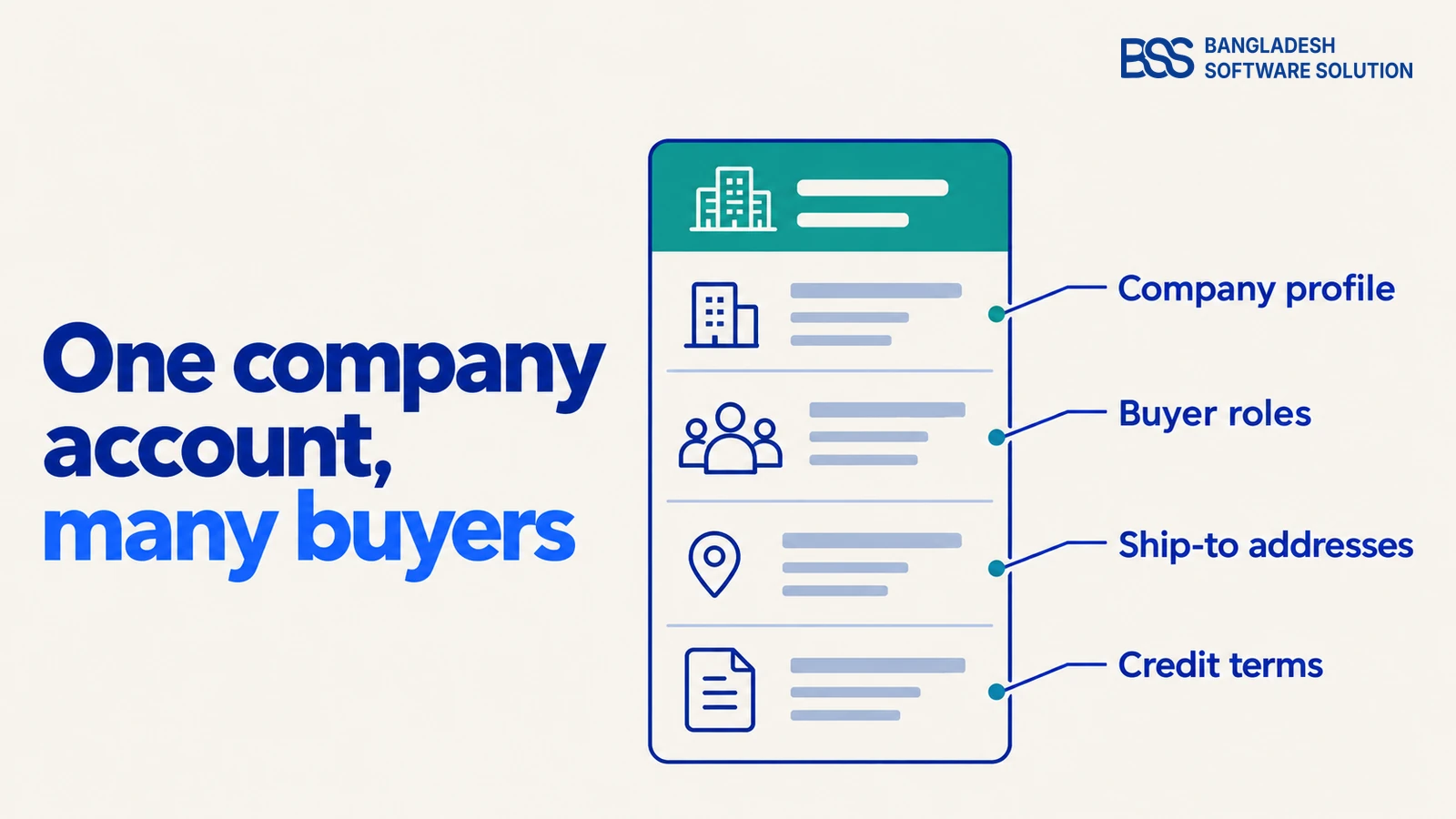
A consumer store knows one kind of customer: a person with a card. A B2B store knows a company, and the company holds the contract, the credit terms and the spending rules. Model the account first, and let individual buyers belong to it.
Three features follow from that. A company profile holds the legal name, tax details and billing address. Buyer roles decide who can browse, who can order and who can approve. Ship-to addresses let one company send stock to several sites without a separate account for each.
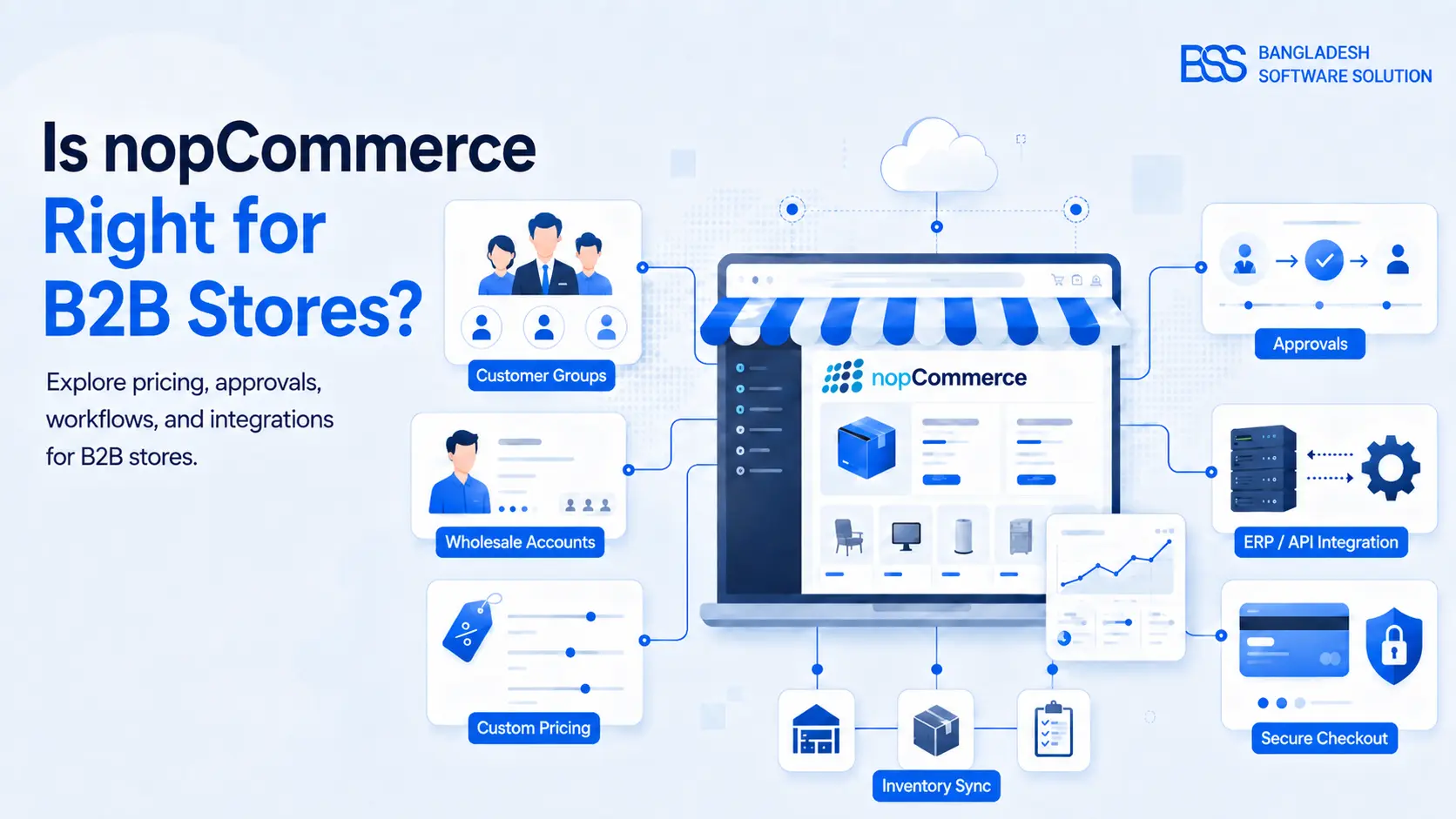
Sign-in is part of the same design. Many B2B sites accept only registered businesses, so an application goes to a person who checks it before the account can buy. For how this works on nopCommerce, the B2B fit guide walks through the account model in detail.

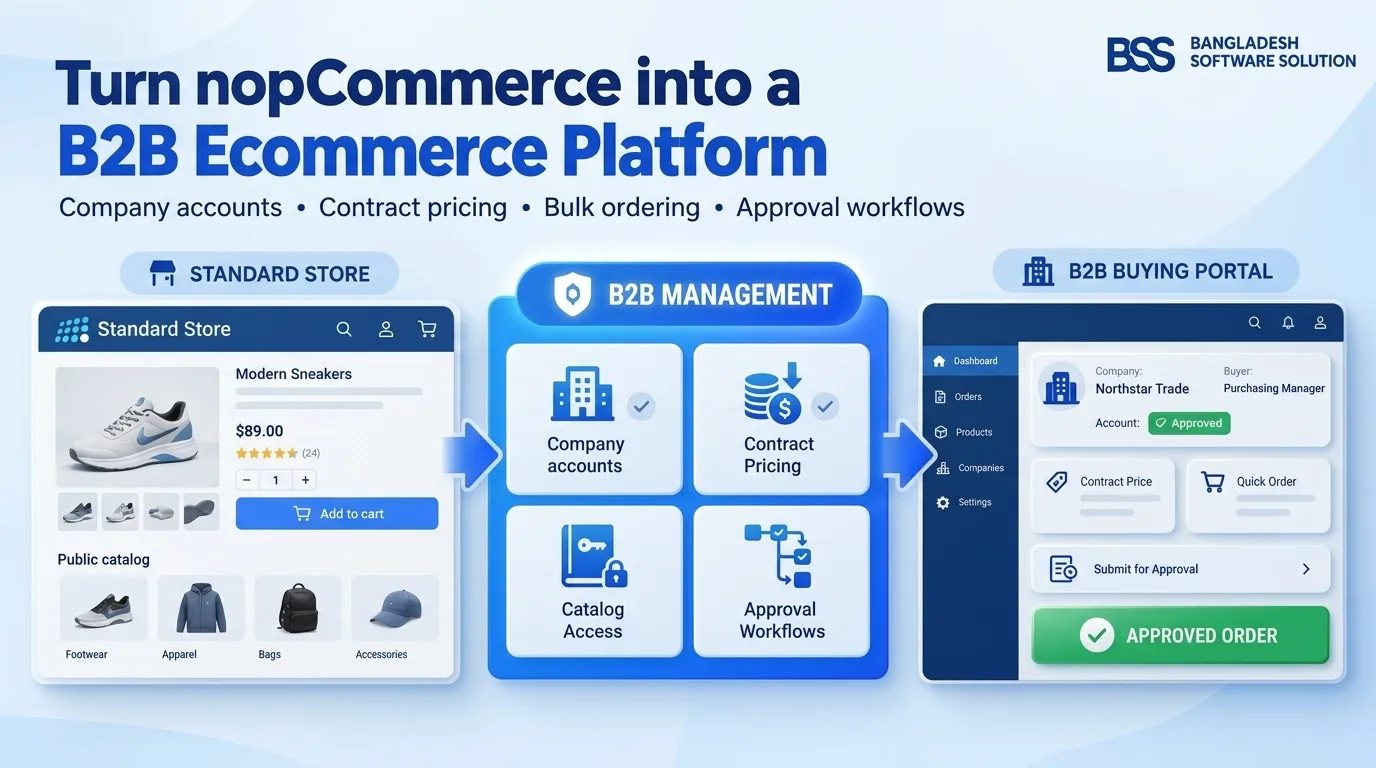
Business registration, company management, contract pricing, Quick Order and approval workflows in one plugin: the account layer this section describes.
View the pluginWant this done for you? Accounts, roles and approvals take real planning before the first line of code, and we can take that scoping off your hands.
Talk to a nopCommerce expertPrices That Change With the Buyer
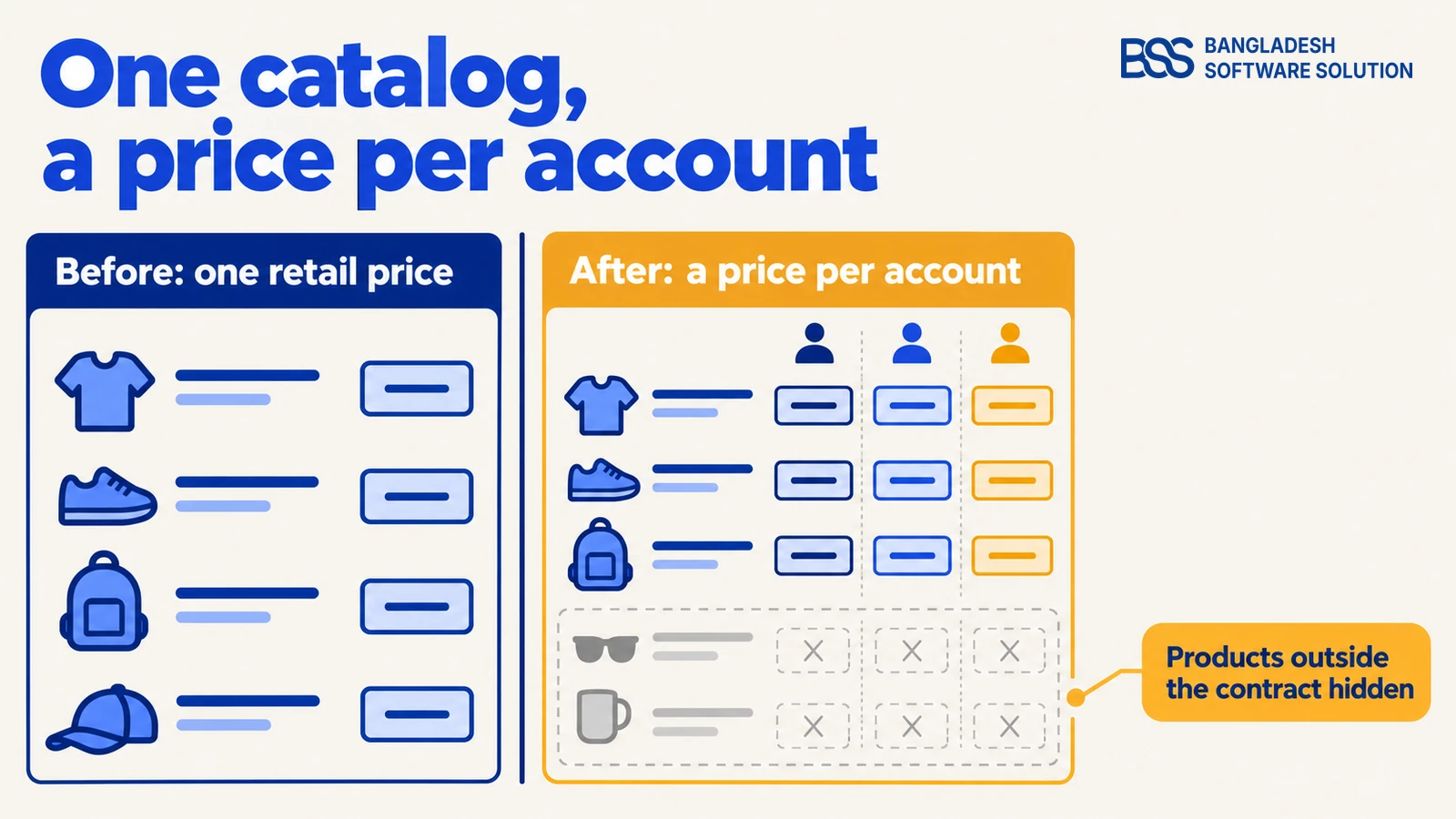
A catalog with one price is the simplest store to build and the least useful to a wholesale buyer. Contract prices, customer groups and tier prices let each account see the rate it agreed to, while the public sees the standard price.
Catalog visibility belongs in the same decision. Some products are for certain accounts only, and a buyer who sees a product they cannot order will call you. Hide what does not apply, rather than showing it and blocking the purchase at the last step.
A price the buyer cannot trust is worse than no price at all.
BSS Engineering
Pricing is also where the first integration question appears. If the ERP holds the price lists, the store must read them rather than copy them by hand, or the two drift apart over time.

The OLA Sportswear store we built for a client in Poland runs B2B and B2C side by side, in English and Polish, with EUR, USD and PLN pricing. Multi-language and multi-currency builds like this are part of BSS eCommerce development.
Ordering Should Take a Minute, Not an Afternoon
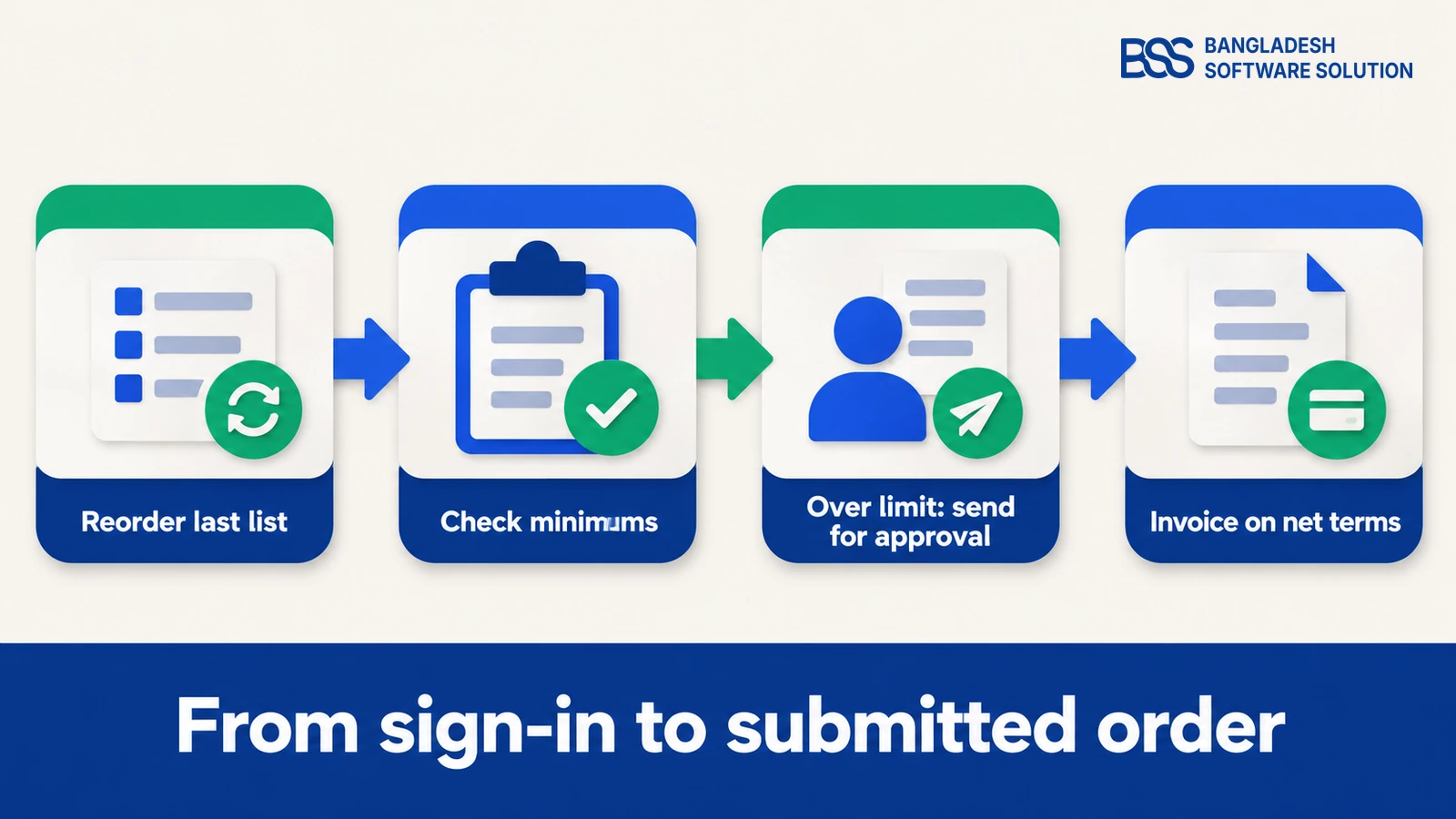
A returning buyer rarely wants to browse. They want last month's order with two lines changed. A reorder feature that copies a past order, a quick order form that accepts product codes and saved lists cover most of that work.
Quote requests belong here too. When a buyer wants a price that is not on the list, a request-for-quote form keeps the conversation inside the store and records what was asked.
Every shortcut needs a validation rule. Decide whether a quick order is checked line by line as it is entered or only at checkout. A shortcut that skips validation just moves the mistake to the warehouse.
The step-by-step build of these features on a standard nopCommerce store is in the B2C to B2B guide.
Approvals, Credit and Payment Terms
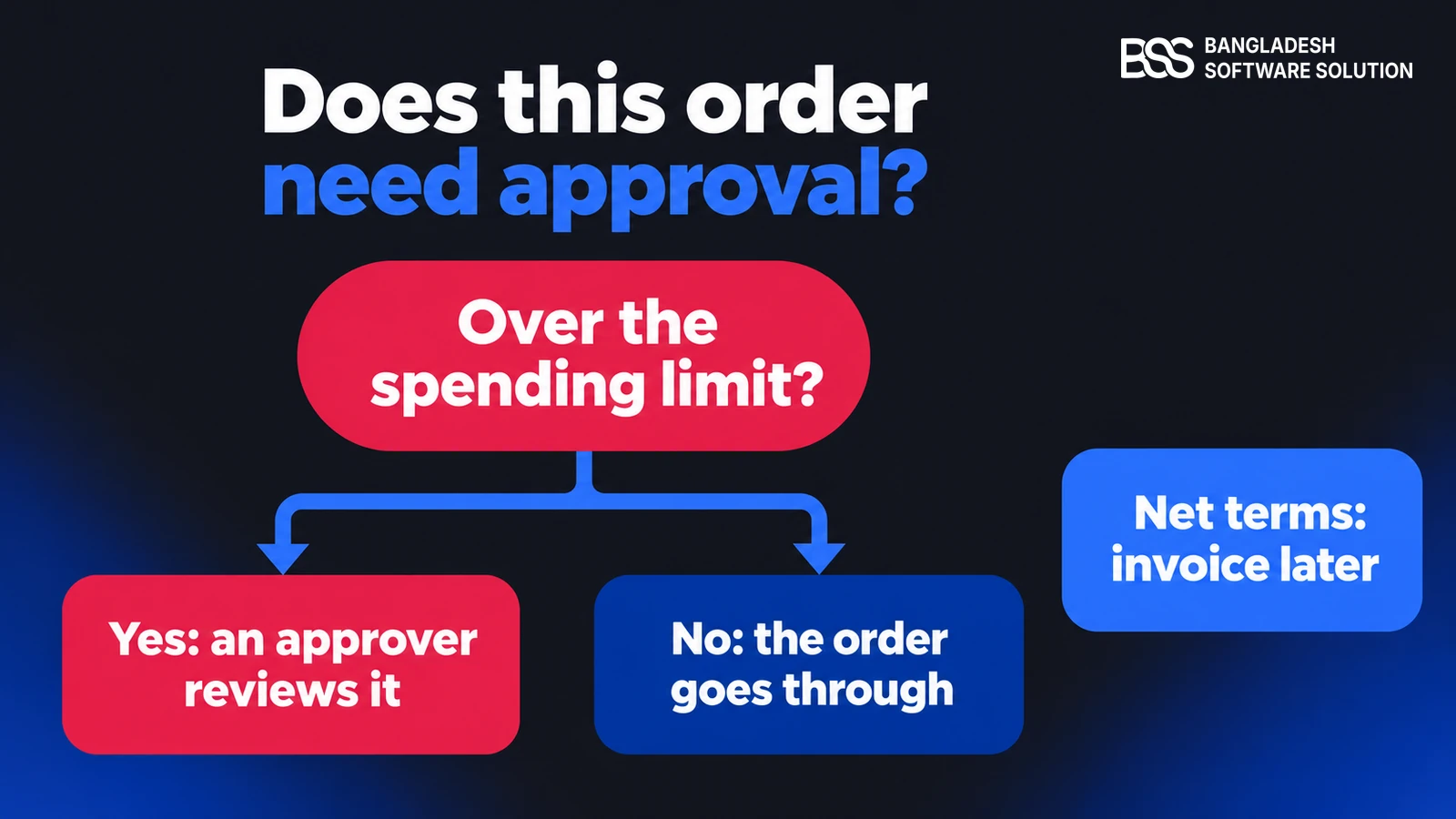
Some orders should not go through on their own. A purchasing team sets a spending limit for each buyer, and an order above it waits for an approver. The rule is simple to describe and easy to get wrong, because it depends on how the company itself is organized.
Watch out
Check approval rules and credit limits on the server, at the moment the order is placed. A limit that only the page enforces is not a limit at all.
Payment terms are the second half. A buyer on net terms should be invoiced rather than charged at checkout, and the invoice should carry the purchase order number the company uses. Tax exemption certificates belong on the same account record, so the right tax applies without a manual step.
This is where many owners bring in a developer. If the approval chain has more than one level, you can hire a .NET developer from BSS to build it.
An approval chain is easier to scope when its limits are written down before any code starts. The B2B Management plugin already includes approval workflows, so check it first.
Connect the Store to the Systems Behind It
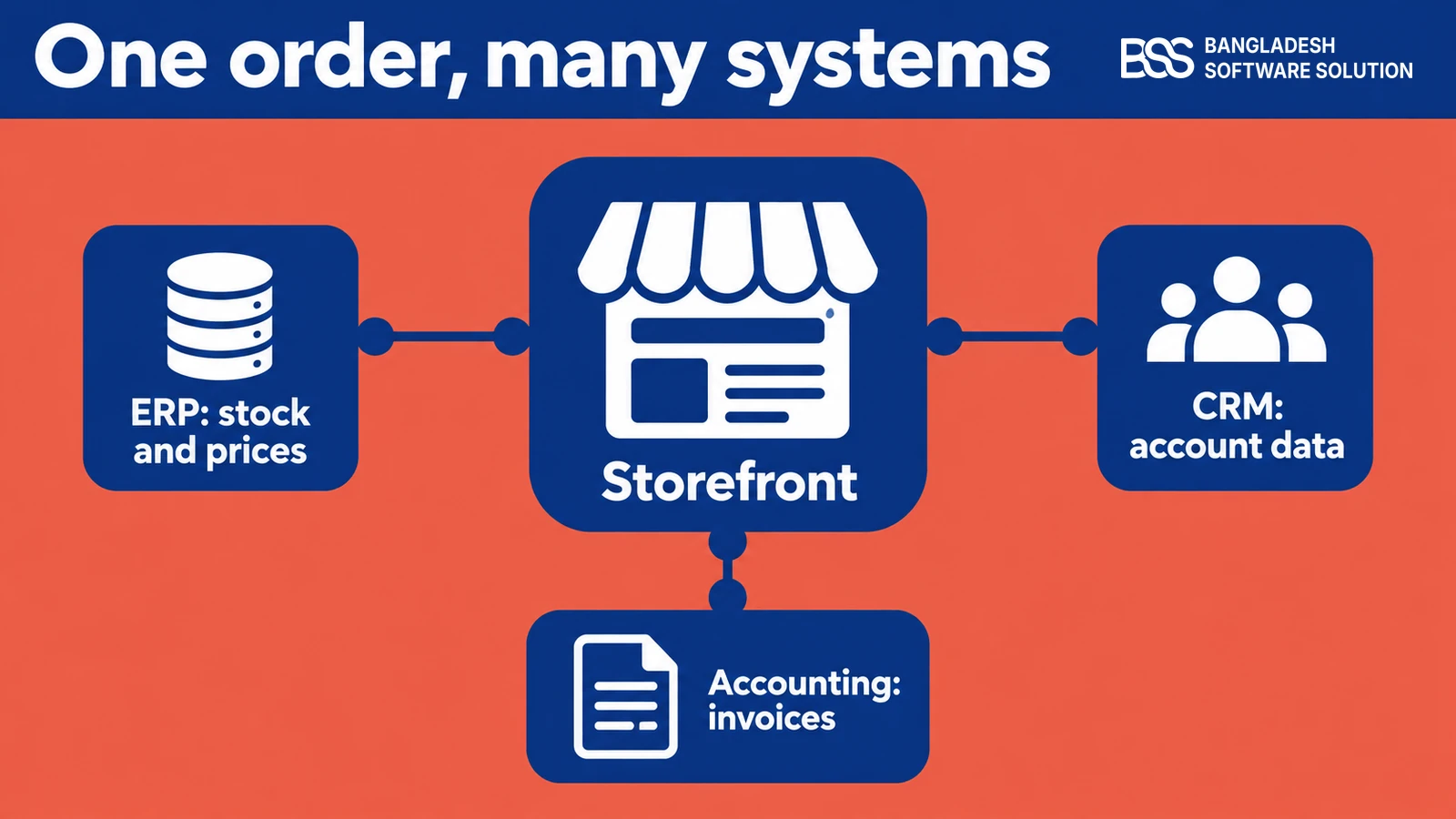
A B2B order touches more systems than a retail order. Stock and prices usually live in the ERP, account data in the CRM and invoices in the accounting package. The store sits at the front of that chain, and every connection is a place where the data can drift.
Decide early which system owns each piece of data. The ERP usually owns stock and prices, the CRM owns the account record, and the store owns the order from the moment it is placed. Writing that down prevents the most common argument in a B2B project: two systems that both claim the same field.
ERP and CRM connections are often where a store project turns into a custom build. BSS builds ERP and CRM integrations for ecommerce stores, so that is the place to start if the list above points there.
Before you choose a platform
-
Which buyers need their own account, and who approves what?
-
Where do contract prices live today, and which system owns them?
-
Which orders need approval, and at what spending limit?
-
Which systems must receive the order and the invoice?
-
Which features are standard, which need a plugin, and which need custom work?
Need a B2B nopCommerce build? Hire the BSS team
From company accounts and contract pricing to approval workflows and ERP connections, our nopCommerce engineers build the features a wholesale store depends on. Tell us which buyers and approvals you have and we will match you with the right developer.
Frequently Asked Questions
Final Thoughts
Go back to the purchasing manager. With the account in place, the contract price shows, the reorder takes a minute, and an order above the limit waits for an approver instead of disappearing. The sale happens that day, without a phone call. That is what a B2B feature list is for.
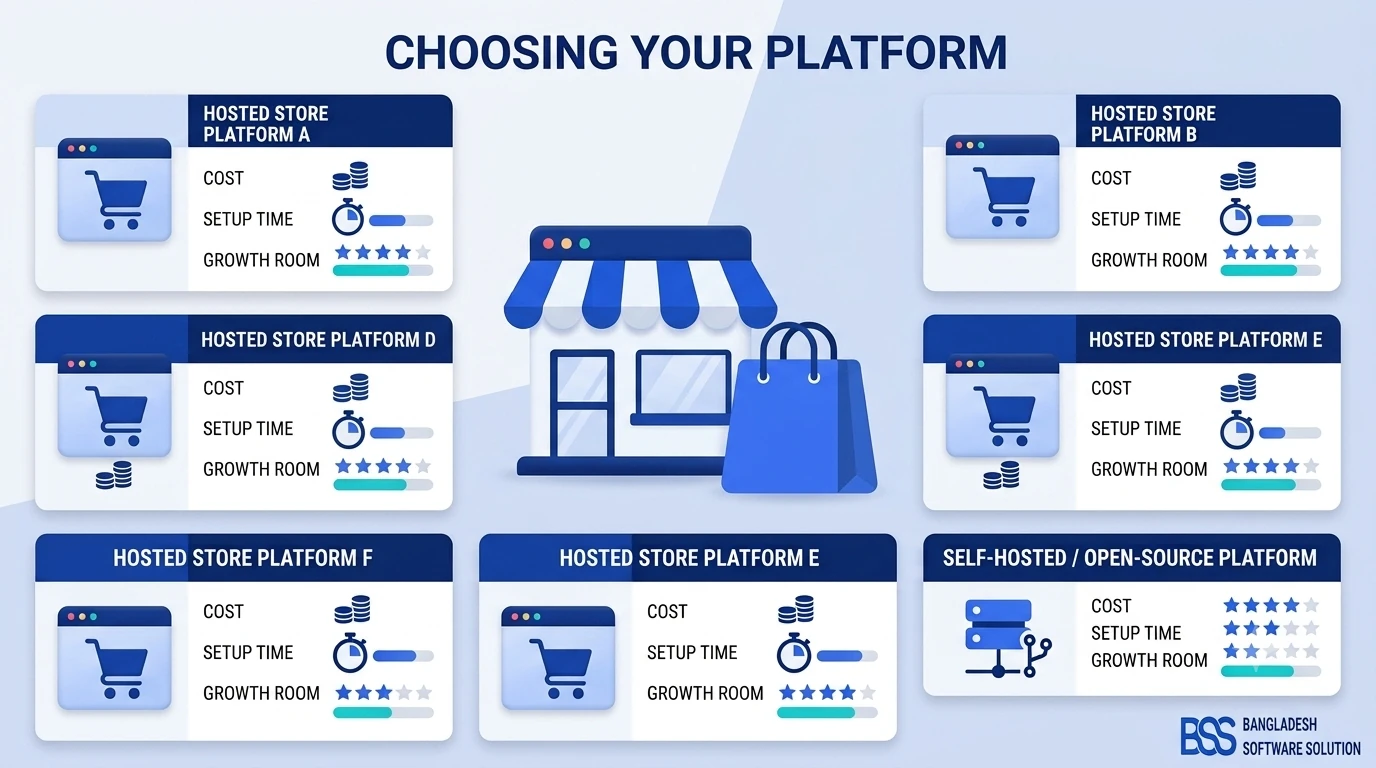
Start with accounts and pricing, decide which system owns each field, and build the rest on top. If you have not chosen a platform yet, the small business platform comparison sets out the options first.
If you want a team to scope the build against this list, the nopCommerce services page explains how a project starts.
Book the free consultation for ecommerce projects. Bring this checklist, and we will tell you what is standard, what is a plugin and what needs custom work.
Book a free consultation