A purchasing manager at a distributor finds your wholesale store on a Monday morning. The sign-up form asks for a tax certificate and three references, then says only that someone will be in touch. By the time you reply, she has ordered from a supplier whose form took minutes.
That wait is a workflow problem, not a sales problem, and it is fixable. When we build B2B registration at BSS, we aim for the shortest path that still lets you decide who deserves wholesale access.
This guide walks through that path for nopCommerce stores: where registration stalls, what to ask, how to verify an applicant without a manual queue, how to activate the right account and how to keep it fast. If you are still choosing a platform, start with whether nopCommerce is right for B2B stores.
Where B2B Registration Actually Stalls
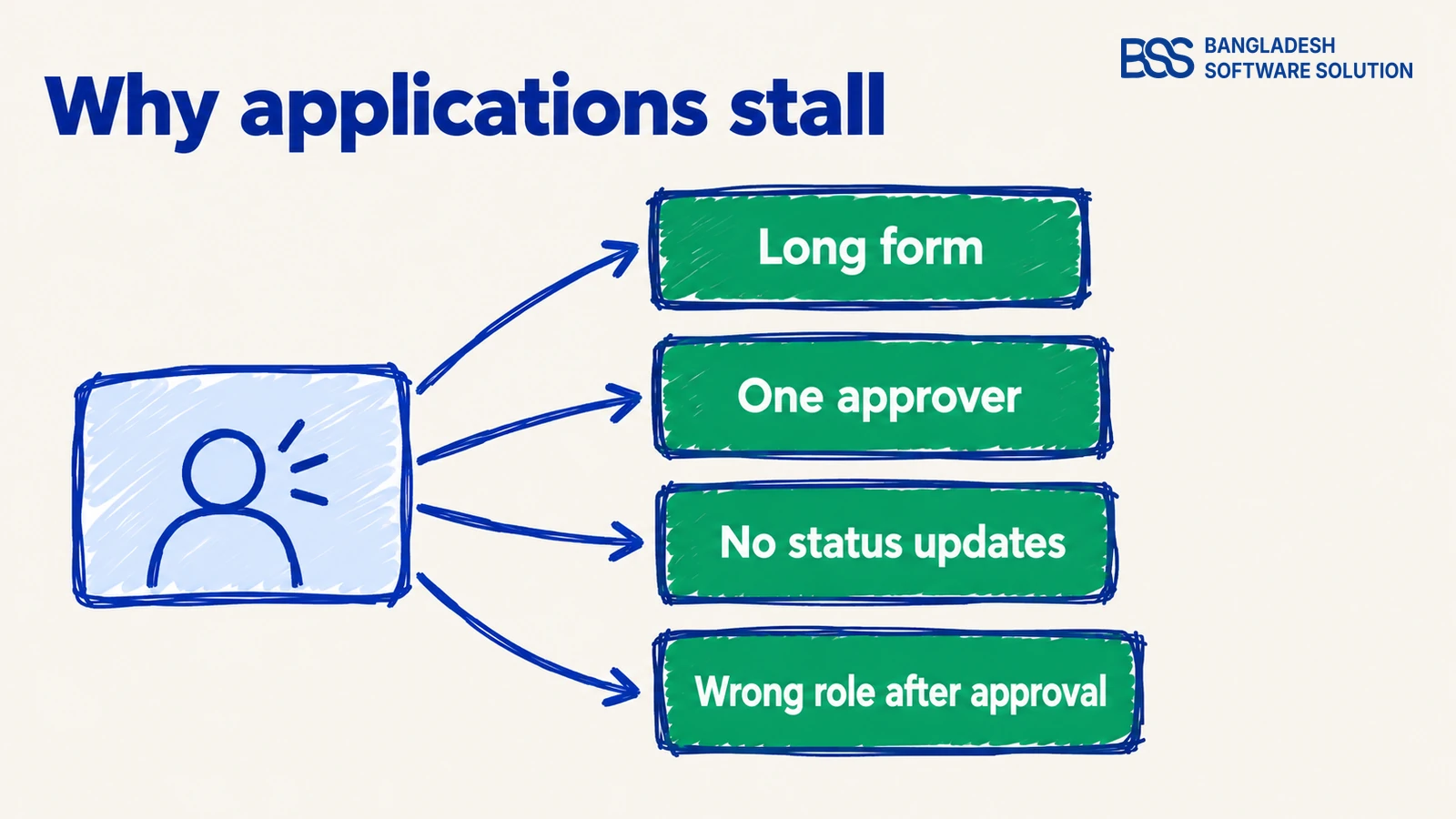
Before you change anything, find out which step is slowing the line. Slow registrations are rarely one big failure; they are small delays that stack up.
The last cause is the most common and the least visible. The application was approved quickly, yet the first sign-in disappointed, because activating an account and giving it the right access are separate steps in nopCommerce.
Audit it as a stranger
Open your own sign-up page on a phone and apply as a buyer who has never heard of you. Count the screens, note every field you hesitate over and read what the confirmation says. Owners who have never filled in their own form are often surprised by what they find.
A registration form is a sales conversation you have to get right without being in the room.
BSS Engineering
Want this done for you? The BSS team can design and build the registration flow for your nopCommerce store, from the form to the approval rules.
Talk to a nopCommerce expertAsk Only What Decides the Approval
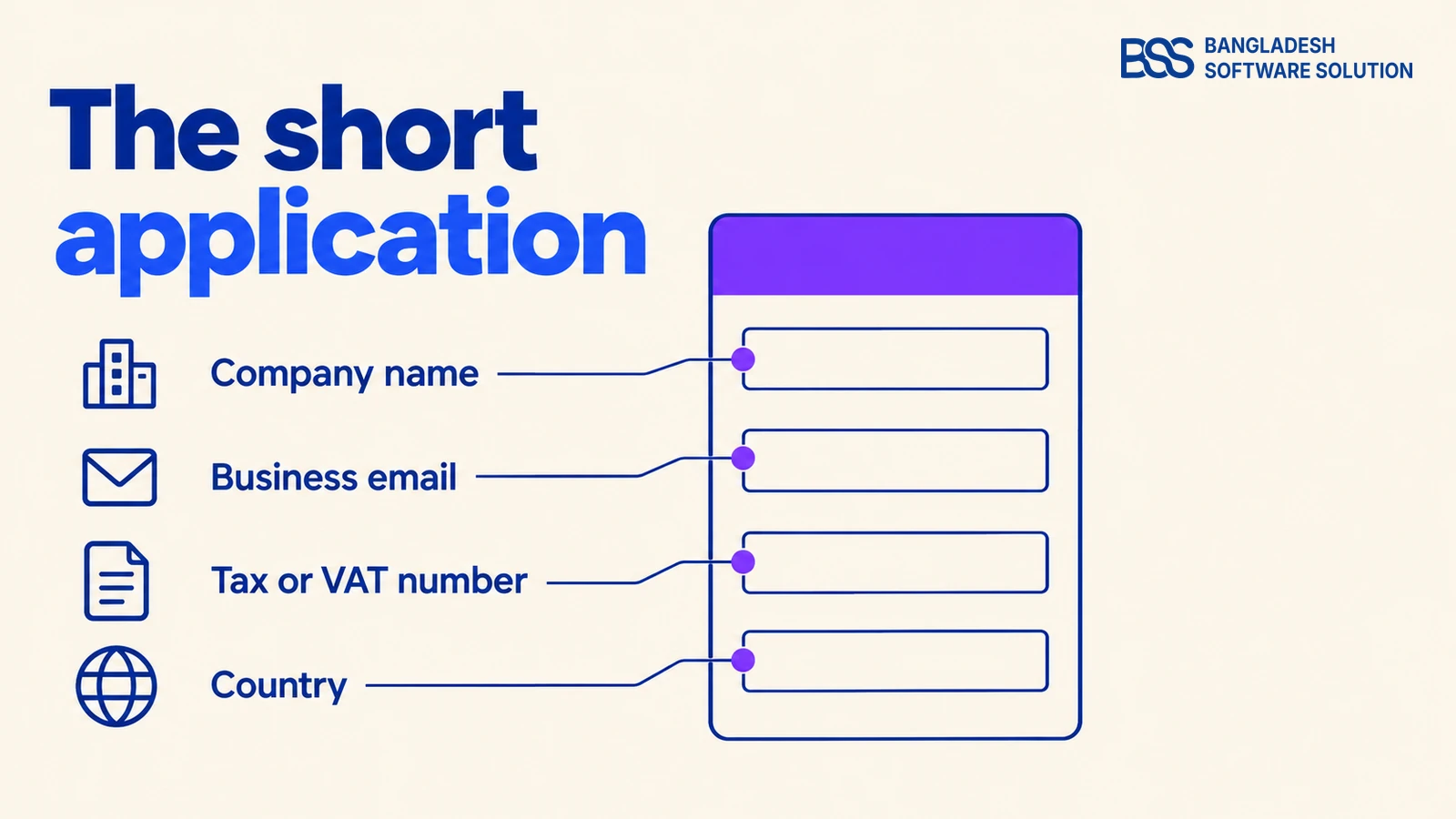
A good application separates two kinds of information. What you need to decide goes on the form, and what you need to serve the account is collected after approval, when the buyer has a reason to give it.
Decide now, serve later: ask for the company name, a business email, the tax or VAT number and the country. Delivery addresses, extra buyers, payment terms and purchase order rules can wait until the account exists.
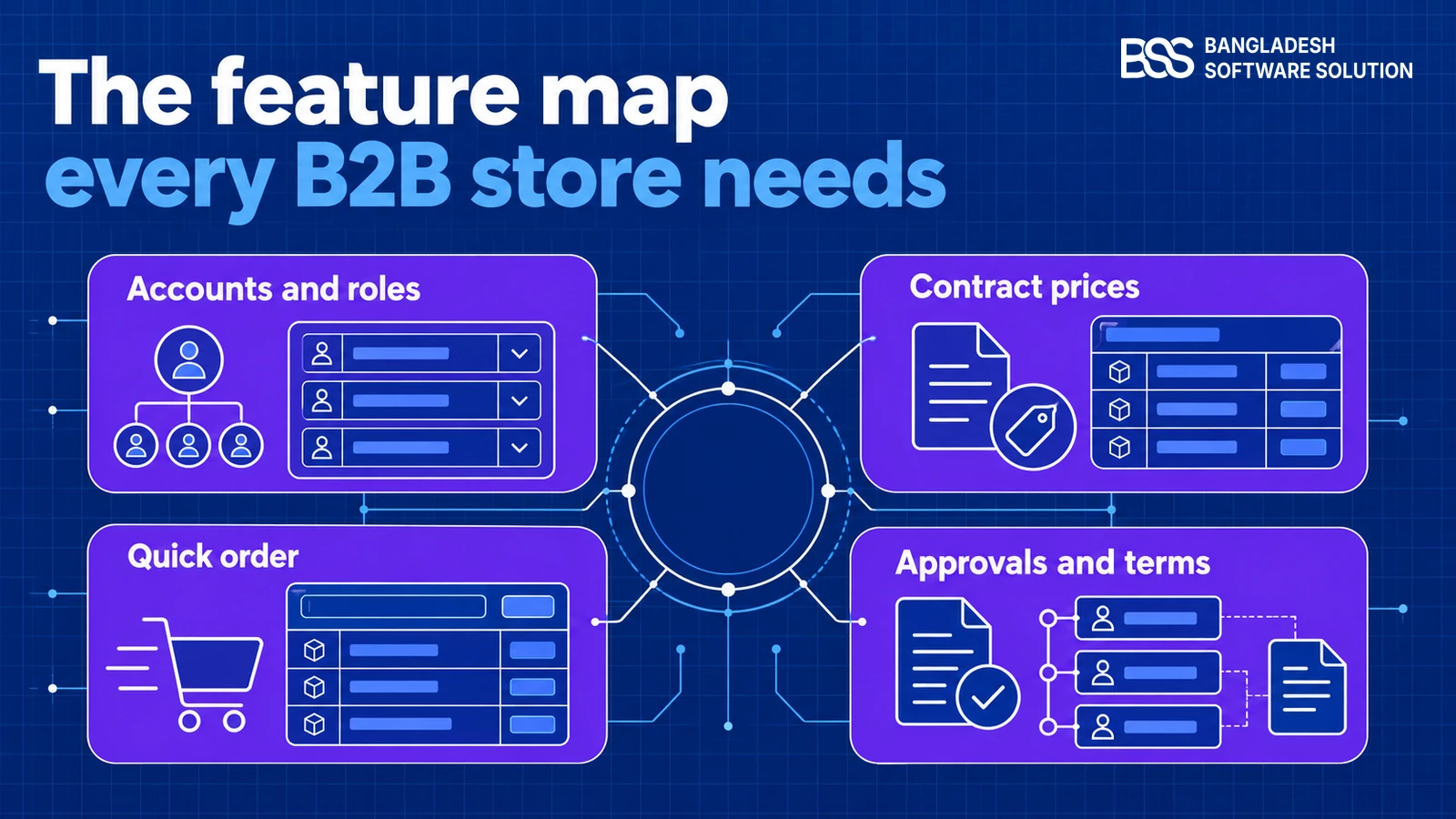
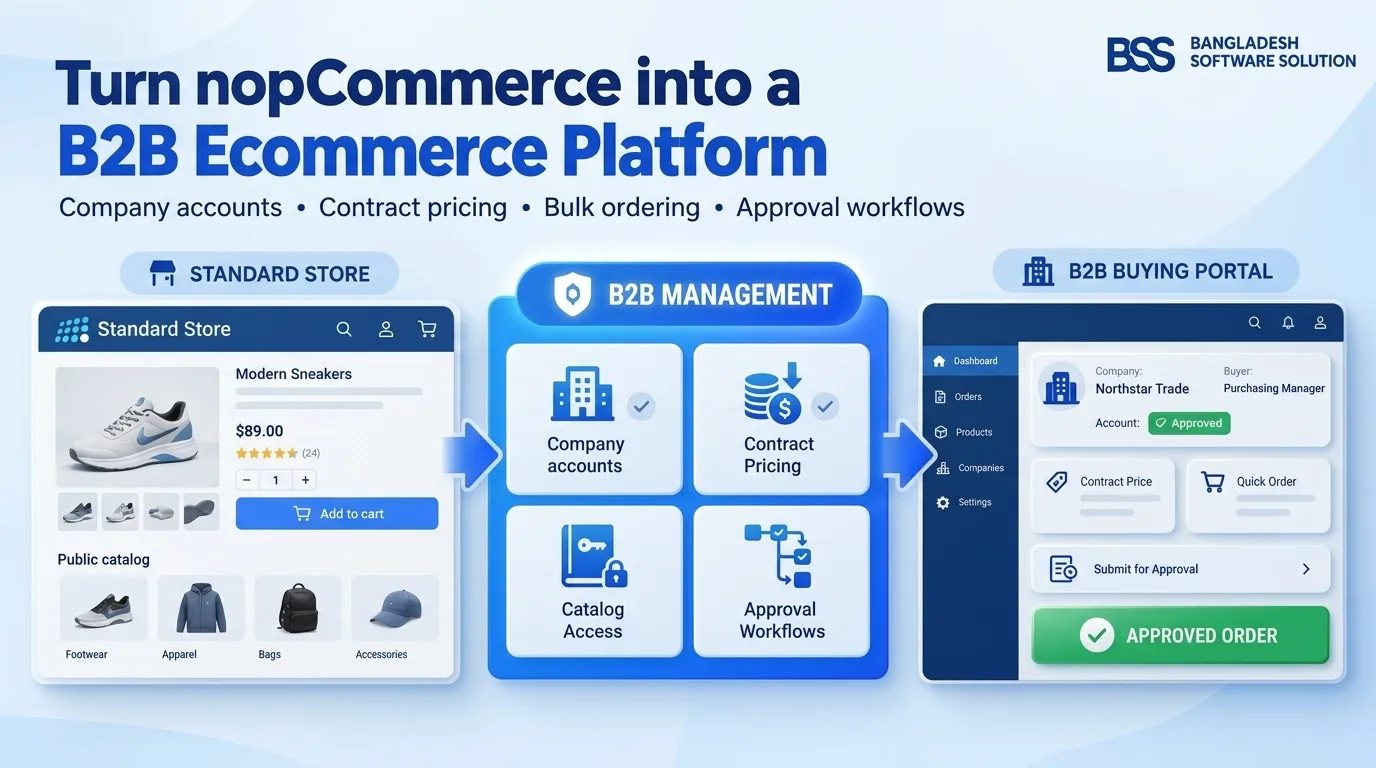
In nopCommerce, Customer settings let you switch the Company field on and make it required, and customer attributes add the one or two extra fields your business truly needs, such as the type of business. Keep it to those. Our guide to turning a nopCommerce store into a B2B platform covers the roles and pricing around the form.
Keep on the application form
-
Legal company name
-
Business email on the company’s own domain
-
Tax or VAT number
-
Country of business
-
One short question about what they plan to buy
Each field earns its place by changing a decision. The company name and tax number identify the business, the email domain suggests whether the person works there, and the country decides which tax rules and shipping options apply. A field that changes nothing is a field to remove.
Watch out
Do not ask for a certificate upload on every application. Request it only when the tax number cannot be confirmed automatically, so clean applications are never slowed by paperwork.
Once the account is approved, ask for the rest in a short setup step on the first sign-in: delivery addresses, extra buyers, payment terms and purchase order rules. The buyer is invested by then, and you are asking for details you will use right away.

We start from the smallest form that still lets someone decide, and add a field only when an approval actually needed it. If your trade needs something different, our nopCommerce customization service can tailor the form.
Verify First, Then Review the Exceptions
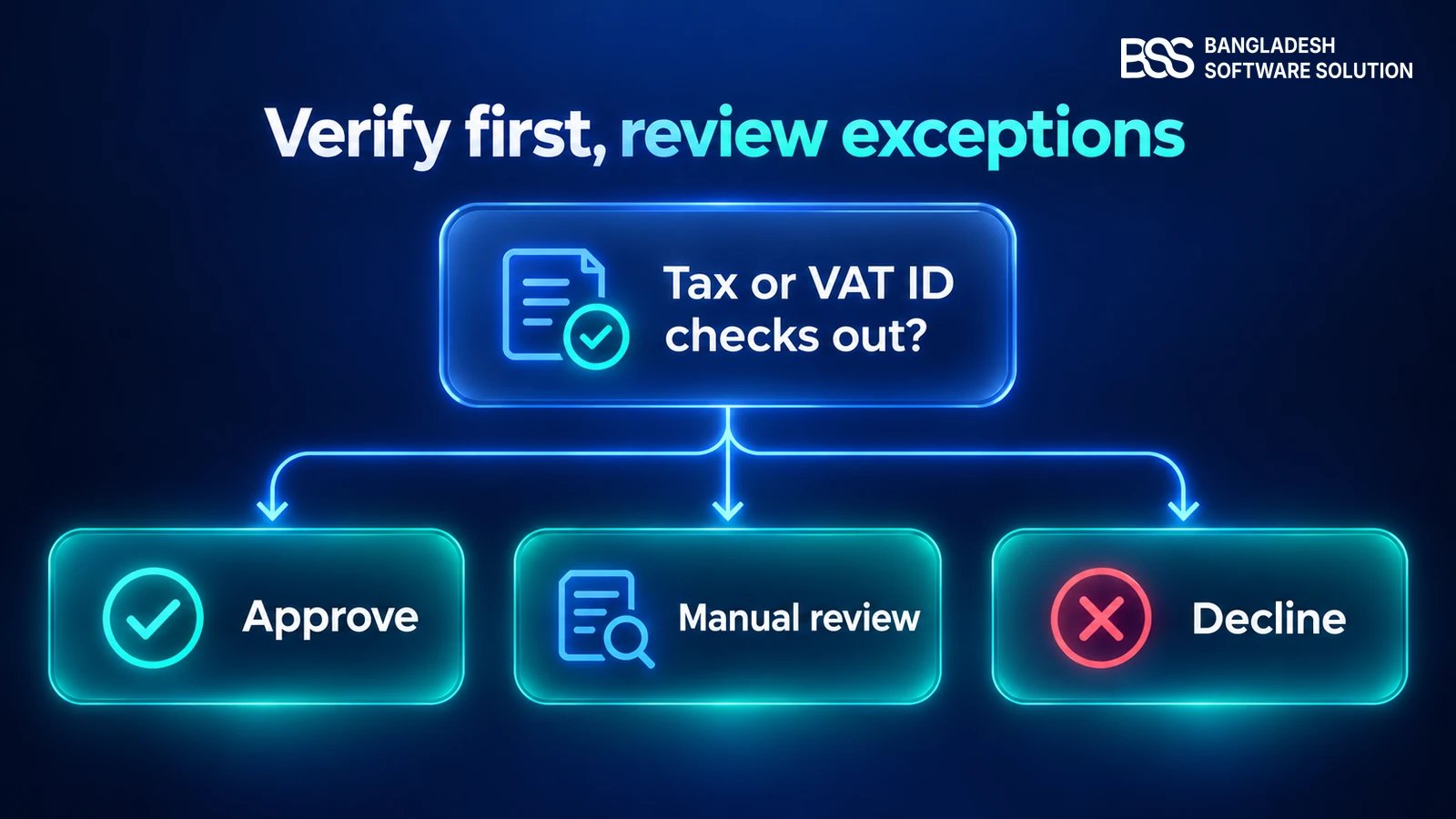
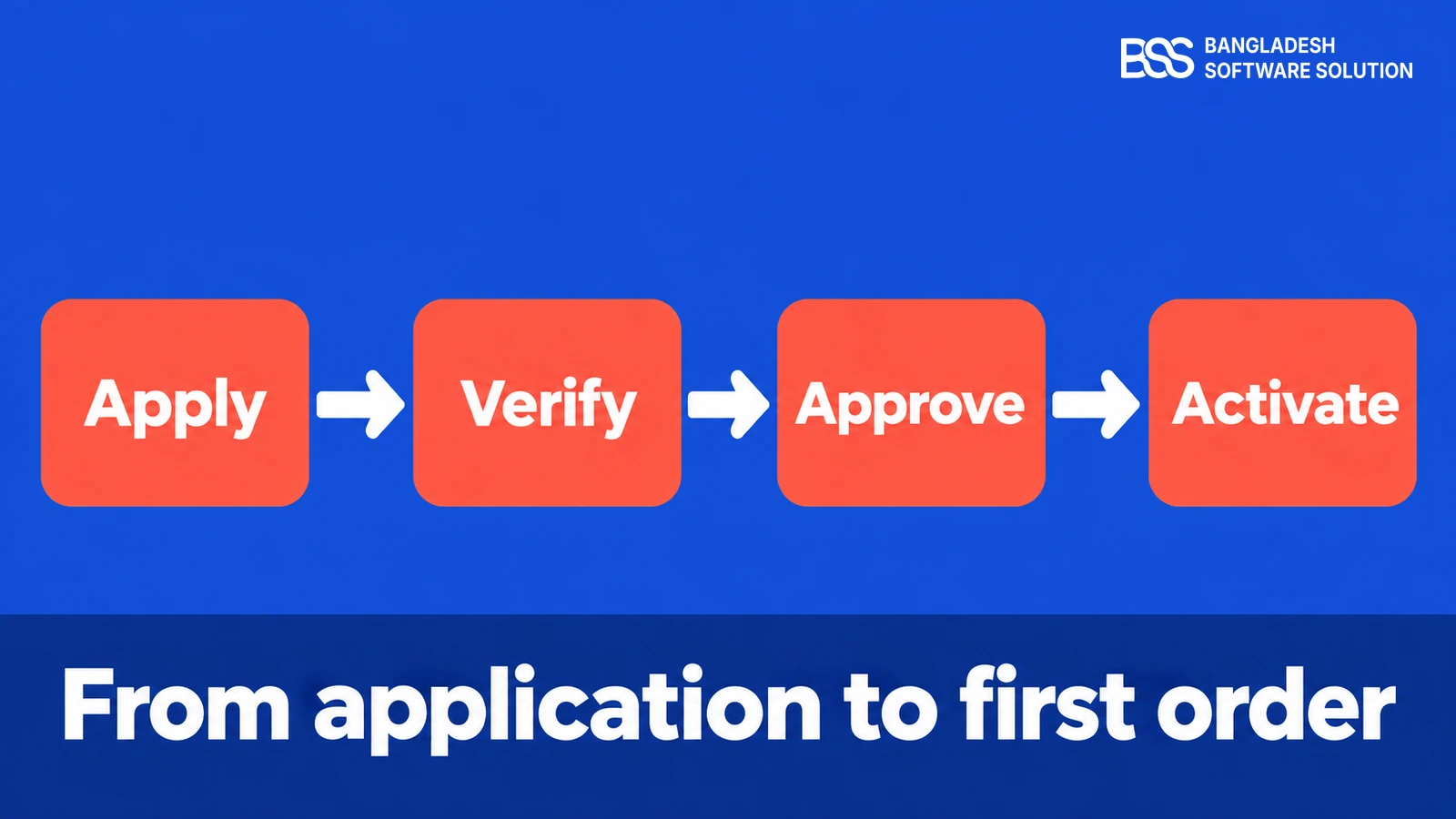
Manual review is not the problem; reviewing everything by hand is. Sort each application into one of three lanes and give people only the middle one.
The review lane works only if the reviewer sees everything in one place: the company name, the result of the tax check, the email domain, the country and any note from the applicant. Give them two actions, approve and decline, and a saved reply for each, so a decision is one click rather than a thread of emails.
Be honest about what the platform does. The built-in registration method in nopCommerce is either standard or admin approval, so every new account waits in one store-wide queue, and the three lanes are yours to build.
For the tax number, the European Commission’s VIES service validates EU VAT numbers, but it does not cover numbers from outside the EU, so a store selling elsewhere needs another check. The BSS B2B Management plugin lists a tax and VAT validation module that checks EU VAT numbers and company IDs, which is worth knowing before you build one.
Watch out
A check that fails because a service is down is not a rejection. Send those applications to the review lane instead of declining them.
This is the point where many owners bring in a developer, because the three lanes depend on your own rules. You can hire a .NET developer from BSS to build them and keep your own team on the buyers.
Approve Fast and Activate the Right Account
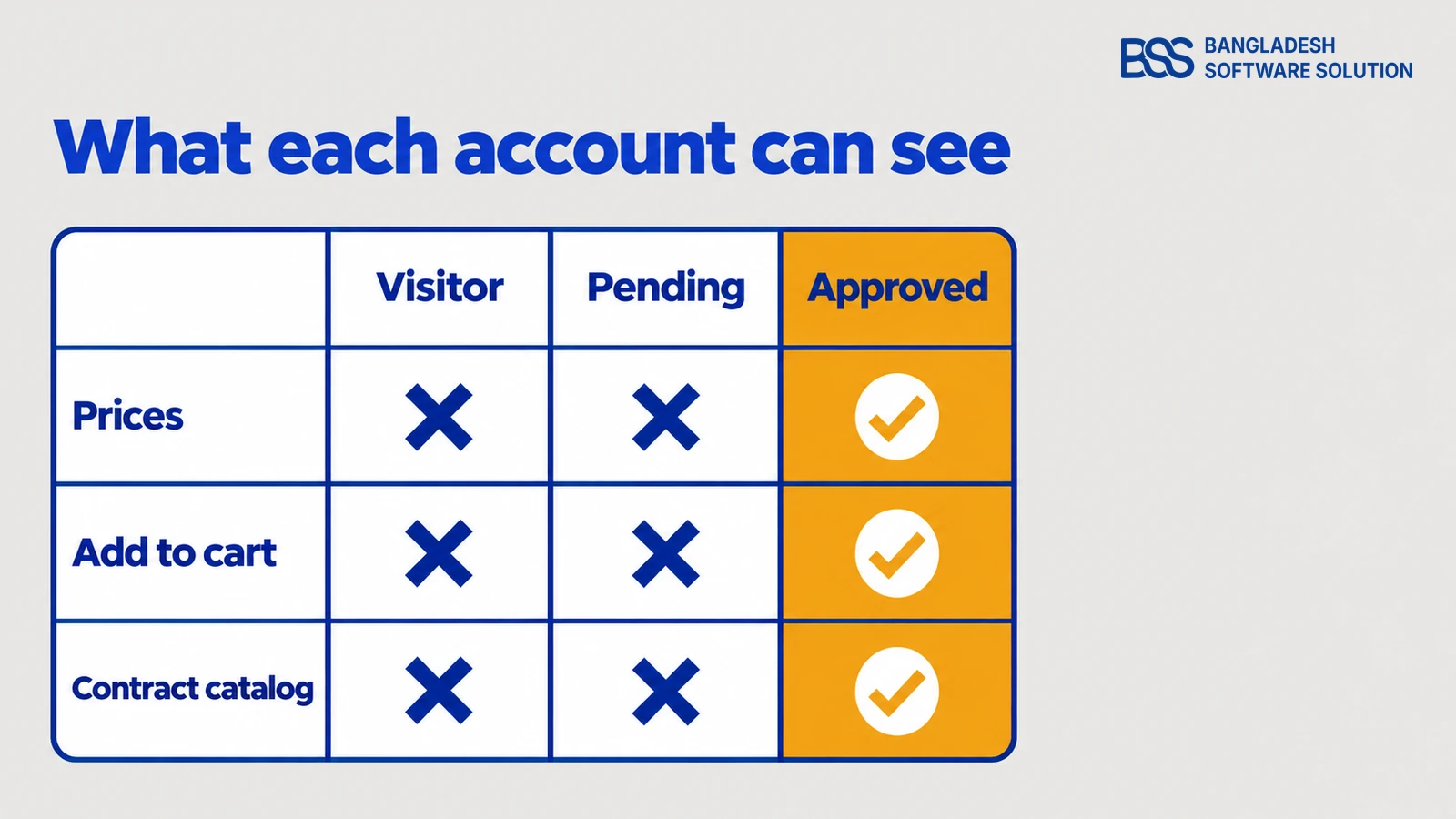
Approval is not finished when someone clicks yes. In nopCommerce an approved account becomes active, and the customer roles you assign decide the prices, the catalog and the checkout options that buyer sees.
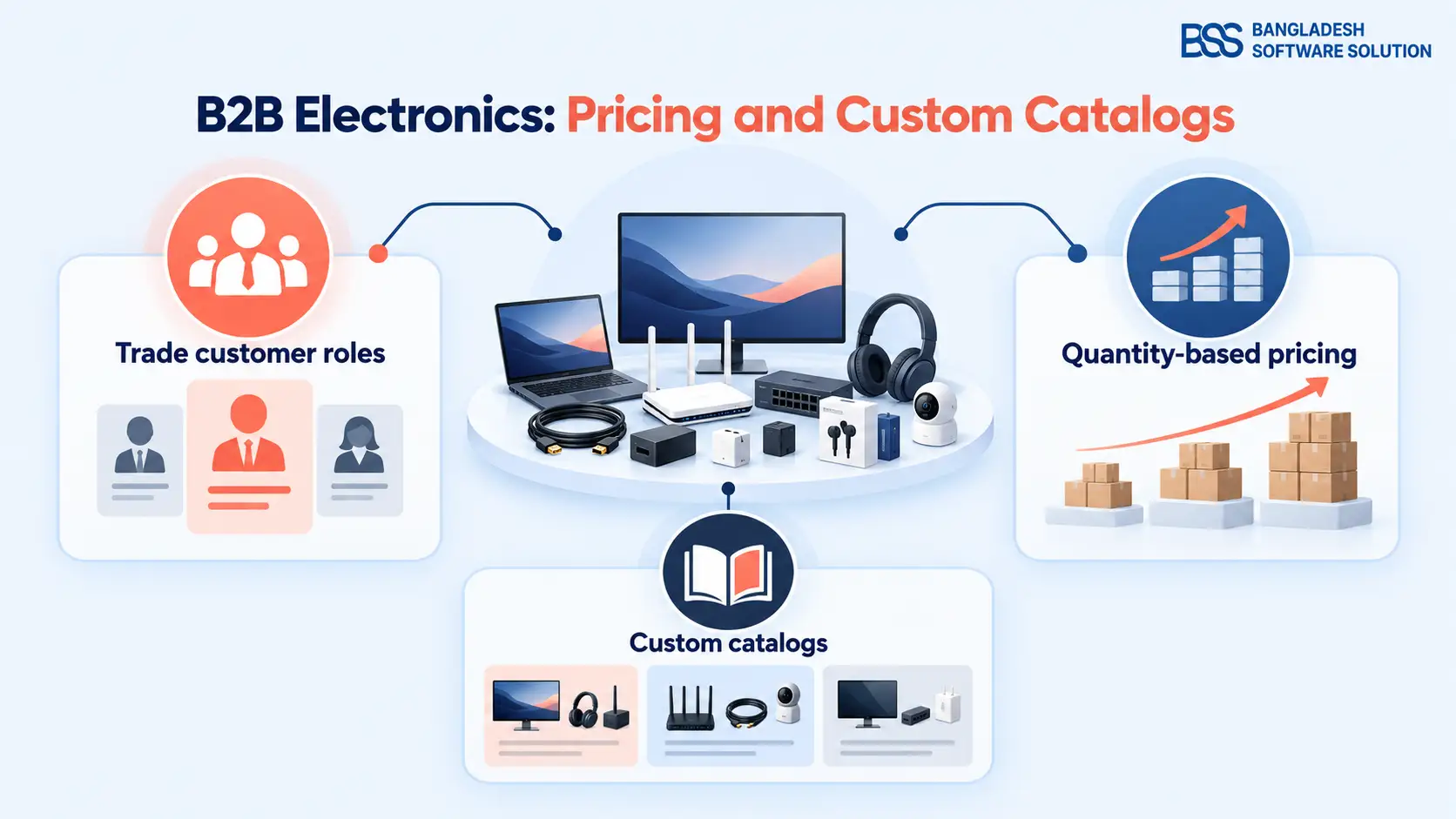
Plan the three states a buyer passes through. A visitor sees your public store, a pending applicant should see a clear status message instead of an error, and an approved account sees wholesale prices and its contract catalog. Our guide to B2B electronics distribution on nopCommerce shows how roles drive tiered prices and restricted catalogs.
A pending applicant is the buyer most likely to give up, so give that state a page of its own. Say that the application is received, what you check and when they will hear back, and offer a contact for urgent orders. A store that explains its own queue earns patience.
When you approve, do three things together: activate the account, add the wholesale customer role and send the welcome email. If you sell to tax-exempt buyers, validate their exemption evidence first and set the tax treatment on the account at the same time, so the first invoice is right.
| Approach | What you get | Best when |
|---|---|---|
| Built-in admin approval and customer roles | A store-wide approval switch, activation by an administrator and roles that drive tier prices. | A B2B-only store with a modest number of applicants. |
| Custom workflow | Rules of your own: automatic lanes, CRM or ERP lookups, multi-step approval. | Approval depends on data that lives in other systems. |
| BSS B2B Management | B2B registration with optional administrator approval, company profiles, a customer dashboard and a store lock for guests. | You want company accounts and approval without building them from scratch. |

Adds B2B registration with optional administrator approval, plus a store lock that hides prices and add-to-cart from guests and retail customers. The product page lists nopCommerce 4.90.
View the pluginFinish with a welcome email the moment the decision is made. Say that the account is active, what the buyer can now do and who to contact, so the first order is the obvious next step.
If you would rather not assemble this yourself, BSS sets up and launches nopCommerce stores end to end, B2B accounts and approvals included.
Time the Workflow and Fix the Slowest Step
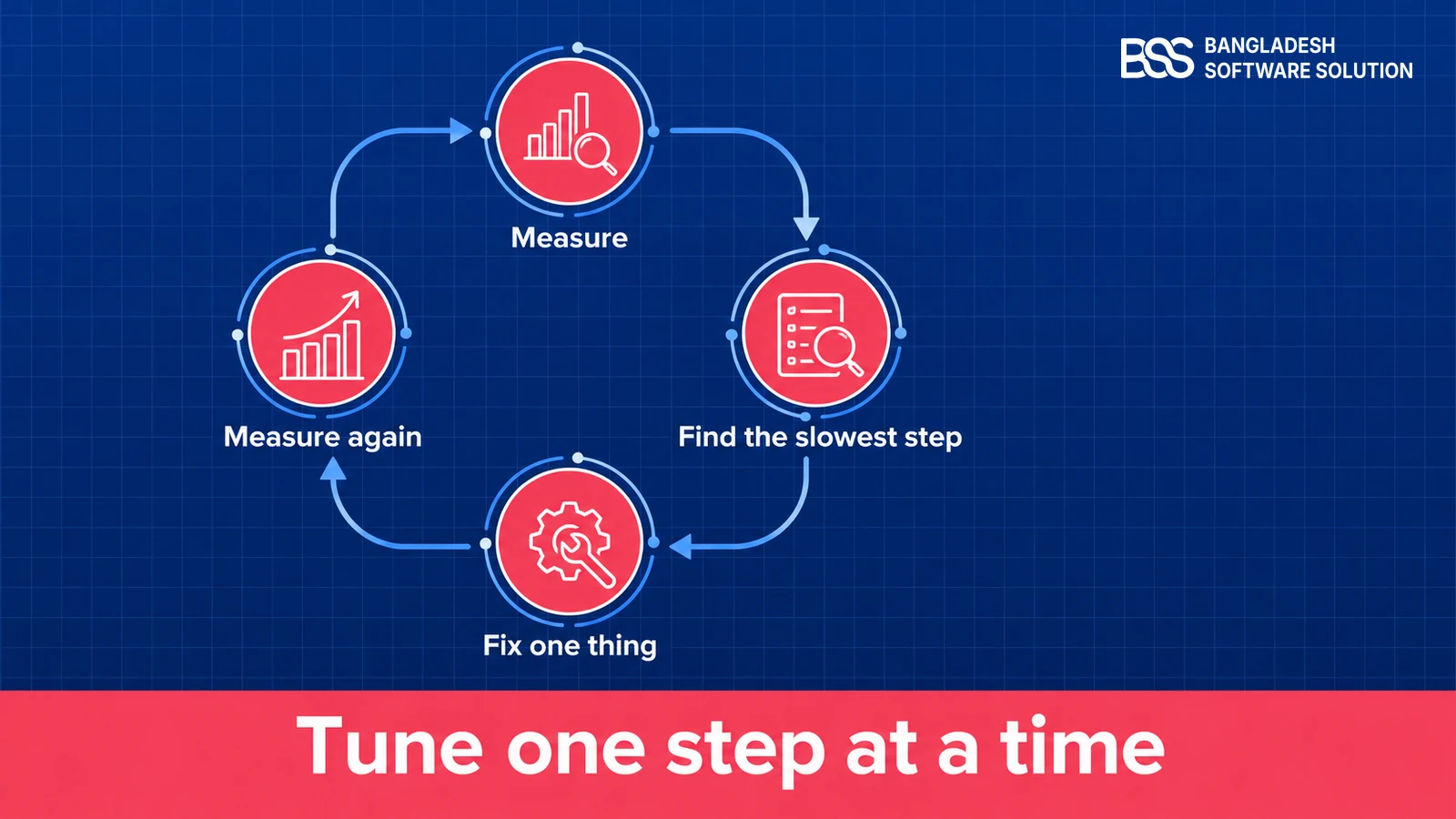
A registration workflow is never finished, because the slow step moves once you fix the last one. Measure four things each week and change only the slowest.
Four measures to watch
-
Time from application to decision
-
Share of applications that need a manual review
-
Applications abandoned before they are submitted
-
Time from approval to first order
Read the measures as a map to the fix. A long time to decision points at the approvers or the queue, and a high share of manual reviews points at the checks.
Heavy abandonment points at the form, and a slow path from approval to first order usually means the welcome email or the first sign-in leaves the buyer unsure what to do next.
Set a promise and publish it. Aim to answer every application within one business day, say so on the form, and name a second approver for when the first is away.
nopCommerce can notify the store owner about each new registration, so send that notice to a shared mailbox rather than to one person.
On the B2B stores we launch, the first real applications show which field or step costs buyers, and we read them before touching anything else. Our maintenance and support service covers that kind of tuning after launch.
Need a B2B Registration Flow Built for Your Store?
Tell us how your buyers apply today and where the queue slows down. Our nopCommerce engineers will scope the form, the checks and the approval rules, and tell you what is standard, what is a plugin and what is custom work.
Frequently Asked Questions
Final Thoughts
Go back to the purchasing manager. She now fills in four fields, her tax number is checked as she submits, and an approver confirms the account the same day. Her welcome email says the wholesale prices are on, so her first order is the only thing left to do.
Start with the form and the owner of the queue, because they cost nothing to change. Then read our checklist of B2B ecommerce website features to see what the account should do once it is active.
Tell the BSS team how your buyers register today. We will show you which parts nopCommerce does out of the box and which need a plugin or custom work.
Book a free consultation