Your product catalog has grown, but organic traffic has not followed. Titles are duplicated, descriptions are inconsistent, rich results are missing, and discontinued URLs return errors. The marketplace offers dozens of SEO extensions, yet each solves a different part of that problem.
The best nopCommerce SEO plugin is therefore not the one with the longest feature list. It is the smallest, well-supported tool that closes a verified gap without duplicating native functionality or another installed extension.
If you are after the whole picture rather than plugins, start with our complete nopCommerce SEO guide, which goes beyond plugins into technical settings, on-page fixes and content strategy.
Our comparison rule: choose by job—metadata, AI drafting, structured data, redirects, internal links, or auditing—then verify your exact nopCommerce version, multi-store needs, localization, update policy, data handling, and staging behavior.
What nopCommerce Already Handles
Before buying a plugin, audit the platform itself. nopCommerce already provides editable page names, meta titles, meta descriptions, meta keywords, canonical-related settings, robots controls, sitemaps, and search-friendly URLs across important entities. A plugin should improve scale, consistency, specialist markup, or workflow—not merely expose a field that already exists.
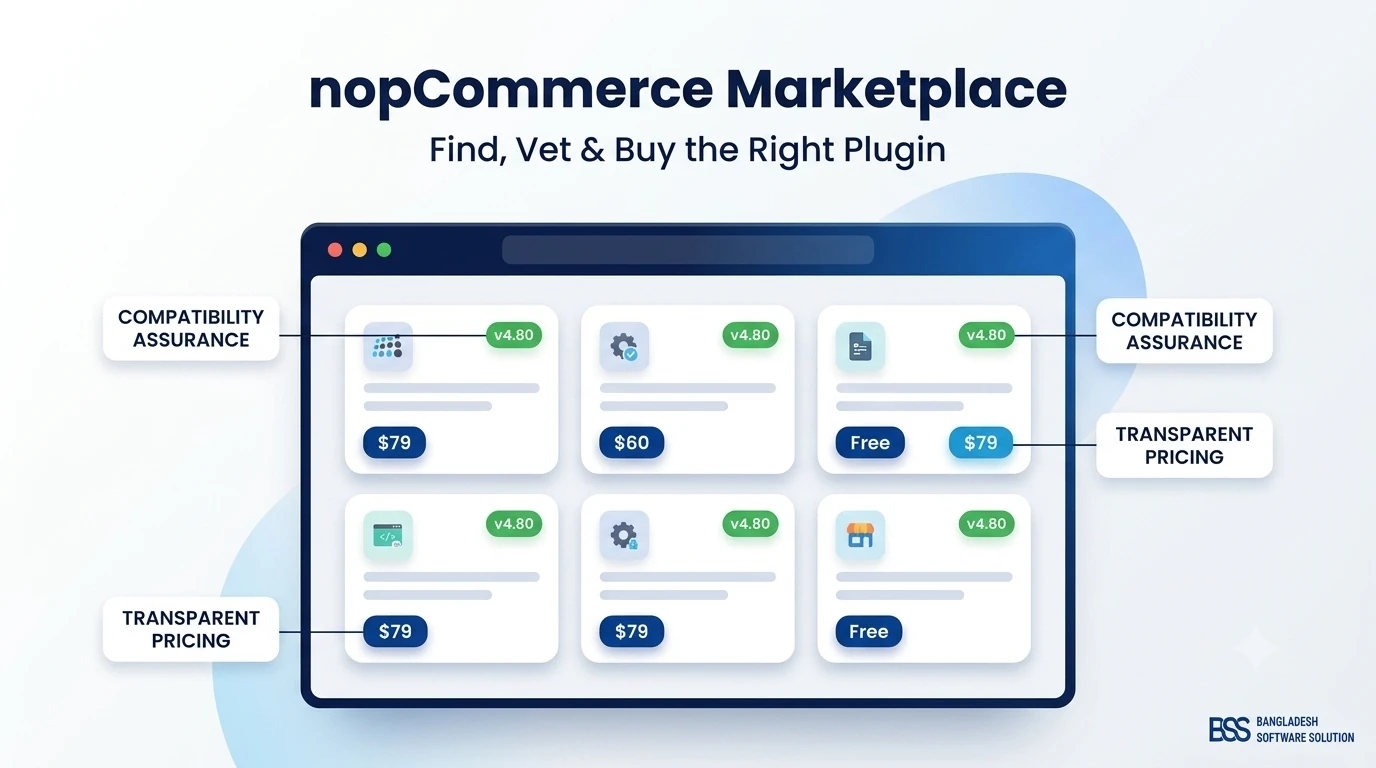
For a broader buying checklist, keep the nopCommerce Marketplace Guide open while comparing vendors. Compatibility and ownership quality matter as much as the demo.
Best nopCommerce SEO Plugins: Quick Comparison
| Plugin | Best for | Key strength | Watch for |
|---|---|---|---|
| Nop Smart SEO | Broad catalog SEO automation | Template-driven metadata and SEO workflow | Confirm current-version feature set |
| Advanced SEO by nopStation | Rule-based metadata | Tokens, templates, localization, and entity mapping | Avoid thin or repetitive templates |
| BSS AI SEO Assistant | AI-assisted optimization | Opportunity identification, descriptions, and meta-tag drafting | Human review remains essential |
| AI SEO Expert | Bulk AI metadata | Generation for products, categories, and manufacturers | API cost, privacy, and supported version |
| BSS Advanced SEO Schema | Structured data | JSON-LD for richer search presentation | Validate output against real page data |
| Meta Tag Manager | Metadata rules | Centralized control for titles and descriptions | Check overlap with other automation |
| SEO Friendly Redirects | URL migrations | Redirect management for removed and changed pages | Prevent chains and redirect loops |
| SEO Audit | Issue discovery | On-page and technical checks | Older listings may not support current nopCommerce |
Marketplace listings and pricing change. Treat this as a capability comparison, then verify the current listing, documentation, and supported versions before purchasing.
Would rather have it set up for you?
Plugins cover the mechanics; the gains come from configuring them against your own catalog and keeping the store fast. If you would rather hand that to engineers, our nopCommerce services cover store configuration, plugin customization and performance optimization.

1. Metadata Automation Plugins
Nop Smart SEO, Advanced SEO by nopStation, and Meta Tag Manager target the repetitive work of writing titles and descriptions across large catalogs. They are strongest when a store has reliable product attributes and a clear template strategy.
Advanced SEO by nopStation is particularly relevant for stores that want token-based templates mapped globally or to selected products, categories, and manufacturers, with localization and multi-store support. The risk is not the tool; it is publishing thousands of near-identical snippets. Preview representative categories, define fallbacks for missing attributes, and protect hand-written pages from automatic overwrite.
Best fit
Choose rules and templates when your catalog is structured and predictable. Choose manual editorial control when products differ substantially or search intent cannot be expressed safely with a shared formula.
2. AI SEO and Content Plugins
AI tools accelerate a different workflow: creating a useful first draft from entity data and additional instructions. BSS AI SEO Assistant supports SEO opportunity identification, product-description optimization, and meta-tag generation. AI SEO Expert and AI Content Generator & SEO Plugin also emphasize bulk generation across catalog entities.
BSS AI SEO Assistant is the most natural BSS option when the bottleneck is drafting rather than structured data. Use it with approval rules: define the target query and page purpose, review factual claims, remove repetitive phrasing, preserve brand voice, and sample bulk output before publishing.
Our guide to AI-assisted nopCommerce SEO explains where automation saves time and where human judgment still determines quality.
3. Structured Data and Rich-Result Plugins
Structured-data tools are not metadata generators. They describe products, breadcrumbs, organizations, FAQs, offers, and other eligible content in machine-readable form. Their value depends on accuracy, not schema volume.
BSS Advanced SEO Schema is the specialist choice in this comparison for JSON-LD, including FAQ and ItemList patterns, site search, product/category presentation, shipping policies, and business identifiers. It complements an AI or template plugin because it solves a different problem.
Test representative product states: in stock, out of stock, sale pricing, products with variants, missing reviews, and multi-store values. Never publish ratings, availability, prices, or policies that the visible page does not support.
4. Redirect, Sitemap, Tag, and Internal-Link Plugins
Specialist SEO plugins become important when the problem is technical rather than editorial. Redirect managers protect equity during migrations and product retirement. Image sitemap plugins improve image discovery. SEO-optimized tag tools can turn thin tag endpoints into managed landing pages. Internal-link plugins can connect relevant content at scale.
5. SEO Audit and Page-Speed Tools
Audit plugins help find missing metadata, weak headings, broken links, structural issues, and configuration problems. They are useful diagnostics, not ranking guarantees. A listing that checks fifty signals can still miss JavaScript rendering, indexation patterns, log-file evidence, or search-intent mismatch.
Version support is critical here. Some marketplace audit listings support older nopCommerce releases only. Do not install an outdated diagnostic plugin on production merely because its report looks comprehensive. Run compatible tools in staging, verify findings manually, and prioritize issues by affected templates, traffic, and revenue.
How to Choose the Right SEO Plugin Stack
Return to the opening store. Duplicated metadata calls for templates or assisted generation. Missing rich results calls for schema. Broken retired-product URLs call for redirects. Thin tag pages call for a content and indexation decision—not automatically another plugin.
Recommended selection process: audit native functionality; name the exact gap; shortlist one plugin per capability; verify version, multi-store, localization, source/support, external API use, and update policy; test on a clone; measure output; document ownership; and remove any extension that duplicates another.
Need a Lean SEO Plugin Stack?
BSS can audit your nopCommerce SEO setup, configure metadata and schema workflows, repair technical issues, test plugin compatibility, and build custom extensions where marketplace tools do not fit.
Frequently Asked Questions
Final Thoughts
The strongest nopCommerce SEO setup is usually a small stack with clear boundaries. Use one dependable workflow for metadata, add AI only where review capacity exists, add schema when the visible data supports it, and introduce technical tools only for proven crawl or migration needs.
Start with the problem, not the marketplace category. That keeps SEO output accurate, upgrades manageable, and every installed plugin accountable for a measurable job.