Key takeaways
- Start with your buyers: the cards, wallets and local methods they use, in the countries you sell to.
- Price the whole fee. On Stripe's US pricing page, 2.9% + 30¢ for a domestic card grows by 1.5% for an international card and 1% for currency conversion, and each dispute costs $15.
- Prefer hosted or embedded payment fields, so card numbers never reach your server.
- Check that the plugin for your store supports refunds, capture and your platform version before you sign.
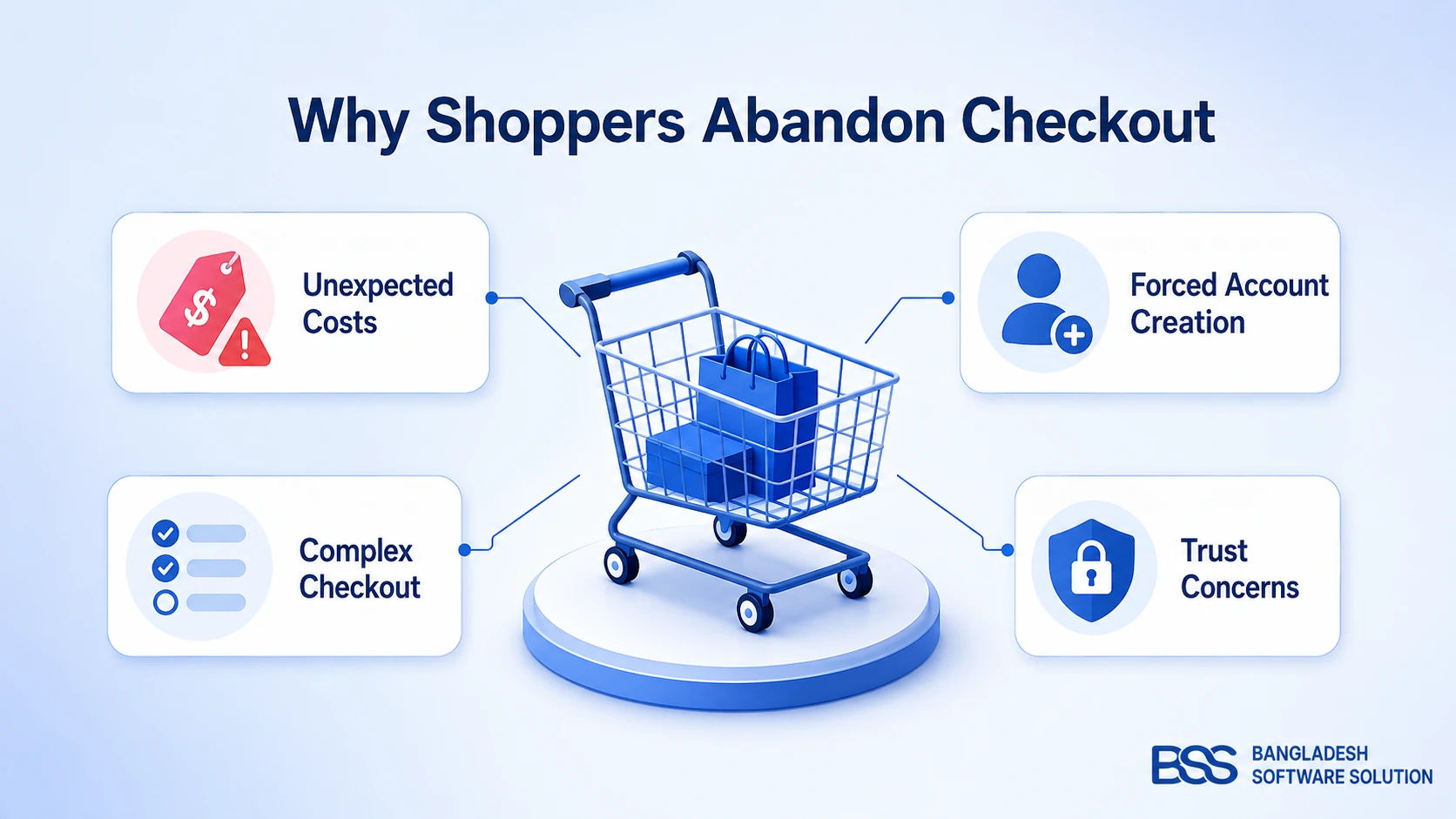
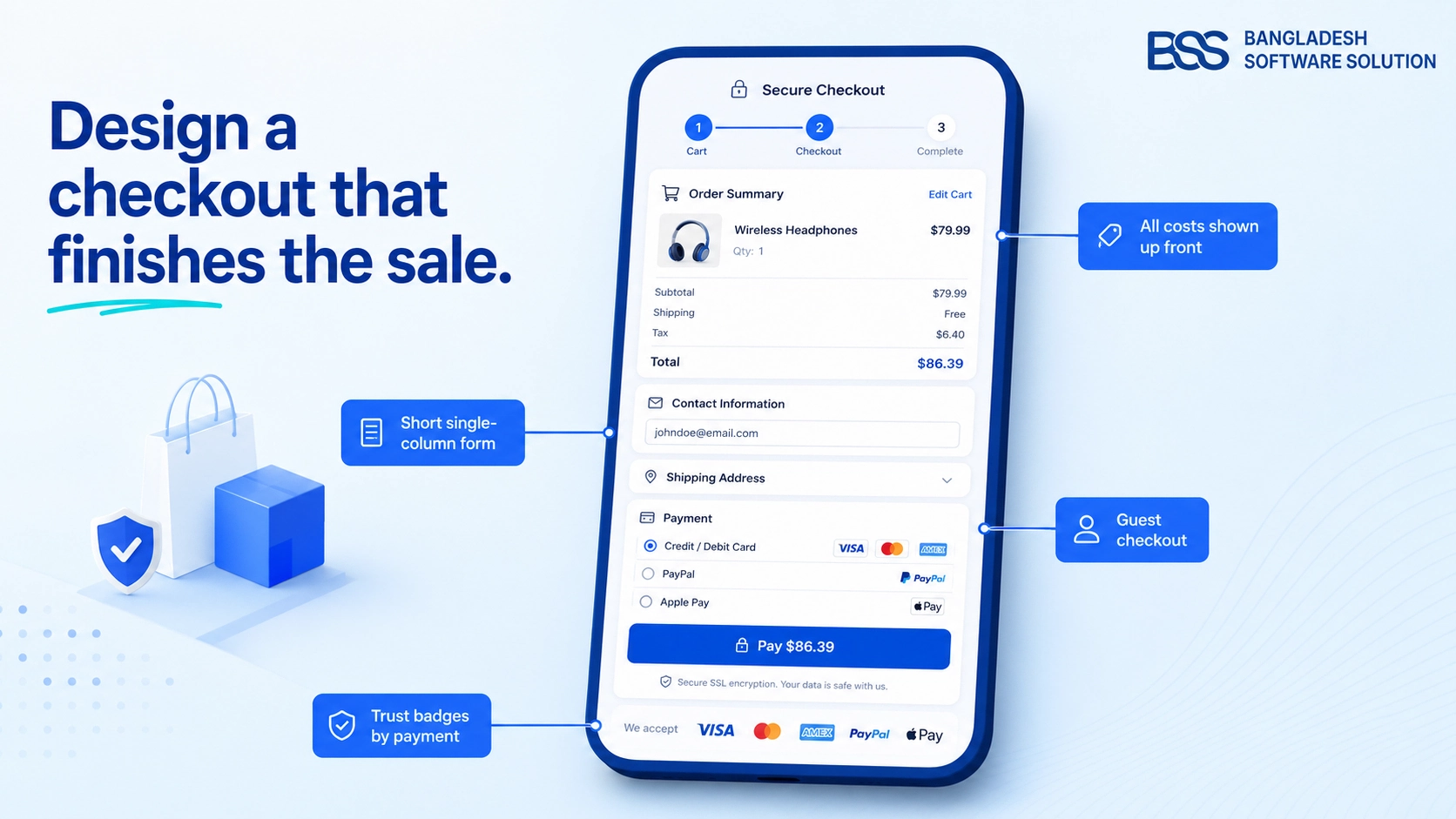
A shopper fills a cart, reaches the payment step and finds no way to pay that they trust. The order is lost, and nothing in your product range or your marketing could have saved it.
The payment gateway is the service that takes the payment and sends the money to your bank. Most guides answer "which gateway is best" with a ranked list. The better question is which gateway fits your buyers, your margins and your store, and five checks answer it.
Key fact: no gateway is right for every store. One that is cheap for domestic cards can cost far more on foreign orders, and one with every payment method is no use if your platform has no working plugin for it.
We build and maintain payment plugins for nopCommerce stores, so the checks below come from that work. The prices and rules we quote are from the providers' own pages, read on 25 November 2026.
Start With How Your Customers Want to Pay
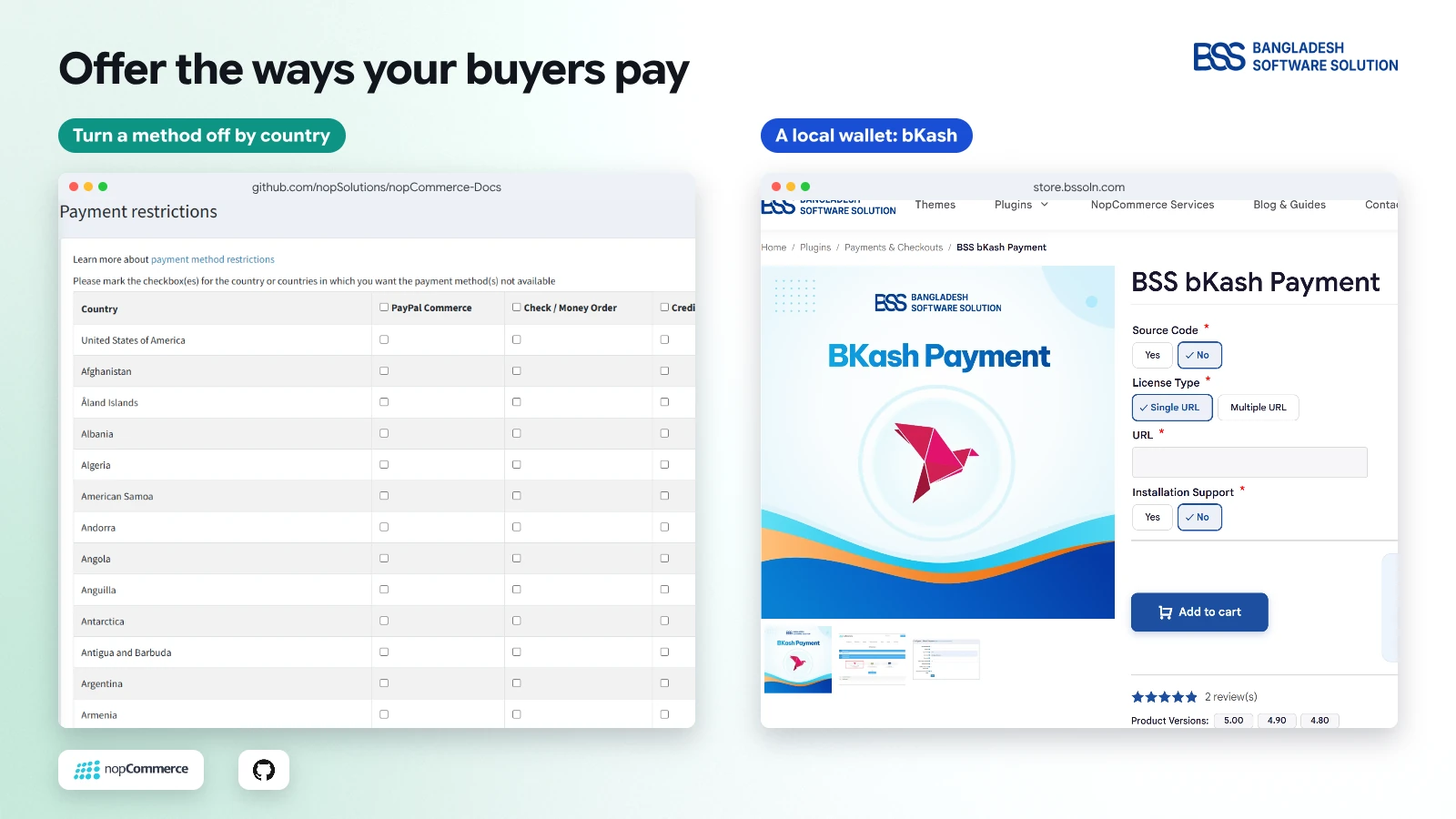
List the ways your buyers already pay before you compare any prices. A shop selling across Europe needs cards plus the bank methods people use there, and a shop in Bangladesh needs mobile wallets such as bKash. A B2B store may need bank transfer and invoices more than cards.
Then list the countries and currencies you sell in. A gateway that cannot accept a currency, or pay out to your bank in your country, is out before fees come into it.
Several gateways side by side is normal. In nopCommerce you can have more than one payment method active at once, and the official documentation describes a Payment restrictions screen that turns a method off for chosen countries. So a card gateway for one market and a local wallet for another can run in the same checkout.
| If most of your buyers | Look for |
|---|---|
| Pay by card in your own country | A low domestic card rate and fast payouts to your bank |
| Pay from abroad | Your buyers' currencies, and a clear rate for international cards and conversion |
| Use a local wallet or bank method | A provider that supports that method, or a second gateway just for it |
| Are businesses buying on account | Invoices and bank transfer beside cards, with refunds that match your credit terms |
For a store in Bangladesh, the BSS bKash Payment plugin adds bKash at checkout.
For buyers in Europe, the BSS Mollie Payment plugin connects a provider built around European methods.
Need a gateway your store does not support yet? BSS builds and installs nopCommerce payment integrations.
View nopCommerce servicesRead the Whole Fee, Not the Headline Rate
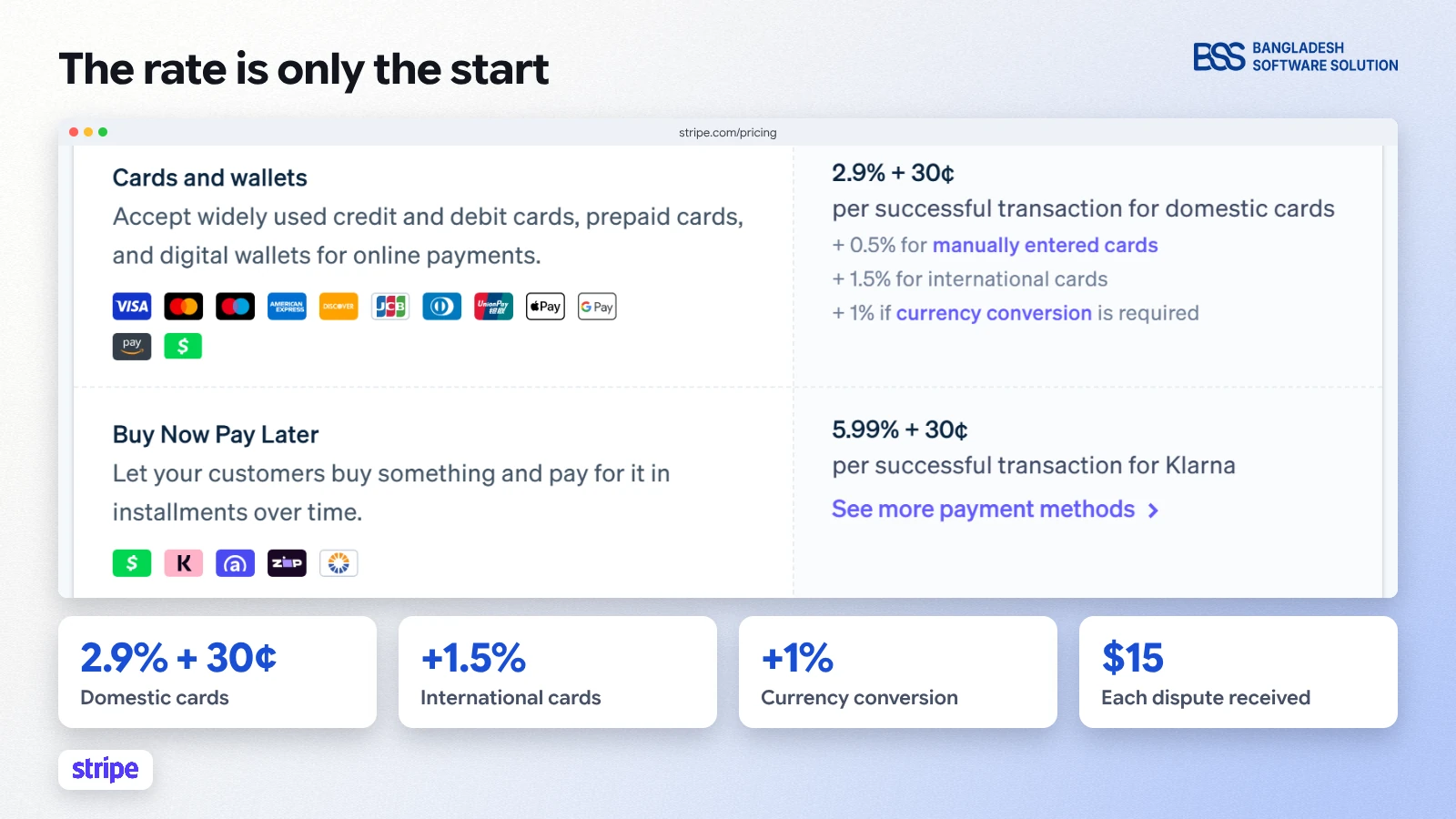
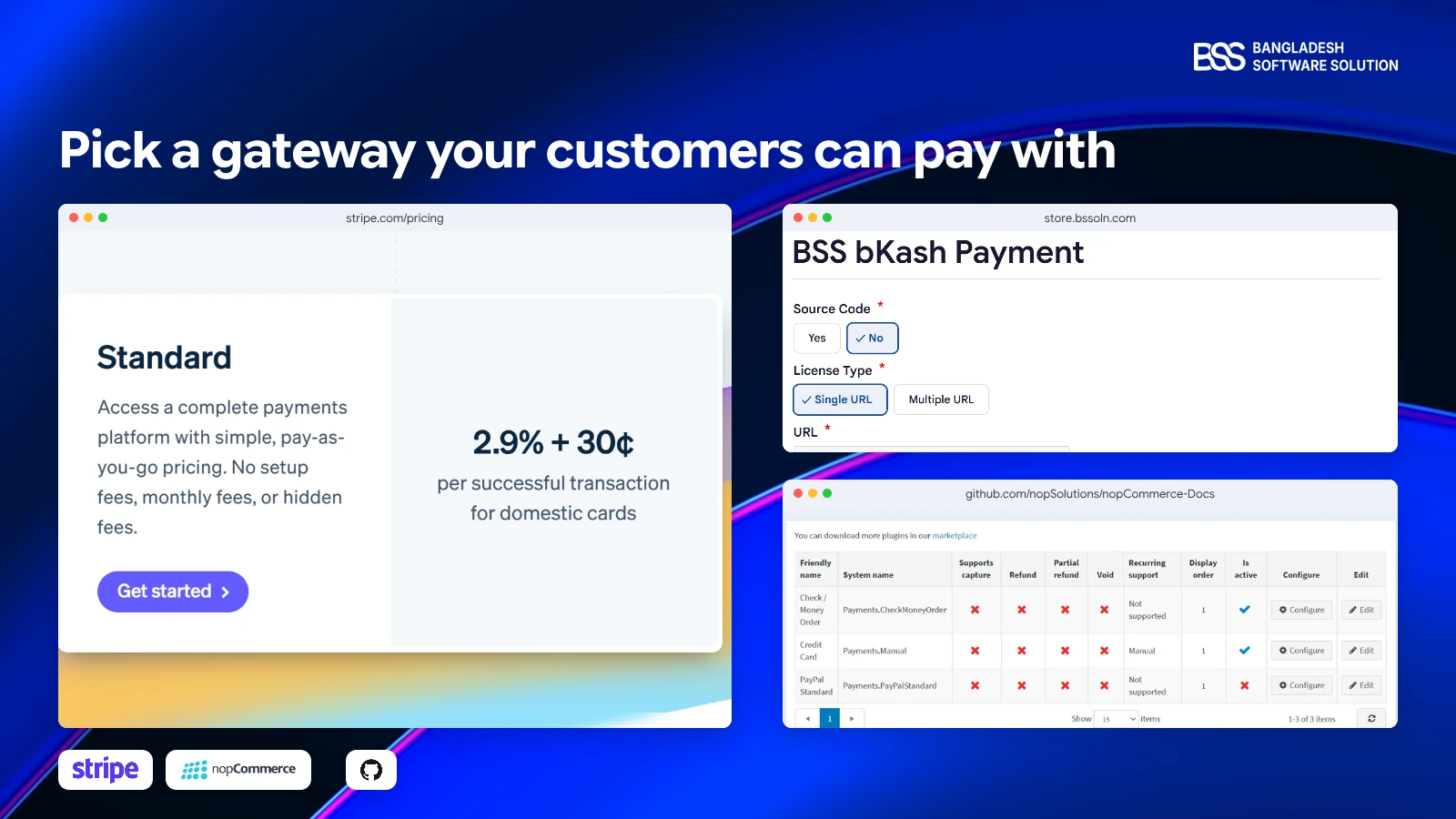
Every gateway advertises a headline rate. Stripe's US pricing page shows 2.9% + 30¢ per successful payment with a domestic card. The lines below it matter as much: 1.5% more for an international card, 1% more when currency conversion is needed, and 0.5% more for a manually entered card.
Run the numbers on a real order: a $100 order paid with a domestic card costs $3.20 in fees at those rates. The same order paid with a foreign card that also needs conversion costs 5.4% + 30¢, which is $5.70. If half your orders come from abroad, the headline rate tells you little.
Small, cheap orders feel the fixed part most. On a $10 order, the 30¢ alone is 3% of the price, so a store with a low average order value should compare the fixed fee as carefully as the percentage.
Look at how the money reaches you, too. Stripe's payout documentation says the first payout typically takes 7 to 14 days, depending on your industry, country and risk level, and later payouts follow the schedule on your account. A new store with tight cash flow should plan for that first wait.
Ask for a quote on your own mix
Send each provider last quarter's orders by card type, country and average value, and compare the totals rather than the headline rates.
Decide How Much Card Data Your Store Touches
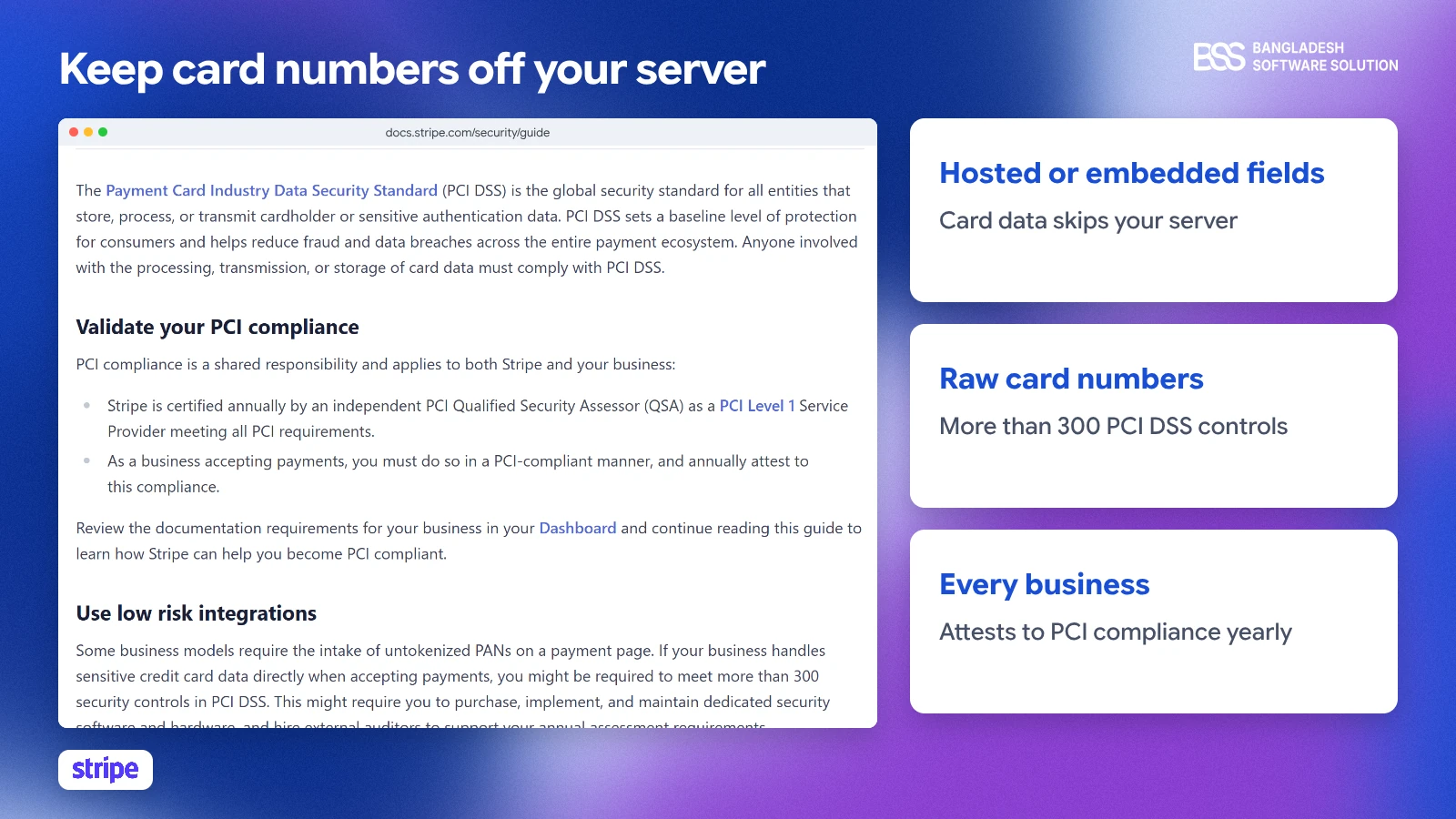
Any business that takes card payments must follow the Payment Card Industry Data Security Standard (PCI DSS). How much work that means depends on whether card numbers pass through your own servers.
Stripe's integration security guide puts the difference plainly. A business that handles card data directly might need to meet more than 300 security controls in PCI DSS, which can mean dedicated security software and external auditors. With a hosted payment page or embedded payment fields, card details go straight to the gateway instead of through your server.
The same guide notes that the business still attests to its PCI compliance every year, so a hosted page reduces the work without removing it.
| How the card is collected | What it means for you |
|---|---|
| Redirect to the gateway's hosted page | The least card data on your side; the buyer leaves your checkout to pay |
| Payment fields embedded in your checkout | The buyer stays on your page, and the card details still go straight to the gateway |
| Your own form posts card numbers to your server | The heaviest PCI scope; avoid it unless your business model needs it |
Ask how a gateway handles fraud checks and card authentication on payments that need it, such as cards issued in Europe. Ask, too, whether the integration your platform uses keeps card data off your server. The answer depends on the plugin as much as on the gateway.

When we build payment plugins at BSS, the refund path and the payment callback are the parts we test hardest, because a store can take the money and still miss the order update. If you would rather not build a gateway integration yourself, our nopCommerce services cover payment plugins from setup to testing.
Check the Plugin Before You Sign
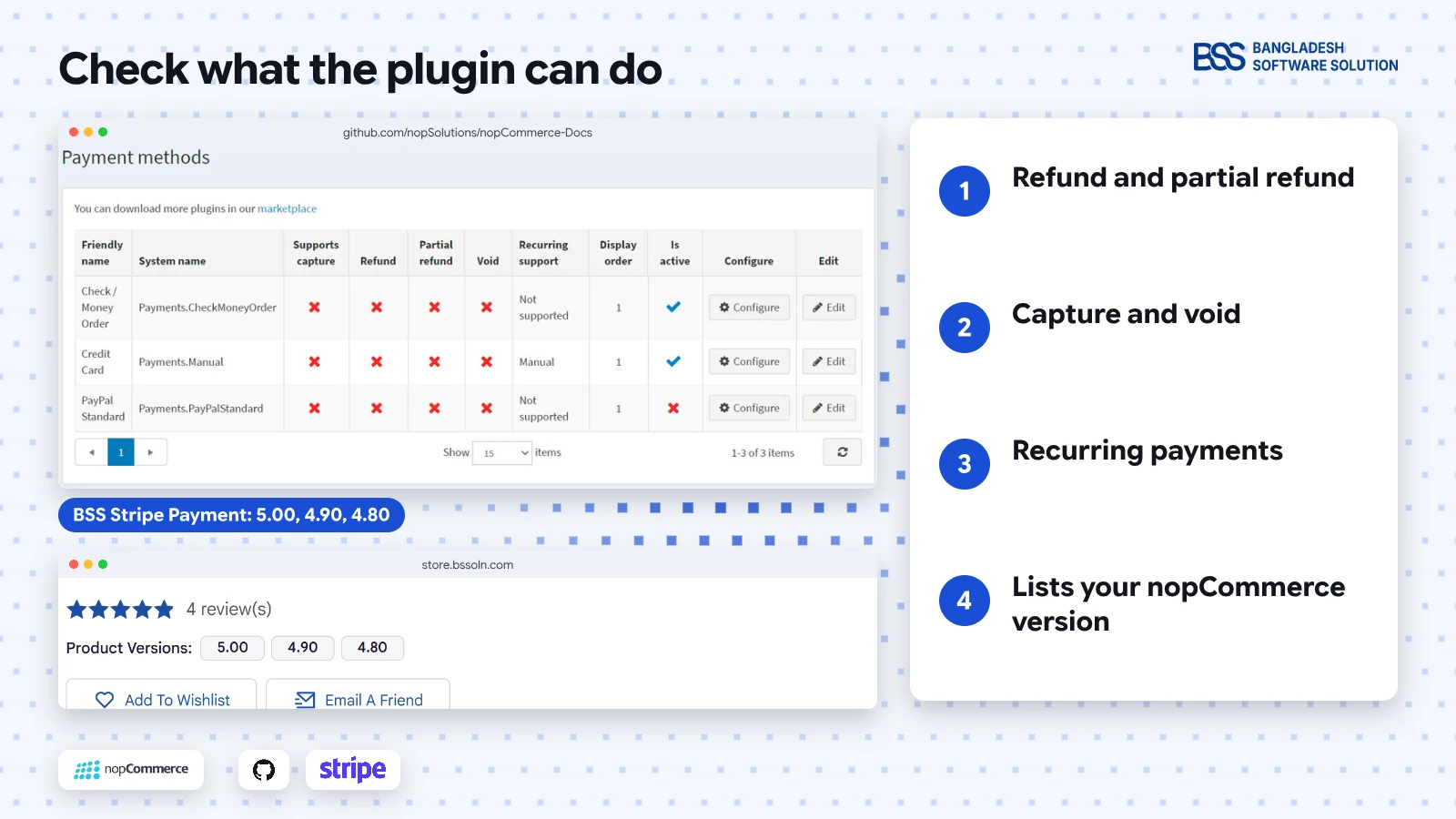
On a platform like nopCommerce, a gateway reaches your checkout through a payment plugin, and the plugin decides what you can do from your admin. The official documentation lists the options a payment method may or may not support: capture, refund, partial refund, void and recurring payments.
Five questions for the plugin, not the sales page
- Can you refund an order from your admin, in full and in part?
- Can you authorise now and capture later, for orders you ship days after payment?
- Does it support recurring payments, if you sell subscriptions or repeat orders?
- Does it list the nopCommerce version you run, and the one you plan to upgrade to?
- Who maintains it, and how quickly did the last update follow a platform release?
A plugin built for an older version may not load at all after an upgrade, so the version list matters. A product page shows it in a minute: the BSS Stripe Payment page lists 5.00, 4.90 and 4.80 under Product Versions.

Running a multi-vendor marketplace? This plugin takes one Stripe Checkout payment for products from several vendors and manages commissions, vendor earnings and payouts.
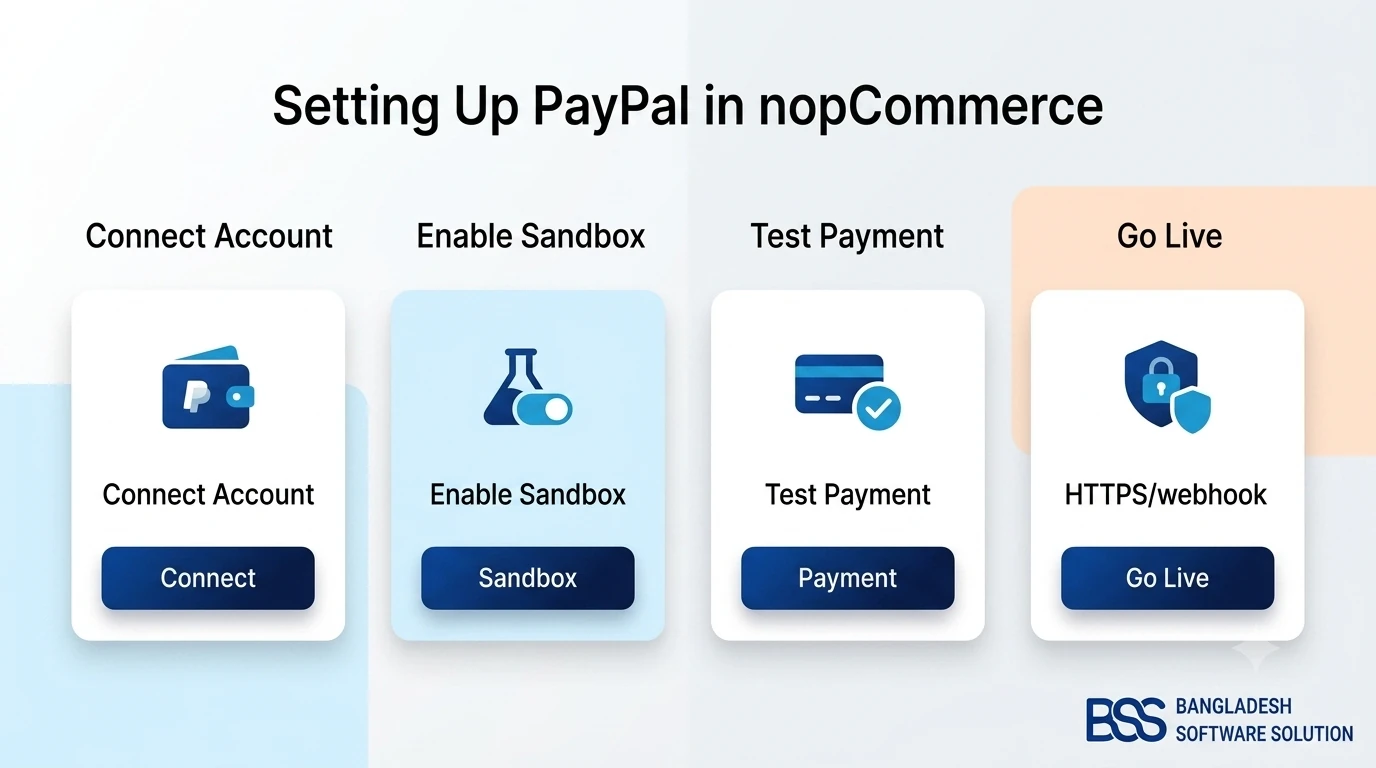
Test before you switch it on. Every serious gateway has a test mode, so place test orders through each method, refund one, and check that the order status and the confirmation email update. Our guide to nopCommerce payment plugins compared goes deeper on PayPal and Stripe.
If no plugin fits, the gateway may still be right. A custom plugin is a defined piece of work, and you can hire a .NET developer from BSS to build and test it against your checkout.
A plugin that works on the old version and fails quietly on the new one is the surprise we plan for on every upgrade. Before a gateway goes live, we check its plugin against the version the store runs and place real test orders through it. That work is part of our nopCommerce services.
A payment setup your buyers trust
BSS engineers set up, build and test nopCommerce payment integrations, from Stripe to local wallets, so your checkout takes every order it should.
Frequently Asked Questions
Final Thoughts
Go back to the shopper at the payment step. They need a method they trust. You need a total fee that fits your orders, a setup that keeps card numbers off your server, and a plugin that refunds and updates orders properly.
Take the five checks in that order, write down each provider's answers, and test the winner on a copy of your store before it takes a real order. The choice then rests on your buyers and your numbers.
Tell us where your buyers are and how they pay. We will say which gateways fit and what connecting them to nopCommerce takes.
Talk to an expert