Key takeaways
- Agree first which system owns each piece of data: the ERP usually owns stock, prices and products, and the store owns orders until the ERP accepts them.
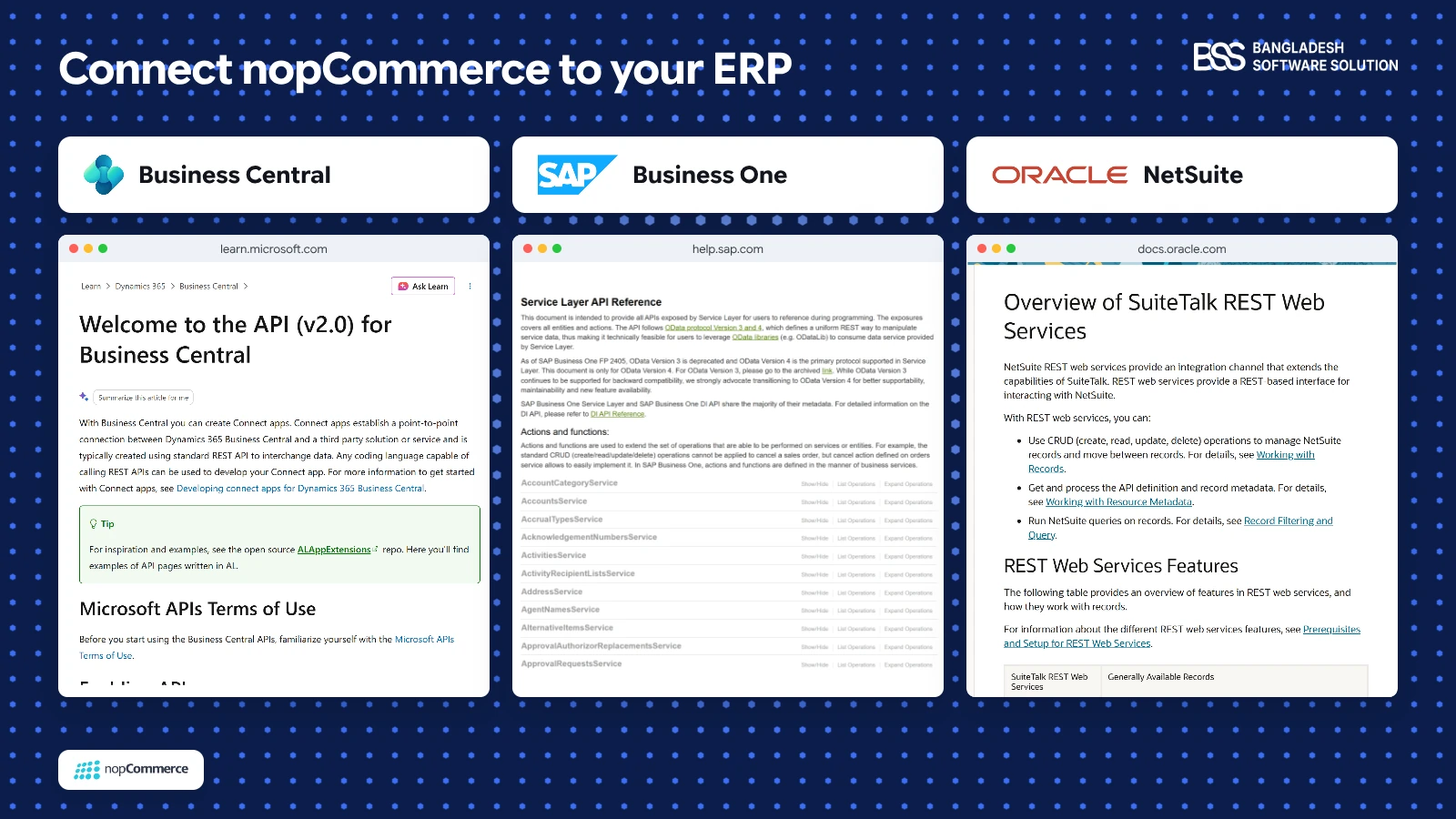
- Business Central has a REST API (v2.0), SAP Business One has the Service Layer on OData v4, and NetSuite has SuiteTalk REST web services.
- On the nopCommerce side, scheduled tasks run the sync and an API plugin lets the ERP side push and pull.
- Plan for failures from day one: retries, a log someone reads, and a way to resend one order.
Your nopCommerce store takes the orders, but stock, prices and invoices live in the ERP. Someone re-types orders every morning, and the website shows stock that sold yesterday. An ERP integration replaces that re-typing with a sync both sides trust.
This guide covers the three ERPs we are asked about most: Microsoft Dynamics 365 Business Central, SAP Business One and Oracle NetSuite. For each, it shows the interface a nopCommerce integration talks to. We checked each vendor's API documentation on 26 November 2026.
| Your ERP | The interface a store talks to | Read first |
|---|---|---|
| Business Central | API v2.0, a standard REST API | Business Central |
| SAP Business One | The Service Layer, a REST API on OData v4 | SAP Business One |
| NetSuite | SuiteTalk REST web services | NetSuite |
| Something else, or not sure | Its API documentation decides the plan | Ask our team |

What an ERP Integration Moves, and in Which Direction
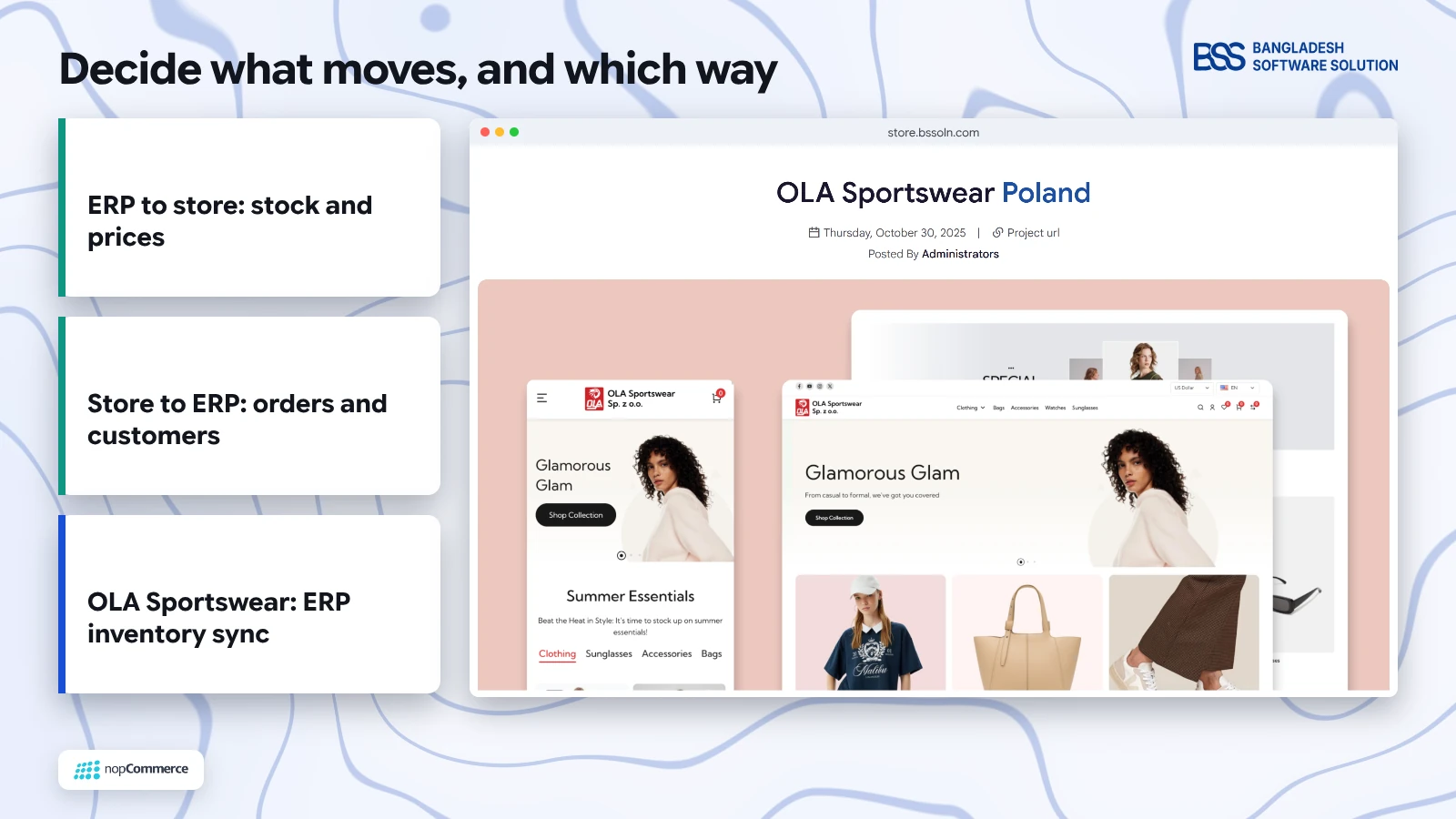
Start with a list, not a connector. Write down each kind of data, which system owns it, which way it moves and how fresh it must be. Most disputes during a project come from two systems that both think they own the price.
A common split puts products, stock and prices in the ERP and sends them to the store. Orders and new customers go the other way, from nopCommerce into the ERP, and order status and tracking numbers come back.
Decide how fresh each flow must be, too. Stock for a fast seller may need updating every few minutes, while product descriptions can wait for a nightly run. Each extra call costs API quota on the ERP side, so match the timing to what the business actually needs.
Our OLA Sportswear store is an example. It runs B2B and B2C for Europe on one nopCommerce install, with B2B approval, three currencies and inventory synced from the ERP.
| Data | Usually owned by | Direction | How fresh |
|---|---|---|---|
| Products and descriptions | ERP (or a PIM) | ERP to store | Daily or on change |
| Stock levels | ERP | ERP to store | Minutes, for fast sellers |
| Prices and customer price lists | ERP | ERP to store | On change |
| Orders | Store, until the ERP accepts them | Store to ERP | Minutes |
| Customers and B2B accounts | Agree per field | Both ways | On change |
| Order status and tracking | ERP | ERP to store | On change |

On an ERP project we agree the ownership table with the finance team on the client side before writing code. It is the cheapest hour of the project. Our third-party integration work starts there.
Connecting nopCommerce to an ERP, CRM or accounting system? BSS builds and maintains these integrations.
See integration servicesBusiness Central: Connect Through API v2.0
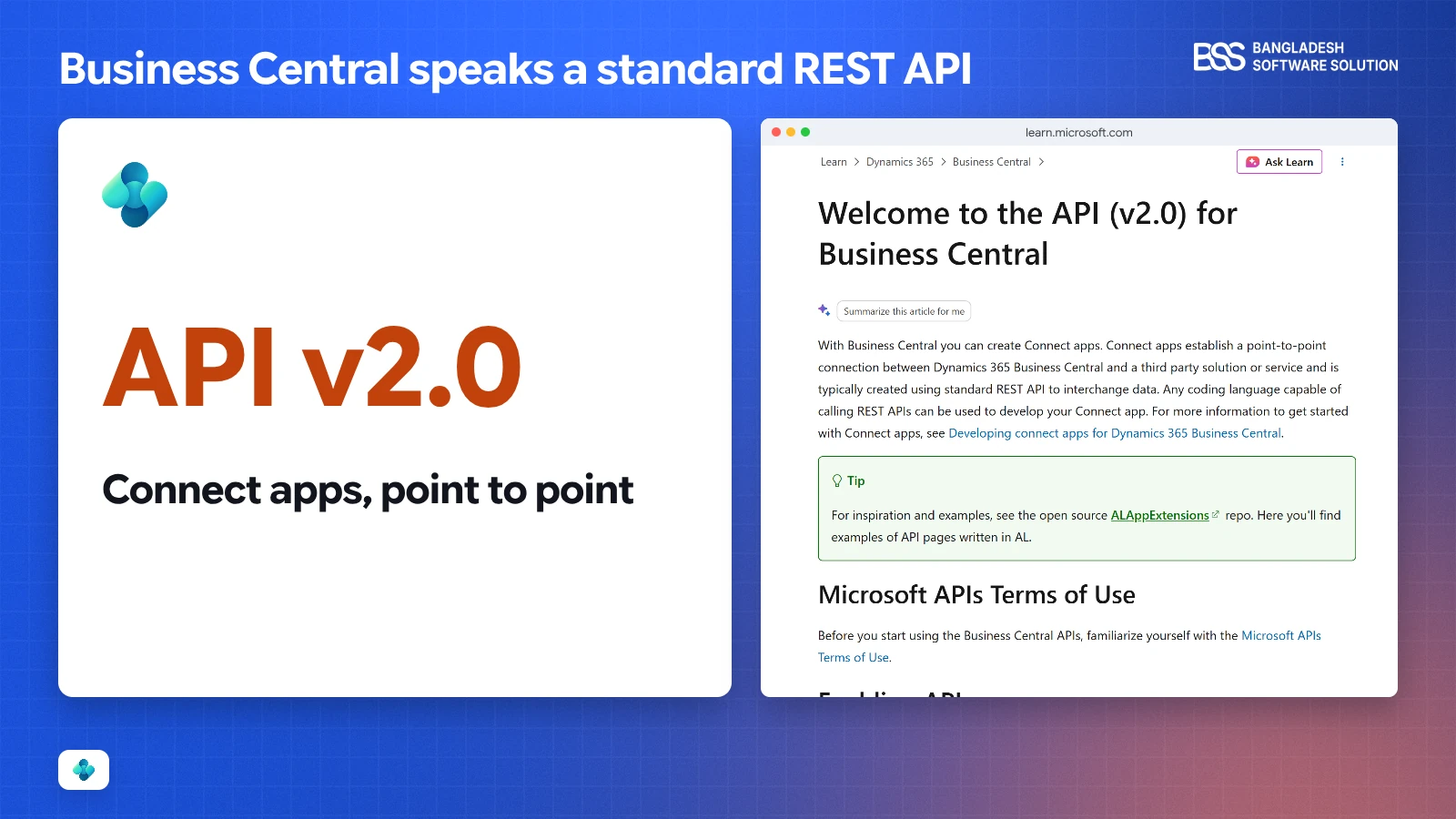
Business Central exposes API v2.0. Microsoft's documentation describes Connect apps: a point-to-point connection between Business Central and another service through its standard REST API, written in any language that can call REST.
For nopCommerce that means a .NET service or plugin that reads items, prices and stock from the API and posts sales orders back. Microsoft documents operational limits for Business Central online and supports webhooks, so the store can react to a change instead of polling for it.
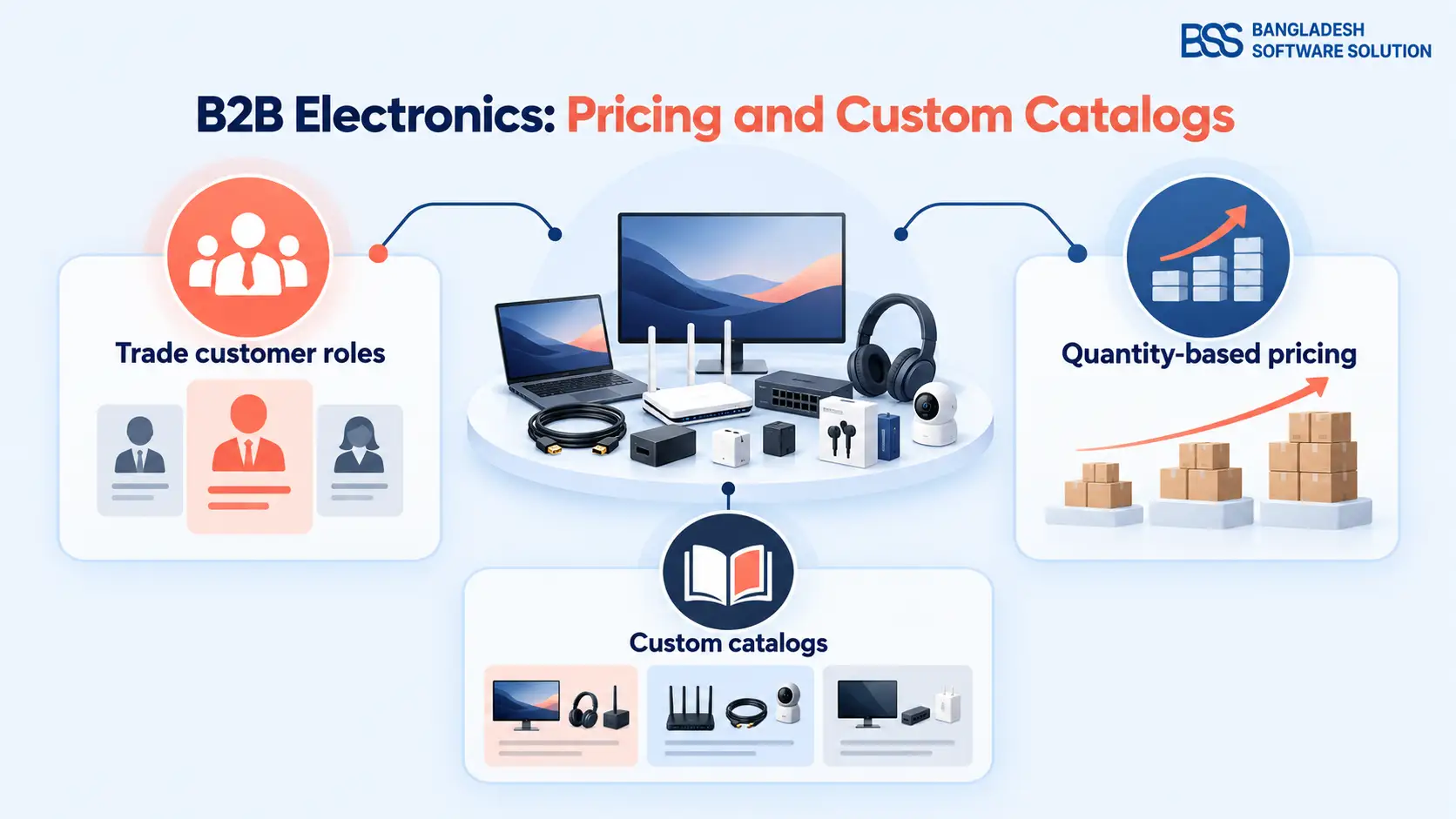
B2B stores need more than list prices. Business Central keeps customer price groups and discounts, and buyers expect to see their own price after they sign in. Decide whether the store calculates those prices from synced rules or asks the ERP per customer.
Read the limits page before you design the sync. A store with thousands of products should send changes, not the whole catalogue on every run.
SAP Business One: the Service Layer
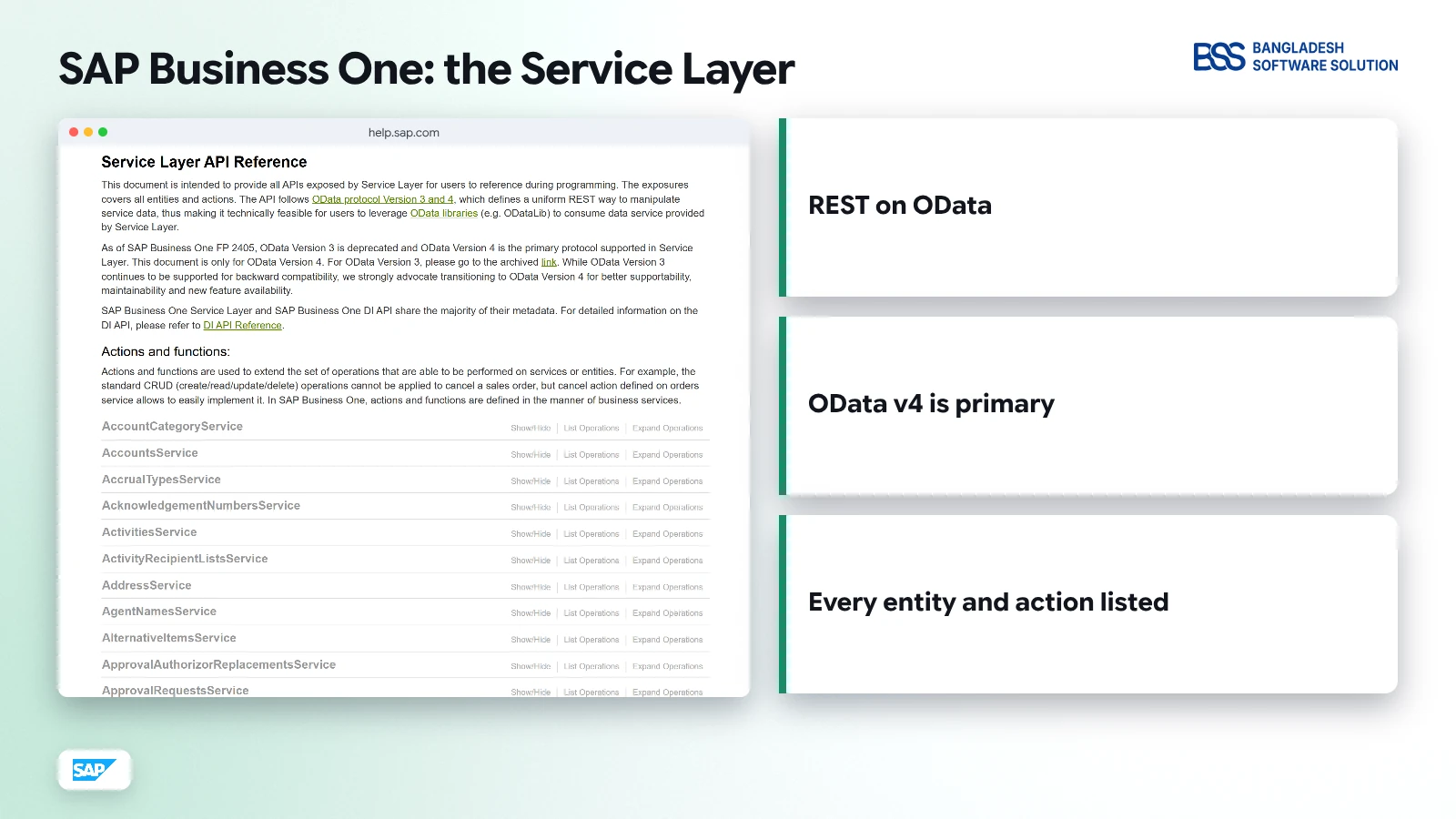
SAP Business One integrations go through the Service Layer, a REST API that follows the OData protocol. SAP's reference lists every entity and action it exposes. As of feature pack 2405, OData version 3 is deprecated and version 4 is the primary protocol.
Build a new nopCommerce integration on OData v4. Older connectors written against the DI API or OData v3 still run, but plan their replacement before your next SAP upgrade.
Map documents carefully. A web order can land in Business One as a sales order or go straight to an invoice, and the choice changes how stock is reserved. Ask the person who runs your warehouse, not only the developer.
Business One often runs on the customer's own servers. Agree early how the store reaches the Service Layer: a VPN, a published endpoint with a firewall rule, or a small agent inside the network.
NetSuite: SuiteTalk REST Web Services
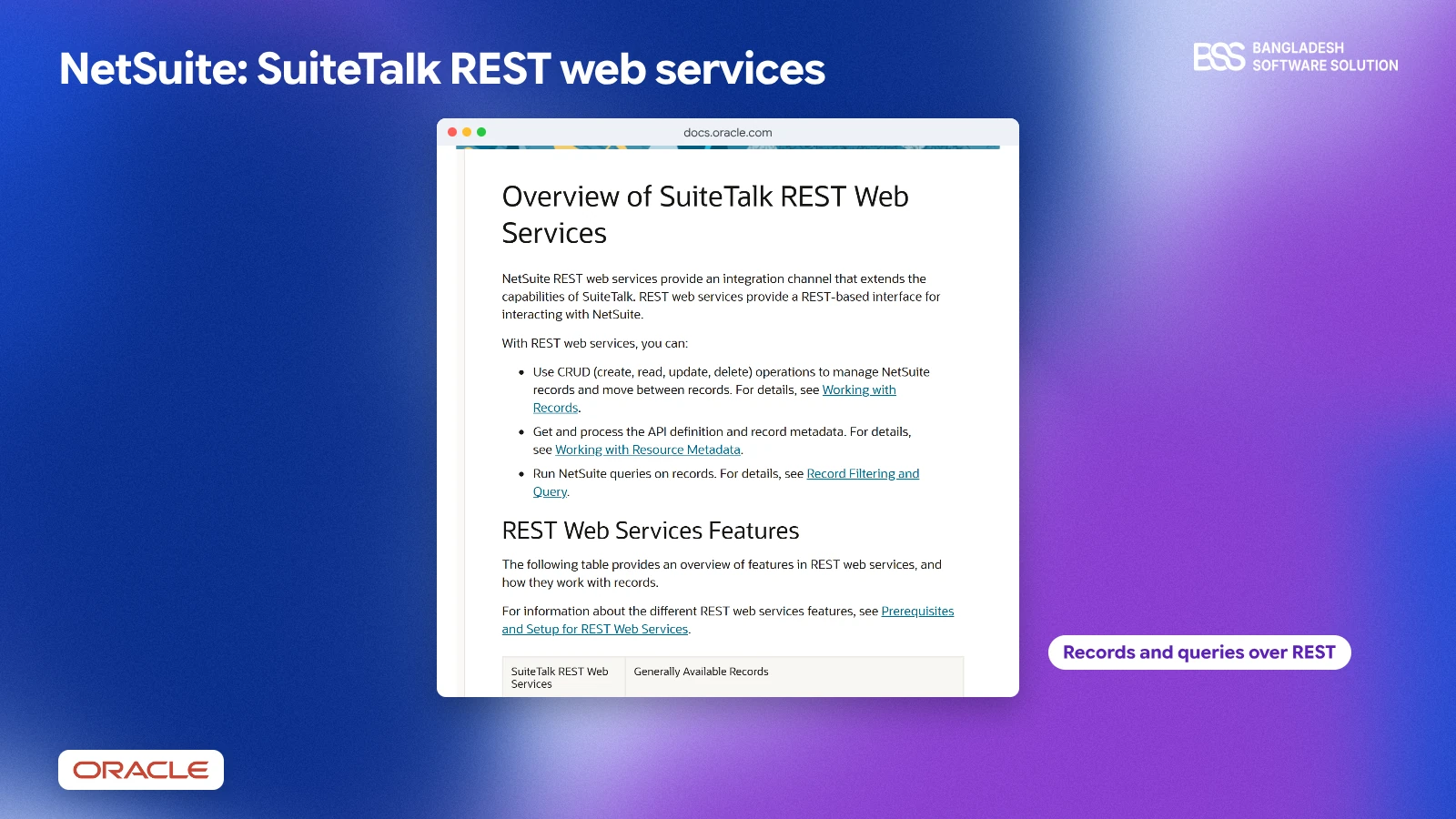
NetSuite offers SuiteTalk REST web services, a REST-based interface to NetSuite. The overview in Oracle's help lists three things they do: create, read, update and delete records, read record metadata, and run queries on records.
For a store, the record operations create sales orders and customers. Queries read items, stock by location and price levels in one call instead of one record at a time, which keeps large catalogues inside NetSuite's request limits.
NetSuite accounts are often customised with their own fields and forms. Read the record metadata for your account before mapping fields, because the standard documentation will not show your custom fields.
The nopCommerce Side: Scheduled Tasks and an API
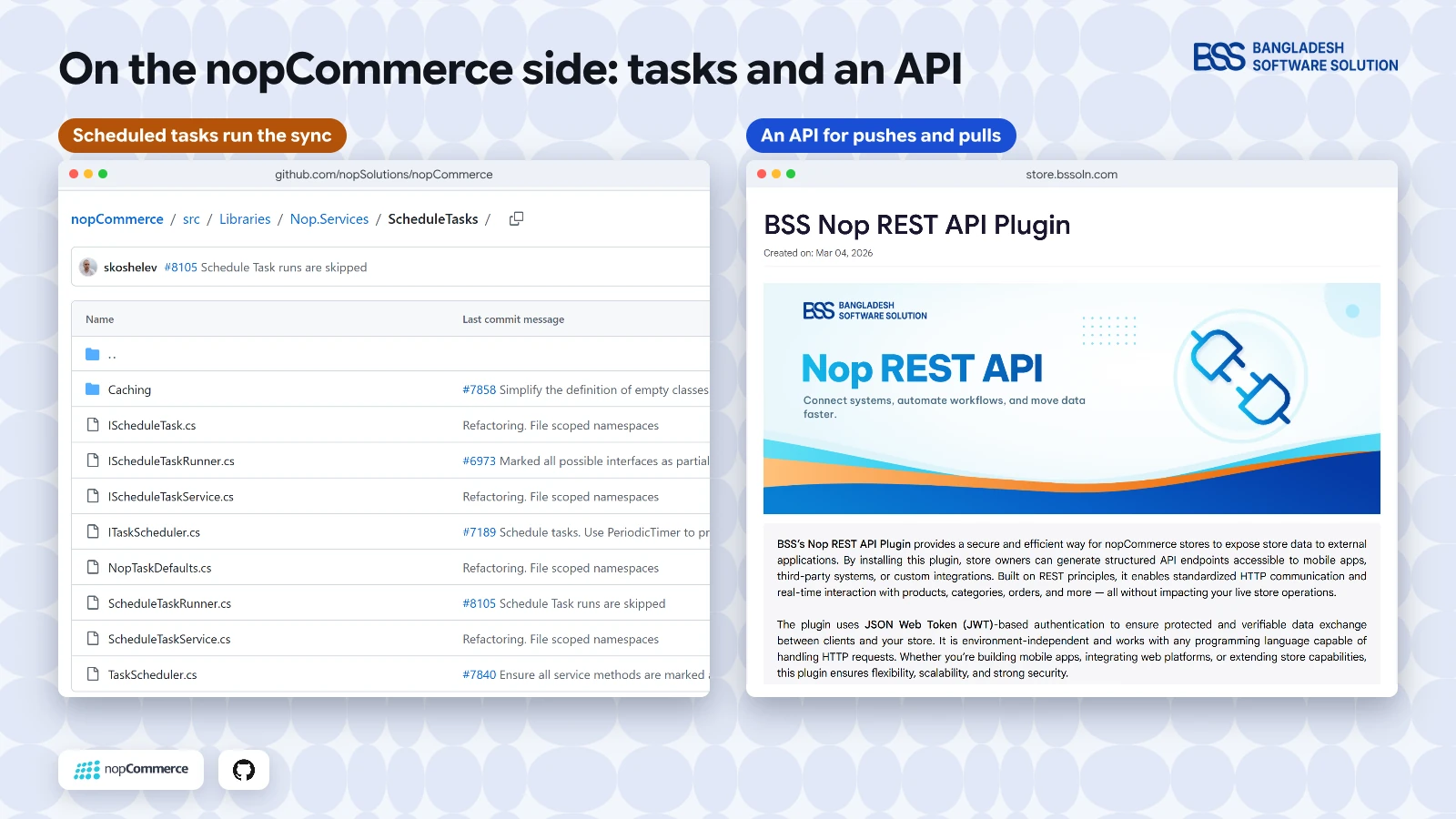
nopCommerce has a scheduled task system in its core, in the ScheduleTasks folder of the 5.00.1 source. An integration plugin adds its own tasks, such as importing stock every few minutes, and the admin can run, pause or reschedule them.
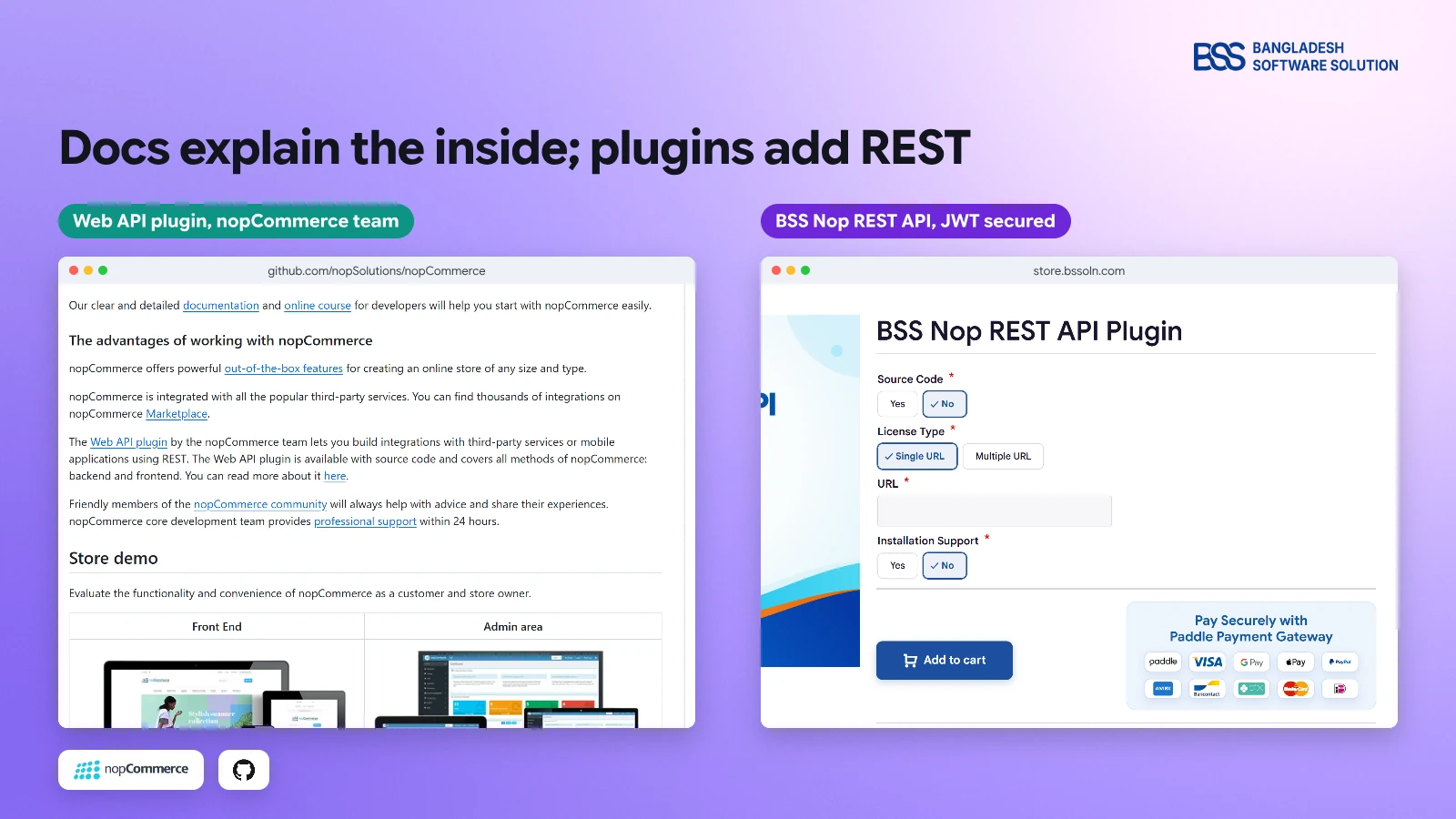
The other direction needs an API on the store, so the ERP side or a middleware service can read new orders and write back status. Our BSS Nop REST API Plugin exposes products, categories and orders over REST with JWT authentication.
REST endpoints for products, categories, orders and more, with JWT authentication, so an ERP connector or middleware can read and write store data.
You then pick where the integration logic runs. A nopCommerce plugin keeps everything in one application. A separate service or an integration platform adds a moving part, but it can retry, queue and log without touching the store.
There are three common ways to build it. A ready-made connector is the fastest start when one exists for your ERP version and fits your data. Middleware or an integration platform suits several systems at once.
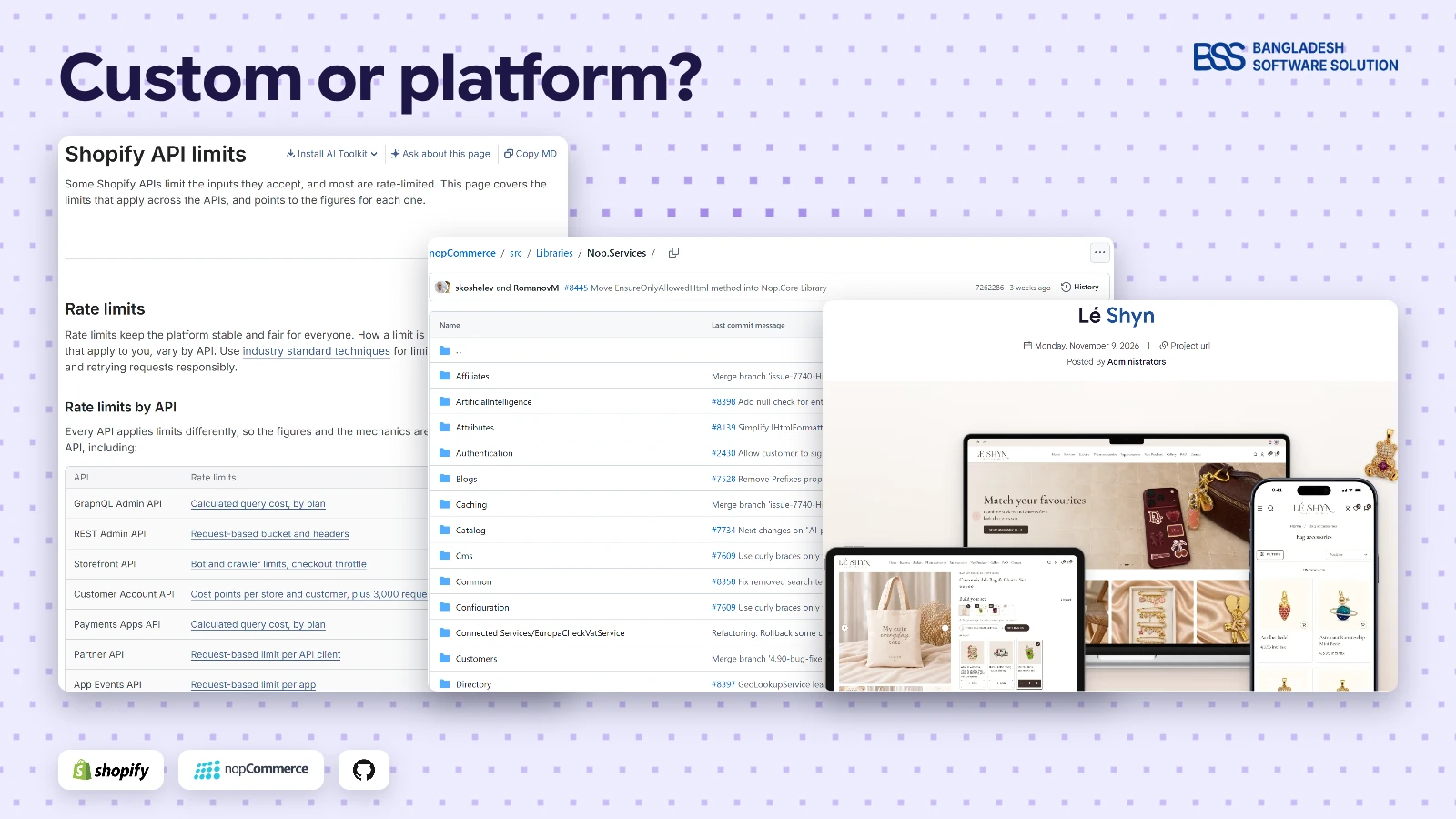
A custom integration fits when your rules, such as B2B pricing or multi-warehouse stock, go beyond what a connector maps.
Whichever you choose, plan the go-live. Run the sync against a test company first, then run it beside the manual process for a week and compare stock counts and order totals every day. Switch off the re-typing only when the numbers agree.
Plan the integration before the first line of code
- Ownership: one system owns each field, written down and signed off.
- Identifiers: products, customers and orders share a key both systems keep, usually the SKU and the ERP customer number.
- Frequency: stock every few minutes, catalogue daily, orders as they arrive.
- Failures: retries, a log someone reads, and a way to resend one order by hand.
- Test data: a copy of the store against a test company in the ERP, never the live books.
We put every ERP call behind a queue with a retry limit and an admin page that lists failed messages. When the ERP is down for an update, orders wait instead of disappearing. If you want this built for you, our nopCommerce services cover it.
We do not publish rates, because the cost depends on the ERP, the number of flows and how custom your rules are. We work as a fixed-price project for a scoped integration, hourly for changes to one that exists, or with a dedicated developer when the integration grows with your business.
Connect your store to your ERP
Tell us your ERP and what has to sync. We will map the data, pick the interface and give you a plan you can check before any work starts.
Frequently Asked Questions
Final Thoughts
The ERP you run decides the interface: API v2.0 for Business Central, the Service Layer for SAP Business One, SuiteTalk REST for NetSuite. The plan decides whether the project goes well.
Write the ownership table, agree the identifiers, and design for the day the ERP is offline. The code that follows is the smaller part of the work.
Send us your ERP and what has to sync. We will map it and plan the work with you.
Talk to an expert