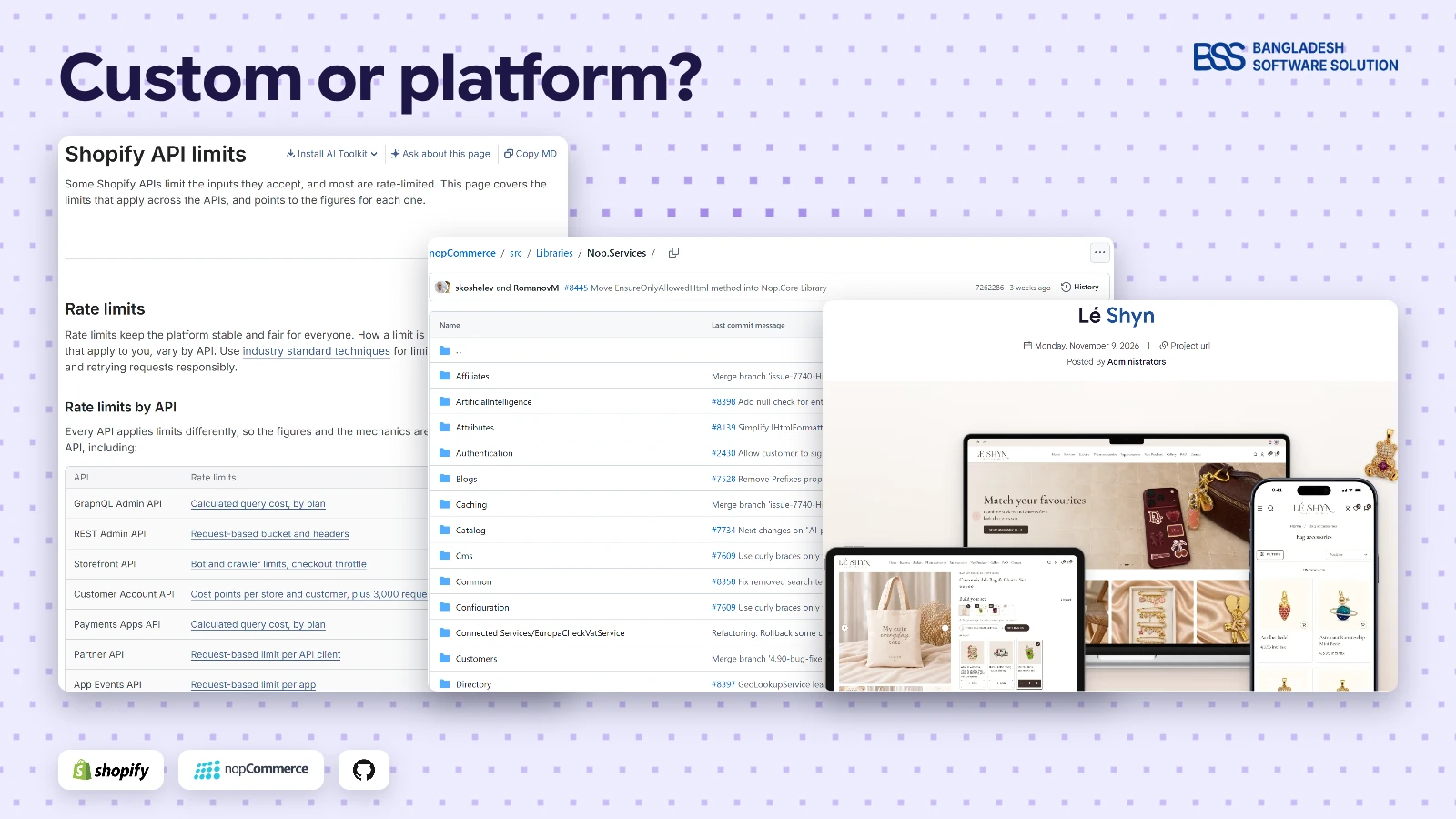
Key takeaways
- Most stores should start on a platform and pay for custom work only where their business runs differently.
- A from-scratch build has to write what a platform already ships: nopCommerce 5.00.1 has 40 service areas in its services library alone.
- The licence is the smallest cost line. Build, integrations, hosting and years of upgrades decide the total.
- An open-source platform is the middle path: you own the code and customise only the part that is yours.
You have outgrown a template store, or you are about to build your first serious one, and someone has quoted you a custom build. Before you sign, decide which of three paths you are on: rent a platform, adapt an open-source one, or build from scratch.
Our answer for most businesses is short: start on a platform and spend your custom budget on the part customers or staff would notice.
We build nopCommerce stores, themes and plugins, so weigh our view with that in mind. We also say below when nopCommerce is the wrong choice.
| You are | You want | Start with |
|---|---|---|
| A new store with a standard catalogue | To sell quickly with little technical work | A hosted (SaaS) platform |
| A growing business with its own pricing, B2B or ERP rules | To own the code and change any part of it | An open-source platform such as nopCommerce, customised |
| A business whose core product is the software itself | Behaviour no store platform models | A custom build, scoped hard |
| Unsure which of these you are | A second opinion before you commit | A short call with our team |
Three Ways to Get an Online Store in 2026
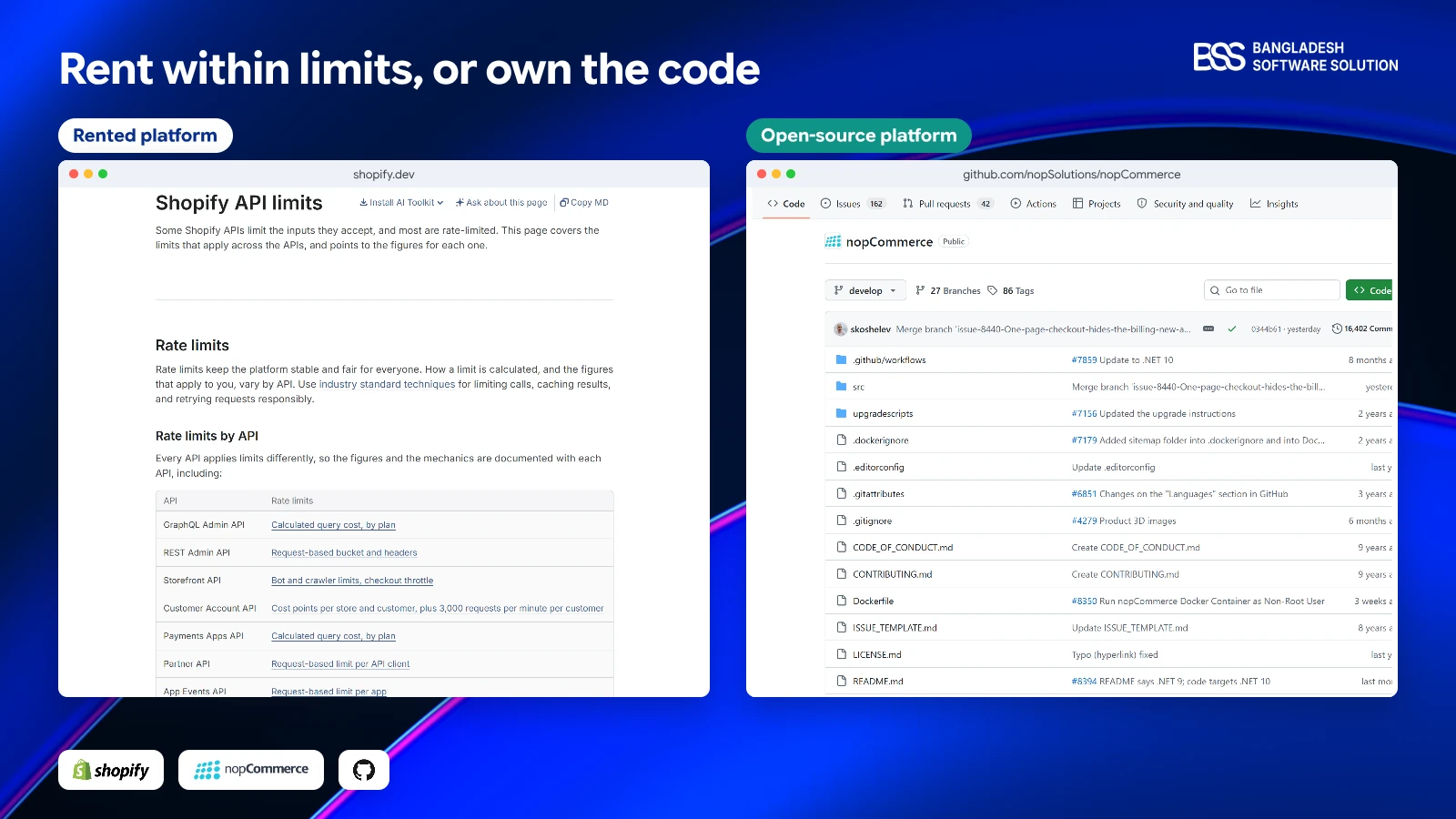
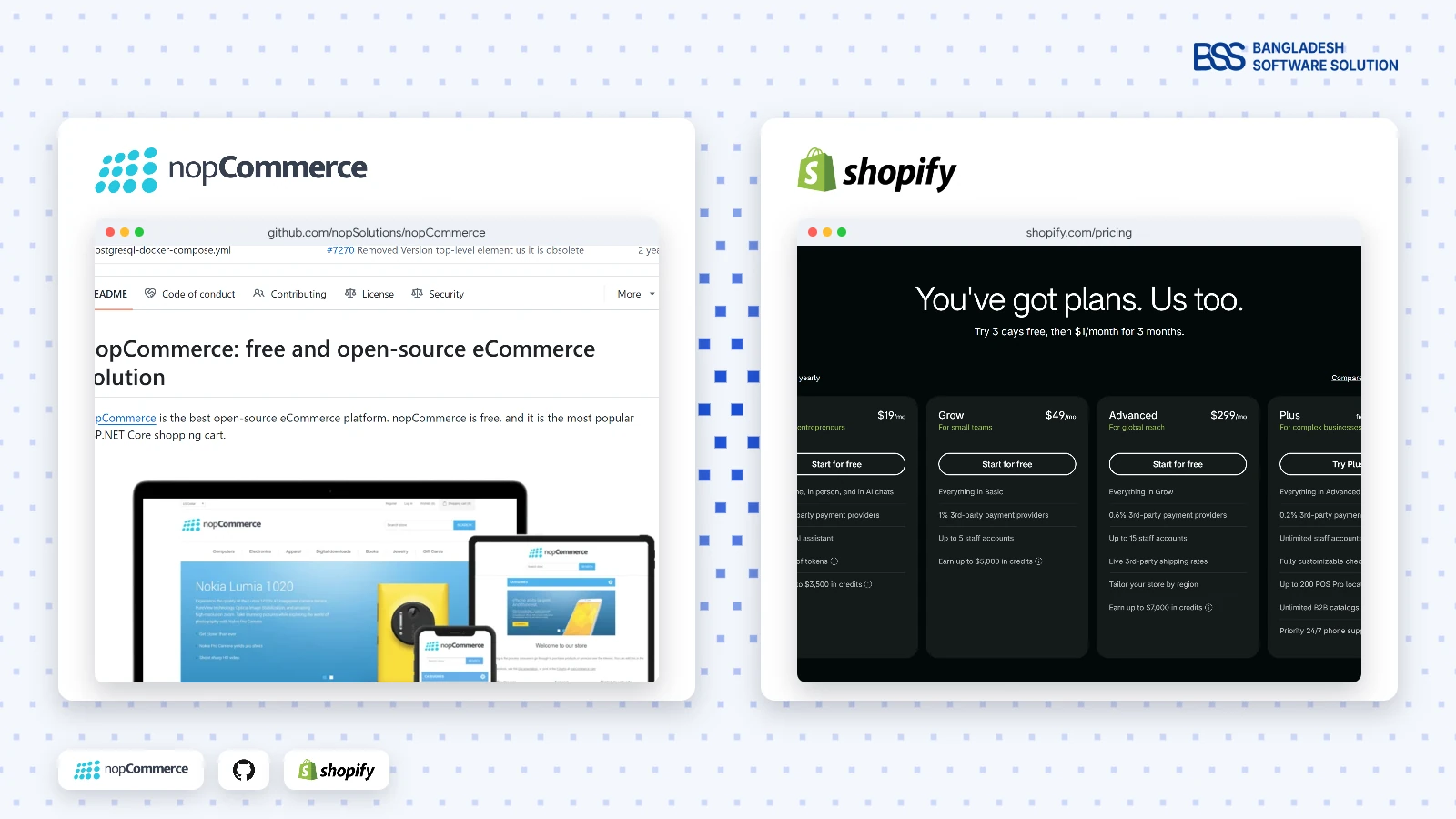
A hosted platform such as Shopify rents you a finished store. The vendor runs the servers, ships the updates and sets the rules. Its own developer documentation says most of its APIs are rate-limited, and every app you add works inside those limits.
An open-source platform such as nopCommerce gives you the source code. nopCommerce is free, written in C# on ASP.NET Core, and runs on SQL Server, MySQL or PostgreSQL. You or your developers host it and can change anything, from checkout to the admin.
That is fine for a standard catalogue. It gets harder when you need checkout logic of your own, customer-specific price lists or a two-way sync with an ERP. On a hosted plan those exist only where the vendor's APIs and app store allow them, and the next plan change can move the limits.
A custom build starts from an empty repository. Every screen, rule and integration is yours, and so is every bug, security patch and upgrade for as long as the store runs.
| Question | Hosted platform | Open-source platform | Custom build |
|---|---|---|---|
| Who owns the code | The vendor | You (under its licence) | You |
| Time to a first sale | Fastest | Fast with a theme | Slowest |
| Where custom work goes | Apps and the vendor's APIs | Plugins and the source itself | Everywhere |
| Who patches security | The vendor | The project and your team | Only your team |
| Biggest risk | Hitting the vendor's limits | Skipping upgrades | Cost and time overruns |
Not sure which path fits? BSS builds on nopCommerce, Shopify and WooCommerce, and builds custom when that is the honest answer.
See ecommerce developmentWhat a Custom Build Has to Rebuild First
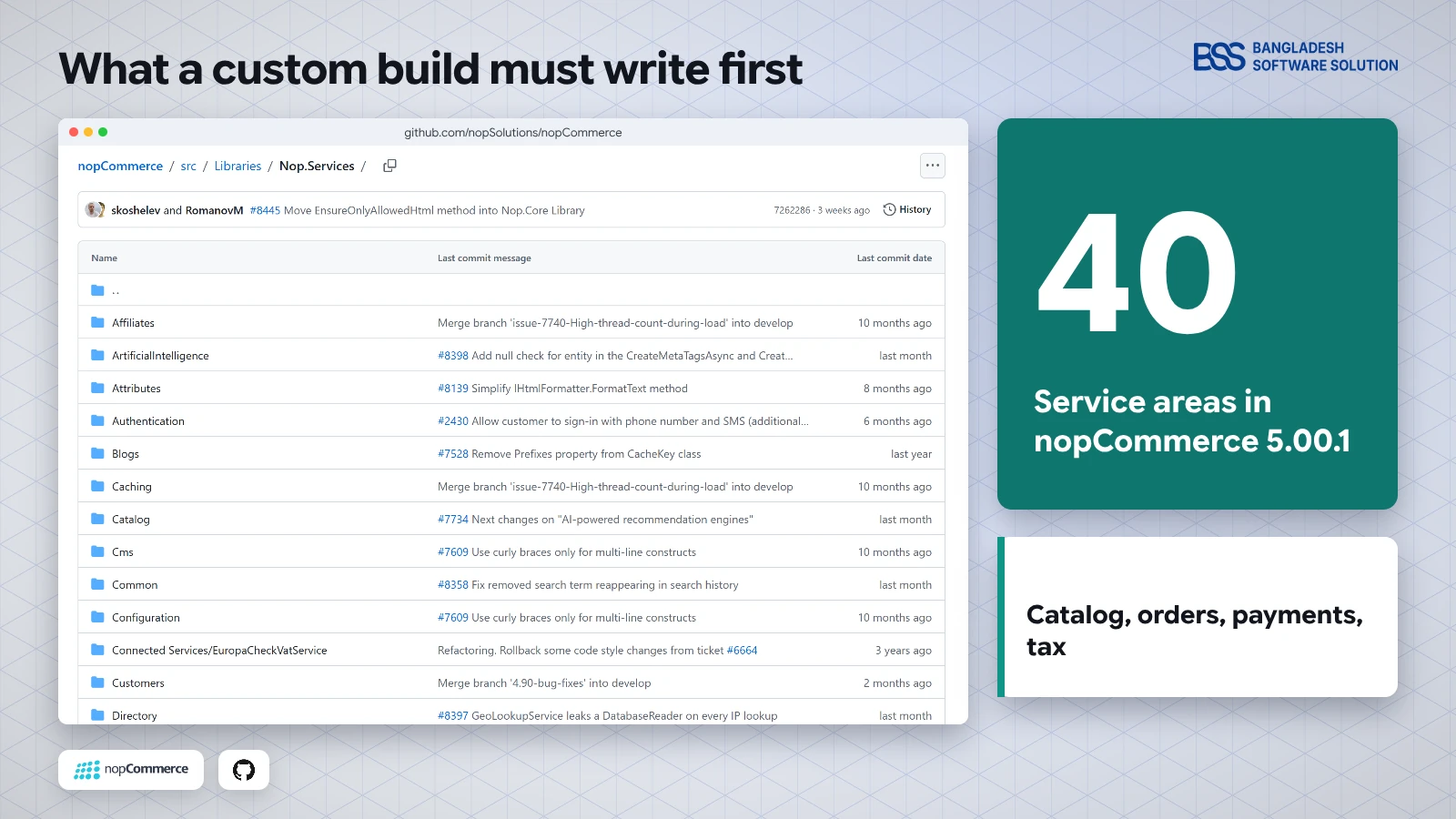
A quote for a custom store usually lists the features you asked for. It rarely lists the plumbing a platform already has. In the nopCommerce 5.00.1 source, the services library alone holds 40 service areas, from catalog, orders and payments to shipping, tax, discounts, customers and GDPR.
Each of those areas took years of fixes from real stores. A custom build starts at zero on all of them, and your first customers find the edge cases: a discount that stacks twice, a tax rule for one region, a refund that misses the stock count.
Security is the part teams forget to price. A platform's maintainers ship fixes for every store that runs it. On a custom build, your own team has to notice the problem, write the fix and deploy it, every time, for as long as the store is online.
That is also where custom budgets go. The visible features take a fraction of the time. Checkout, accounts, emails, the admin and the reports take the rest, and none of it makes your store different from anyone else's.

When a client brings a custom-build quote, we list what it leaves out against a platform's admin: returns, tax settings, email templates, user roles, import and export. That list often changes the decision before any code is written. Our ecommerce development team can run the same check on your quote.
Cost: Where the Money Goes in Each Path
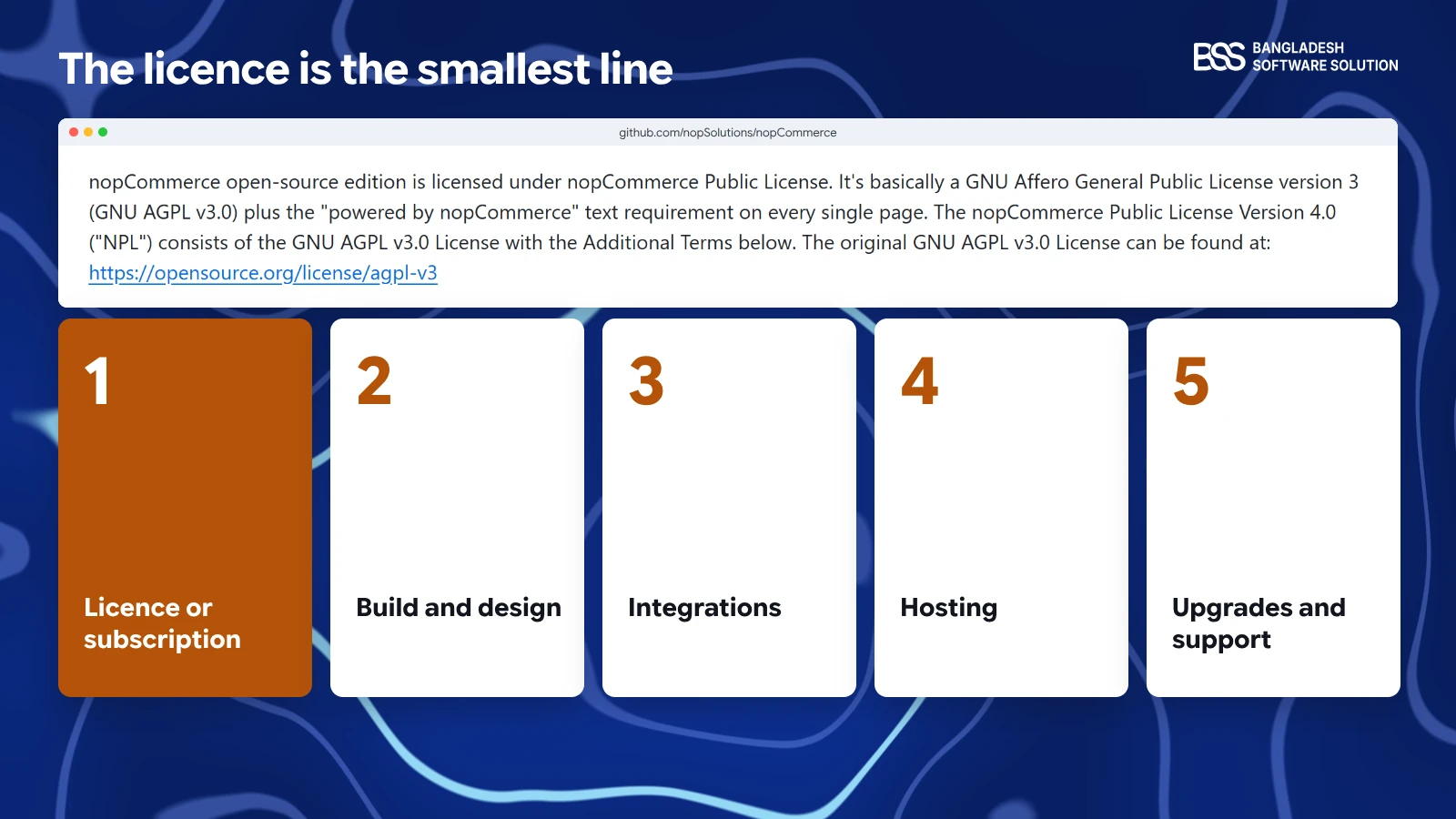
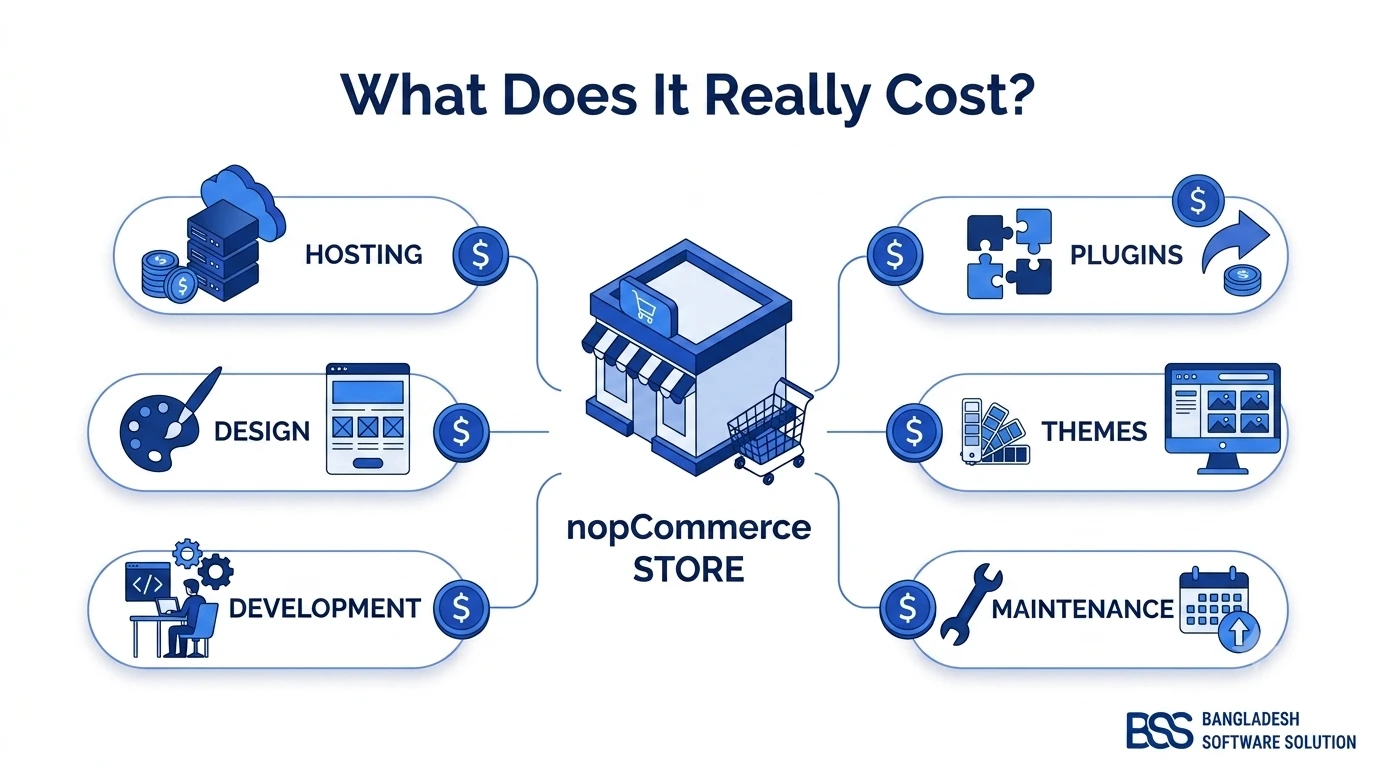
Every path pays the same five lines: a licence or subscription, the build and design, integrations, hosting, and upgrades with support. The paths differ in which line is large.
A hosted platform's subscription and app fees are the steady cost, and the build is small. nopCommerce costs nothing to license: it is the GNU AGPL v3 plus a visible "powered by nopCommerce" link, and removing that link is the paid option. Its larger lines are the build, hosting and upgrades.
A custom build moves almost everything into the build and upkeep lines. You pay to write the plumbing, then you pay a team to keep it secure for years.
| Cost line | Hosted platform | Open-source platform | Custom build |
|---|---|---|---|
| Licence or subscription | Monthly, plus apps | Free core; paid plugins and themes | None |
| Build and design | Small | Medium | Largest |
| Integrations | Apps or vendor APIs | Plugins or code | All code |
| Hosting | Included | Yours to run | Yours to run |
| Upgrades and support | Vendor ships them | Planned version upgrades | All on your team |
Upgrades are the line people leave out of a first quote. nopCommerce moved from 4.90 to 5.0 on .NET 10, and every plugin lists the versions it supports. Plan one upgrade window a year, and read our 4.90 to 5.0 upgrade guide to see what one involves.
We do not publish rates in our guides. For real figures on a nopCommerce build, read what a nopCommerce store costs and our B2B build cost guide, then ask for a quote against your own feature list.
When Custom Ecommerce Development Pays Off
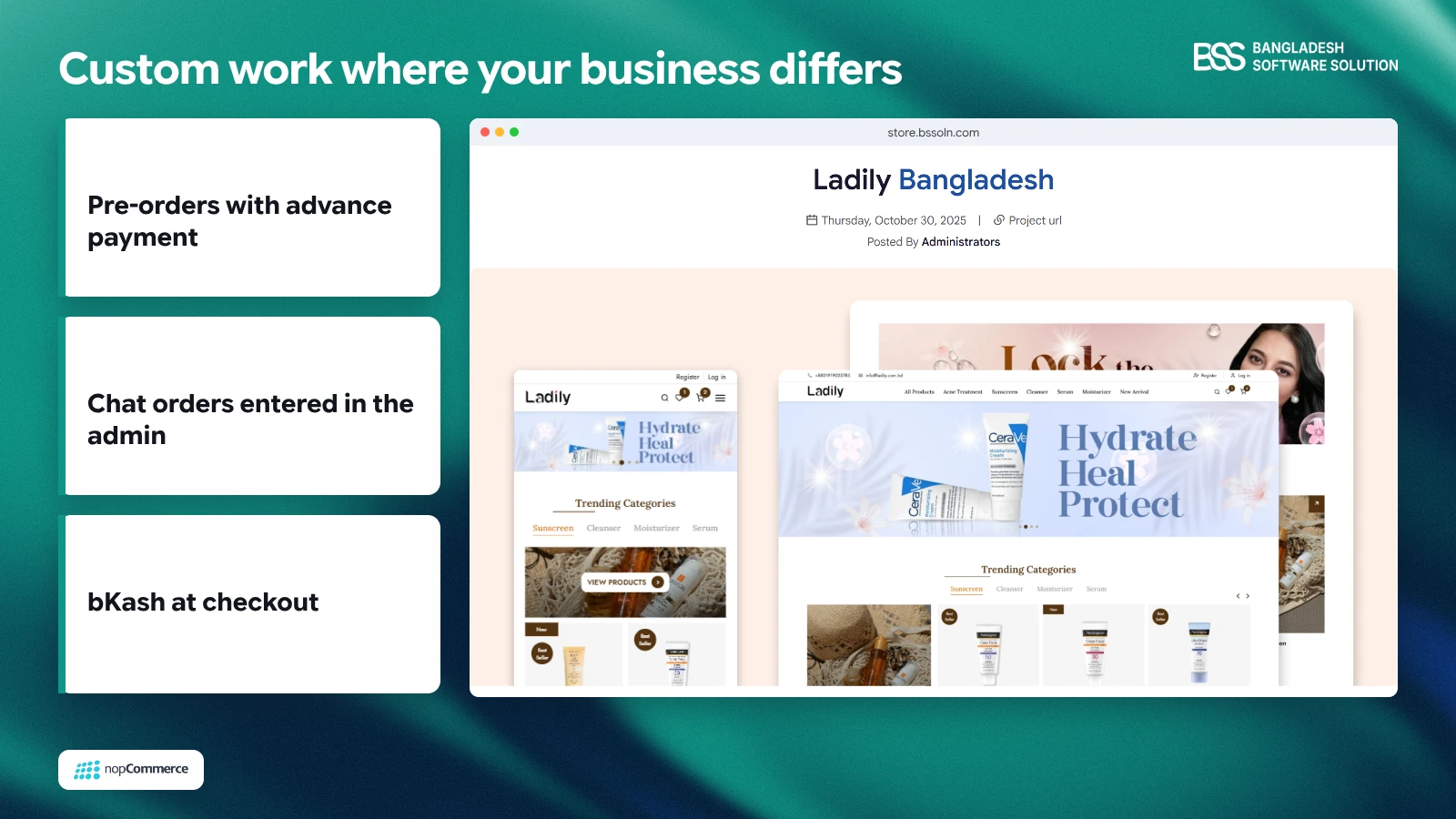
Custom work pays where your business runs differently from the default and customers or staff feel it every day. Our Ladily case study is a small example. The skin care business sold through Facebook, so we moved it onto nopCommerce and added what its trade needed.
That meant pre-orders with advance payment, entering chat orders in the admin, and bKash at a one-page checkout. None of that needed a store written from scratch. It needed a platform and a few pieces of custom work.
A full custom build earns its cost in fewer cases. Your product may be the software itself, your rules may break every platform's data model, or you may already run a team that will own the code for years.
If you do build something custom, scope it like a product. Write what it must do in plain sentences a tester can check, build it as a separate module where the platform allows, and test it on a copy of the store before it goes live.
Then budget for its future. Every custom piece needs an owner, a test plan and a slot in each platform upgrade. A feature nobody owns becomes the reason a store stays on an old version.
Five questions before you commit to custom
- Difference: which part of your store would a customer or buyer notice is unlike your competitors?
- Platform fit: can a platform plus a plugin do that part, even with some changes?
- Ownership: who fixes the store at night and patches it every year after launch?
- Integrations: which systems (ERP, accounting, shipping) must it talk to, and do connectors exist?
- Exit: if the first team leaves, can another team pick up the code?
The Middle Path: Custom Work on an Open-Source Platform
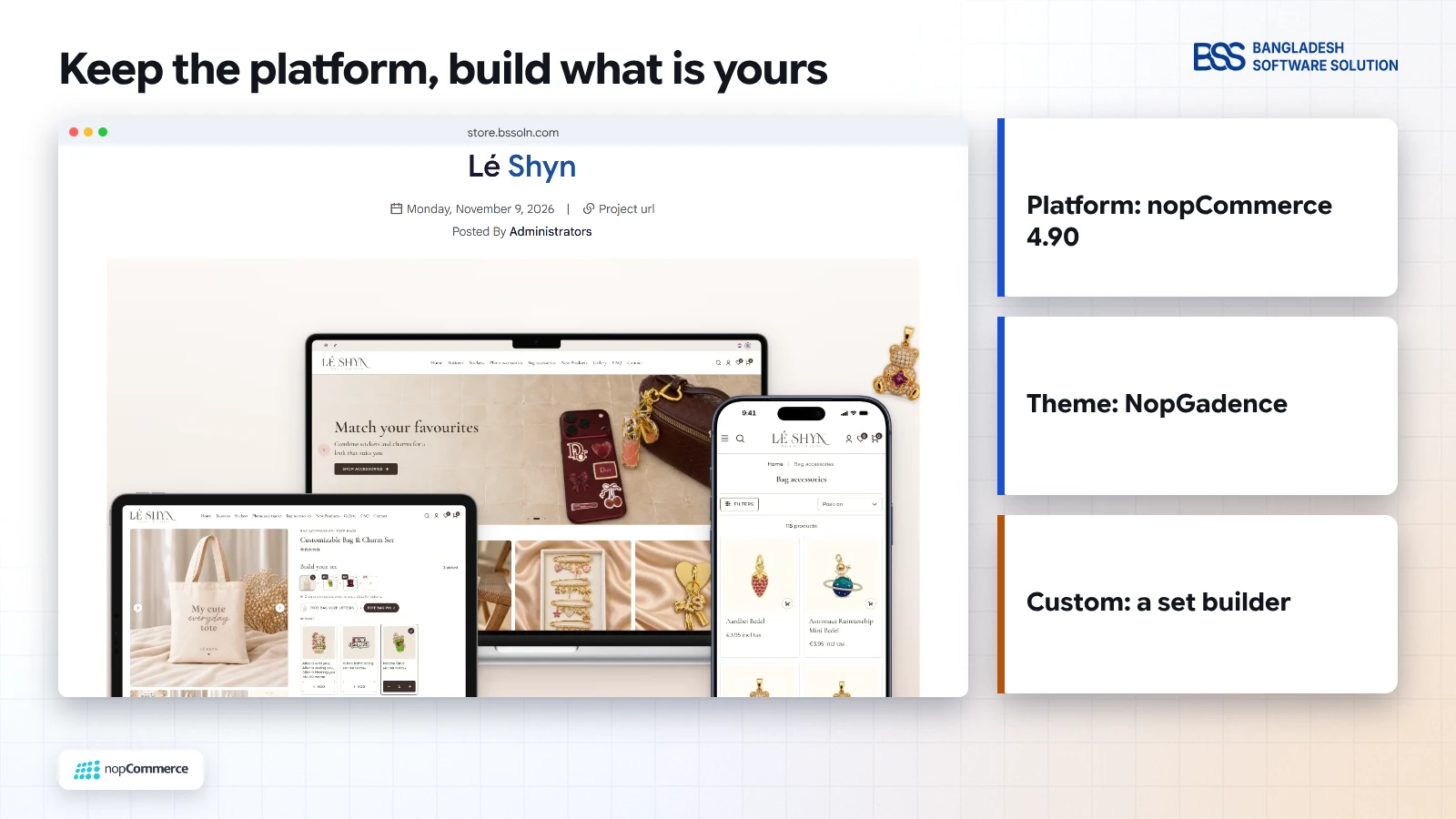
Most of our projects sit between the two extremes. Lé Shyn, a Dutch accessories brand, runs nopCommerce 4.90 on our NopGadence theme in its own colours. The custom part is a charm-pin set builder, plus Dutch and English and its payment and shipping connections.
The platform handles the catalogue, checkout, orders and admin. The budget went on the set builder, the one feature that makes the shop different. When nopCommerce ships a new version, the custom work is a plugin to upgrade, not a whole store.
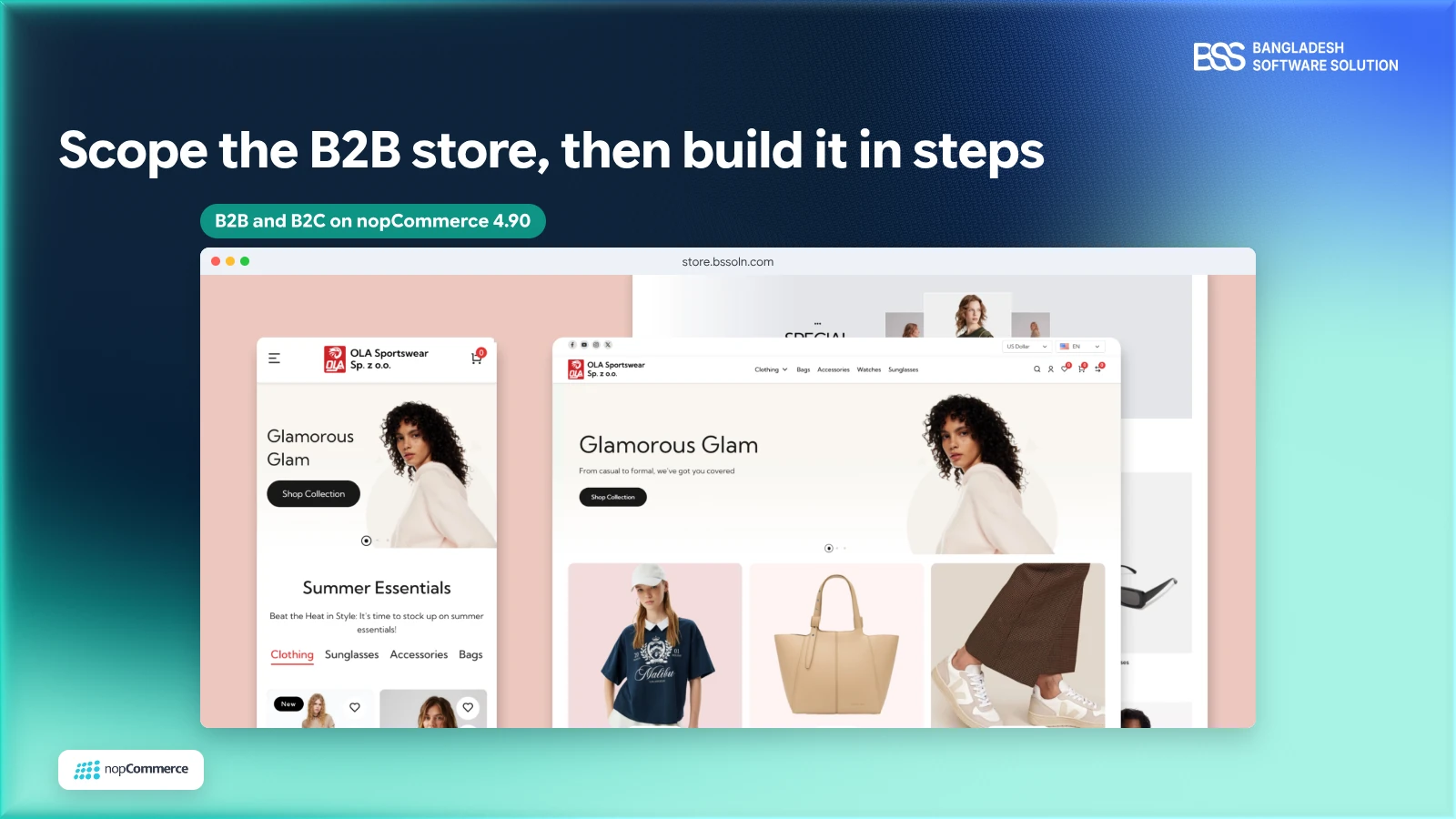
The same pattern works for B2B. Our OLA Sportswear store runs B2B and B2C on one nopCommerce install, with B2B approval and inventory synced from the ERP.
Pre-built front-end endpoints for your nopCommerce store, so a mobile app or custom front end can sit on the platform instead of replacing it.
The middle path also covers apps and custom front ends. A mobile app can read the catalogue and place orders through an API while nopCommerce keeps running checkout, stock and the admin. Our guide to a nopCommerce mobile app with a REST API walks through that setup.
nopCommerce is the wrong middle path in some cases. If nobody on your side will own a .NET application, a hosted platform is safer. If your team writes PHP and nothing else, a PHP platform will cost you less to maintain.
We write client-specific features as plugins wherever we can, so the core stays close to the official release. Upgrades then mean moving a handful of plugins to the new version, which is far cheaper than merging changes made inside the core. That is how we run our nopCommerce services.
Build, adapt or rent?
Send us your feature list. We will mark which parts a platform already covers and which need custom work, and you decide from there.
Frequently Asked Questions
Final Thoughts
Custom ecommerce development is a good buy for the part of your store that is yours alone. For everything else, a platform has already done the work and will keep doing it with each release.
List what makes your business different, check whether a platform plus a plugin covers it, and spend the custom budget only on what is left. If you want a second pair of eyes on that list, our team is one message away.
Send us your feature list. We will show you what a platform covers and what is worth building.
Talk to an expert