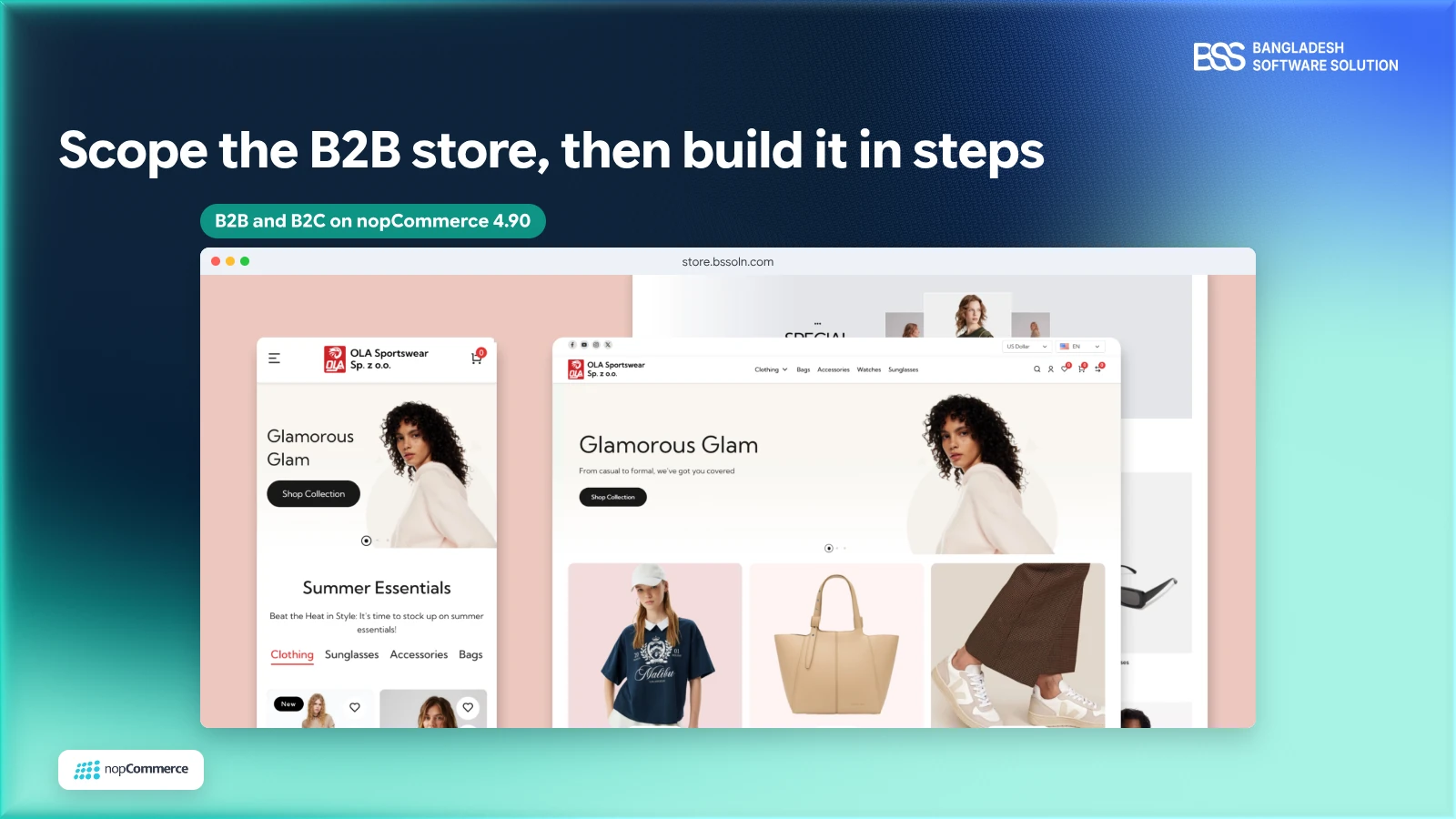
Key takeaways
- Scope sets the price of a B2B store: buyer accounts, pricing rules, approvals, languages, currencies and, above all, integrations.
- Use what the platform already does first. nopCommerce has tier prices and customer roles built in, so they cost configuration, not development.
- Standard B2B workflows can come from a plugin. Custom code is for what makes your business different.
- Build in five steps with a sign-off after each, and ask every supplier to quote against the same written scope.
You ask three agencies what a B2B ecommerce website costs and get three answers that are far apart. Each one is pricing a different store, because nobody has written down which store you need.
This guide does not give you a single number, and you should be wary of anyone who does before seeing your scope. It shows what moves the cost, what you can avoid paying for, and a build plan that turns a vague estimate into a quote you can compare.
Key fact: the same B2B site can be a configuration job or a long custom build. The difference is usually the integrations and the rules that are unique to your business, not the pages.
We build B2B and B2C stores on nopCommerce, and the examples below come from that work and from the official nopCommerce documentation.
What Decides the Cost of a B2B Ecommerce Website
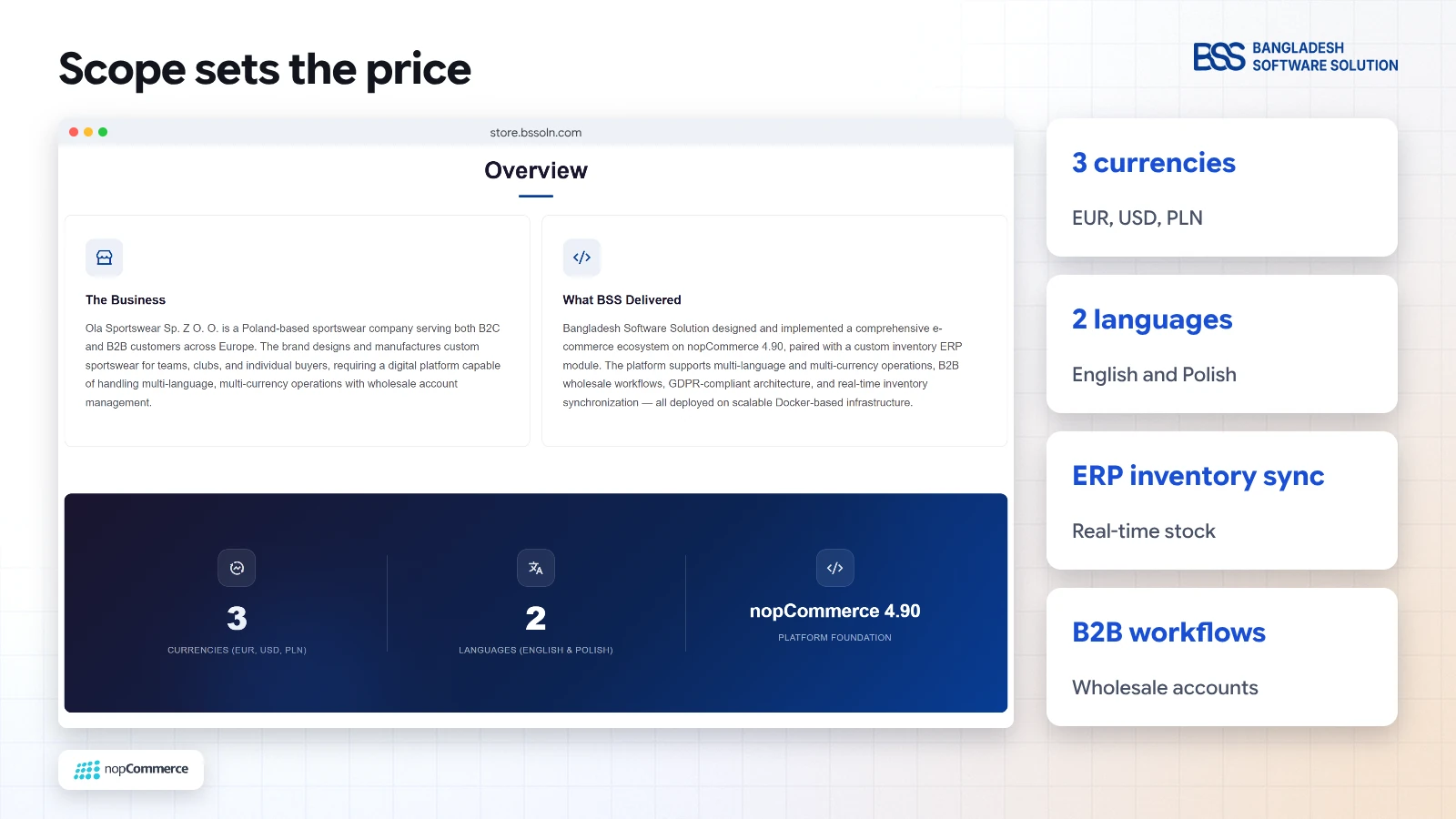
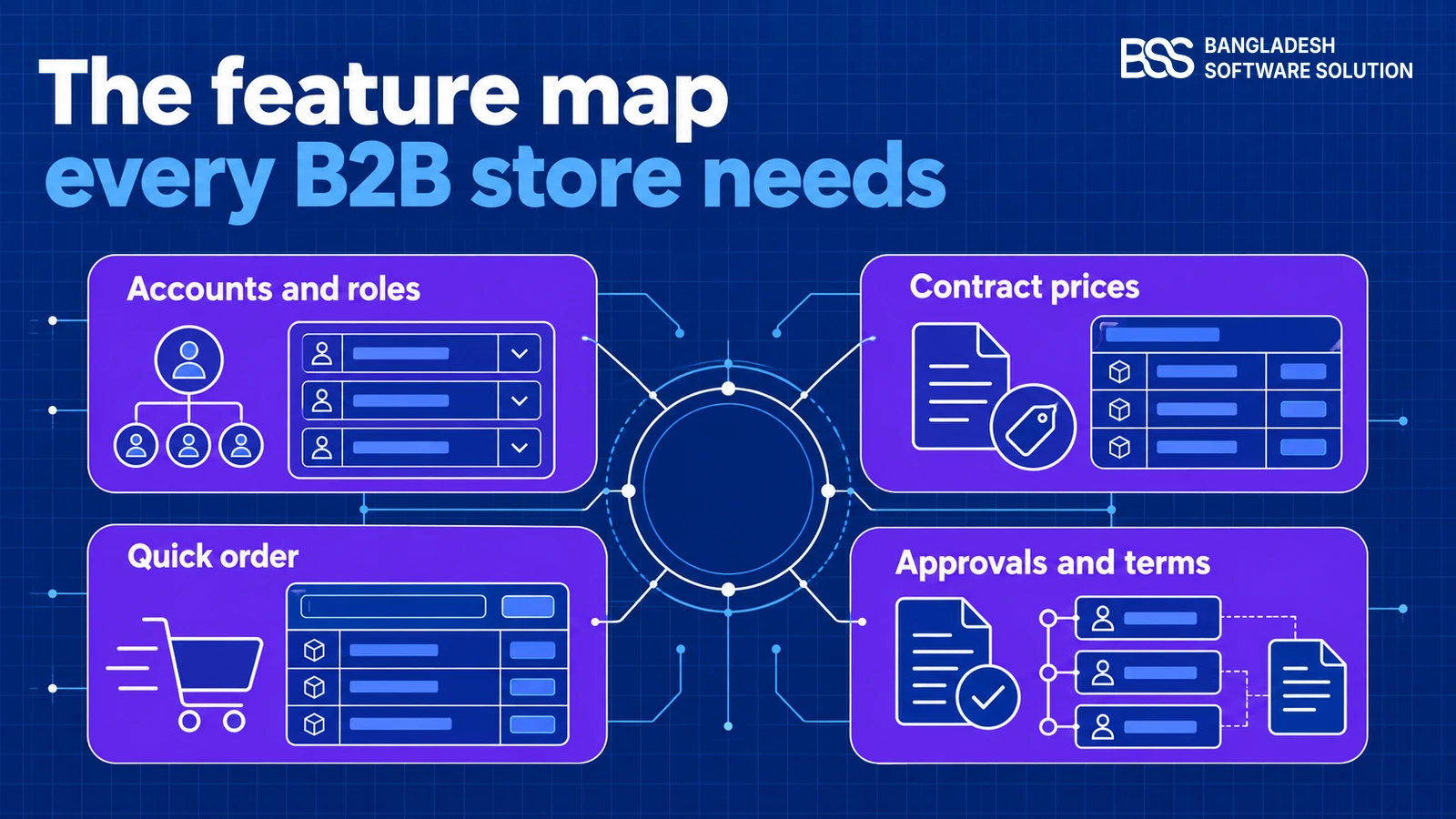
A B2B store does more than a retail shop. Buyers log in as companies, see their own prices, order in bulk, and sometimes need approval before an order goes through. Each of those rules is work to set up and test.
A real scope makes this concrete. For OLA Sportswear, a Polish sportswear brand selling to both businesses and consumers, the build included B2B wholesale workflows, a custom inventory ERP module with real-time stock sync, 3 currencies and 2 languages, all on nopCommerce 4.90.
| Cost driver | Why it moves the price |
|---|---|
| Buyer accounts and roles | Companies with several users, approval rights and their own terms need setup and testing for each role |
| Pricing rules | Tier prices are standard; negotiated contract prices per company take more work |
| Integrations | An ERP, accounting or warehouse system adds mapping, sync rules and error handling |
| Catalog size and data | Importing and cleaning thousands of products and customer records is often underestimated |
| Languages, currencies and tax | Each market adds translations, prices and tax rules to set up and check |
Integrations are usually the biggest line on a B2B quote. A connection to an ERP has to agree on products, stock, prices and orders, in both directions, and recover when one side is down.
Planning a B2B store? BSS scopes and builds B2B ecommerce on nopCommerce, from buyer accounts to ERP integration.
View nopCommerce servicesStart With What the Platform Already Does
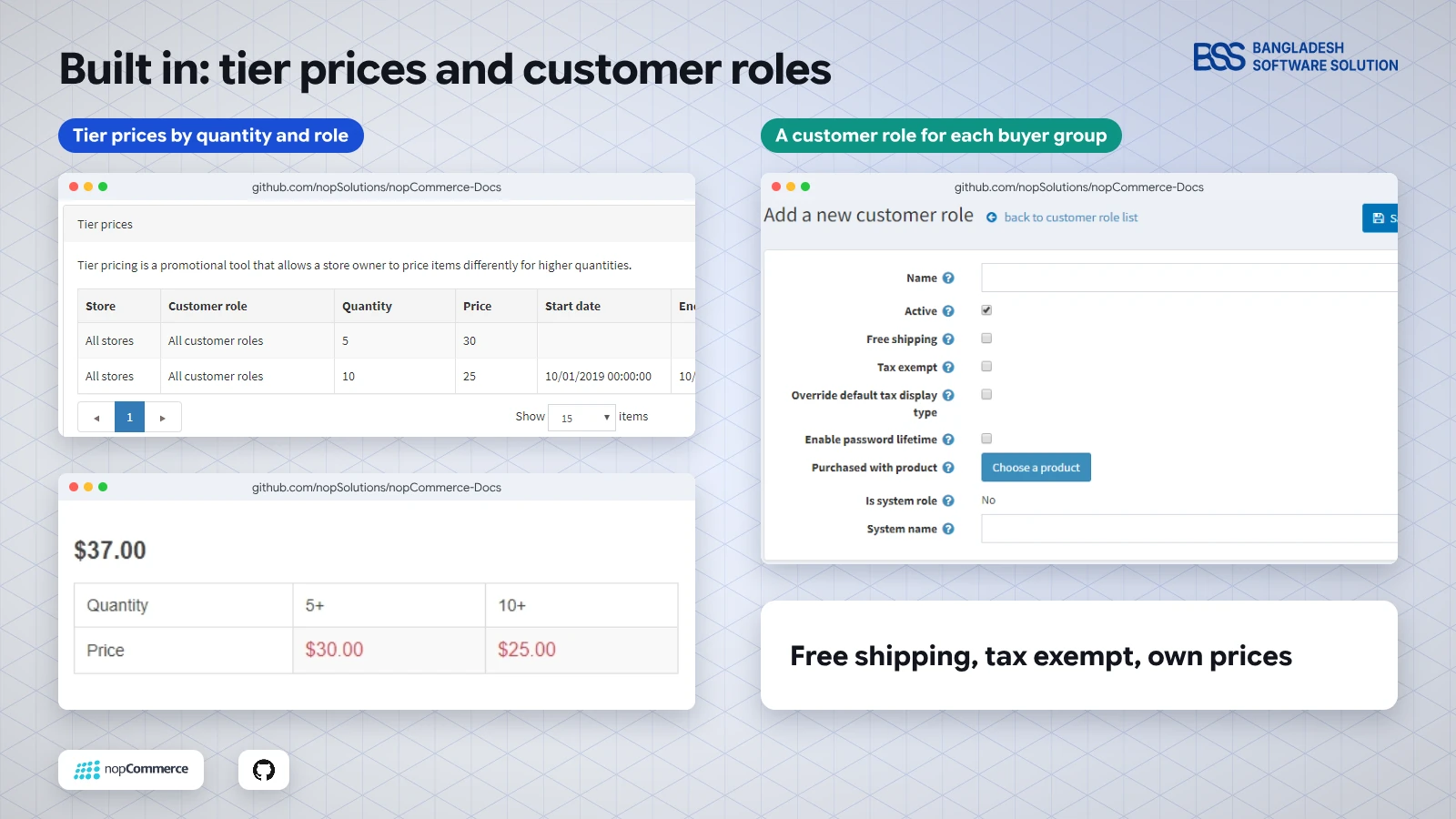
Every feature the platform has built in is one you pay to configure rather than develop. Before any quote, check what your platform already covers for B2B.
In nopCommerce, the official documentation describes tier prices, which change a product's price by quantity. Each tier can be limited to a customer role and given start and end dates, so wholesale buyers can see volume prices that retail shoppers do not.
Customer roles group your buyers. The documentation lists options such as free shipping and tax exemption for a role, and roles work with the access control list to decide who sees what. A distributor role, a retailer role and a staff role are configuration, not code.
For more on what version 5.0 adds for wholesale stores, see nopCommerce 5.0 B2B: what is built in now. If you are still choosing a platform, our comparison of B2B ecommerce platforms covers the options.

On the B2B stores we build, we map each buyer rule to a built-in feature, a plugin or custom code before anyone estimates. That short list does more to keep a quote honest than any other step. It is how our eCommerce development projects start.
Use a Plugin for Standard B2B Workflows
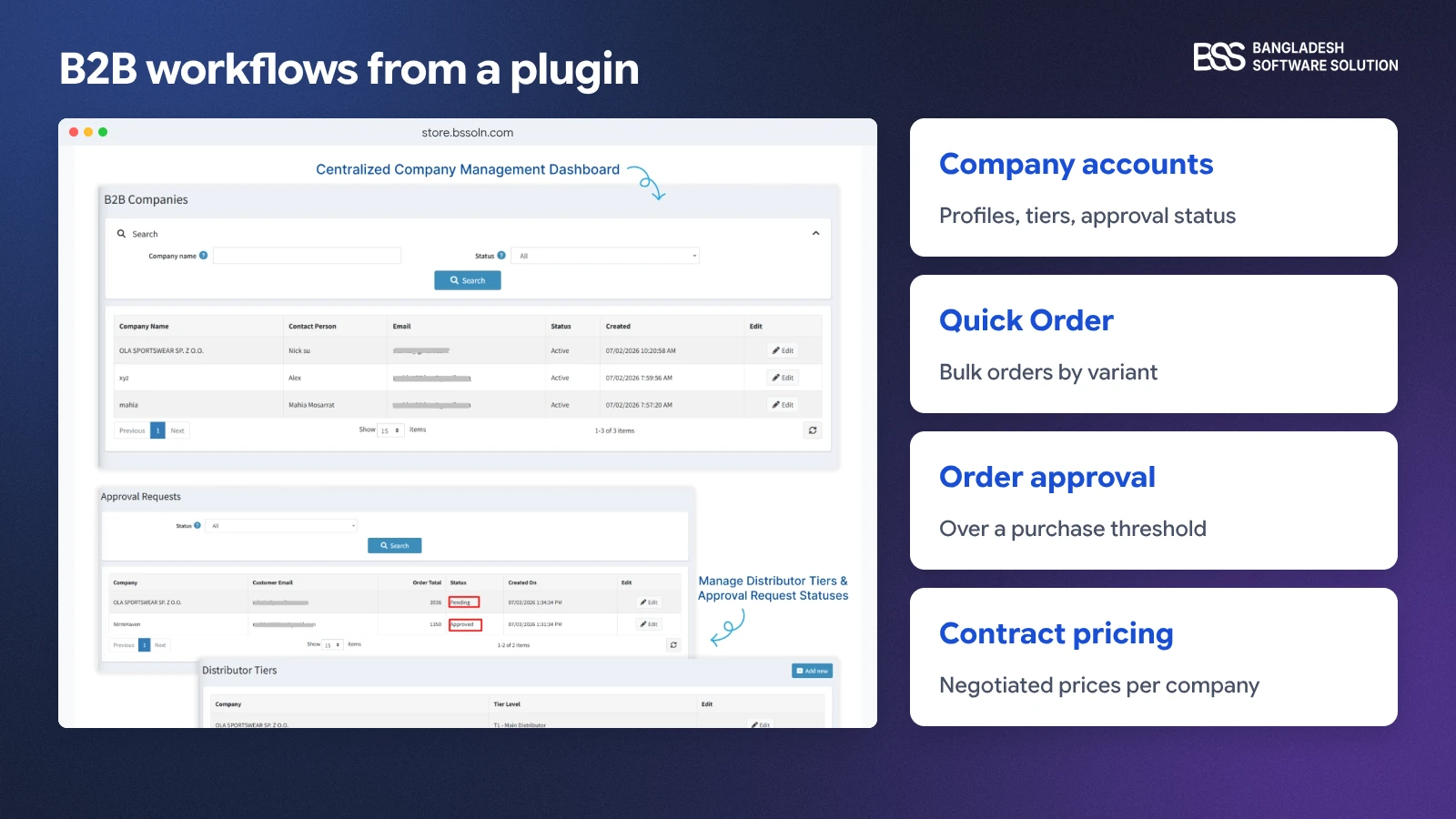
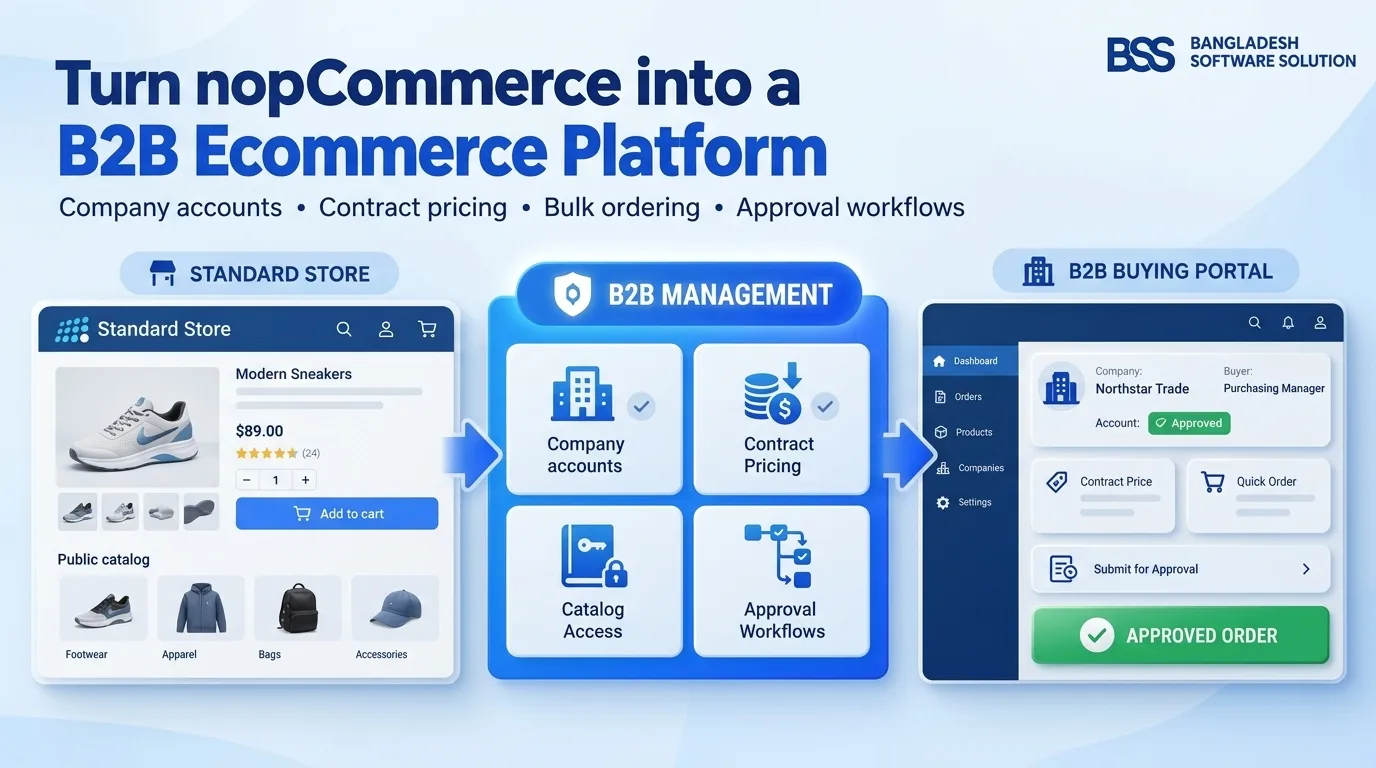
Some B2B needs go beyond the core platform but are common to most wholesale stores: company accounts, quick ordering, order approval and contract pricing. Building them from scratch is the slow way to get something many stores already use.

Adds B2B registration, company management with distributor tiers, Quick Order, threshold-based order approval, contract pricing and price lists to a nopCommerce store.
A plugin moves part of the budget from building to configuring and testing. It does not remove the work of setting up your companies, prices and approval rules, so keep that in the plan.
Custom development is for what makes your business different: a pricing formula no plugin handles, a link to an in-house system, or an ordering flow your buyers already know. Write those down separately, because they are where estimates vary most.
Sort every requirement into three lists
Built into the platform, available as a plugin, or custom. The third list is where most of the cost and most of the risk sits.
A Five-Step Build Plan With a Sign-Off at Each Step
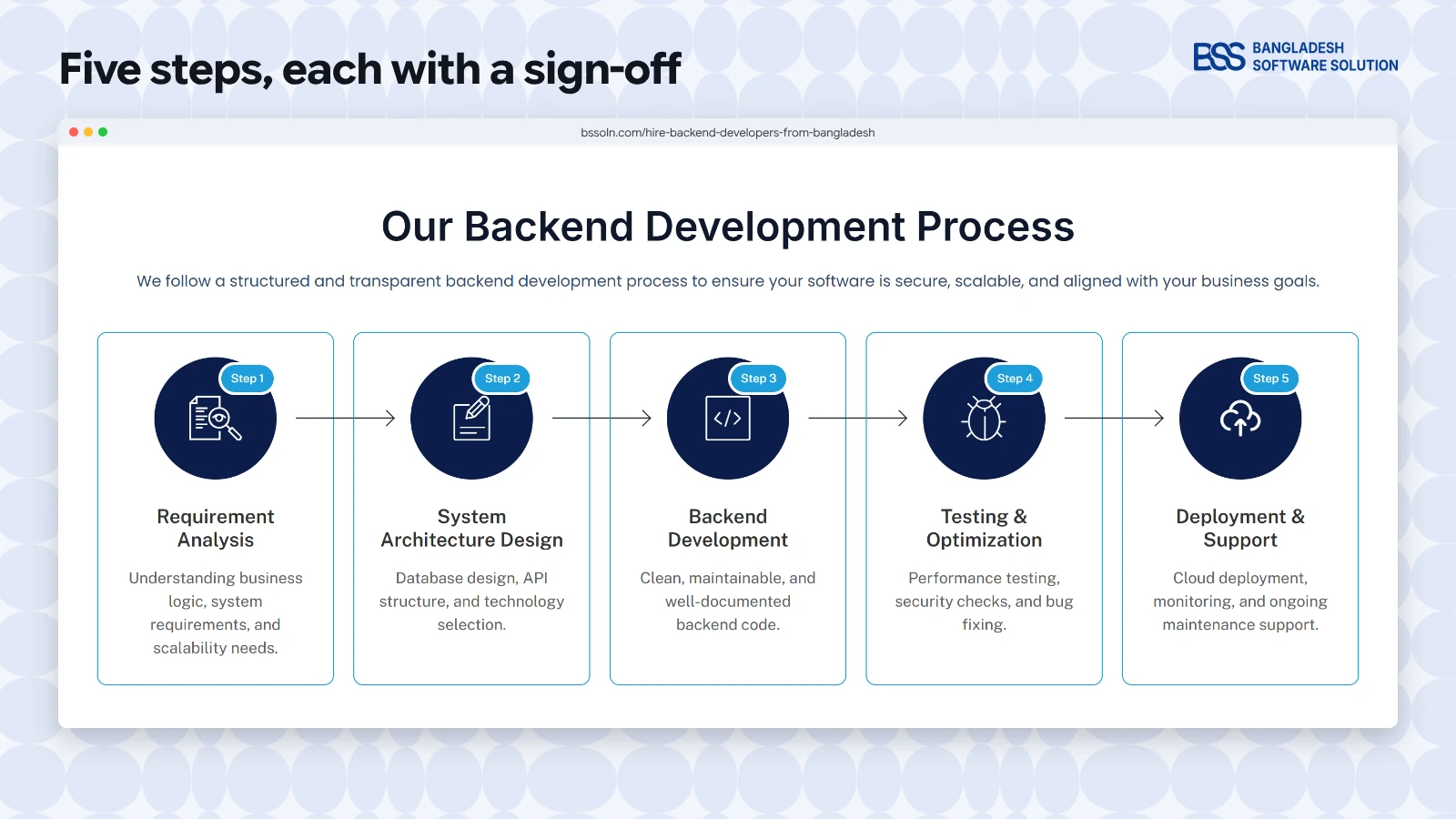
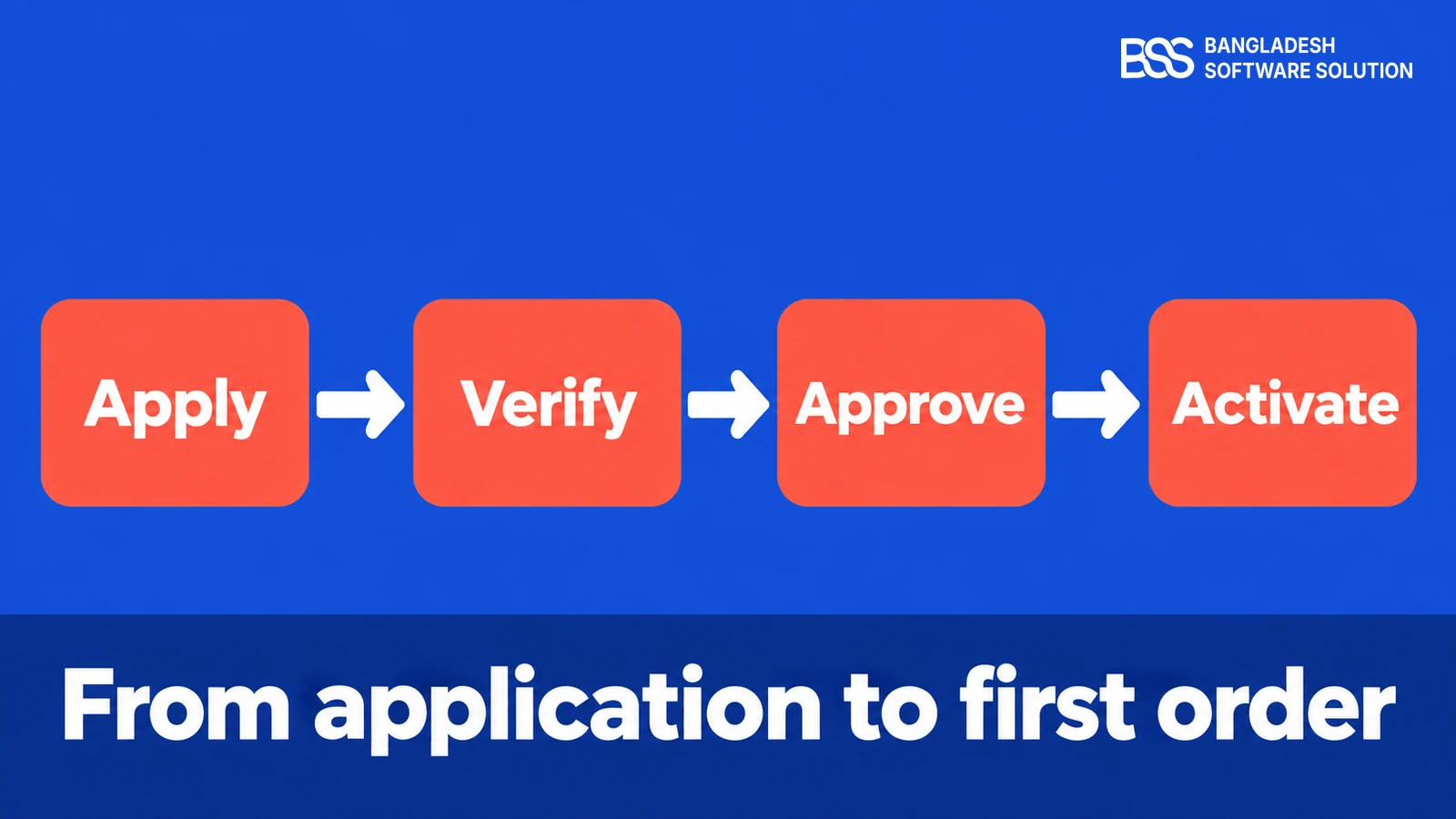
A good build plan gives you a decision point after each step, so a change of mind costs a revision, not a rebuild. We work in five steps: requirement analysis, system architecture design, development, testing and optimization, and deployment and support.
What you sign off at each step
- Requirements: the three lists, your buyer roles and pricing rules, and every system the store connects to.
- Architecture: how data moves between the store and your ERP or accounting system, and which side owns each record.
- Development: working features on a staging site, reviewed by the people who will use them.
- Testing: real orders for each buyer role, including approvals, contract prices and a failed sync.
- Deployment and support: the go-live date, data import, and who fixes what in the weeks after launch.
The first step is the one to pay attention to. A written requirement list is what lets two suppliers quote the same store, so ask for it before you ask for a price, or write it yourself.
Decide how you will buy the work, too. A fixed-price project suits a scope that is settled. A dedicated developer suits a long build or a backlog that keeps changing, and hourly work suits small changes and support after launch.
If you want an engineer on your own project rather than a fixed scope, you can hire a .NET developer from BSS as a dedicated team member.
Questions that make quotes comparable
- Which of our requirements does the platform cover, which come from plugins, and which are custom?
- Which systems will you integrate, in which direction, and what happens when a sync fails?
- Who imports and cleans our product and customer data?
- What does testing cover, and who signs it off?
- What support is included after launch, and what costs extra?
For a wider view of build costs, our guides to what an ecommerce website costs and the cost of a nopCommerce store go into the general numbers.
Integrations are where B2B builds most often run over, so on our projects the sync rules are written and agreed before development starts. That is part of the requirement step in our nopCommerce services, along with the data import and the test plan.
A B2B store scoped before it is priced
BSS engineers map your buyer rules and integrations, then build your B2B store on nopCommerce in steps you sign off.
Frequently Asked Questions
Final Thoughts
Go back to the three quotes that were far apart. Write your requirements into three lists, decide how each integration should behave, and send the same document to every supplier. The answers will then be comparable.
Keep the platform's built-in features and proven plugins for the common parts, and spend the custom budget on what makes your business different. Build in steps and sign off each one, so the store you launch is the one you scoped.
Send us your buyer rules and the systems your store must connect to. We will map them and tell you what the build takes.
Talk to an expert