A distributor has just agreed to carry your catalog — on the condition that their buyers get their own login, their own pricing, and a URL that doesn't say "retail" anywhere on it. Your web agency's answer: a second nopCommerce install, a second server, a second theme build. Somewhere around the third invoice line item, it's worth asking whether that's actually what running two storefronts requires.
It isn't. nopCommerce ships with a Store entity built for exactly this: one installation, one admin login, more than one storefront domain, each with its own catalog rules, its own settings, and its own SEO footprint. The distributor gets their wholesale site. You get one codebase to patch, one database to back up, and one bill.
This guide walks through what changes when you add a second store, what stays shared whether you like it or not, and the setup and SEO steps that decide whether the whole thing actually pays off.
What "Multi-Store" Actually Means
nopCommerce's own documentation describes it plainly: the platform lets you run more than one storefront, on different domains, from a single installation, and manage every admin operation from one interface. It's not a bundled second app pretending to be one thing — it's one thing that can answer to more than one URL.
Key fact: every store you add is a row under Admin > Configuration > Stores — not a new install, not a second license (nopCommerce is free, open-source software), and not a second admin login.
Add one there with a Store name, a Store URL, and an SSL-enabled checkbox once its certificate is live, and it exists. Everything else — what it shows, what it shares — is a decision you make afterward, not something the platform forces on you.
What stays shared, and what's genuinely per-store
The distinction that actually matters when you're deciding whether this fits your wholesale launch is which parts of the system every store inherits automatically, and which parts you have to deliberately split.
Limited to stores field, and any setting you explicitly override through the multi-store configuration dropdown — theme, tax rules, shipping options, SEO meta.
Is Multi-Store the Right Call — Or Should You Build Separately?
The wholesale deal is signed either way. The decision is how you build the second storefront, and there are really three routes, not two.
| Approach | What it costs you | Business value |
|---|---|---|
| A separate nopCommerce install | A second server, a second set of plugin licenses, a second codebase to patch — and no shared view of customers or orders between the two. | Low — full isolation you probably don't need, at ongoing double the maintenance |
| A custom multi-tenant rebuild | Months of bespoke engineering to reproduce a routing layer nopCommerce already ships and has tested for years. | Low — rarely justified for two or three storefronts |
| nopCommerce's native multi-store | Careful settings overrides and an SEO plan up front — no new server, no new license, no second admin login. | High — the fastest real path for most stores adding a second storefront |
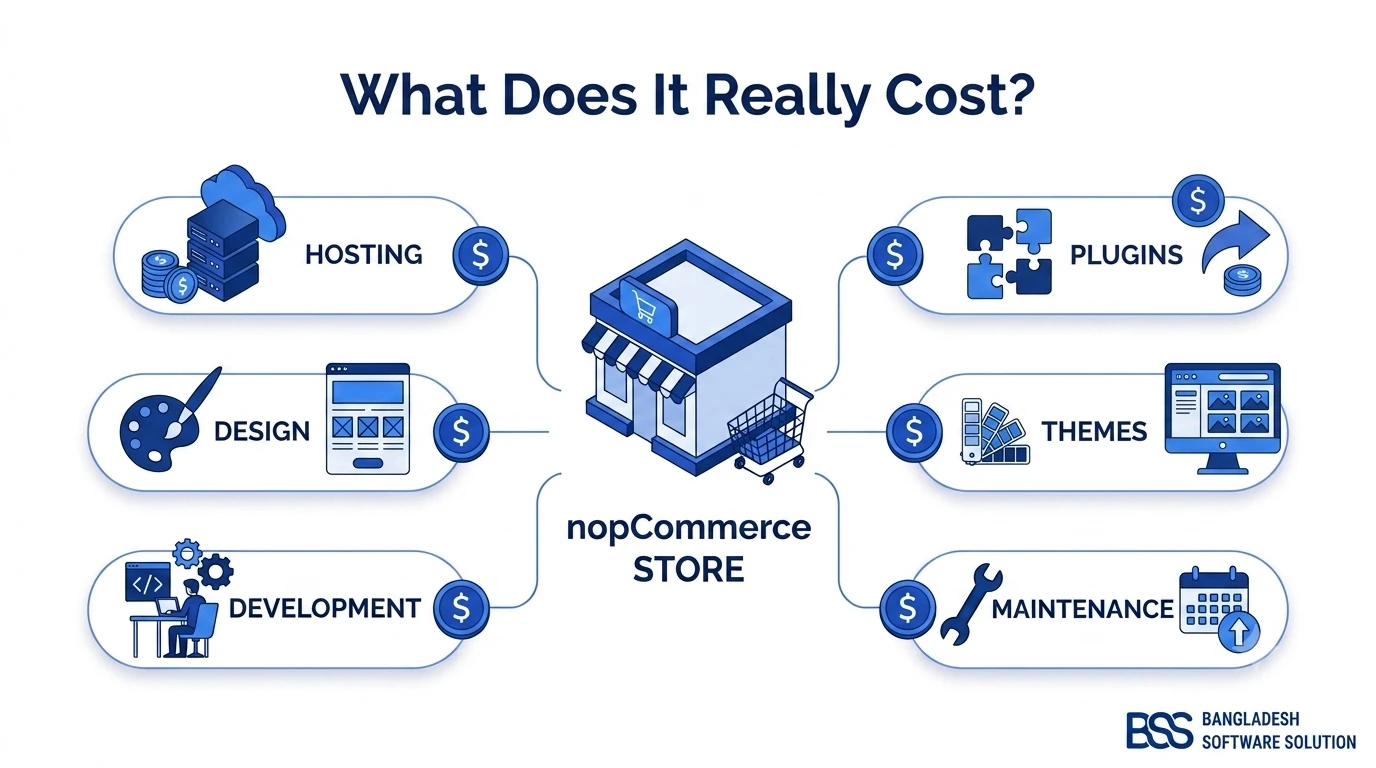
The cost of building a nopCommerce store is a useful reference point here: whatever you budgeted the first time around is close to what a fully separate second install actually costs you again, licensing aside. Native multi-store is the option that avoids paying that twice.
A second storefront isn't a second business to run — until you build it like one.
BSS Engineering
Setting Up Your Second Store, Step by Step
Once you've decided multi-store is the right shape for the wholesale launch, the setup itself is a short, ordered list — not a rebuild. If juggling DNS, SSL, and settings overrides mid-launch isn't something your team wants to own, this is exactly the kind of work a nopCommerce development company handles routinely; otherwise, here's the sequence.
Second-store setup checklist
-
Admin > Configuration > Stores > Add new — enter the Store name and Store URL for the new storefront.
-
Point DNS for the new domain or subdomain at the same install, confirm the SSL certificate covers it, then check SSL enabled on the store record.
-
Set the store's default language and currency — both are fields on the Store record itself, not global settings.
-
Decide catalog visibility: leave a product, category, or manufacturer's
Limited to storesfield empty to show it everywhere, or select specific stores to split the catalog — wholesale-only SKUs, retail-only pricing tiers. -
Open the settings pages that genuinely need to differ — General Settings for the theme, tax and shipping settings for pricing rules — pick the new store from the multi-store configuration dropdown, and tick the override checkbox next to each field before changing its value.
-
Set store-specific SEO fields so the new domain doesn't inherit the main store's meta titles and descriptions verbatim.
-
Create a separate Google Search Console property (and analytics view) for the new store URL before it goes live, so its indexing and traffic are tracked apart from the main site.
-
Switch stores from the admin's store selector and walk through checkout on the new domain yourself before you announce it live.
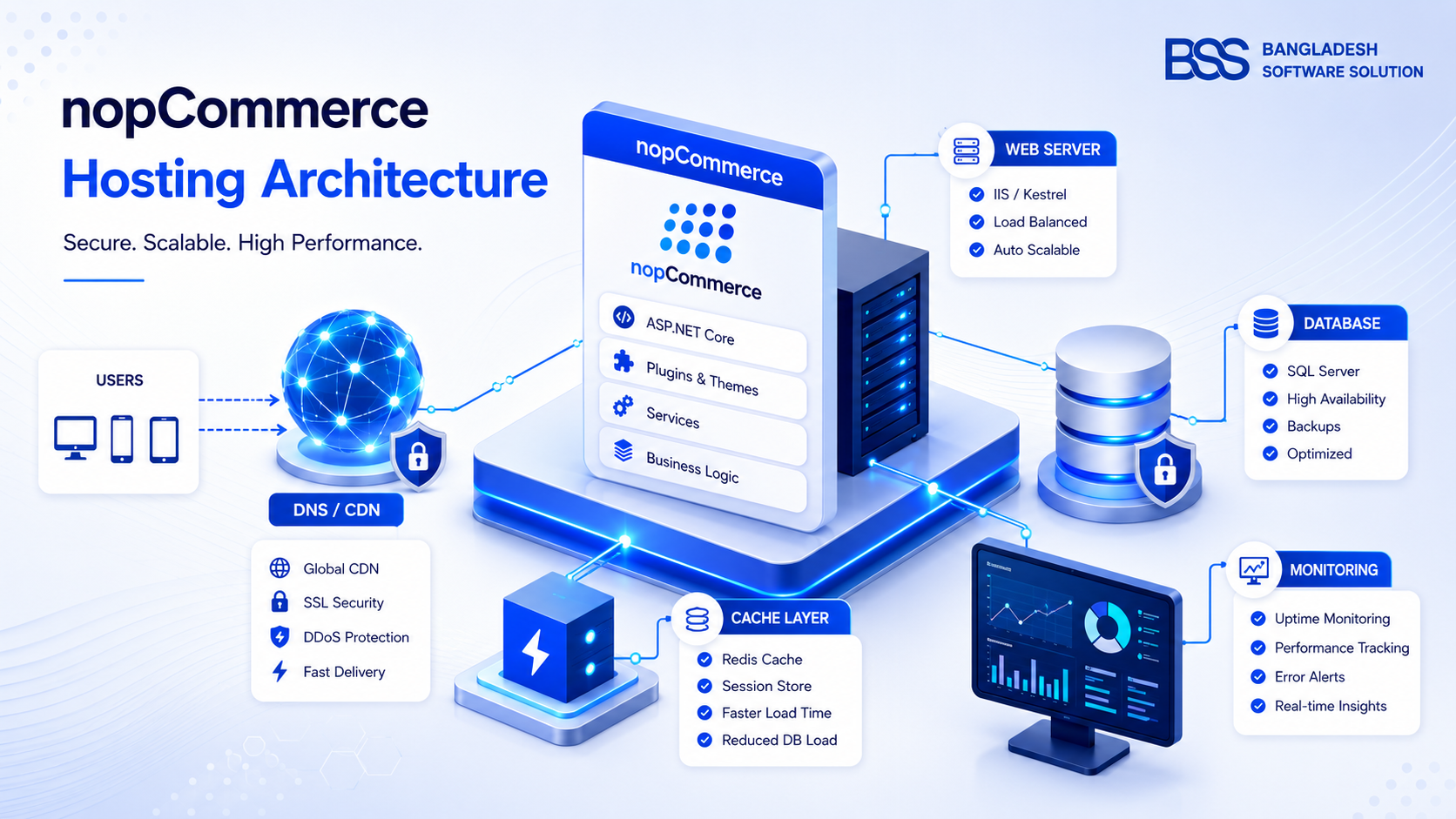
Server load is worth a separate mention here, since it's the first thing an agency quoting a second install will point to. A second store is mostly extra storefront traffic and, if you split the catalog, a bit more admin data — not a second application competing for the same resources. Our nopCommerce hosting guide covers how to size a single install that's carrying more than one storefront's traffic, which is a smaller adjustment than provisioning a whole second server.
The SEO Trap Multi-Store Setups Fall Into
The fastest way to lose the SEO value of a brand-new store is to let it publish the exact same product pages, verbatim, as your existing one on a different domain. Two domains serving near-identical content is precisely the pattern Google's own guidance on duplicate content flags — and a shared catalog across two stores produces that pattern by default unless you deliberately break it.
Watch out
Leaving every product's Limited to stores field empty is the easy default — and it's also what puts your entire catalog on both domains with matching titles, descriptions, and URLs. Split at least the pages that actually differ between stores (wholesale pricing tiers, region-specific category copy), or write distinct meta titles and descriptions for the ones you keep shared.
Beyond the catalog itself, treat the new store as its own property for tracking purposes: a separate Search Console submission and its own sitemap so indexing issues on one domain don't get lost in the other's data. Our complete nopCommerce SEO guide covers the canonical-tag and meta-template groundwork this needs in more depth than a multi-store setup checklist has room for.
Need a Second Storefront Live This Quarter?
From Store setup and settings overrides to catalog splitting and the SEO groundwork that keeps a new domain from cannibalizing your existing rankings, our nopCommerce engineers configure multi-store launches without touching your primary site's uptime. Tell us what you're launching and we'll scope it.
Frequently Asked Questions
Final Thoughts
The distributor's wholesale storefront doesn't need to be a second business to operate. Configured through the Store entity nopCommerce already ships, it's a new domain sharing your existing login, your existing database, and your existing plugin set — with just the catalog, settings, and SEO groundwork split deliberately where it actually needs to be. That's the difference between a second bill and a second row in Admin > Configuration > Stores.