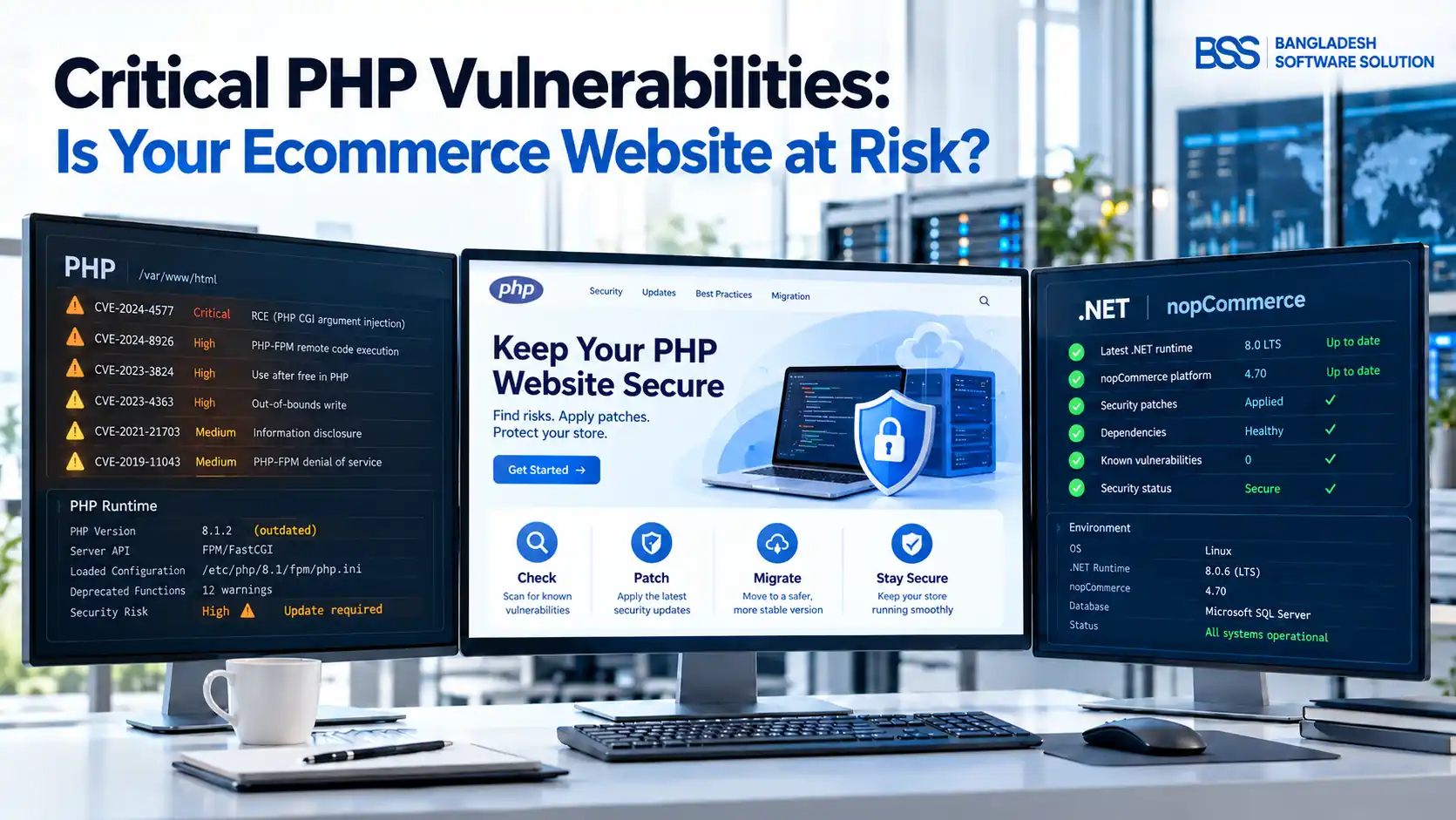
Two critical PHP vulnerabilities disclosed in October 2026 changed the question from “Is my store patched?” to “Which PHP build is serving every public request?” The PHP project says CVE-2026-109618 and CVE-2026-109619 can allow unauthenticated remote code execution, and that updating is the only complete mitigation.
This guide shows how to check a PHP ecommerce site, plan a safe upgrade, and compare continued PHP maintenance with nopCommerce on .NET. It does not claim that one platform is invulnerable; the useful comparison is which components you operate, how quickly you can patch them, and whether your store’s themes, plugins, payment flows, and integrations survive the change.
Verified status on October 26, 2026: the PHP project lists 8.2.35, 8.3.36, 8.4.27, and 8.5.12 as fixed releases for these two CVEs.
If your host backports fixes without changing the visible version number, ask for the vendor advisory or package changelog rather than guessing from the number alone.
1. Check Whether Your PHP Ecommerce Site Is Exposed
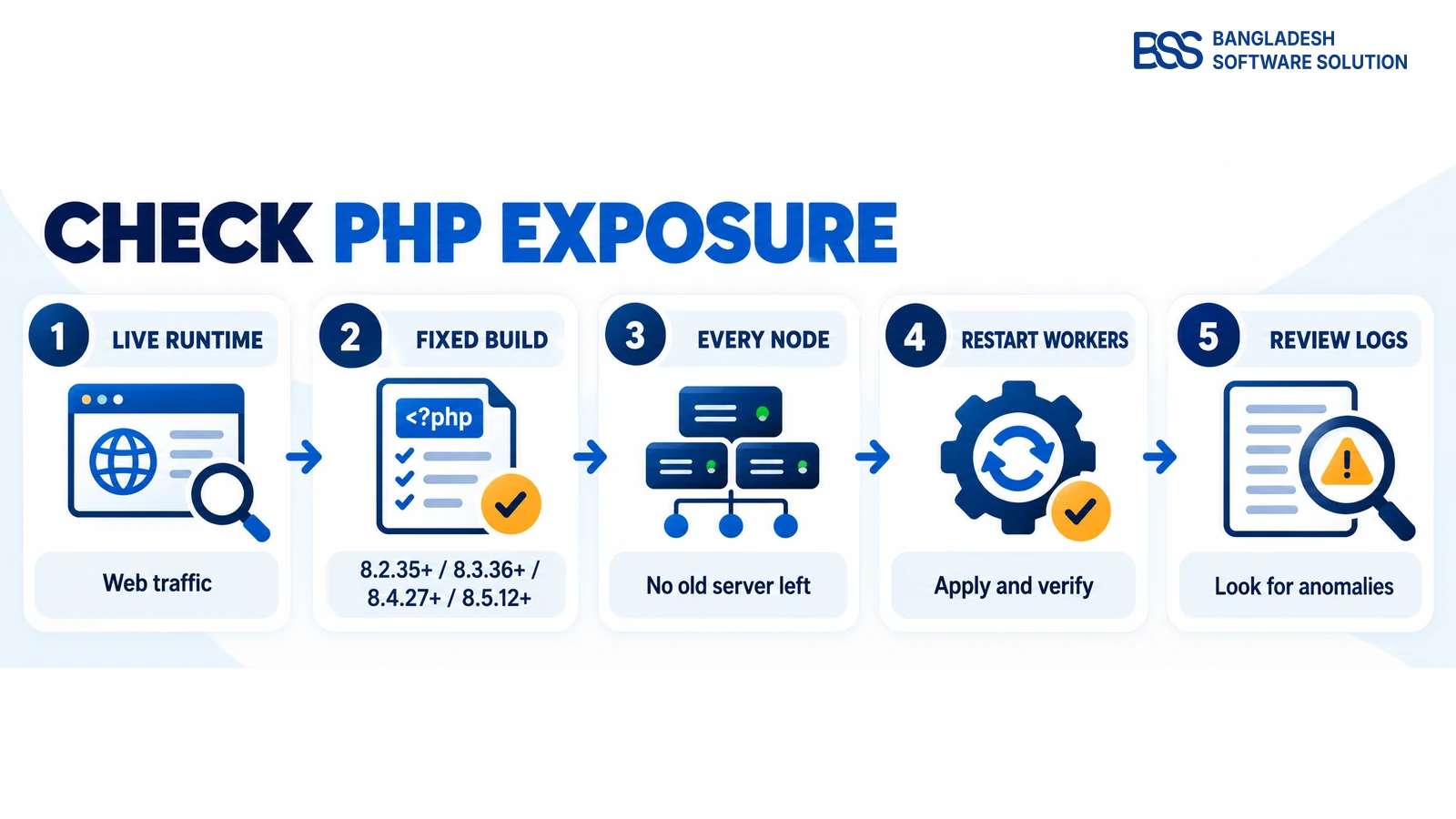
Start with the runtime that handles web traffic, not the version returned by a developer’s local machine or a command-line shell. Managed hosts may run different PHP builds across web workers, scheduled jobs, containers, or regions.
- Identify the live runtime. Use the hosting panel, deployment manifest, container image, or a temporary protected diagnostic page. Remove diagnostic pages after checking.
- Compare the exact build. For upstream PHP, check for 8.2.35, 8.3.36, 8.4.27, 8.5.12, or a later supported release.
- Verify every node. Load balancers can hide one unpatched server behind several updated ones.
- Preserve evidence. Record deployment times and retain web, application, authentication, and system logs before rotating them.
- Patch first, investigate second. Blocking a request pattern is not the complete mitigation stated by PHP.
What “at risk” actually means
A vulnerable version is a serious exposure indicator, but it is not proof that a site was compromised. After patching, review for unexpected administrator accounts, unfamiliar files, changed scheduled tasks, altered payment settings, outbound connections, and unexplained log gaps. Escalate anomalies to a qualified incident-response provider.
Support deadline matters
PHP’s supported-versions page lists PHP 8.2 security support through December 31, 2026. A store can be patched for these CVEs and still need a near-term move to a longer-supported branch.
If compromise is possible, separate recovery from patching
Installing a fixed runtime closes the known vulnerability, but it does not remove an attacker’s persistence if exploitation already occurred. Preserve logs and a forensic copy where possible, rotate exposed credentials from a trusted system, inspect deployment and payment configuration, and follow your incident-response plan.
Do not rebuild from a backup until you know whether the backup predates the suspected activity and whether the same vulnerable runtime will be restored. For a payment store, involve the payment provider, hosting provider, legal or privacy adviser, and incident-response team according to your contractual and regulatory duties.

When BSS reviews an upgrade, we inventory the web runtime separately from the application because the command-line version can differ from the worker serving customers. If you need help mapping a store’s moving parts, start with our nopCommerce services.
Need an evidence-based upgrade plan? BSS can map themes, plugins, integrations, redirects, and checkout dependencies before changes reach production.
Discuss your store2. Patch PHP Safely Without Breaking the Store
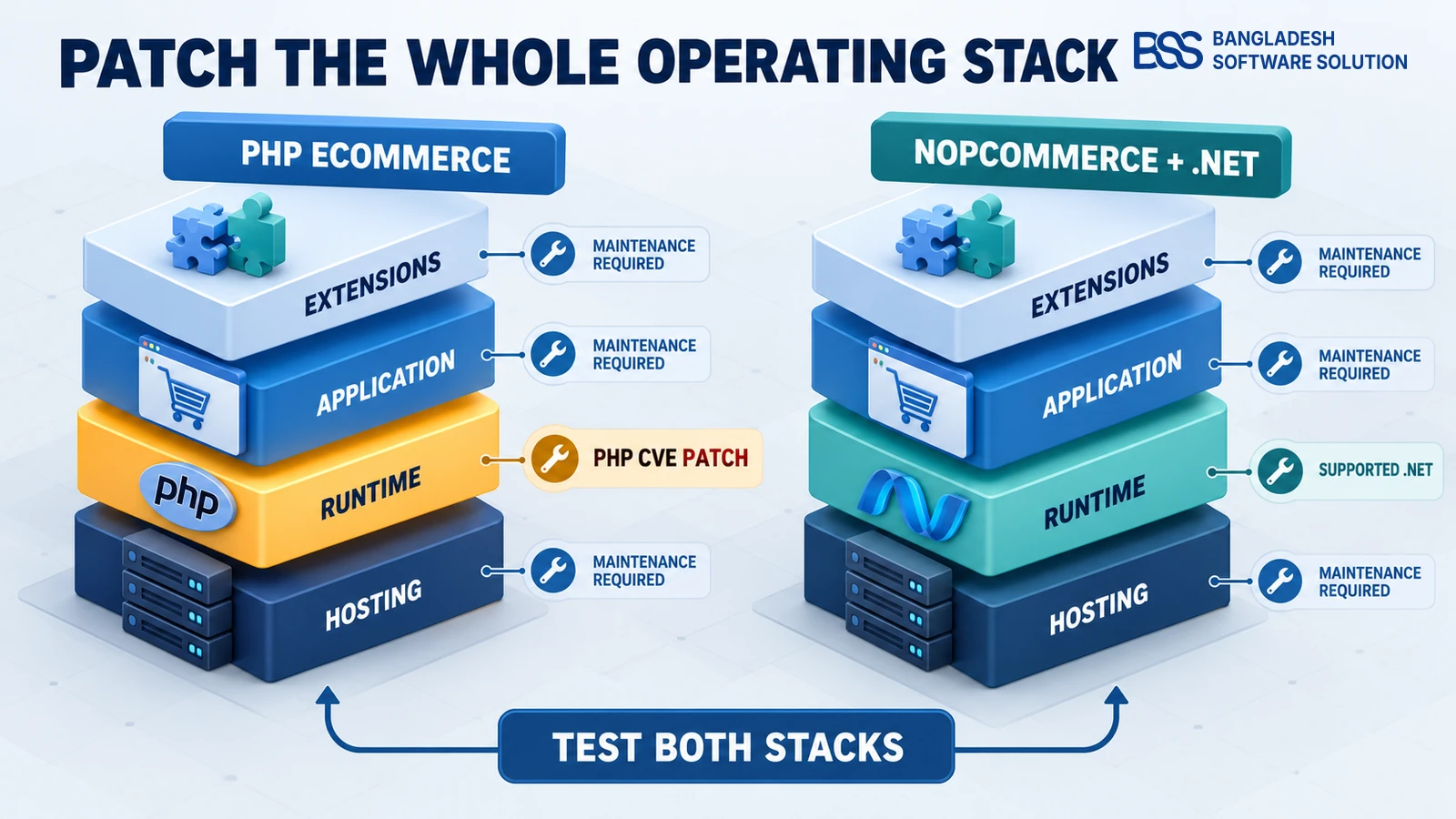
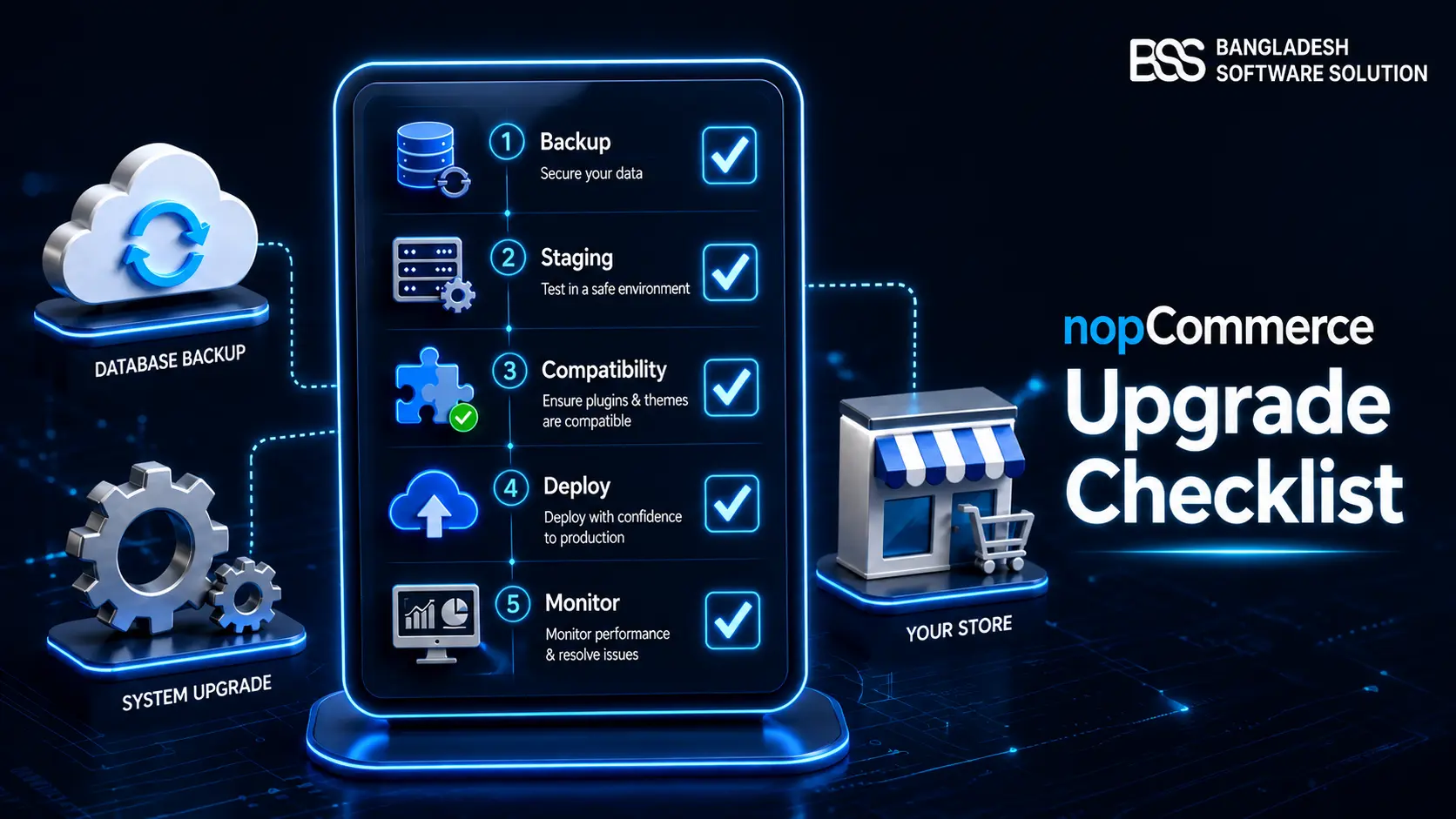
The emergency action is to update PHP, but a production store also needs a controlled release. Clone current data and configuration into staging, apply the runtime update there, and test the application plus every business-critical extension.
Test the complete purchase journey
Verify account creation, sign-in, search, category filters, product variants, pricing, tax, shipping, coupons, cart, checkout, payment callbacks, order emails, refunds, scheduled tasks, and administrator workflows. Also test security controls such as multi-factor authentication and least-privilege access where your platform supports them.
Do not assume that updating only the ecommerce application updates its runtime. WordPress, Magento, Laravel, and custom PHP applications depend on PHP, while nopCommerce depends on .NET. In either stack, the operating system, web server, database, application, themes, extensions, and third-party services have separate maintenance lifecycles.
Use evidence at each release gate
Before deployment, capture the current version inventory, dependency lock files, database backup, configuration snapshot, and expected health checks. During deployment, confirm that all web workers and background processes restarted on the intended build. Afterward, compare error rates, queue health, payment callbacks, orders, and customer-support reports with the pre-change baseline.
A successful homepage request is not a release test. Ecommerce failures often appear only in address validation, tax calculation, shipping quotes, discount combinations, asynchronous payment notifications, or scheduled stock synchronization. Give each critical flow an owner and a pass condition.
Platform choice changes the maintenance map; it does not remove the responsibility to patch, test, monitor, and recover.
BSS Engineering3. PHP Ecommerce or nopCommerce: Which Maintenance Model Fits?
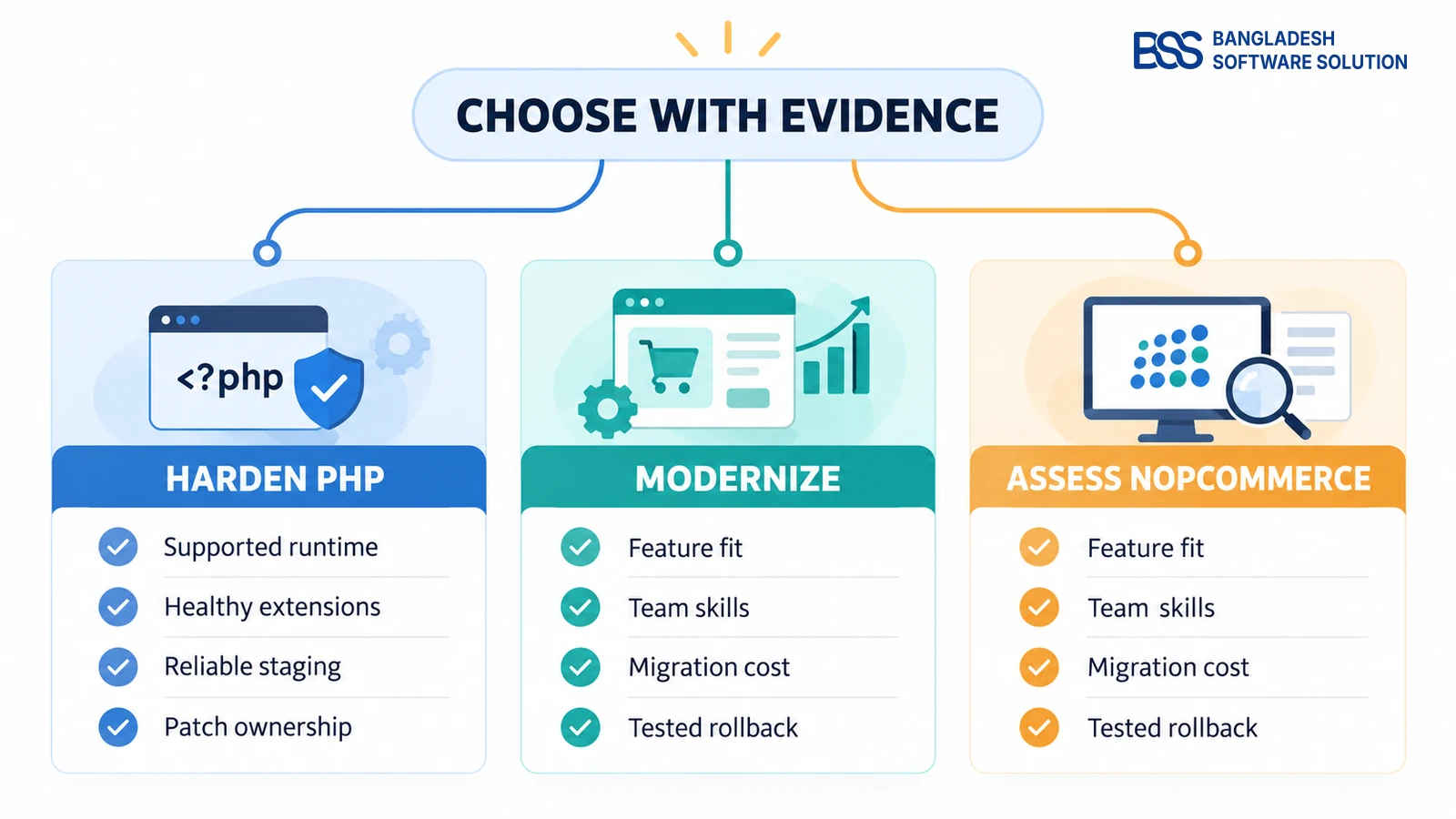
nopCommerce is an ASP.NET Core application and does not execute on PHP, so these two PHP-specific CVEs do not affect nopCommerce itself. That is narrower and more accurate than saying nopCommerce is “immune”: .NET, nopCommerce, plugins, themes, hosting, credentials, and custom integrations still require supported versions and security maintenance.
Do not migrate because of one advisory alone
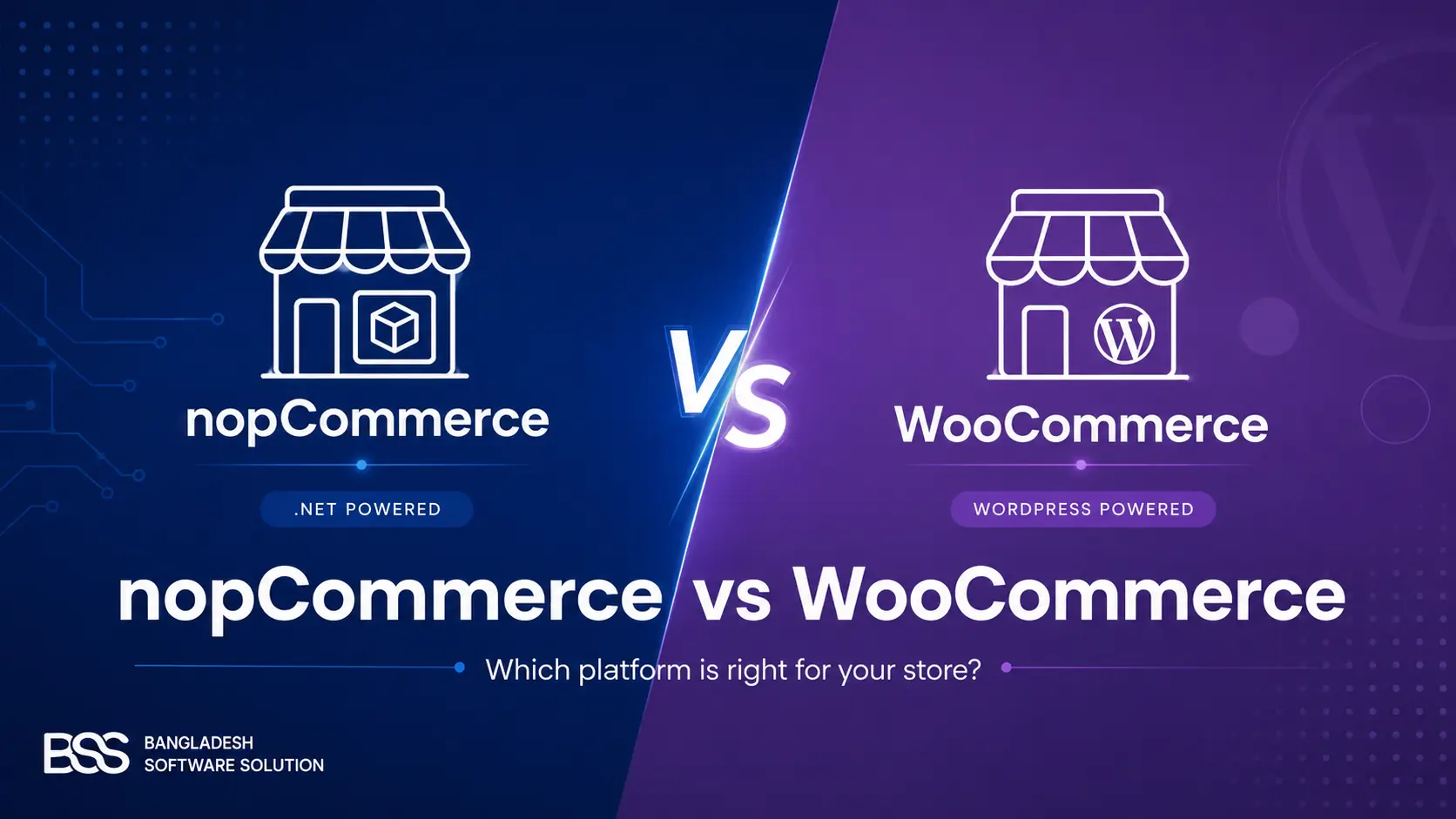
A replatform is a business and engineering project, not an emergency patch. Compare total maintenance effort, extension quality, internal skills, hosting, accessibility, SEO controls, checkout requirements, data migration, URL mapping, integrations, and rollback options. Our nopCommerce vs WooCommerce comparison explains the architectural trade-offs without treating either option as universally best.
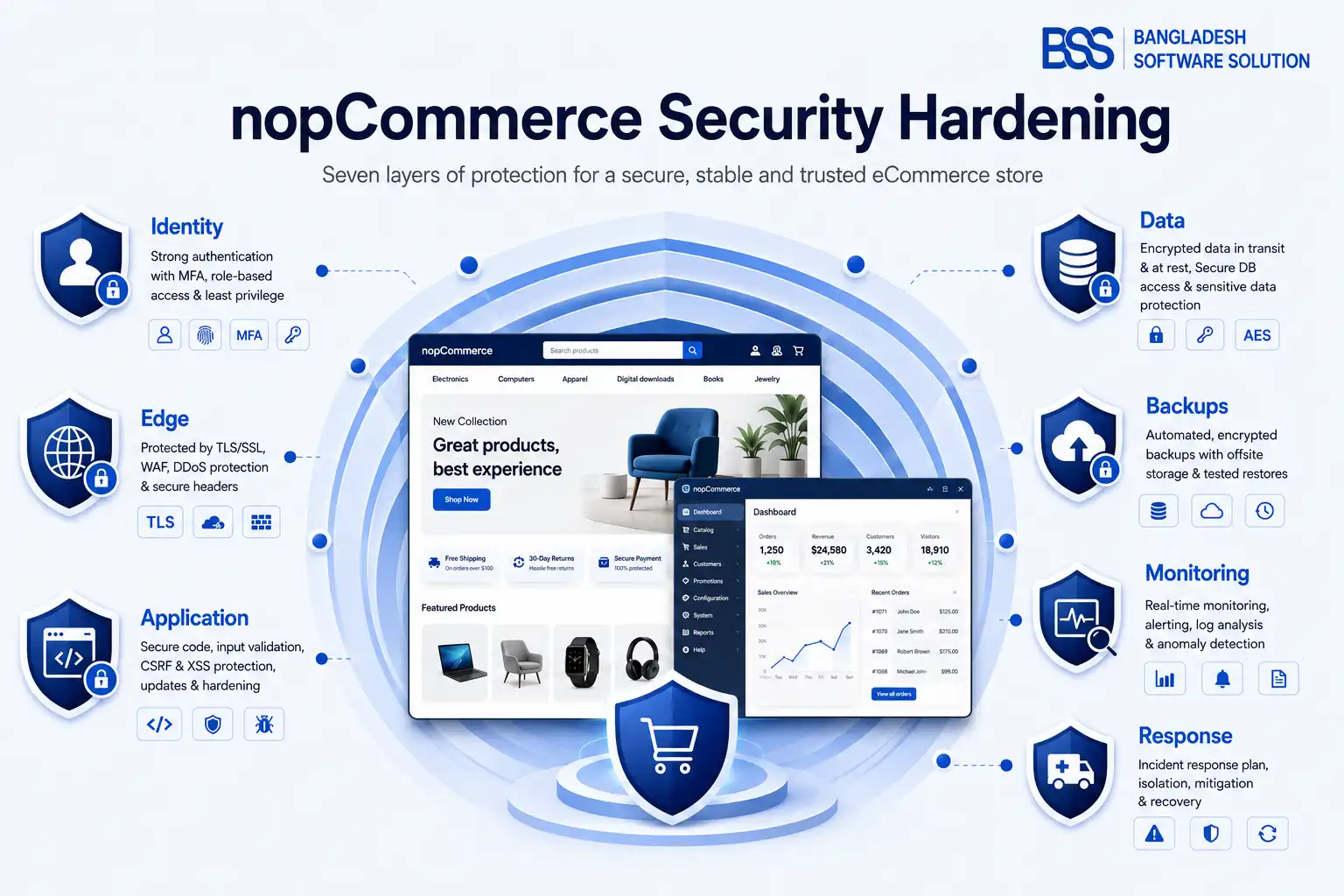
If nopCommerce fits the evidence, use a staged migration: catalog and customer mapping, content and redirect plan, extension compatibility, integration tests, performance baselines, security review, user acceptance, and monitored cutover. The SEO migration guide covers redirects and measurement, while the nopCommerce security checklist covers the destination environment.
Questions that reveal the better operating model
Ask how quickly your team can identify and patch the runtime, who owns extension compatibility, how staging mirrors production, and how often recovery is tested. Then compare the skills you already employ with the skills each platform requires. A familiar, actively maintained stack can be safer to operate than an unfamiliar platform chosen only for its reputation.
Also distinguish product capability from implementation quality. A supported platform can still be deployed with weak credentials, excessive permissions, exposed administration, stale plugins, or untested backups. Conversely, a well-governed PHP store with supported components, rapid patching, and strong monitoring may have a clear and manageable risk profile.
What a useful platform assessment should deliver
A stay-on-PHP recommendation should name the supported runtime target, incompatible extensions, test scope, patch owner, release window, and next lifecycle review. A nopCommerce recommendation should identify equivalent features, required plugins or custom work, data mappings, infrastructure, licensing, support responsibilities, and a realistic cutover sequence.
Decision rule
Patch the current exposure first. Treat replatforming as a separate, evidence-based program with its own business case, proof of concept, acceptance criteria, and rollback plan.
Both options should include estimated implementation effort, recurring operating work, measurable acceptance criteria, and risks that remain after launch. If an assessment presents only feature lists or licensing prices, it is incomplete. Security depends on how the chosen platform will be operated over time.
Run the comparison with the same catalog, order volume, integrations, service-level needs, and compliance constraints. That keeps the decision traceable and prevents a polished demo from being mistaken for production readiness.
For a nopCommerce destination, this plugin can add Google-based customer sign-in. It is an identity feature—not a substitute for runtime patching, administrator protection, or platform hardening.
Review the pluginFor replatforming work, BSS maps data, URLs, extensions, and integration dependencies before recommending a cutover plan. That discovery work is part of our nopCommerce development services.
Turn the Risk Check Into a Tested Release Plan
BSS can assess a nopCommerce destination, audit version compatibility, plan data and URL migration, and test critical storefront journeys before launch.
Frequently Asked Questions
Final Security Decision Checklist
- Every public PHP worker is fixed or covered by a verified vendor backport.
- Backups and rollback have been restored and tested, not merely created.
- Checkout, payments, callbacks, scheduled tasks, emails, and integrations pass in staging and production monitoring.
- Logs and account changes have been reviewed for compromise indicators.
- The platform decision is based on lifecycle, skills, features, cost, and risk—not fear or a single vulnerability.
The immediate answer is straightforward: identify the production runtime and apply the verified PHP fix. The strategic answer needs evidence. A maintained PHP store can remain a sound choice, while nopCommerce can be a strong .NET option when its architecture and ecosystem match your roadmap.
Bring your platform, catalog, checkout, integrations, and version constraints. BSS will help turn them into a testable modernization or migration plan.
Book a free consultation