You have the product list ready: phones, laptops, headphones and accessories. Before you build the electronics store, you need to know what the website will cost to launch and keep running. A Shopify subscription and a free nopCommerce download are starting prices, but they cover different things.
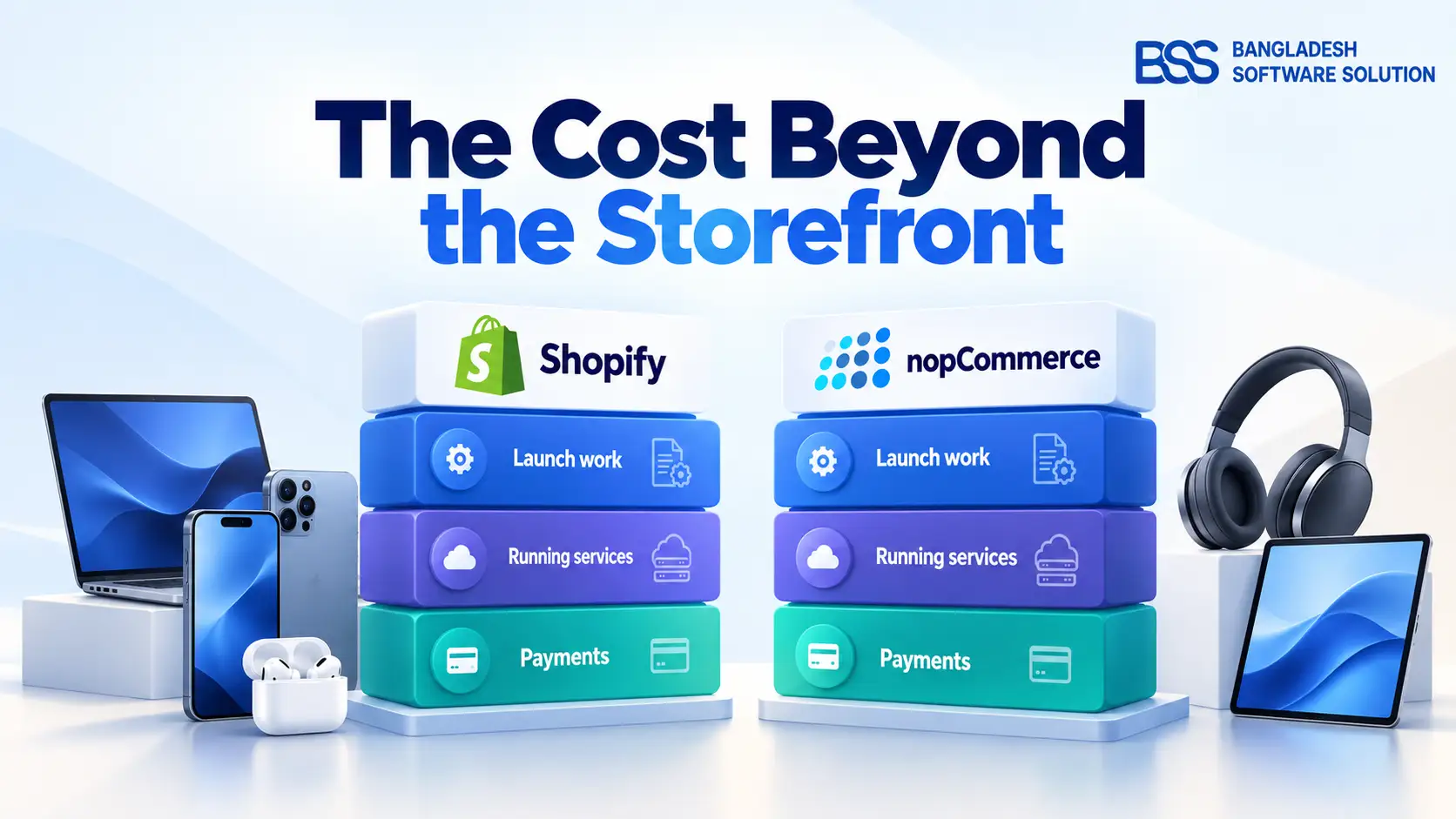
The useful comparison is the cost of delivering the same store requirements. That includes the storefront, product information, payments, integrations and the work needed after launch. This guide breaks down platform charges, app costs and the work that needs a project-specific quote.
All Shopify plan prices below are for the United States and are shown in USD. Prices and payment options vary by market, so use the rates for your business location when preparing your budget.
What belongs in your electronics store budget?
Start with the store you need, rather than a platform price. Write down how a shopper will find a device, understand its specifications, choose a variant and complete an order. Then identify which parts of that journey the proposed package actually covers.
For an electronics brief, specify the work precisely. Does comparison need to show technical specifications? Must inventory distinguish storage and color combinations? Is a warranty simply information on a product page, or does it require registration and claims handling?
These are questions for your requirements document, not assumptions about what every electronics store needs. Ask suppliers to demonstrate the agreed workflows with your sample products before assigning a cost to them.
Total cost of ownership means the full cost over a stated period: launch work + recurring services + transaction charges + maintenance and later changes. Compare quotes over the same period and include the same work in both.
Shopify: what the subscription covers
Once the requirements are clear, the first Shopify cost is the platform plan. Here are the standard US prices, excluding introductory promotions.
| Plan | Pay monthly | Monthly equivalent, billed yearly | Third-party transaction fee |
|---|---|---|---|
| Basic | $39 | $29 | 2% |
| Grow | $105 | $79 | 1% |
| Advanced | $399 | $299 | 0.6% |
The yearly figures are monthly equivalents under annual billing, not month-to-month prices. The transaction column is an additional platform charge for applicable payments through external providers. Shopify Plus starts at $2,300 per month; confirm the contract term and final quote for your business.
Shopify includes web hosting and a TLS/SSL certificate. Domain registration, design work and additional services still need their own budget entries. Choose the plan against the features you require, rather than treating the cheapest advertised number as the complete store cost.
Hosting inclusion matters when reviewing quotes: do not add a separate hosting bill to Shopify while leaving server costs out of nopCommerce. Conversely, a hosted platform subscription should not be compared directly with a custom development quote that includes catalog setup and integration work.
If you need a broader platform evaluation before comparing supplier proposals, our nopCommerce vs Shopify guide is the next place to continue.
Shopify apps: price the gaps, not an invented stack
The next question is which requirements remain after choosing a plan and theme. An app budget should come from that gap analysis. It is inaccurate to assume every useful storefront feature requires a paid subscription.
Shopify's own Search & Discovery app is free and offers configurable filters and product recommendations, without an additional app subscription. Start by testing whether those tools meet your catalog requirements before budgeting for a paid alternative.
| Requirement | Example app plan | Cost boundary to check |
|---|---|---|
| Search and filtering | Shopify Search & Discovery: free | Test the supported filters and theme integration against your catalog. |
| Product comparison | Compareder: free Lite; $4.99/month Business; $8.99/month Enterprise | The listing places product metafield support in Enterprise. |
| Product reviews | Judge.me: Free plan; $15/month Awesome plan | Free includes core collection and display tools; pay only for required advanced features. |
These are examples of available app plans, not a requirement to purchase all three. Select the tools and tiers that meet your store’s needs.
The comparison detail is especially relevant to an electronics brief: if your technical data is stored in metafields, verify that the chosen comparison plan can display it. A button labeled “Compare” does not establish that the lower-priced tier supports the specification fields you need.
App costs can include recurring subscriptions, usage charges and one-time purchases. Some developers bill outside Shopify, and recurring apps have their own billing cycles. Record the charge type, limits and cancellation terms for each shortlisted app.
For example, buying both Compareder Enterprise and Judge.me Awesome adds their listed charges together; choosing their free tiers changes the budget. Neither choice establishes a universal monthly app bill for an electronics store, and annual app options or 30-day billing can change the actual payment schedule.
Audit the capability before the price
Request a demonstration of the exact feature in the exact tier you intend to purchase. Then record who configures it, who supports it and whether another app duplicates the same job.
Payment fees can change the comparison
An app list still leaves a major part of the budget unresolved: how customers pay. Keep payment processing separate from a platform transaction fee; they are different charges.
Applicable third-party transaction fees are added to an external provider's processing fees. Its calculation includes product costs after discounts, plus tax and shipping. This means merchandise revenue alone may not equal the fee base.
Orders processed through Shopify Payments are exempt from that third-party platform fee, but payment processing charges remain. There are also exemptions for manual payments and POS orders, and additional rules for gift cards and store credit. Check the rules for your payment mix before calculating a total.
Shopify Payments is available in the United States for eligible businesses. Confirm that your business meets the account requirements and compare the processing rates for the payment methods you plan to accept.
nopCommerce charges no platform transaction fee. That does not make payments free: include the selected processor's charges, any paid gateway extension and the work needed to configure and test the integration.
Ask both suppliers to document the payment methods in scope, their charge basis and refund behavior. Use actual provider quotes and your own transaction data, if available; do not use a made-up sales forecast to claim a platform saving.
nopCommerce: free software, a store to operate
With subscription and payment costs separated, nopCommerce becomes easier to evaluate. Its core is free and open source, with no platform monthly or transaction fees. The operating environment and implementation work need a separate budget.
Your hosting provider needs to meet nopCommerce’s technology and system requirements, with suitable backups and room for growth. Obtain a quote for your chosen version, database, catalog and integrations. Hosting costs depend on the infrastructure and services your store needs.
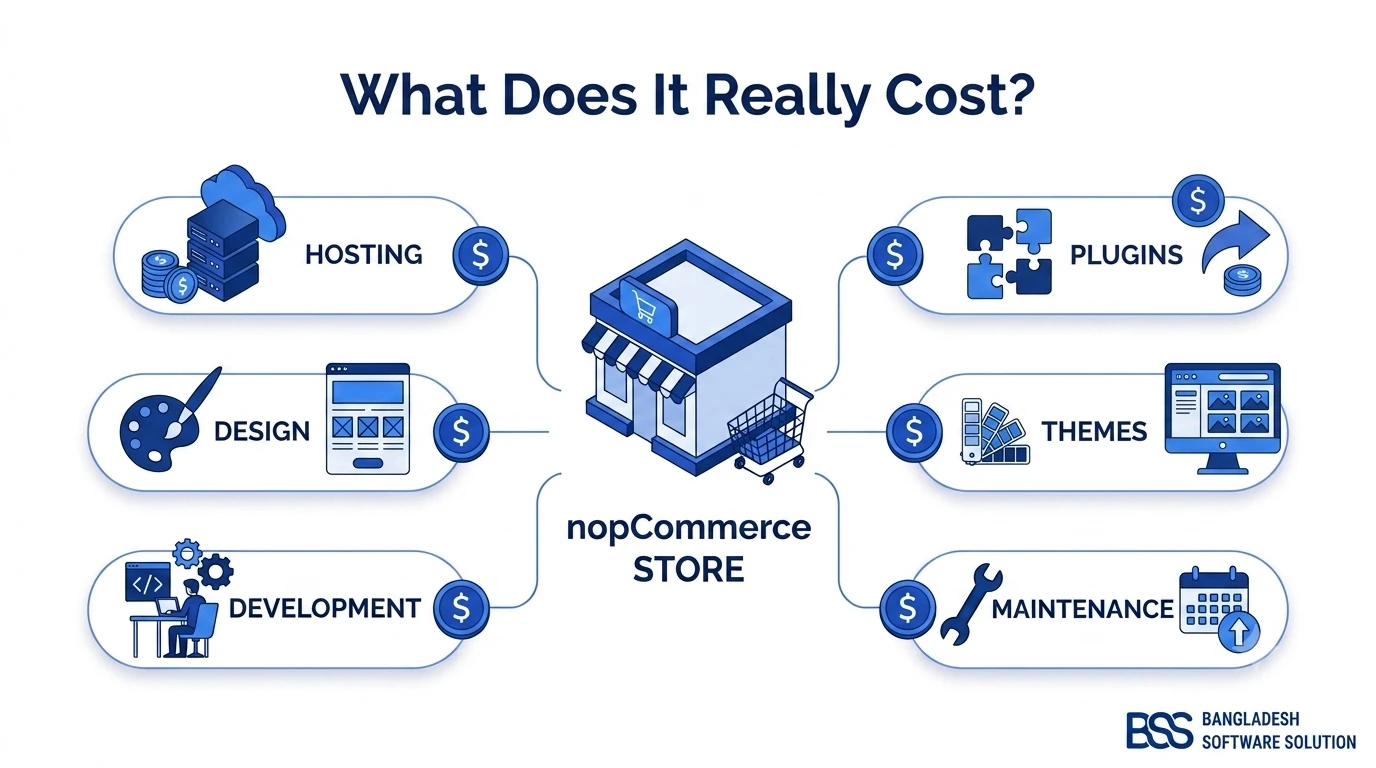
| Budget line | What to include in a nopCommerce quote |
|---|---|
| Infrastructure | Application and database hosting, backup storage, monitoring and any separately billed services. |
| Implementation | Installation, theme configuration, catalog work, payment setup, integrations and acceptance testing. |
| Extensions | Required licenses, permitted domains, version compatibility and the scope of paid updates or support. |
| Technical upkeep | Security and dependency updates, backup restoration checks, troubleshooting and upgrade testing. |
| Later changes | New integrations, changed checkout requirements, design adjustments and other separately scoped work. |
Treat technical upkeep as an assigned responsibility. Ask who responds to failures, who can restore the store and what the maintenance agreement covers. If you do this work internally, include the team's time rather than treating it as costless.
Open-source access allows code changes; it does not price or complete them. A requirement absent from the agreed package still needs configuration, an extension or custom engineering. Ask for a fixed scope and explicit exclusions before relying on a build estimate.
There is also an optional licensing item to check: nopCommerce offers a copyright removal key for permission to remove the “Powered by nopCommerce” statement. Include it only if that change is part of your branding brief.
To turn these budget lines into an infrastructure brief, continue with the nopCommerce hosting guide before requesting a server quote.
Compare the same features before comparing totals
Now bring the requirements document back into the comparison. A native capability, a paid extension and custom development are different ways to deliver a feature. Identify which one each quote uses, then test the result.
nopCommerce specification attributes can display product information, filter category pages and populate product comparison. Product attributes serve a different purpose; specification attributes alone do not control price or inventory.
That gives a useful starting point for an electronics catalog, but the data still has to be prepared and assigned. Specification attributes are not precreated by default. Put naming, units and product-data entry into the scope rather than assuming the software supplies accurate specifications.
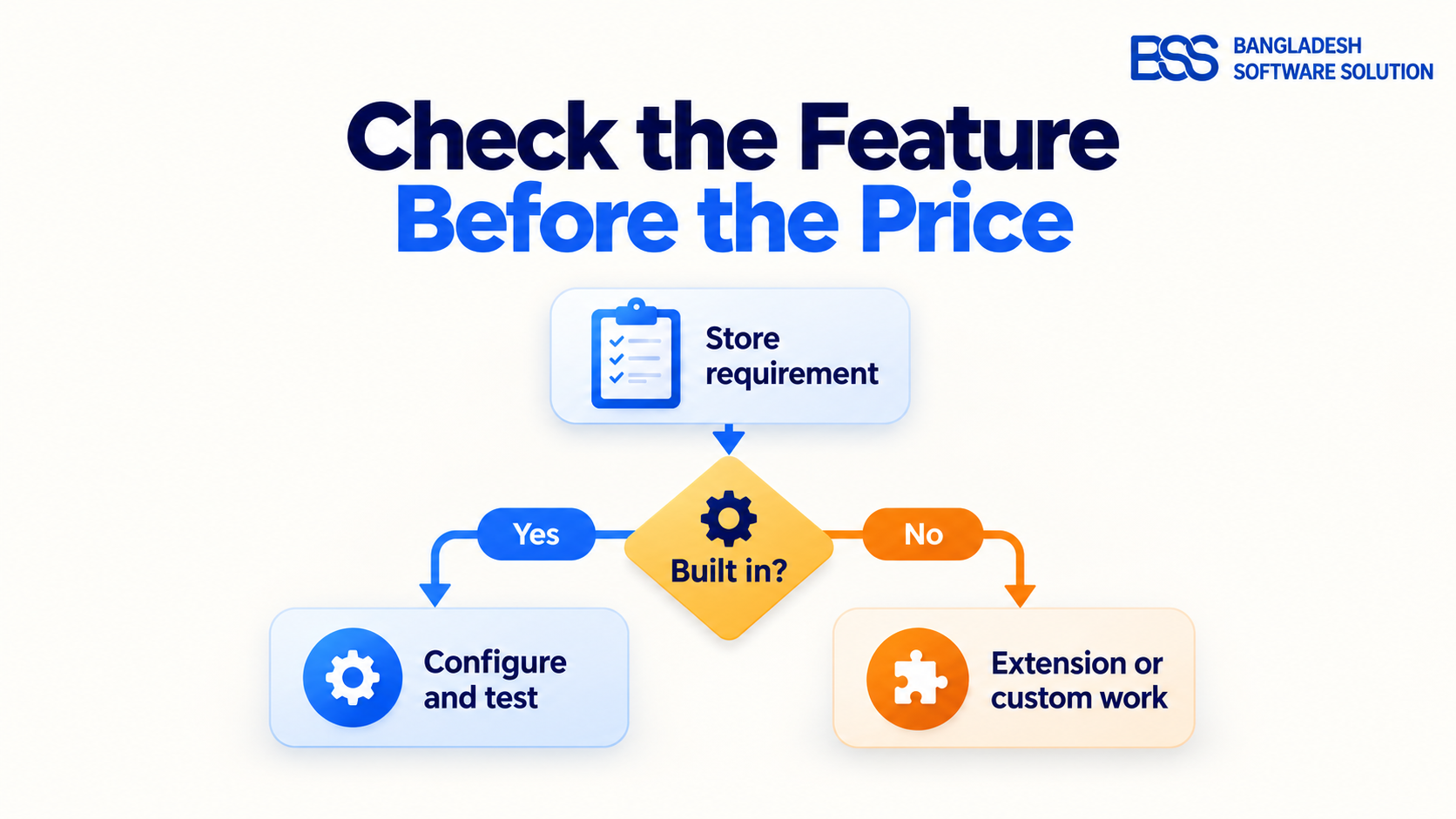
Keep the same acceptance criteria across platforms: compare the same sample devices, show the same fields, use the same inventory requirements and complete the same test orders. Count a requirement as included only after the supplier establishes how it will be delivered.
What to request with each quote
- A feature list marking each item as native, included extension, extra license or custom work.
- The billing period, currency, tax treatment and renewal terms for every recurring item.
- Payment-provider eligibility, processing charges and any separate platform charge.
- A catalog sample covering specifications, variants, images and inventory behavior.
- Ownership of setup, backups, support, testing and future upgrades.
- A launch total and a running-cost schedule, with exclusions stated rather than hidden in a total.
There is no defensible all-in winner until both quotes cover the same scope. Evaluate Shopify if included hosting and service administration fit your operating preference. Evaluate nopCommerce if code access and direct control over implementation matter to your brief and you have assigned the technical work.
Where nopGadget fits into the build budget
Once you have separated built-in features from additional storefront work, consider whether a theme bundle covers the experience you want to create. Our nopGadget Theme + 18 Plugin Bundle is designed for electronics and gadget stores, with visual editing, enhanced product comparison and merchandising tools.
Explore the theme and its live demo to see how those features fit your catalog. It gives you a practical starting point for the storefront while you budget separately for hosting, setup and any custom integrations.
Frequently Asked Questions
Final Thoughts
Return to the product list you started with. The useful outcome is a proposal that explains how those devices will be presented, compared, stocked and purchased, with each cost assigned to a clear deliverable or service.
Shopify has a published subscription and includes hosting; apps and applicable payment charges add further lines. nopCommerce removes the core subscription and platform transaction fee, while the operating environment and technical work remain part of the store budget.
Choose using comparable quotes, demonstrated features and a clear maintenance owner. If nopCommerce matches that brief, review nopGadget against your feature list and request a scoped implementation quote. That gives you a credible starting budget without pretending an advertised software price is the entire investment.
Explore nopGadget for your electronics store
Discover our electronics theme, try the live storefront and talk to our team about your requirements.