You are comparing website builders and ecommerce platforms for a new online store when a theme demo catches your eye. One offer promises easy page editing, another emphasizes selling tools, and the third shows the storefront you want. Are these alternatives, or do you need them together?
The answer becomes clearer when you separate editing pages, running commerce and presenting the storefront. This guide explains each job, where products overlap and how to evaluate a package without expecting a design purchase to supply an entire store.
Keep your shortlist open as you read, and label each offer by the specific job it promises to handle.
Website builder vs ecommerce platform vs theme: the short answer
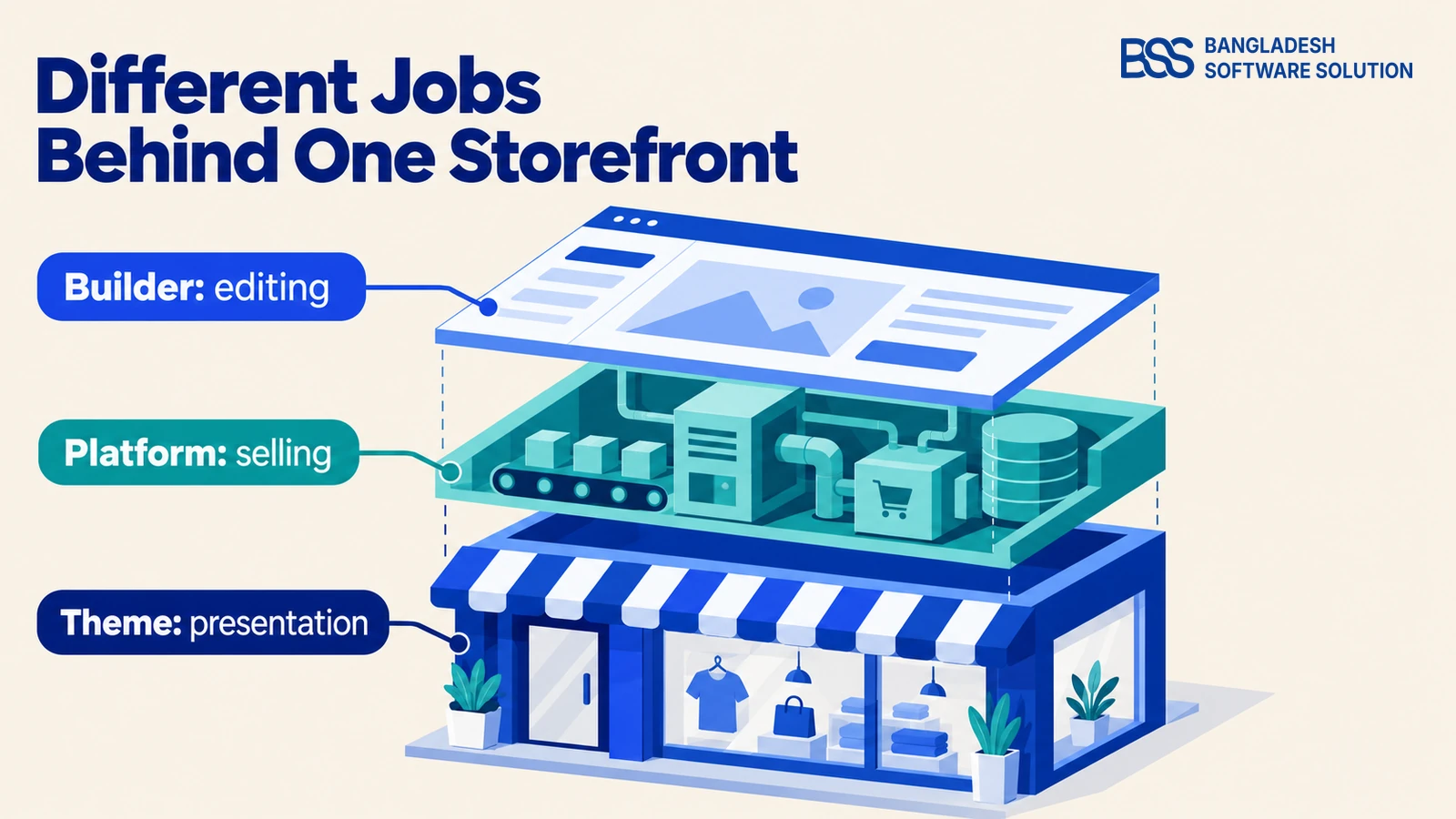
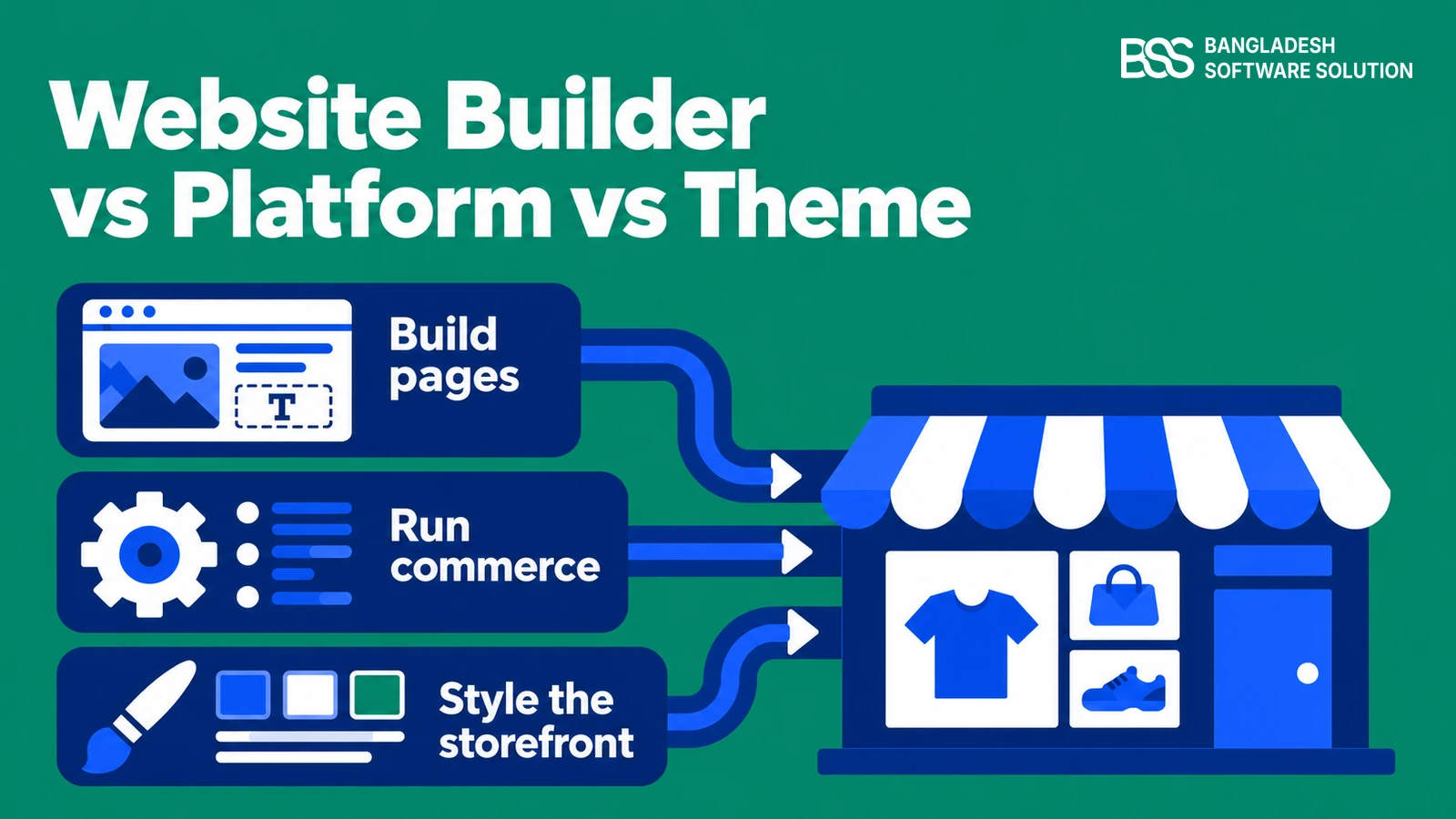
Start with the jobs you need done. A website builder helps you create and edit pages; an ecommerce platform provides the systems for selling and managing an online store; a theme supplies its storefront design and presentation templates.
These categories overlap. Shopify includes a theme editor alongside its commerce tools, and Wix offers website editing together with Wix Stores. You are comparing different responsibilities, even when one vendor packages them together.
| Term | Main job | Question it answers |
|---|---|---|
| Website builder | Create and arrange website content | How will I edit pages? |
| Ecommerce platform | Support the catalog, checkout and store operations | How will I sell and manage orders? |
| Theme | Define storefront layouts and styling | How will the store look and present products? |
Think of a product page. The platform supplies product information and selling capabilities, the theme determines how that information appears, and an editor may let you rearrange supported content. The available controls depend on the particular system and theme.
A theme and an ecommerce platform are therefore complementary purchases. A website builder can be part of that same package, or an additional tool. Comparing their prices as though each delivers an equivalent finished store leaves important work out of the decision.
Need help connecting the pieces? BSS develops stores, themes and integrations around your requirements.
Discuss your storeWhat does a website builder actually do?
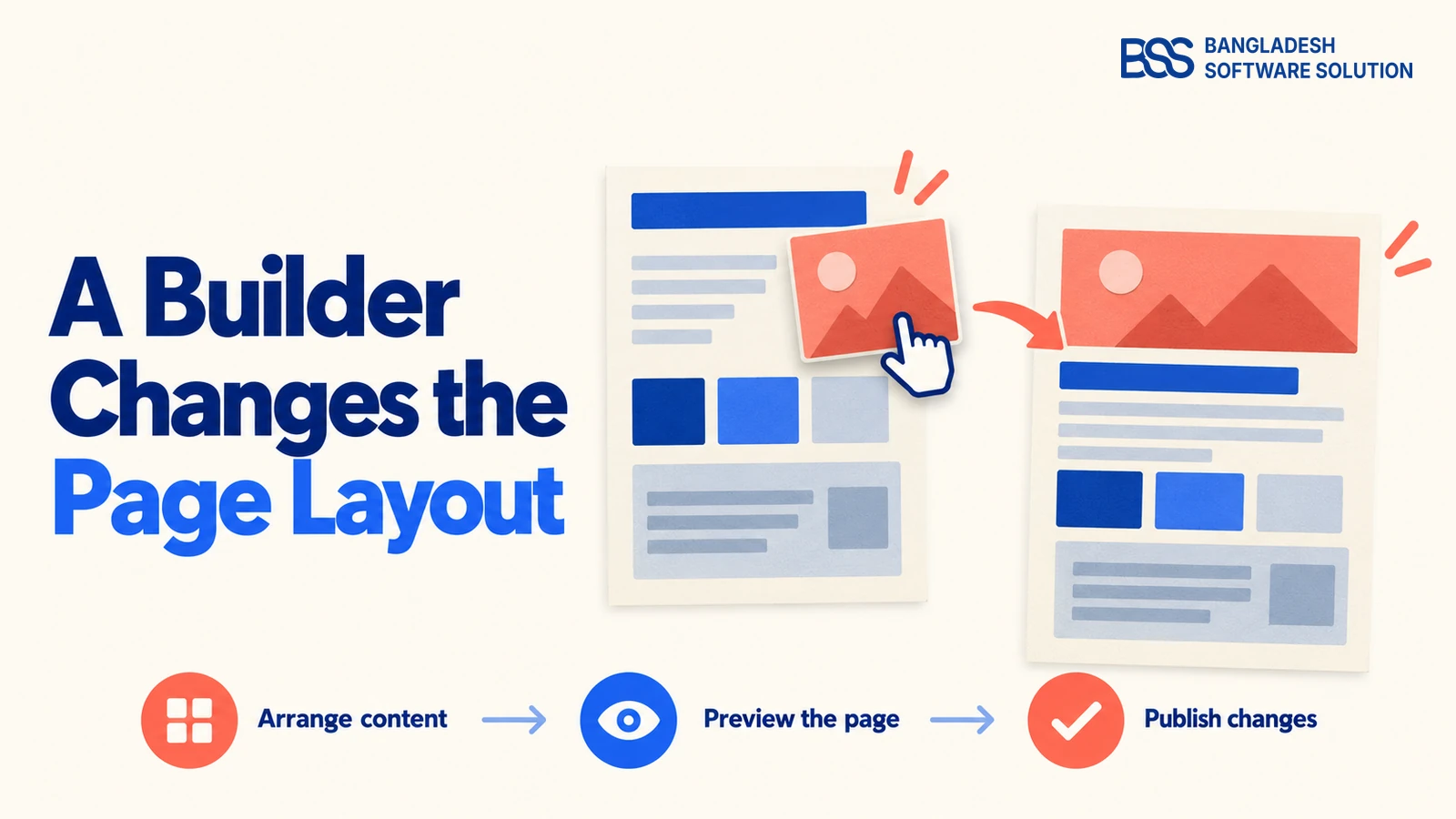
Once the jobs are separate, the editing experience becomes easier to evaluate. If your immediate task is moving a promotional image, adding a contact page or updating campaign copy, a builder is the part you interact with.
Wix’s official editor guidance describes moving, resizing and copying page elements. Shopify’s Help Center describes its theme editor as a way to preview changes, adjust settings and add, remove or rearrange content. Both provide visual editing, but their controls are specific to their systems.
A website builder and a page builder are related terms
“Website builder” can describe a complete website creation service. “Page builder” usually describes an editing tool inside an existing site or platform. Read what the product actually includes: the word “builder” alone does not establish hosting, store management or payment capabilities.
Test the editing task you will repeat
Ask for a demonstration using your own campaign: replace a banner, change its link, preview the mobile layout and publish it. Then check whether the same tool can edit product pages or only ordinary content pages.
A content editor does not, by itself, establish how inventory or order processing works. Even when you can place a product block visually, the product data and buying actions still need a commerce system behind them.
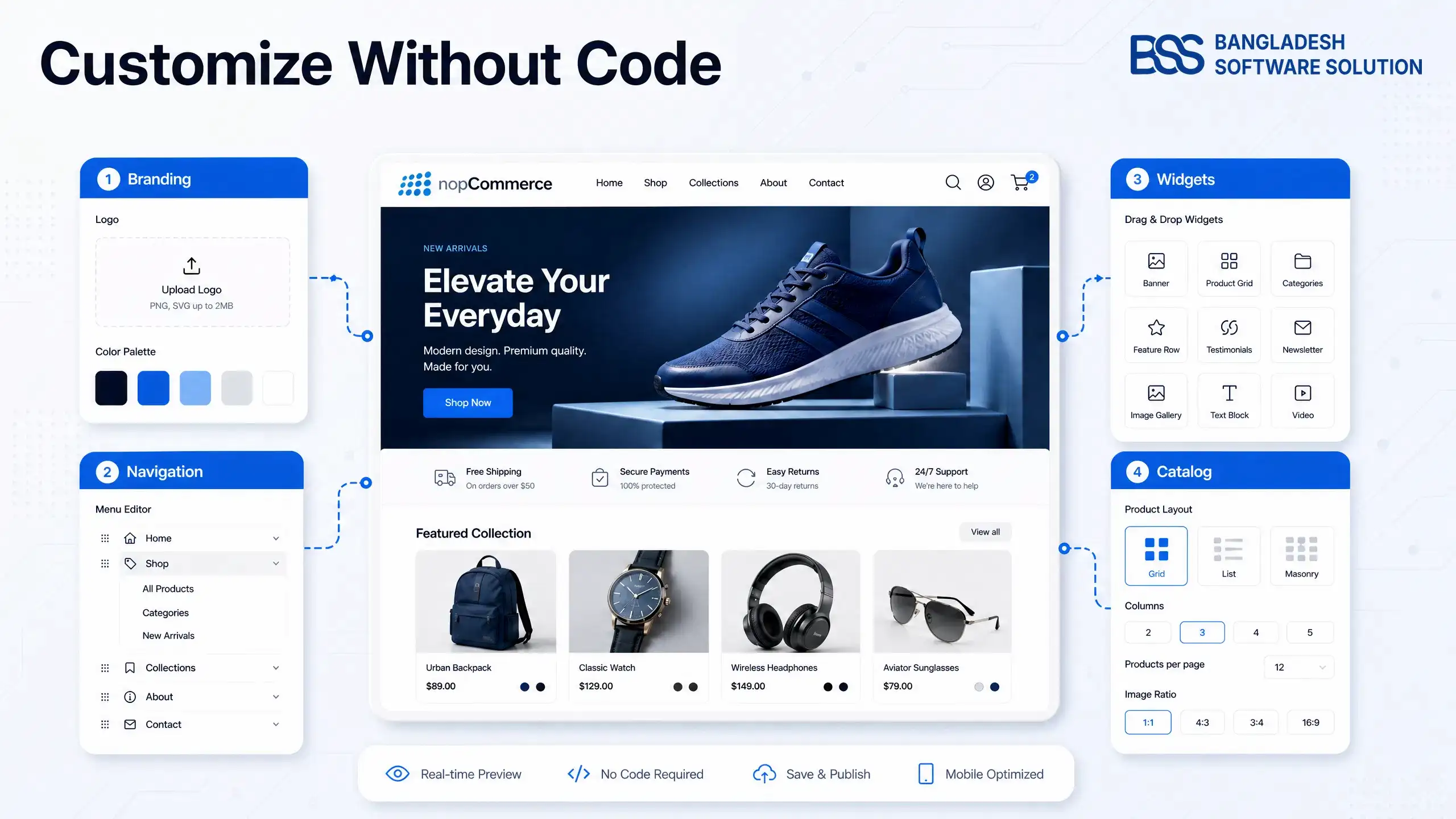
For the nopCommerce implementation of this idea, our BSS Visual Editor walkthrough explains the page-editing tool. Keep that editing question separate from the choice of platform that runs your store.
What does an ecommerce platform handle?
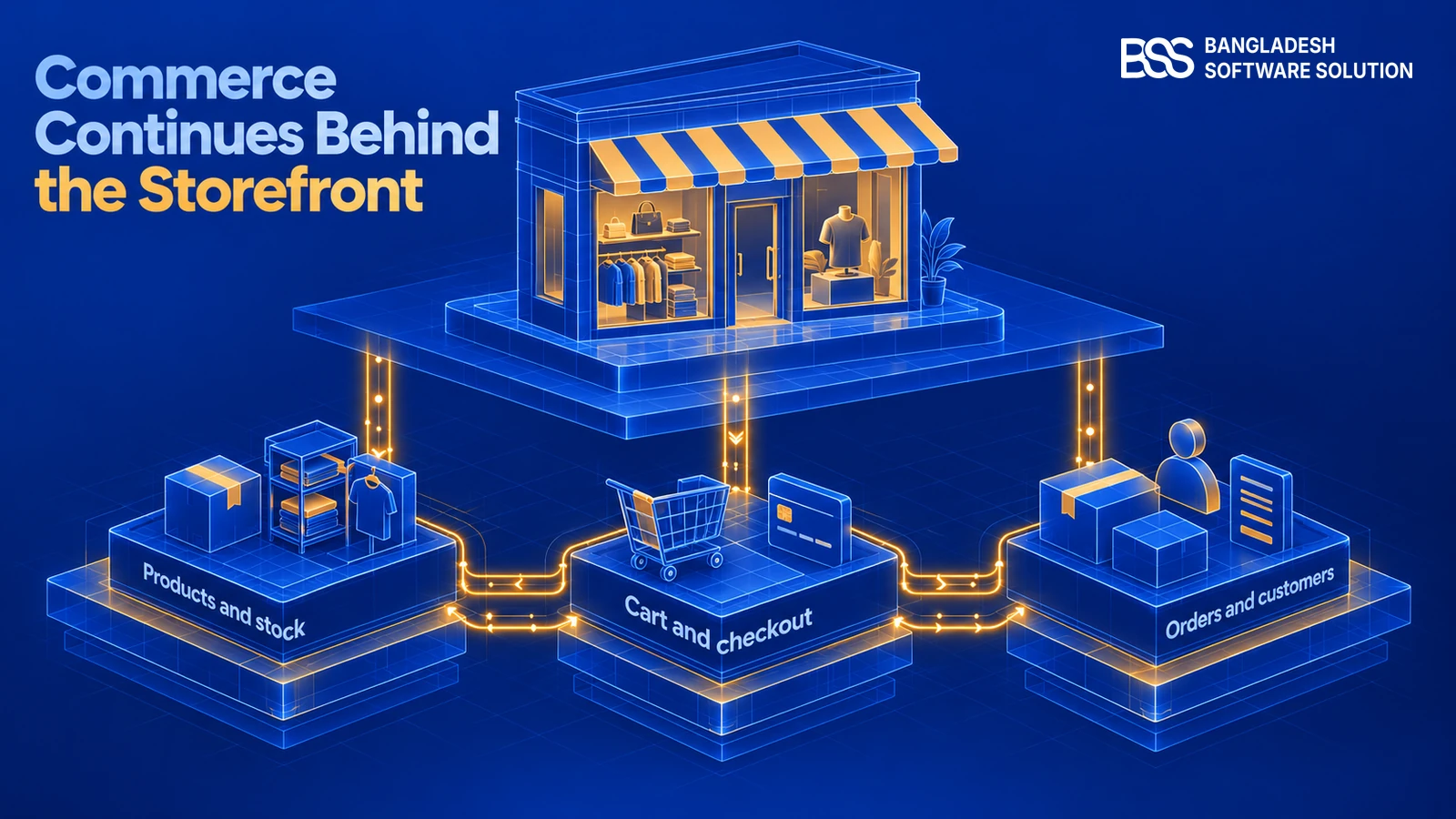
Now follow the customer beyond the page layout. Selecting a product, submitting checkout and finding the resulting order in administration require commerce functionality. This is the part to investigate before deciding whether a storefront demo fits your business.
An ecommerce platform provides the foundation for managing products, carts, checkout, customers and orders. Particular payment methods, delivery connections or business rules may need configuration, extensions or custom integration. A platform’s category label does not prove it supports your exact workflow.
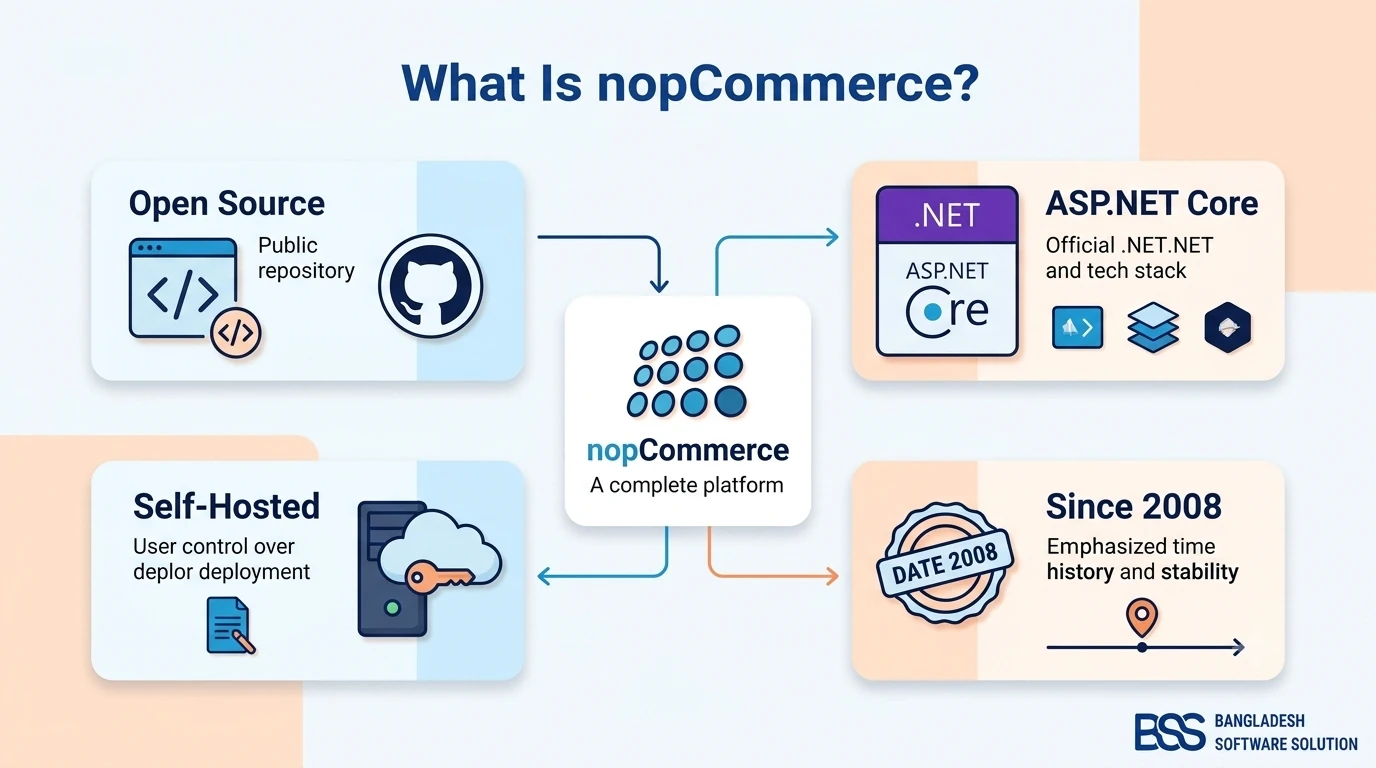
One example: nopCommerce’s documentation describes a catalog frontend and an administration backend. Its plugin documentation explains that plugins extend store functionality. The storefront, administration and extensions work together, rather than asking a theme to perform every job.
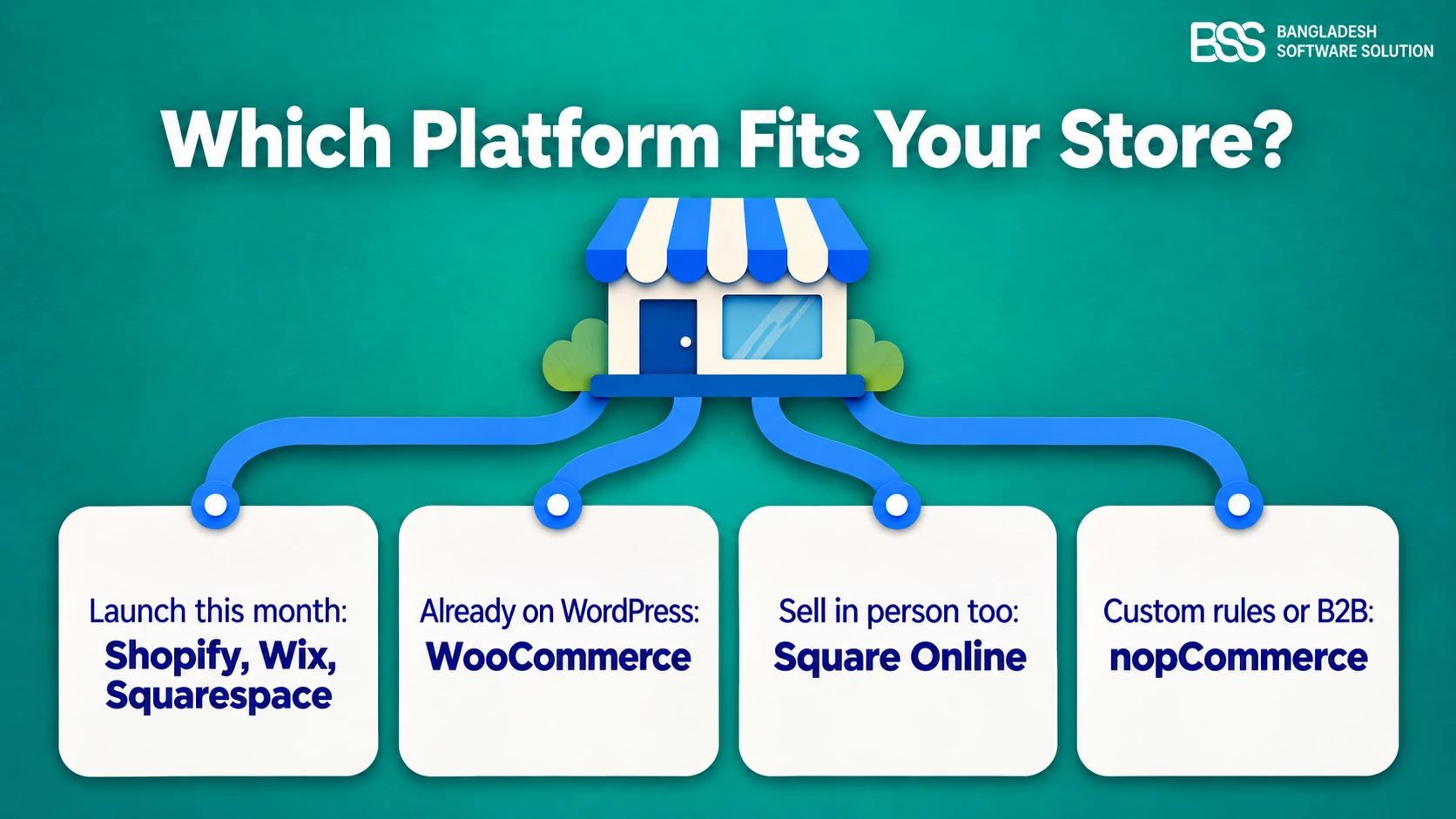
WooCommerce illustrates another arrangement: its developer documentation describes an ecommerce platform built on WordPress. Shopify brings commerce and storefront editing into its service. These examples show why “builder or platform?” is sometimes the wrong either-or question.
Verify the operation, not just the feature name
Ask a vendor to demonstrate the payment method, stock behavior and order-management steps you need. If an integration is required, identify the extension, its compatibility and who maintains it. A checkout screenshot cannot verify the entire order process.

At BSS, we build ecommerce stores on nopCommerce, Shopify and WooCommerce. Our published Ladily project combines a nopCommerce storefront with bKash payment and inventory tracking—distinct pieces of the implementation, described in our ecommerce development work.
If you want a closer introduction to one platform, read what nopCommerce is. This article’s distinction stays the same: selling capabilities need verification independently of how easily you can rearrange a page.
Where does a theme fit into your store?
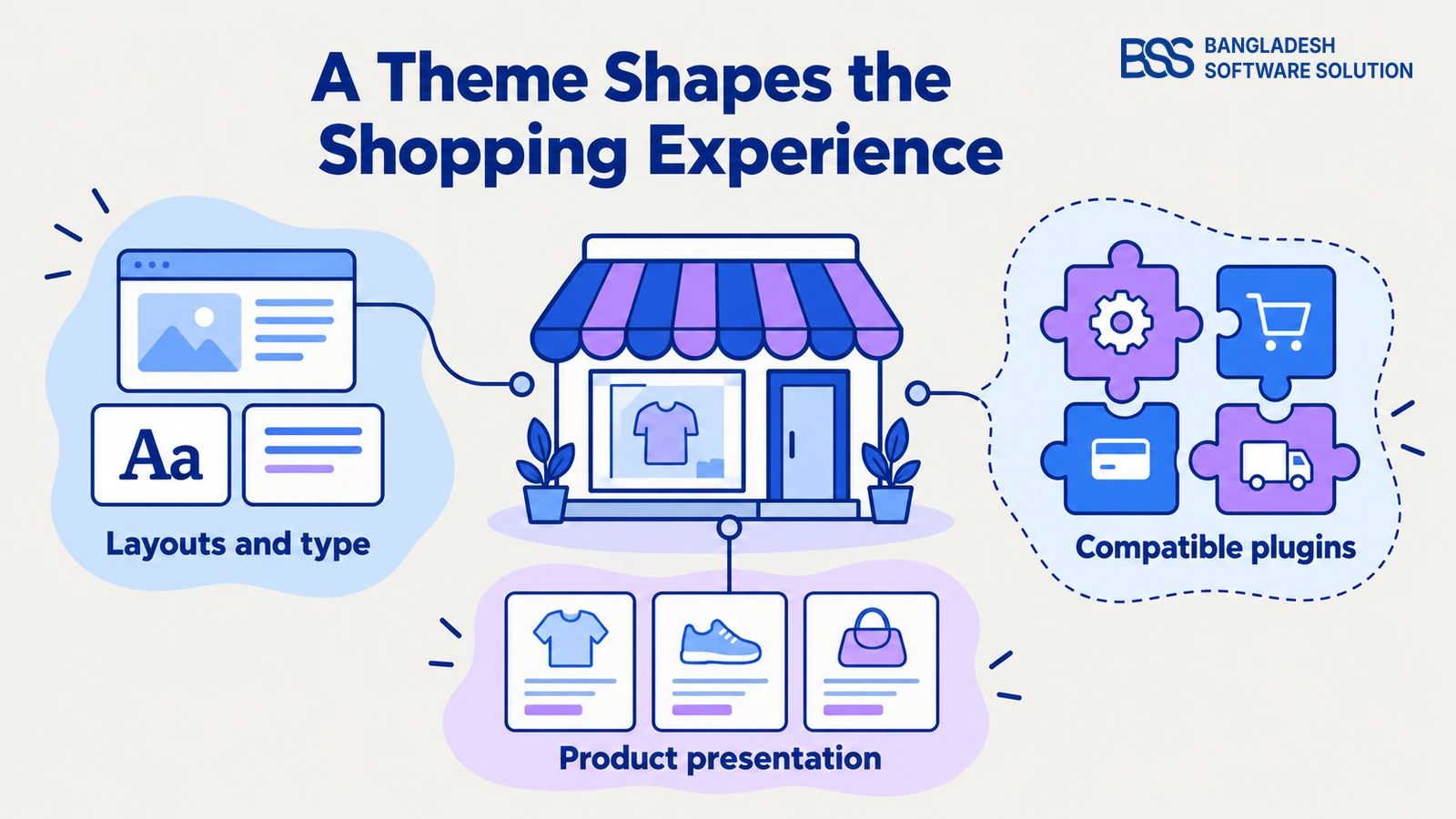
With the selling requirements established, return to what shoppers see. A theme shapes page layouts, typography, colors and product presentation. Shopify’s theme documentation describes themes in terms of styles, layouts and shopping experiences; nopCommerce’s designer guidance similarly describes consistent layout and appearance.
A theme is more than a background color. Its templates and supported settings influence how customers encounter product information and navigate the storefront. However, the theme’s presentation role should not be confused with the platform’s order-management responsibilities.
How is a theme different from a template?
The terminology depends on the system. Shopify’s Help Center explains that a theme contains templates for different content types, including products and collections. Those templates contain sections and blocks that display content from the relevant area of store administration.
Editing a Shopify template changes every page using that template. Updating an individual product’s information is a different task. Before changing a layout, check whether you are editing one item’s content or a shared template applied to several pages.
Separate the theme from the extras in its bundle
This distinction matters when a fashion storefront package includes editing tools and shopping features. Our NopVogue theme for nopCommerce, for example, lists a Theme Builder, Visual Editor, QuickView and One-Page Checkout in its current product description.
That is a theme offered with additional tools and plugins for a nopCommerce store. It is not a standalone ecommerce platform. For someone who has already selected nopCommerce, it provides a concrete example of evaluating storefront design and bundled functionality together.

A fashion storefront theme offered with editing tools and shopping plugins. Review the demo and included components against your store requirements.
Explore the theme and bundleCheck the supported platform version, included components and configuration work before purchasing. Do not treat a bundled checkout plugin as a feature automatically supplied by every theme. Likewise, a Shopify theme and a nopCommerce theme are intended for their respective systems.
At BSS, we develop both themes and plugins; those are separate deliverables in our ecommerce services. If your design needs a behavior the chosen package does not provide, we can handle custom theme and plugin development.
How to choose without buying the wrong thing
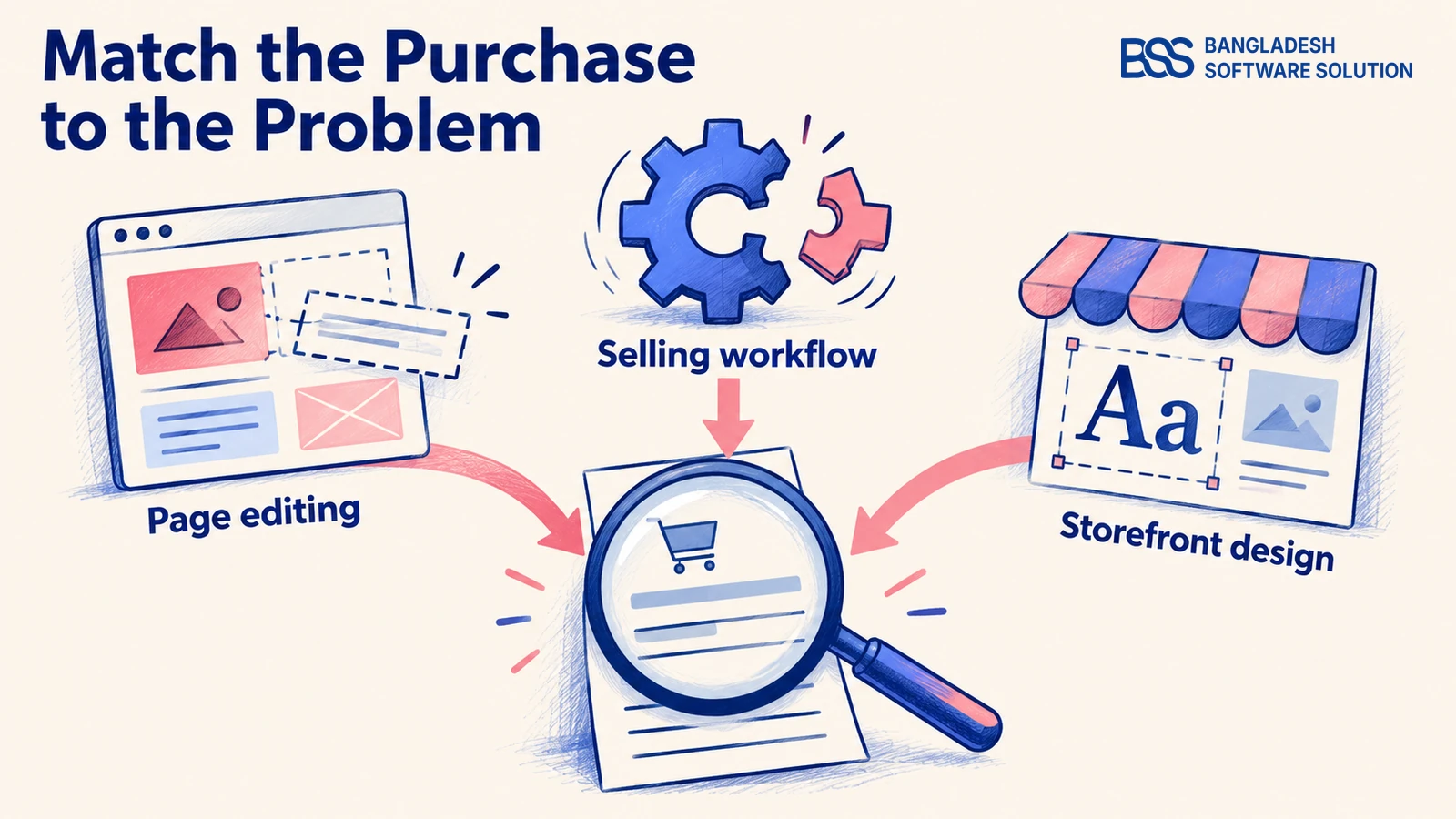
Return to your shortlist with a brief organized by responsibility. First identify what the store must sell and how orders must work. Then verify whether the available design and editing tools let your team present and maintain it as intended.
For an existing store, identify the missing capability before replacing anything. A campaign page that is difficult to update calls for an editing review. A missing payment connection needs a commerce integration review; a product layout problem needs a theme or template review.
Questions to take into the demo
- Commerce: Can you demonstrate our products, payment method, shipping needs and order workflow?
- Editing: Which pages can our team change, and which changes require code?
- Design: Can we test the theme with our product images, names and variants on a phone?
- Ownership: Which items are included, separately licensed or maintained by another supplier?
- Ongoing work: Who handles hosting, updates, integration support and compatibility checks?
Ask for a written breakdown of software or subscription charges, theme licensing, extensions, setup and ongoing work. Verify which costs are included in the proposed service. A theme price alone cannot establish the cost of launching and maintaining a functioning store.
Also ask what a later change would involve. Reworking a page layout, switching a theme within the same system and moving to another commerce platform are different project scopes. Request a specific plan for your setup rather than accepting a general promise that everything can be changed later.
When you are ready to compare actual products, our small-business ecommerce platform comparison takes that next step. Use it after clarifying the jobs you need, so its platform discussion answers the right question.
If the brief exposes integration or customization work you do not want to manage, BSS can build and integrate the store. Bring the workflow and editing requirements into that conversation, rather than only a screenshot of the design.
Need a nopCommerce Developer? Hire the BSS Team
From custom plugins and theme work to full-store builds and performance tuning, our dedicated nopCommerce engineers ship production-grade code. Tell us what you need and we'll match you with the right developer.
Frequently asked questions
Know what each purchase is doing
Your shortlist can now become a clear brief: the commerce system must support selling, the theme must present your products appropriately, and the editing tools must suit the people maintaining the site. A single package may combine those jobs, but each deserves its own check.
Before buying the attractive demo from the opening scenario, ask to see your real products, a working order flow and a routine content change. You will be choosing a store setup you understand, with a defined purpose for each component.
BSS develops ecommerce stores, themes, plugins and integrations. Bring your selling requirements and editing needs to a free consultation.
Book a free consultation