

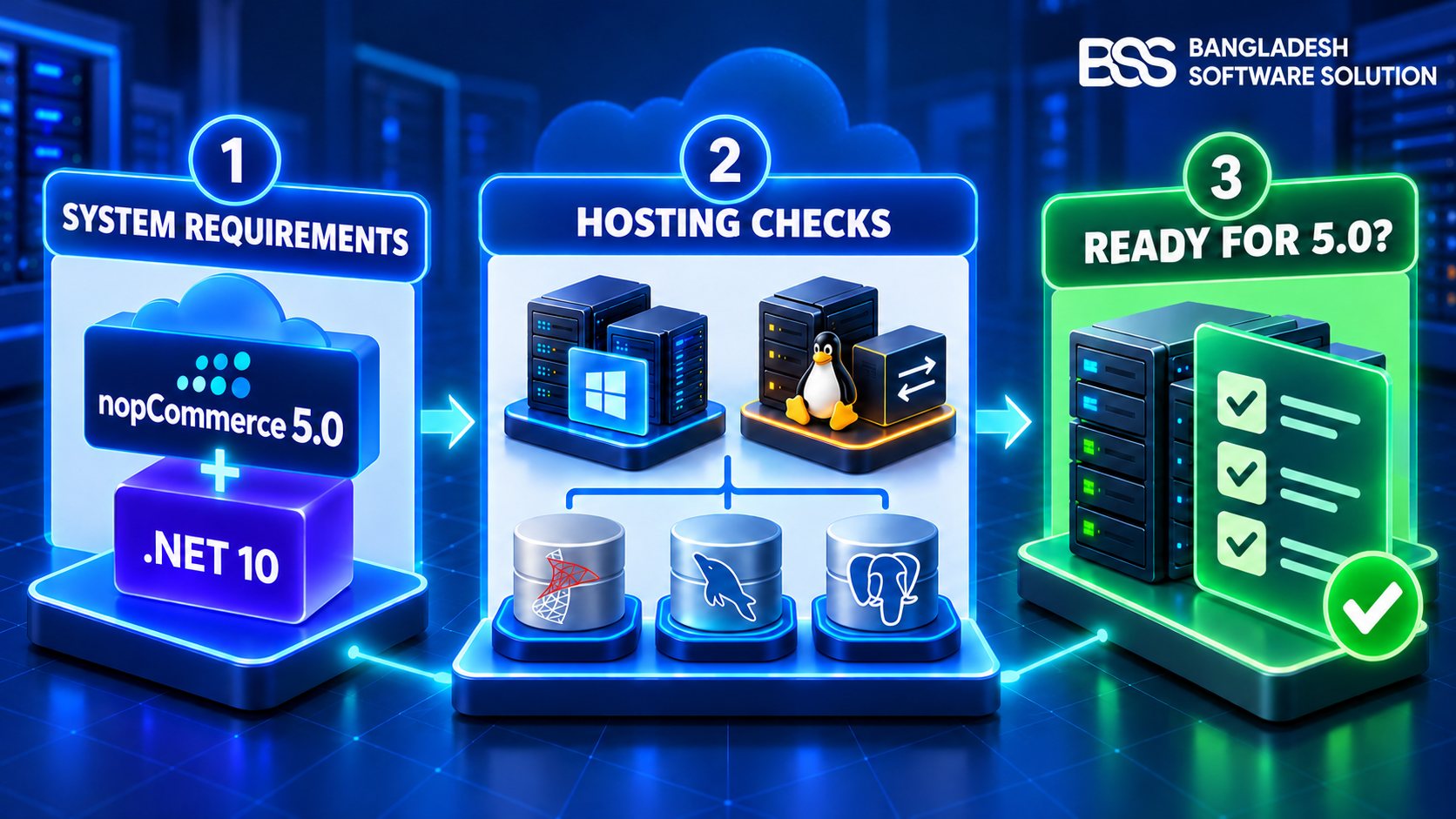
Your developer says nopCommerce 5.0 is nearly here. Your hosting dashboard says it supports “ASP.NET Core.” Does that mean the server is ready?
Not necessarily. A provider may support an older runtime, a Linux service may still point to the previous application path, or IIS may be missing the hosting components the new build needs. This guide answers the infrastructure question the feature lists do not: what must you verify before a nopCommerce 5.0 store can run reliably?
Release status on October 12, 2026: nopCommerce 5.00 is available as a beta prerelease published on September 30. The official release-notes page still identifies 4.90.8 as the latest final release. Use the beta for staging and verification, and recheck the final requirements when 5.00 is officially released.
This article stays deliberately narrow. For the new commerce features, read what is new in nopCommerce 5.0. For the migration sequence, plugin checks and rollback rehearsal, use our nopCommerce 5.0 upgrade guide.
The Confirmed Requirement: nopCommerce 5.0 Uses .NET 10
The nopCommerce team has confirmed that version 5.00 moves to .NET 10. Its public development item for the migration is closed, and the team also confirmed the runtime change in its support forum.
This is the central hosting difference between the current stable generation and the new release:
| nopCommerce version | Runtime generation | What it means |
|---|---|---|
| 4.90 | .NET 9 | A server prepared only for 4.90 is not automatically ready for 5.0. |
| 5.00 beta | .NET 10 | The target server must be able to run the .NET 10 application. |
Microsoft classifies .NET 10 as a Long Term Support release and lists November 14, 2028 as its end-of-support date. Microsoft also requires supported installations to remain current with servicing updates.
Ask the exact question
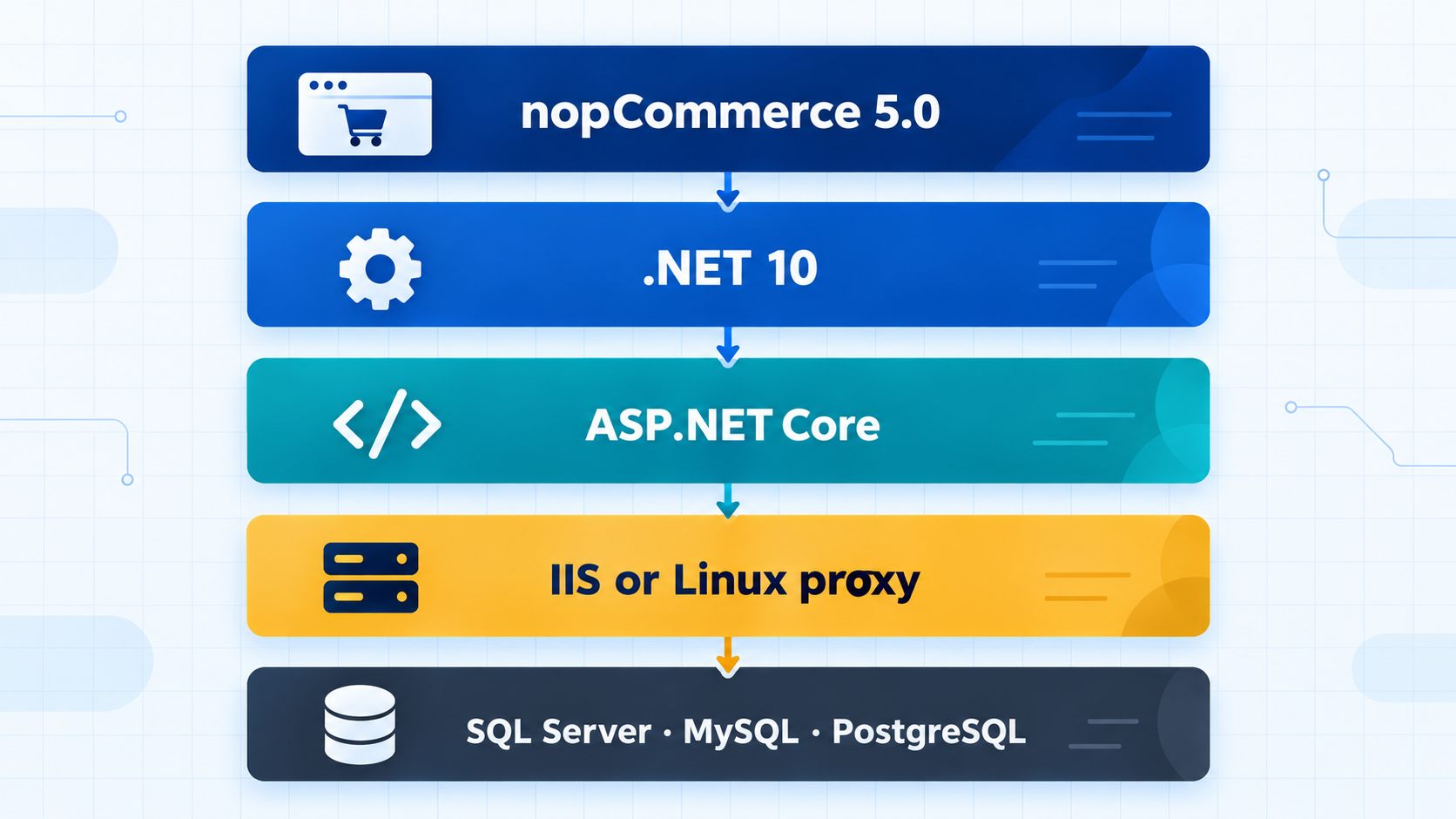
Do not ask a host only whether it supports “.NET” or “ASP.NET Core.” Ask whether a supported and patched .NET 10 ASP.NET Core runtime is available on the exact plan and server assigned to your store.
Seven Questions to Send Your Hosting Provider
A short written answer from the provider is more useful than a generic feature badge. Send these questions before you schedule the deployment.
Hosting-provider questionnaire
- Does this exact plan support ASP.NET Core applications targeting .NET 10?
- Which .NET and ASP.NET Core runtime versions are installed on the assigned server?
- For IIS hosting, is the appropriate .NET 10 Hosting Bundle installed?
- Can we restart the application and inspect its startup logs?
- Which SQL Server, MySQL or PostgreSQL versions are available?
- Which directories remain persistent and writable during deployment?
- Who installs runtime security patches, and on what schedule?
Windows and IIS Readiness
Windows deployments commonly run nopCommerce behind Internet Information Services. Microsoft’s current compatibility table supports .NET 10 on specified Windows 11, Windows 10 LTSC or Enterprise, and Windows Server editions. Record the exact edition, version, architecture and patch state instead of writing only “Windows server.” If HTTPS termination or certificate setup is part of the move, use our contextual nopCommerce SSL setup guide for IIS and Azure alongside this infrastructure check.
What to document in IIS
- The application-pool identity and the folders it can write to
- Process architecture, idle-timeout and recycling settings
- How the application reaches the database
- Where startup and application errors are recorded
- Who can restart the application after deployment
If the application fails to start, compare its target framework with the runtimes installed on the server before changing nopCommerce code. A framework-not-found message, an immediately stopped process or a generic IIS startup error can all point to the hosting layer.
Linux Hosting Readiness
nopCommerce supports Linux deployments. The official installation documentation uses a systemd service to keep the application running and a reverse proxy to receive web traffic. For 5.0, the Linux distribution must also support .NET 10. For the broader decision between managed hosting, VPS and cloud infrastructure, see our nopCommerce hosting guide.
Microsoft publishes distribution-specific instructions. Its Ubuntu guidance, for example, identifies which Ubuntu releases support .NET 10 and whether the package comes from Ubuntu’s built-in feed or the .NET backports repository.
Reboot the staging server
A staging site that works only after someone starts it manually is not ready. Perform a controlled reboot and confirm that the service, proxy and store return without administrator intervention.
Database Requirements: Confirm, Then Restore
The current nopCommerce system-requirements documentation lists Microsoft SQL Server, MySQL and PostgreSQL. Its published platform-wide minimums are SQL Server 2012 or later, MySQL 5.7 or later, and PostgreSQL 9.5 or later.
However, the official requirements page has not yet published a separate final nopCommerce 5.00 requirements block. Treat those values as the currently documented platform minimums—not as a promise that the final 5.0 release cannot revise them.
| Check | Record before testing | Why it matters |
|---|---|---|
| Engine | SQL Server, MySQL or PostgreSQL | Provider-specific behavior and tooling differ. |
| Exact version | The full database-server version | A product name alone cannot prove compatibility. |
| Connection | Authentication, encryption and certificate rules | The app can be valid while the connection still fails. |
| Backup | Last successful backup and restore test | A backup is useful only if it can be restored. |
| Scale | Database size and representative data | A blank install cannot reveal migration time or old schema history. |
The test that answers the real question
Restore a recent production backup to an isolated database and run the staging application against that copy. This reveals old schema history, large tables, custom indexes, plugin-created data and long-running migrations that a blank installation cannot expose. If the restored store exposes slow queries, work through the nopCommerce database indexing and query-tuning guide before blaming the new runtime.
Never point beta software at the only copy of a production database.
Shared Hosting, VPS, Cloud or Container?
No hosting label proves readiness. The deciding factors are control over the runtime, database connectivity, persistent storage, permissions, logging and application restarts.
| Hosting model | The question that decides readiness |
|---|---|
| Shared hosting | Does this exact plan expose .NET 10, restart controls and useful startup logs? |
| Managed Windows hosting | Will the provider install and maintain the required IIS hosting components? |
| VPS | Who patches the OS, runtime, web server and database? |
| Cloud application service | Does the chosen service support the target runtime, or must deployment be self-contained? |
| Linux server | Does the distribution support .NET 10, and is systemd configured for the final application? |
| Container | Does the image use the correct runtime, and are media and other persistent data outside disposable layers? |
Five Readiness Problems and Their Fixes
“Our host supports ASP.NET Core”
Problem: No major runtime version was confirmed. Fix: Ask for control-panel or command output showing the installed .NET and ASP.NET Core runtimes on your assigned server.
It works on the developer’s computer, but not the server
Problem: The workstation may contain an SDK or runtime the server lacks. Fix: Compare the target framework, installed server runtimes, hosting components, process architecture and startup logs.
The site starts, but image uploads fail
Problem: The application identity may not have access to the storage location. Fix: Test with the production service account and grant narrowly scoped folder permissions.
The Linux site disappears after a reboot
Problem: The systemd service may be disabled or point to the wrong path. Fix: enable it, verify the working directory and inspect the service journal after a controlled reboot.
A fresh installation works, but the copied store does not
Problem: Real data, schema history or plugin tables introduce conditions a blank database lacks. Fix: restore a current production backup to an isolated database and repeat the test there.
The nopCommerce 5.0 Hosting-Readiness Checklist
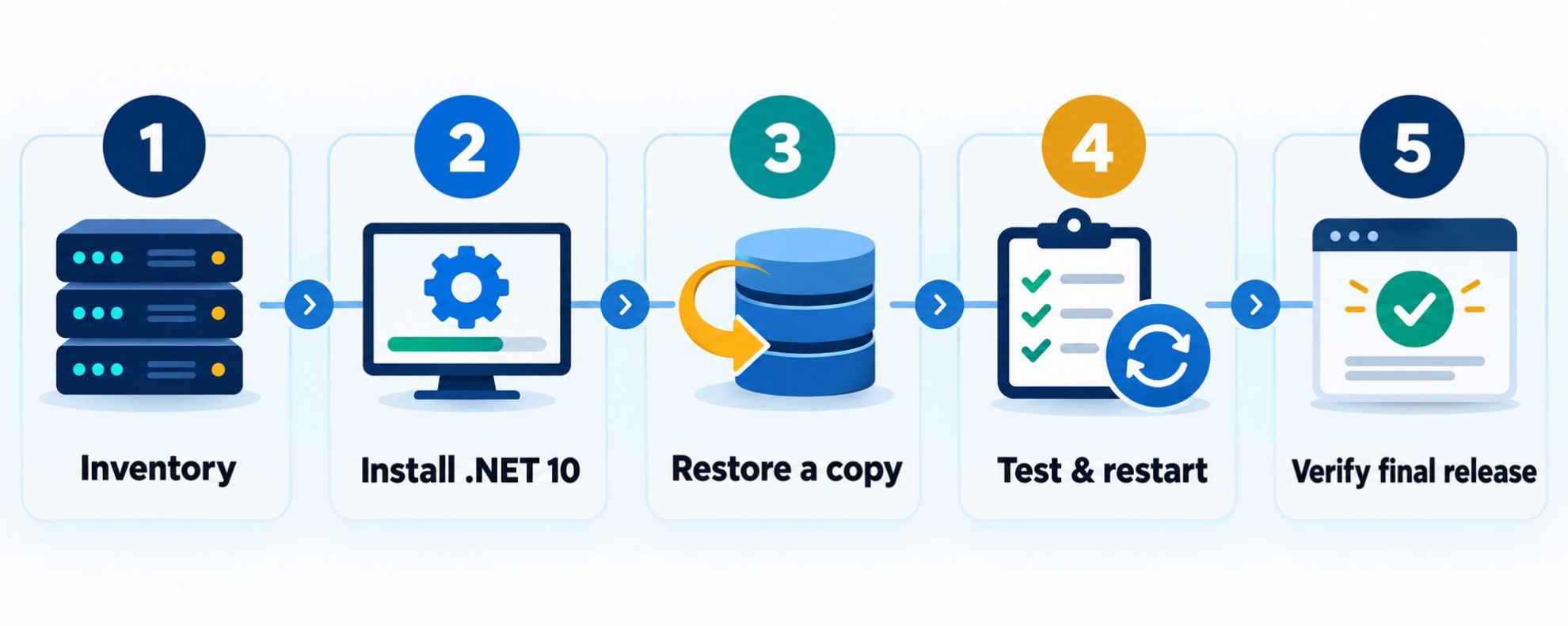
Before approving a production date
- Confirm that final nopCommerce 5.00 appears on the official release page.
- Read the final release notes and recheck version-specific requirements.
- Record the OS edition, version, architecture and patch state.
- Verify the required .NET 10 ASP.NET Core runtime on the target server.
- Confirm IIS hosting components or the Linux systemd service and reverse proxy.
- Restore a current database backup in an isolated staging environment.
- Test database encryption, certificates and the application account.
- Test product-image uploads, logs and persistent storage.
- Perform an application restart and a controlled staging-server reboot.
- Keep a rollback copy outside the directory replaced by deployment.
What Must Be Rechecked After the Final Release
The beta confirms the direction, but the final documentation remains the authority for production. Recheck:
- The exact production runtime and Windows Hosting Bundle recommendation
- Any revised operating-system or database minimums
- Final developer-tool requirements
- Installation notes changed between beta and final packages
- Any provider-specific deployment guidance added at release
You do not have to wait to inventory the server, create staging, confirm .NET 10 capability, restore the database and document the deployment. You only need to avoid presenting beta details as immutable final requirements.
Frequently Asked Questions
Official Sources Used
- nopCommerce releases on GitHub
- Official nopCommerce release notes
- nopCommerce team confirmation of .NET 10
- nopCommerce technology and system requirements
- Official nopCommerce Linux installation guide
- Microsoft .NET support policy
- Microsoft .NET installation guidance for Windows
- Microsoft .NET guidance for Ubuntu
Final Thoughts
Preparing for nopCommerce 5.0 is not only a matter of waiting for a download link. The confirmed move to .NET 10 makes the runtime, operating system, web server, database connection, service identity, persistent storage and monitoring part of the release plan.
Inventory the environment now. Build a staging copy that resembles production. Restore real data, test uploads and restart the server. When the final release appears, compare its official requirements with that inventory before setting the production date.
Not sure whether your server is ready?
BSS can review your runtime, hosting, database and plugin dependencies before you commit to a nopCommerce 5.0 release date.
Talk to a nopCommerce Expert

