NopCommerce for small business is a fair question because the platform sits in an unusual place. It is not a drag-and-drop hosted store builder, but it is also not only for enterprise teams. nopCommerce gives small businesses serious ecommerce features, source-level flexibility, catalog control, plugins, SEO settings, payment options, shipping configuration, and room to grow. The trade-off is that setup and maintenance require more technical discipline than a simple hosted storefront.
So the real question is not whether nopCommerce is too complex. The better question is whether your business needs the control that comes with that complexity. If you sell a small catalog, want the fastest possible launch, and never expect custom workflows, a hosted SaaS store may feel easier. If you want long-term ownership, custom features, local payment or shipping logic, B2B pricing, integrations, or more control over hosting and data, nopCommerce can be a strong small business choice.
Quick verdict: nopCommerce is just right for a small business that wants a serious ecommerce foundation and can either follow a careful setup process or work with a trusted nopCommerce partner for the first launch.
It becomes too complex when a business expects a no-maintenance website, has no technical support plan, or installs too many plugins before validating the core selling workflow.
When nopCommerce fits a small business
nopCommerce works best when a small business sees ecommerce as a long-term operating system, not only a quick brochure with checkout. The official nopCommerce documentation describes a platform with catalog management, payments, shipping, orders, customers, content, marketing, SEO, analytics, plugins, and administration features. That breadth is useful when a small store wants to grow without changing platforms after the first year.
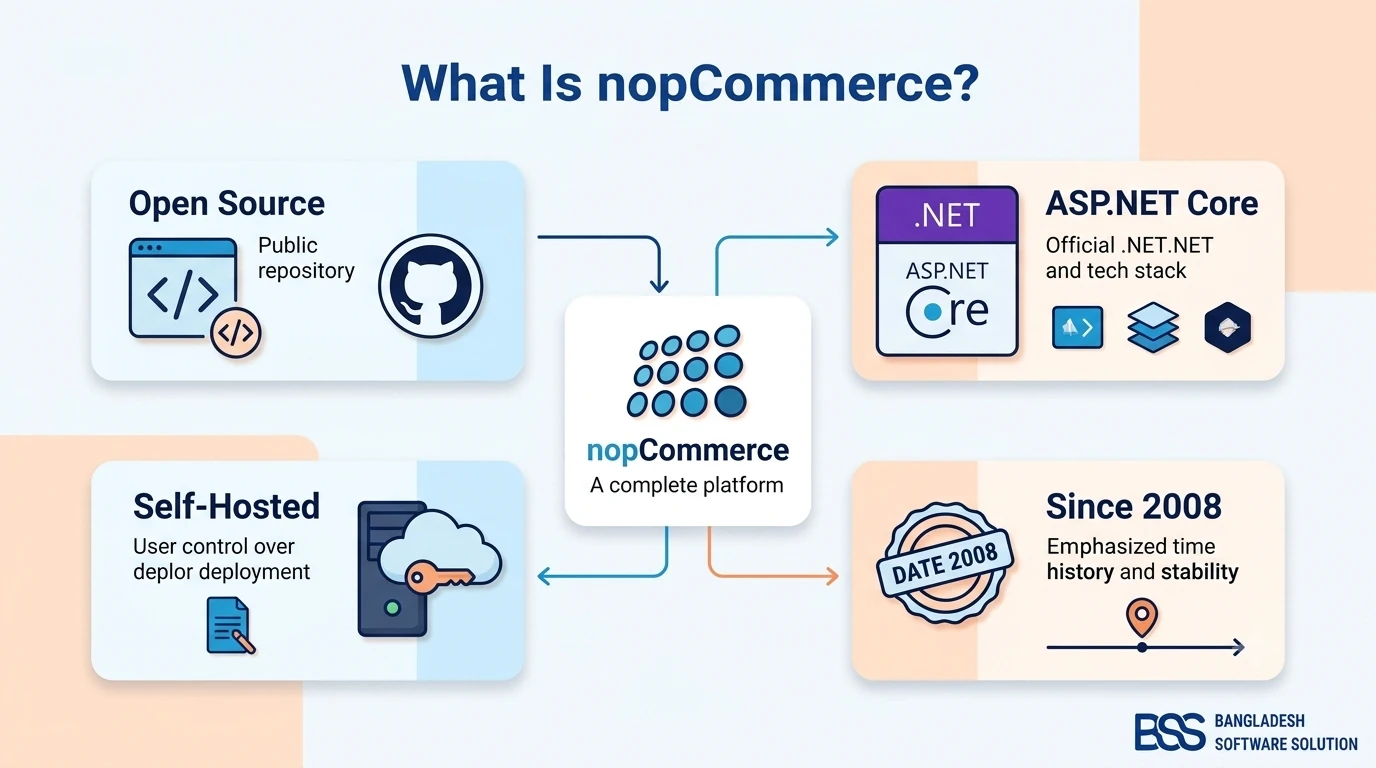
For a very small business, this does not mean building everything at once. It means starting with the essentials and leaving room for smarter improvements later. If you are new to the platform, the beginner overview What Is nopCommerce? is a useful first step before comparing setup effort and cost.
What a nopCommerce small business setup really includes
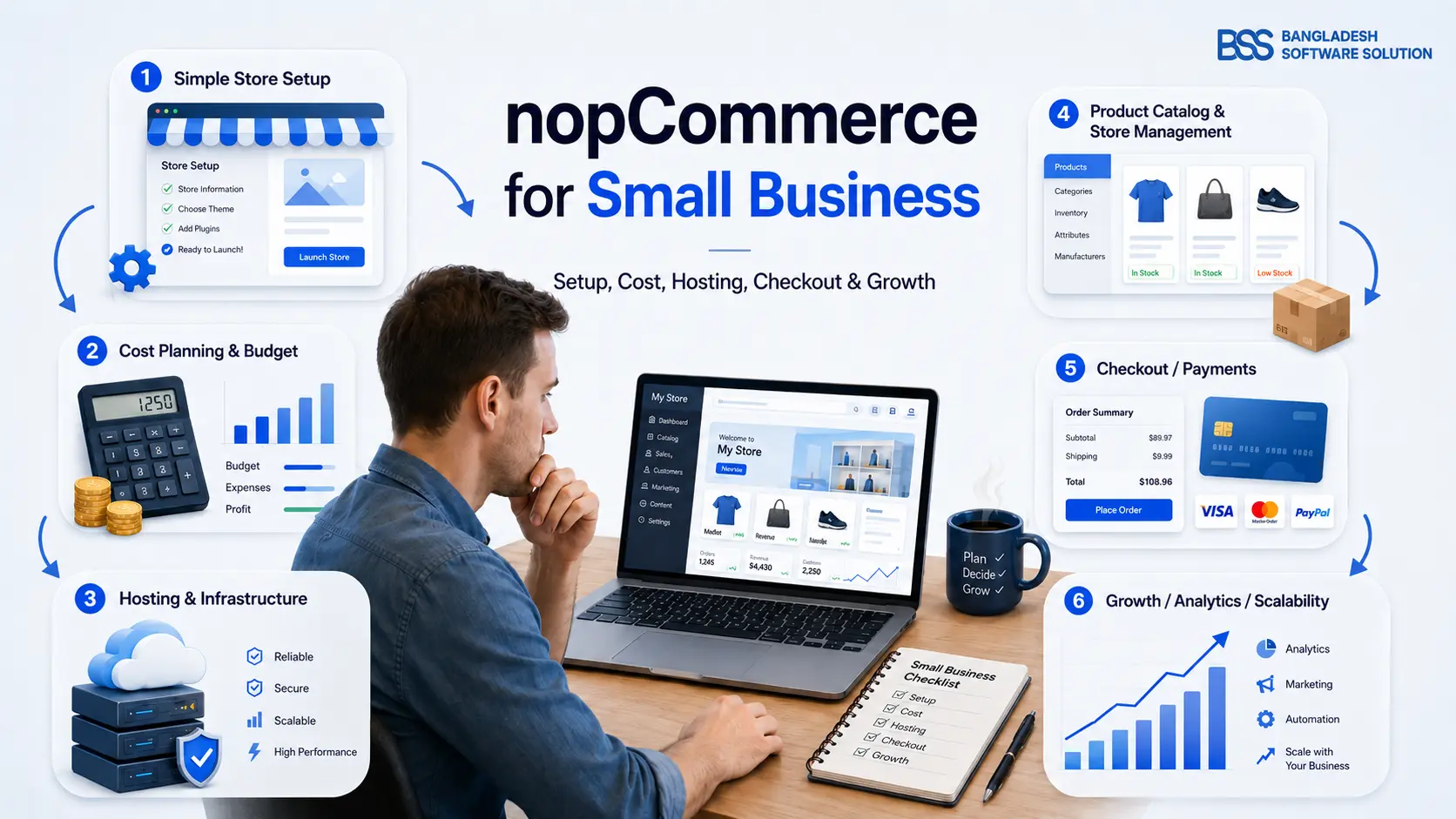
A practical nopCommerce small business setup starts with a focused launch scope. You do not need every feature on day one. You need a stable catalog, clean product data, a theme that matches your brand, reliable hosting, payment configuration, shipping rules, taxes, email, SEO basics, order testing, backups, and a plan for updates.
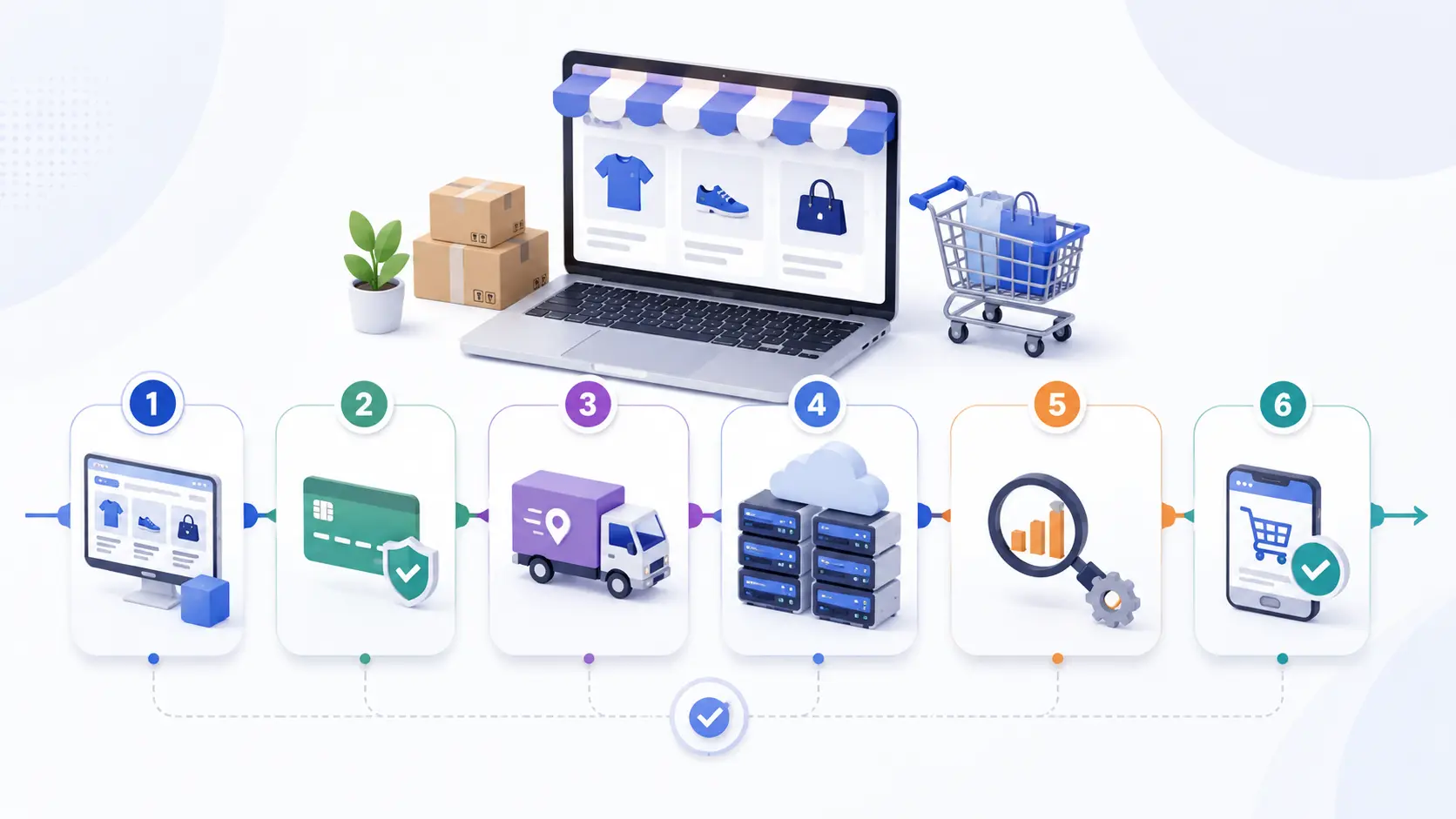
Lean setup checklist
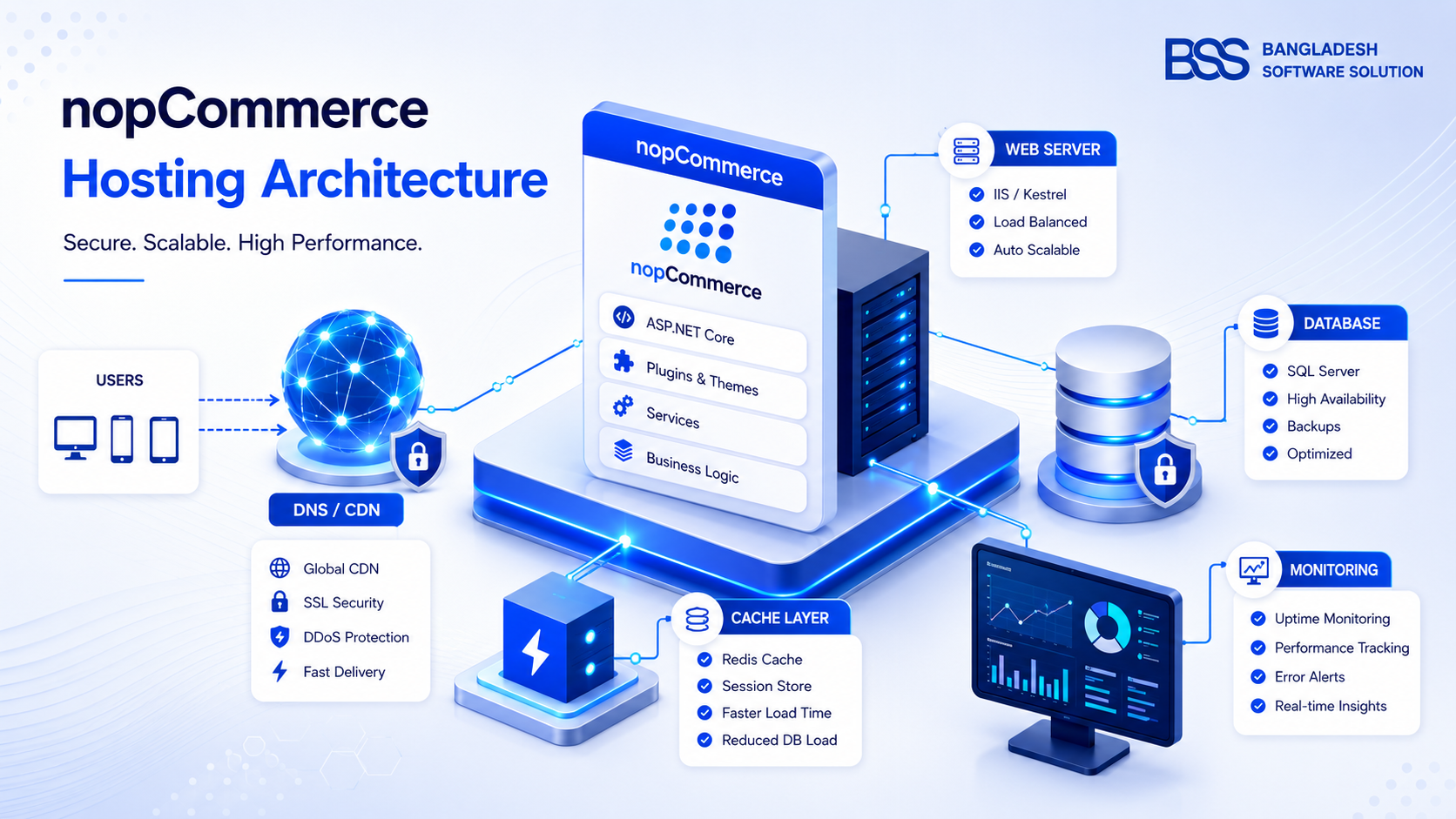
- 1Choose hosting that matches your traffic and technical comfort. Read the nopCommerce hosting guide if you are choosing between IIS, Azure, VPS, or managed hosting.
- 2Set up categories, products, images, attributes, inventory, and product SEO fields before styling every page.
- 3Configure payment, shipping, tax, email, order notifications, and return policy pages before inviting customers.
- 4Test the complete path: product page, cart, checkout, payment, order email, admin processing, shipment, and refund handling.
- 5Launch with a simple plugin set, then add advanced features only when they solve a proven business need.
Is nopCommerce affordable for small businesses?
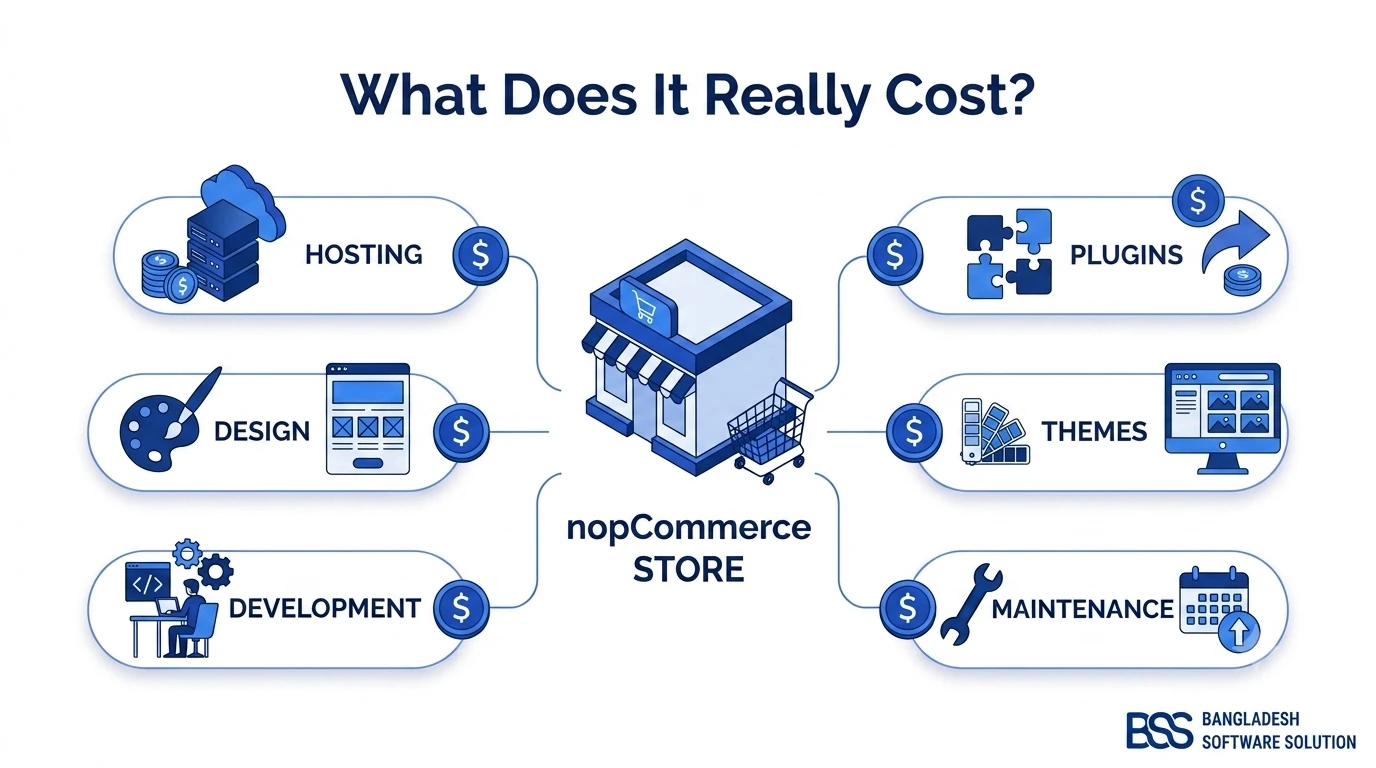
nopCommerce can be affordable, but it is not automatically cheap. The software itself can reduce license pressure, but total cost still includes hosting, setup, theme work, payment gateway fees, plugin purchases, maintenance, security updates, backups, and support. A small business should compare total ownership cost, not only monthly subscription price.
| Cost area | Low-complexity approach | When cost rises |
|---|---|---|
| Hosting | Managed hosting or a modest VPS for a small catalog. | Medium impact when traffic, imports, or plugins need stronger resources. |
| Theme | Use a clean ready-made theme and adjust branding. | Medium impact when every layout needs custom design. |
| Plugins | Install only required payment, shipping, SEO, and analytics plugins. | High impact when plugin overlap causes performance or upgrade issues. |
| Development | Use expert help for launch setup, fixes, and integrations only when needed. | High impact when custom checkout, ERP, B2B, or marketplace features are required. |
For a deeper budget view, the BSS guide How Much Does a nopCommerce Store Cost to Build? explains how store scope, plugins, theme complexity, hosting, and custom development shape the final investment.
Can you run nopCommerce without a developer?
Yes, for a basic store, but with limits. A non-developer can learn the admin panel, add products, manage orders, edit content, configure payment methods, handle shipping settings, run promotions, and update basic SEO fields. The official documentation is built around helping users set up catalog, payments, shipping, orders, customers, content, marketing, SEO, analytics, and plugins.
Beginner-friendly does not mean maintenance-free
An easy nopCommerce store setup is possible when the scope is controlled. But every production ecommerce site still needs backups, updates, security checks, hosting monitoring, checkout testing, and a person responsible for fixing problems quickly.
Where small businesses usually overcomplicate nopCommerce
Most small business pain does not come from nopCommerce itself. It comes from trying to launch like a large retailer before the store has enough orders to justify that complexity. Too many plugins, too many product variants, unfinished payment rules, over-designed themes, and unclear shipping logic can make any platform feel heavy.
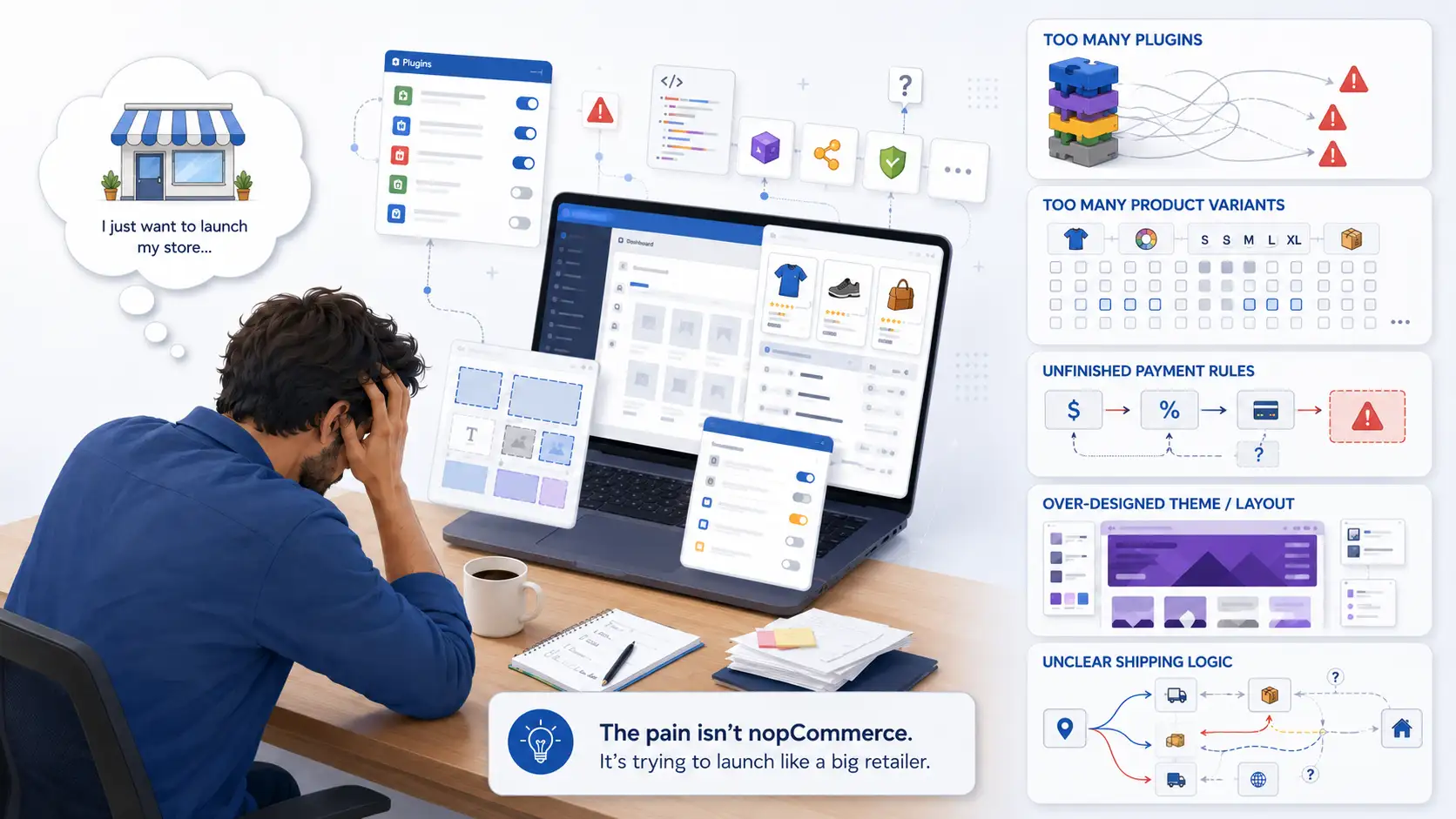
Keep the first version narrow: one store, one primary customer journey, a clean theme, a reliable payment gateway, simple shipping, clear product pages, and basic SEO hygiene. If you are comparing platform models, nopCommerce vs Shopify and nopCommerce vs WooCommerce can help you decide whether ownership and flexibility are worth the extra setup work.
Need a practical nopCommerce setup without overbuilding?
The BSS team can help small businesses plan a lean store, configure hosting, install the right plugins, prepare products, and avoid costly technical mistakes during launch.
How BSS keeps it relevant for small teams: Bangladesh Software Solution works with nopCommerce businesses at different stages, from first-store setup to custom plugins, performance fixes, hosting guidance, SEO migration, and long-term support. For small businesses, the goal is not to add complexity; it is to build the right foundation, keep the launch manageable, and leave room for growth when the store proves demand.
Frequently Asked Questions
Final Thoughts
NopCommerce for small business is not too complex when the business needs flexibility and launches with discipline. It becomes too complex only when the first version tries to act like a mature enterprise store before the basics are stable.
If you want a quick hosted storefront with almost no technical ownership, nopCommerce may feel heavier than necessary. If you want a flexible ecommerce platform that can grow with custom requirements, integrations, better hosting, and long-term ownership, nopCommerce can be just right.