Key takeaways
- An upgrade service covers more than new files: a backup you have restored once, a rehearsal on a copy, plugin and theme fixes, testing and a planned go-live with a way back.
- nopCommerce 4.80 and 4.90 run on .NET 9, which lost support on 10 November 2026. nopCommerce 5.00.1 runs on .NET 10, supported until 14 November 2028.
- The cost depends on five things: how old your version is, how many plugins you run, how much custom code and theme work you have, your integrations, and your data and hosting.
- Ask for a written audit before a fixed quote. A price given before anyone has looked at your plugins leaves the risky parts unpriced.
Your store runs nopCommerce 4.70, it takes orders every day, and the admin dashboard has been showing a new release for months. Someone on the team asks what an upgrade would cost, and nobody can answer, because nobody knows what the upgrade would touch.
We run nopCommerce upgrades for store owners, so we get this question in exactly that form. The price depends on what your store runs: its plugins, its theme, its custom code and its integrations. Someone has to look at those before anyone can name a figure.
This guide explains what an upgrade service should include, why stores on 4.x are moving to 5.0 now, what drives the cost, how the project runs and what to ask before you hire someone. If you plan to do it yourself, our step-by-step 4.90 to 5.0 guide covers the technical steps.
What a nopCommerce Upgrade Service Includes
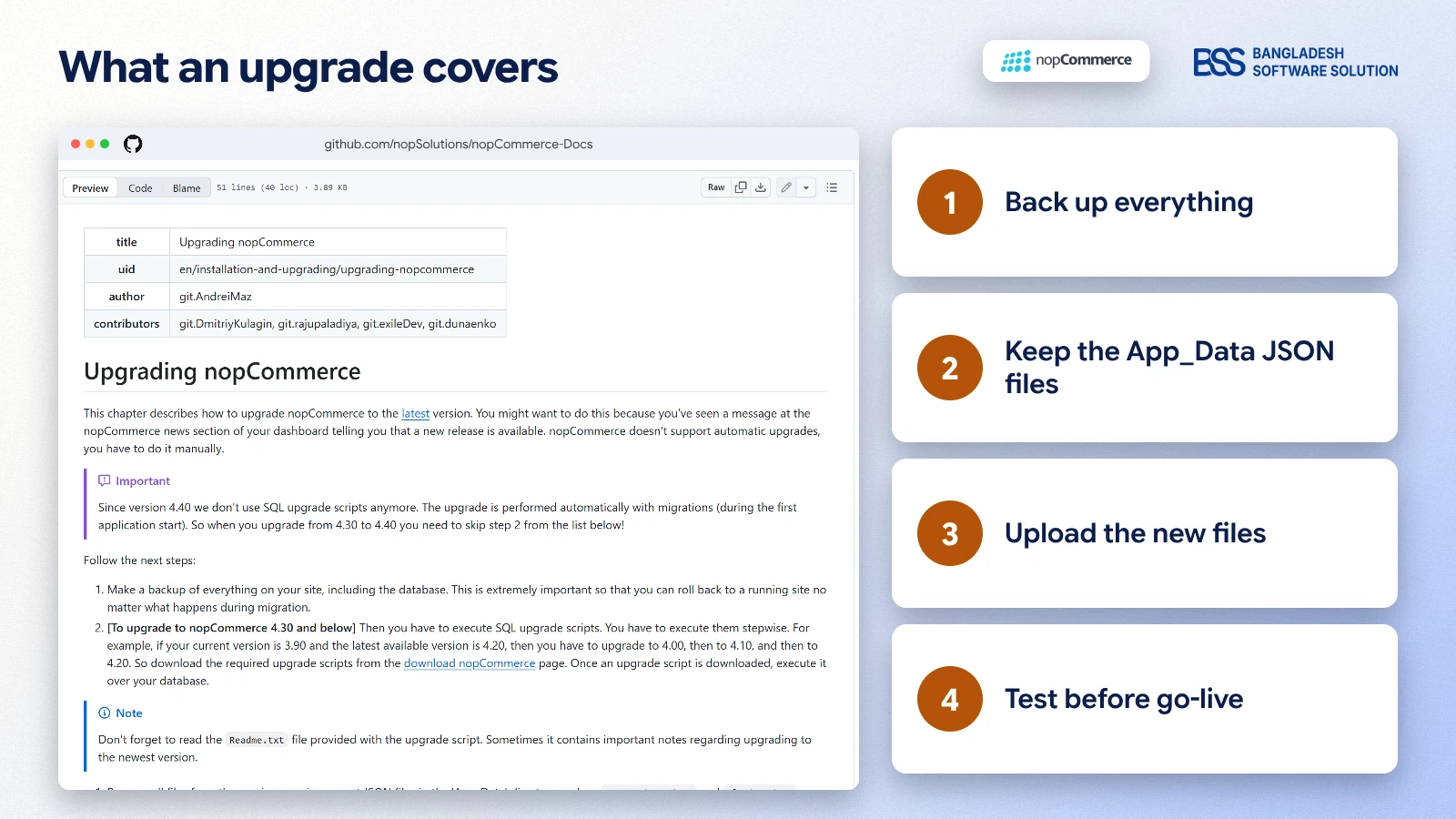
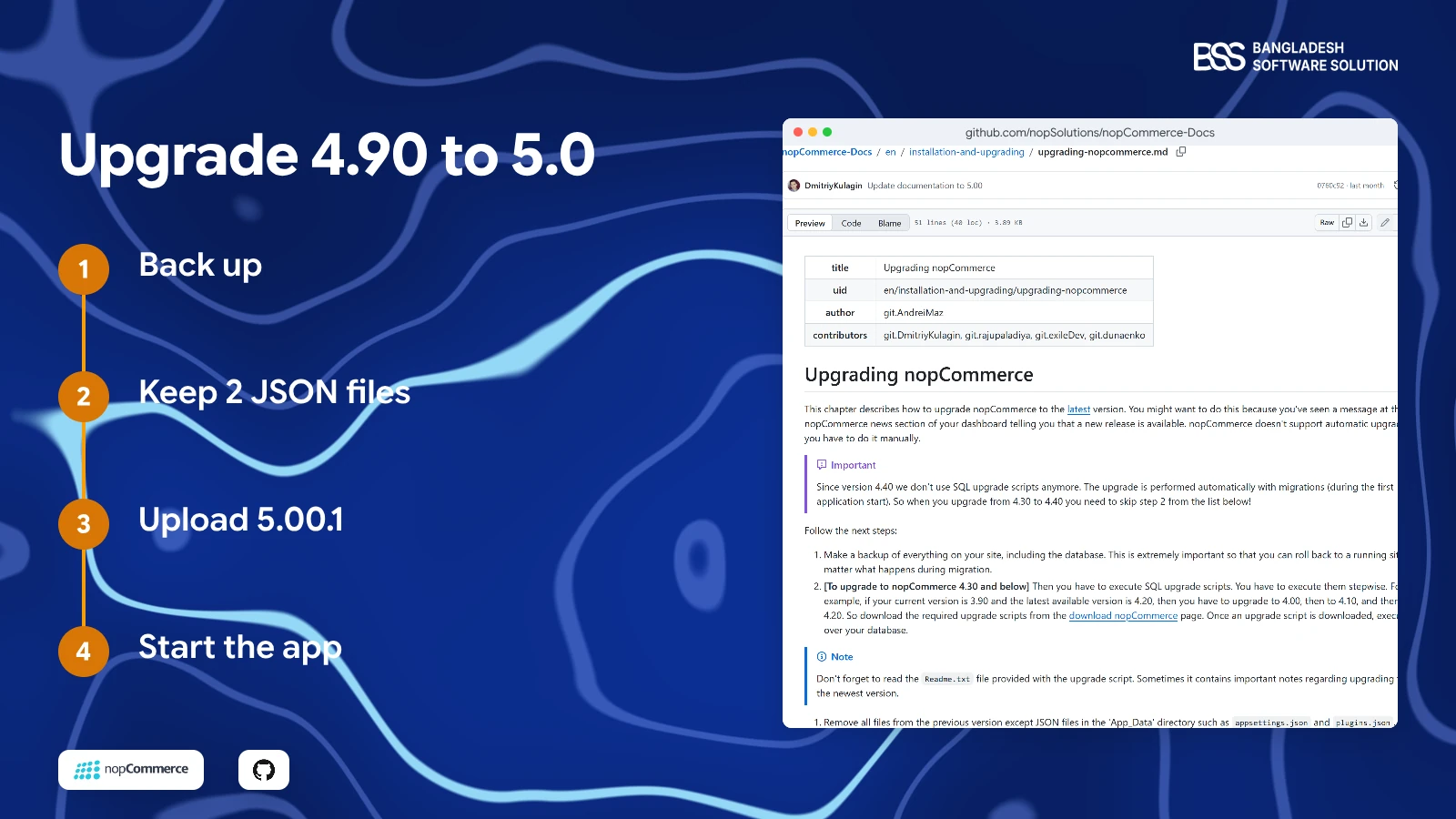
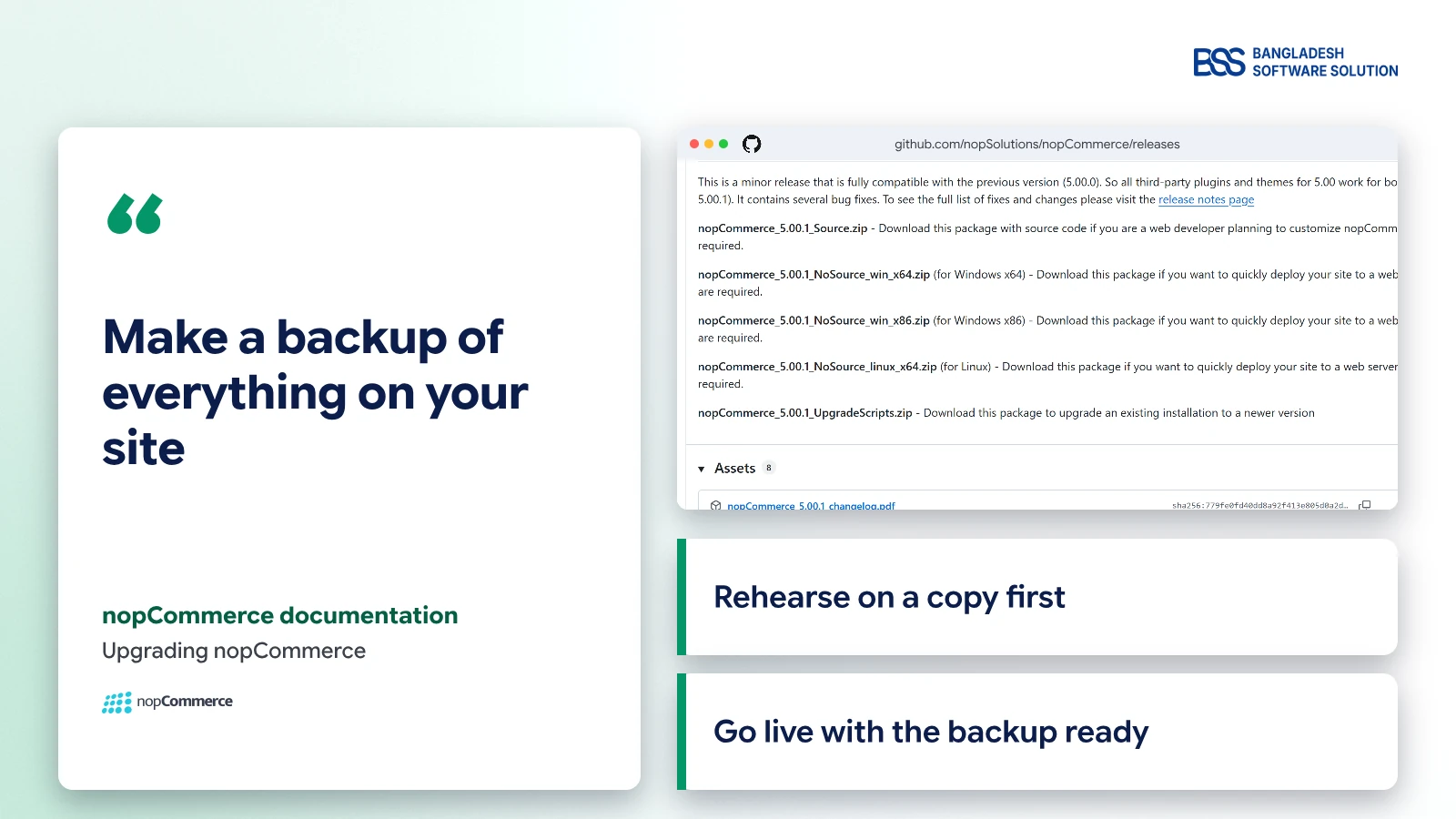
nopCommerce does not upgrade itself. The official upgrade chapter says so in its first paragraph, and its steps are short: back up everything, remove the old files except the JSON files in App_Data, upload the new release and check that the store works.
Since 4.40 the database is updated by migrations that run on the first start, so there are no SQL scripts to run by hand.
Those steps describe a store with no plugins, no theme changes and no integrations. A real store has all three, and that is the work a service is for. A complete upgrade covers these parts:
- An audit. A list of every plugin, theme, customisation and integration, with a note on whether each has a version for the target release.
- A tested backup. The database, the site files, the App_Data JSON files and the images folder, restored once to prove the backup works.
- A rehearsal on a copy. The upgrade runs first on a copy of the live store, so the migrations meet your real data before your customers do.
- Plugin and theme work. Vendor plugins updated, custom plugins ported, the theme brought up to the new release.
- Testing. Checkout, payments, shipping, email and admin tasks, run end to end.
- Go-live and rollback. A planned window on the live store, with the backup ready if anything goes wrong.
If a quote leaves out the rehearsal or the rollback plan, you are buying the file copy and keeping the risk yourself.
Planning a move to nopCommerce 5.0? BSS audits, rehearses and runs nopCommerce upgrades.
See upgrade servicesWhy Stores on 4.x Are Upgrading to 5.0 Now
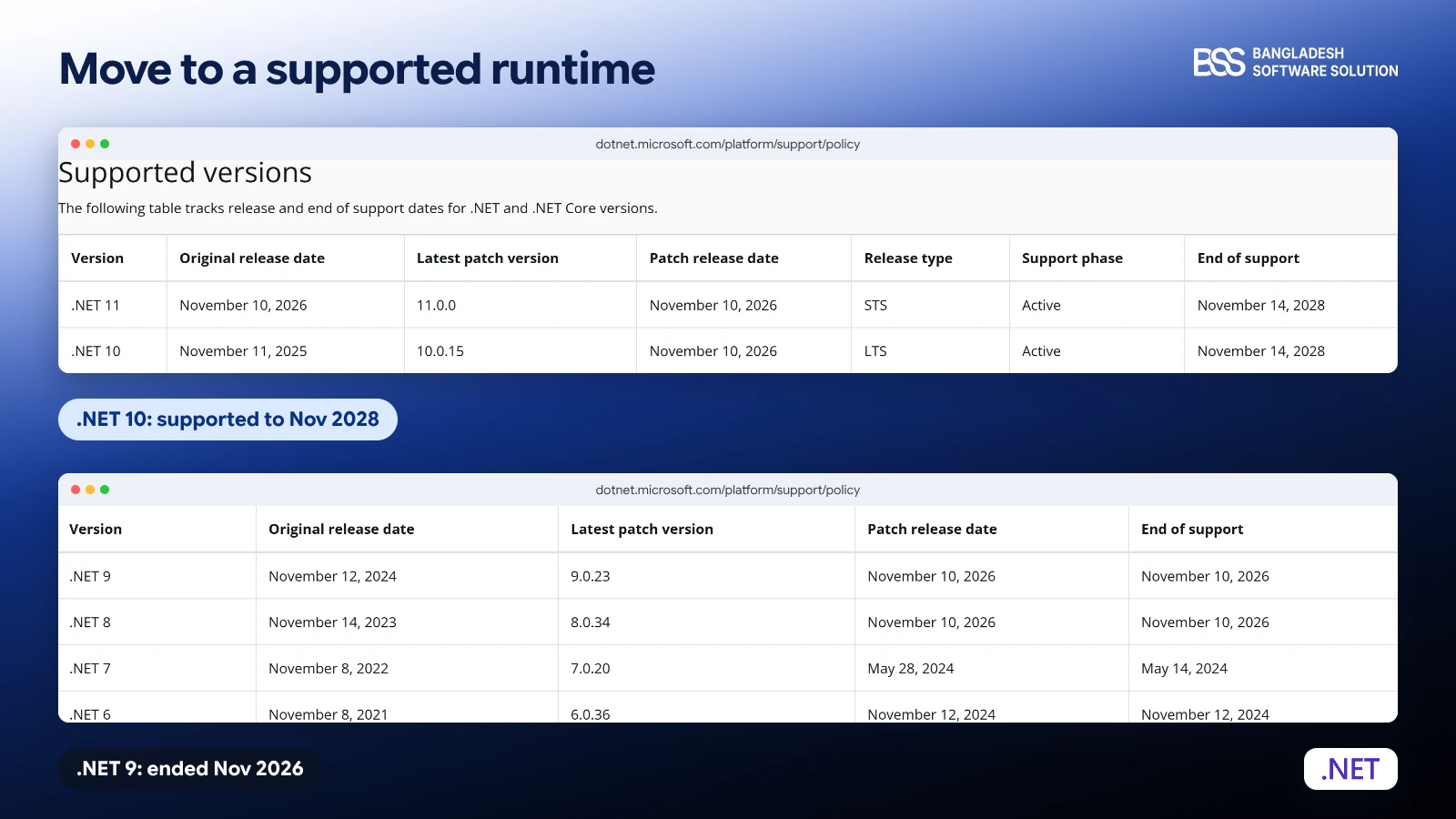
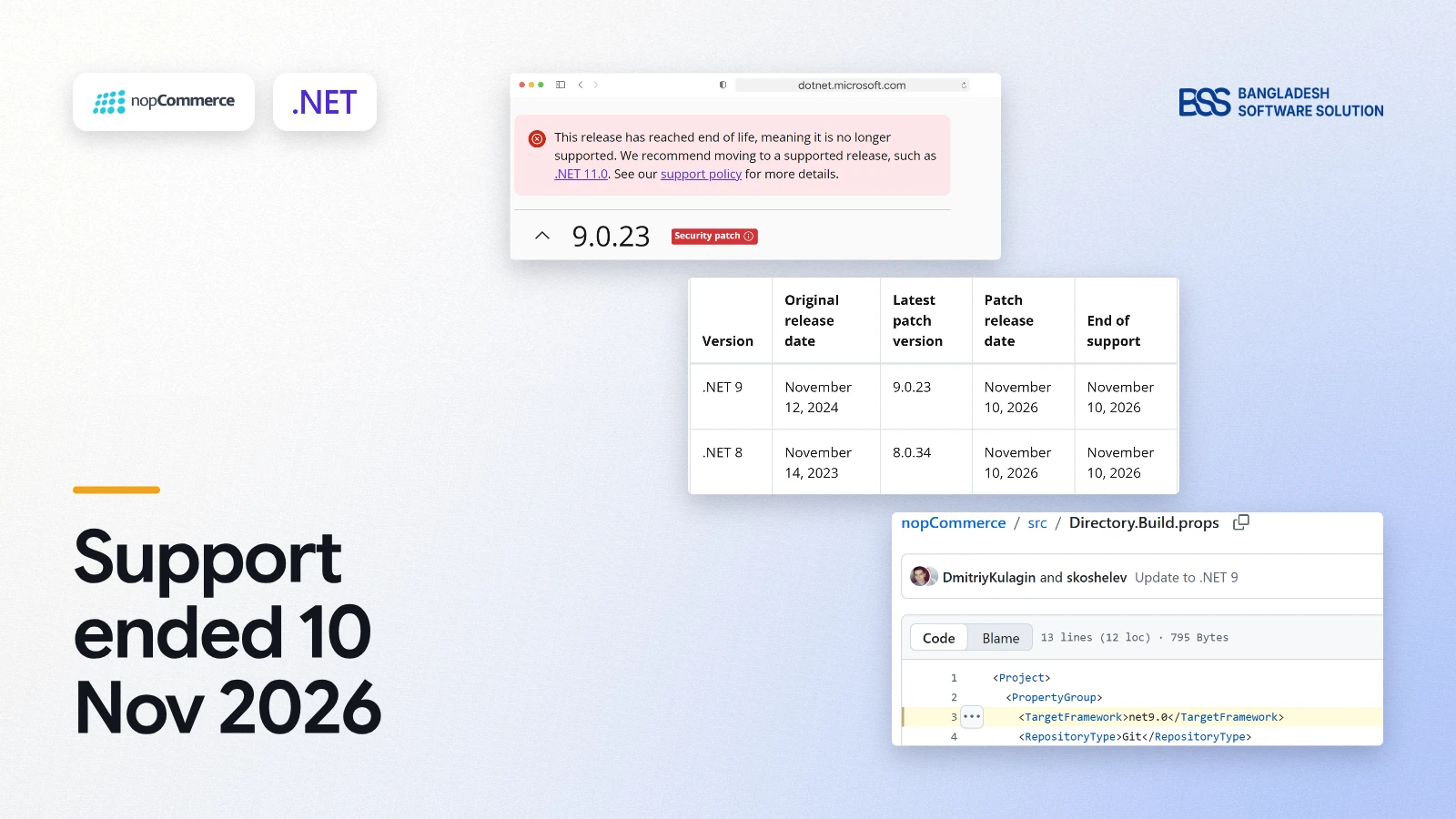
nopCommerce sits directly on Microsoft's .NET runtime, so the runtime's support dates become your store's. nopCommerce 4.70 runs on .NET 8, and 4.80 and 4.90 run on .NET 9. Both .NET 8 and .NET 9 reached the end of support on 10 November 2026, which means no more security fixes for the runtime under those stores.
nopCommerce 5.00.1, released on 9 November 2026, runs on .NET 10. That is a long-term support release, and Microsoft supports it until 14 November 2028. A store upgraded now gets two years on a supported runtime before the next move has to be planned.
The store will not stop working on the day support ends. It just keeps running on a base that no longer gets patched, and the longer it waits, the bigger the gap between your version and the current one becomes. Our post on .NET 8 and 9 end of support explains what that means in practice.

The upgrades we run cost least when the store's own plugins have been kept current between releases. The most common surprise we find is a plugin that has not been touched for two versions and no longer loads. Our maintenance and support work keeps them current between upgrades.
What Drives the Cost of an Upgrade
Two stores on the same version can need very different amounts of work. These are the five things that set the price, roughly in the order they matter.
- How far back you are. A store on 4.40 or later moves forward through migrations. A store on 4.30 or earlier has to run SQL upgrade scripts one version at a time first, and a store on 3.90 has to install 4.00 before anything else. Each step is another rehearsal.
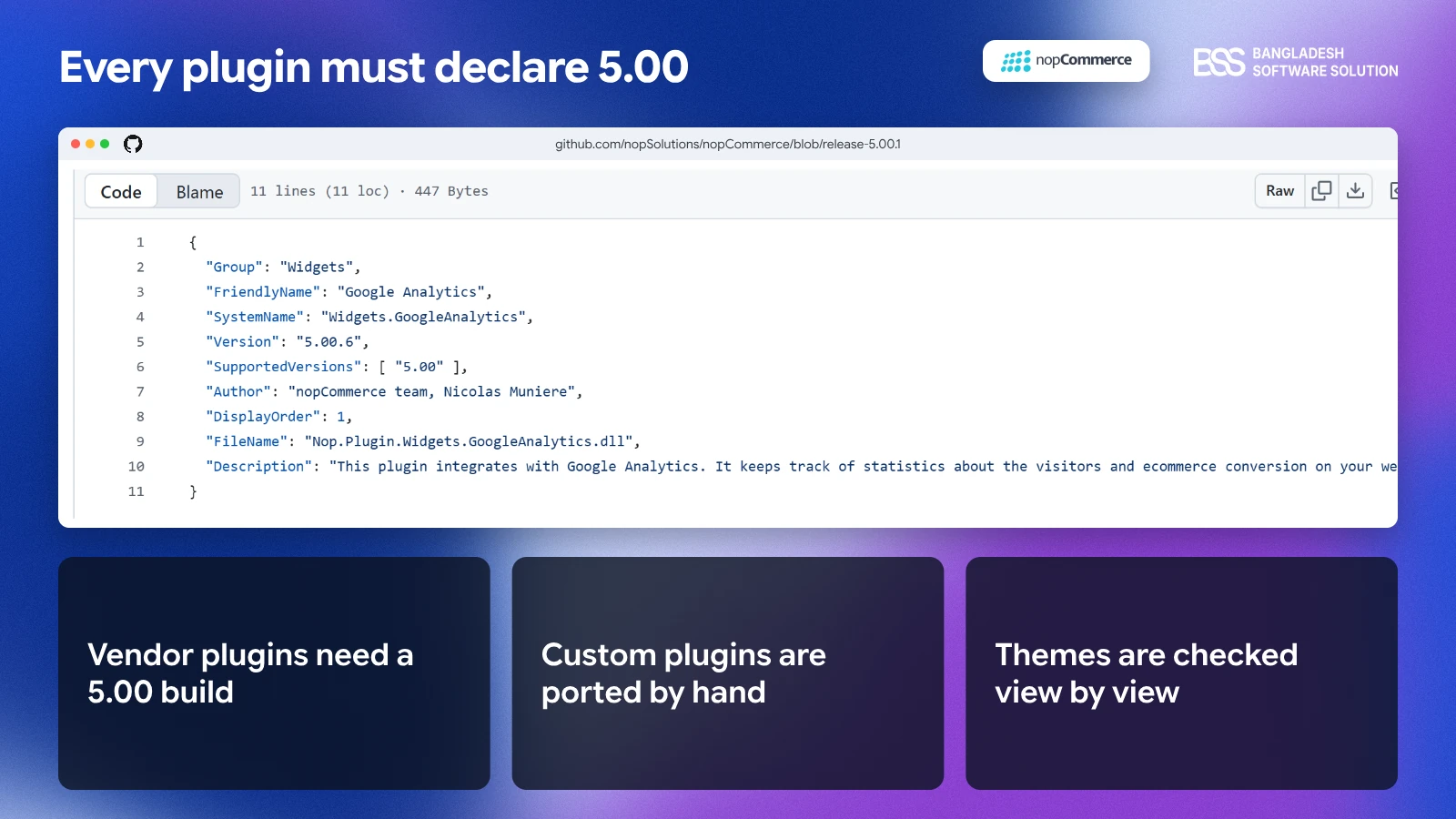
- How many plugins you run. Every plugin declares the versions it supports in its plugin.json file. A vendor plugin needs a build for 5.00; if the vendor has not released one, someone has to port it or replace it.
- Custom code and theme work. Plugins written for your store are ported by hand, and a theme with heavy changes is checked view by view. This is usually the largest line in the estimate.
- Integrations. ERP, payment, shipping and accounting connections have to be tested against the new release, often with the other system's sandbox.
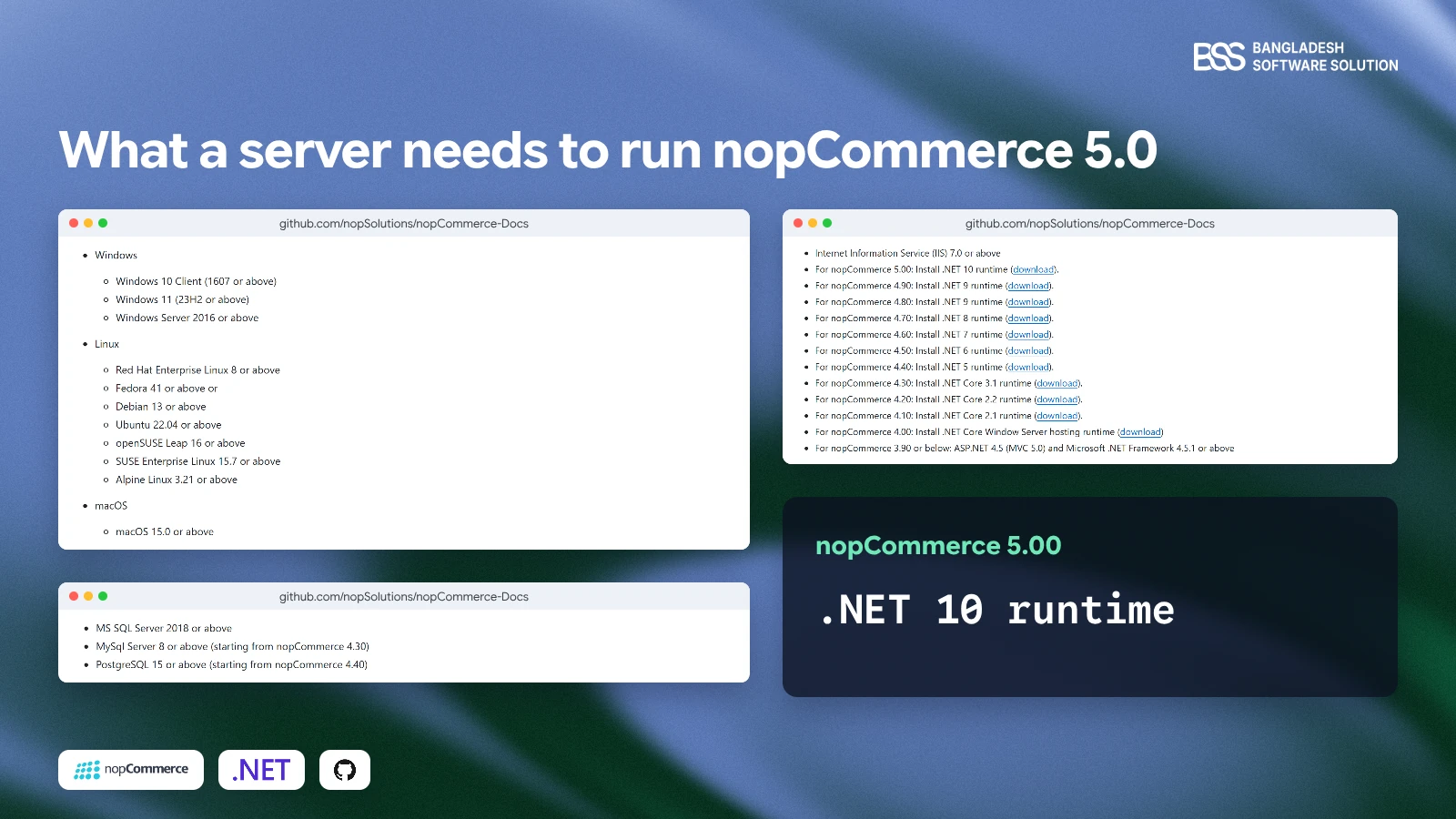
- Data and hosting. A large database takes longer to migrate on the first start, and a server that only has .NET 9 needs the .NET 10 runtime before 5.0 will run on it.
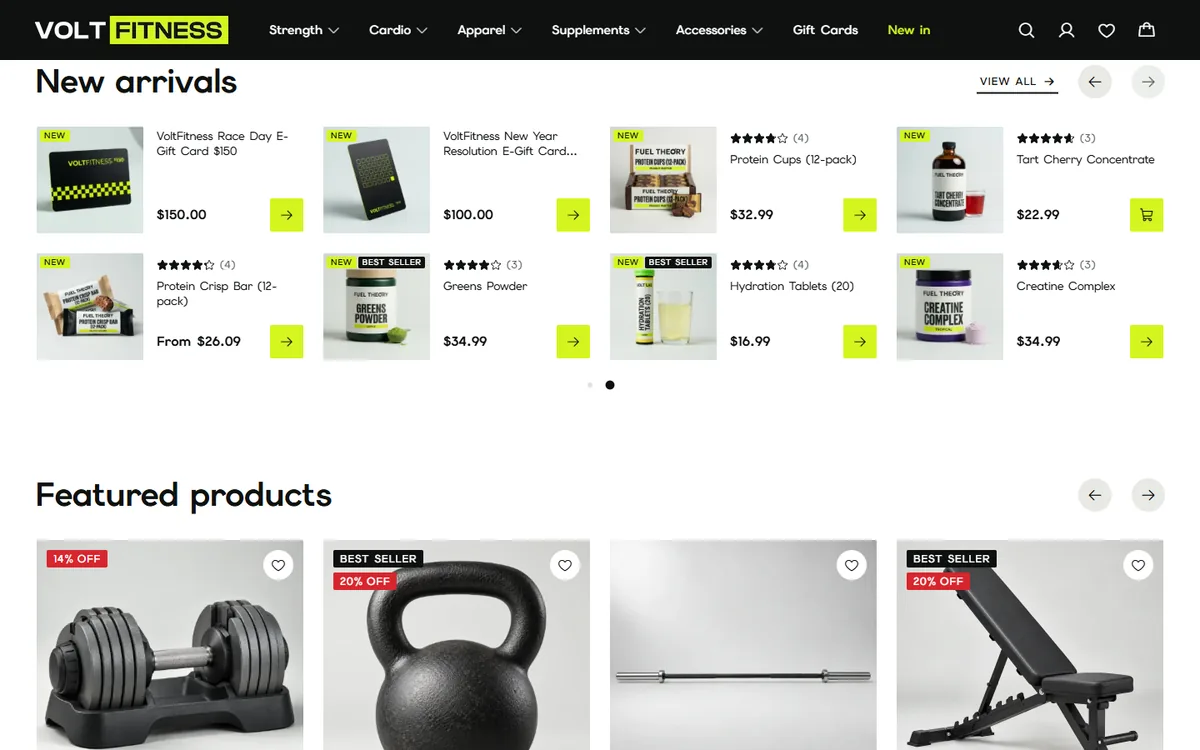
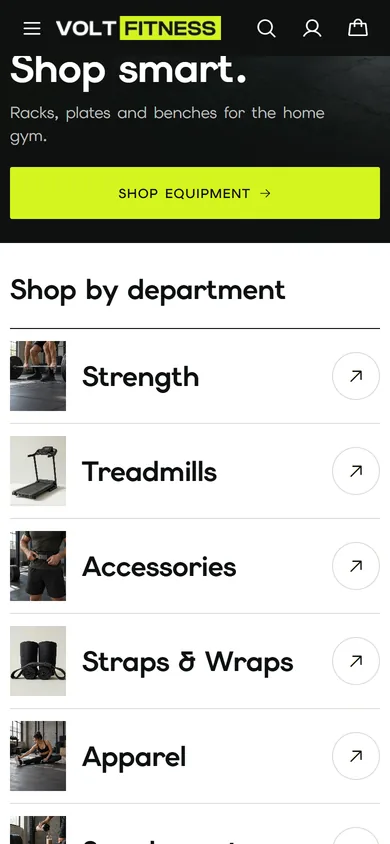
VoltFitness Theme + 18 Plugins for nopCommerce
If your current theme is too heavily changed to bring forward, a theme built for both 4.90 and 5.00 lets you upgrade first and restyle on a supported base.
A version jump with three vendor plugins and a stock theme is a small job. A 4.50 store with custom checkout logic, an ERP sync and a reworked theme is a project. Our plugin and theme compatibility guide shows how to check your own list before you ask for quotes.
How an Upgrade Project Runs
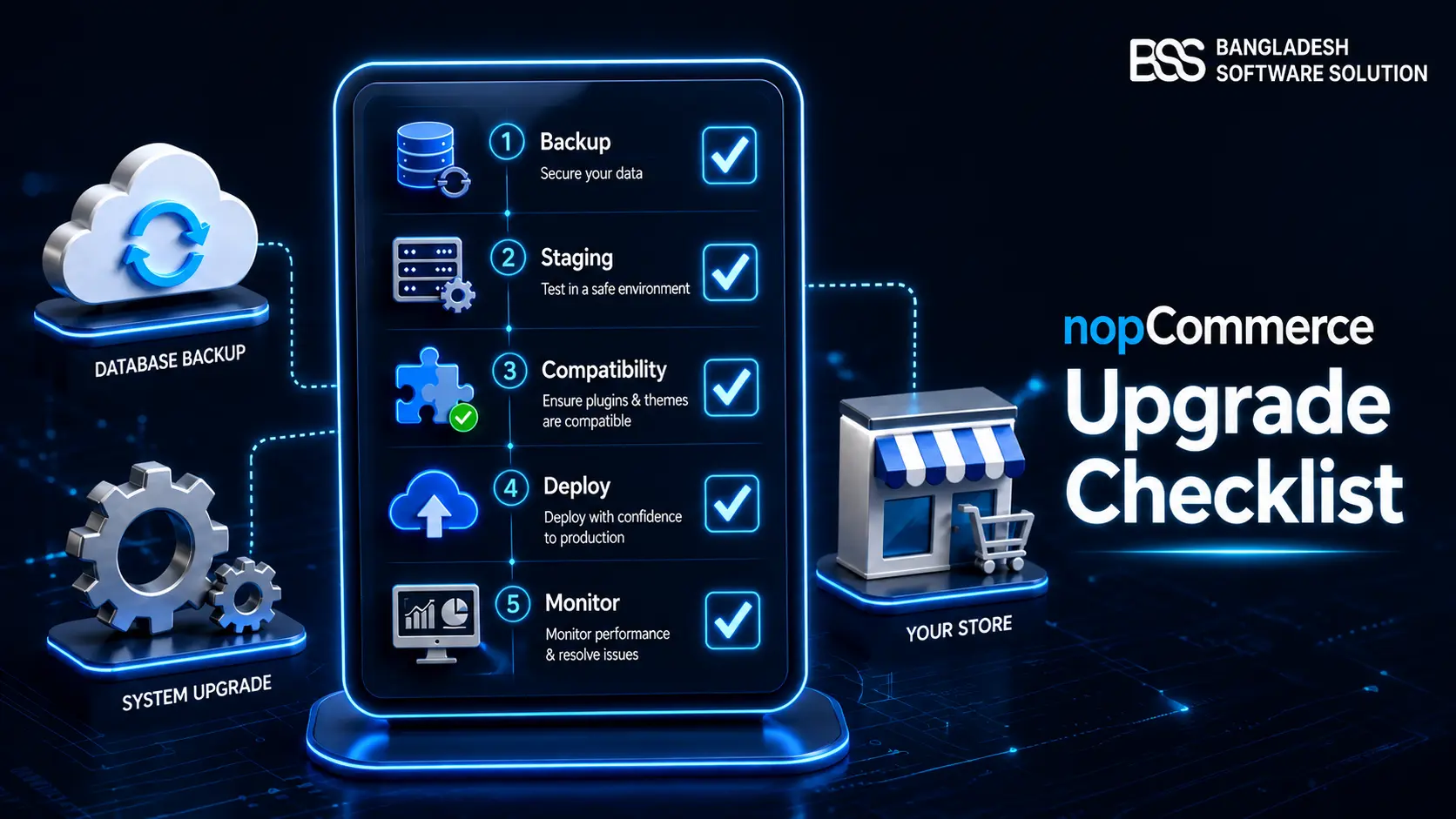
A well-run upgrade follows the same order every time, whoever does it. The steps are what keep a bad surprise on the copy instead of the live store.
- Audit and quote. The partner reads your plugin list, theme and integrations and gives you a written scope. A fixed price makes sense only after this step.
- Backup and copy. The live store is backed up, the backup is restored once to prove it works, and a copy is set up for the rehearsal.
- Rehearsal. The new release goes onto the copy, the migrations run against your real data, and the startup log is read line by line.
- Fixes. Plugins are updated or ported and the theme is brought up to date, all on the copy.
- Testing. A full order goes through checkout, payment, shipping and email, and your team checks the admin tasks they use every day.
- Go-live. In an agreed window, admin changes are frozen, a fresh backup is taken and the same steps run on the live store.
- Aftercare. Someone watches the store for errors in the days after, with the rollback still possible.
If the new version misbehaves, the official advice is to restore the backup and put back the previous version's files. That only works if the backup was tested in step two.
When we run an upgrade, the first start on the copy is the step we watch most closely, because that is when the migrations meet your data. If you would rather not run it yourself, our team handles nopCommerce version upgrades from audit to aftercare.
What to Ask Before You Hire an Upgrade Partner
Most upgrade problems trace back to a scope nobody wrote down. These questions bring that scope out before you sign.
Questions for any upgrade partner
- Will you audit our plugins, theme and integrations before you give a fixed price?
- Which of our plugins have a 5.00 version, and what happens to the ones that do not?
- Where will the rehearsal run, and will we be able to test on that copy ourselves?
- What does the rollback plan include, and has the backup been restored once?
- Who watches the store after go-live, and for how long?
- Do you keep our URLs and redirects unchanged so search traffic is not lost?
Written answers to these give you a scope you can hold a partner to. A single number offered before anyone has seen the store leaves the risky parts unpriced.
BSS is an Official nopCommerce Partner and builds nopCommerce plugins and themes, so the plugin work in an upgrade is the work we do every day. If the work that follows needs a developer too, you can hire a .NET developer from our team by the project or full-time.
Upgrade to nopCommerce 5.0 with a tested plan
We audit your plugins, theme and integrations, rehearse the upgrade on a copy of your store and go live with a tested rollback. Send us your current version and plugin list to start.
Frequently Asked Questions
Final Thoughts
Back to the store on 4.70. Its owner asks for an audit first and gets a list: eight plugins, two of them custom, a theme with checkout changes, and a shipping integration. Five plugins already have 5.00 builds, the two custom ones need porting and one will be replaced.
With that list the quote covers named work, and the upgrade runs on a copy before it touches a single order. The store ends up on a supported runtime, and go-live day holds no surprises.
Send us your nopCommerce version and plugin list. We will tell you what the upgrade involves before we quote.
Talk to an expert