Your hosting provider sends a one-line notice: .NET 9 loses support on 10 November. Your store runs nopCommerce 4.90, it took orders this morning, and nothing in the admin looks different. Is this a deadline, or just a date on a vendor's calendar?
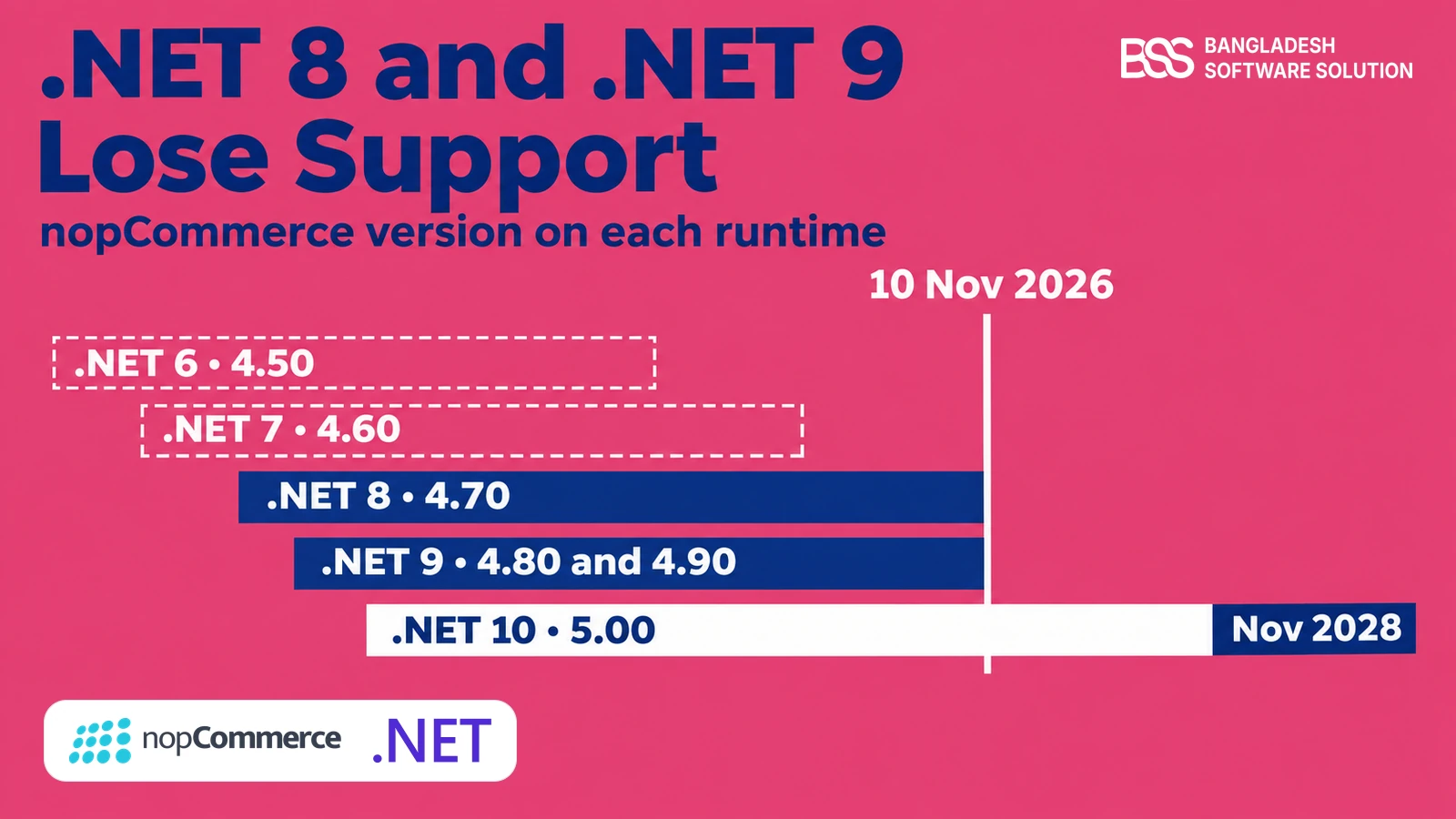
Microsoft announced on 29 June 2026 that both .NET 8 and .NET 9 reach end of support on 10 November 2026. For a nopCommerce store that matters, because the platform sits directly on that runtime: 4.70 runs on .NET 8, and 4.80 and 4.90 run on .NET 9.
When we plan an upgrade at BSS, the runtime is the first thing we read off the server, before plugins or themes. This guide does the same for your store: what stops, which versions are affected, what the risk honestly looks like, and a plan for the week.
For the other side of the story, why 5.0 moved to .NET 10, read nopCommerce 5.0 on .NET 10.
What Actually Stops on 10 November 2026
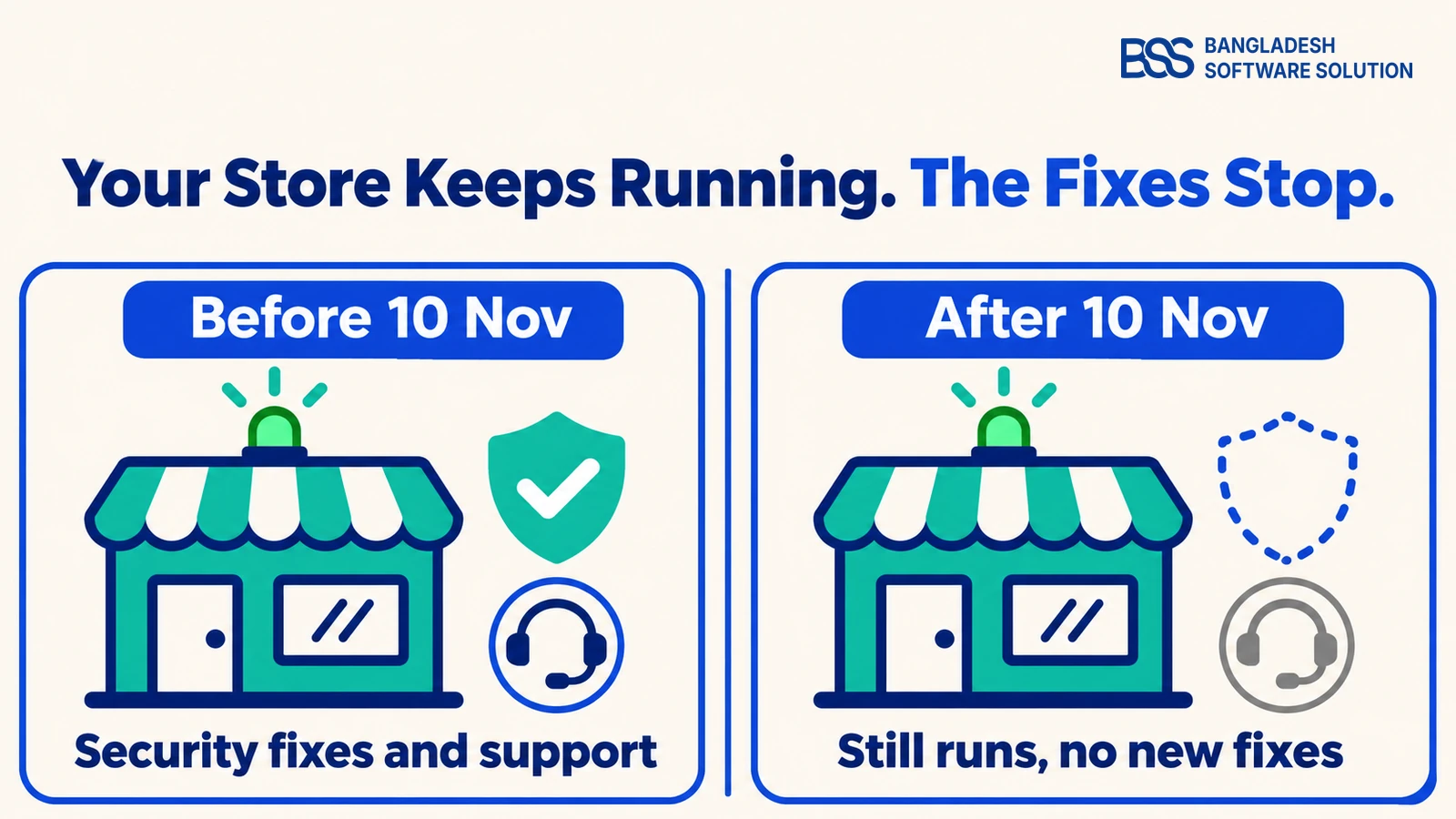
Start with what does not happen. Microsoft says apps built on .NET 8 or .NET 9 will keep running after the date, so your store does not switch off.
Key fact: after 10 November, Microsoft no longer provides servicing updates, security fixes or technical support for .NET 8 or .NET 9.
A vulnerability found in either runtime after that day will not be patched for it.
.NET 8 was a Long Term Support release, supported for 36 months from November 2023. .NET 9 was a Standard Term release that Microsoft extended from 18 months to 24, so both end on the same day.
One detail helps you plan. 10 November is also a Patch Tuesday, and Microsoft says each version may get one final update that day if a critical issue is known. Install the latest patch before then: on Microsoft's support policy page, updated 25 October, that was 8.0.33 for .NET 8 and 9.0.22 for .NET 9.
There is a catch before the date, too. Microsoft's support policy says a system must stay current on released patches to qualify for support, so a server still on an old 8.0 or 9.0 build is already outside it. Patching is the cheapest step you can take this week, whatever you decide next.
Not sure which runtime your server really runs? BSS handles nopCommerce version upgrades, from the first audit to the cutover.
Talk to us about an upgradeWhich nopCommerce Versions Sit on These Runtimes
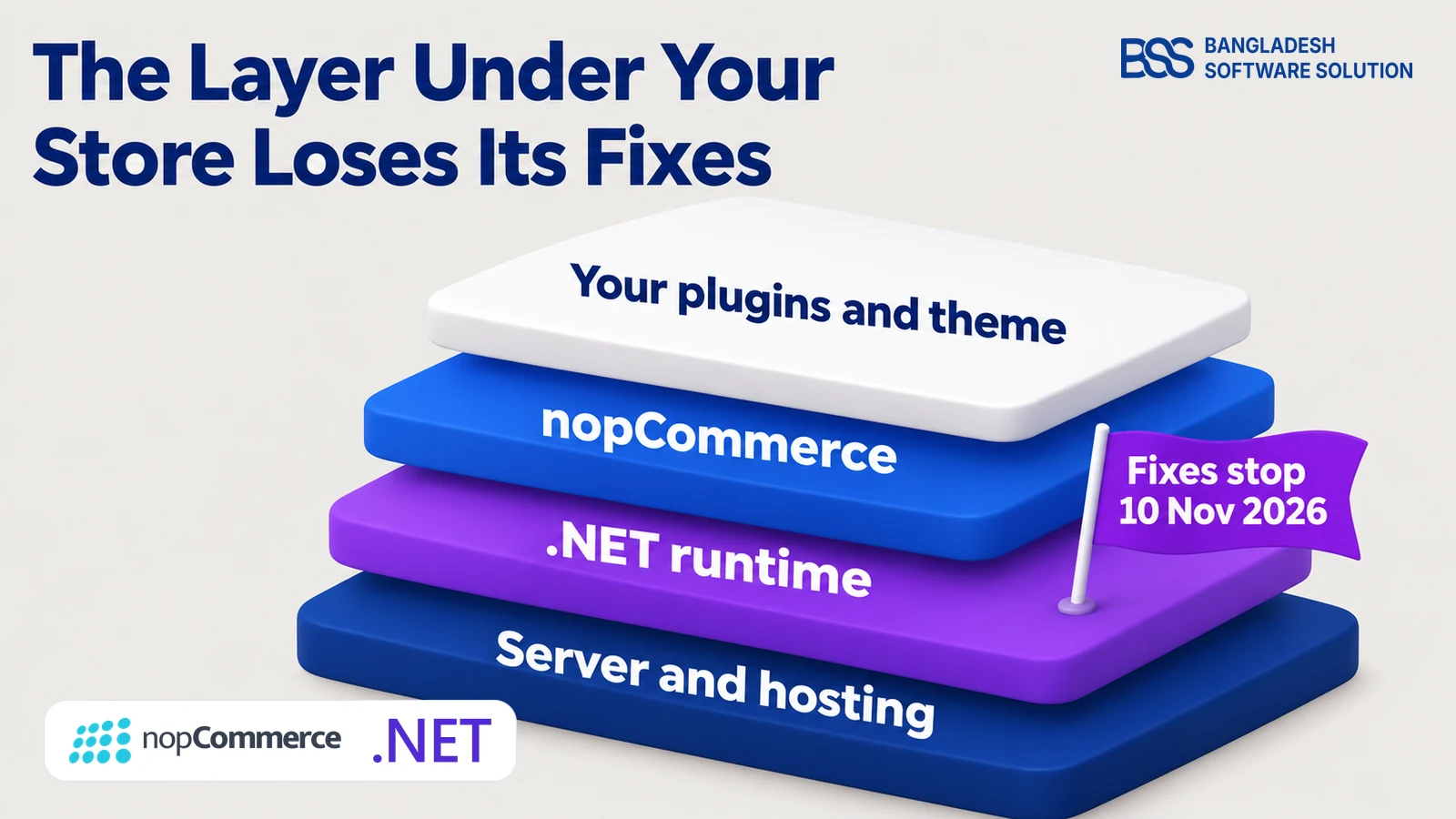
Now map the date to your store. nopCommerce sets its target runtime in its own source, so we read it from each release tag on the project's GitHub repository.
| nopCommerce | Runs on | Runtime support |
|---|---|---|
| 4.50 | .NET 6 | Ended 12 November 2024 |
| 4.60 | .NET 7 | Ended 14 May 2024 |
| 4.70 | .NET 8 | Ends 10 November 2026 |
| 4.80 | .NET 9 | Ends 10 November 2026 |
| 4.90 | .NET 9 | Ends 10 November 2026 |
| 5.00 | .NET 10 | Supported through November 2028 |
Read the table from the bottom. Only 5.00 sits on a runtime that stays supported after 10 November, and every version from 4.50 to 4.90 is on one that has ended or is about to. A store older than 4.50 has a longer road, and our guide to upgrading nopCommerce to 4.90 is the place to start.
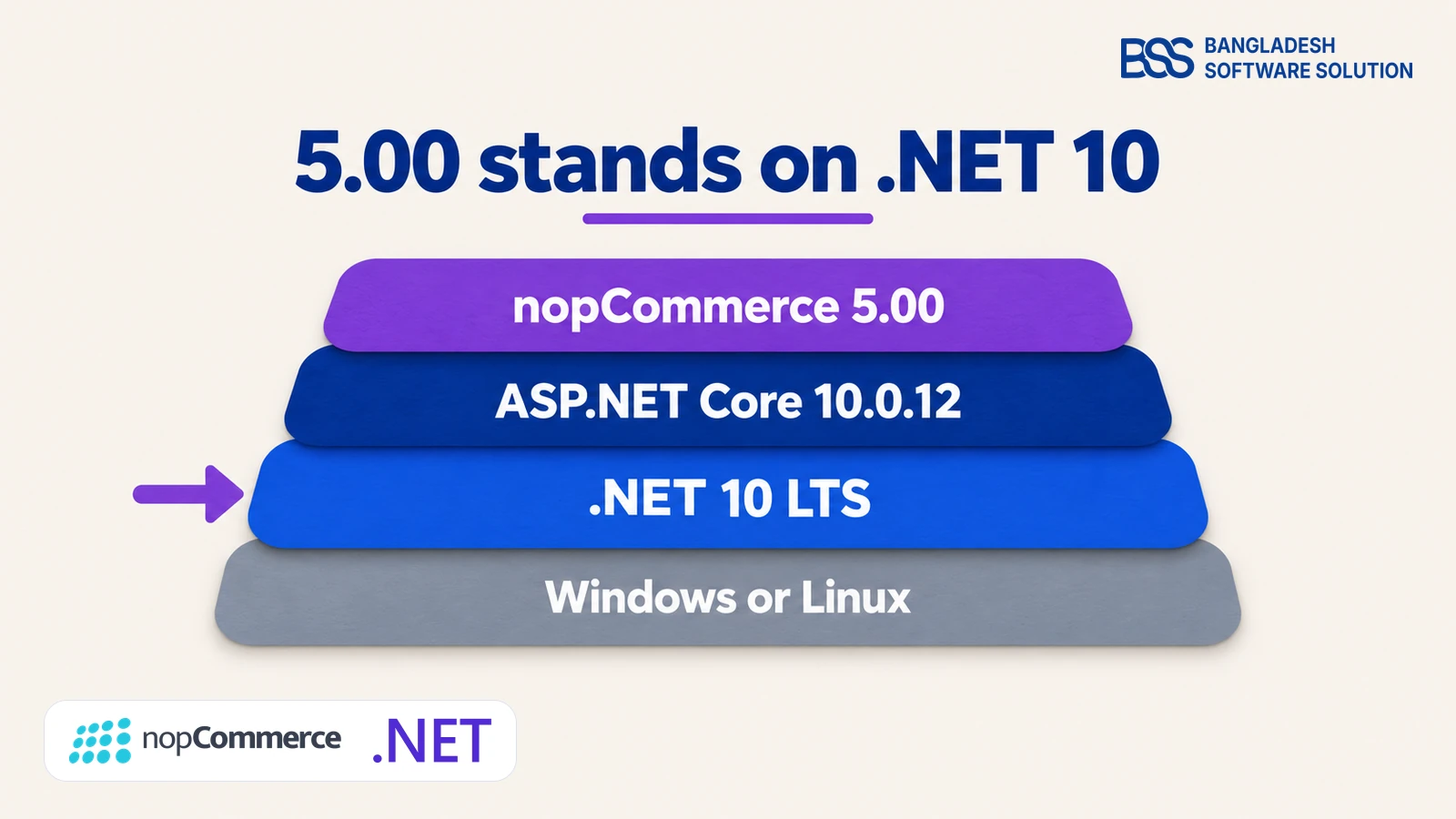
The layers in the picture explain why this matters even when your own code is fine. Your plugins and theme stand on nopCommerce, nopCommerce stands on the runtime, and the runtime is the layer that stops receiving fixes.
Check what your server actually runs
Read the nopCommerce version under System, System information in the admin, then list the runtimes on the server:
dotnet --list-runtimes
# Look for lines such as:
# Microsoft.AspNetCore.App 9.0.x [C:\Program Files\dotnet\shared\Microsoft.AspNetCore.App]
On Docker, read the image tag instead. A server can hold several runtimes at once, so check every server that serves the store, staging included.

Before we plan an upgrade at BSS, we start from two facts anyone can read in minutes: the nopCommerce version in the admin and the runtimes installed on the server. Our nopCommerce upgrade checklist follows the same order.
What the Risk Honestly Looks Like
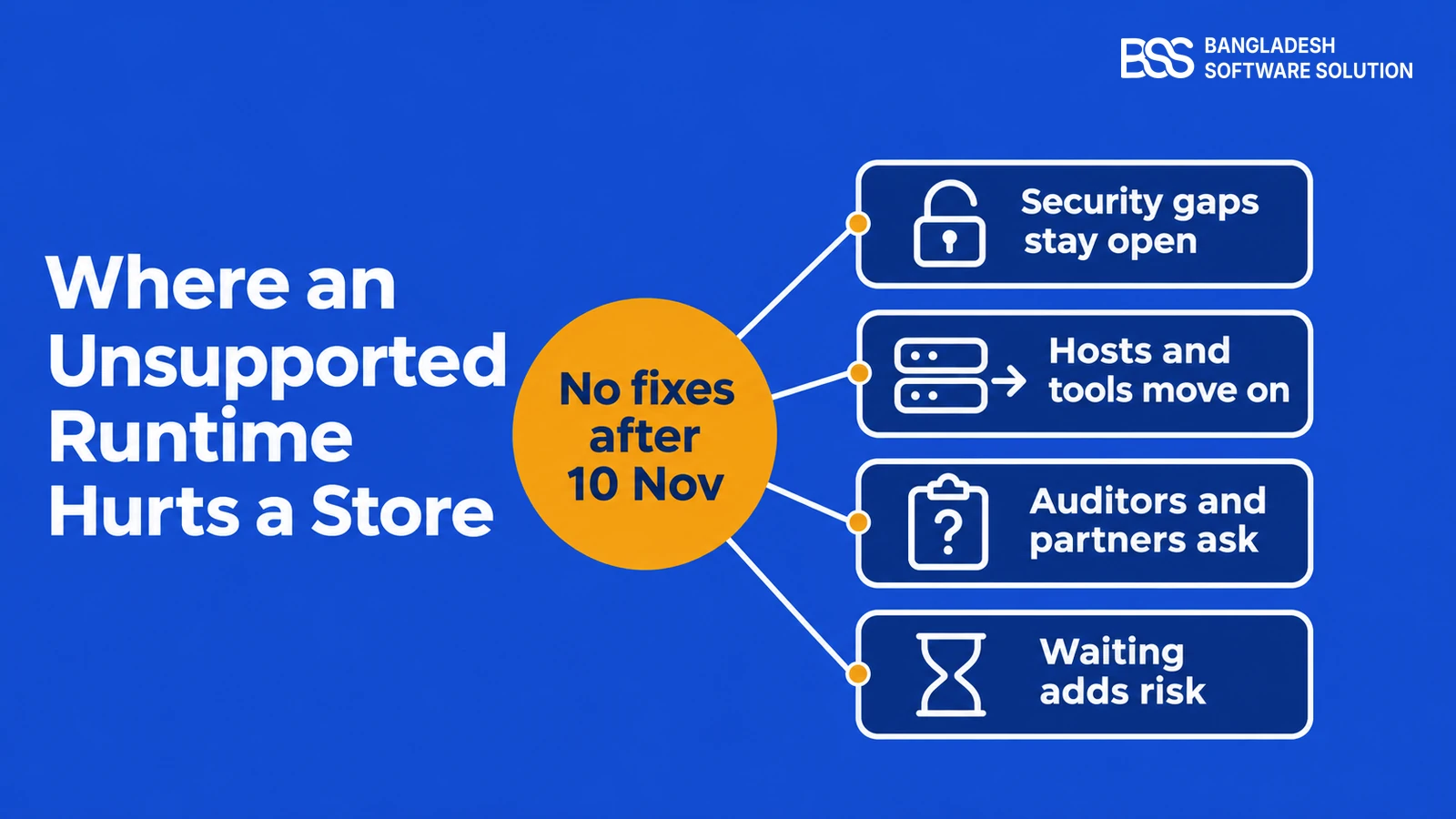
So nothing breaks on 11 November, and that is exactly why the date is easy to ignore. The risk is slower than a crash: your store keeps selling on a platform that no longer receives fixes.
Hosting is the question owners skip. Ask three things: which runtimes are installed today, whether the host plans to remove .NET 8 and .NET 9 after the date, and who installs .NET 10 if you move. A managed host that answers clearly is worth keeping, and one that cannot answer is a risk of its own.
Quiet is not the same as safe
A store on an unsupported runtime looks identical the day after the date. The difference shows only when a flaw is found that will never be fixed for your version.
This is the point where many owners bring in a developer to size the move. You can hire a .NET developer from BSS to audit your extensions and port the ones that block 5.00.
Your Options: Move, Port or Hold
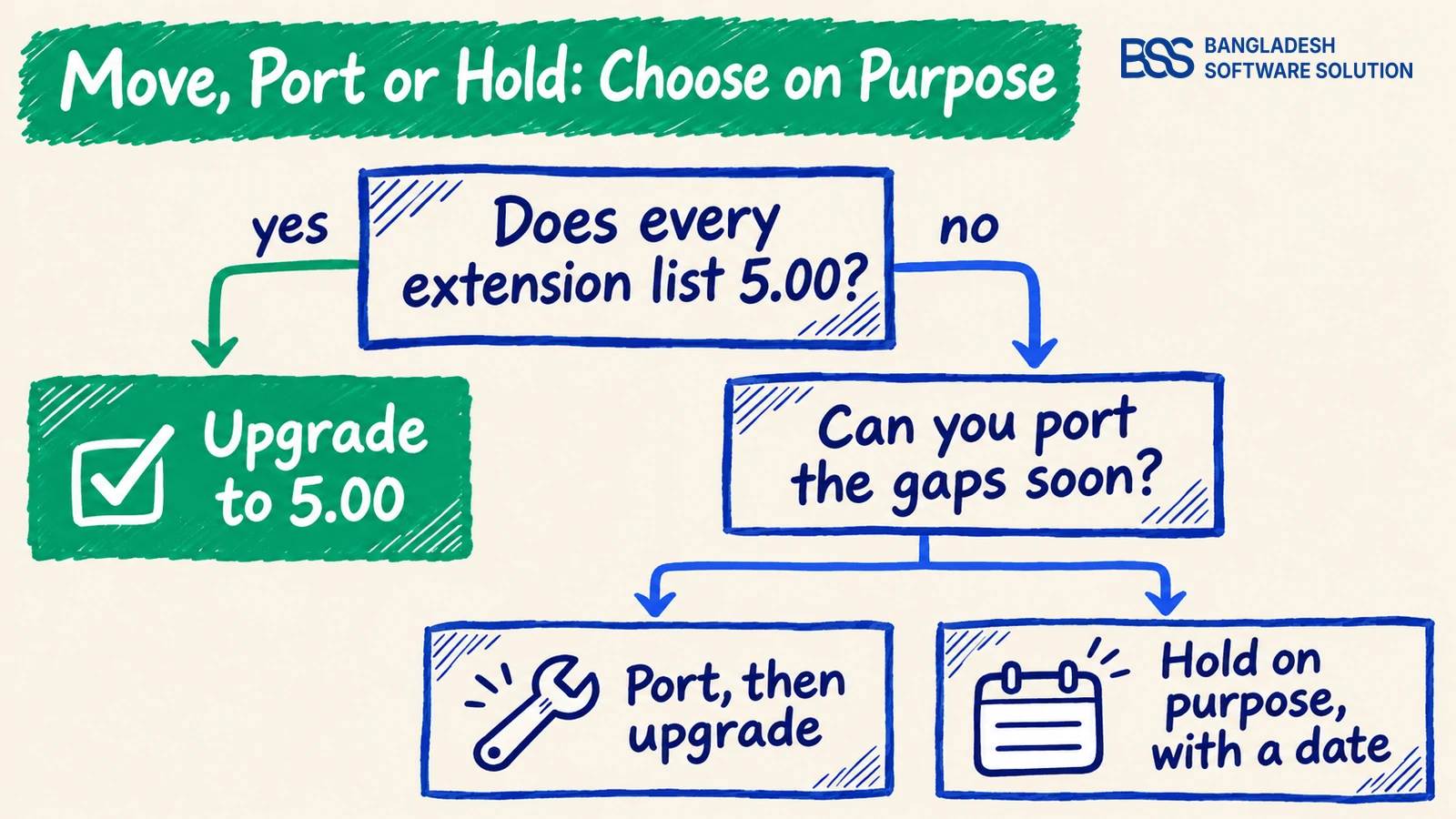
Once you know where you stand, there are three honest paths. Choose one on purpose, because drifting into the third is what happens when nobody decides.
| Path | What it asks of you | Best when | Risk |
|---|---|---|---|
| Upgrade to 5.00 | A 5.00 build of every extension and theme, a rehearsal on a copy, the ASP.NET Core Runtime 10.0.12 or newer | Your extensions are ready or replaceable | Supported runtime through November 2028 |
| Hold on purpose | The last .NET patch, a patched server, and an end date written down | A key extension has no 5.00 build yet | Flaws found after 10 November stay open |
| Retarget 4.90 to net10.0 yourself | A changed target framework in every project, then a rebuild and full retest | Almost never | Not tested by nopCommerce or by us |
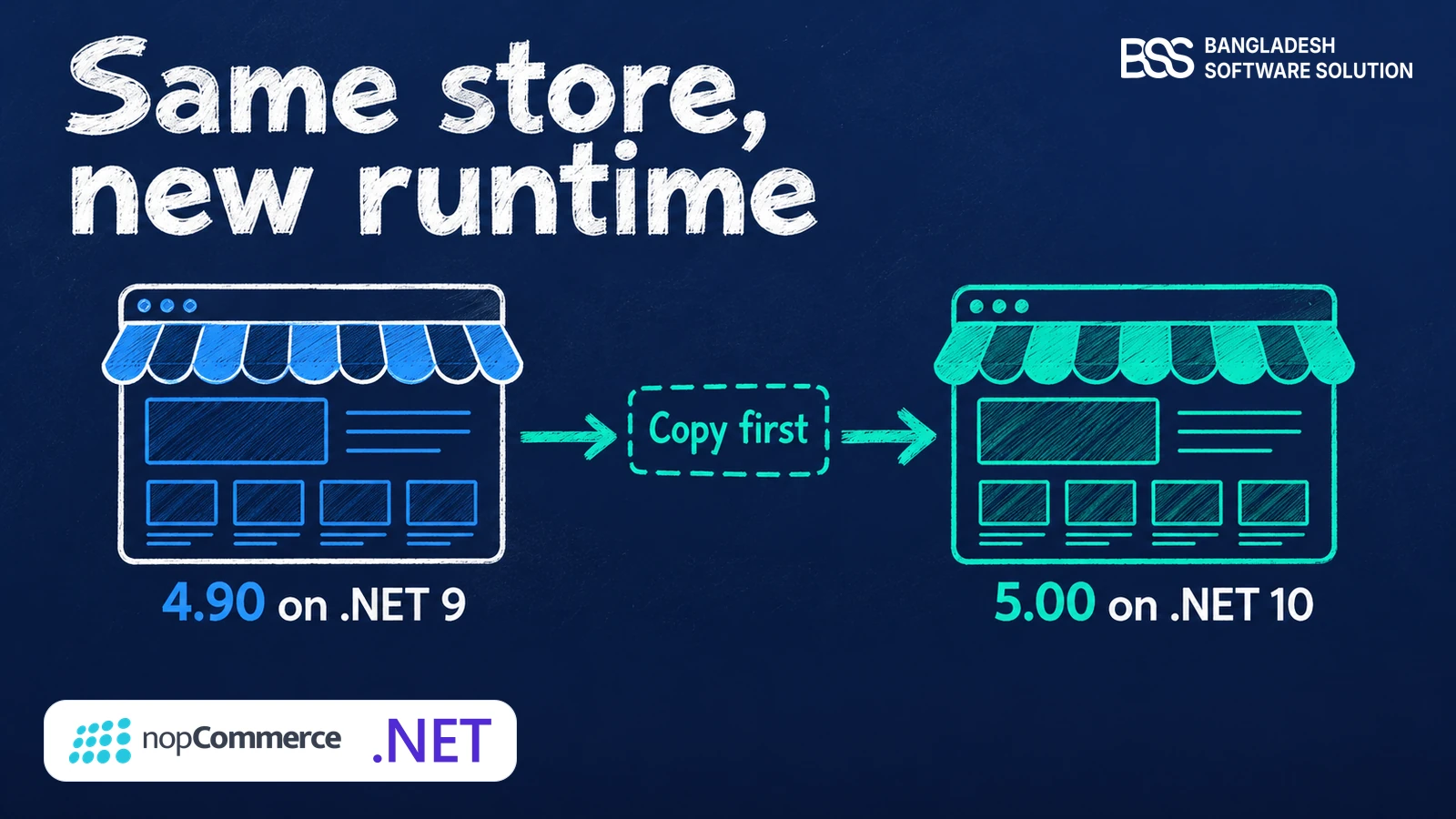
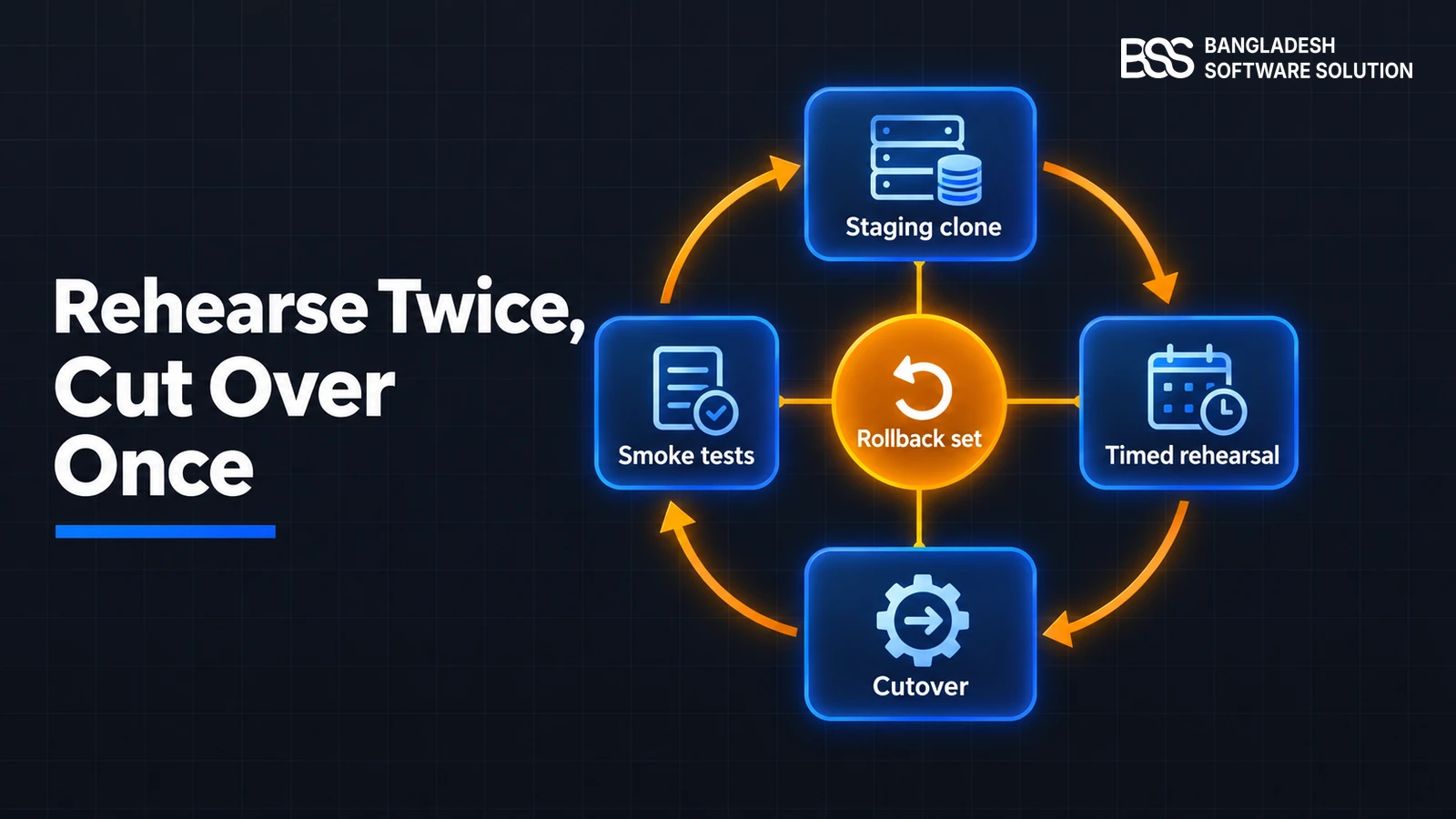
For most stores the supported route is nopCommerce 5.00, which moves the platform to .NET 10. Our guide to upgrading 4.90 to 5.0 covers the three gates and the rollback set, and stores on 4.80 or older finish the 4.90 upgrade first.
The third path deserves a warning. Microsoft's advice for your own apps is to change the target framework to net10.0, but nopCommerce supports .NET 10 through 5.00, and we have not tested 4.90 on .NET 10.
If you wrote a custom plugin for 4.80 or 4.90, the port starts with one line in the project file, net9.0 to net10.0, and the real work is the API changes after it. Our guide to porting a nopCommerce plugin from 4.90 to 5.0 walks through that list.
If you hold, hold with a date. Install the last .NET patch, keep the operating system and web server current, and put the move in the calendar. That is a plan, not a fix, because nothing will patch a new runtime flaw for your version.
We build our plugins for each nopCommerce release at BSS, which is why some already list 5.00 builds on their product pages. For a store, the extension list is the gating item, so we ask for it on day one. Our team runs nopCommerce version upgrades from that list.
A Plan for the Week of 10 November
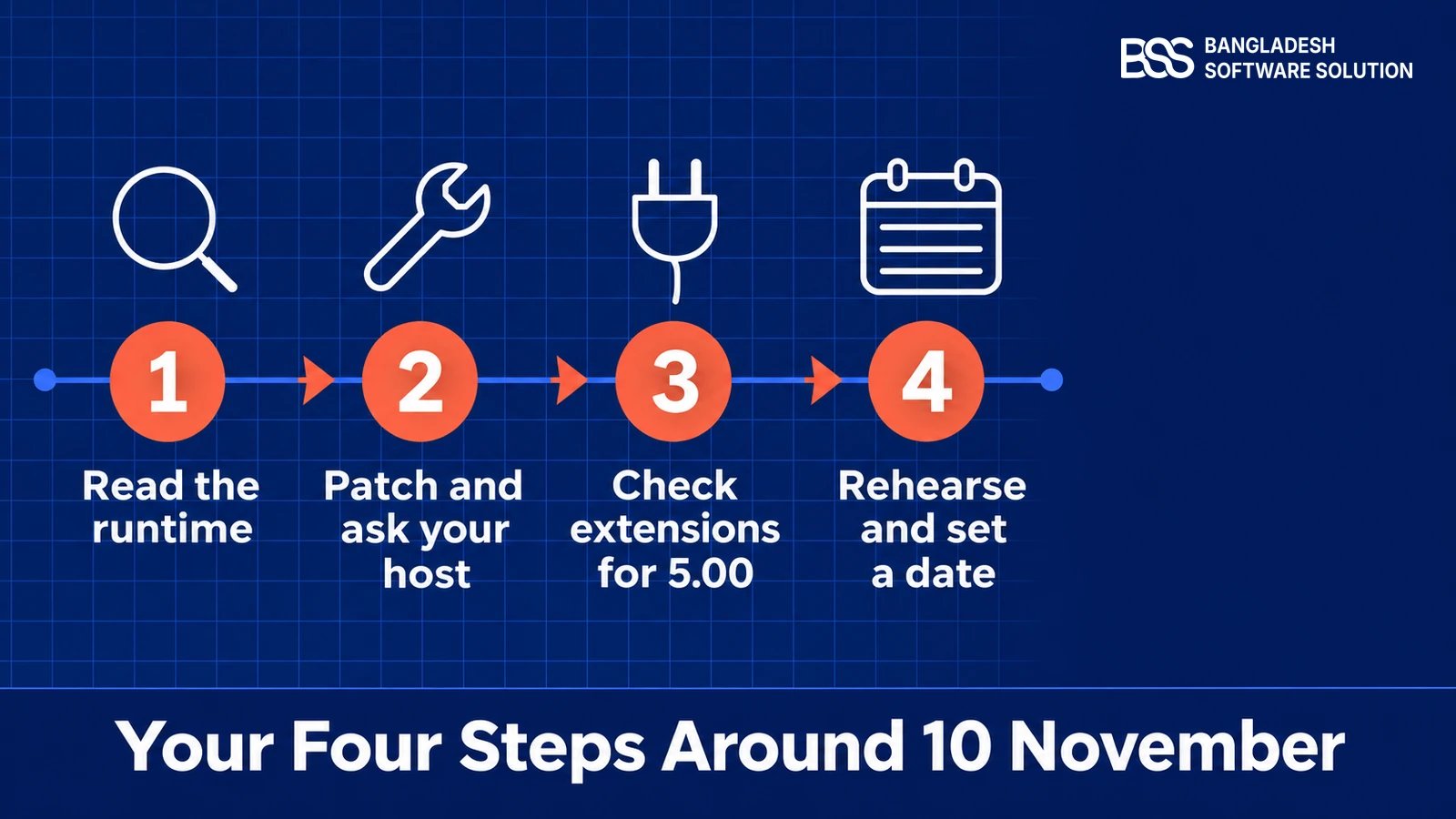
Whichever path you pick, the first week looks the same. Work down this list and you will know your position before the date passes.
This week
-
Note your nopCommerce version and run the runtime check on every server, staging included.
-
Install the latest .NET 8 or .NET 9 patch, and check again on 10 November in case Microsoft ships a final one.
-
Ask your host in writing what happens to the old runtime after 10 November, and who upgrades it.
-
List every plugin and theme, and mark which ones have a 5.00 build.
-
Restore a production backup to a copy and rehearse the 5.00 upgrade there.
-
Put the move, or the end date of your hold, in the calendar with a named owner.
The extension list is usually what sets the date, and payments come first. For stores that use Stripe, one name is quick to tick off.
Connects nopCommerce checkout to Stripe, and its product page lists 5.00, 4.90 and 4.80 builds, so one gateway is checked off for a move.
View the pluginFor the rehearsal step, use our guide to testing plugin and theme compatibility before an upgrade as the gate, and check your server against the 5.0 hosting requirements before the cutover.
Need a Hand With the Move? Hire the BSS Team
From the runtime audit and plugin ports to a rehearsed cutover and a rollback you can trust, our dedicated nopCommerce engineers can run the move. Tell us your version and extensions and we will match you with the right developer.
Frequently Asked Questions
Final Thoughts
Go back to that notice from your host. Your store will take orders on 11 November exactly as it did on the 9th, and now you know what changed underneath it: the runtime stops getting fixes.
The decision in front of you is small and specific. Move to 5.00, port the gaps that block you, or hold with a date, and write the answer down this week. If you would rather hand the check and the move to a team that does upgrades, send us your version and extension list.
Tell us your nopCommerce version and extensions, and we will tell you what the move would take: what to port, what to test and in what order.
Book a free consultation