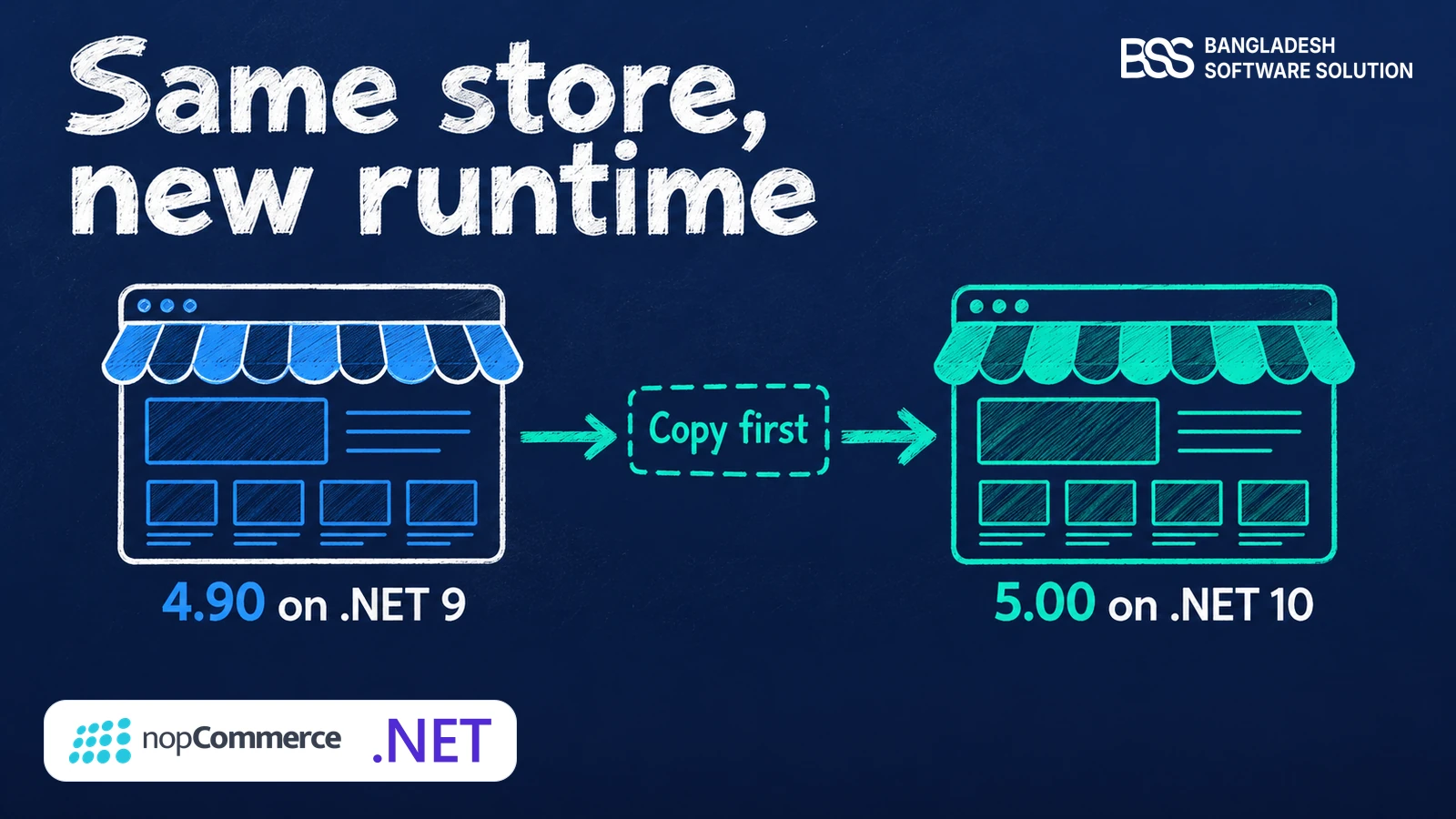
You open your 4.90 plugin in Visual Studio 2026, point it at the nopCommerce 5.00 source and build. The error list fills up: AutoMapper is gone, the repository has no Insert any more, and the project targets a framework the solution no longer uses.
Nothing is wrong with your code. The platform moved underneath it, and that is a different kind of problem, because it has an order you can follow.
This guide ports a plugin in the order the build breaks, so each step clears the next error. Every snippet comes from the nopCommerce 4.90.8 and 5.00.0 source, compared on the plugins that ship with the platform. We took our own plugins through this same sequence when 5.00 came out.
It assumes you build plugins in Visual Studio against the nopCommerce source and know the layout: Controllers, Models, Services, Views and plugin.json. If you need that groundwork first, our guide to creating a nopCommerce plugin covers it.
Key fact: A 4.90 to 5.00 plugin port is five jobs. Three of them stop the build and show you exactly where. The fourth does not stop it at all, which is why it gets its own section.
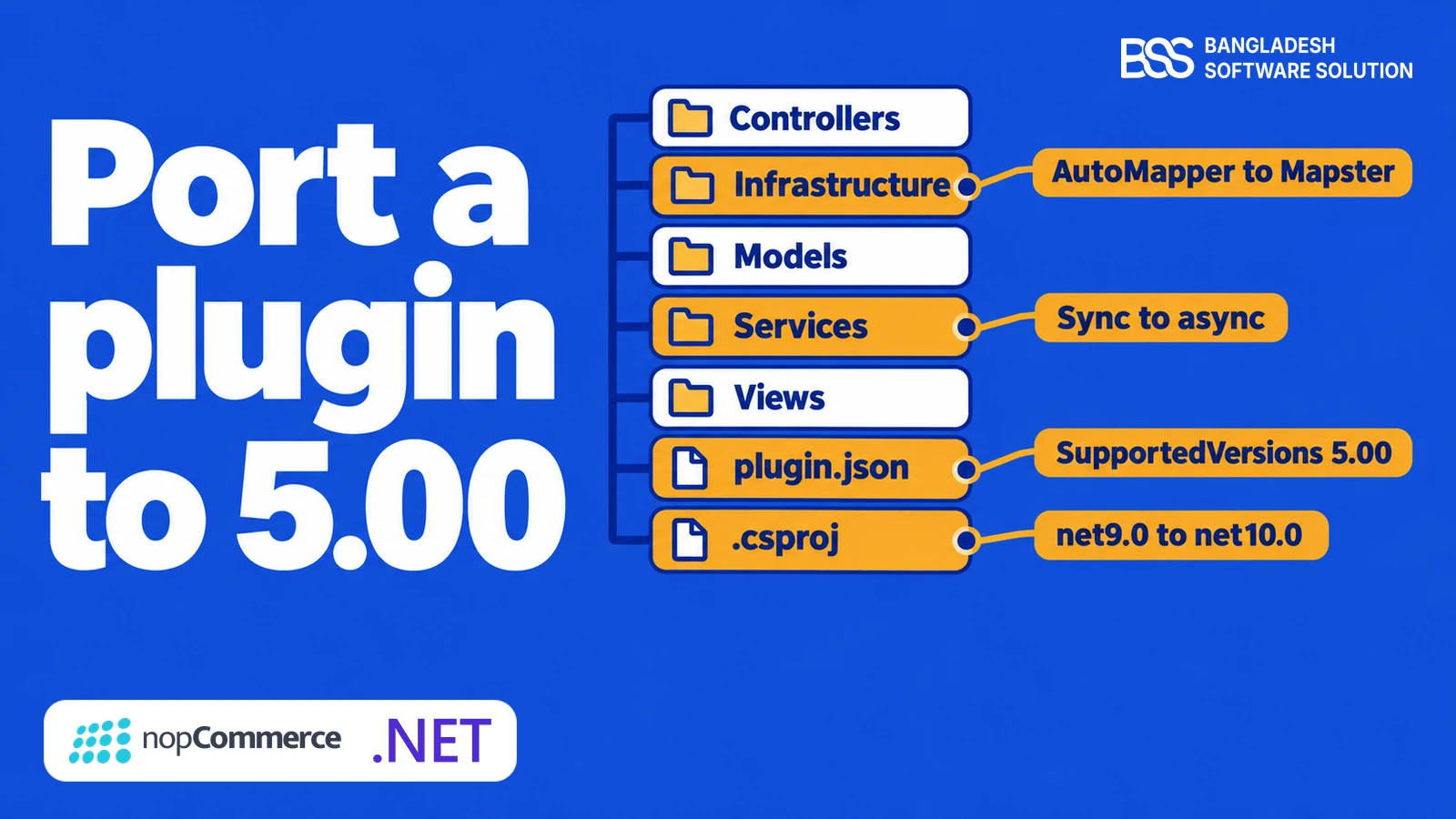
Retarget the Project: .NET 10 and plugin.json
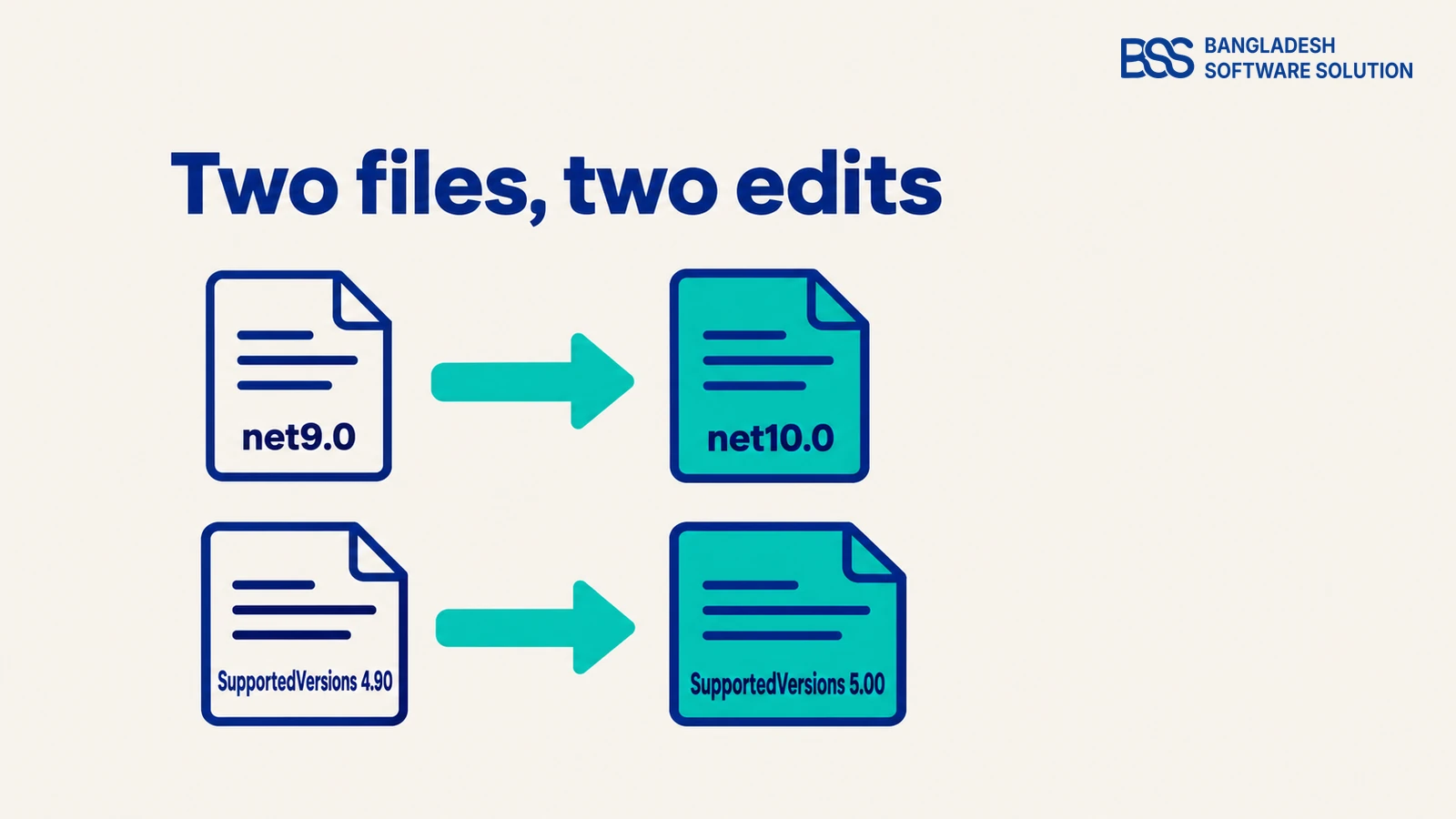
Start with the two edits that need no thought. The 4.90.8 Facebook Pixel plugin targets net9.0, and the 5.00.0 plugins, PayPal Commerce among them, target net10.0. The release notes name the toolchain: Visual Studio 2026 (v18.0), the .NET 10 SDK 10.0.401 and ASP.NET Core Runtime 10.0.12.
<!-- Nop.Plugin.Your.Plugin.csproj -->
<TargetFramework>net10.0</TargetFramework>
Then declare the new version in plugin.json. Your plugin's own Version is yours to set: the 5.00.0 PayPal Commerce plugin ships as 5.00.6.
{
  "SystemName": "Your.Plugin",
  "Version": "5.00.1",
  "SupportedVersions": [ "5.00" ]
}
Rebuild straight away, before you touch anything else. The error count is your honest estimate of the port: every error that mentions AutoMapper belongs to the next section, and every missing Insert or GetById to the one after.
Declaration, not a fix
The official plugin documentation says that in most cases only SupportedVersions needs updating. That holds when nothing the plugin uses has changed. In 5.00 several things have, so edit the field last and let the next sections earn it.
Want the port done for you? BSS handles nopCommerce version upgrades and plugin changes, from the first build to the test store.
Talk to the BSS teamSwap AutoMapper Profiles for Mapster
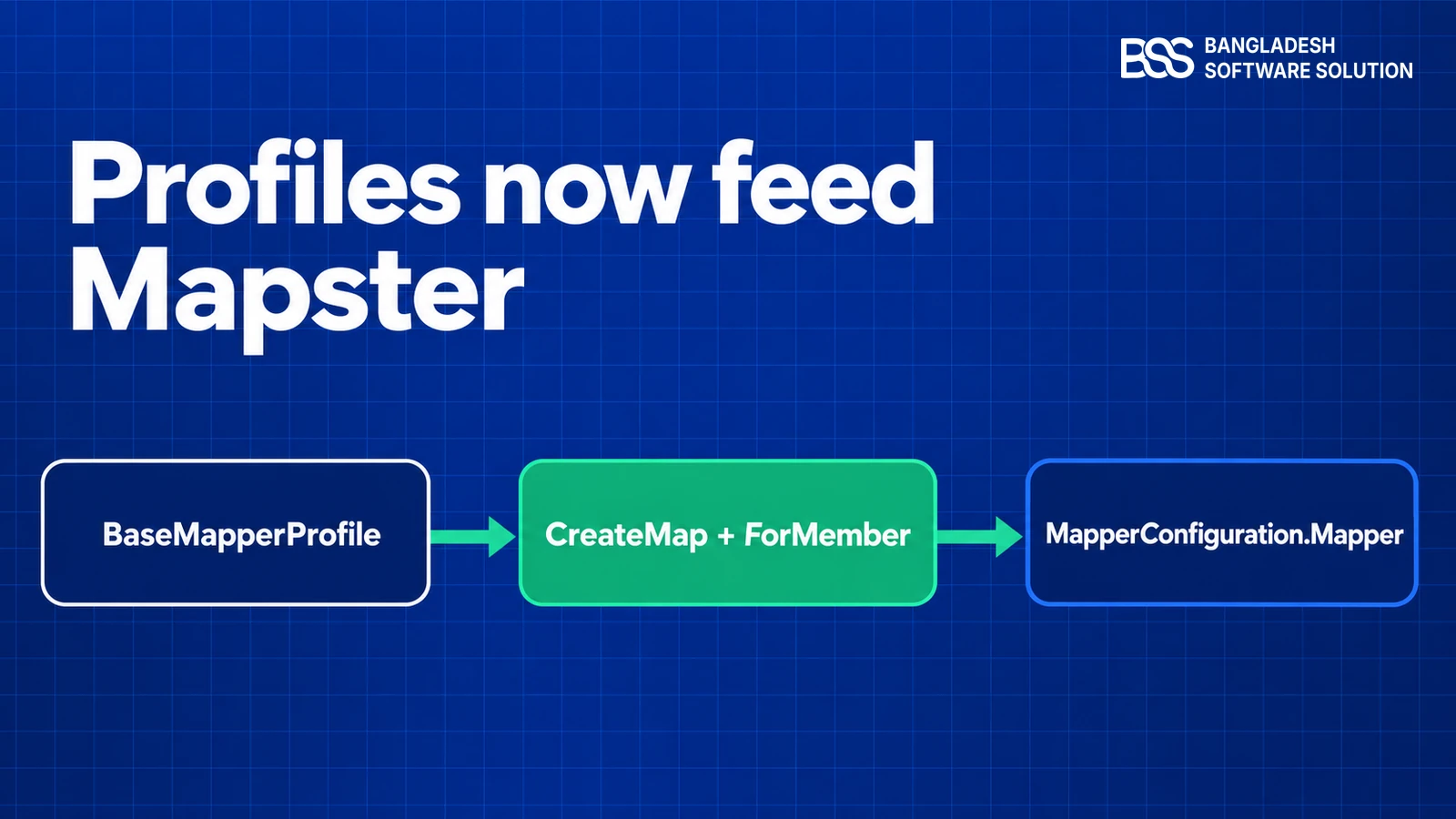
In 4.90 a plugin's mapping profile derived from AutoMapper's Profile and implemented IOrderedMapperProfile to declare an Order. In 5.00 nopCommerce maps with Mapster, and the base class changes with it. This is the 4.90.8 Facebook Pixel profile, trimmed to one map.
using AutoMapper;
using Nop.Core.Infrastructure.Mapper;

public class MapperConfiguration : Profile, IOrderedMapperProfile
{
    public MapperConfiguration()
    {
        CreateMap<FacebookPixelConfiguration, FacebookPixelModel>()
            .ForMember(model => model.StoreName, options => options.Ignore());
    }

    public int Order => 1;
}
The same file in 5.00.0 loses the using, the interface and the Order property. Nothing else moves.
using Nop.Core.Infrastructure.Mapper;

public class MapperConfiguration : BaseMapperProfile
{
    public MapperConfiguration()
    {
        CreateMap<FacebookPixelConfiguration, FacebookPixelModel>()
            .ForMember(model => model.StoreName, options => options.Ignore());
    }
}MapperConfiguration.RuleMap, so the rule can be found and customised later. Calling Mapster directly skips that.ForMember in Nop.Core. It handles Ignore() and MapFrom(), which covers most existing rules.CreateMap returns a Mapster setter, so a rule beyond those two options is rewritten with Mapster's own API.Code that called the old AutoMapper instance directly now calls MapperConfiguration.Mapper, a MapsterMapper mapper that the profiles feed at startup. The base class sets Order to 0, and an Init() method is available to override; the Facebook Pixel plugin simply keeps its rules in the constructor.
Admin controllers usually move between entities and view models with ToModel and ToEntity. In the platform's own admin area those live in MappingExtensions and call MapperConfiguration.Mapper, so a plugin that wraps the mapper the same way should call that one shared instance.

When we port a plugin, the profile swap is the quickest part, so we do not trust it until a model has made a round trip. We open each configuration page, save it once and reload it. If you would rather hand over the whole port, our nopCommerce services include plugin upgrades.
Move Repository Calls to Async
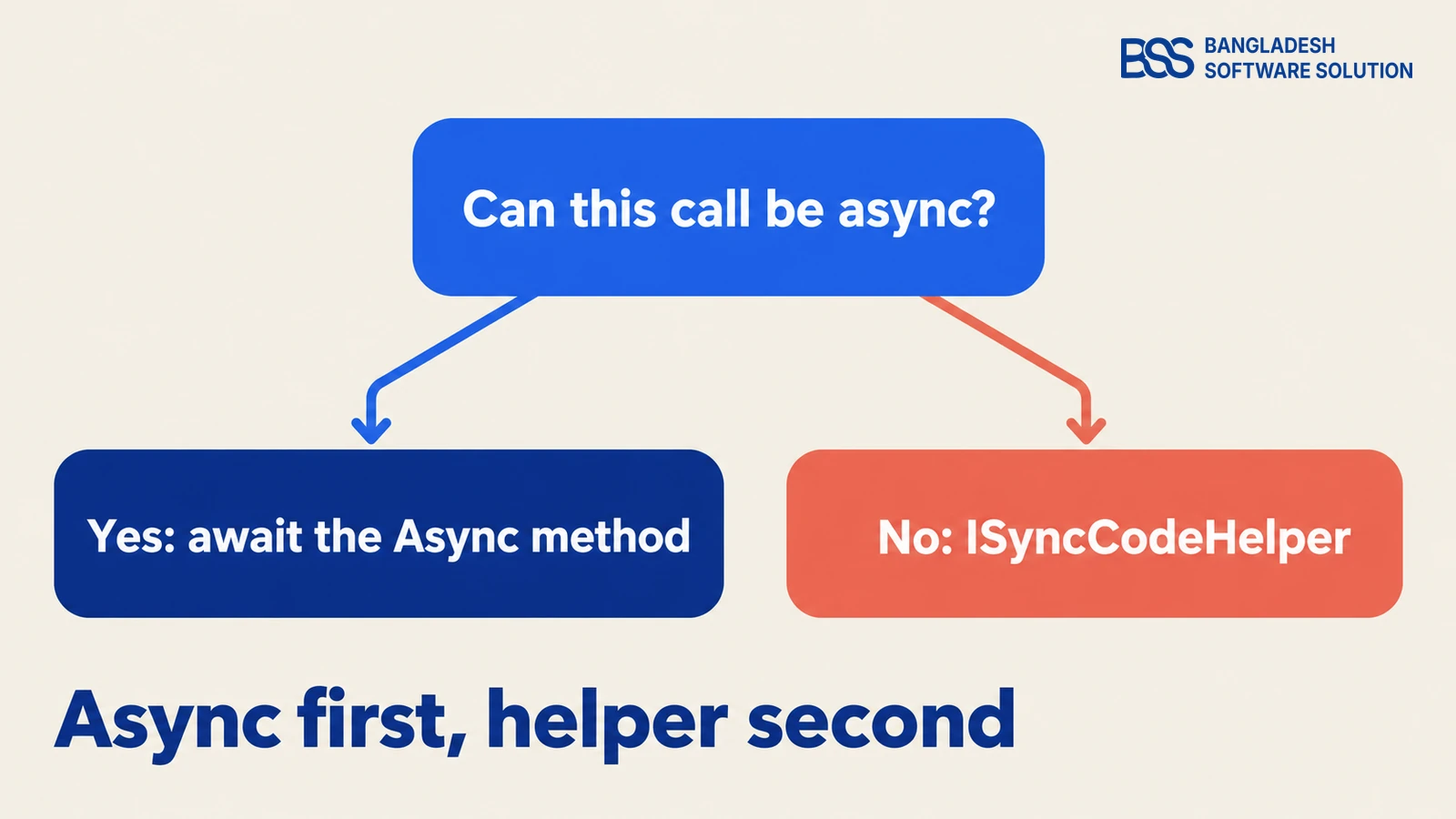
The 4.90 IRepository<TEntity> offered both flavours: GetById, GetAll, Insert, Update and Delete next to their async twins. The 5.00 interface lists only the async versions. A plugin that called a synchronous one stops compiling, and the fix is a one-line change at each call site.
| 4.90 call | 5.00 call | Rule |
|---|---|---|
_repository.GetById(id) |
await _repository.GetByIdAsync(id) |
Make the caller async |
_repository.Insert(entity) |
await _repository.InsertAsync(entity) |
Make the caller async |
_repository.GetAll(...) |
await _repository.GetAllAsync(...) |
Check the lambda |
Making a caller async spreads upward: the controller action, the service method and the interface above it all take Task. That is normal, and it is why we start from the lowest call and work out.
Work one service at a time and rebuild after each. A half-converted service gives errors that point at the wrong file, while a finished one leaves the next error list shorter and easier to read.
Resist adding .Result or .GetAwaiter().GetResult() to silence the compiler. The 4.90 view location expander did exactly that with GetWorkingThemeNameAsync().Result inside PopulateValues, and the 5.00 version no longer does.
When a call site truly cannot be async
5.00 adds ISyncCodeHelper in Nop.Services.Helpers for synchronous code. It exposes InsertEntity, UpdateEntity, DeleteEntity, GetAllEntities, GetAllLanguages and GetCurrentStore. Treat it as a bridge for code you cannot change yet, never as the new default.
Catch the Breakages the Compiler Misses
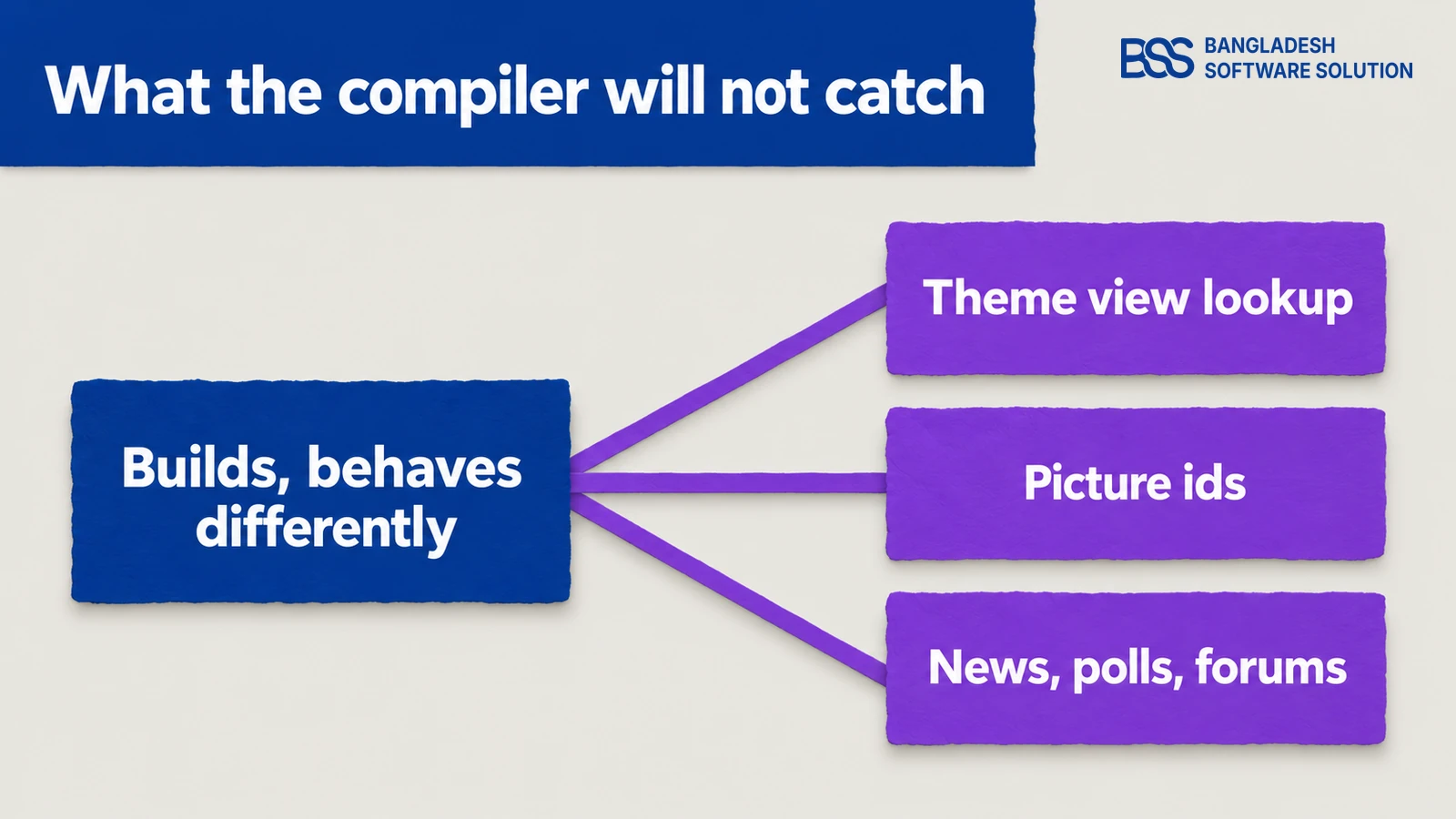
A green build proves the types line up. It does not prove the plugin still behaves, and 5.00 moved three things that a clean compile can hide.
ThemeableViewLocationExpander resolved the theme itself. In 5.00 it reads the name from HttpContext.Items, and its keys live in NopThemeDefaults.PictureId is gone from ProductAttributeCombination and ProductAttributeValue. Two new entities, ProductAttributeCombinationPicture and ProductAttributeValuePicture, hold the links.Misc.News, Misc.Polls and Misc.Forums. A plugin that touches them depends on those plugins.If your plugin used the news, poll or forum services, reference the matching plugin and check that the store has it installed. Otherwise the code compiles against a feature that is not there at run time.
The first one bites any plugin that copied or subclassed the expander, or that used its protected constants: the names are now NopThemeDefaults.ThemeKey and NopThemeDefaults.HttpContextThemeCacheKey. The second fails to compile where you read PictureId, which is the lucky case. A plugin that writes those tables with raw SQL gets no help from the compiler at all.
Search before you read. These three commands, run from the plugin folder, size the quiet part of the port in a minute:
grep -rn "AutoMapper" --include="*.cs" .
grep -rn "PictureId" --include="*.cs" --include="*.cshtml" .
grep -rn "ThemeableViewLocationExpander" --include="*.cs" .In the themes and plugins we ship, views are where a major version surprises us, so we render every public view under a theme and under the default theme before we call a port finished. Our compatibility testing guide has the full routine.
Build, Install and Test Like a Customer
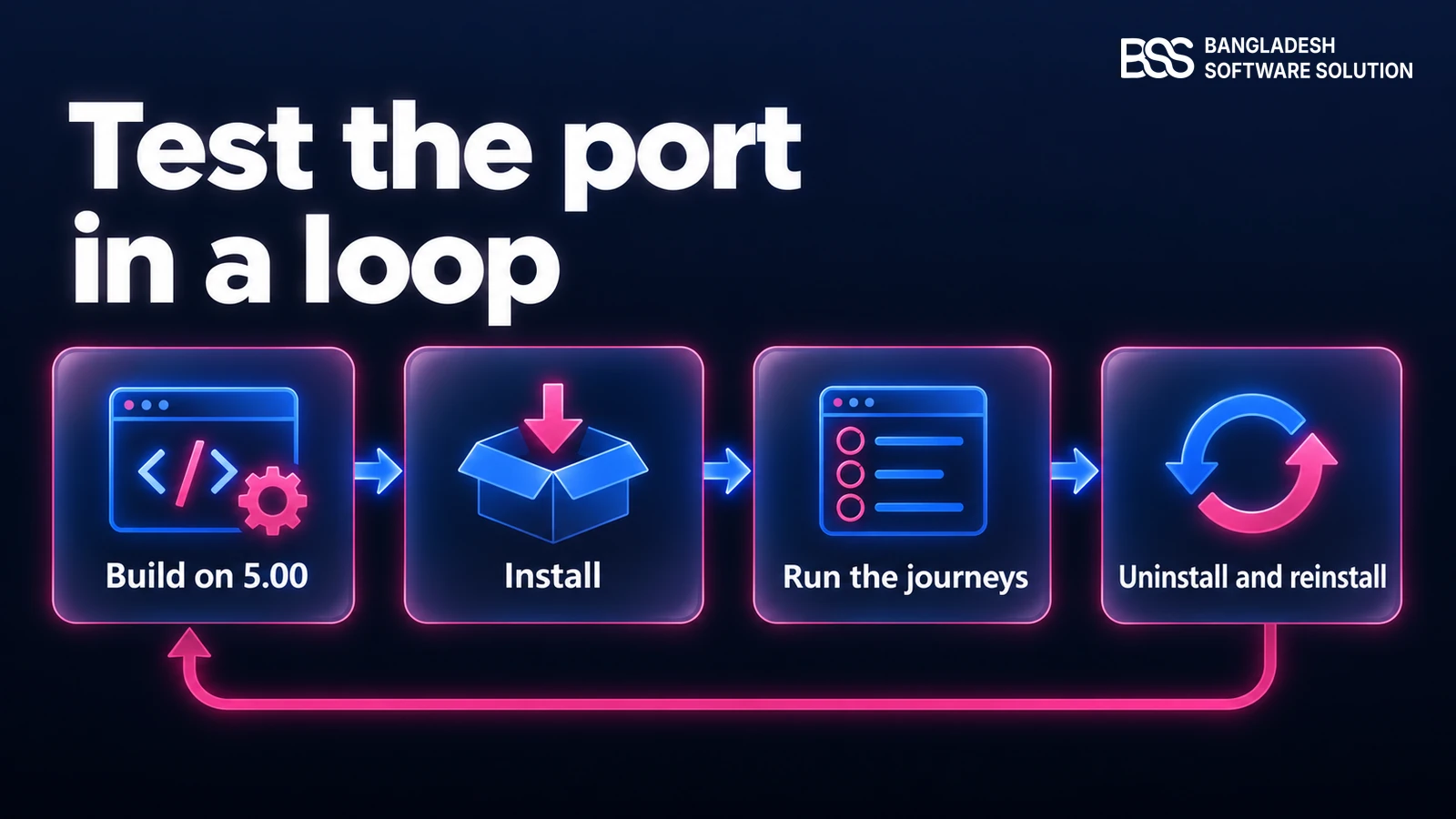
Build against the 5.00 source, copy the output to a 5.00 test store and install it from Local plugins. Then go through the journeys the plugin owns, not only the ones that compile.
Keep the test store close to production: the same theme, the same payment sandbox settings and the other plugins your store runs. A plugin that works alone and fails beside another one is a normal port finding, not a surprise.
Port test checklist
-
The build is green on the 5.00 source, and you can explain every remaining warning.
-
The plugin installs, and its configuration page opens, saves and reloads with the same values.
-
Every public view renders under the active theme and under the default theme.
-
A payment or shipping plugin completes a full test order, including the admin side of that order.
-
Uninstall and install again on a clean copy, then check that the data and tables come back as expected.
For a plugin you depend on but do not own, the choice is whether to port, ask the vendor or buy a build that is already updated. This is how the three compare.
| Route | Best when | Watch for |
|---|---|---|
| Port it yourself | You own the source and have .NET time to spare. | The quiet breakages in the section above. |
| Hire a .NET developer | The port is larger than your team's spare time. | Brief them with the three search commands. |
| Use an updated plugin | The plugin is a commodity such as a payment gateway. | Confirm the build lists 5.00 before you install. |
A payment gateway is the plugin where a failed port costs real orders. Ours is updated for nopCommerce 5.0, so it is one plugin off your port list.
View the pluginIf the port is bigger than you expected, you can hire a .NET developer from BSS to take it while your own engineers stay on the roadmap.
Port Your Plugins with the BSS Team
Our nopCommerce engineers build and update plugins and themes every day. Tell us which plugins need to reach 5.00 and we will match you with the right developer.
Frequently Asked Questions
Final Thoughts
The red error list from the start is a to-do list in disguise. Retarget the project, swap the profile base class and await the repository calls.
Then check the three quiet changes, which no error list will show you, and test the plugin on a 5.00 store with the same theme and plugins as production. Once it installs, saves its settings and renders under a theme, it is ready for the version everything else is moving to.
For the store-level steps around it, read our 4.90 to 5.0 upgrade guide, and for what else the release changes, what is new in nopCommerce 5.0. If you are new to the plugin structure itself, start with how nopCommerce is layered.
Tell the BSS team which plugins and themes your store runs, and we will scope the port with you.
Book a free consultation