Your Adobe Commerce license renewal notice just landed, and the number climbed again — right as your development team is still untangling which of last quarter's extension updates broke checkout. If that sounds familiar, you're in good company: it's the single most common reason a Magento store owner starts searching for nopCommerce in the first place.
This isn't a takedown of Magento — it's a real platform, and plenty of stores run it well. It's an engineer-to-engineer walkthrough of where the two platforms actually diverge: what each one is built on, what you pay and when, how deep B2B and customization go, what performance looks like under real traffic, and what a migration actually involves — so you can make the call with your eyes open, not from a sales deck.
What Each Platform Actually Is
Before comparing features, it helps to know what you're actually comparing. Magento started as an independent open-source project, was acquired by Adobe in 2018, and now ships in two tiers: Magento Open Source, the free, self-hosted core, and Adobe Commerce, the paid tier that adds B2B tools, managed cloud hosting, and enterprise support on top of it. nopCommerce took a different path — one open-source ASP.NET Core codebase, built and maintained as a single project from day one, with a commercial license that only applies once a store's own revenue crosses a stated threshold.
Key fact: Magento Open Source is genuinely free and open source — the license cost shows up one tier up, at Adobe Commerce. nopCommerce ships as one free, open codebase from day one; there's no separate "enterprise edition" to graduate into.
If you're newer to the platform, our guide on what nopCommerce actually is is worth a five-minute detour before you keep reading.
The practical effect of that difference shows up in three places almost immediately:
The Stack You'll Actually Be Running
A platform's license price is only part of the bill. What it takes to host and operate day-to-day is the part that shows up every month, whether or not anyone budgeted for it.

None of this means Magento's stack is wrong — Elasticsearch and Varnish exist because they solve real problems at scale. It means the stack is bigger, and bigger stacks cost more in hosting, monitoring, and the specialist knowledge needed to keep them healthy. Our own nopCommerce hosting guide breaks down exactly what a production-ready setup needs, service by service.
What actually drives the cost
In our deployments, we've found the number of services isn't the real cost — it's the operational overhead of keeping several different systems patched and compatible through every version upgrade. A smaller stack doesn't eliminate that work, but it shrinks the surface area you're responsible for.
What You Actually Pay, Year One and Beyond
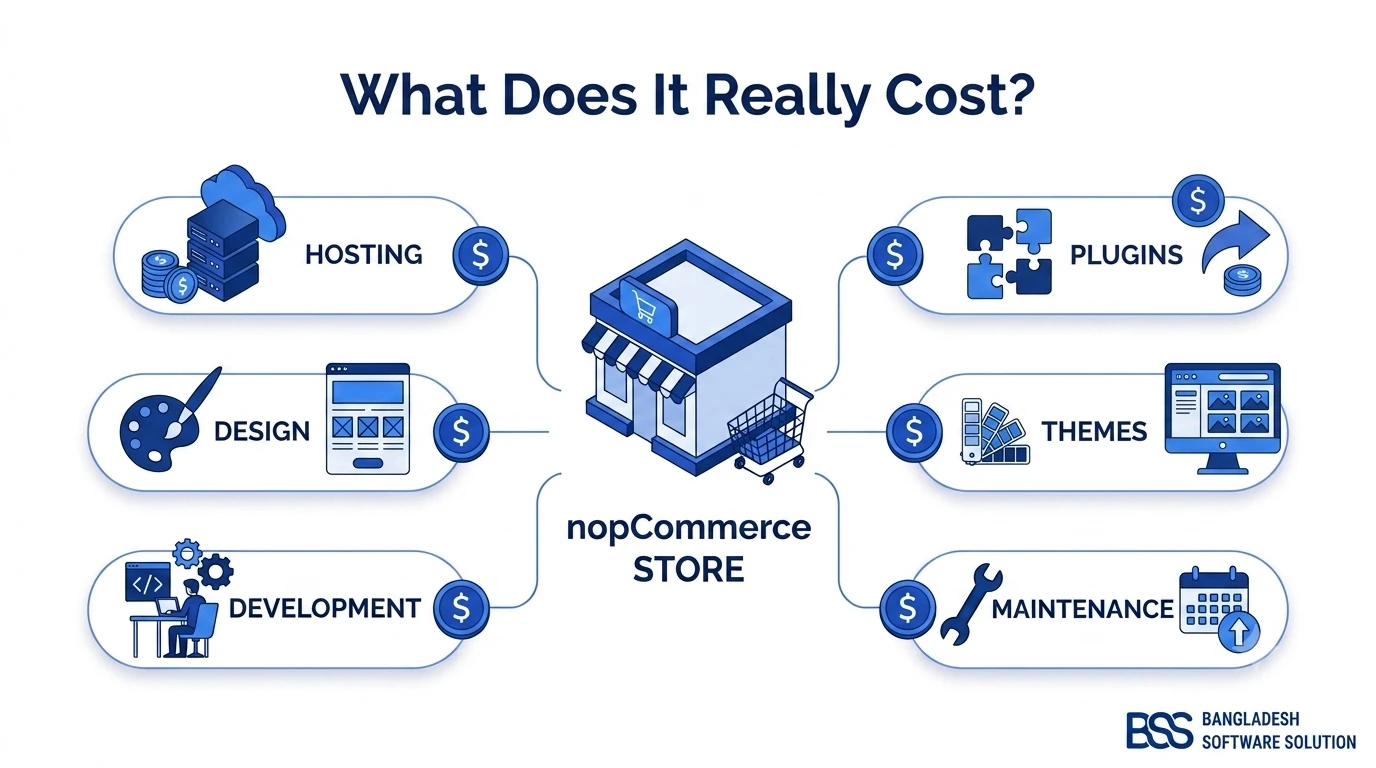
This is usually the question that started the search. Magento Open Source costs nothing to download, but real stores rarely stay on the bare core — paid extensions, custom development, and hosting for that larger stack add up fast. Move up to Adobe Commerce and there's a recurring license fee on top of all of it, scaled to your store's own revenue, per Adobe's own commerce pricing structure.
nopCommerce takes a simpler approach: one free, open codebase, with a commercial license required only once your store's own sales pass a stated public threshold — worth checking directly on nopCommerce's current licensing terms, but structurally nowhere near Adobe Commerce's enterprise tiers.

| Dimension | nopCommerce | Magento Open Source | Adobe Commerce |
|---|---|---|---|
| License cost | Free core; paid tier only past a revenue threshold | Free core, but extensions and dev time add up | Revenue-tiered annual license |
| Core language | C# / ASP.NET Core, one deployable app | PHP, Composer-managed dependencies | Same PHP core, plus Adobe's cloud tooling |
| Hosting stack | App server + SQL Server | PHP-FPM, MySQL, Elasticsearch, Redis, Varnish | Same stack, usually on Adobe's managed cloud |
| B2B & multi-store | Ships in the free open core | Core B2B features are limited | Full B2B suite, sold as a separate module |
| Upgrade risk | Fewer service dependencies to break | Extension compatibility is the top blocker | Same risk, plus cloud deployment coordination |
| Best fit | .NET-friendly teams wanting one predictable stack | Lean budgets willing to manage the stack themselves | Large catalogs needing Adobe's enterprise tooling |
When the Business Logic Gets Complicated
Feature checklists tell you what a platform can technically do. They don't tell you how much it costs to make the platform do what your specific business actually needs — tiered B2B pricing, approval workflows, a second storefront for a different region. That gap is where most platform decisions actually get made.
Adobe Commerce's B2B module is genuinely capable, but it's a separate paid add-on layered on top of an already expensive license. nopCommerce ships multi-store support, customer roles, and access control lists in its free, open core — no separate B2B tier to unlock. We cover this in more depth in whether nopCommerce fits a B2B store specifically, if that's the workload you're planning around.
The real B2B question isn't which platform has more checkboxes on a features page — it's which one lets your team change the business logic without waiting on a vendor's roadmap.
BSS Engineering
Custom workflows are the other half of this. Because nopCommerce is a single C# codebase without a plugin marketplace's worth of third-party dependencies to work around, our engineers can usually extend core business logic directly rather than fighting an extension's assumptions. Magento's plugin architecture is powerful, but with power comes a real risk: two extensions modifying the same checkout flow can conflict in ways that only surface after go-live.
Speed, Under Real Traffic
Both platforms can be fast. Both can also be slow, if the wrong things are left unmanaged — so the honest answer isn't "which one is faster," it's "which one needs more work to get there."
A well-tuned Magento store, with Varnish, Redis, and Elasticsearch all correctly configured, holds up well under real traffic — but getting there is a genuine infrastructure investment, and it's easy to get one piece wrong. nopCommerce, running as compiled .NET code rather than interpreted PHP, generally needs a smaller infrastructure investment to reach comparable responsiveness, though it still benefits from the same discipline around caching and database tuning that any serious ecommerce platform needs.
Where the real slowdown usually hides
A common mistake we see when auditing setups on either platform: the core platform is rarely the bottleneck. It's almost always a handful of third-party extensions, each adding their own database queries on every page load. Before blaming nopCommerce or Magento itself, profile what your installed plugins are actually doing.
If You're Ready to Move
Say the licensing math and the extension-conflict fatigue have made the decision for you. A Magento-to-nopCommerce migration is a real project, not a weekend task — but it's also a well-understood one, and most of the risk is in what you skip preparing for, not in the move itself.
The pattern we see most often: teams migrate the product catalog carefully, then get caught out by SEO redirects, customer and order history mapping, or a payment integration nobody remembered was custom-built. We've written a full Magento-to-nopCommerce migration roadmap that walks through catalog mapping, redirects, and testing in more depth than we can cover here — but the checklist below is a good starting gut-check.
Before You Start a Magento Migration
-
Audit every installed extension and flag which ones have no direct nopCommerce equivalent yet.
-
Export your full catalog, customer, and order history in a clean, mapped format before touching anything else.
-
Draft a 301 redirect map from every Magento URL pattern to its new nopCommerce equivalent — before launch, not after.
-
Stand up a staging nopCommerce instance and test checkout, tax, and shipping rules against real order scenarios.
-
Set a rollback plan for DNS and payment-gateway cutover in case the launch window needs to reverse quickly.
Thinking About Leaving Magento? Hire the BSS Team to Move You
From catalog mapping and SEO redirects to integration rebuilds and staging tests, our nopCommerce engineers have run this exact migration for stores leaving Magento and Adobe Commerce. Tell us what you're running today and we'll scope the move.
Frequently Asked Questions
Final Thoughts
Neither platform is universally "better" — Magento and Adobe Commerce earned their place in ecommerce for real reasons, and plenty of large stores run them well. But if the reason you're reading this is a licensing renewal that keeps climbing, an extension update that broke checkout again, or a hosting bill padded with services you didn't choose, those are structural problems that a bigger Magento budget won't fix.
nopCommerce's pitch is narrower and more concrete: one open-source codebase, a licensing model that doesn't scale against you by default, and a smaller stack to operate. Whether that trade-off is right for your store depends on your team's skills, your catalog's complexity, and how much of that Magento renewal notice you're tired of explaining to finance.
If you want a second opinion before you commit either way, that's exactly the conversation our team has with Magento store owners every week — reach out and we'll give you a straight answer.