nopCommerce 5.0 is the next major platform version, but it is not yet the latest final release. The official GitHub release page lists 5.00.0 as a beta, while the official milestone remains open. That means the new version is ready to study and test—not to treat as finished production software.
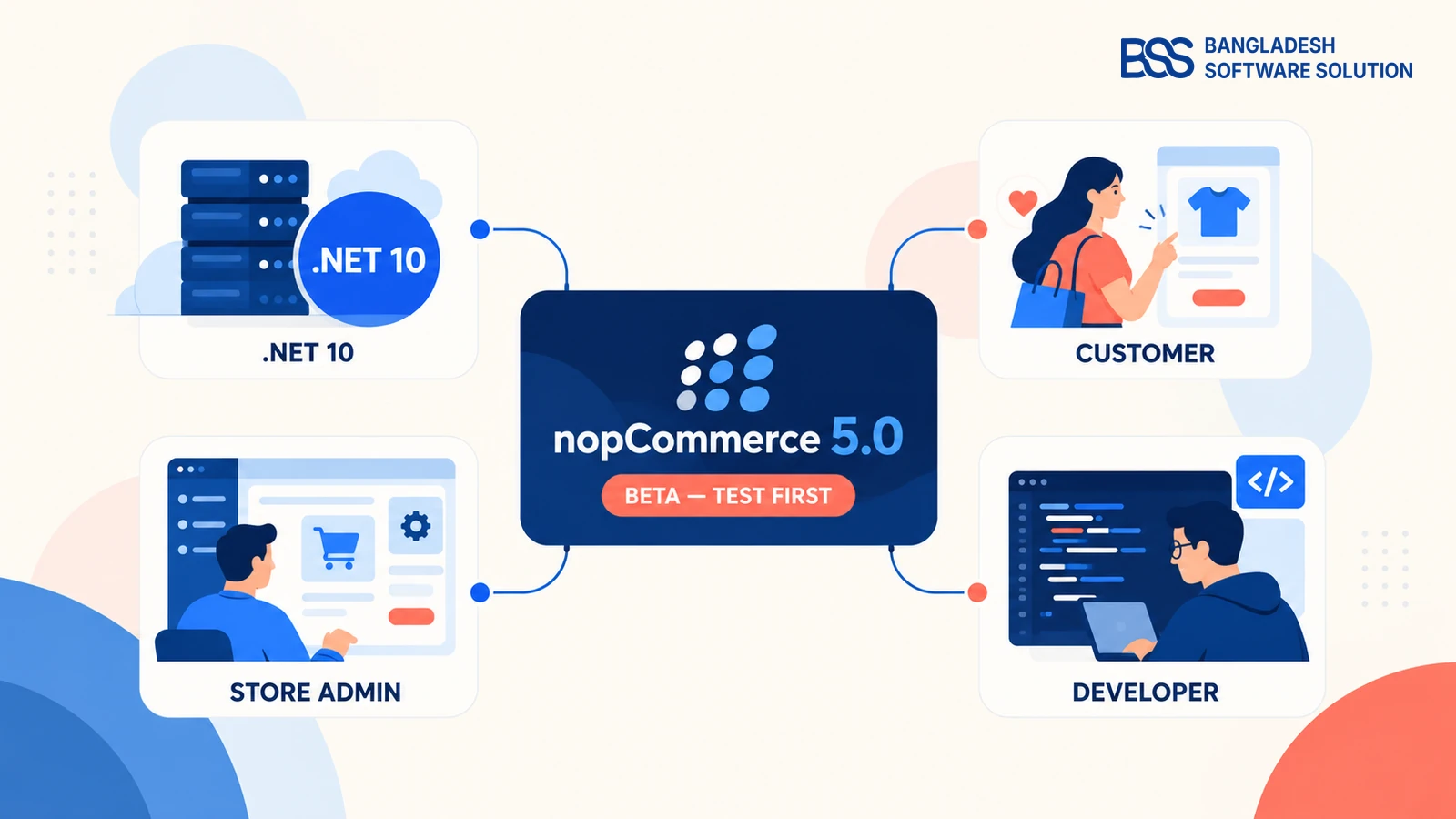
If you only want the quick answer, 5.0 changes four areas: the framework beneath the store, the way customers shop and sign in, the tools administrators use, and the structure developers maintain. This guide gives you that overview. For the complete feature-by-feature detail, use our nopCommerce 5.0 what's new guide.
The 30-second view
- Release status: beta; final release not confirmed when checked
- Framework: moves to .NET 10
- Customer experience: phone/SMS sign-in, desired delivery dates, 3D product models and clearer self-service options
- Store management: reminders, report exports, configurable contact fields and safer plugin cleanup
- Developer impact: mapping and module changes mean themes, plugins and integrations still need compatibility testing
1. First, Is nopCommerce 5.0 Released?
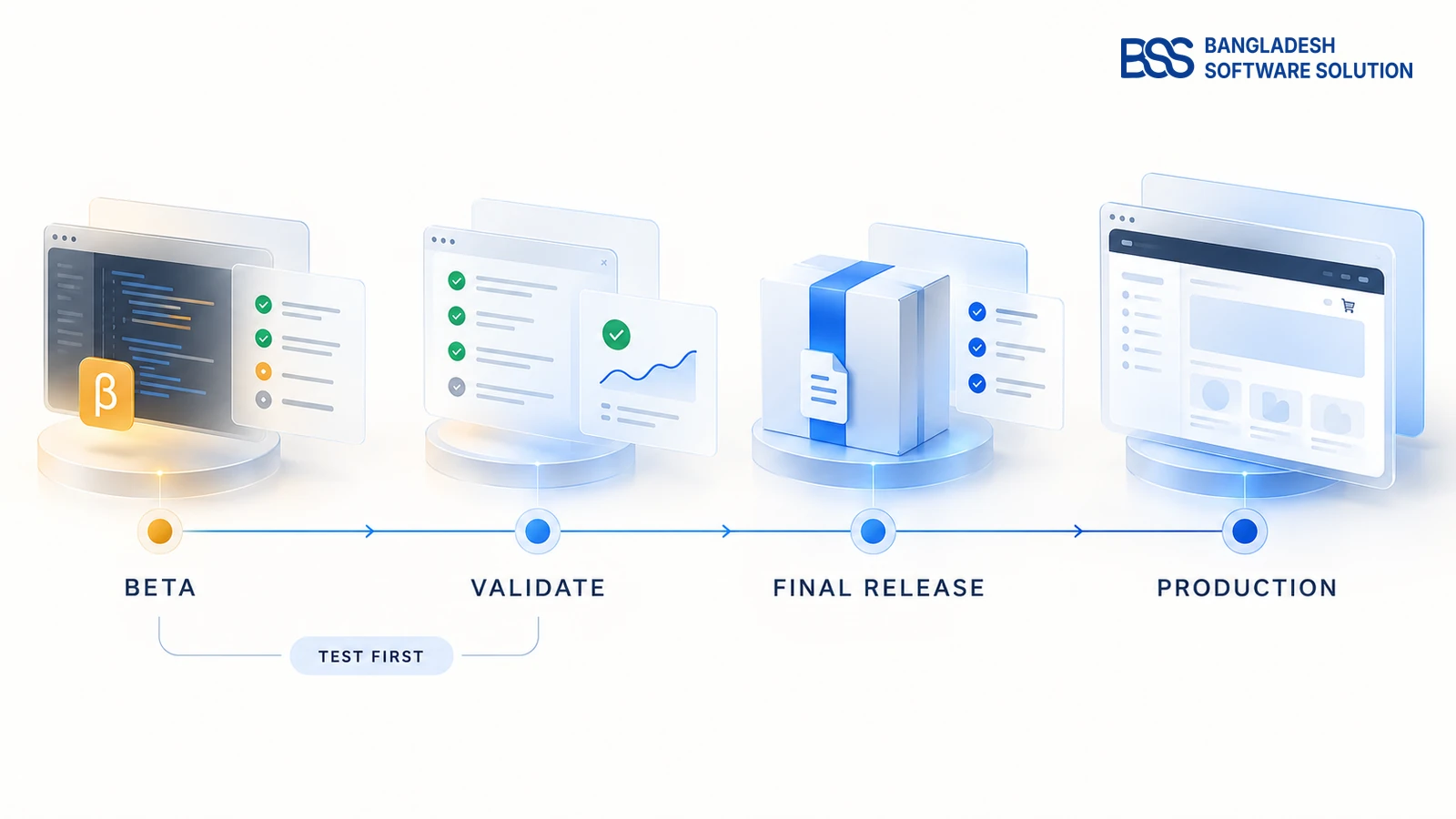
Not as a final version when this article was checked. nopCommerce published the 5.00.0 beta on September 30, 2026 and asked the community to test it and report bugs. The official Version 5.00 milestone was still open on October 19.
This distinction matters because search results may use “released” for the beta package. Store owners should read that as “available for testing,” not “ready for every live store.” Open issues on the milestone include permissions, OTP limits, upgrade handling and product-model uploads, so the final package and notes remain the authority.
| If you are… | What to do now |
|---|---|
| A store owner | Learn which changes matter; keep the live store on its supported version |
| An administrator | List the workflows that could benefit from reminders, reports or new customer options |
| A developer | Build a test branch against the beta and inspect breaking changes |
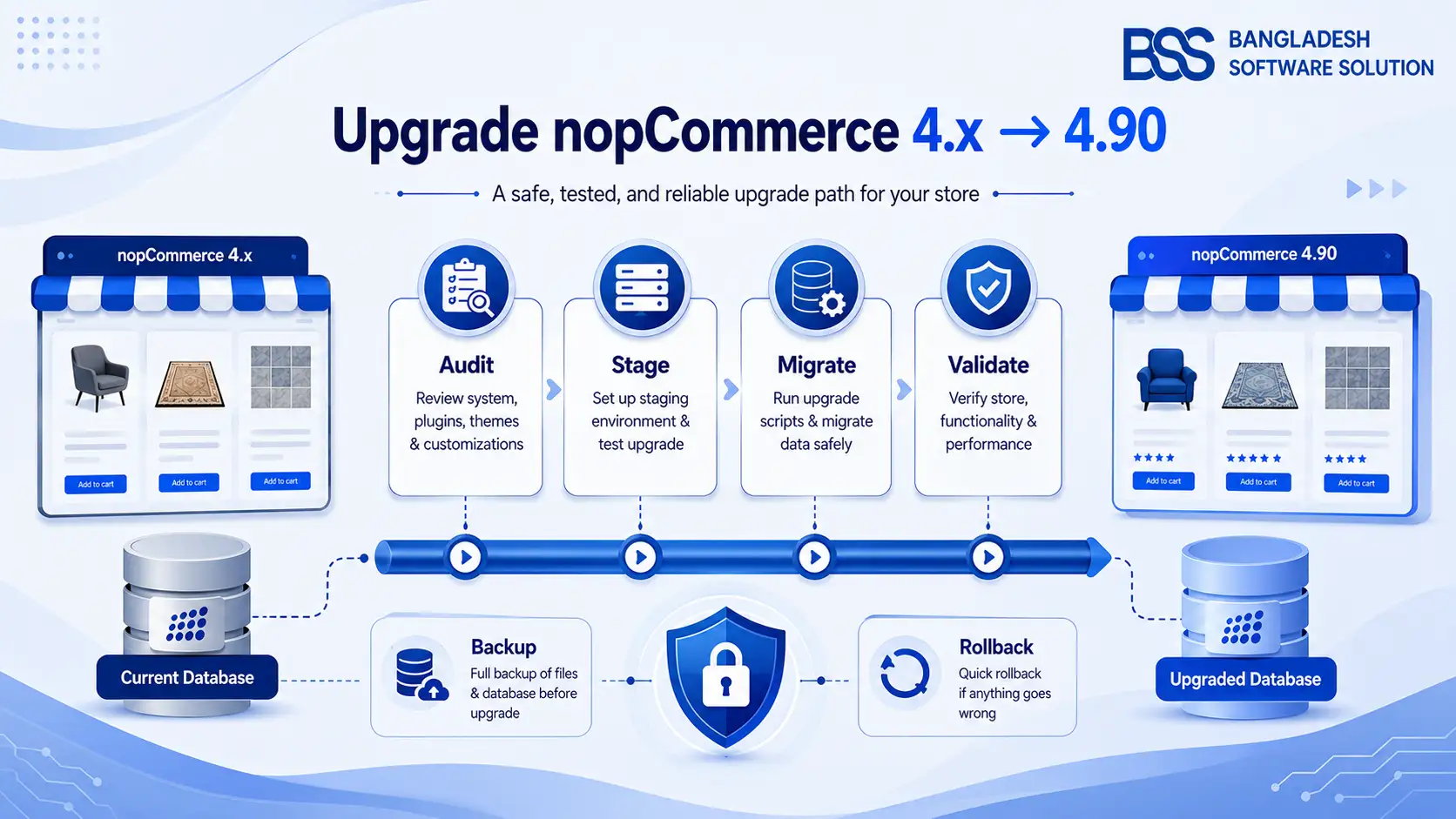
| Planning an upgrade | Use a staging copy; follow the separate nopCommerce 5.0 upgrade guide |
BSS builds and maintains nopCommerce themes and plugins, so we treat a beta as a compatibility exercise first. A feature becomes useful only after the store's real theme, checkout, payment, shipping and integrations still work together.
Need a compatibility view? BSS can review your theme, plugins and integrations before you choose a release date.
View nopCommerce services2. Framework and Architecture: The Foundation Changes
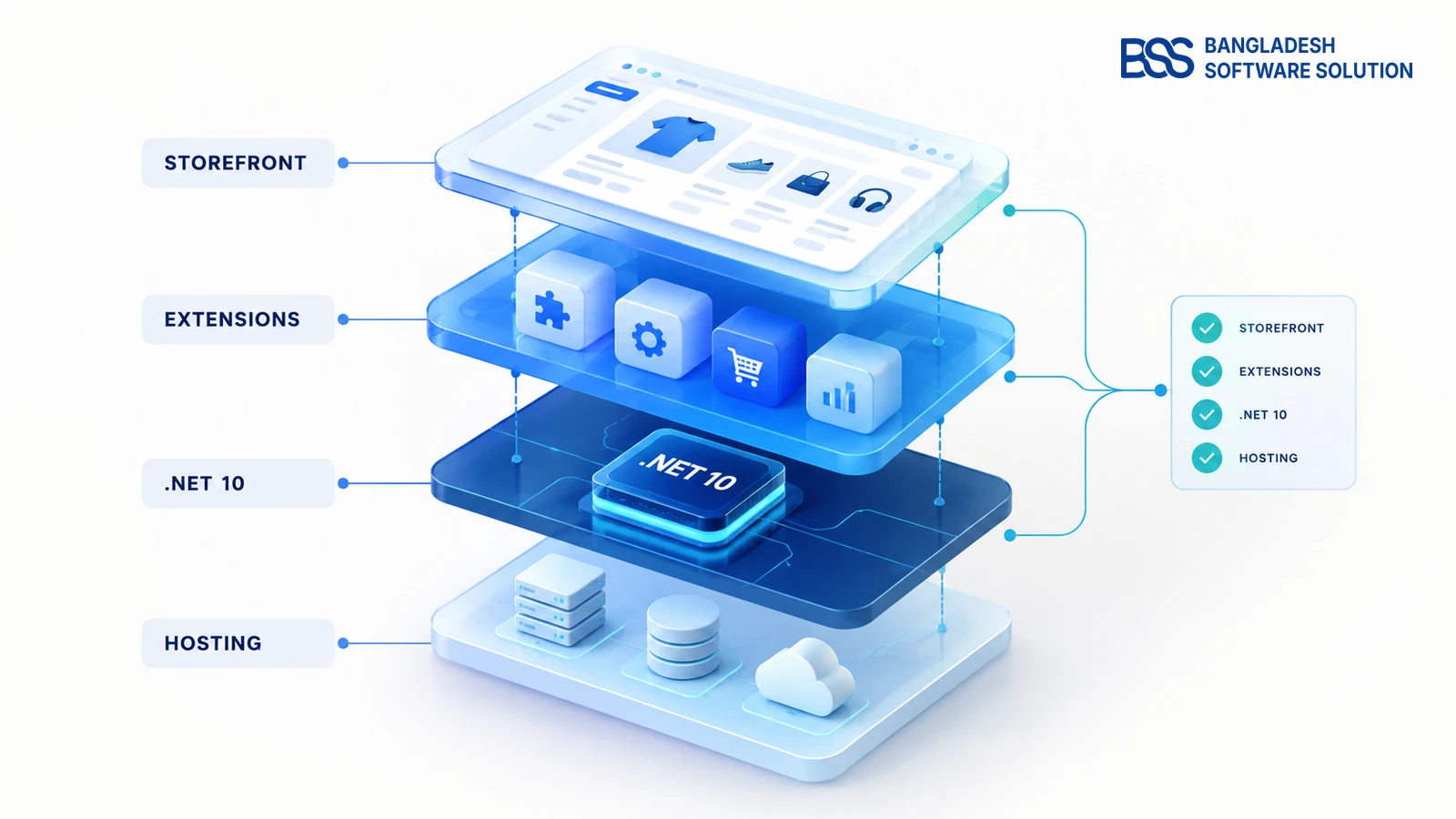
The headline technical change is the move to .NET 10. That gives developers a newer framework baseline, but it also means the build environment, server runtime and custom extensions must match the new version.
Other developer-facing work in the 5.00 milestone includes replacing AutoMapper with Mapster and moving forums and polls into plugins. These changes are less visible to shoppers, yet they can affect custom code, dependency registration, view overrides and deployment packages.
This overview deliberately stops there. The exact runtime, Windows/Linux and database checks belong in our nopCommerce 5.0 system requirements and hosting guide, while migration steps belong in the upgrade guide.
If your store depends on custom extensions, BSS can review the theme and plugin set before you choose a release date.

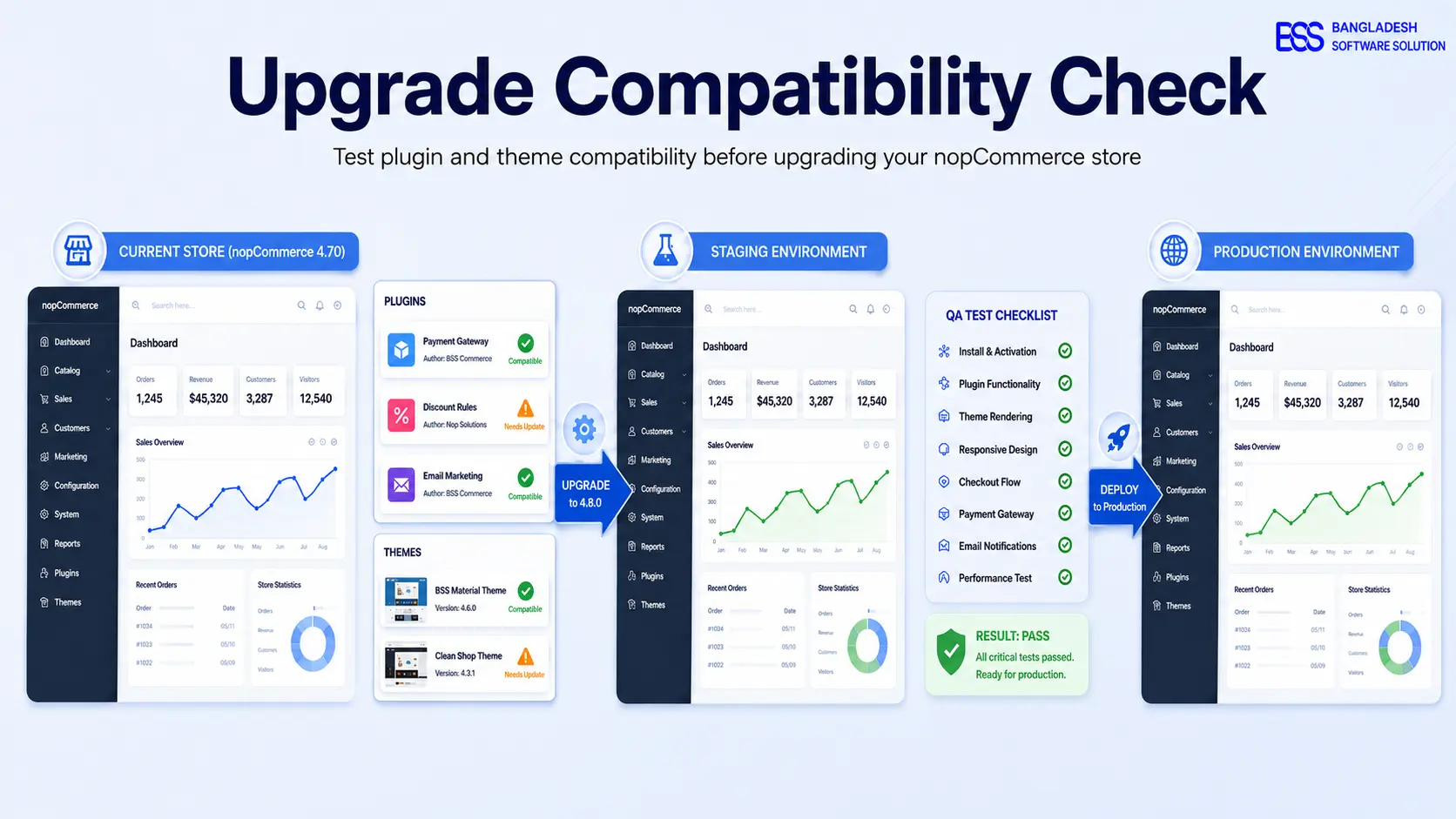
A clean compile is only the beginning. Registration, checkout, scheduled tasks and integration callbacks still need a complete staging test. A BSS .NET developer can run that compatibility work.
3. Customer Features: What Shoppers May Notice
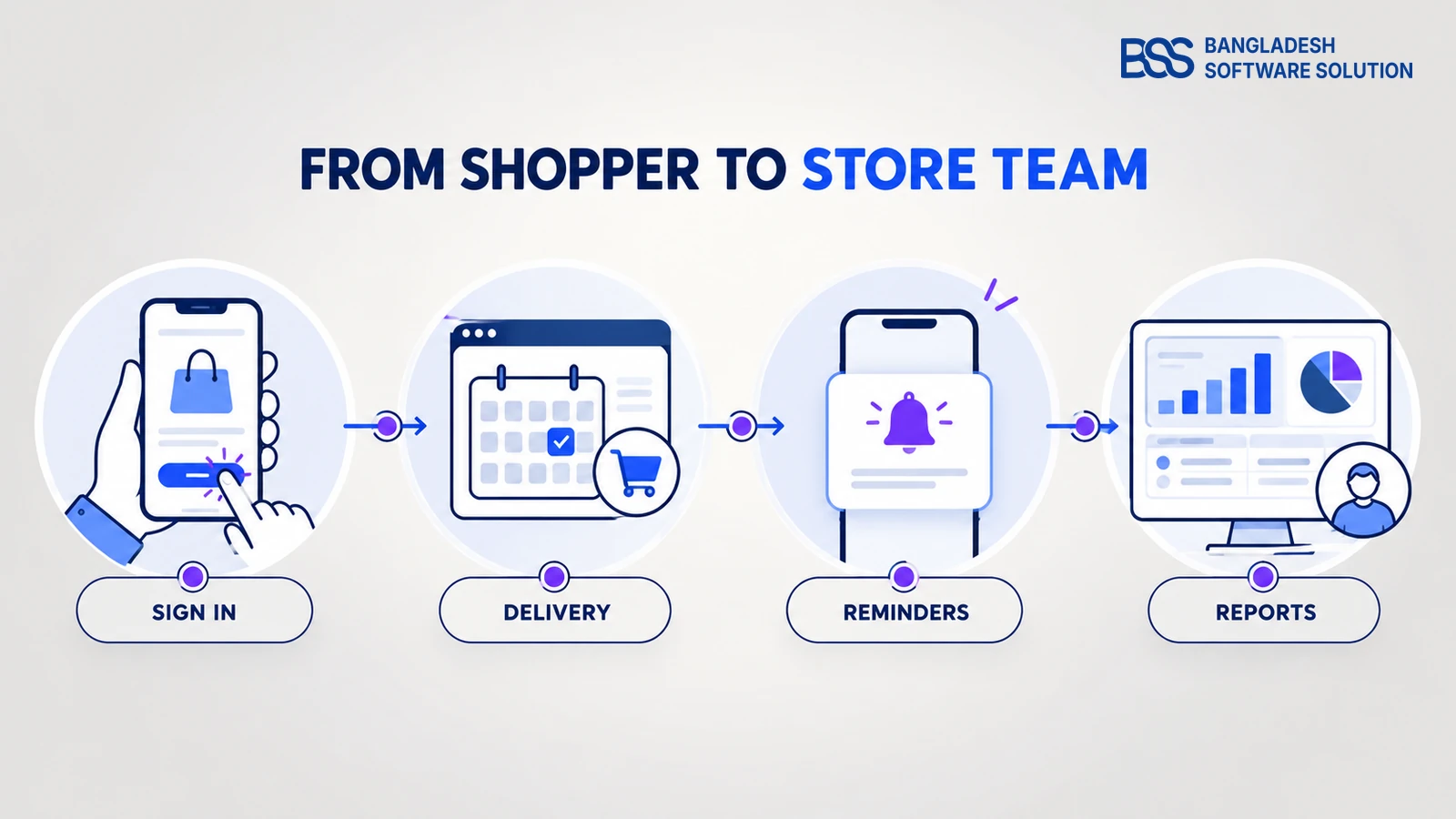
Several planned 5.0 features remove friction from ordinary customer tasks:
- Phone-number sign-in with SMS gives stores another authentication route beside email.
- Desired delivery date lets a shopper request a date during checkout when the store enables it.
- Product 3D models can give shoppers another way to inspect suitable products.
- Renamable custom wishlists make saved lists easier to organize.
- Return-request controls can limit requests to completed orders.
- Recurring-payment reminders can notify customers before the next payment date.
Phone sign-in
Useful where mobile numbers are a more natural identity than email.
Delivery date
Relevant for scheduled goods, not every digital or instant-delivery store.
Richer product view
3D assets help only when they make the actual product easier to understand.
These features do not all matter equally to every business. Phone sign-in may be valuable where mobile numbers are the normal identity. A desired delivery date matters more for scheduled goods than instant digital delivery. A 3D model helps only when the asset makes the product easier to understand.
For stores that need phone-based login before a production move to 5.0, the BSS Phone SMS Authentication plugin provides a product route to evaluate on the nopCommerce version you run today. Always confirm the supported version on its product page.
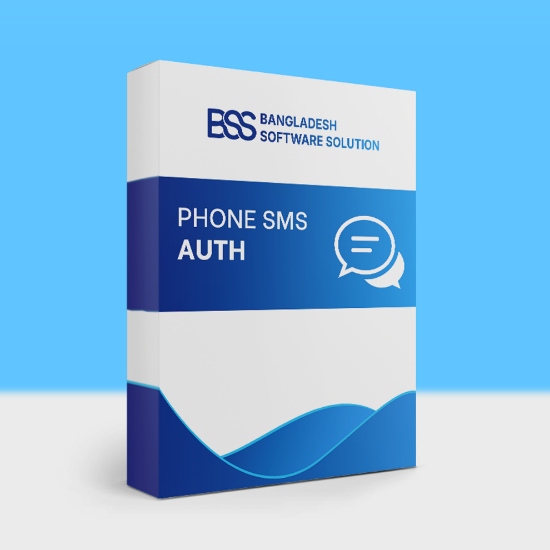
Add phone-based registration, login and verification on a supported nopCommerce version.
View the plugin4. Store Management: Less Manual Follow-Up
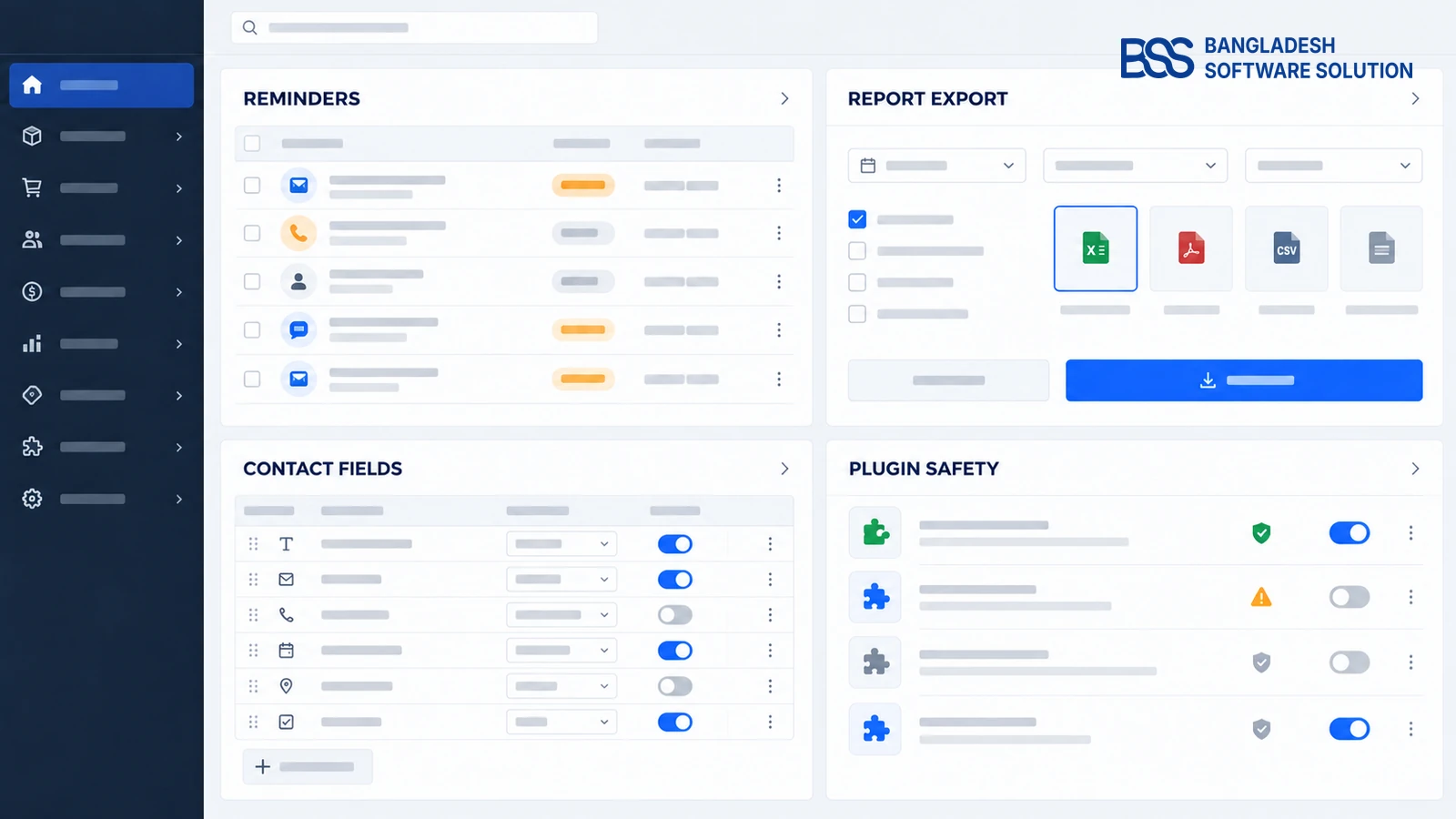
The most practical administration changes are the ones that turn repeated checks into a queue or notification. The milestone includes reminders for abandoned carts, incomplete registrations and pending orders. It also includes report export, configurable Contact Us fields and confirmation before uninstalling or deleting an unused plugin.
Here is the scan-friendly business view:
| Management need | 5.0 direction | Question to ask |
|---|---|---|
| Recover unfinished activity | Automated reminders | Which event, delay and message should trigger? |
| Work outside the admin | Report export | Who needs the file, and in what workflow? |
| Collect useful enquiries | Configurable contact fields | Which fields are genuinely required? |
| Avoid accidental cleanup | Confirmation for plugin removal | Is the plugin unused, or only temporarily disabled? |
The change is not simply “more settings.” It is a chance to remove manual follow-up without sending irrelevant messages or collecting unnecessary information. When we configure operational features at BSS, we start with the business rule—who needs what, and when—before switching on automation.
Automation should begin with ownership and timing. If your rules span custom workflows, BSS can configure or extend the store-management flow.
5. What nopCommerce 5.0 Means for Your Next Decision
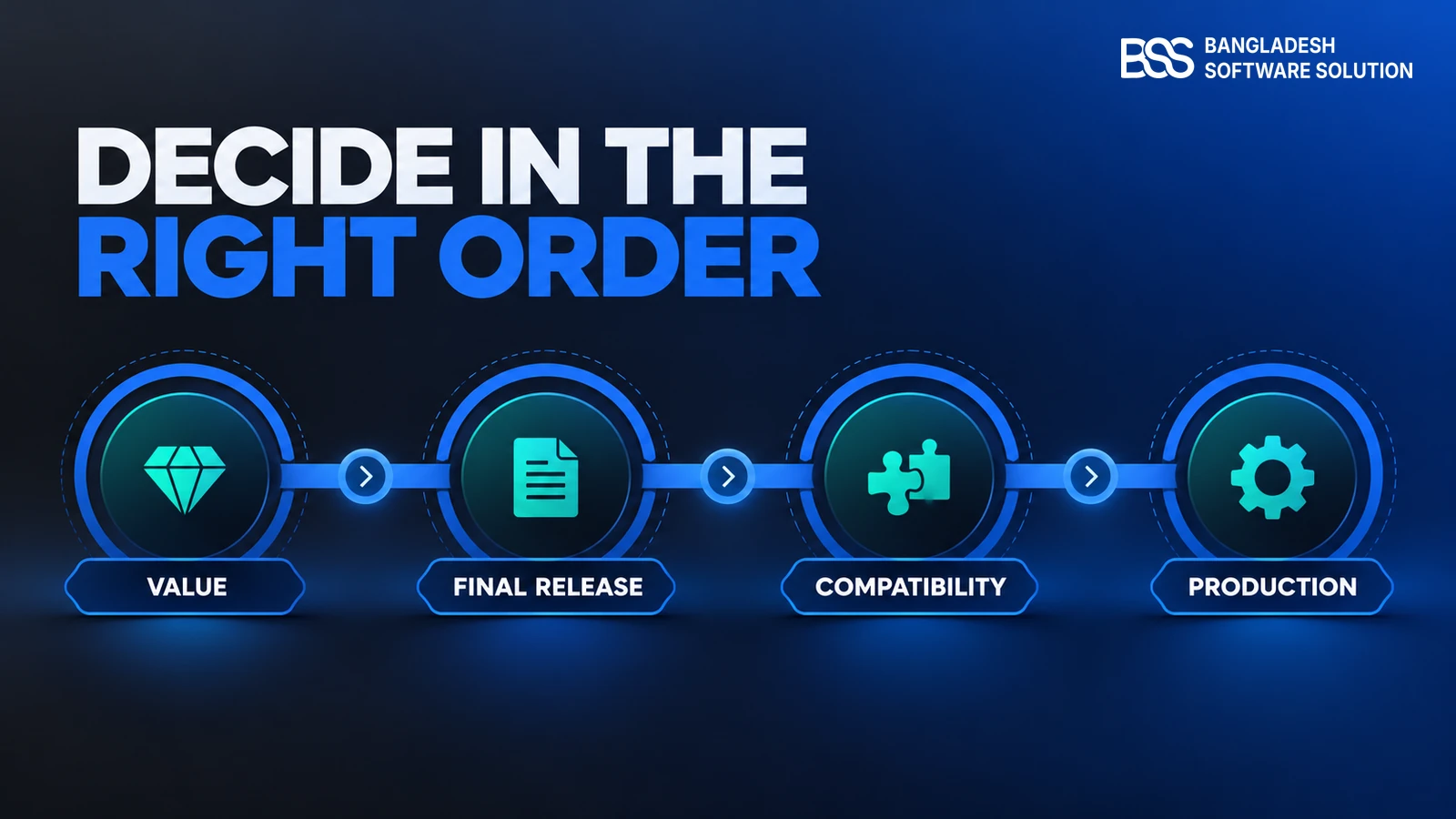
You do not need to memorize every issue in the roadmap. Use this short decision path:
- Identify the value. Pick the two or three changes that solve a real customer or admin problem.
- Check the status. Confirm that the final 5.00 release appears in official release notes—not only as a beta or milestone.
- Check compatibility. Ask every theme and plugin vendor whether a tested 5.00 build exists.
- Test a complete journey. Browse, register, place an order, pay, receive messages and request after-sales help on staging.
- Choose the date last. Schedule production only after the final build and your own test results agree.
This is also the boundary between this overview and the other three BSS guides. Read what is new in nopCommerce 5.0 for detailed features, the upgrade guide for migration and rollback, and the hosting-readiness guide for infrastructure.
If those checks reveal custom code or unsupported extensions, you can hire a .NET developer from BSS to prepare and test the 5.0-compatible build while your team keeps the current store running.
nopCommerce 5.0 Readiness Checklist
- Final 5.00 appears on the official release-notes page
- The final changelog has been compared with the beta plan
- Hosting is verified for the final .NET 10 requirements
- Every theme and plugin lists 5.00 support
- A current store copy runs in staging
- Registration, search, product, cart, checkout and payment pass
- Emails, SMS, scheduled tasks and integrations pass
- Backup and rollback have been tested
- New customer and admin features have owners and business rules
Need a nopCommerce Developer? Hire the BSS Team
From custom plugins and theme work to full-store builds and performance tuning, our dedicated nopCommerce engineers ship production-grade code. Tell us what you need and we'll match you with the right developer.
Frequently Asked Questions
Final Thoughts
nopCommerce 5.0 is easier to understand when you separate announcement from decision. The announcement is a new .NET 10 generation with customer, management and developer changes. The decision is whether those changes solve enough real problems to justify a tested move after the final release.
Start with the 30-second view, choose the features relevant to your store and follow the matching detailed guide. If you want one team to assess the framework, extensions and store journey together, talk to BSS about a nopCommerce 5.0 readiness review.
Source notes for fact-checking
- nopSolutions/nopCommerce GitHub release
release-5.00.0-beta, published September 30, 2026 - nopSolutions/nopCommerce GitHub milestone
Version 5.00, checked October 19, 2026 - Official nopCommerce release-notes and download pages, checked October 19, 2026
Share your current version, theme, plugins and integrations. BSS will separate work you can prepare now from tasks that should wait for the final release.
Book a free consultation