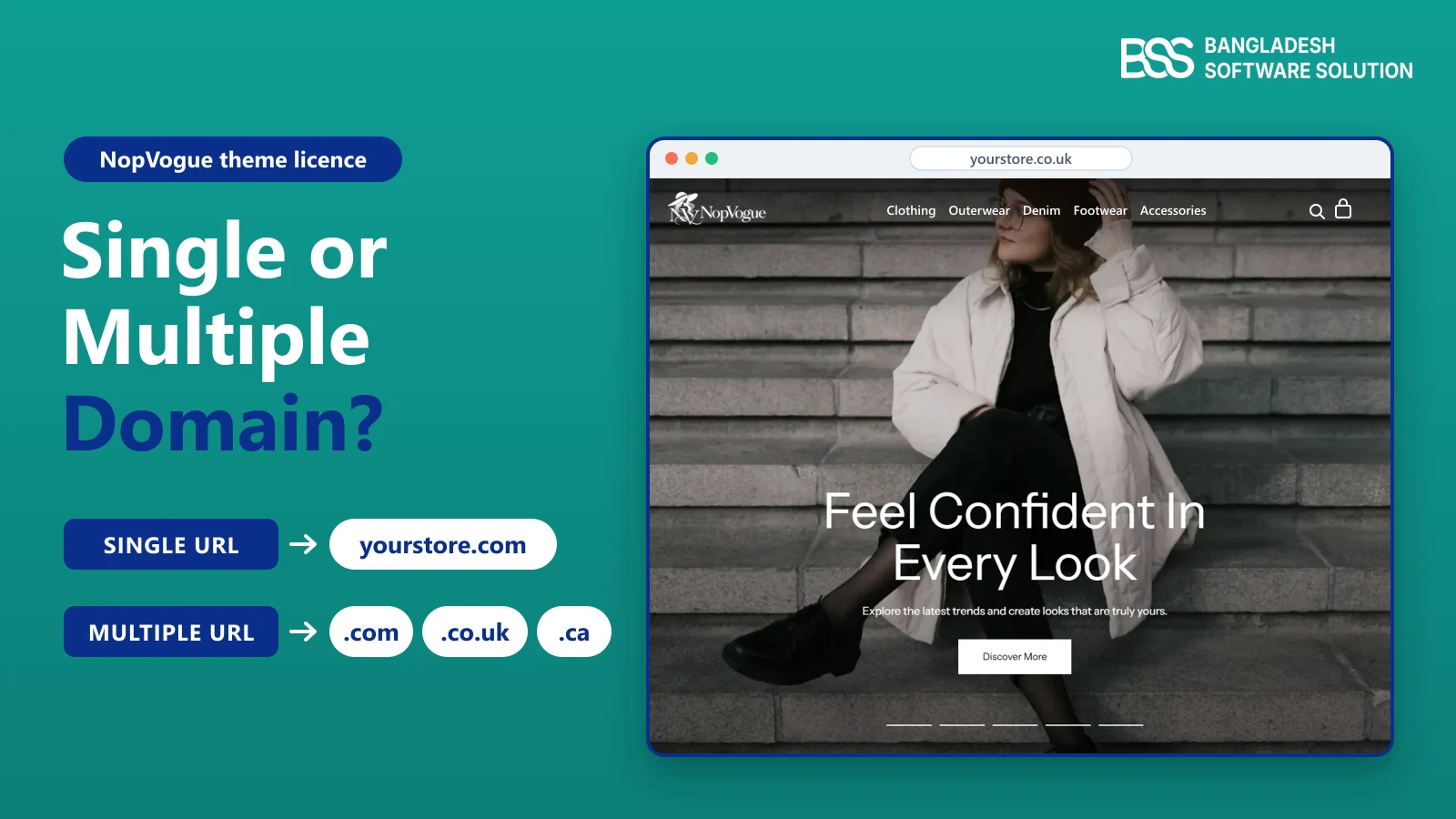
A UK clothing brand runs yourstore.co.uk, plans to open yourstore.com for American shoppers next quarter and has yourstore.ca parked for Canada. The theme they want is in the cart, and checkout asks a question nobody planned for: Single URL or Multiple URL?
Pick the wrong one and you either pay for domains you will never use, or launch a storefront your theme licence does not cover. Neither problem shows up on launch day. Both show up when you add the next domain, hand the site to a client or rebrand.
We sell nopCommerce themes and build stores on them, so we see this question from both sides of the checkout. This guide explains what a theme licence (spelled license in the US) gives you, how to count domains, which addresses count as a domain, and how it plays out for a brand selling in the US, UK and Canada.
What a Theme Licence Actually Gives You
Before comparing licence types, it helps to know what you are paying for. A theme licence is permission to use software, not ownership of it.
Our Conditions of Use say it plainly: a purchase grants a limited, non-exclusive, non-transferable licence, and the theme stays our intellectual property. That is the usual model for commercial themes, whatever the platform.
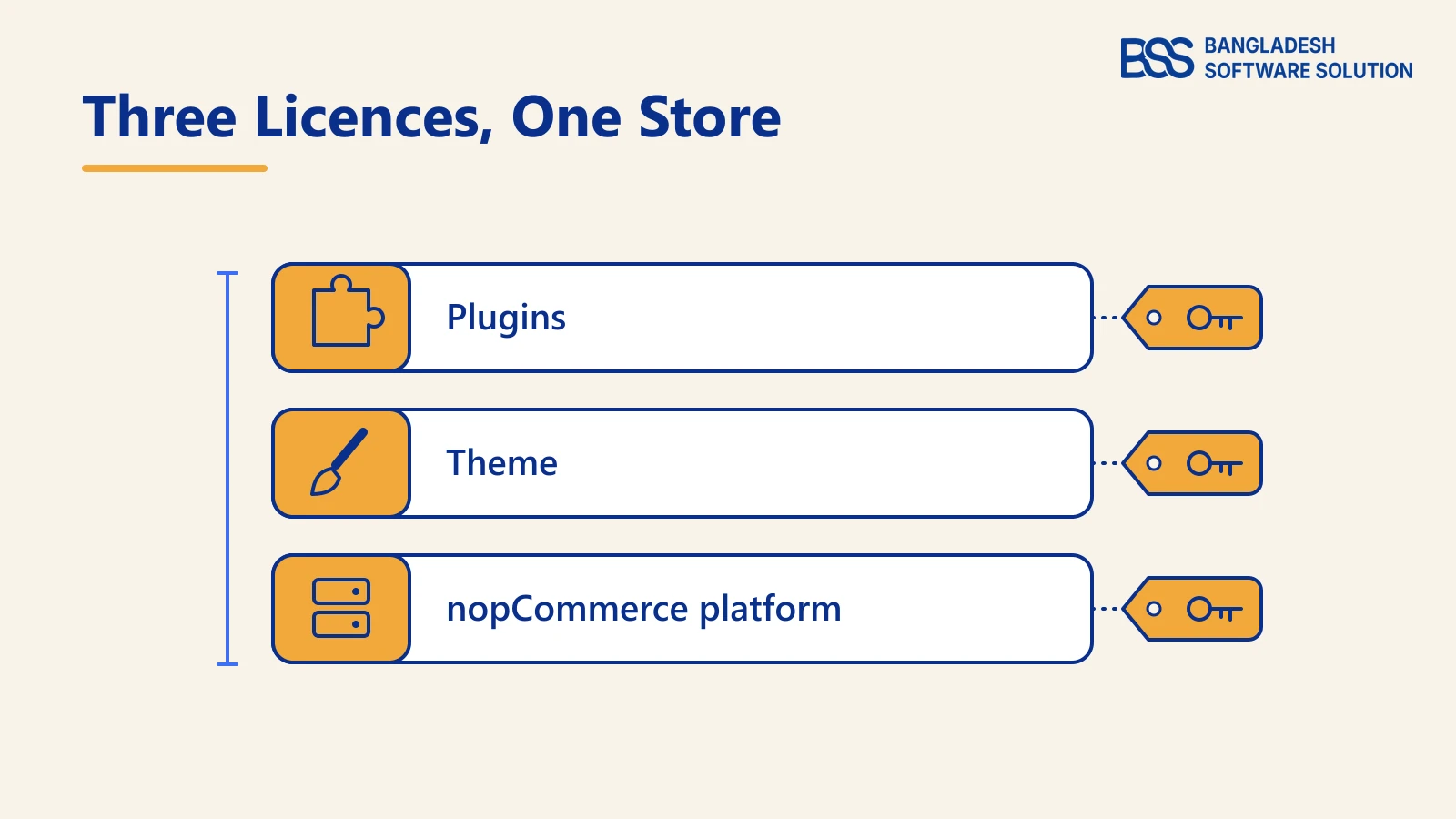
Three licences sit inside one store
A nopCommerce store usually runs on three sets of terms. The platform is open source under nopCommerce's own licence, which keeps the "Powered by nopCommerce" notice unless you buy a removal key for your URL, as our guide to the copyright notice explains. The theme and every paid plugin then carry their vendor's licence.
Who you pay matters too. We sell through Paddle as merchant of record, so billing, tax and refunds follow the Paddle Buyer Terms, while what you may do with the theme follows our own terms.
What ends a licence early
A licence can end before you stop using the theme. Under our terms, a refund through Paddle ends the licence, and you must remove the theme from your systems. Opening a chargeback instead of contacting us or Paddle first can suspend the licence while the dispute is investigated.
The legal idea underneath is the same in all three markets. The U.S. Copyright Office, the UK government's guidance on licensing intellectual property and the Canadian Intellectual Property Office all treat software as a work its owner can license to others.
Not sure which licence fits? Tell us which domains will go live and we will help you choose before you check out.
Ask before you buySingle vs Multiple Domain: Count Live Domains, Not Stores
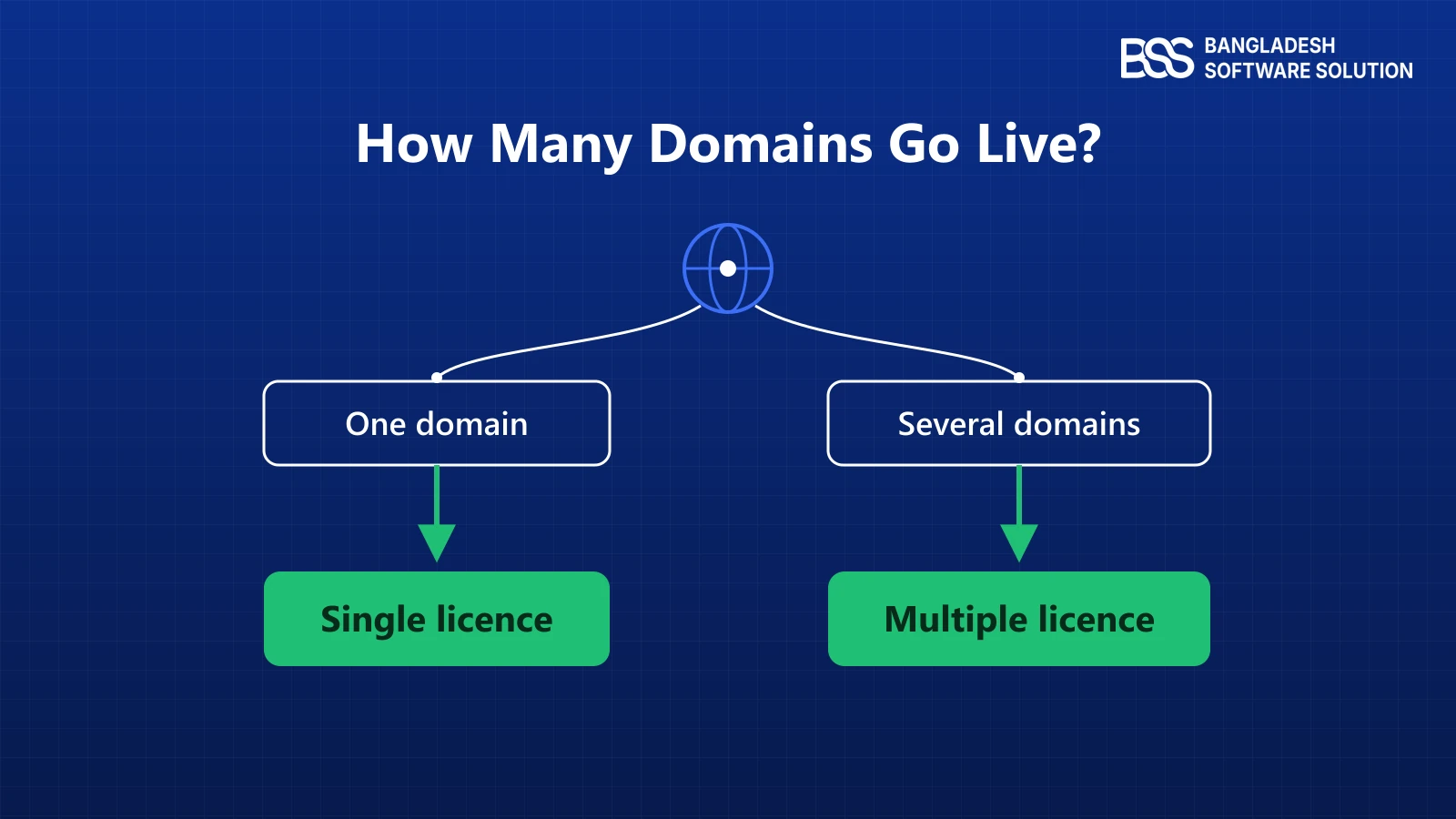
With the basics settled, the main decision is simpler than the checkout makes it look. Count the domains shoppers will actually visit, then match the licence to that number.
In our wording, a Single Domain Licence allows installation and use on one website domain, the one you specify at activation. A Multiple Domain Licence covers several domains within the product's limits, for the business that bought it. On our store the multi-URL option allows up to 50 URLs per order, for fair use.
| Your setup | Licence to choose | Why |
|---|---|---|
| One brand, one live domain | Single domain | There is one domain to name at activation. |
| Country domains (.com, .co.uk, .ca) | Multiple domain | Each country domain is a separate website domain. |
| nopCommerce multi-store on several domains | Multiple domain | One install, but shoppers reach it on more than one domain. |
| An agency building for several clients | One licence per client | A licence is for the business that bought it, not for resale. |
If a second domain is a year away, you do not have to license it today. Buy for what goes live first, but ask before checkout how you would add a domain later, so the second launch is not held up by a licence question.
Count the domains shoppers will actually visit, not the stores you run or the installs behind them.
BSS Engineering
The multi-store trap
nopCommerce multi-store runs several storefronts from one admin and one database, so it feels like one site. A licence tied to domains does not see it that way: three storefront domains are three domains. Our multi-store setup guide explains what those stores share and what they do not.

When we set up a nopCommerce store with more than one storefront, we list every domain planned for the next year before any theme or plugin is licensed. If you would rather hand that planning to someone else, BSS sets up multi-store nopCommerce builds end to end.
Staging Sites, Subdomains and Country Domains
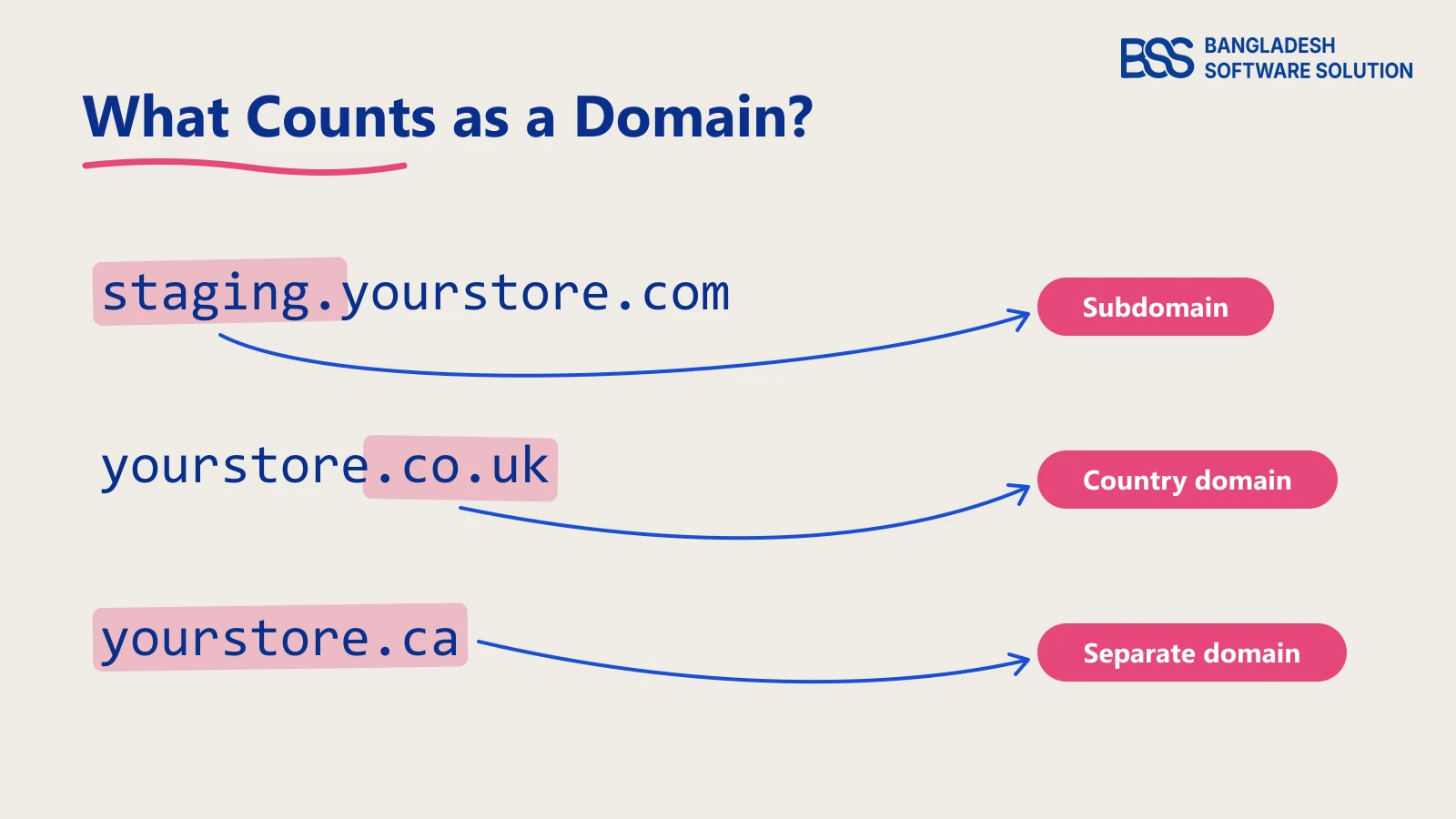
Counting domains gets harder at the edges. Three cases cause most of the confusion, and the answer depends on how the vendor's terms define a domain.
Country domains
yourstore.com, yourstore.co.uk and yourstore.ca share a name, but they are three registered domains. For a brand selling in the US, UK and Canada, this is the most common reason a single licence stops being enough. A country domain that only redirects to your main store is not running the theme at all.
Subdomains
shop.yourstore.com or staging.yourstore.com sits under a domain you already own. Some vendors cover subdomains of the licensed domain automatically, while others count each one separately, so read that clause before you buy.
Staging and local copies
Every serious nopCommerce project needs a staging copy for testing updates, as our compatibility testing guide shows. Many vendors allow a development install next to the live one, but it is rarely automatic on a different domain.
We tie a Single Domain Licence to the domain you specify at activation. If staging will run on its own domain or subdomain, name both when you ask us before checkout, so the answer is settled before the build starts.
www and the bare domain
www.yourstore.com and yourstore.com are one site at two addresses. Pick one as the main address and redirect the other to it, which is good practice for SEO anyway, so only one address actually serves the store.
Client Sites, Source Code and Moving a Licence
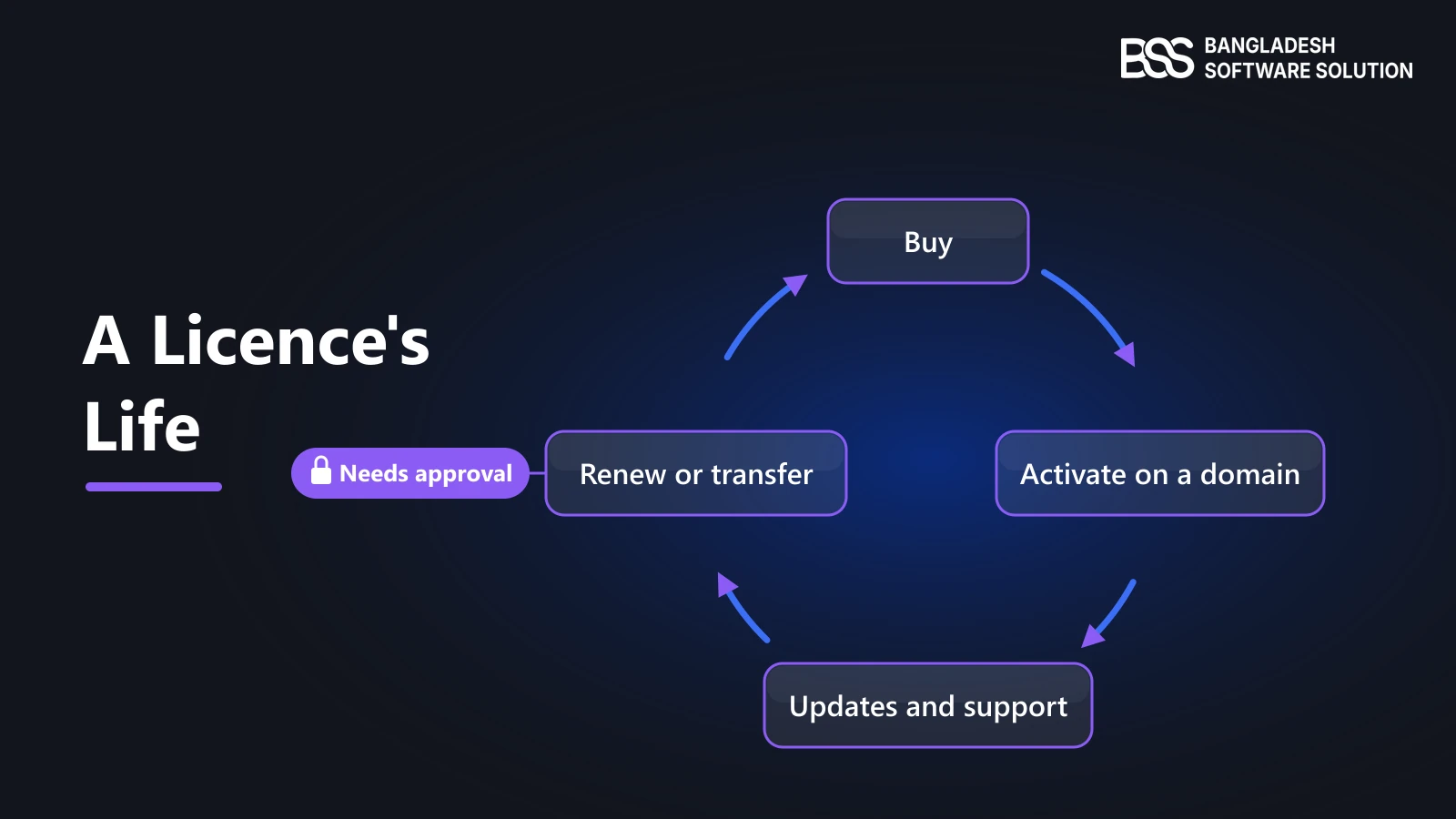
A licence also has a life after checkout, and the moments that trip people up come later. Agencies, rebrands and in-house developers each meet a different one.
Agencies and freelancers
Under our terms, licences are assigned to the customer account that bought them and cannot be sublicensed or shared without written approval. If you build stores for clients, each client's store needs its own licence, ideally bought in the client's name so they keep it when the project ends.
Rebrands and new domains
A Single Domain Licence is limited to the domain named at activation, and a transfer needs written approval. Moving from oldbrand.com to newbrand.com is exactly that case, so raise it with support before you switch DNS, and plan the redirects with our guide to avoiding SEO traffic loss during a migration.
Source code is a separate choice
Domain count and source code are two different questions. Source code suits a team that will change the theme's code, such as a developer on staff extending its templates. The terms still forbid publishing or sharing that code, or building a product from it, without approval.
If the changes are substantial, you can hire a .NET developer from BSS who works in nopCommerce themes every day.
When updates and support end
Updates and support run for a limited period after purchase. Your licence stays valid while you follow the terms, but newer versions of the theme, including ones for a later nopCommerce release, may need a renewal.
Worked Example: Licensing NopVogue for US, UK and Canadian Shoppers
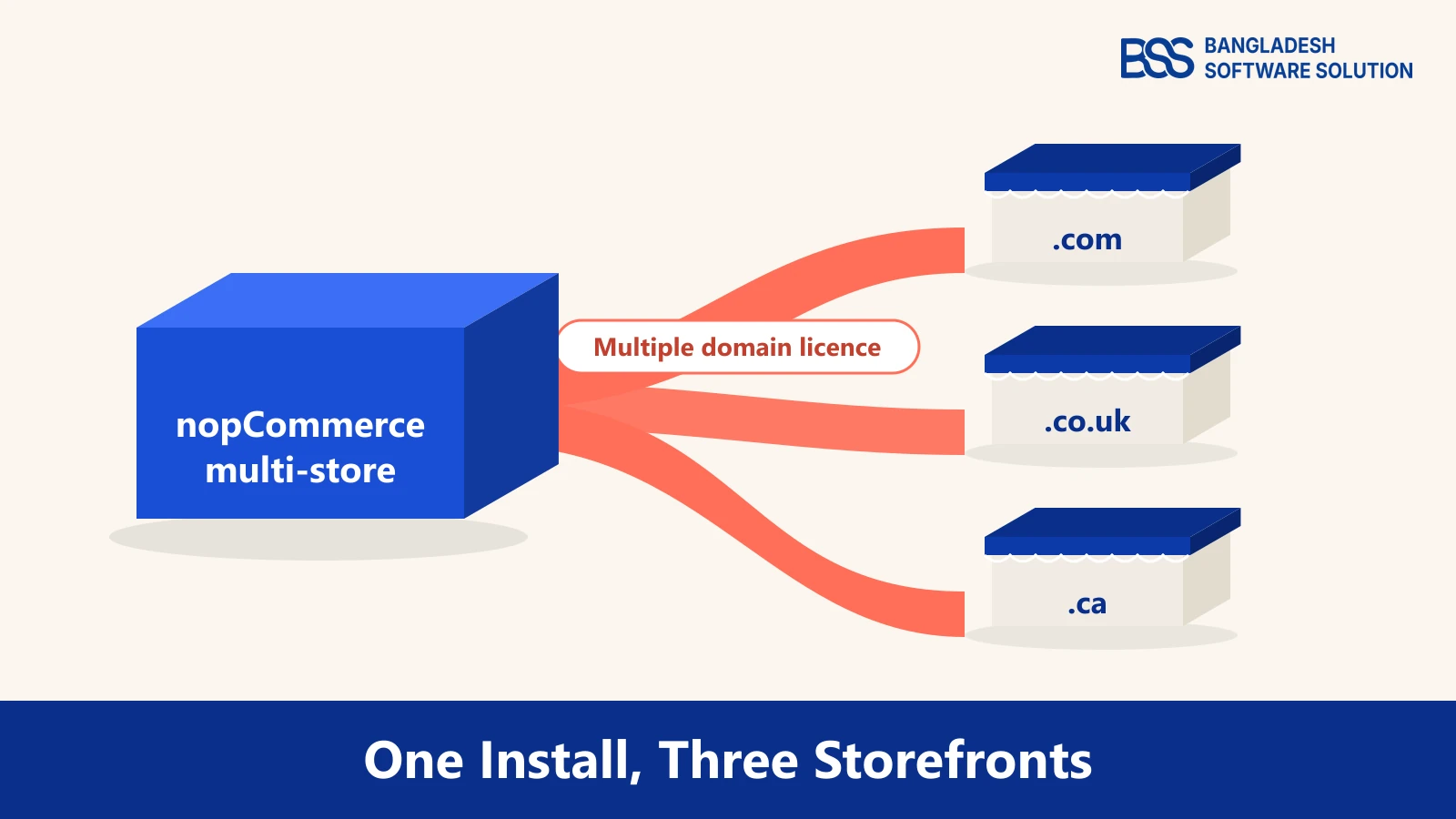
Back to the clothing brand from the start. Say they choose NopVogue, our nopCommerce theme for western wear, denim, outerwear, footwear, bags and accessories, which ships ready for multistore and multilingual setups.
Their plan is one nopCommerce install with three stores: yourstore.com for the US, yourstore.co.uk for the UK and yourstore.ca for Canada, each with its own currency and shipping rules. Three domains will serve the theme, so this is a multiple domain case.
On the NopVogue product page, that means choosing Multiple URL under License Type and listing all three domains, comma separated, in the URL field. Source Code stays at No unless a developer will edit the theme's code, and Installation Support is worth adding if nobody on the team has installed a nopCommerce theme before.
Shipping and payments are separate decisions on the same plan. The NopVogue bundle includes Sendcloud shipping integration and One-Page Checkout, which matter more once three countries order through one admin.
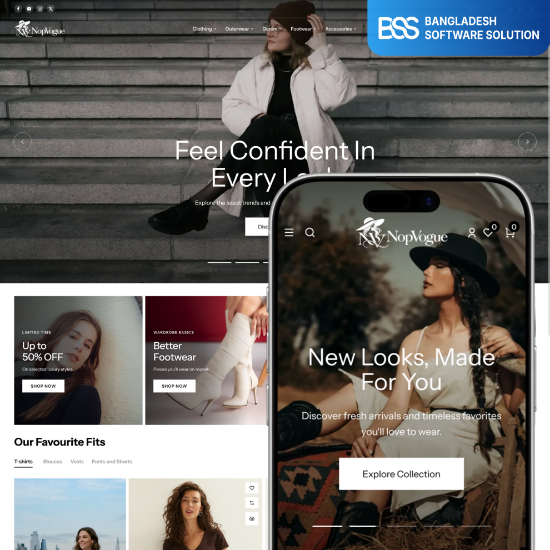
A fashion theme with multistore and multilingual support, where the Single URL or Multiple URL choice sits right on the product page.
View the themeBefore you choose a licence at checkout
-
List every domain that will serve the storefront in the next year, not only at launch.
-
Mark which are country domains, subdomains and staging copies.
-
Ask the vendor about staging if the terms do not say.
-
Decide who owns the licence: your company, or each client.
-
Decide whether anyone will edit the theme's code or needs installation help.
-
Note when updates and support end, so a renewal is not a surprise.
In the themes we ship, the licence choice sits on the product page next to the theme, so the domain list becomes part of the order. If each market also needs its own look, BSS does custom nopCommerce theme development on top of it.
Launching on More Than One Domain? Let BSS Set It Up
We build and support nopCommerce themes, and we set up stores on them: multi-store, multi-currency and multilingual. Tell us your domains and markets, and we will help you choose the right licence and launch every storefront.
Frequently Asked Questions
Final Thoughts
The clothing brand's checkout question had a short answer once they counted domains: three live domains, one Multiple URL licence bought in the company's name, and staging confirmed before the build started.
Your numbers may differ, but the method holds. Count the domains that will serve the store, check how the terms treat subdomains and staging, decide who owns the licence, and settle source code and support separately. Then the licence choice takes a minute instead of becoming a problem next year.
Tell us your domains and markets. We will help you pick the theme and licence, then set up the store, from one domain to several.
Book a free consultation